2025 Saints Row 2 PC Fix (Performance, Crashes)
Intro
This is by far the best way to optimize your game, I've tested it on multiple systems with different specs and no other guide has come close to making the game perform this well.
Starting a new savegame is recommended as GotR doesn't work well with ones that were started before GotR was installed.
Saints Row 2 Juiced has pretty much fixed the game for a vast majority of users now and is now included in the guide
Note:
Stuff like powertools and compatibility mode have been made obsolete by DXVK and SR2 JuicedStarting a new savegame is recommended as GotR doesn't work well with ones that were started before GotR was installed.
Saints Row 2 Juiced has pretty much fixed the game for a vast majority of users now and is now included in the guide
Fixing your framerate & crashes
What you need:
- DXVK 2.4[github.com] (Recent software that is a godsend for optimizing older DX9 games for modern hardware utilizing Vulkan) NOTE* The latest tested version that doesn't break SR2 is 2.4 so that one is linked.
- Saints Row 2: Juiced[drive.google.com] (A newly released patch by a group of talented developers that modernizes the game and is the closest thing we'll get to a fix of the PC port anytime soon, highly recommended to install)
Steps:
1. Download SR2 Juiced from the link above
2. Extract all of its' files into your Saints Row 2 directory (where SR2_pc.exe is located).
5. Download DXVK from the link above (dxvk.tar.gz).
6. Extract dxgi.dll and d3d9.dll from the x32 folder into your Saints Row 2 directory (where SR2_pc.exe is located).
*Note: The reloaded.ini file from Juiced is highly customizable with fixes and tweaks that suit your individual needs so open it up and see what settings you want toggled on or off but if you're unsure just leave it as it is.
*Note: THE X64 DXVK BINARIES DON'T WORK WITH SR2 AS IT IS EXCLUSIVELY AN X32 GAME, ANY PERFORMANCE IMPROVEMENTS WITH X64 ARE PLACEBOS, YOU ARE SIMPLY RUNNING NATIVE DX9 SAINTS ROW 2 WITHOUT DXVK IF YOU USE X64 BINARIES.
Additional stability
Keep in mind that crashes will still occasionally happen but these steps reduce them to a minimum and fix the hard crashes missions such as "Burning down the House" seem to posses.
1. Download the Gentlemen of the Row mod from the link above and extract it into any folder on your computer.
2. Run Create_Custom_GotR_v1.9.2.bat
3. Press Enter to continue from the first screen.
4. Press V to build the barebones patch which focuses on bugfixes and stability without compromising either with unstable addons.
5. Close the .bat
6. Navigate to the MY_CUSTOM_PATCH folder that is found in the same folder as the .bat file.
7. Copy and paste patch.vpp_pc, preload.tbl and preload_anim.tbl from MY_CUSTOM_PATCH to your Saints Row 2 directory (where SR2_pc.exe is located)
What you need:
- Gentlemen of The Row mod[www.saintsrowmods.com] by IdolNinja (RiP) - General bugfixes and stability improvements with no costs to performance or stability if you use the barebones version (highly recommended and will be referred to in this guide)
- A developed frontal lobe to install GotR.
Step by step guide for GotR installation:
1. Download the Gentlemen of the Row mod from the link above and extract it into any folder on your computer.
2. Run Create_Custom_GotR_v1.9.2.bat
3. Press Enter to continue from the first screen.
4. Press V to build the barebones patch which focuses on bugfixes and stability without compromising either with unstable addons.
5. Close the .bat
6. Navigate to the MY_CUSTOM_PATCH folder that is found in the same folder as the .bat file.
7. Copy and paste patch.vpp_pc, preload.tbl and preload_anim.tbl from MY_CUSTOM_PATCH to your Saints Row 2 directory (where SR2_pc.exe is located)
Extra Info
Xenia Emulation
If all else fails and you don't mind playing SR2 with a controller I would highly recommend looking up a guide on emulating the game's X360 version on Xenia, it runs in a near perfect state as long as you have a decent rig and also contains the DLCs that were never released on PC, also make sure to look up the 60fps patch for it if you end up using it.
Closing thoughts
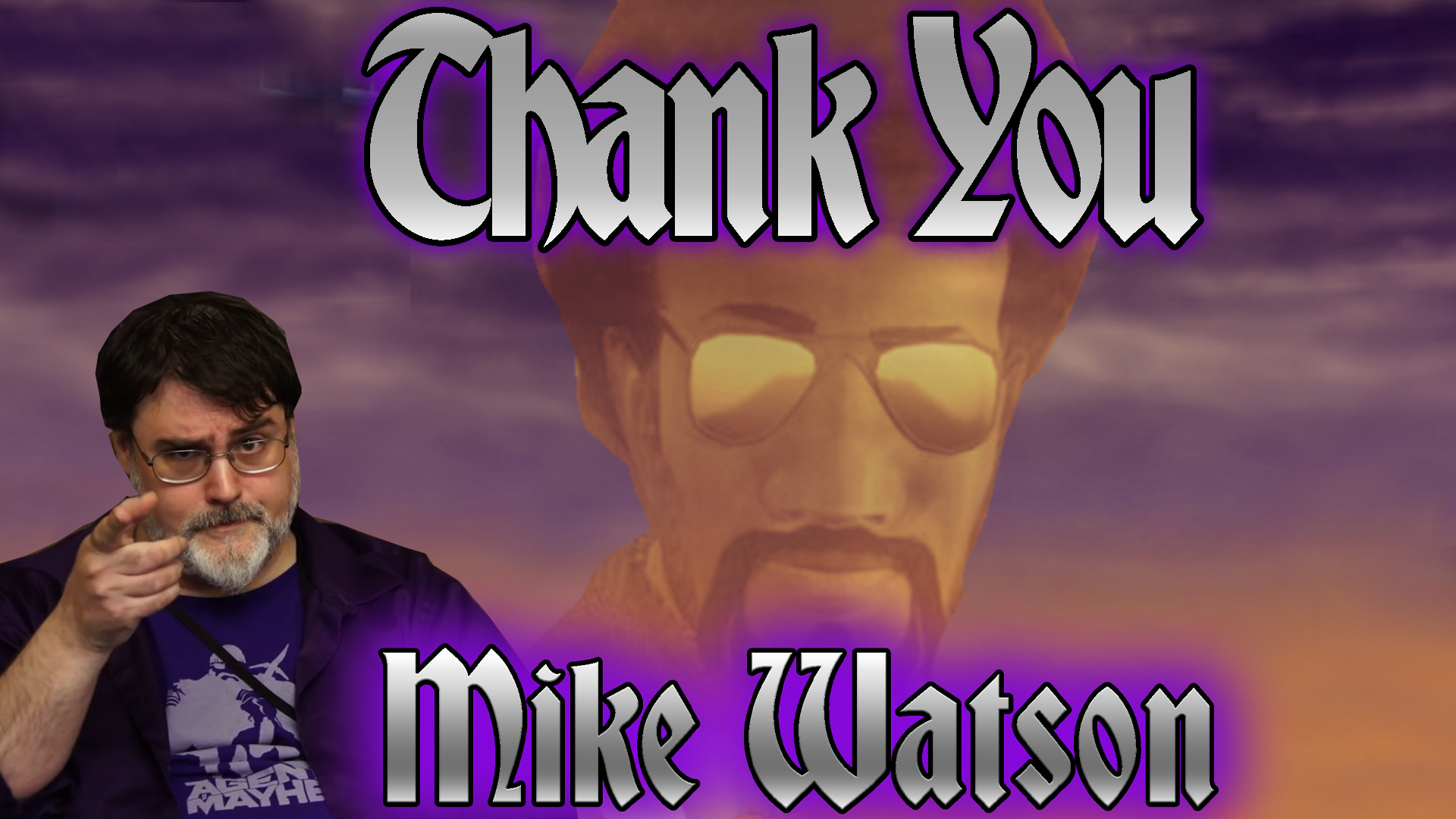
This will in no way make this game run perfectly but it gets it as close as it can possibly get to it until we get the PC patch which is sadly delayed due to its spearhead Mike "IdolNinja" Watson passing away.
RiP IdolNinja, thank you for doing your absolute best in making sure we could enjoy the best Saints Row game and we hope the Volition team does right by you in releasing the patch.
Thank you for reading and I hope this helped.
RiP IdolNinja, thank you for doing your absolute best in making sure we could enjoy the best Saints Row game and we hope the Volition team does right by you in releasing the patch.
Thank you for reading and I hope this helped.
More Saints Row 2 guides
- Prevent Crashes And Fix FPS In Saints Row 2 (2025 Update)★ 5 (1.3k)76k views2.4k ♥12 minUpdated Apr 10
- Доведение до ума (русификатор, баг фиксы)★ 5 (649)21k views724 ♥2 minRussianUpdated Aug 27, 2021
- Unlockables for the Gentlemen of the Row★ 5 (219)17k views514 ♥6 minUpdated Jun 3, 2024
- How To Fast Travel (Hidden gameplay mechanic)★ 5 (260)15k views326 ♥1 minUpdated Dec 30, 2025
- Phone Numbers Guide★ 5 (273)14k views526 ♥1 min
- Saints Row 2 cheats and unlockables★ 5 (355)14k views742 ♥8 minUpdated Jan 30, 2020



This guide was created by its original author on the Steam Community. Are you the author and want it removed? Request removal.