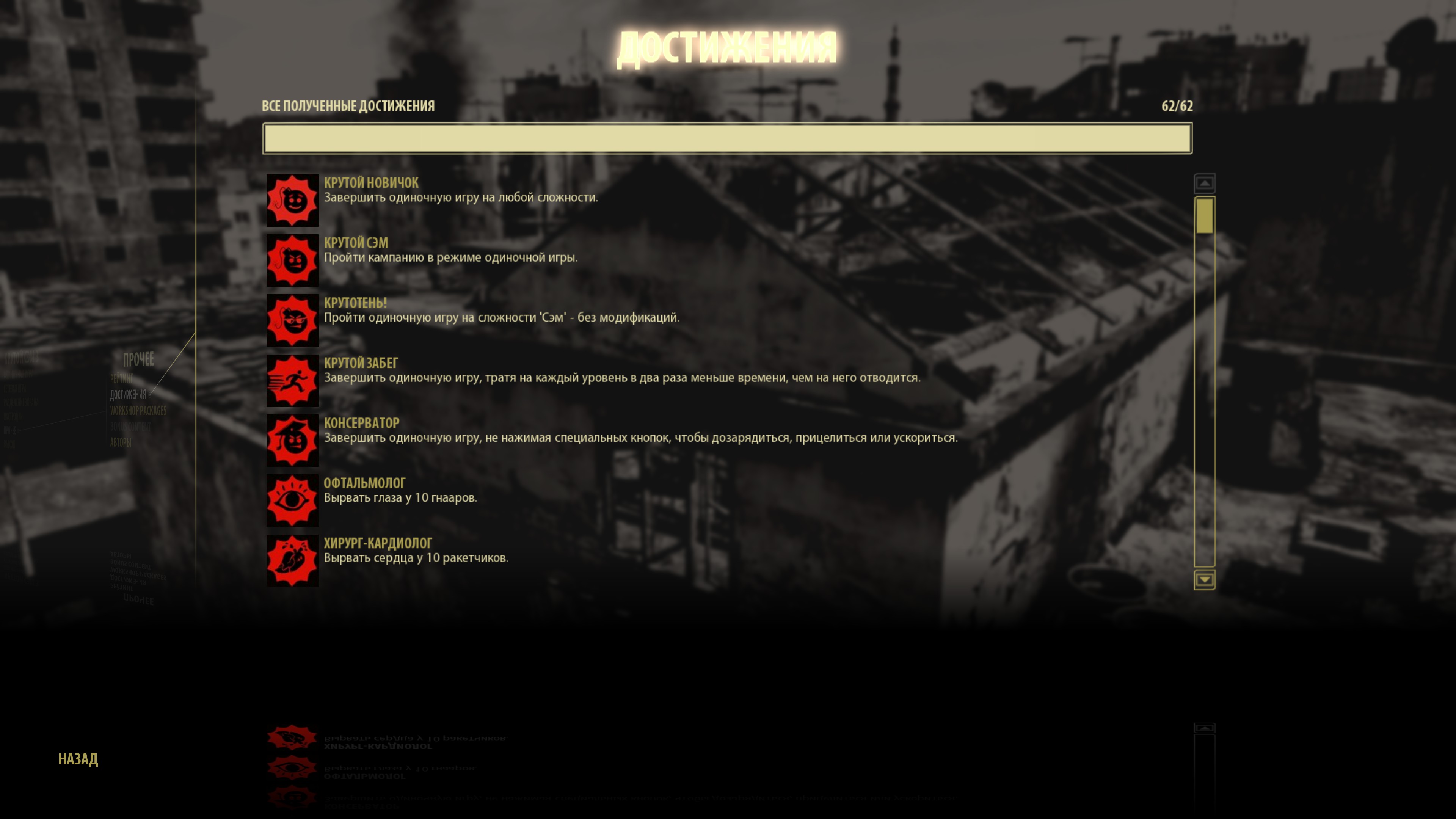
Все 62 достижения за «13,3 кб». Сохранение / All 62 achievements for "13.3 KB". Save file.
Спидрун по получению достижений, поехали!
Инструкция по установке сохранения:
1. Скачайте файл с сохранением по ссылке[drive.google.com].
2. Распаковать и закинуть папку 41070 по этому пути *ваш диск*:\Steam\userdata\*ваш id*. Ну и, как всегда, для безопасности, можно сохранить куда-нибудь оригинальную папку «41070» и отключить у игры синхронизацию со Steam Cloud, чтобы игра после установки новых сохранений не заменила автоматом на старые с сервера.
Для отключения надо нажать на игру правой кнопкой, потом выбрать «Свойства» и отключить галочку».
3. Загрузить игру и радоваться жизни!
4. И нет, я не знаю, почему я прошел всю игру, а Рудольфо закрыт. И что с таблицей очков за прохождение игры, когда я прошел игру на сложности «Сэм», а показывает, что лучший результат на туристе, причем в 0 очков.
1. Скачайте файл с сохранением по ссылке[drive.google.com].
2. Распаковать и закинуть папку 41070 по этому пути *ваш диск*:\Steam\userdata\*ваш id*. Ну и, как всегда, для безопасности, можно сохранить куда-нибудь оригинальную папку «41070» и отключить у игры синхронизацию со Steam Cloud, чтобы игра после установки новых сохранений не заменила автоматом на старые с сервера.
Для отключения надо нажать на игру правой кнопкой, потом выбрать «Свойства» и отключить галочку».
3. Загрузить игру и радоваться жизни!
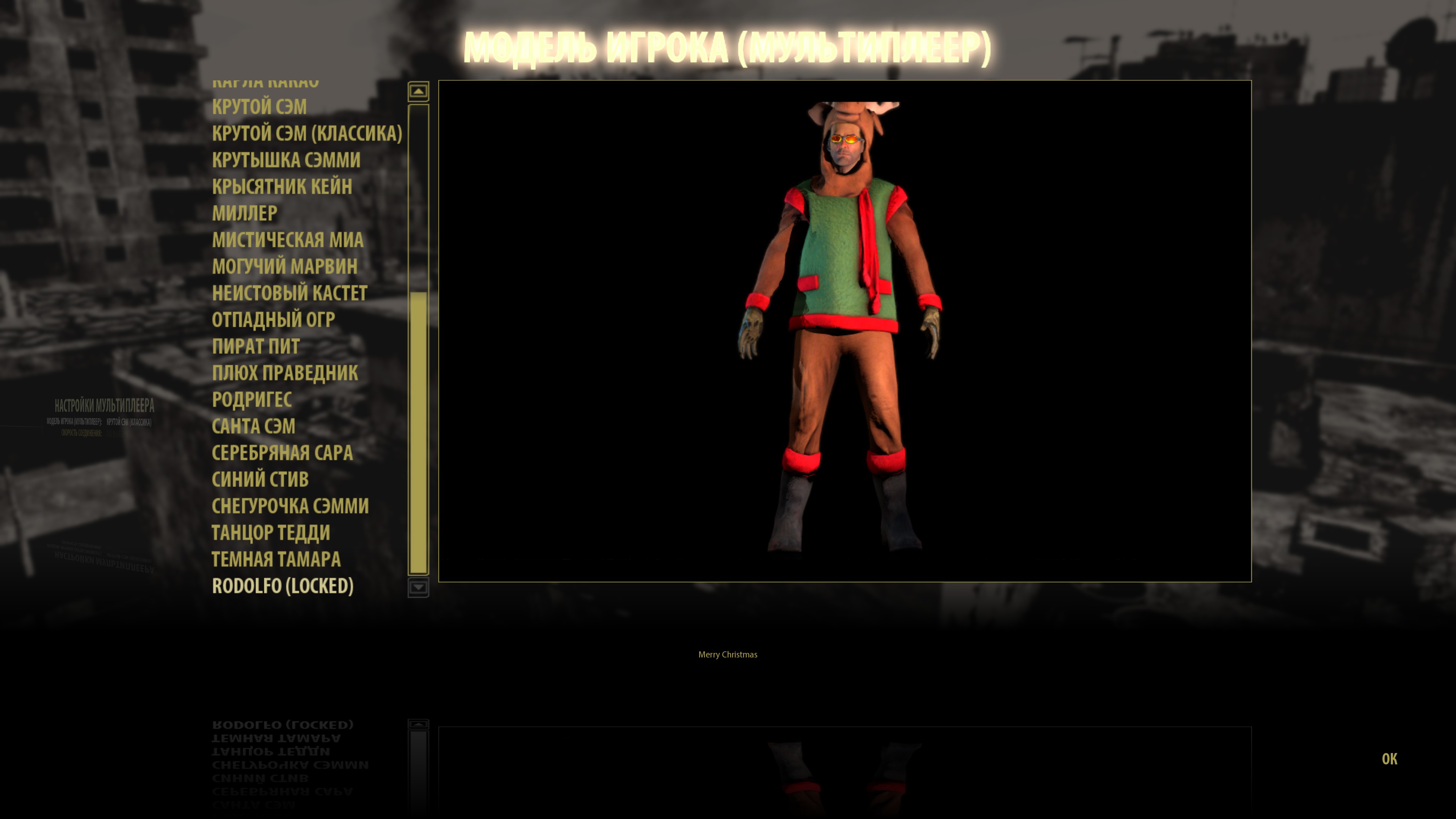
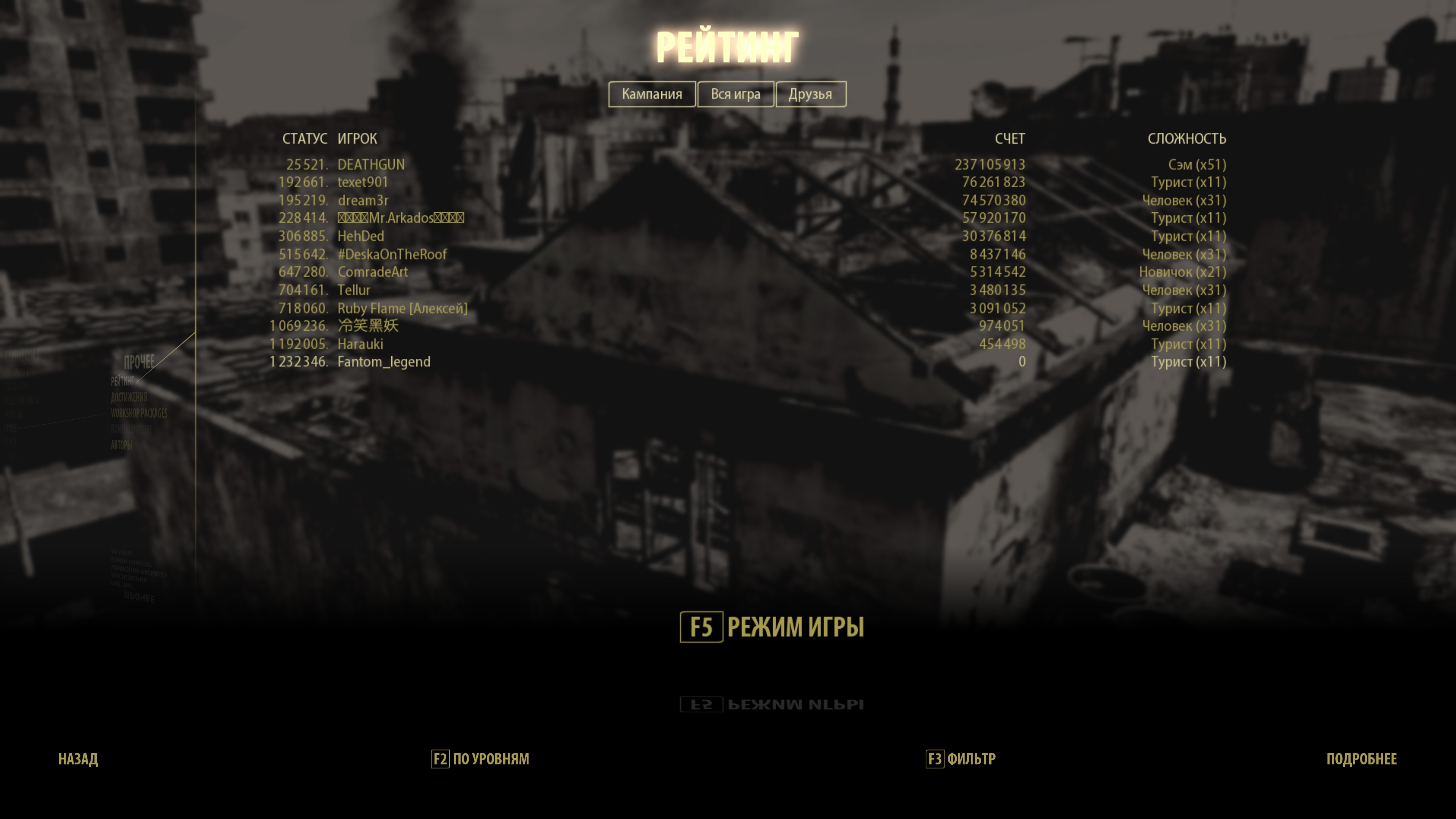
4. И нет, я не знаю, почему я прошел всю игру, а Рудольфо закрыт. И что с таблицей очков за прохождение игры, когда я прошел игру на сложности «Сэм», а показывает, что лучший результат на туристе, причем в 0 очков.
Achievement speedrun - let's go!
Instructions for installing the save file:
1. Download the file with saving from link[drive.google.com].
2. Extract the files and place the "41070" folder in the following directory: your drive:\Steam\userdata\your ID\. As always, for safety's sake, you might want to back up the original "4107" folder elsewhere and disable Steam Cloud synchronization for the game. This prevents the game from automatically overwriting your new saves with old ones from the server. To disable synchronization, right-click on the game, select Properties, and uncheck the relevant box.
3. Launch the game and enjoy!
4. And no, I don't know why I beat the whole game, but Rudolfo is still locked, or what's going on with the score table. I finished the game on "Sam" difficulty, but my best result is "Tourist", with a score of zero.
1. Download the file with saving from link[drive.google.com].
2. Extract the files and place the "41070" folder in the following directory: your drive:\Steam\userdata\your ID\. As always, for safety's sake, you might want to back up the original "4107" folder elsewhere and disable Steam Cloud synchronization for the game. This prevents the game from automatically overwriting your new saves with old ones from the server. To disable synchronization, right-click on the game, select Properties, and uncheck the relevant box.
3. Launch the game and enjoy!
4. And no, I don't know why I beat the whole game, but Rudolfo is still locked, or what's going on with the score table. I finished the game on "Sam" difficulty, but my best result is "Tourist", with a score of zero.
🏆
Beat Serious Sam 3: BFE's achievements?
Flex it — let your friends know you pulled it off.
More Serious Sam 3: BFE guides
- Руководство по достижениям Serious Sam 3: BFE★ 5 (1.4k)21k views1.5k ♥12 minRussianUpdated Oct 22, 2025
- Все, все, все секреты SS3:BFE (текстовая версия)★ 5 (710)18k views708 ♥13 minRussianUpdated Sep 3, 2021
- Serious Sam 3: BFE - Все секреты★ 5 (600)17k views1.1k ♥16 minRussianUpdated Jun 7, 2025
- Revamped Secrets Guide for SS3:BFE★ 5 (586)13k views829 ♥36 minUpdated Apr 19, 2017
- Достижение "Reindeer Hunter"★ 5 (475)13k views445 ♥5 minRussianUpdated Mar 2
- How to beat the final boss in Serious Sam 3★ 5 (165)12k views57 ♥3 minUpdated Feb 17, 2013


This guide was created by its original author on the Steam Community. Are you the author and want it removed? Request removal.