All The Mods That I Use For The Witcher I
Graphics

⚫ Complete Sword Overhaul + HD Textures + RoTWW Icons[www.nexusmods.com]by DeadMan
⚫ Realistic Moon HD[www.nexusmods.com]by MrZz alias Elinos
⚫ Natural Grain Textures[www.nexusmods.com]by RBSworkshop
⚫ Dagger Overhaul + HD Textures + ROTWW Icons[www.nexusmods.com]by DeadMan
⚫ Movie Upscale Project (4K)[www.nexusmods.com]by Neato
⚫ Kaer Morhen Witcher 3 HD Retexture Remaster[www.nexusmods.com]by ltsheppard
⚫ Better Dice For All Characters[www.nexusmods.com]by Alin - AWP3RATOR
⚫ Aerondight W3 Style[www.nexusmods.com] by ltsheppard MelioraKun
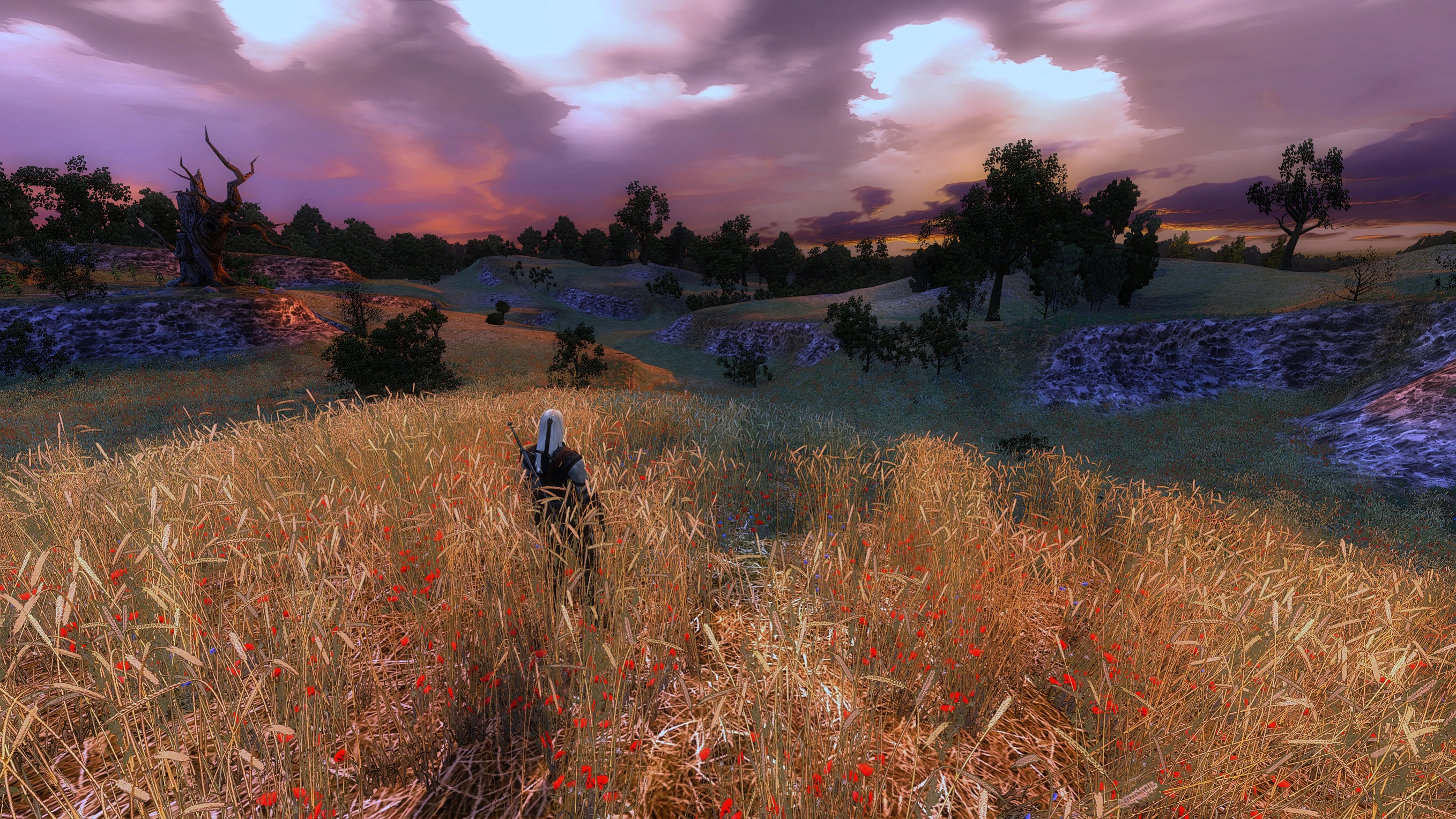
⚫ Revival ReShade 2024[www.nexusmods.com]by Vonum
⚫ The Witcher Perfect Blood Upscaled and Retouched[www.nexusmods.com]by AbsoluteNova
⚫ AI Upscaled Loading Screens and Memories[www.nexusmods.com]by EmilSU
⚫ Modern Texture Upscale AIO[www.nexusmods.com]by RealExist
(Goes to Override. Make sure this mod is THE FIRST graphical mod you download. And then replace any texture from any other mod listed.)
⚫ Vizima UI[www.nexusmods.com]by GustawMackay
⚫ HD Cards Collection[www.nexusmods.com]by SadaoPro
Graphical Tweaks (Nvidia Only)
Nvidia users can improve the graphics of the game further with some tweaks in the Nvidia Control Panel, or Nvidia Profile Inspector.
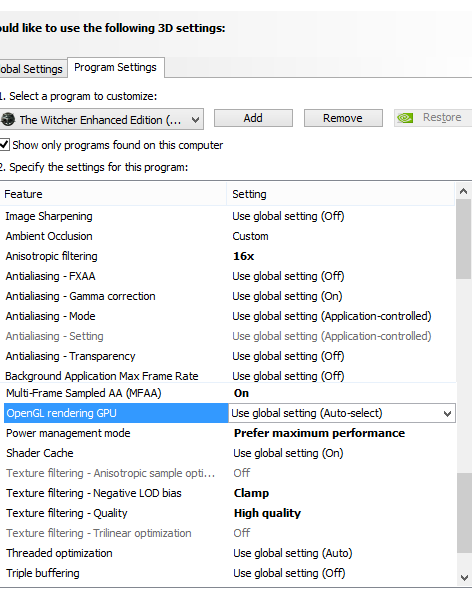
⚫ Open Nvidia Control Panel, and select Manage 3D settings. Then program settings, and add the Witcher exe.
⚫ Set Anisotropic Filtering to 16x.
⚫ Set Multi-Framed AA (MFAA) to ON.
⚫ Set Power Management mode to Prefer Maximum Performance.
⚫ Set Texture Filtering - LOD Bias to Clamp.
⚫ Set Texture Filtering - Quality to High Quality.
⚫ Set Texture Filtering - Trilinear Optimization to OFF.
⚫ Adding HBAO+
⚫ Download Nvidia Profile Inspector.[github.com]
⚫ Open it, and search in the "Profiles" section, "The Witcher Enhanced Edition".
⚫ Set Ambient Occlusion Compatibilty to 0x0000002D (MechWarrior Online).
⚫ Set Ambient Occlusion usage to Enabled.
⚫ Set Ambient Occlusion setting to High Quality.
⚫ Now apply the changes.
Be aware, the AO will flicker at times, and your perfomance may also decrease. Just saying.
This is how your settings need to look both in Nvidia Control Panel and Nvidia Profile Inspector.

Characters
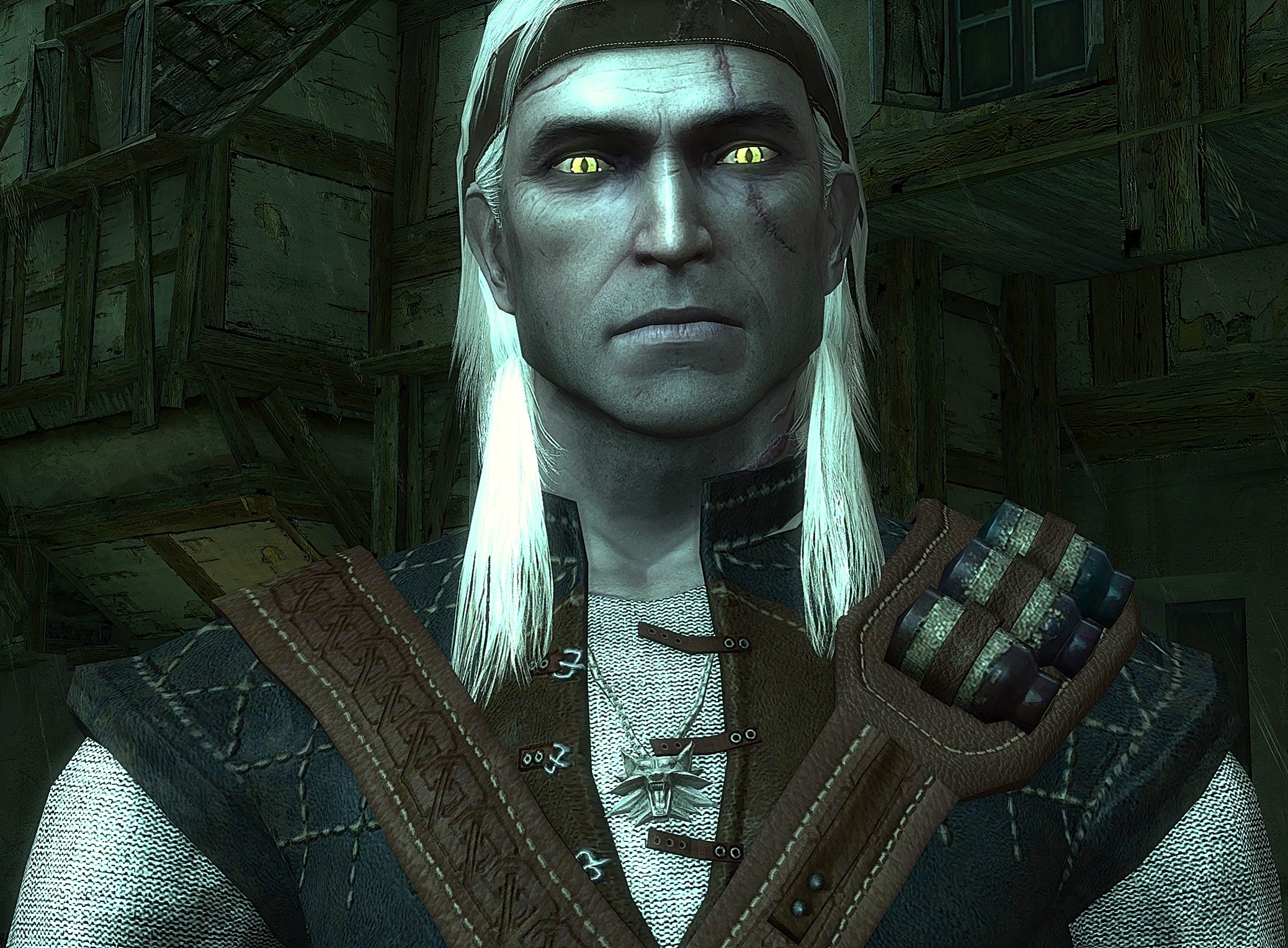
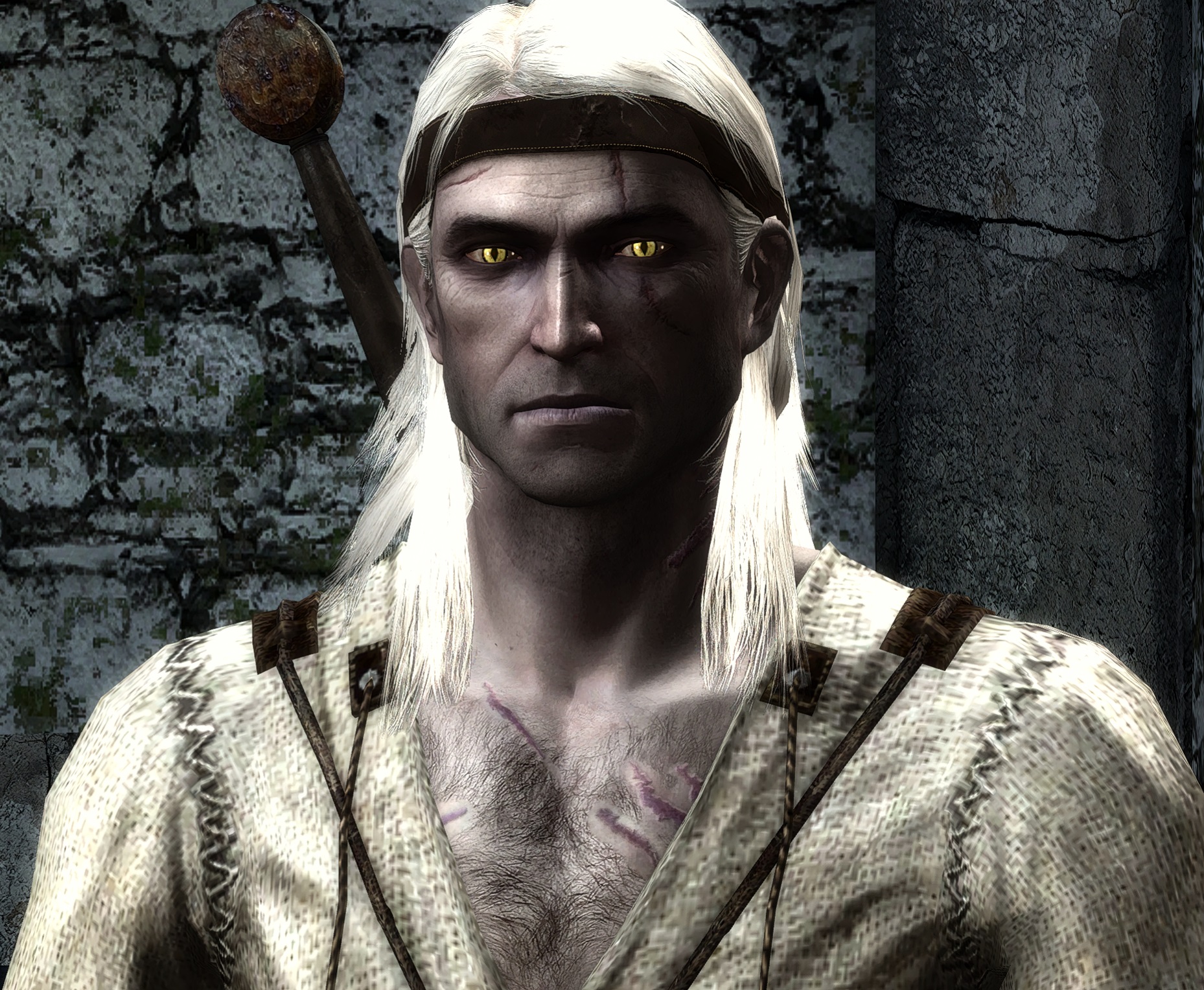
⚫ Geralt Face and Leather Jacket Retextured[www.nexusmods.com]by Hiuuz
⚫ Striga Scar and Tweaks for Hiuuz's Witcher 3 Geralt Face[www.nexusmods.com]by Rustyok (Striga scar, white eyebrows, headband)
⚫ Geralt Of Rivia - Vivid Cat Eyes HD[www.nexusmods.com]by WhiteWolf550, AlinGeorgian
(I only uspcaled the textures to 2K, the author made the textures)
⚫ Zoltan TW2 Face[www.nexusmods.com]by ltsheppard
⚫ Ramsmeat HD Retexture[www.nexusmods.com]by ltsheppard
⚫ Thaler HD Retexture[www.nexusmods.com]by ltsheppard
⚫ School of the Wolf[www.nexusmods.com]by ltsheppard
⚫ The Witcher 3 Thaler[www.nexusmods.com]by Hiuuz
⚫ The Witcher 3 Shani[www.nexusmods.com]by Hiuuz
(Works beautifully with Natural Shani, just replaces the face texture)
⚫ The Witcher 3 Dandelion[www.nexusmods.com]by Hiuuz
⚫ The Witcher 3 Radovid[www.nexusmods.com]by Hiuuz
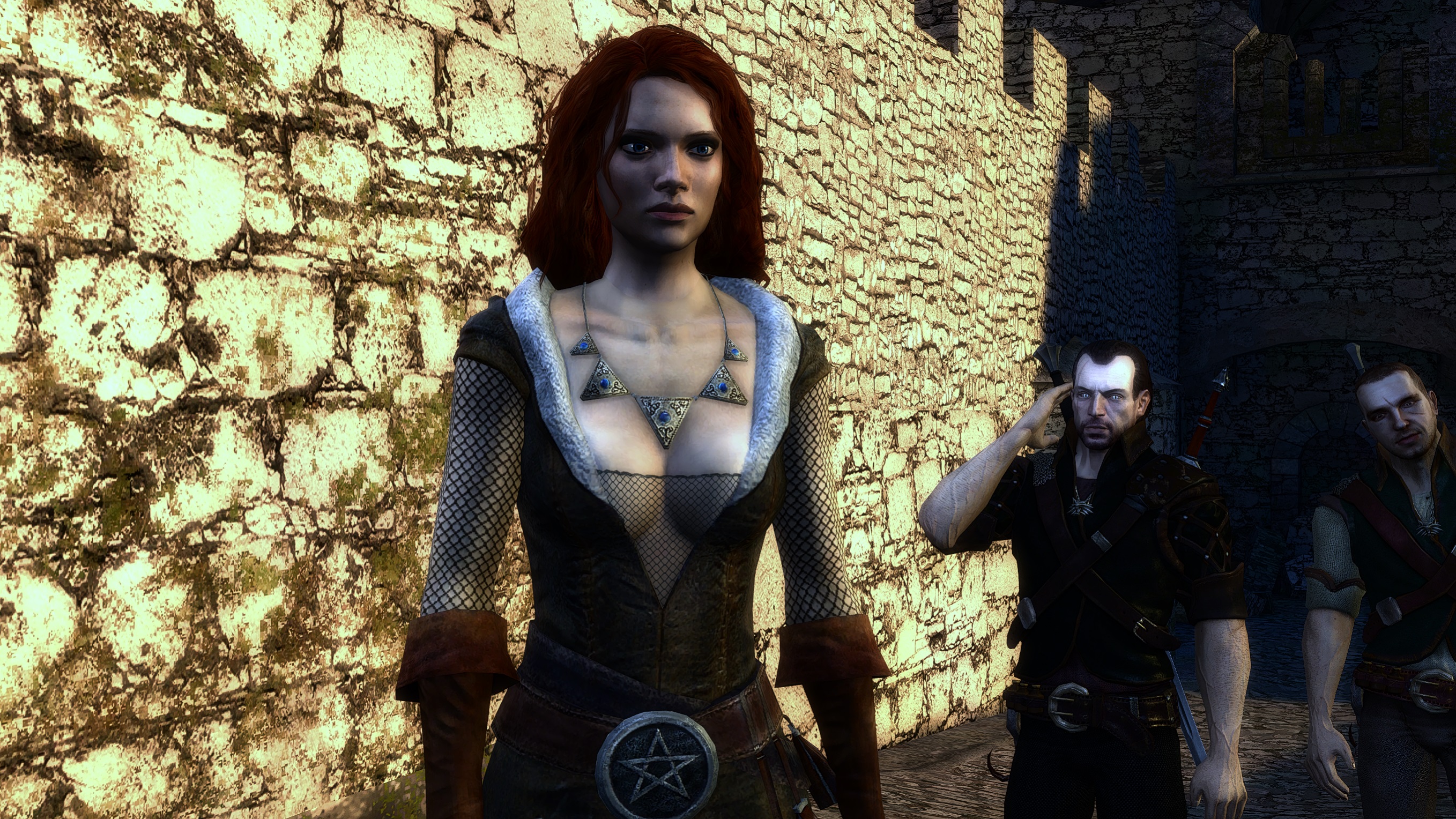
⚫ The Witcher 2 Triss[www.nexusmods.com]by Hiuuz
⚫ The Witcher 2 Foltest[www.nexusmods.com]by Hiuuz
⚫ Unique Eyes For All Witchers[nexusmods.com]by AlinGeorgian
⚫ The Witcher 3 Vesemir[www.nexusmods.com]by Hiuuz
(Let this texture replace the one from the School of the wolf mod)
⚫ Distinctive Raven's Armors[www.nexusmods.com]by ltsheppard
(If the Order and Neutral look the same do the following: Copy "cm_witch4.mdb" to another folder. Rename it to "cm_witch5.mdb",t hen look for "cm_witch5.mdb" and rename it to "cm_witch4.mdb".
Copy the first file back, props to Itsheppard for the fix)
⚫ HD Dryads[www.nexusmods.com]by AlinGeorgian / Thanks to kuczaja, mcdyn for the textures.
(Use only one at a time, but you can mix the versions if you want)
⚫ Full HD Blue Eyes For Triss[www.nexusmods.com]by Aardan98, AlinGeorgian
(Goes to Override)
⚫ Natural Shani HD Upscaled[www.nexusmods.com]by Jackaline, AlinGeorgian
(Install this first and then replace the face with TW3 Shani face)
⚫ Working Girls HD Upscaled Pack[www.nexusmods.com]by Polski Witcher - LordMaximStark - Alin
(Goes to Override)
⚫ Reverend Beard Texture Fix[www.nexusmods.com]by ltsheppard
⚫ Triss HD Vanilla Outfits Recolored[www.nexusmods.com]by flixster
⚫ Naked Adda After Lifting The Curse[www.nexusmods.com]by Harppi19
⚫ 4xHDcube Characters and Monsters Upscale[www.nexusmods.com]by Arthandas9
(Replace the textures from AIO Modern Upscale, I suggest installing this after the vanilla upscale mod)
⚫ Coleman HD Retexture[www.nexusmods.com]by S1nonim
⚫ Guards HD Retexture[www.nexusmods.com]by S1nonim
⚫ Rise Of The White Wolf Monsters (But Better)[www.nexusmods.com]by AlinGeorgian
Gameplay
⚫ Toss A Coin To Your Witcher Mod[www.nexusmods.com]by hub997 LordMazour
⚫ Alt Geralt Hero Icon[www.nexusmods.com]by WhiteWolf_420
(Override)
⚫ Lore-friendly Storage Background[www.nexusmods.com]by mAttii
(I personally use the Milva version, goes to override)
⚫ Book of Knowledge GAMEPLAY Version[www.nexusmods.com]by Cory Kerens
⚫ Fairer Trade[www.nexusmods.com]by arvydasz
(Override)
⚫ More Talents Striga Friendly[www.nexusmods.com]by MithranArkanere
⚫ Flame Cursor On Hard Difficulty Combos[www.nexusmods.com]by TrymoCore
⚫ Reverend Is Guilty[www.nexusmods.com]by BandaKuczaji
⚫ Large Fonts Scheme[www.nexusmods.com]by thebunnyrules
(I use it even if I don't use Rise Of The White Wolf)
⚫ Tweak Camera And Font[www.nexusmods.com]by AzazelDC
⚫ FPS Mode[www.nexusmods.com]by AzazelDC
(This is an addon that will replace the Tweak camera mod, it will work the same, but you'll have an FPS mode if you want to play that way.)
⚫ Permanent Bodies[www.nexusmods.com]by lexo1000
⚫ Textures Settings Downgrade Fix[www.nexusmods.com]by hub997
⚫ Plentiful Herbs[www.nexusmods.com]by Cory Kerens
⚫ Scabbard Mod[www.gamepressure.com]by Ifrit
(Be warned, the mod is unstable, and the swords can clip through the scabbards)
⚫ Sword Overhaul Scabbard Mod Compatibily[www.nexusmods.com]by DeadMan
⚫ Item Stacking and Equipment Slots Mod[www.nexusmods.com]by Bad213Boy
(If you use The Mersey Project, move "baseitems" to Override\ProjectMersey\2DA)
⚫ Witcher's Hut Mod[www.nexusmods.com]by ltsheppard
⚫ The Witcher Enhanced Walk Enabler[www.nexusmods.com]by kaixito27
(Go to DATA\SCRIPTS\wgsdefs.lua, and open it with notepad or notepad++, just add g_Lua:PlayFile "walk_mod" at the end and save.)
⚫ Menu Music Theme Mod[www.nexusmods.com]
(Pick what you want, goes to Override)
⚫ The Order and Scoia'tael Rank Rebalance[www.nexusmods.com]by BlickJustice
⚫ ROTWW Journal Icons Edits[www.nexusmods.com]by evgenezh
⚫ Lore Map Icons[www.nexusmods.com]by NizarieWatcher72
(GUI and Icons)
⚫ Food and Drink Duration Rebalance[www.nexusmods.com]by BlickJustice
⚫ Azar Reaps What He Sowed[www.nexusmods.com]by BlickJustice
⚫ Better Book Descriptions[www.nexusmods.com]by PatricianVidya
⚫ Agility of a Witcher[www.nexusmods.com]by BlickJustice
⚫ Berengar's Farewell[www.nexusmods.com]by BlickJustice
Bug Fixes
⚫ Project Mersey - The Witcher Fix Pack[www.nexusmods.com]by MerseyRockoff
(The latest version of this mod also incorporates the Faster Movement mod, however it is at 30, I use 10, because I don't like being as fast as Sonic. Drag the file "creaturespeed" with your selected %speed, and copy-paste it inside Override\ProjectMersey\2DA)
⚫ Missing Kalkstein and Leuvaarden Clues Fix[www.nexusmods.com]by didymos
⚫ Really Won't Hurt A Bit[www.nexusmods.com]by ElPolloAzul
⚫ Kidnappers' Door Bugfix[www.nexusmods.com]by Corylea
⚫ Han Gives Han NOT Berbercane[www.nexusmods.com]by Cory Kerens
⚫ Radovid Door Fix[www.nexusmods.com]by Cory Kerens
(As the kidnappers door fix, only use if the doors get stuck)
⚫ Morenn Storage and Romance Fix[www.nexusmods.com]by ltsheppard
⚫ Celina and Julian Fix[www.nexusmods.com]by ltsheppard
(Inspired by the great mod originally made by flixster and Corylea. Remove any trace left of the original mod, and the Celina Wreath hotfix from the Witcher's Hut Mod. This is what you oughta delete: cn_julian01, cn_polnocnica01, globaldlgflags, both grlt_alina_pce, both grlt_cel_rip, both grltNoHelpC, both JCelina, both JRest, poloc_wreath. Search all these files inside Override and delete them.)
⚫ G'valchir Named[www.nexusmods.com]by Icedrop21
⚫ Miscellaneous Fixes[www.nexusmods.com]by BlickJustice
(Download all files.)
⚫ Sword Stats Fixes[www.nexusmods.com]by BlickJustice
⚫ Stamina Talents FIX[www.nexusmods.com]by BlickJustice
⚫ Drowners are Necrophages...So Are Devourers[www.nexusmods.com]by BlickJustice
⚫ ACWR - A Cutscene Weapon Replacer[www.nexusmods.com]by BlickJustice
⚫ Price of Neutrality and Side Effects FIXES[www.nexusmods.com]by BlickJustice
⚫ Duplicate Dice Box Fix[www.nexusmods.com]by BlickJustice
⚫ Savolla Intro Overhaul[www.nexusmods.com]by BlickJustice
⚫ Instant Loading and Performance Boost[www.nexusmods.com]by Amine87
⚫ Suspect Thaler Missing Dialogue Fix[www.nexusmods.com]by Midnight Rhodes
⚫ Field Hospital Back Door Unlocked[www.nexusmods.com]by Midnight Rhodes
⚫ Fair Kalkstein Mod[www.nexusmods.com]by Corylea
⚫ Fair Kalkstein x Project Mersey Compatibility[www.nexusmods.com]by BlickJustice
Installation
Nearly all the mods used for the Witcher need to be extracted in SteamLibrary\steamapps\common\The Witcher Enhanced Edition\Data\Override.
If you do not have an Override folder, create one and just move X mod there.
Other mods are installed in the Data folder directly. Always read the mod pages for more info.
As for Reshade, download the folder, extract it into your The Witcher Enhanced Edition\System folder, and you should be good to go.
Press "Home" on your keyboard to enable/ disable the effects. And the left arrow (<-) to enable or disable the preset as a whole. You can change the keybindings if you want via the Reshade menu.
Screenshots
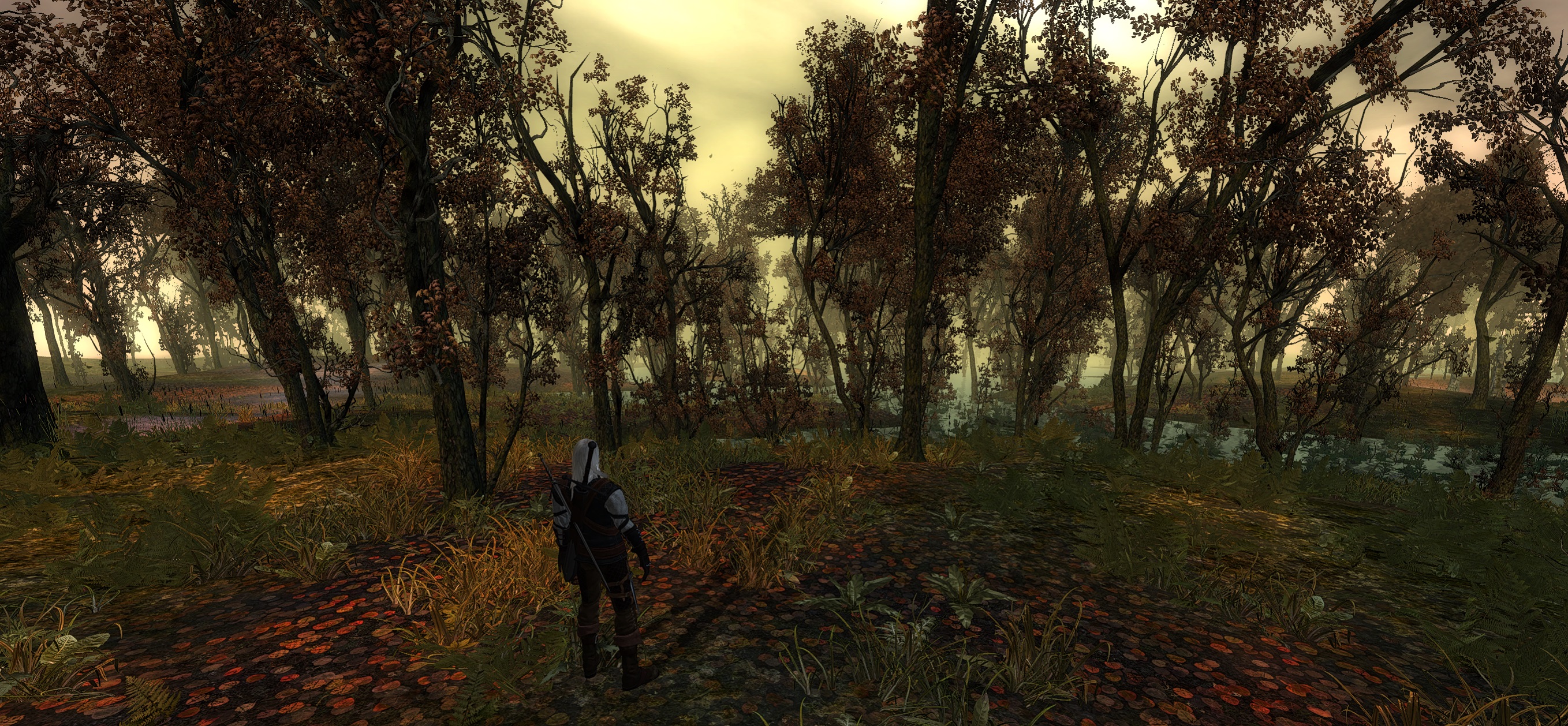
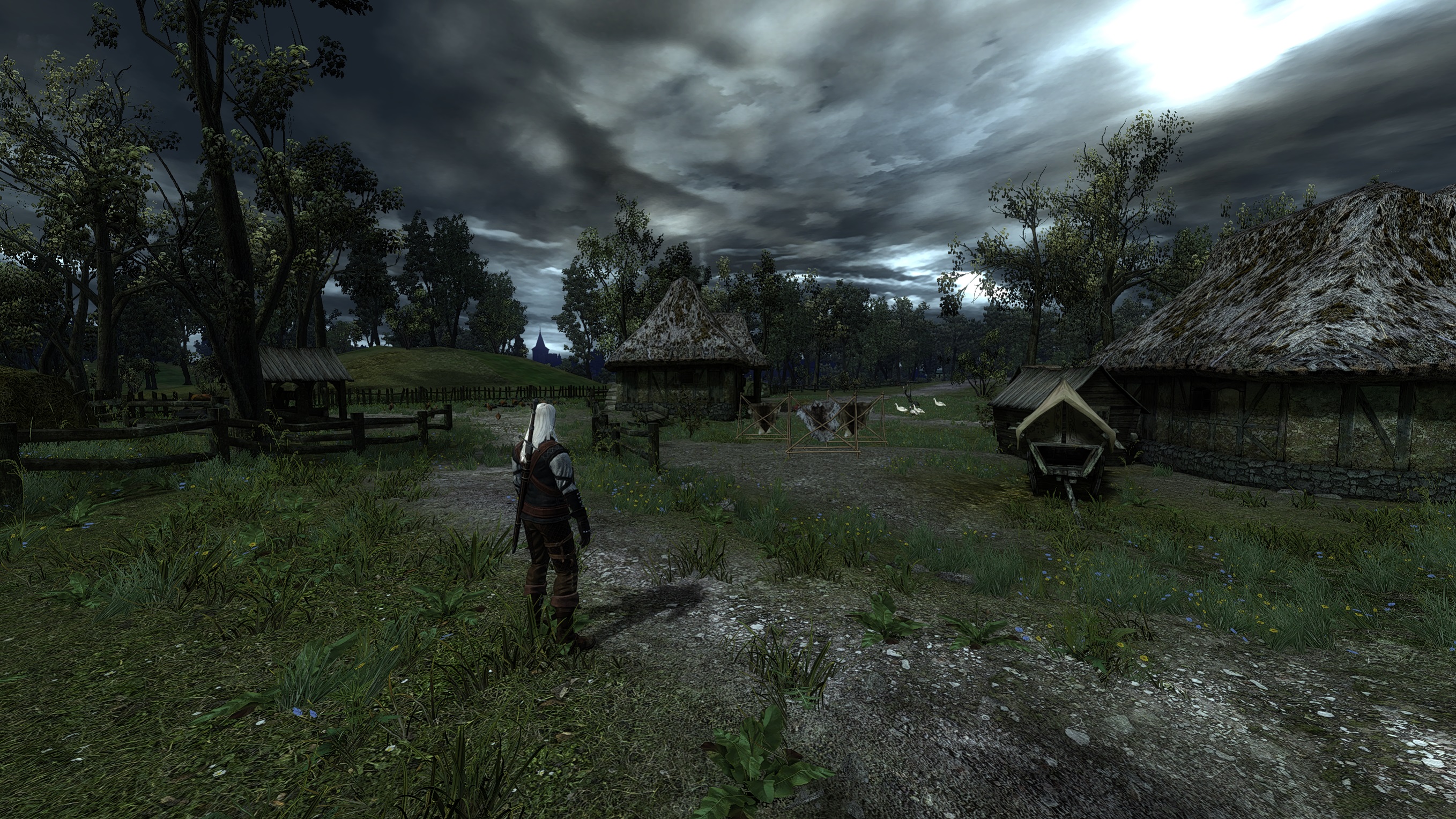
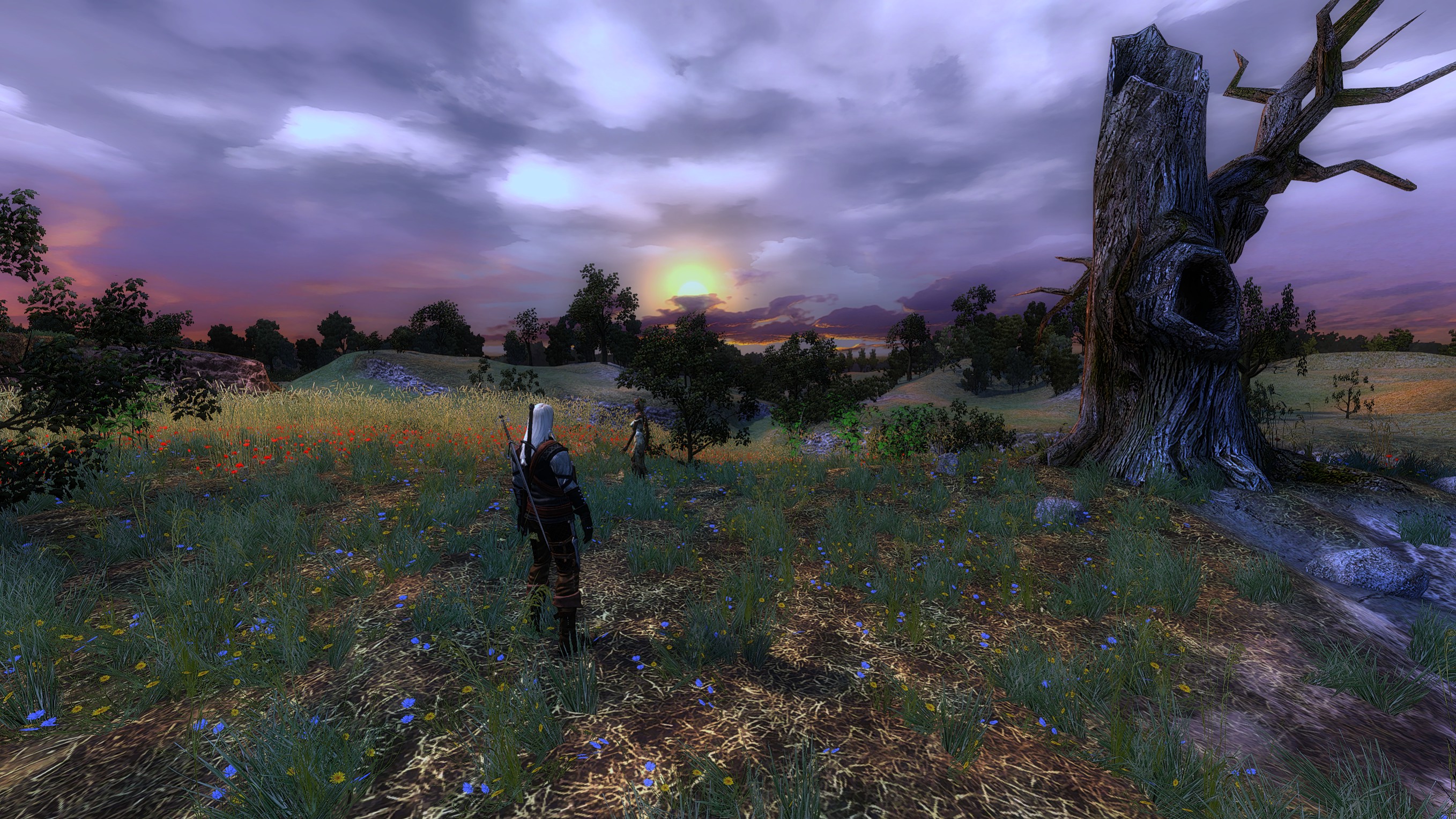
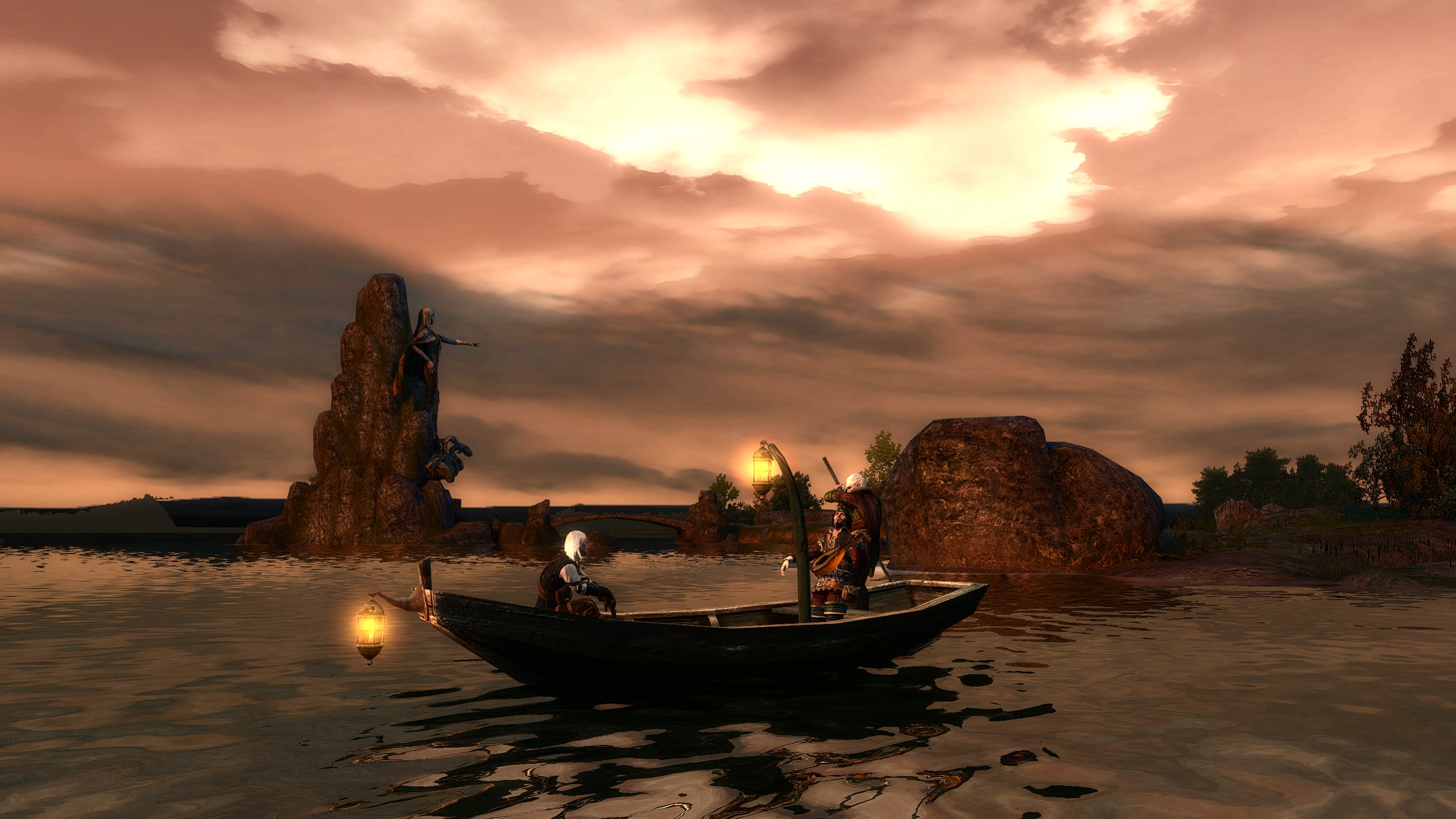
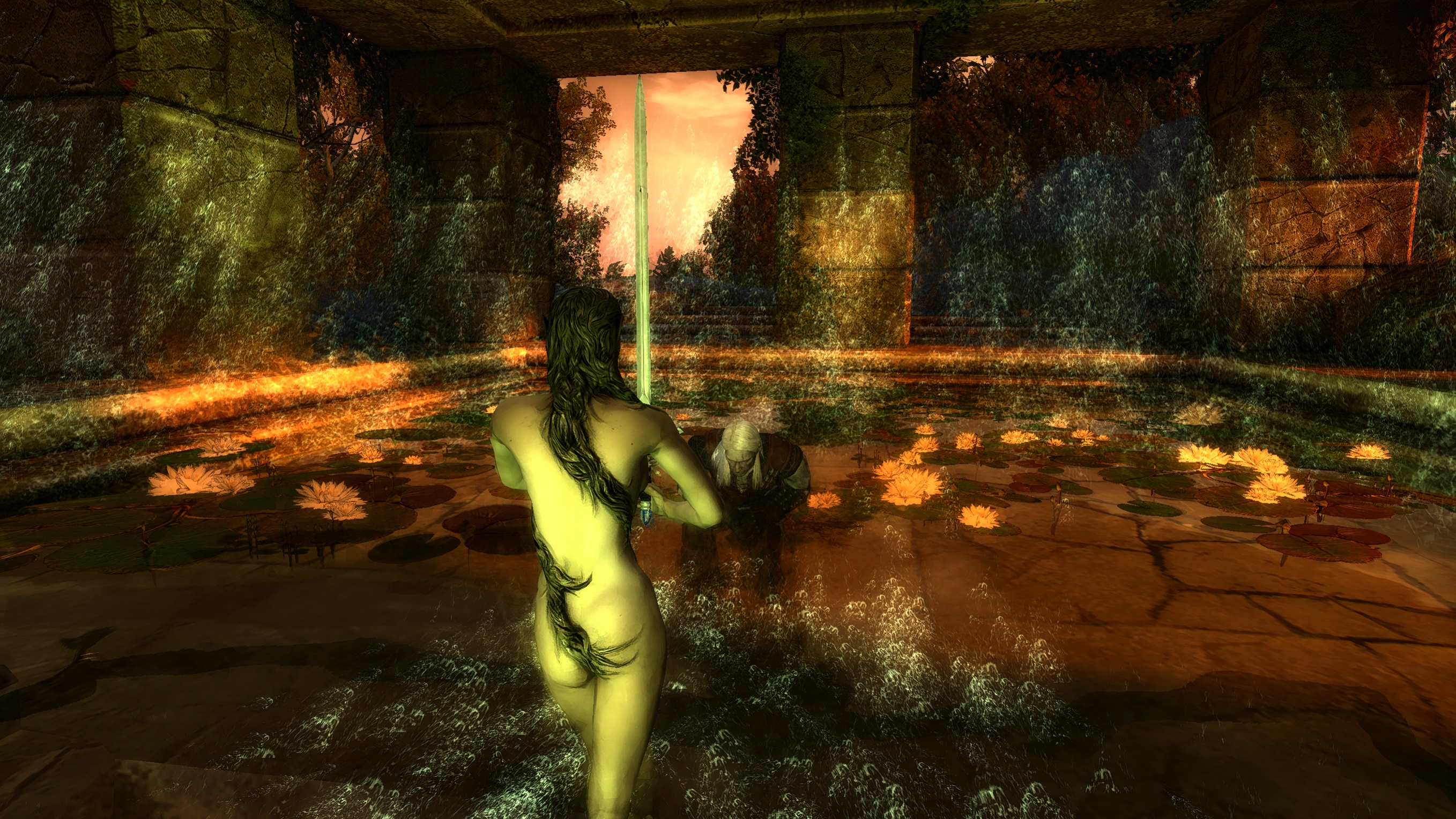
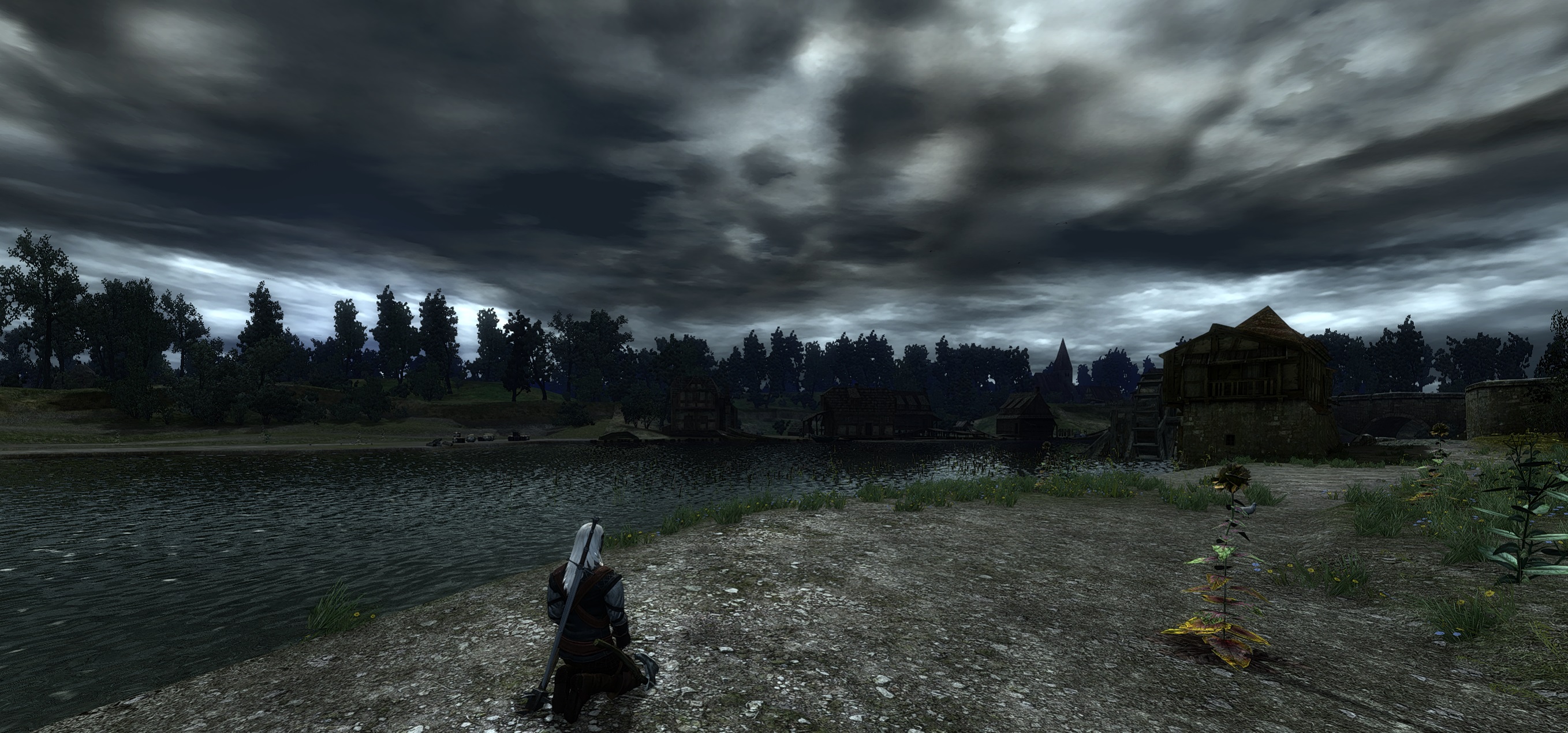
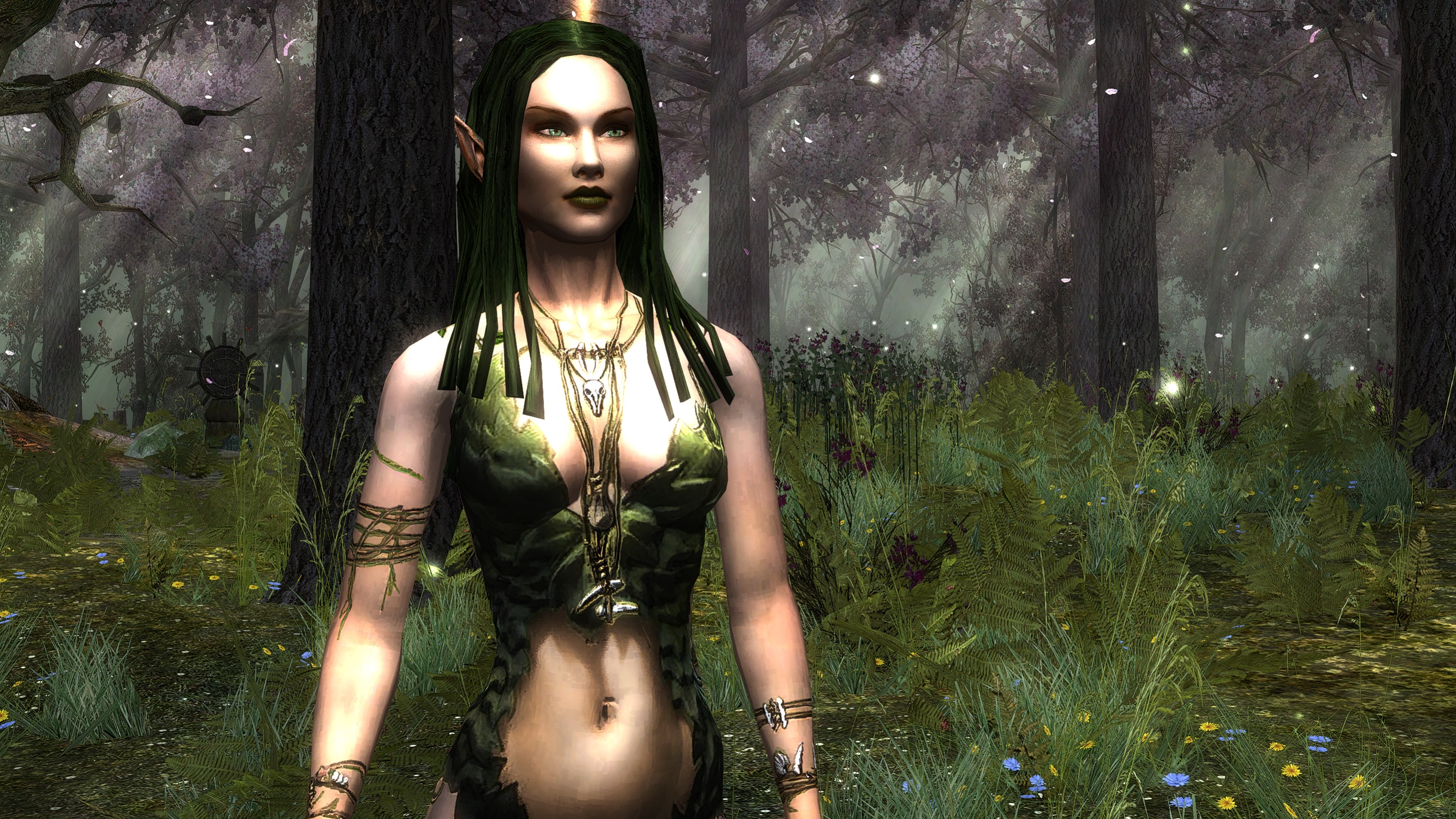
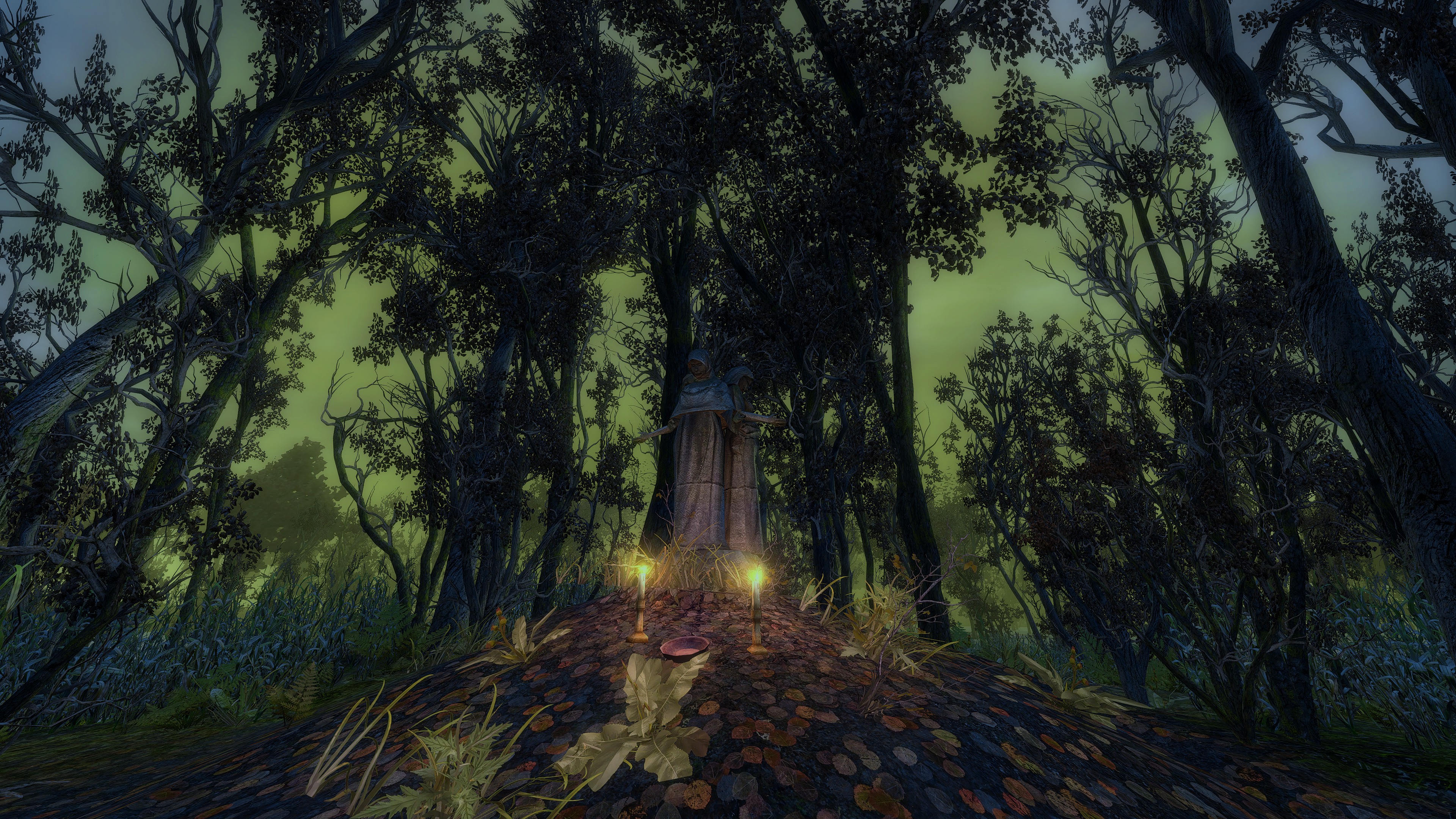
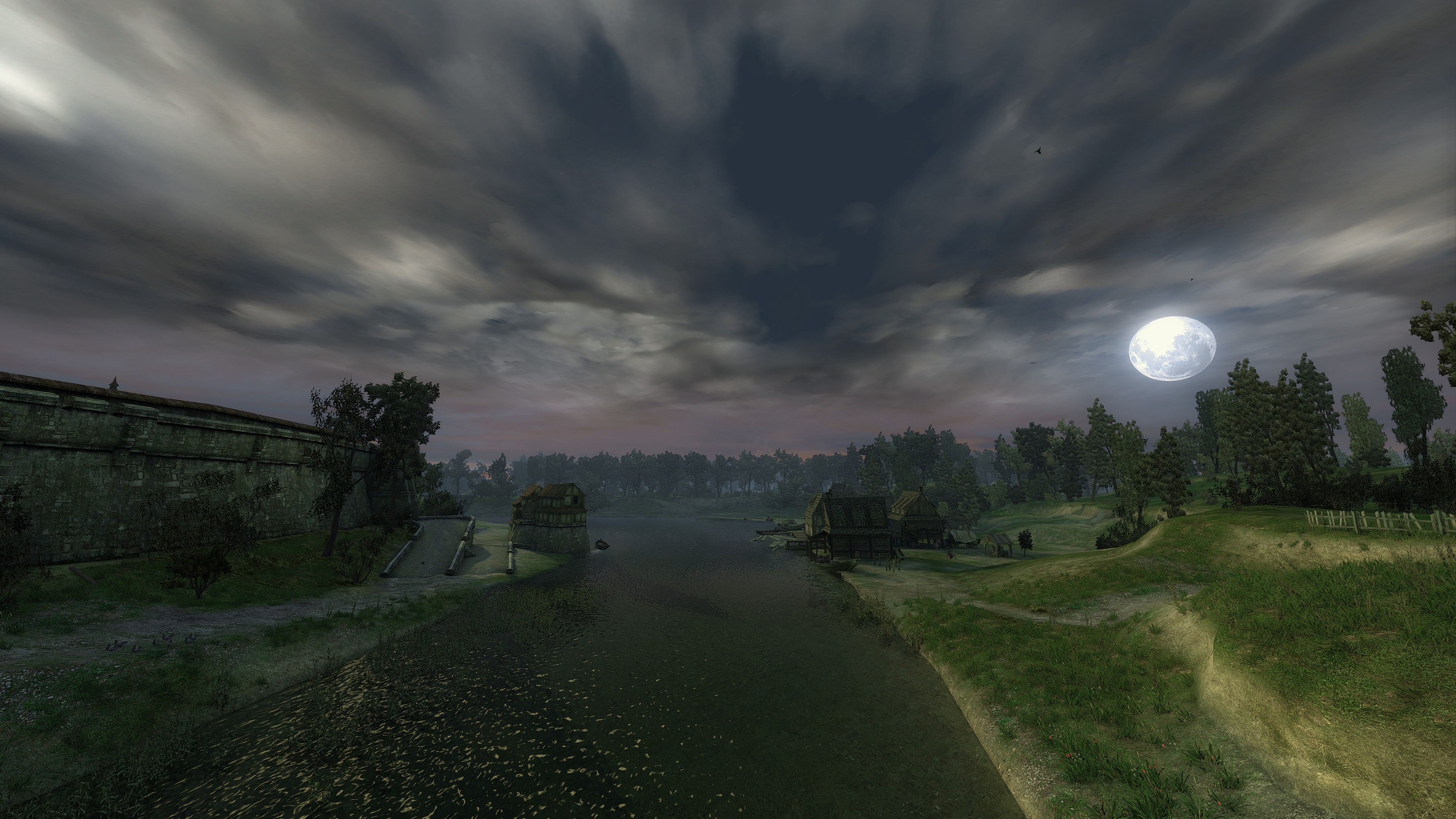
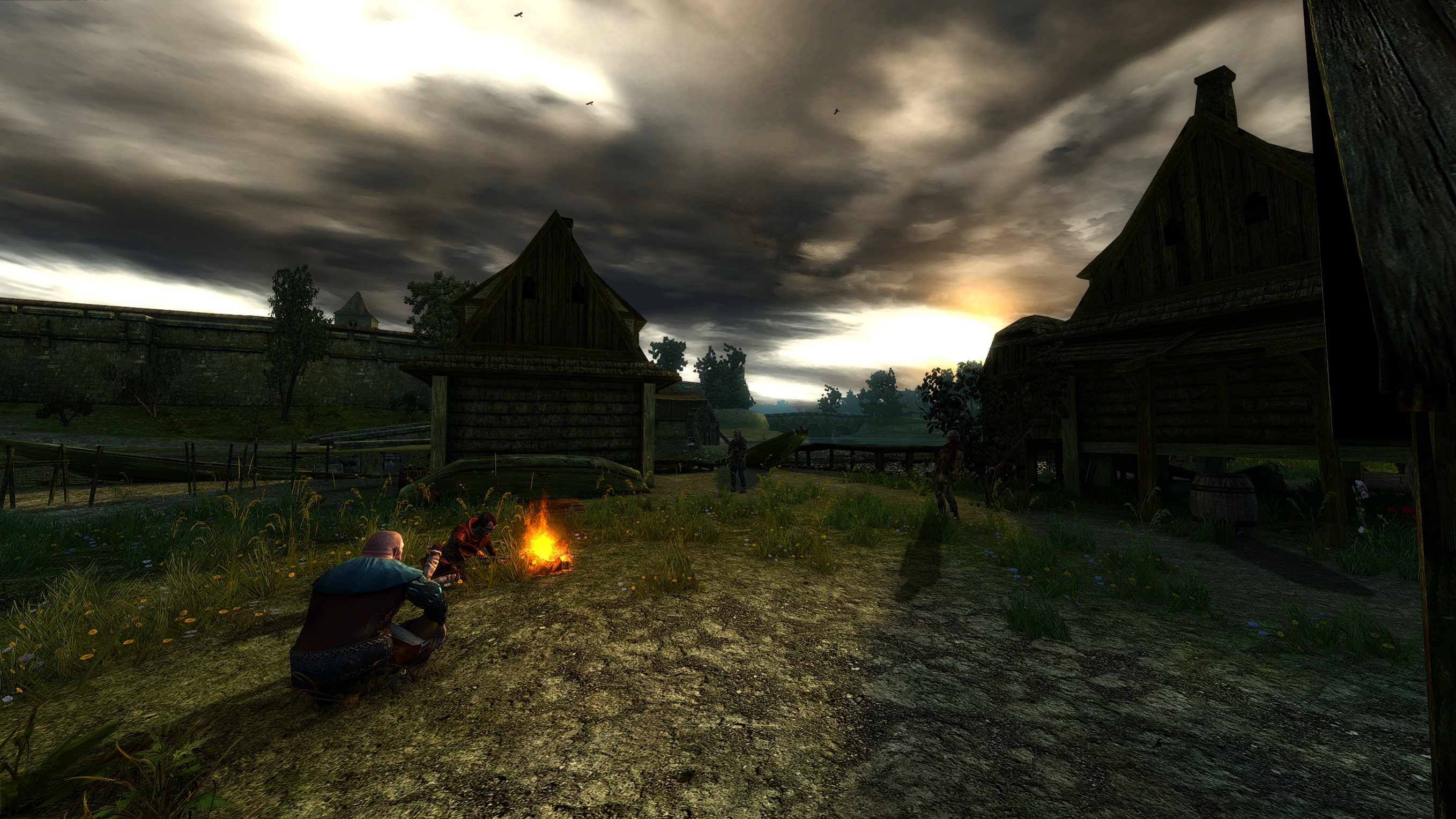
I would like to showcase a few of the great shots i got with these mods and my Reshade installed.



Credits
Again, all the credit for EACH and EVERY mod goes to the authors. I do not take any credit for any of them.
Please do show them some love and endorse their mods at least, because the modders do this out of passion, and love for games, so they do deserve some respect.

Please do show them some love and endorse their mods at least, because the modders do this out of passion, and love for games, so they do deserve some respect.
Closing Words
This would be all. By default, all these mods are compatible to work with eachother. As long as you do not break anything and install everything as it should be installed. Please let me know in the comments if you have any problems, but bear in mind, that you will get better help from the authors of the mods themselves. If i do stumble upon another mod that i like, i will add it to the guide.
If you are one of the modders who's mod i have showcased in this guide, and you want it removed for whatever reason you may have, just let me know. I don't want to give the impression that i wanted to steal one's hard work.
Hope you found this guide helpful, and have fun.
Changelogs
Here I will write any update or new mod that I added to the guide, so you will know if you are missing anything.
(Guide Updated 27/05/ 2026)
Added:
* Duplicate Dice Box Fix
* Savolla Intro Overhaul
* Instant Loading and Performance Boost
* Suspect Thaler Missing Dialogue Fix
* Field Hospital Back Door Unlocked
* Fair Kalkstein Mod
* Fair Kalkstein x Project Mersey Compatibility
More The Witcher: Enhanced Edition guides
- A Beginner's Guide to The Witcher★ 5 (1.9k)72k views2.5k ♥25 minUpdated Dec 28, 2016
- Большой Гайд: Подсказки, секреты и многое другое★ 5 (3.7k)68k views9.2k ♥37 minRussianUpdated Jul 14, 2024
- The Witcher: Enhanced Edition - Walkthrough★ 5 (691)42k views1.7k ♥56 minUpdated May 12, 2015
- Моды на The Witcher: Enhanced Edition★ 5 (1.1k)41k views1.8k ♥13 minRussianUpdated Feb 3, 2020
- Девушки и способы их соблазнения.★ 5 (1.2k)31k views1.4k ♥5 minRussianUpdated May 1, 2014
- The Witcher: Enchanced Edition на 100%★ 5 (1.4k)30k views3.4k ♥10 minRussianUpdated Feb 20, 2021



This guide was created by its original author on the Steam Community. Are you the author and want it removed? Request removal.