Change FOV (Field of View)
Quick Links and File Replacement
http://steamcommunity.com/app/55110/discussions/0/613958868376337903/
From the above discussion, here are a few links.
55-75 Degrees: https://community.pcgamingwiki.com/files/file/421-red-faction-armageddon-fov-fix/
Thanks to Psycho for telling me to correct the link.
He also added: "files inside are binary format and cannot be edited to achieve 90°. The header includes "Created using Gibbed's Volition Tools" "
90 Degrees: https://mega.co.nz/#!ispFFT6R!T3KZBHD-5cWkbDY2W9AOiFVowXkBCKAN6ird4Qmnui4
Apparently this mega link is broken. I do not have a replacement. I recommend searching for this link on google and seeing if you can find sources.
Unzip the files using 7zip or something similar, and place both files into your game directory. Likely ProgramFiles(x86)\Steam\steamapps\common\red faction armageddon
Then paste the two files into
\build\pc\cache\
I did it myself, so here are some screenshots.
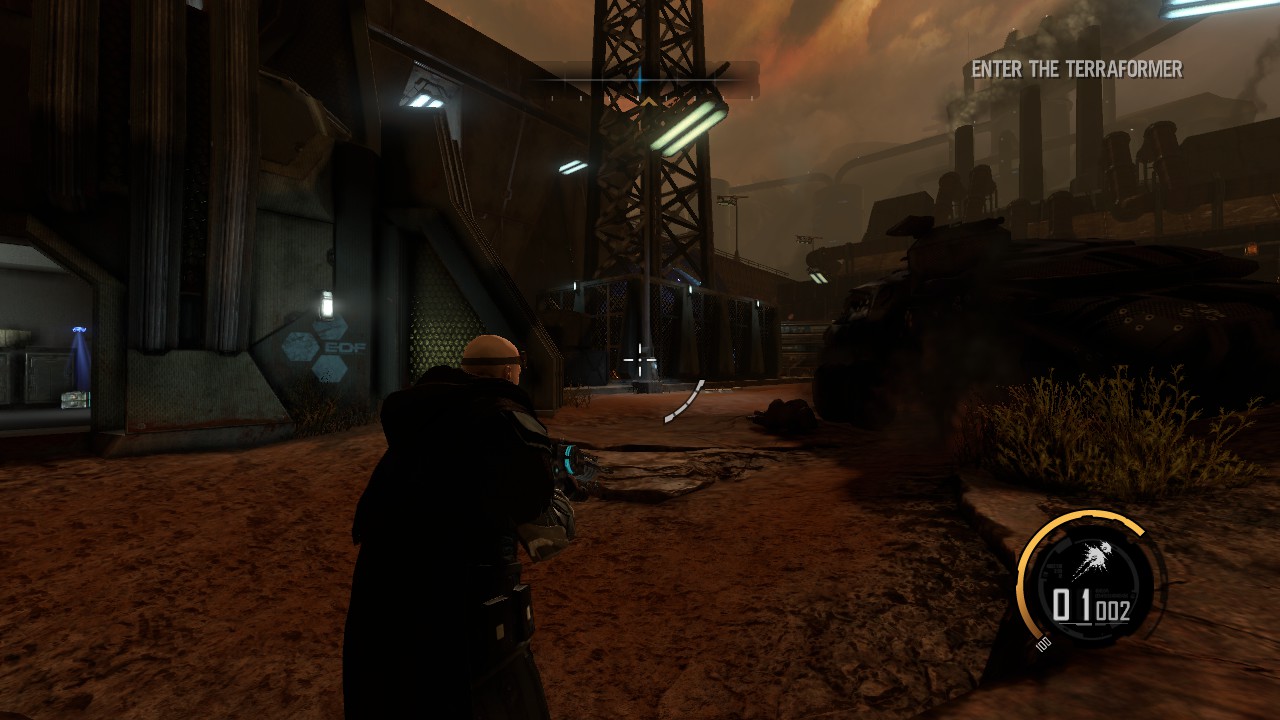
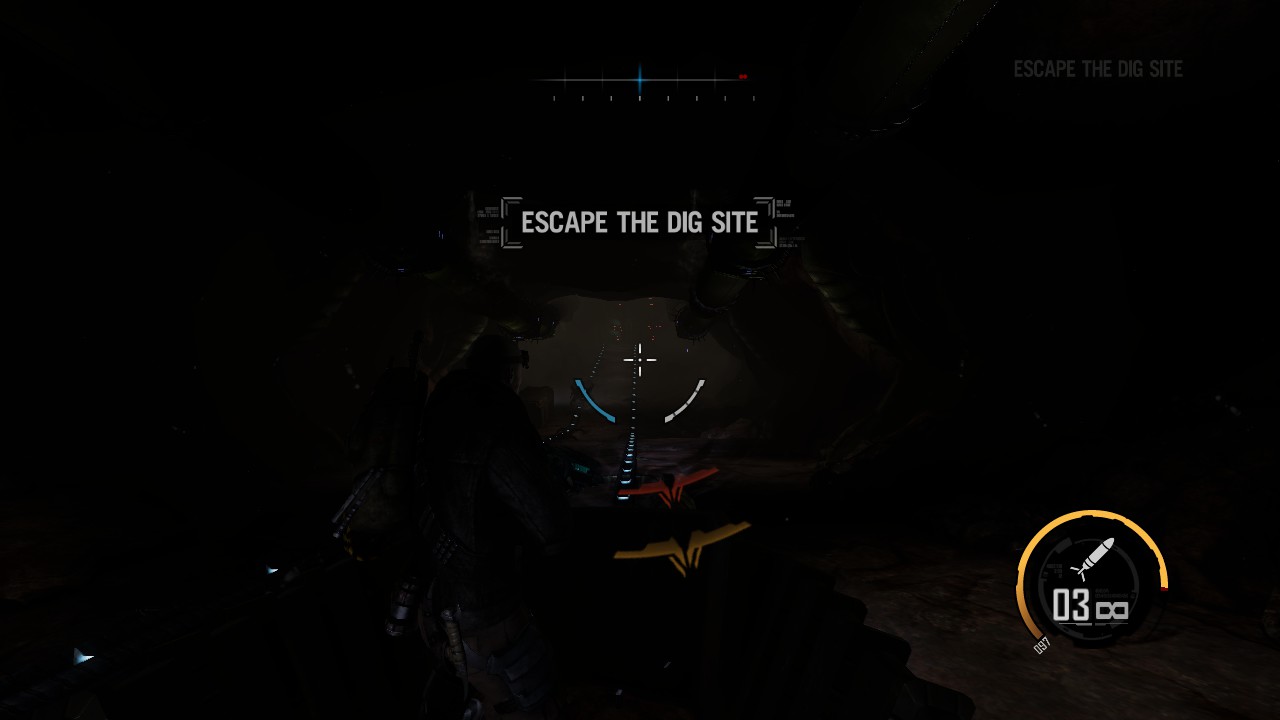
From the above discussion, here are a few links.
55-75 Degrees: https://community.pcgamingwiki.com/files/file/421-red-faction-armageddon-fov-fix/
Thanks to Psycho for telling me to correct the link.
He also added: "files inside are binary format and cannot be edited to achieve 90°. The header includes "Created using Gibbed's Volition Tools" "
90 Degrees: https://mega.co.nz/#!ispFFT6R!T3KZBHD-5cWkbDY2W9AOiFVowXkBCKAN6ird4Qmnui4
Apparently this mega link is broken. I do not have a replacement. I recommend searching for this link on google and seeing if you can find sources.
Unzip the files using 7zip or something similar, and place both files into your game directory. Likely ProgramFiles(x86)\Steam\steamapps\common\red faction armageddon
Then paste the two files into
\build\pc\cache\
I did it myself, so here are some screenshots.
More Red Faction: Armageddon guides
- All Achivements \ Все Достижения★ 5 (414)6.7k views326 ♥13 minUpdated Dec 8, 2014
- Mr.toots easter egg★ 4 (61)4.6k views27 ♥1 min
- Mr. Toots in RF: Armagedon★ 4 (46)3.5k views29 ♥1 minUpdated Jan 28, 2015
- Чинилка★ 3 (171)3.4k views5 ♥1 minRussianUpdated Dec 3, 2015
- Path to War Achievements★ 4 (116)3.2k views90 ♥2 minUpdated Jan 4, 2014
- Red Faction: Armageddon: All Audio logs (Chronicler)★ 4 (102)1.5k views116 ♥10 minUpdated Feb 15, 2018





This guide was created by its original author on the Steam Community. Are you the author and want it removed? Request removal.