Change FOV in Just Cause 2
All you need to do
Right click "Just Cause 2" in your Steam games list, go to "Properties", then click on the "Set Launch Options" button. Then add this:
/fovfactor=X (where X is from 1.0 to 2.0)
in the box and click
OK. That's all )
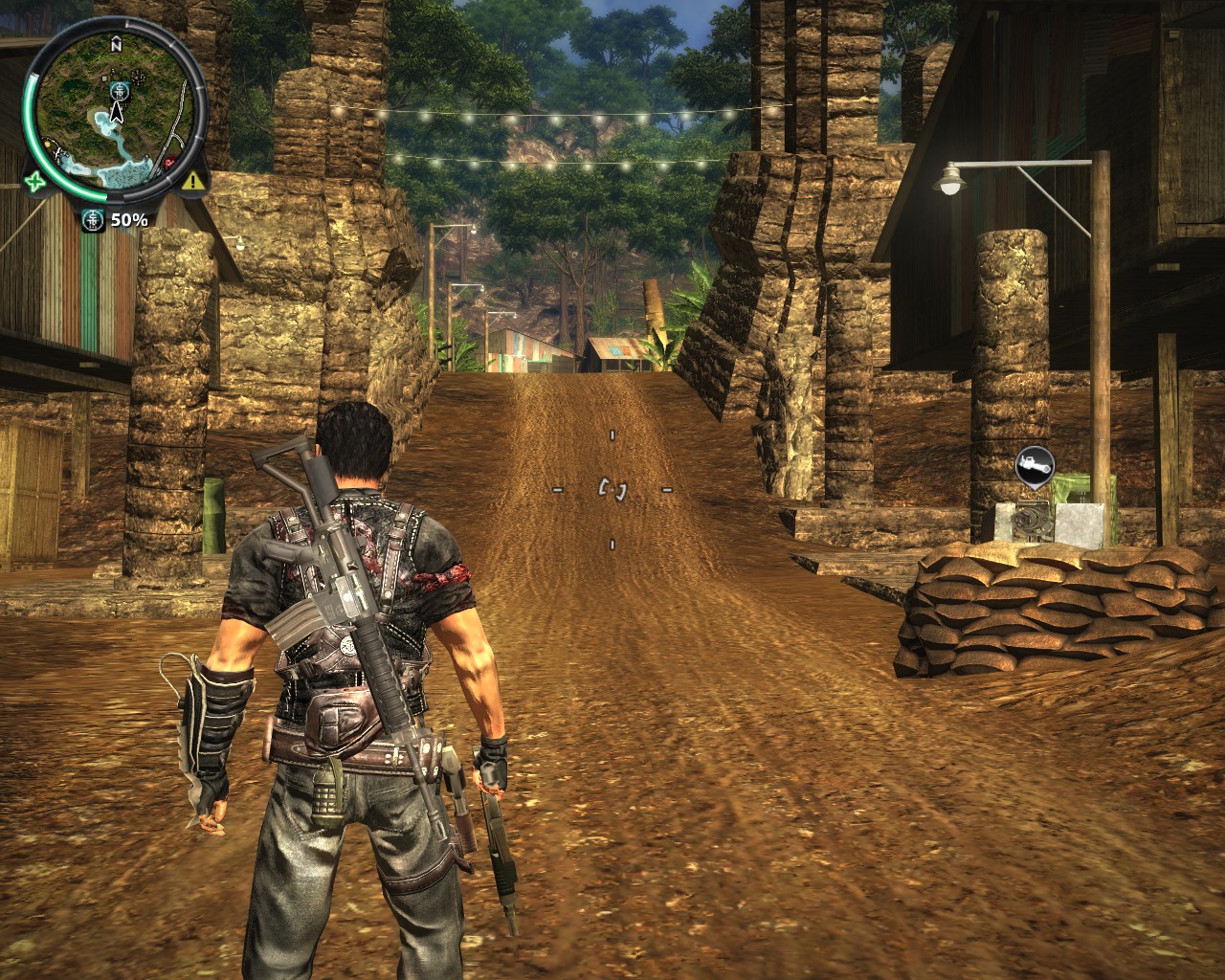
FOV 1.0 (Default)
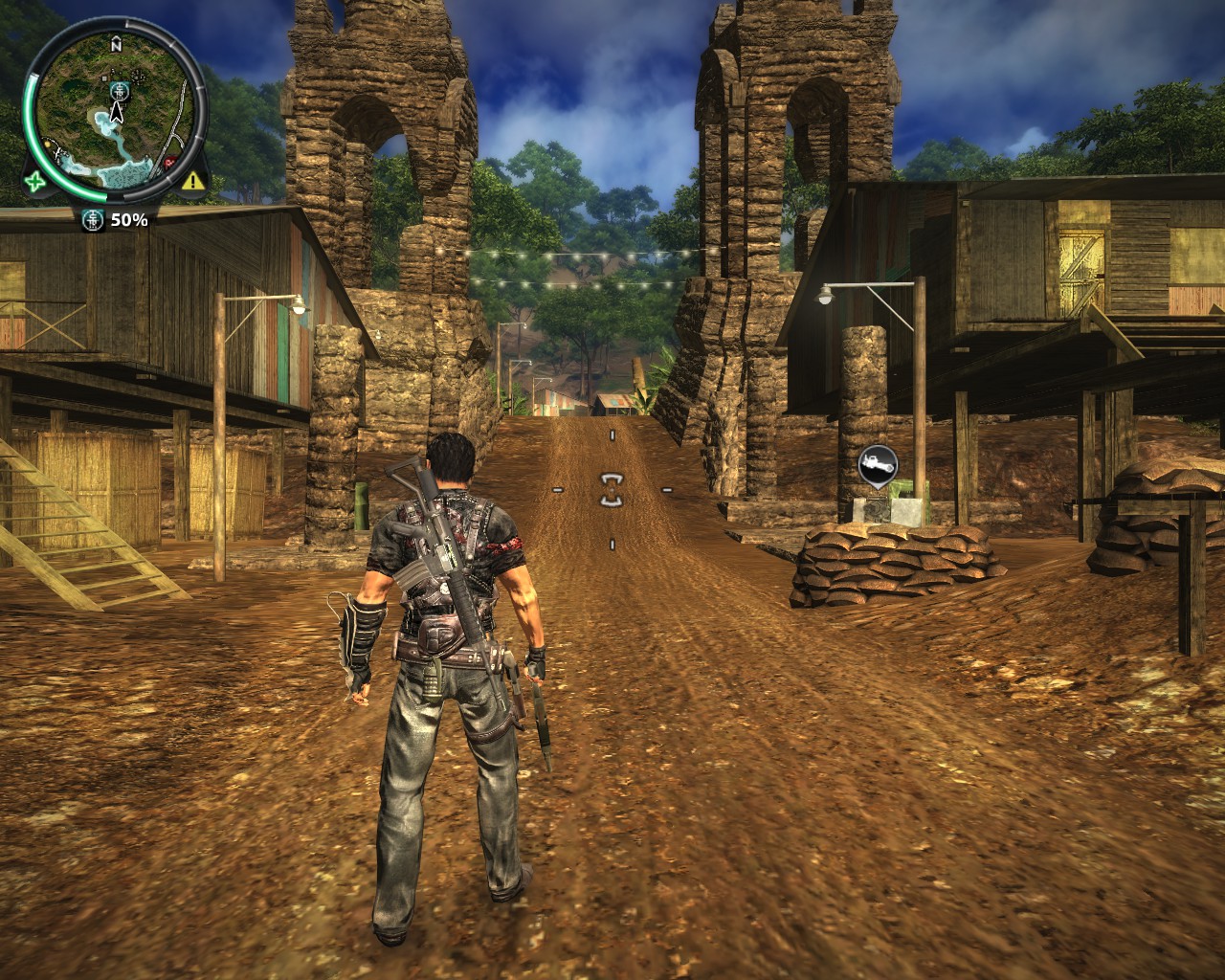
FOV 1.5
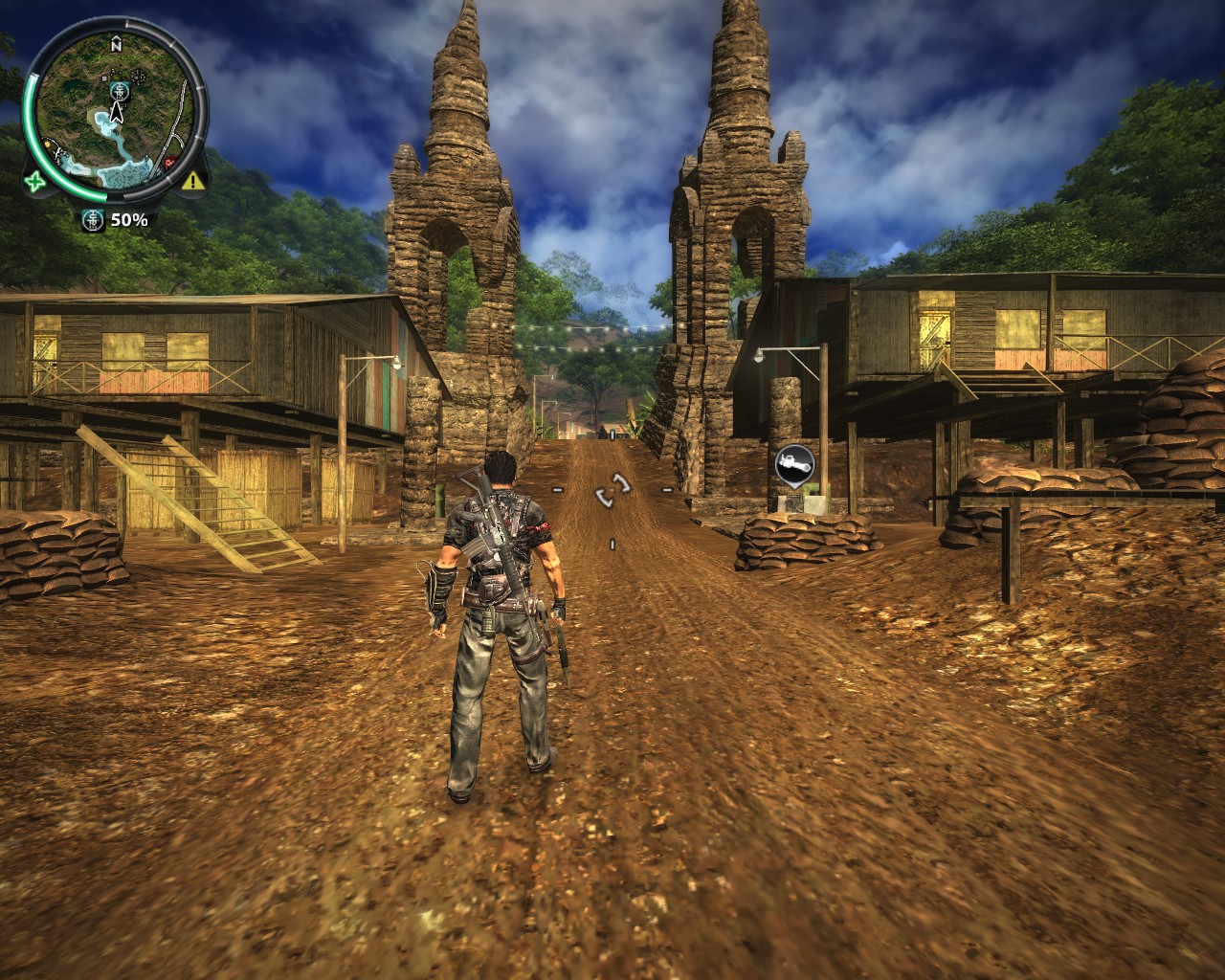
FOV 2.0
/fovfactor=X (where X is from 1.0 to 2.0)
in the box and click
OK. That's all )
FOV 1.0 (Default)
FOV 1.5
FOV 2.0
More Just Cause 2 guides
- Just Cause 2 Interactive 'EVERYTHING' Map★ 5 (1.1k)42k views1.1k ♥1 minUpdated Oct 30, 2013
- How to install mods (Definitive update!)★ 5 (616)33k views820 ♥3 minUpdated Dec 28, 2024
- Just Cause 2 [100% Achievements Guide]★ 5 (866)22k views1.2k ♥9 minUpdated Dec 6, 2015
- Just Cause 2. 100% получение всех достижений★ 5 (1.1k)19k views1.4k ♥11 minRussianUpdated Dec 26, 2023
- Who- or What- is Bolo Santosi?★ 5 (529)16k views244 ♥4 min
- Trying Everything Once (Update 1)★ 5 (816)16k views777 ♥3 minUpdated Jan 15, 2022


This guide was created by its original author on the Steam Community. Are you the author and want it removed? Request removal.