Customizing Non-Customizable Vehicles
Introduction and Preparation
Saints Row the Third contains a lot of vehicles that, for some reason or another, are listed as non-customizable. This means that you can't change the colors, give them Nitrous, or upgrade their performance. However, a glitch exists that can be executed to open the customization window for these vehicles. To do this, you will need the following things:
Like the list states, we'll need a customizable vehicle to do this with. Any vehicle will do; we're just using it to open the Rim Jobs menu.
Edit: As I state lower in the guide, the vehicle you use to open this menu actually determines which vehicles you will be able to customize using it. To perform this glitch and customize anything, use the Gatmobile to trigger it. The Gatmobile works with everything.
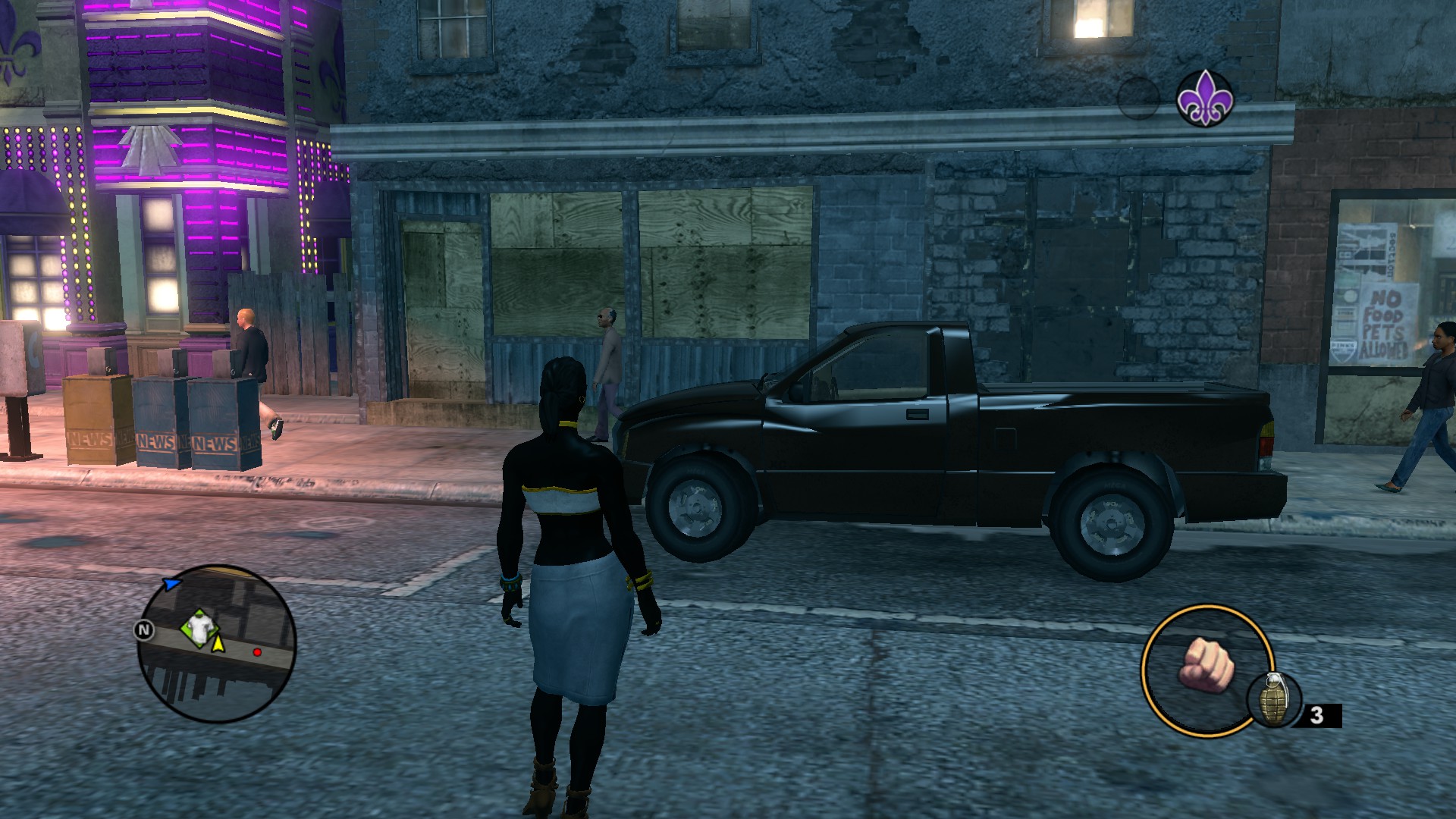
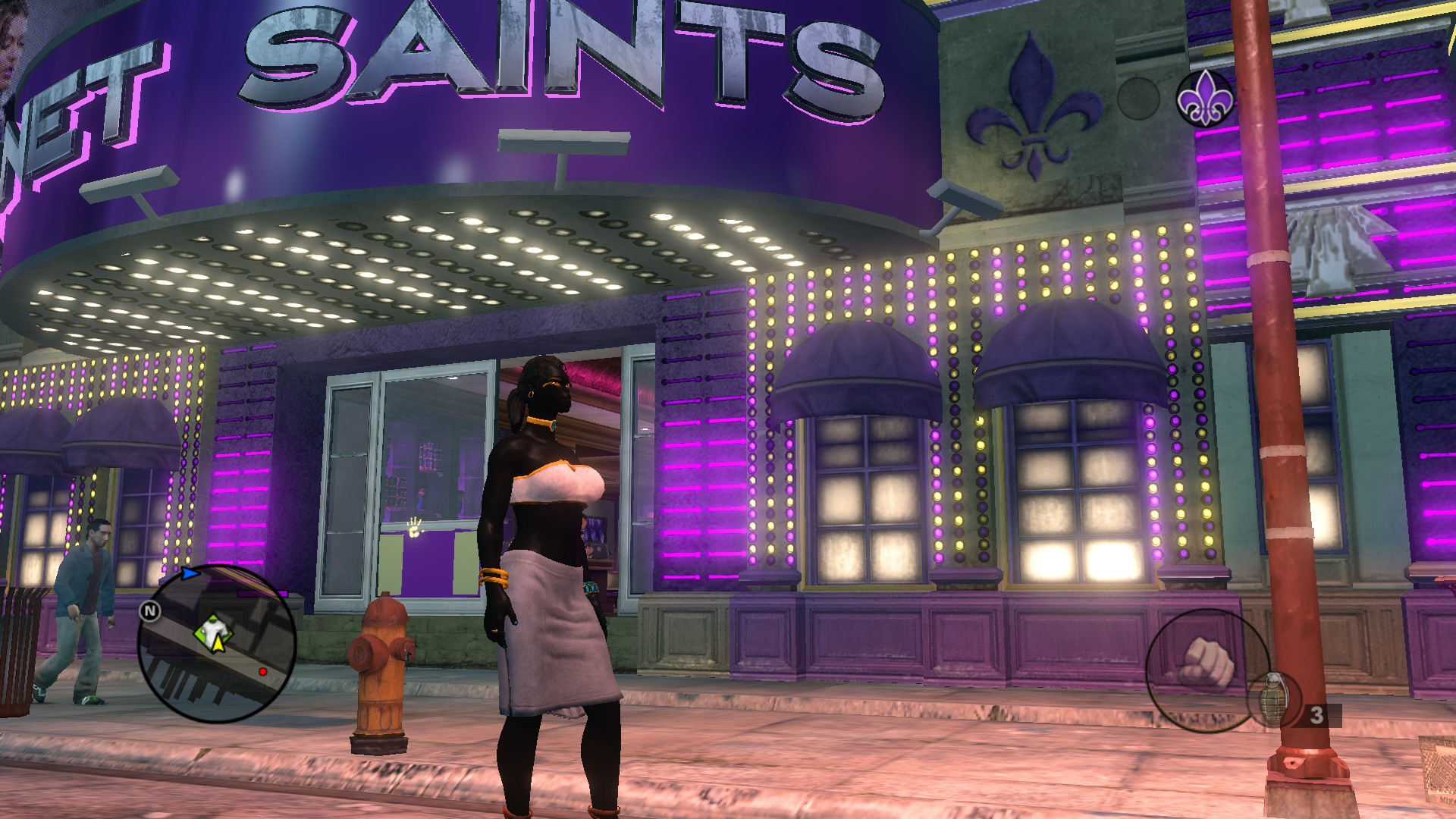
Let's use this Thorogood I found lying around outside a Planet Saints.
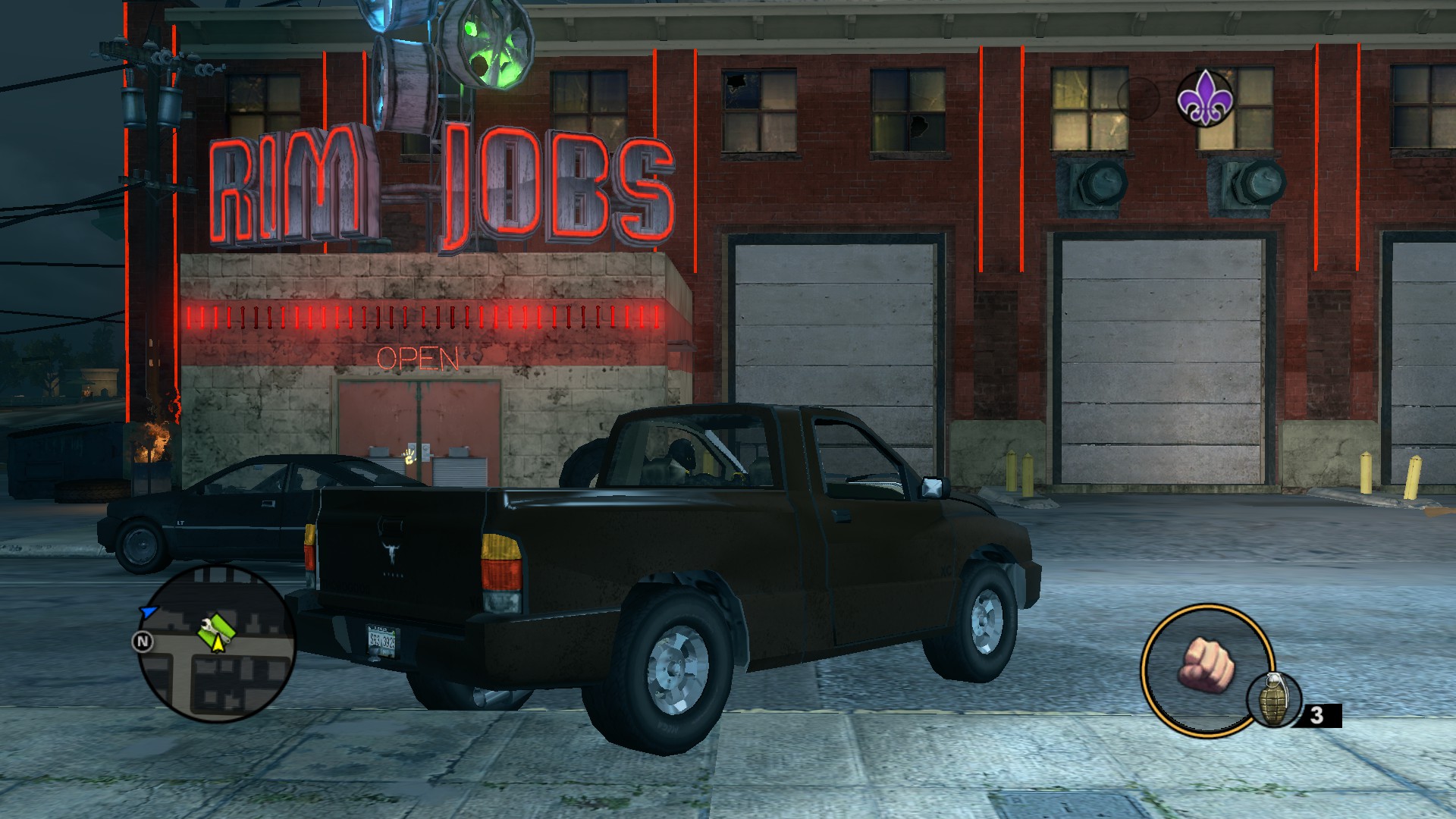
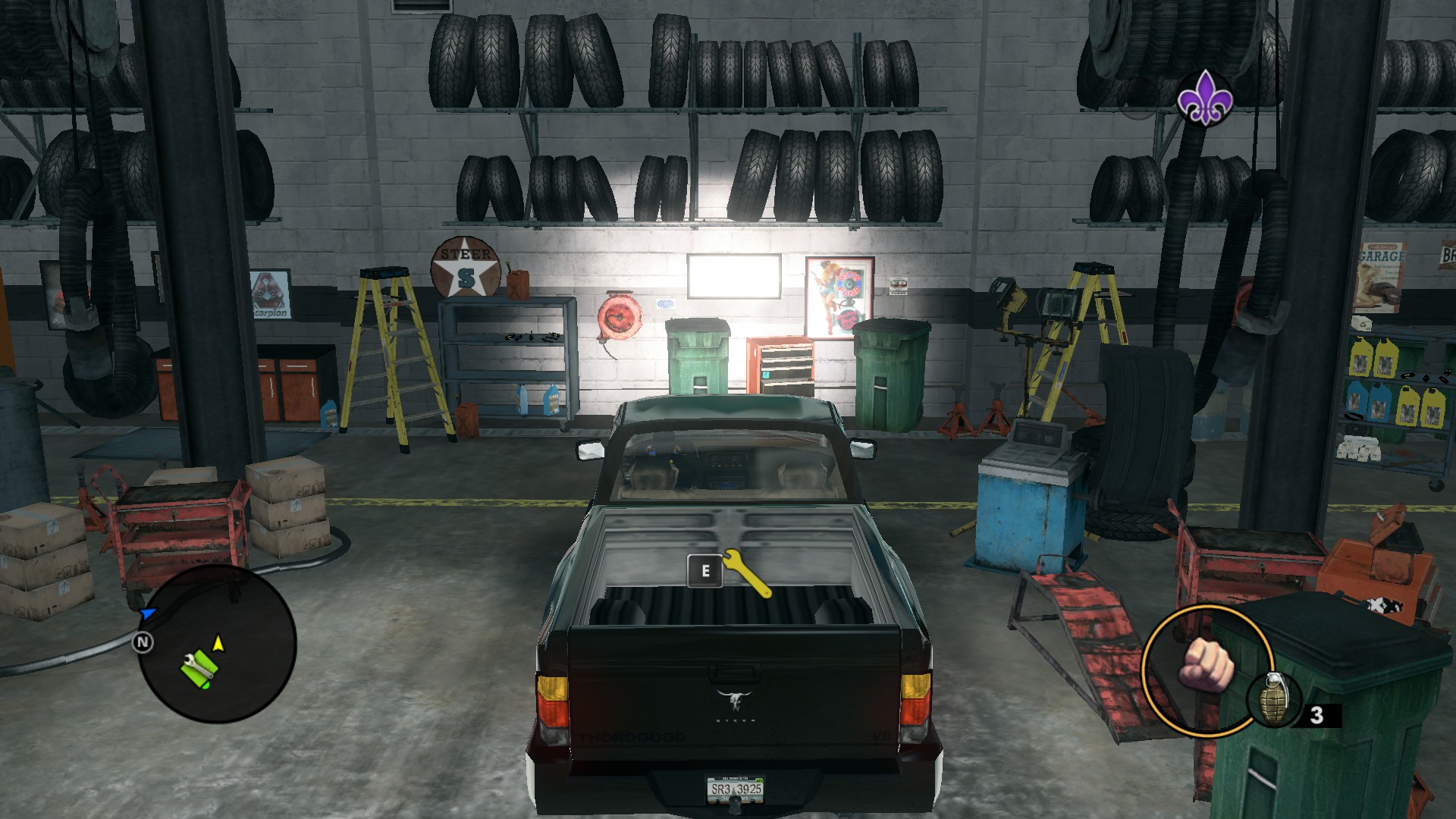 Take this car to a Rim Jobs, and drive it into the garage.
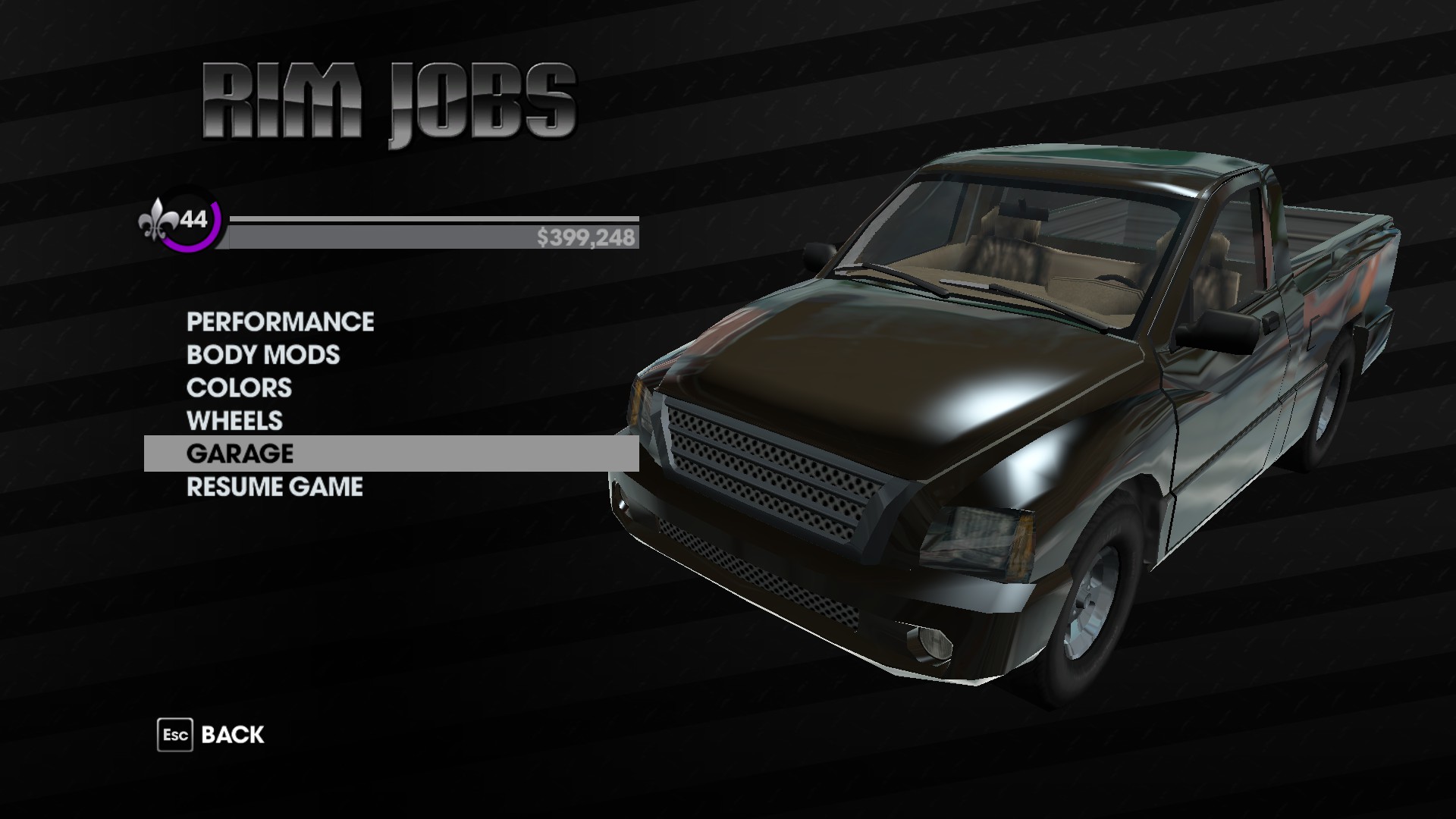
Press whatever button you have assigned to open the customization menu.
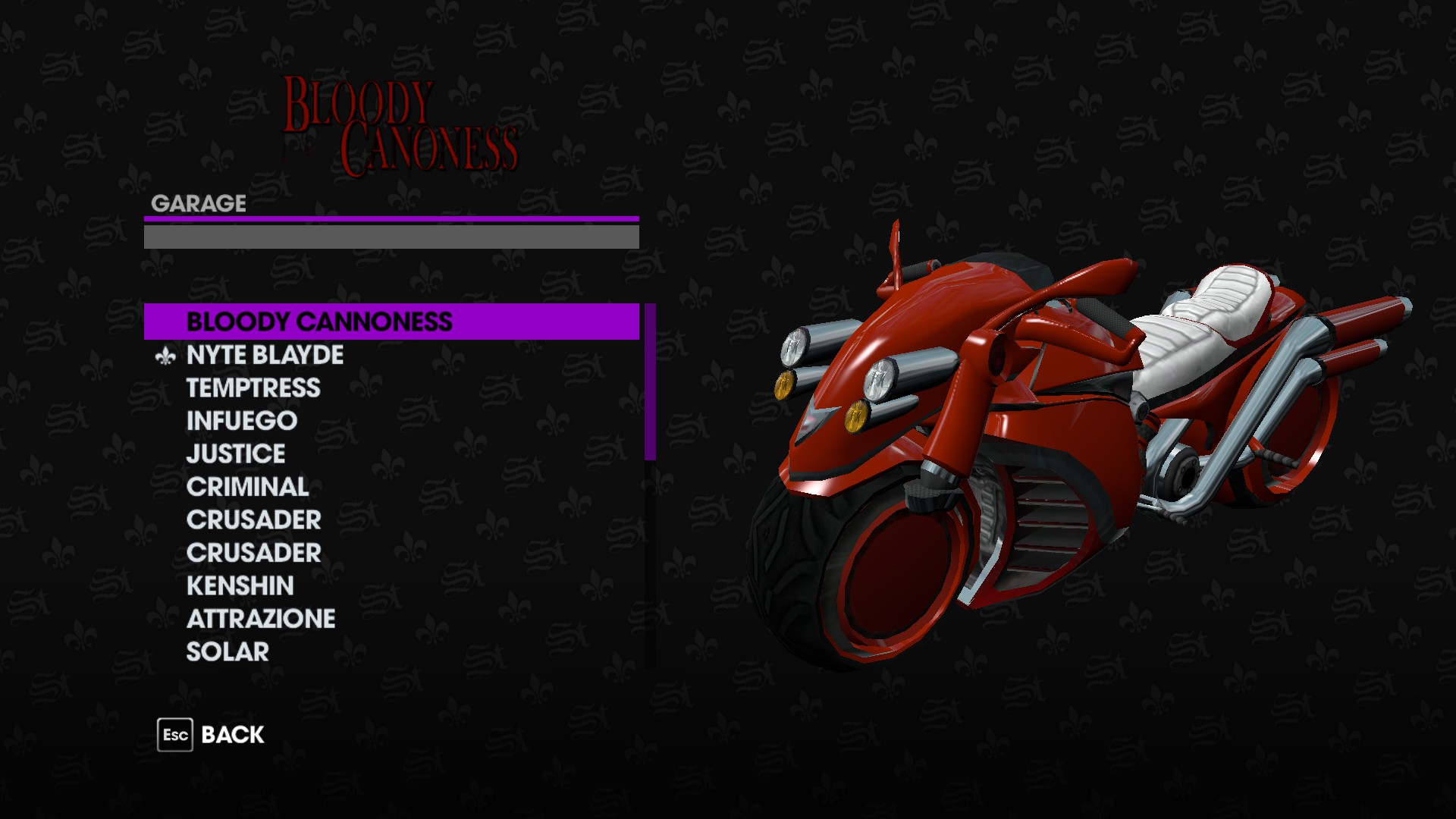
Click on the "Garage" option to bring up your list of stored vehicles.
- A customizable vehicle
- A non-customizable vehicle that is already in your Garage inventory
- A Rim Jobs
Like the list states, we'll need a customizable vehicle to do this with. Any vehicle will do; we're just using it to open the Rim Jobs menu.
Edit: As I state lower in the guide, the vehicle you use to open this menu actually determines which vehicles you will be able to customize using it. To perform this glitch and customize anything, use the Gatmobile to trigger it. The Gatmobile works with everything.
Let's use this Thorogood I found lying around outside a Planet Saints.
Take this car to a Rim Jobs, and drive it into the garage.Press whatever button you have assigned to open the customization menu.
Click on the "Garage" option to bring up your list of stored vehicles.
Executing the Glitch
Now that you have this list open, it's time to perform the glitch that gets you into the customization menu.
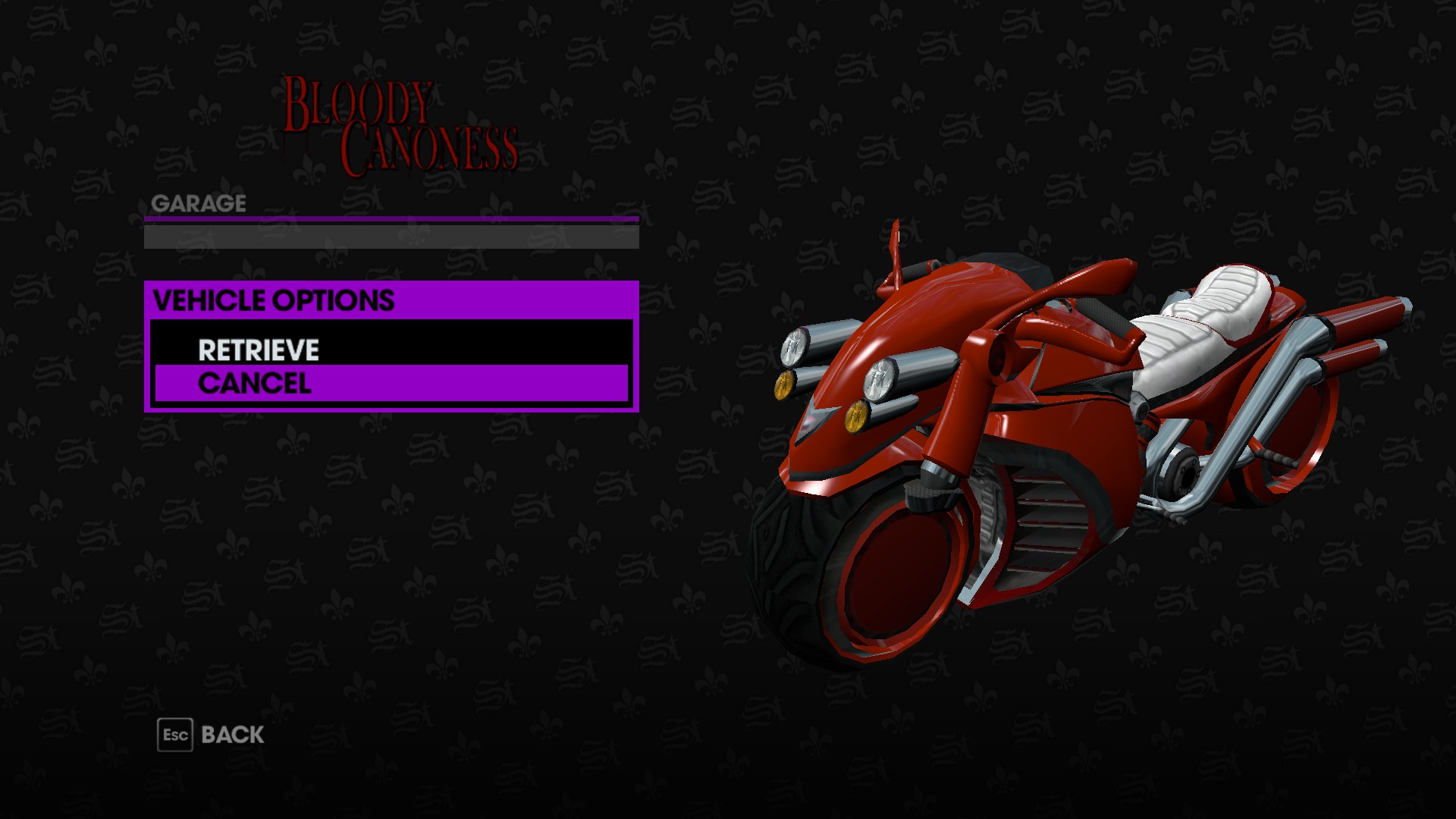
Firstly, click on the vehicle you want to customize. For this guide, we'll be using the Bloody Cannoness from the Nyte Blayde DLC. This will give you the option of retrieving the vehicle or cancelling the selection. Retrieving it will kick you out of the garage, so don't do that. Instead, click "Cancel"
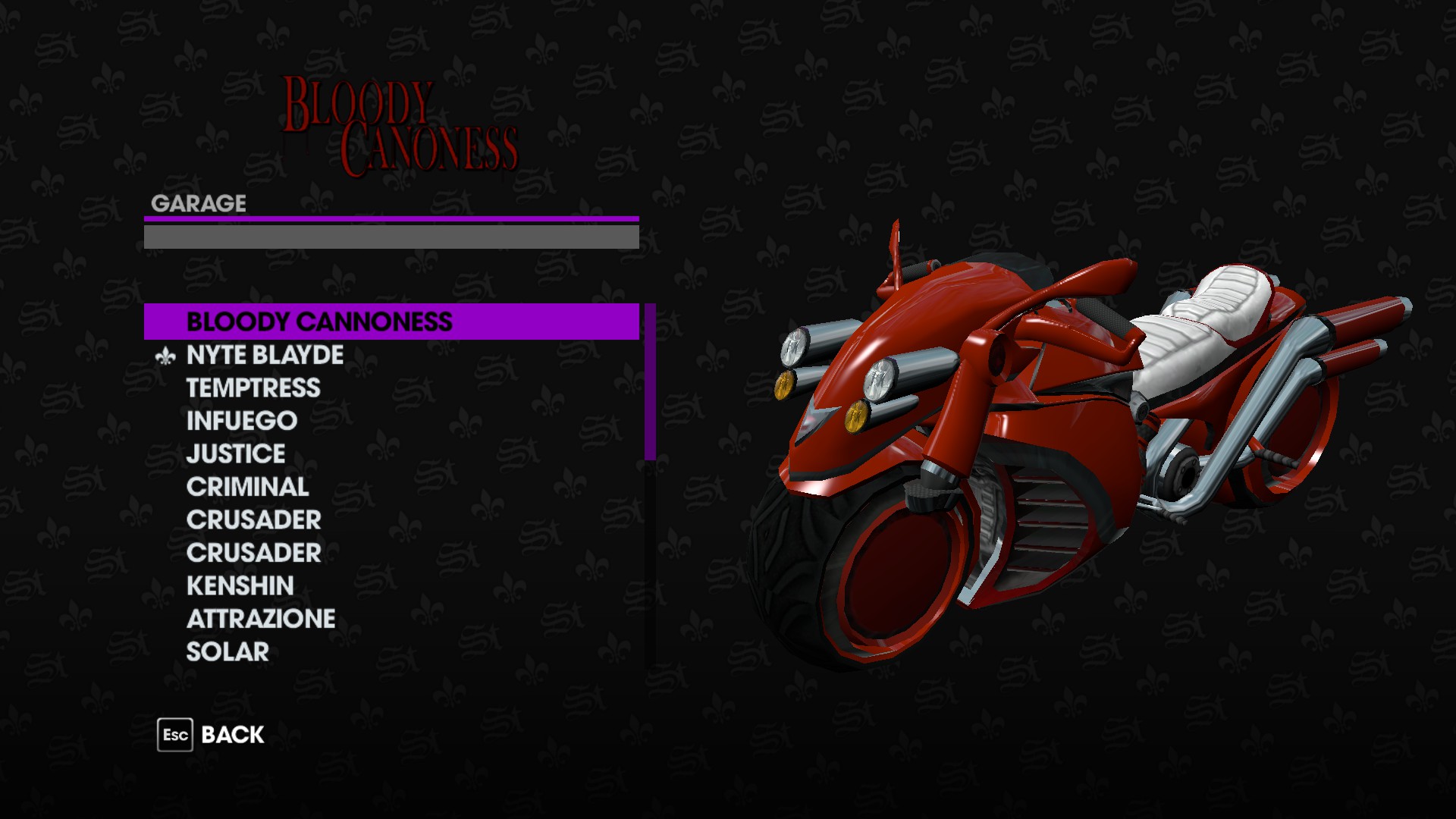
DON'T TOUCH ANYTHING. This is important. Now that you have the vehicle you want selected, you're going to hit the Escape key. MAKE SURE YOU DON'T MOVE THE SELECTION BAR AT ALL.
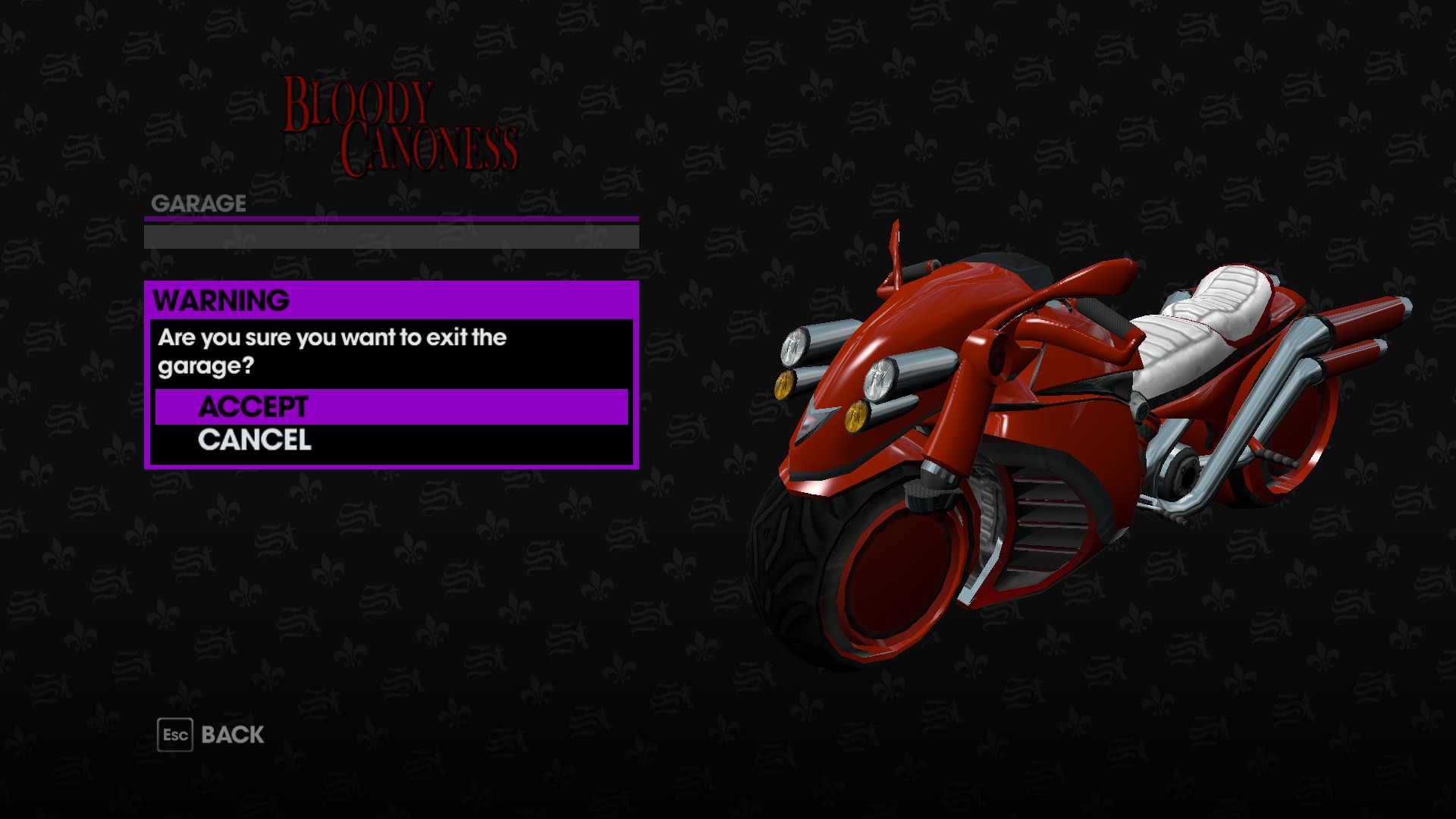
Click on "Accept" to leave the Garage screen.
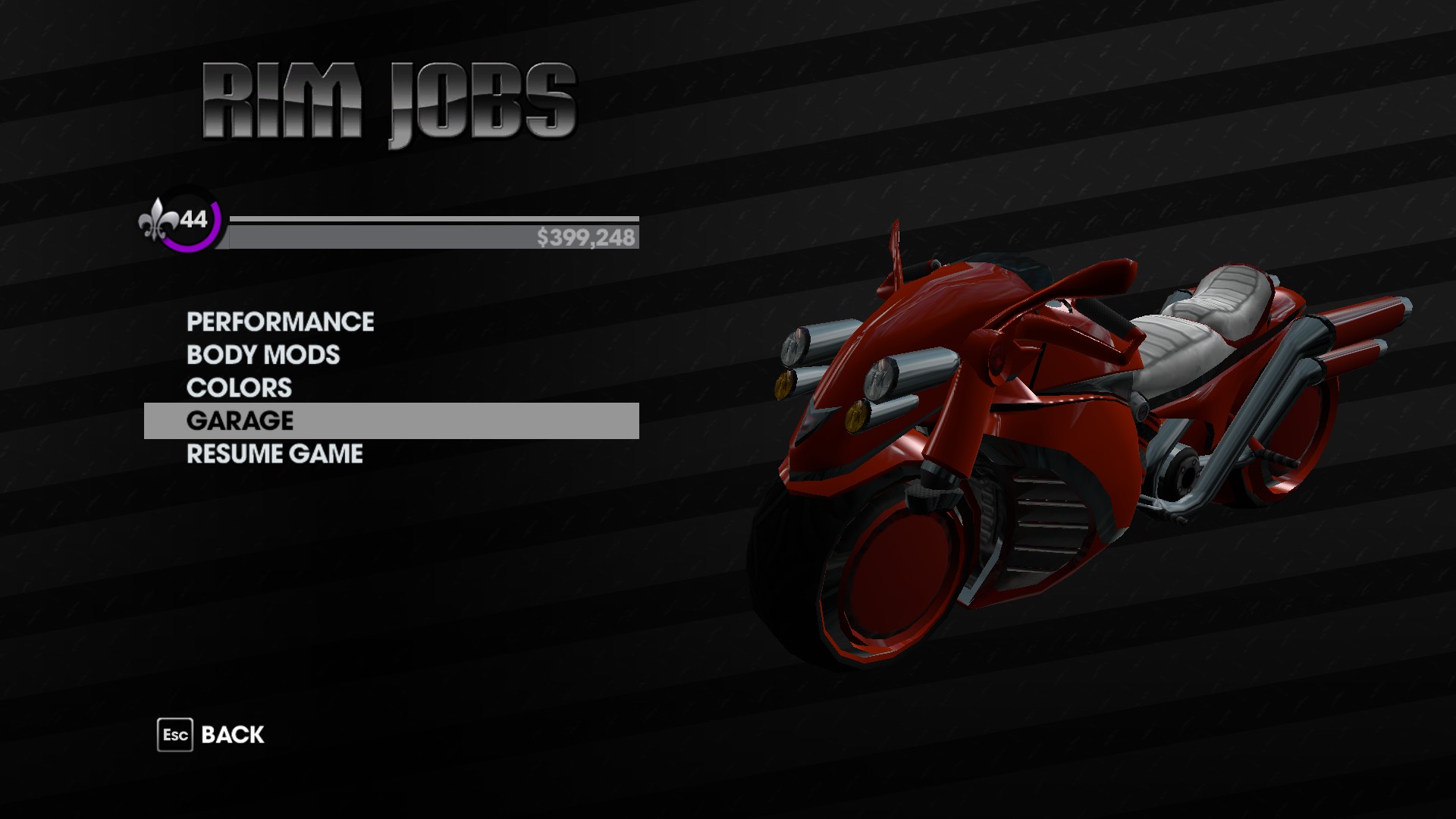
If done correctly, you should now be in the customization screen with your non-customizable vehicle.
Firstly, click on the vehicle you want to customize. For this guide, we'll be using the Bloody Cannoness from the Nyte Blayde DLC. This will give you the option of retrieving the vehicle or cancelling the selection. Retrieving it will kick you out of the garage, so don't do that. Instead, click "Cancel"
DON'T TOUCH ANYTHING. This is important. Now that you have the vehicle you want selected, you're going to hit the Escape key. MAKE SURE YOU DON'T MOVE THE SELECTION BAR AT ALL.
Click on "Accept" to leave the Garage screen.
If done correctly, you should now be in the customization screen with your non-customizable vehicle.
Additional Information
Every vehicle will have different customization options, but keep in mind that non-customizable vehicles won't have as many options as customizable ones. Some vehicles may not work with this glitch; I tried to get this to work with the Genkimobile, but it wouldn't open the menu. The person who showed me this DID have a customized Genkimobile, though, so I'm not entirely sure what I was doing wrong.
EDIT: Apparently the specific vehicles you're allowed to customize with this glitch depend on which vehicle you use to perform it. I'm told that the Gatmobile makes everything work, so I'd reccomend you find one.
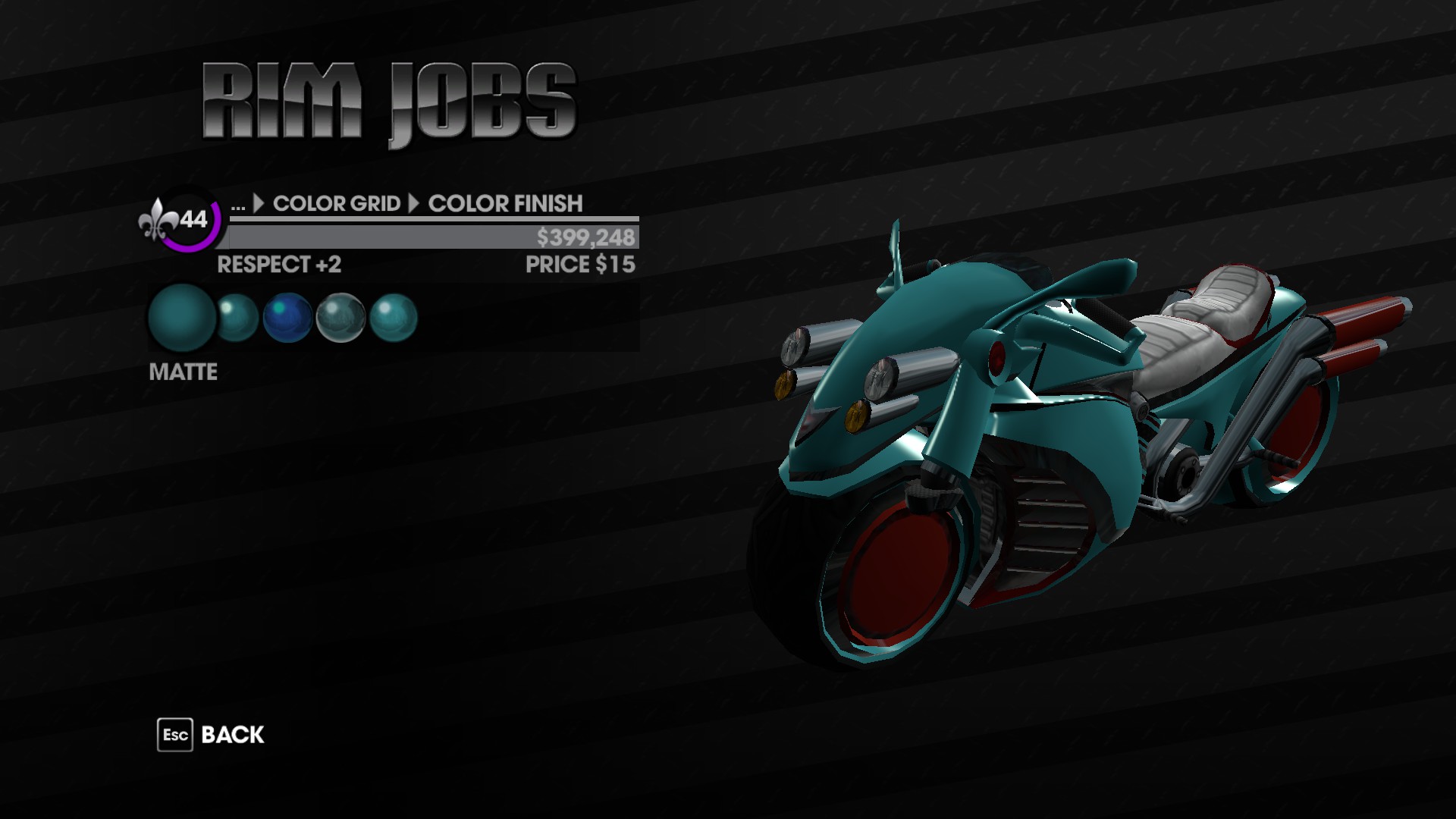
They all should be paintable, with most having two sections of paint. The Bloody Cannoness, for example, has a body section and a rims/tailpipe section. When painting, keep in mind that since these vehicles were not intended to be paintable, not all of the sections may be changed. The accent lines on the body of the Cannoness remain red regardless of how you paint it.
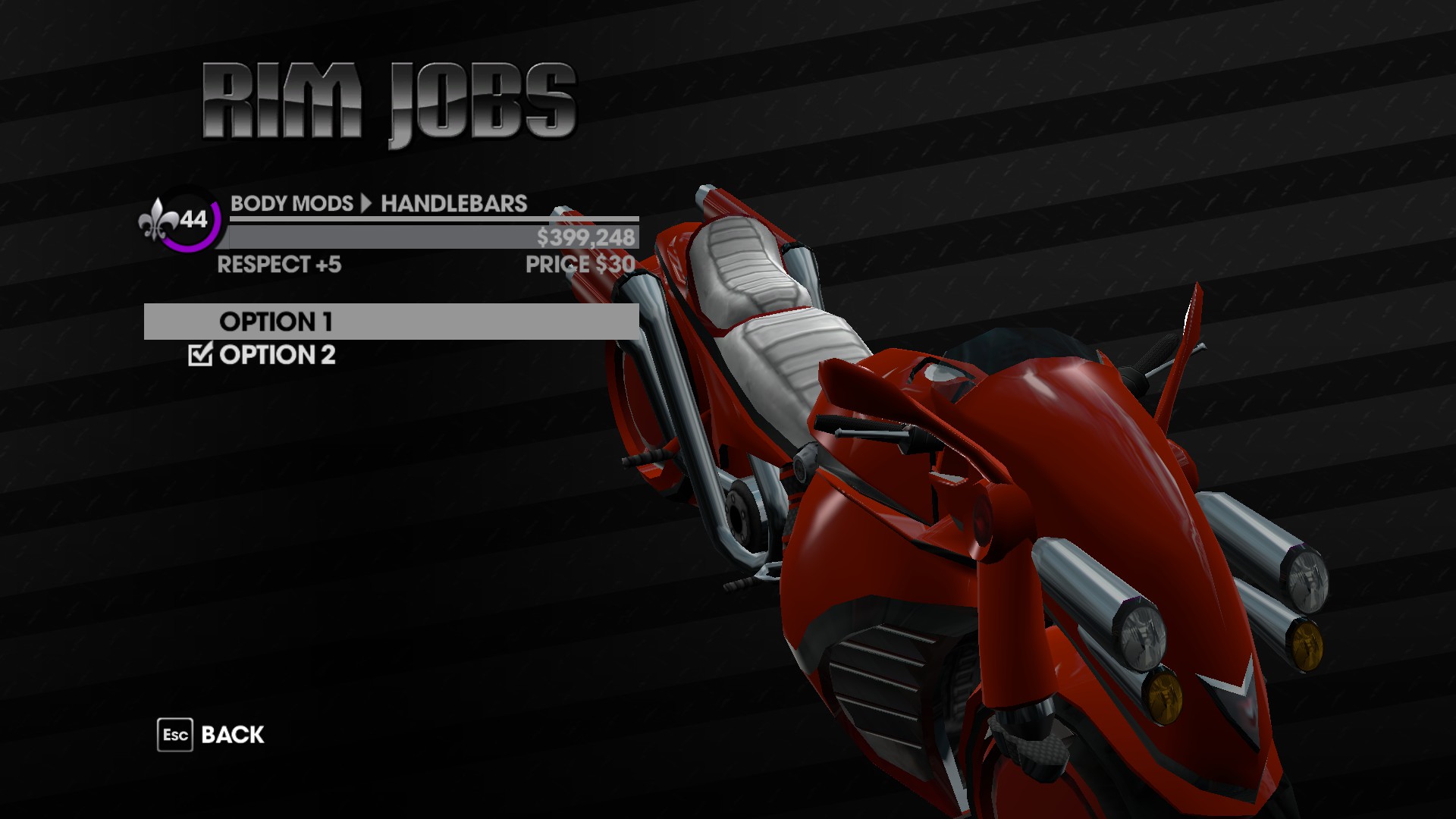
Body mod options for non-customizable vehicles will be EXTREMELY limited. The Cannoness only has options for Handlebar customization, and I believe that may only be because it uses the Kaneda's handlebars.
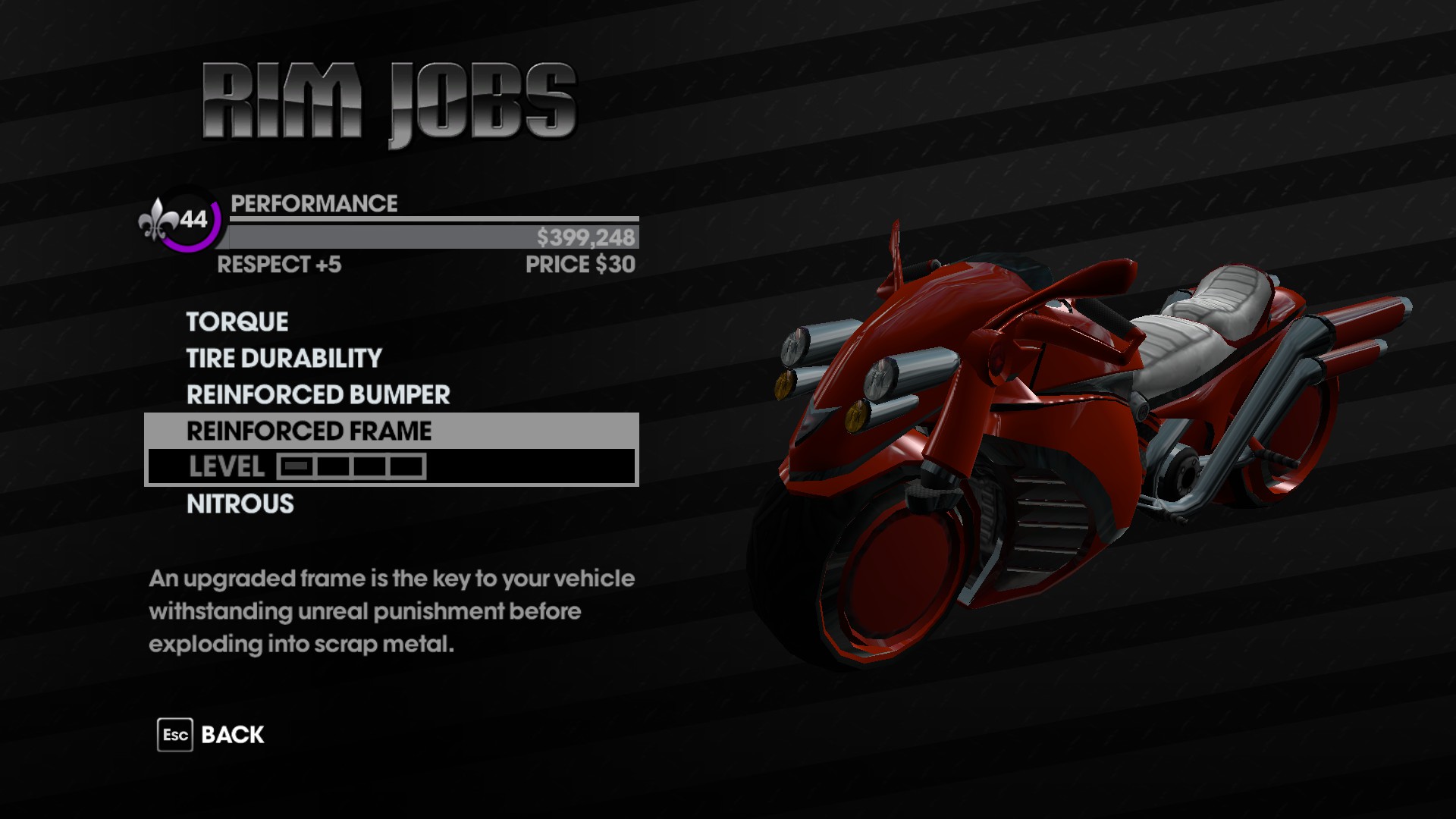
All vehicles will have Performance upgrade options, which is a godsend for players who love the non-customizable vehicles but can't stand how easy they are to destroy. All car-type vehicles (this includes tanks) will have the option to add kneecappers.
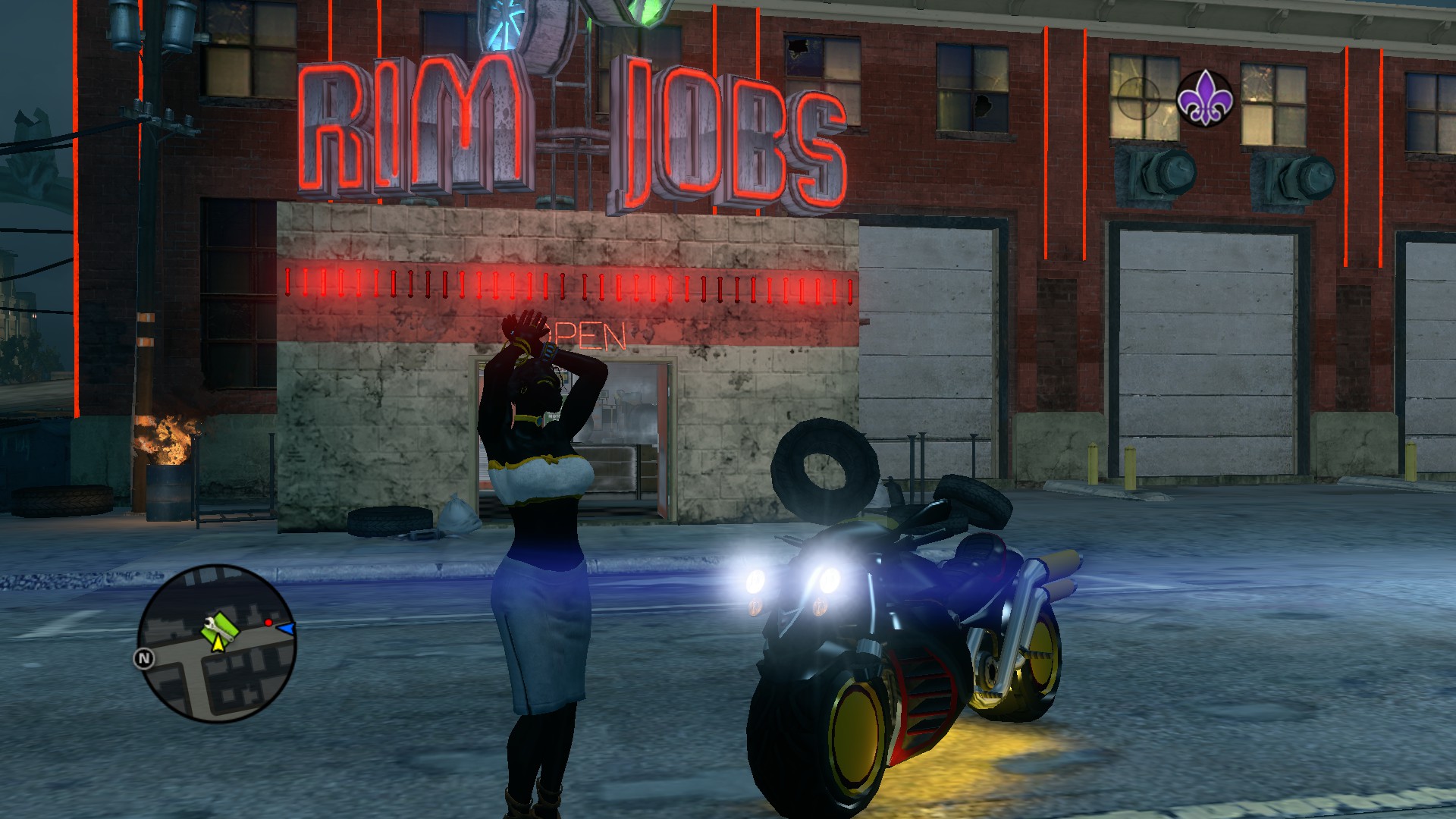
Once you've finished, take your newly-customized vehicle out and show it off to Steelport!
EDIT: Apparently the specific vehicles you're allowed to customize with this glitch depend on which vehicle you use to perform it. I'm told that the Gatmobile makes everything work, so I'd reccomend you find one.
They all should be paintable, with most having two sections of paint. The Bloody Cannoness, for example, has a body section and a rims/tailpipe section. When painting, keep in mind that since these vehicles were not intended to be paintable, not all of the sections may be changed. The accent lines on the body of the Cannoness remain red regardless of how you paint it.
Body mod options for non-customizable vehicles will be EXTREMELY limited. The Cannoness only has options for Handlebar customization, and I believe that may only be because it uses the Kaneda's handlebars.
All vehicles will have Performance upgrade options, which is a godsend for players who love the non-customizable vehicles but can't stand how easy they are to destroy. All car-type vehicles (this includes tanks) will have the option to add kneecappers.
Once you've finished, take your newly-customized vehicle out and show it off to Steelport!
More Saints Row: The Third guides
- Получаем 950 000 $ бесплатно.★ 5 (581)42k views669 ♥1 minRussianUpdated Jan 11, 2016
- Saints Row: The Third — Гайд по достижениям★ 5 (2k)37k views2.3k ♥13 minRussianUpdated Jun 25, 2013
- Map of Locations★ 5 (1.1k)29k views1.3k ♥3 minUpdated Jan 26, 2015
- Saints Row: The Third. Убийства★ 5 (934)25k views1k ♥16 minRussianUpdated Sep 26, 2016
- All Choices and Their Outcomes (+Which Ones to Do)★ 5 (531)24k views789 ♥8 minUpdated Mar 24, 2017
- Saints Row: The Third — Гайд по достижениям. Часть 2. DLC★ 5 (1.4k)23k views1.4k ♥9 minRussianUpdated Jan 4, 2014


This guide was created by its original author on the Steam Community. Are you the author and want it removed? Request removal.