Deathmatch Classic - Complete Guide
Deathmatch Classic
 Deathmatch Classic is a deathmatch game released on June 7th, 2001 by Valve. It was made as a tribute to id Software for their creation of the Quake series, and their contribution to Valve in the form of the Quake engine. The engine, originally made to create Quake, was borrowed by Valve and was then heavily altered to become the Goldsrc engine, which was used to make the likes of the original Half-Life, Team Fortress, Counter-Strike, and many others, including DMC.
 DMC is said to have taken around 3 months to develop. Given that the game is largely pulling from Half-Life's assets, it can be assumed only one or two people at Valve were dedicating their time to making it. Much of that time was likely spent exclusively on mapping. The game first appeared as a free download on June 7th of 2001, then on the 11th was included as a mod in a patch for Half-Life. Currently, it is sold separately on the Steam Store as its own entity. DMC only ever received one content update (excluding general Goldsrc updates), which was two new maps. There was supposed to be an update called Threewave CTF[half-life.fandom.com] which was a DMC update/expansion that was scratched and never released by Valve, however was leaked in the early 2003. It was a port of the Quake mod Threewave Capture, and it would have been a second official game mode for DMC if it had came out. The update can be downloaded due to the HL2 data leak from 2003, however, there are generally no servers active.
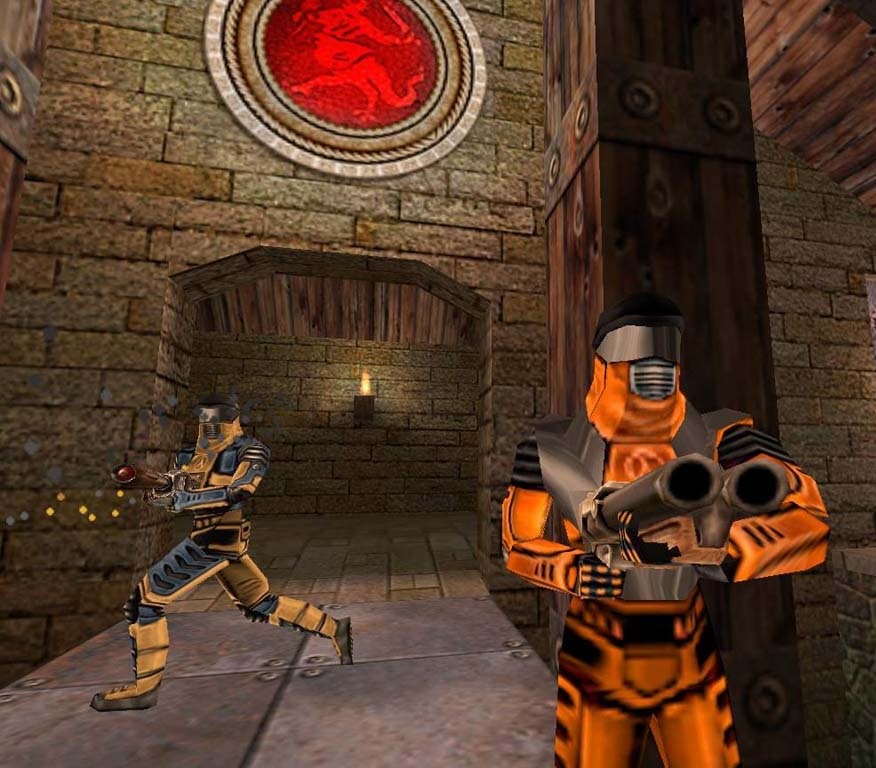
DMC largely resembles the original Quake, but it has some qualities that make it stand out next to its counterpart. For example, DMC was created on the aforementioned Goldsrc engine, which has a distinct visual style and much different movement. The game also has a variety of playermodels to choose from, something Quake lacked, all of which originate from Half-Life. Like Quake, one can alter the color scheme of their character, but DMC allows you to choose to play as characters like Gordon and Barney. Note that this has no effect on gameplay; it is purely aesthetic.
It's evidently not one of Valve's most popular titles. It's often compared with Ricochet because of its small playerbase and relatively basic gameplay, at least on the surface. DMC does have charm, however, as both a piece of history and a pretty fun game.
Gameplay
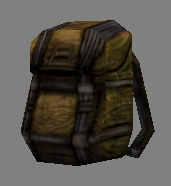
 The main goal in DMC, assuming you are playing the only official mode Deathmatch, is to kill as many enemies as you can. You can find weapons, ammo, armor, powerups, and medkits on the ground to assist you in your fragging. Dead enemies drop a backpack containing the weapons and ammo they had before dying, which you can pick up to obtain. Dying doesn't count against you, but it does add a death to the scoreboard, and also takes away any weapons, armor, or power ups you were in possession of. Dying due to self-inflicted damage does take away a frag (kill), as well as gives you a death.
The game is fast-paced, and as discussed before, it's comparable to Quake. As I mentioned in the above paragraph, there is only one official game mode (Deathmatch), but mods have been made for Team Deathmatch, Capture the Flag, and other modes.
It should be noted that the pace and feel of DMC is really dictated by how many players are in a server. Unless you have some friends to play with, it's uncommon to find servers with any more than 4-5 players, and even that is rare. A server with only two people in it will probably become a digital version of hide-and-seek, while one with 8+ people is generally quite chaotic and quick. A few servers host bots that you can play against, but they're generally not very tough, so they're most useful in terms of sharpening your aim.
Weapons
There are 8 different weapons:
All of the weapons can be found around maps to be picked up (excluding the Crowbar and Shotgun, the weapons you spawn with). They appear as floating models of the weapon which spin around. Simply walk into the model to obtain the weapon. Weapons like the Rocket Launcher and Lightning Gun are often in harder places to get to, and their ammunition tends to be more scarce on competitively-viable maps.
Crowbar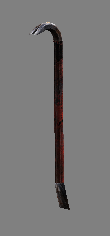
Shotgun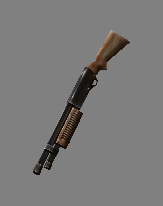
Super Shotgun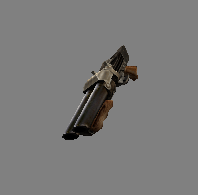
Nailgun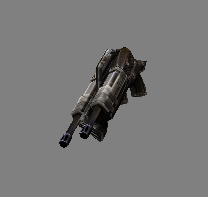
Super Nailgun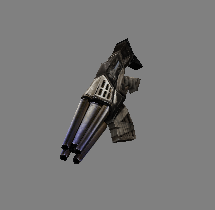
Grenade Launcher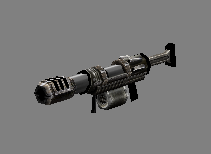
Rocket Launcher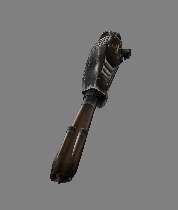
Lightning Gun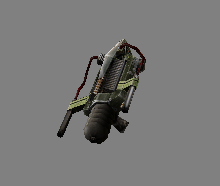
- Crowbar (spawn weapon)
- Shotgun (spawn weapon)
- Super Shotgun
- Nailgun
- Super Nailgun
- Grenade Launcher
- Rocket Launcher
- Lightning Gun
All of the weapons can be found around maps to be picked up (excluding the Crowbar and Shotgun, the weapons you spawn with). They appear as floating models of the weapon which spin around. Simply walk into the model to obtain the weapon. Weapons like the Rocket Launcher and Lightning Gun are often in harder places to get to, and their ammunition tends to be more scarce on competitively-viable maps.
Crowbar
- 20 damage per hit (unarmored)
- Melee weapon, doesn't require ammo
- Swings around twice per second
Shotgun
- Damage depends on distance from target
- Has random bullet spread, fires 6 per shot
- Uses shotgun shells, 1 per shot (you spawn with 25)
Super Shotgun
- Damage depends on distance from target
- Has random bullet spread, fires 12 per shot
- Uses shotgun shells, 2 per shot (you get 5 at pickup)
Nailgun
- Damage depends on projectile travel distance
- Automatic weapon, fires around 10 shots per second
- Uses nails, 1 per shot (you get 30 at pickup)
Super Nailgun
- Damage depends on projectile travel distance
- Automatic weapon, fires around 10 shots per second
- Uses nails, 2 per shot (you get 30 at pickup)
Grenade Launcher
- Damage depends on grenade distance, or if it hit directly
- Fires almost 3 grenades per second
- Uses rockets, 1 per shot (you get 15 at pickup)
Rocket Launcher
- Damage depends on rocket distance, or if it hit directly
- Fires around 3 rockets per 2 seconds
- Uses rockets, 1 per shot (you get 5 at pickup)
Lightning Gun
- Extremely high damage output
- Fires around 15 cells per second
- Uses battery cells, 1 per "shot" (you get 15 at pickup)
Ammo
There are 4 different types of ammo:
Shotgun Shells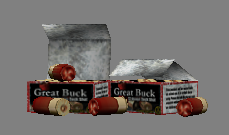
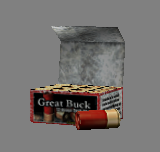 Shotgun shells can be used on the Shotgun or Super Shotgun. They can be found on the ground in sizes of 20 shells and 40 shells. Interestingly, they're branded "Great Buck", which is unique to DMC, not being found in similar models in other Goldsrc games.
Nails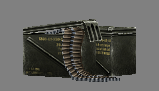
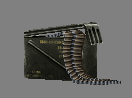 Nails can be used on the Nailgun or Super Nailgun. They can be found on the ground in sizes of 25 nails and 50 nails.
Rockets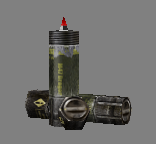
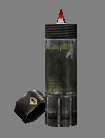 Rockets can be used on the Grenade Launcher or Rocket Launcher. They can be found on the ground in sizes of 5 rockets and 10 rockets.
Batteries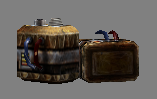
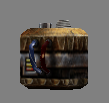 Batteries can be used on the Lightning Gun. They can be found on the ground in sizes of 6 cells and 12 cells. Batteries provide cells and cells are not bullets but rather energy for the Lightning Gun. This ammo tends to be rather scarce and not plentiful on competitive-oriented maps, so look out for it as you move about. Strangely, the 12 cell Battery model is unused, and both sizes share the 6 cell model.
- Shotgun Shells
- Nails
- Rockets
- Batteries
Shotgun Shells
Shotgun shells can be used on the Shotgun or Super Shotgun. They can be found on the ground in sizes of 20 shells and 40 shells. Interestingly, they're branded "Great Buck", which is unique to DMC, not being found in similar models in other Goldsrc games.Nails
Nails can be used on the Nailgun or Super Nailgun. They can be found on the ground in sizes of 25 nails and 50 nails.Rockets
Rockets can be used on the Grenade Launcher or Rocket Launcher. They can be found on the ground in sizes of 5 rockets and 10 rockets.Batteries
Batteries can be used on the Lightning Gun. They can be found on the ground in sizes of 6 cells and 12 cells. Batteries provide cells and cells are not bullets but rather energy for the Lightning Gun. This ammo tends to be rather scarce and not plentiful on competitive-oriented maps, so look out for it as you move about. Strangely, the 12 cell Battery model is unused, and both sizes share the 6 cell model.Armor
There are 3 different types of Armor:
Green Armor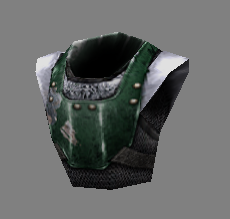 Green armor provides 100 Armor and reduces damage by 30%.
Yellow Armor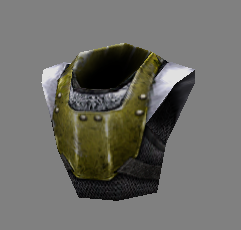 Yellow armor provides 150 Armor and reduces damage by 60%.
Red Armor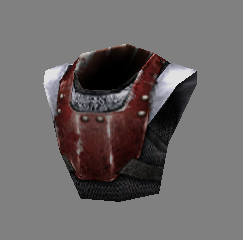 Red armor provides 200 Armor and reduces damage by 80%.
- Green Armor
- Yellow Armor
- Red Armor
Green Armor
Green armor provides 100 Armor and reduces damage by 30%.Yellow Armor
Yellow armor provides 150 Armor and reduces damage by 60%.Red Armor
Red armor provides 200 Armor and reduces damage by 80%.Powerups
All of the powerups are:
It is possible to obtain two or all three powerups at once; for example, if you grabbed a Quad and then also grabbed the Pentagram of Protection, you would deal 4x damage to others while also unable to take damage.
Quad Damage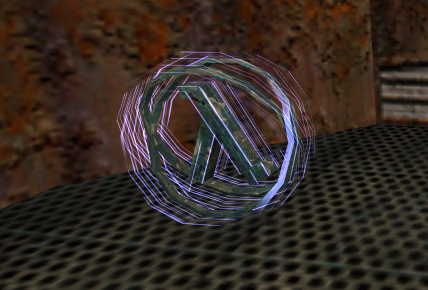 Quad Damage quadruples the damage you do to both other players and yourself. If you have a weapon like the Rocket Launcher and you get Quad, you can often get one-shot kills. Keep in mind you can hurt yourself with explosives, so you should take care when you have Quad. Its lambda is light blue, and it has a reflective/glassy texture.
Ring of Shadows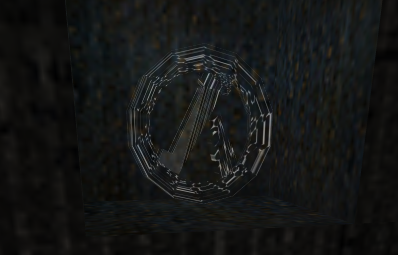 Ring of Shadows makes you completely invisible to opponents at long range, but the closer you get to them, the more visible you will be. Its lambda is invisible, but with reflections that make it easy to see. In-game, looking at this powerup is similar to how you look to other players when you have it.
Pentagram of Protection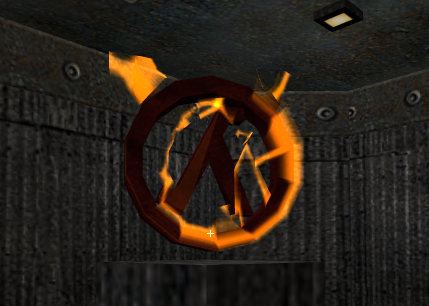 The Pentagram of Protection makes you invincible to all damage sources. This is great for things like rocket jumping and close-quarters combat with explosives, as you don't have to worry about hurting yourself. You can also fall into lava and not take damage. However, your armor still absorbs damage like usual. It's lambda is yellow/red. Despite the name, it is a lambda rather than a pentagram, but the console still refers to it as the "Pentagram of Protection."
- Quad Damage
- Invisibility
- Pentagram of Protection
It is possible to obtain two or all three powerups at once; for example, if you grabbed a Quad and then also grabbed the Pentagram of Protection, you would deal 4x damage to others while also unable to take damage.
Quad Damage
Quad Damage quadruples the damage you do to both other players and yourself. If you have a weapon like the Rocket Launcher and you get Quad, you can often get one-shot kills. Keep in mind you can hurt yourself with explosives, so you should take care when you have Quad. Its lambda is light blue, and it has a reflective/glassy texture.Ring of Shadows
Ring of Shadows makes you completely invisible to opponents at long range, but the closer you get to them, the more visible you will be. Its lambda is invisible, but with reflections that make it easy to see. In-game, looking at this powerup is similar to how you look to other players when you have it.Pentagram of Protection
The Pentagram of Protection makes you invincible to all damage sources. This is great for things like rocket jumping and close-quarters combat with explosives, as you don't have to worry about hurting yourself. You can also fall into lava and not take damage. However, your armor still absorbs damage like usual. It's lambda is yellow/red. Despite the name, it is a lambda rather than a pentagram, but the console still refers to it as the "Pentagram of Protection."Medkits
There are 3 different Medkits:
Medkits provide you with health. Aside from Megahealth, you have to have a health of less than 100 in order to use these. To use a medkit, walk over it.
Small Medkit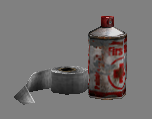 The Small Medkit provides 15 health.
Large Medkit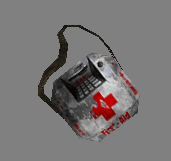 The Large Medkit provides 25 health.
Megahealth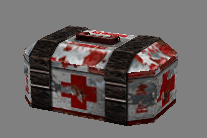 Megahealth provides you with 100 health, and any extra will overheal you; for example, a player with 75 health who picks up Megahealth will now have 175 health. The number ticks down from 175 at a fairly slow rate, and stops falling once the player is at 100 health.
- Small Medkit
- Large Medkit
- Megahealth
Medkits provide you with health. Aside from Megahealth, you have to have a health of less than 100 in order to use these. To use a medkit, walk over it.
Small Medkit
The Small Medkit provides 15 health.Large Medkit
The Large Medkit provides 25 health.Megahealth
Megahealth provides you with 100 health, and any extra will overheal you; for example, a player with 75 health who picks up Megahealth will now have 175 health. The number ticks down from 175 at a fairly slow rate, and stops falling once the player is at 100 health.Rocket Jumping
Rocket jumping is a technique used by players to quickly move around the map and get to areas that would otherwise be inaccessible. Rocket jumping can rush you forward swiftly or launch you high into the air, and anywhere in between if you're good at it.
Rocket jumping can easily be performed by pointing your Rocket Launcher towards the ground under you, then jumping and left clicking at the same time. The best way to learn is to create a private match on an open map and just try to rocket jump onto things. Your aim determines whether the rocket sends you up high or if it blasts you forward. Below is an example of some basic rocket jumps on dmc_dm2, where you have to rocket jump in order to get a Quad.
Rocket jumping can easily be performed by pointing your Rocket Launcher towards the ground under you, then jumping and left clicking at the same time. The best way to learn is to create a private match on an open map and just try to rocket jump onto things. Your aim determines whether the rocket sends you up high or if it blasts you forward. Below is an example of some basic rocket jumps on dmc_dm2, where you have to rocket jump in order to get a Quad.
Bunny Hopping (bhop)
Bunny hopping is a technique that GoldSrc carried over from its origins in the Quake engine. While the latter has two techniques referred to as strafe jumping and bhopping, GoldSrc games only have the latter.
Bhopping a method of obtaining a faster movement speed through a series of consecutive jumps. Doing it can give players a serious advantage in terms of getting items and gaining an advantage during fights. It's a hard maneuver to pull off, but practice over time will lead you to consistency. Watch the video below for a decent example of how it works and looks. I won't go into a lot of detail about how to do it here, but the basics are to keep jumping and strafing; when you jump and land, you should immediately jump again. The reason bhopping works is because you aren't really touching the ground, as that's what slows you down. It helps to use your mousewheel to jump so that you don't necessarily have to time your space bar perfectly. To do this, type "bind mwheelup +jump" and/or "bind mwheeldown +jump" in the console.
There's many tutorials online for this; any of them that are on the Goldsrc engine will work fine for DMC. Bhopping is tricky at first, but it can be done well with patience.
Bhopping a method of obtaining a faster movement speed through a series of consecutive jumps. Doing it can give players a serious advantage in terms of getting items and gaining an advantage during fights. It's a hard maneuver to pull off, but practice over time will lead you to consistency. Watch the video below for a decent example of how it works and looks. I won't go into a lot of detail about how to do it here, but the basics are to keep jumping and strafing; when you jump and land, you should immediately jump again. The reason bhopping works is because you aren't really touching the ground, as that's what slows you down. It helps to use your mousewheel to jump so that you don't necessarily have to time your space bar perfectly. To do this, type "bind mwheelup +jump" and/or "bind mwheeldown +jump" in the console.
There's many tutorials online for this; any of them that are on the Goldsrc engine will work fine for DMC. Bhopping is tricky at first, but it can be done well with patience.
Standard Maps
 All of the official, Valve-made maps are:
- dmc_dm2
- dmc_dm3
- dmc_dm4
- dmc_dm6
- dmc_e1m2
- p_se_3
- dcdm5
dmc_dm2
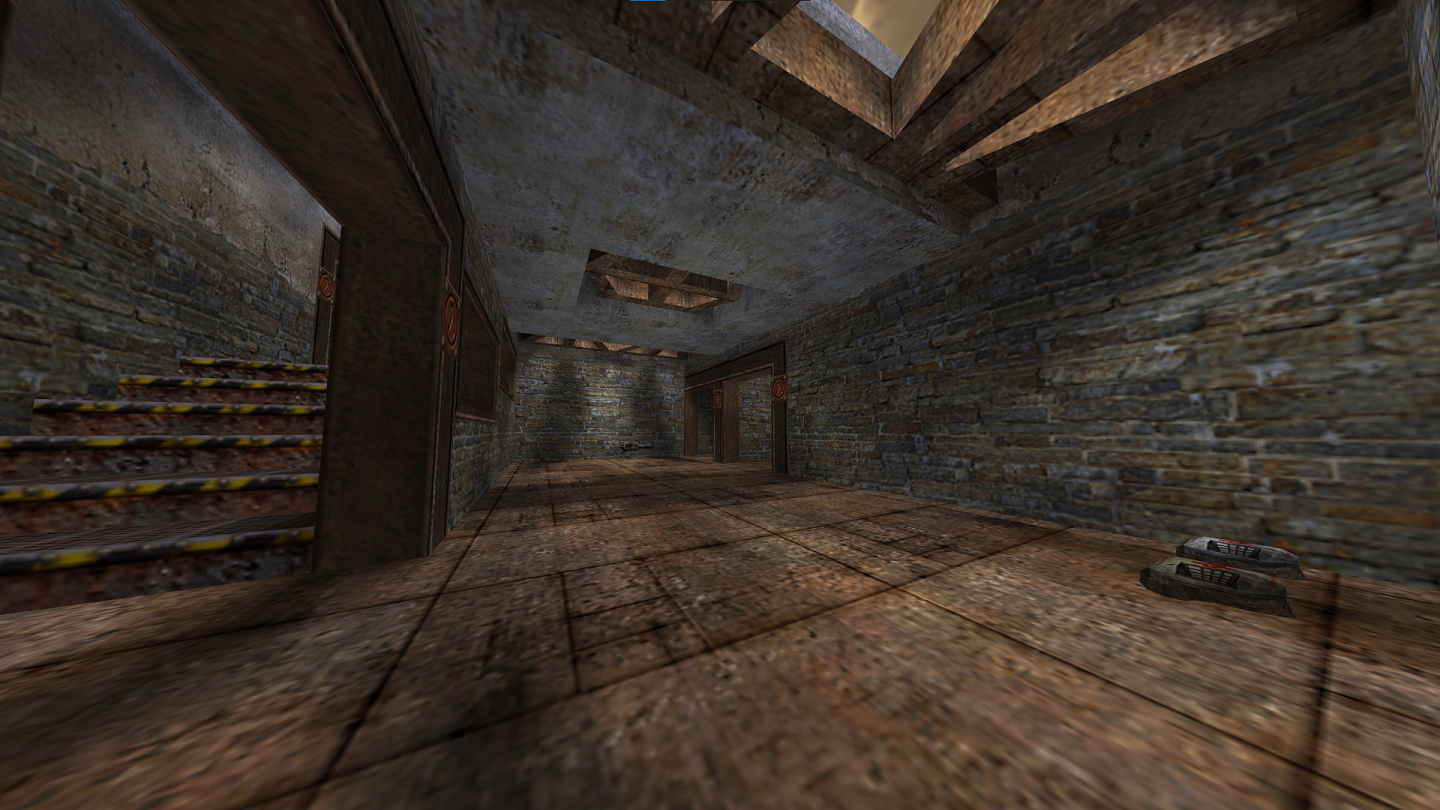
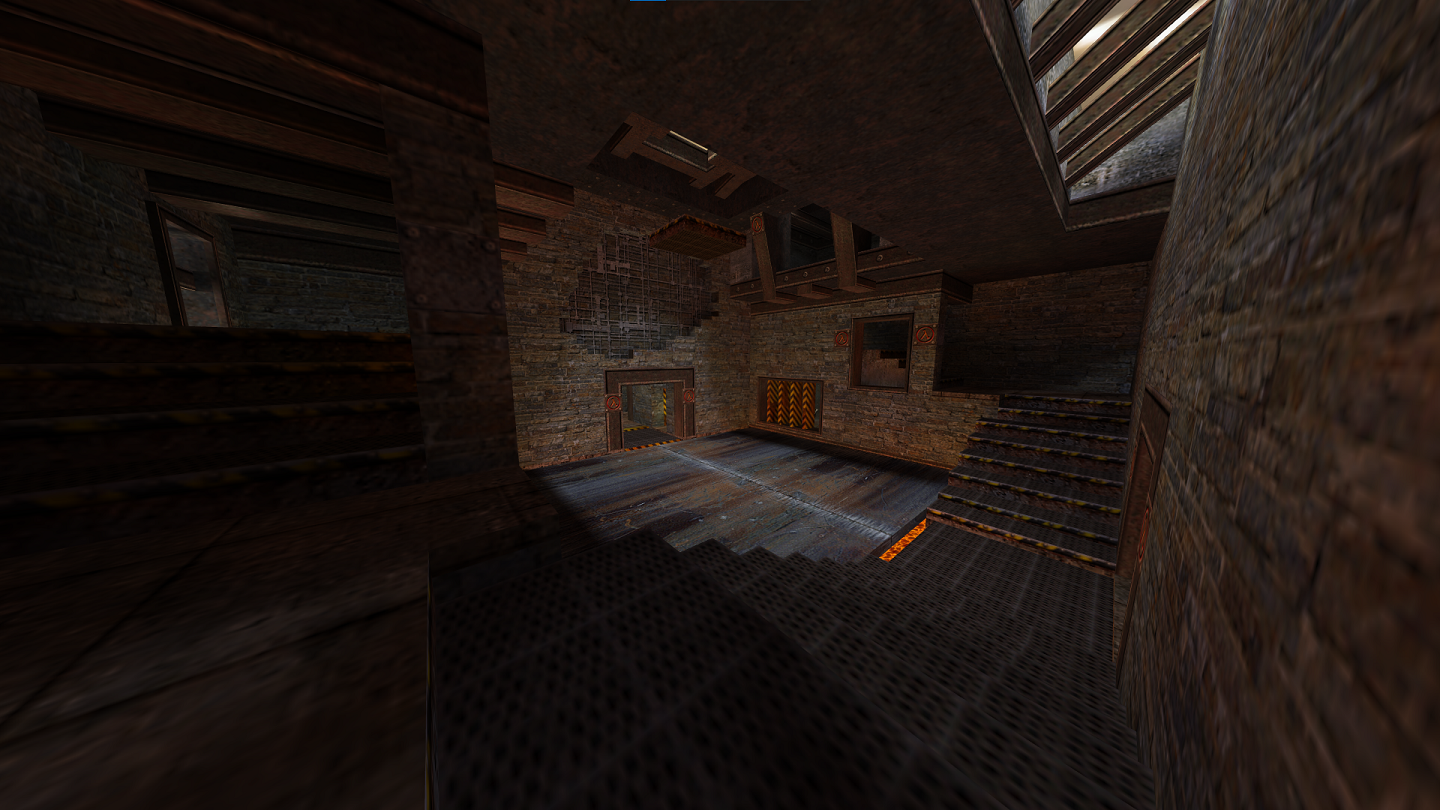 Fairly tight-cornered map. The Rocket Launcher is hard for players to guard, as the room containing it has many entrances. Watch out in the area shown in the second picture, as there's buttons that those staircases lead to which open the floor to reveal lava.
dmc_dm3
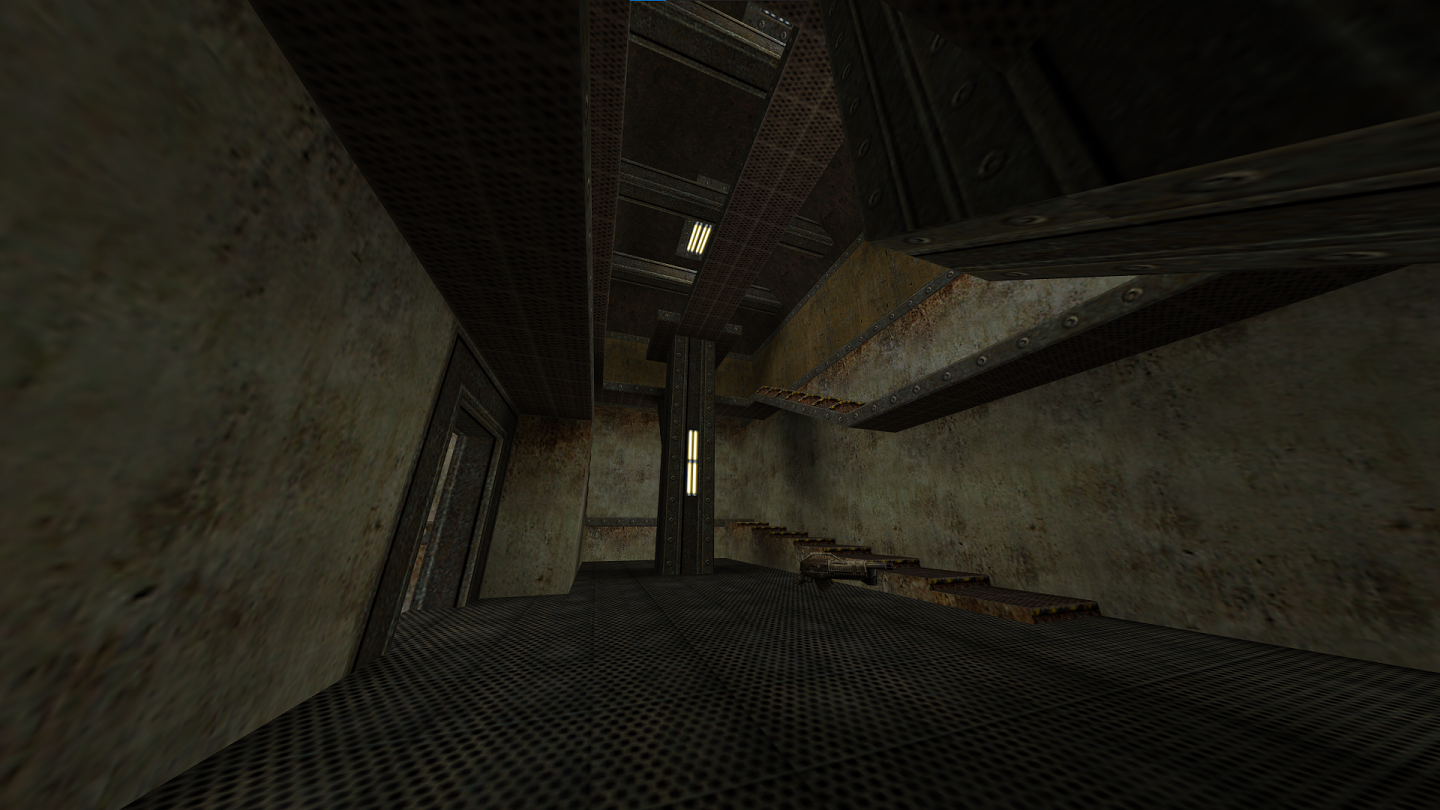
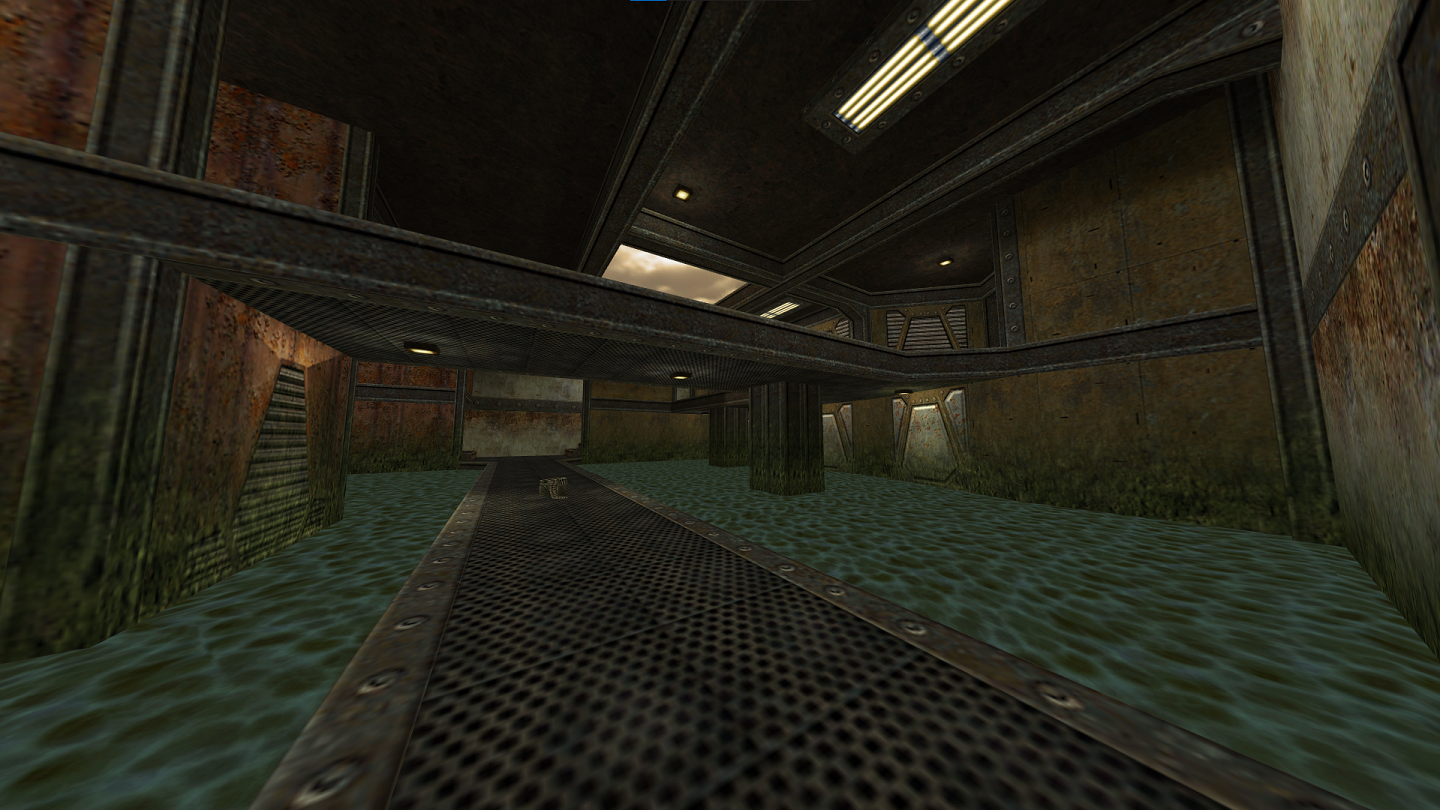 A somewhat large map. The Rocket Launcher is where the staircase on the left of the second picture leads, which is also a dead end, making it easy for players to try to camp and guard away from others. The Lightning Gun is in the water.
dmc_dm4
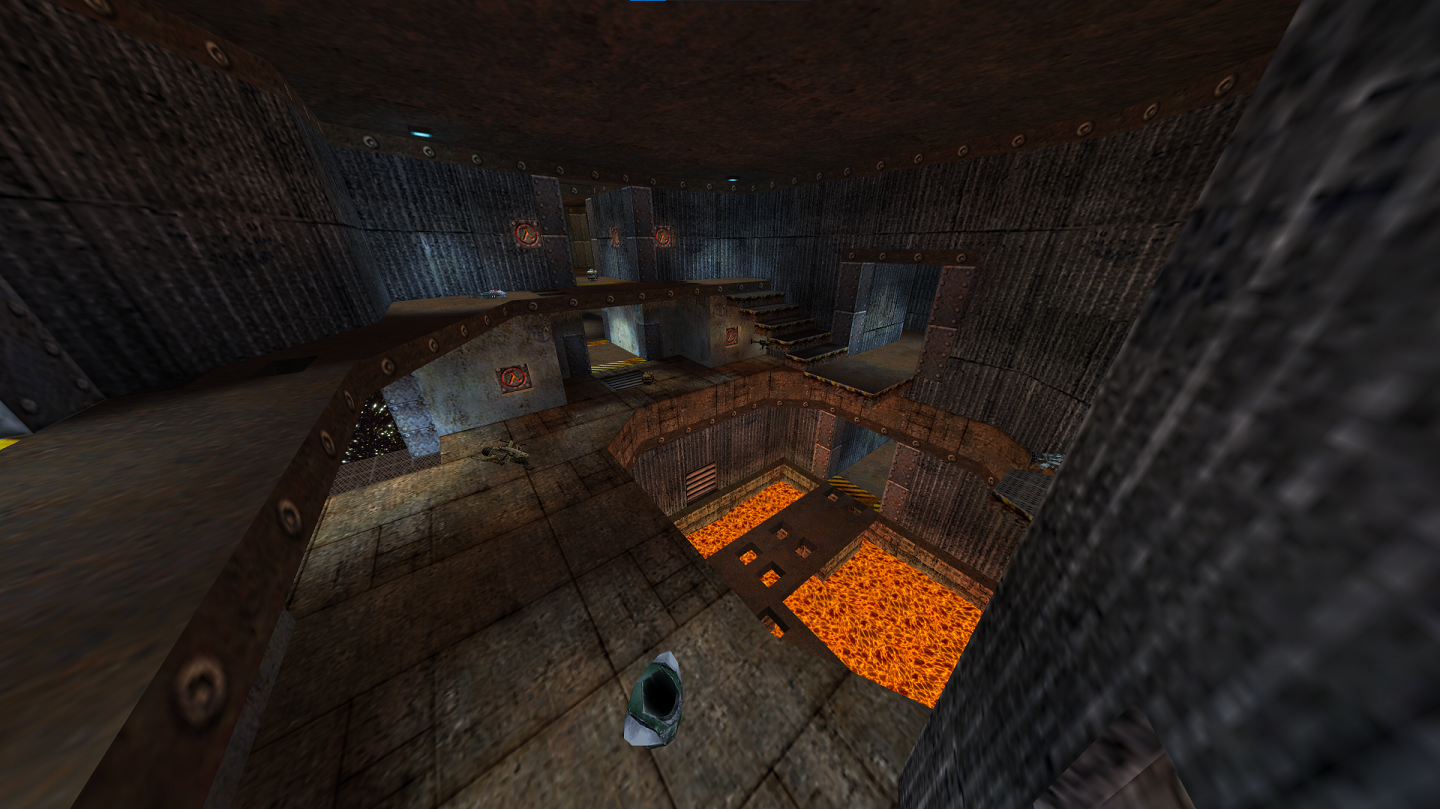
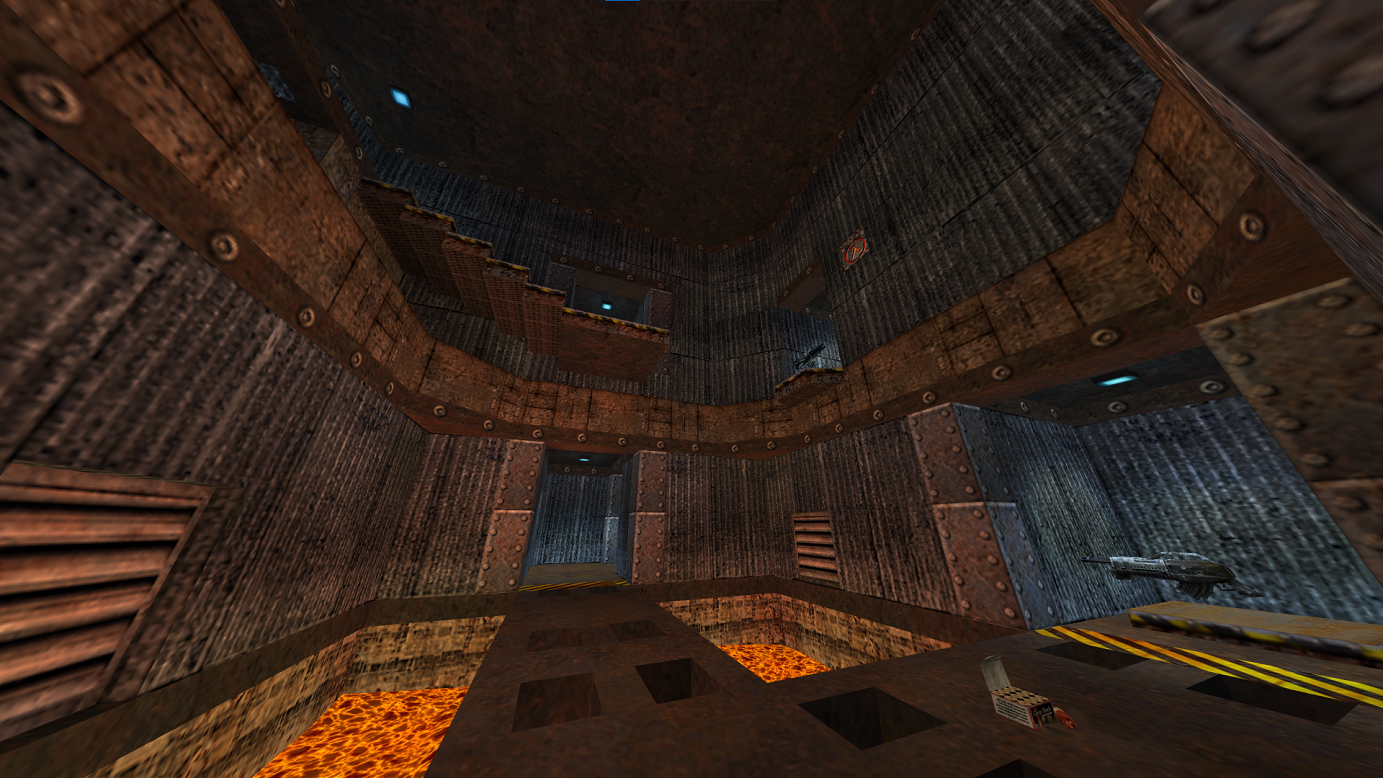 A map with many corners, twists and turns. Arguably one of the faster, more chaos-driven maps. The strongest weapons are in strange spots, and often can easily be guarded.
dmc_dm6
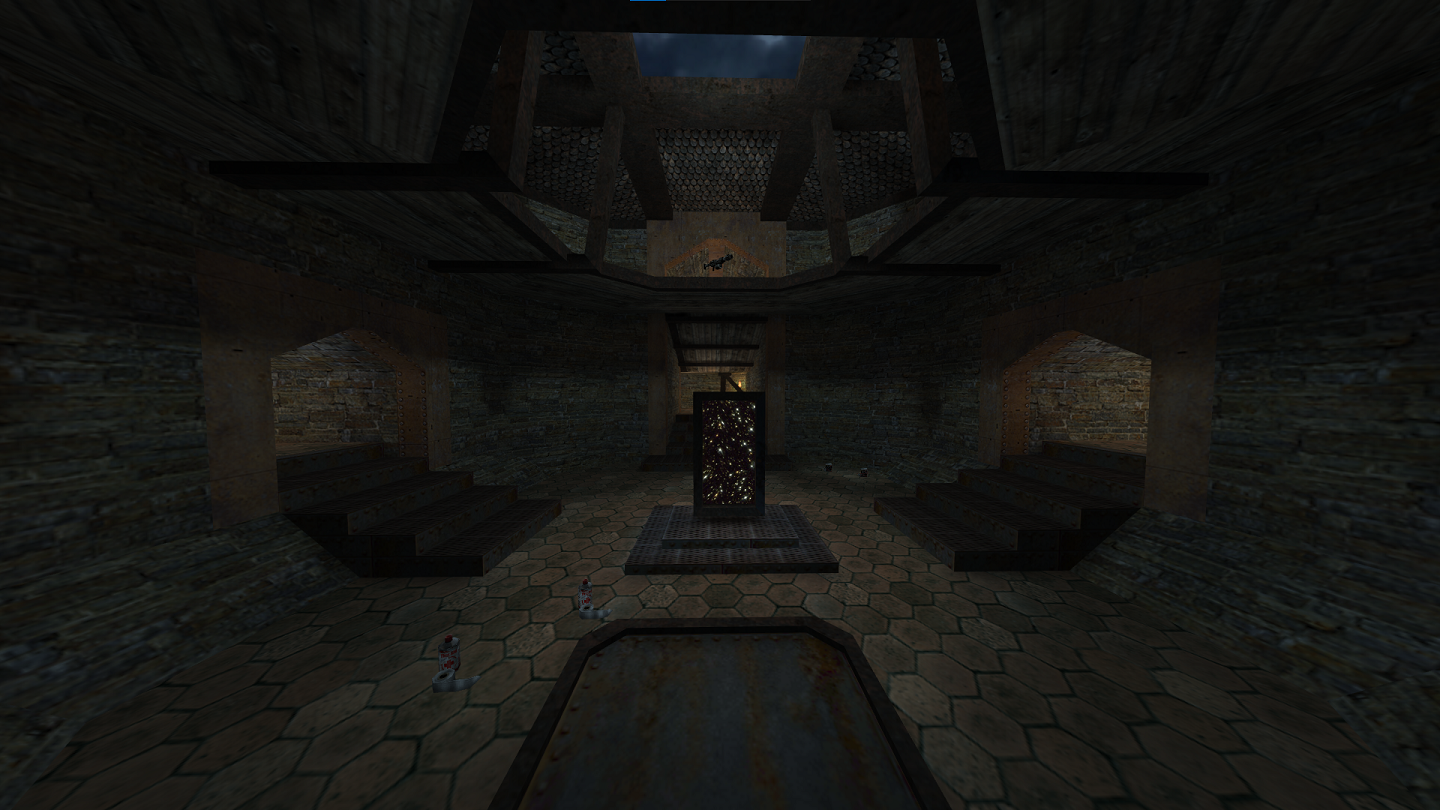
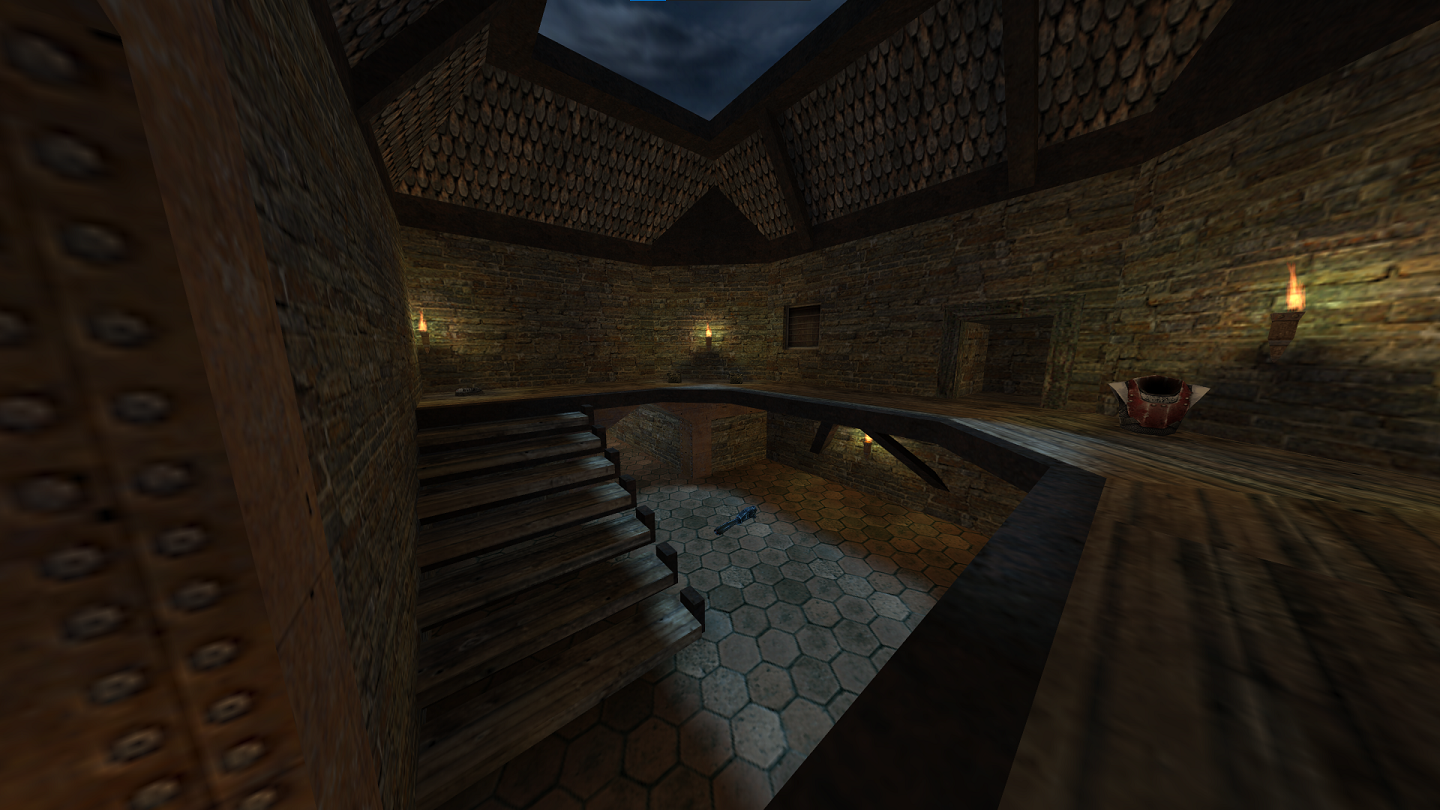 This map makes for an interesting match with only 2-4 players. An abundance of hallways make it great for practicing bhops. The Rocket Launcher is pictured in the second image, near Red Armor. This room is crucial to controlling the match.
dmc_e1m2
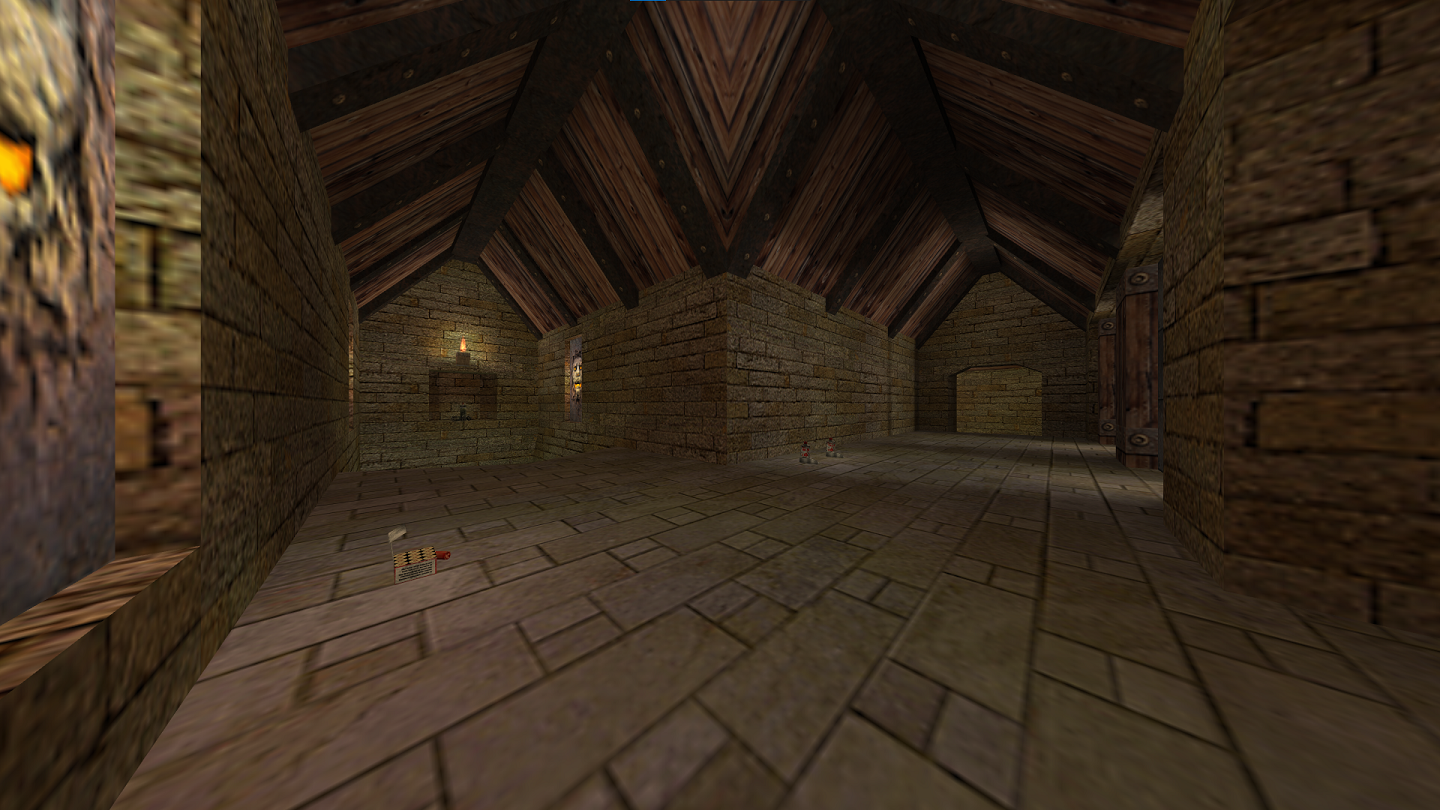
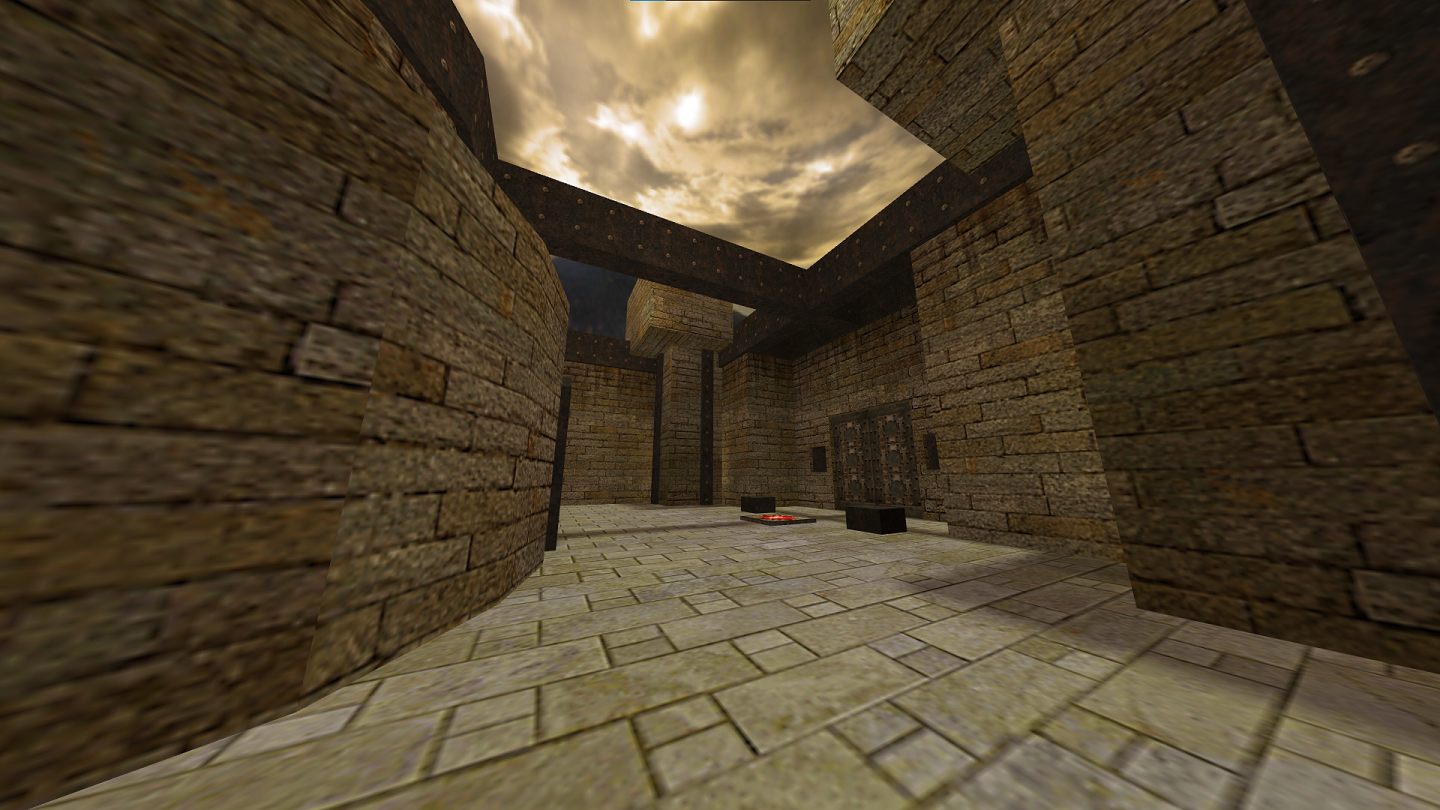 An interesting map, it has many buttons and an extensive water area.
p_se_3
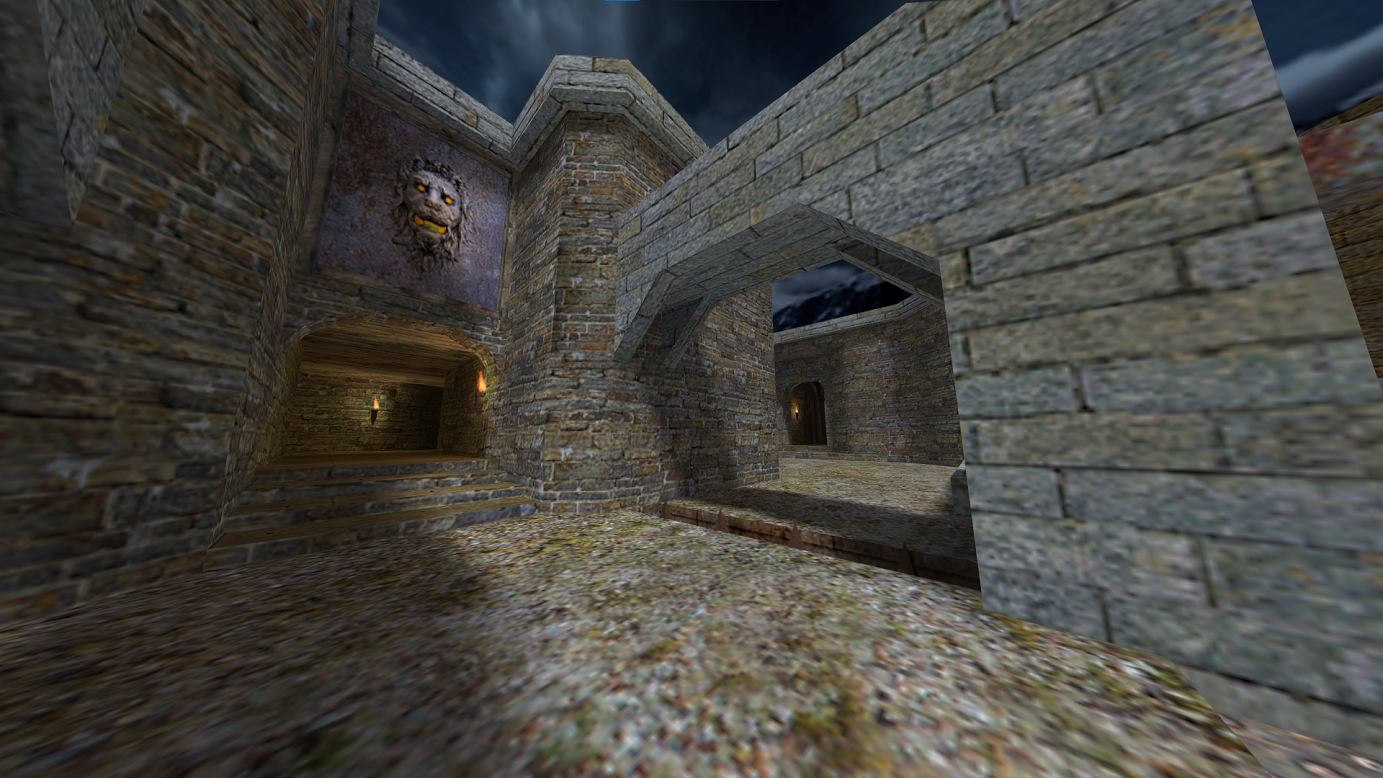
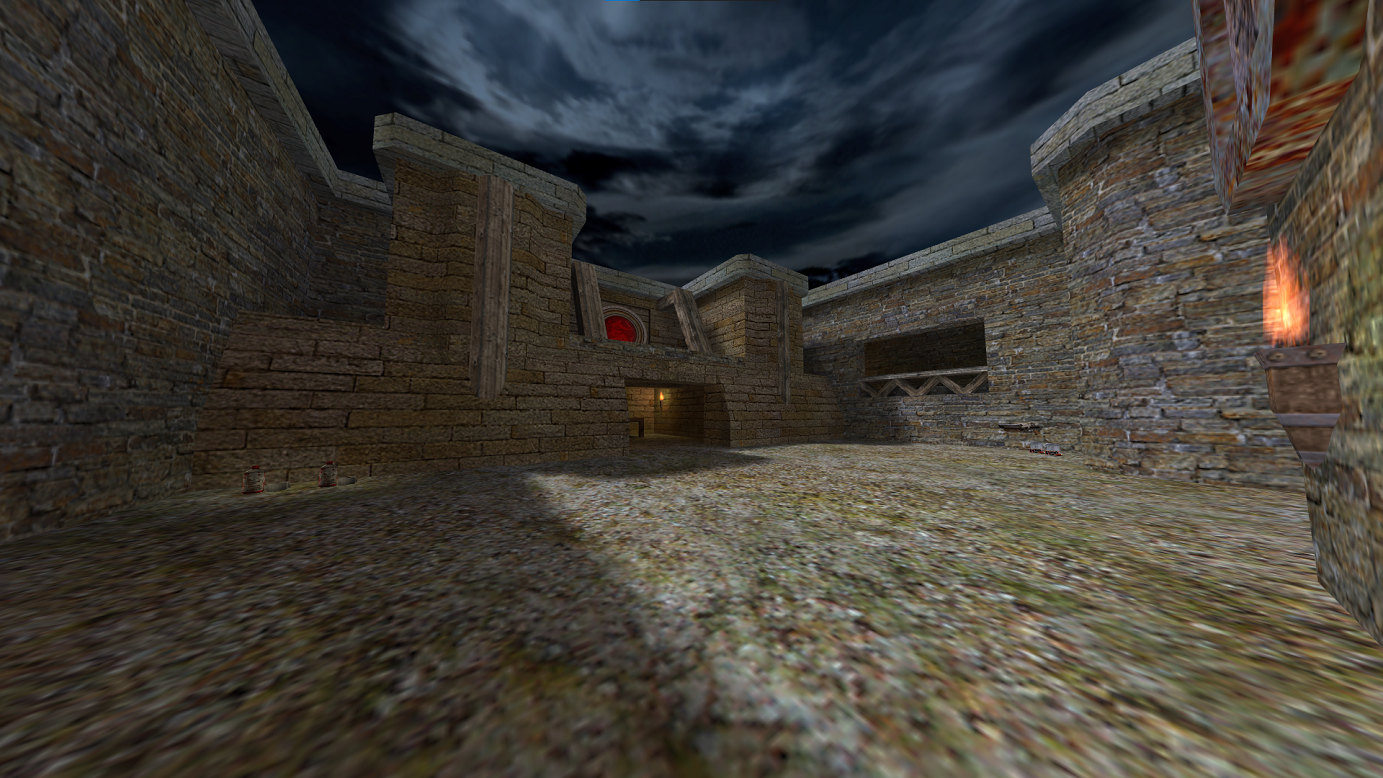 A unique, particularly liminal map. It makes for fun matches, being a big map with some interesting areas to explore.
dcdm5
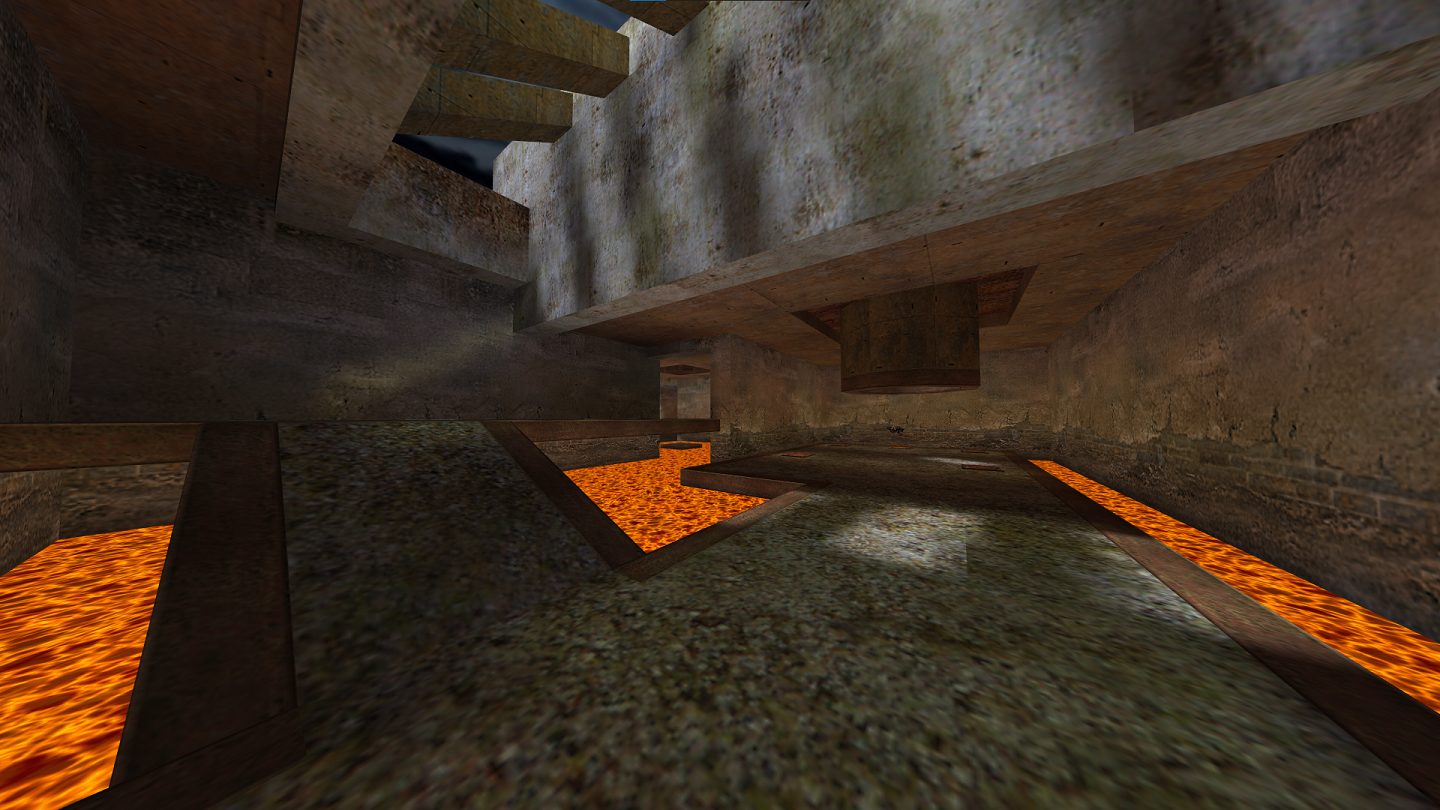
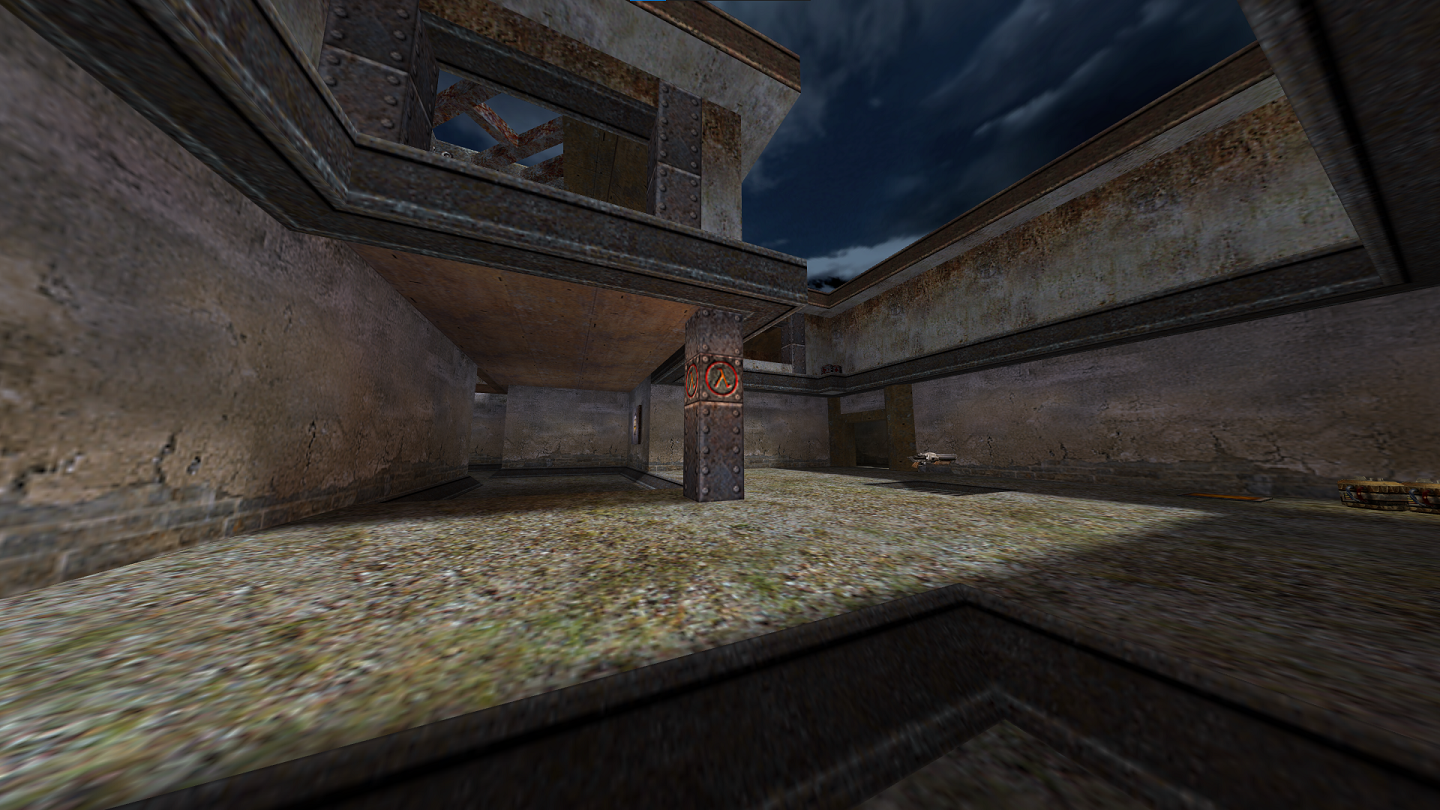 A map with lots of lava, so watch your step. Players generally engage in close-quarters combat.
Custom Maps
Despite DMC fostering such a small community, it has a fairly active mapping scene, with new ones being uploaded every so often to sites such as Game Banana[gamebanana.com] and others. I've listed a few popular ones that you'll often find being ran on servers below.
dmc_revenant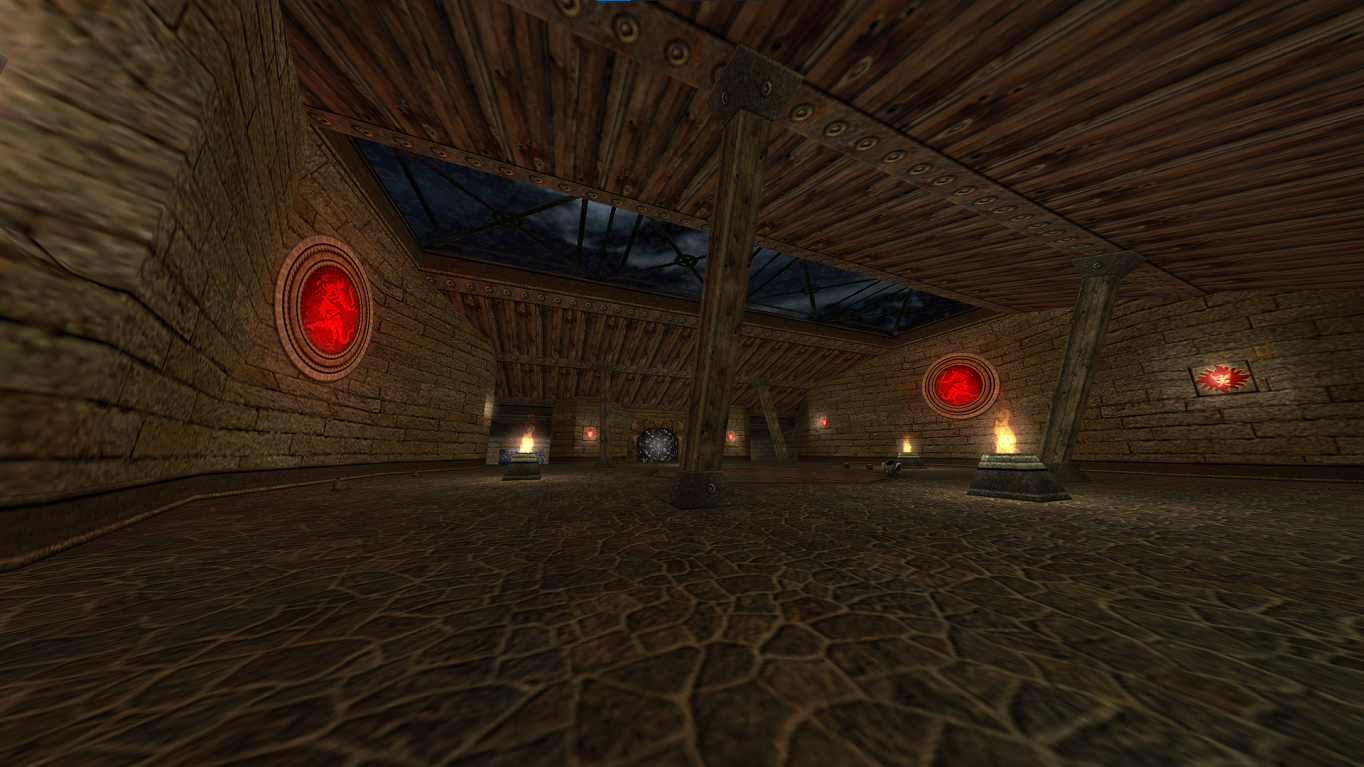
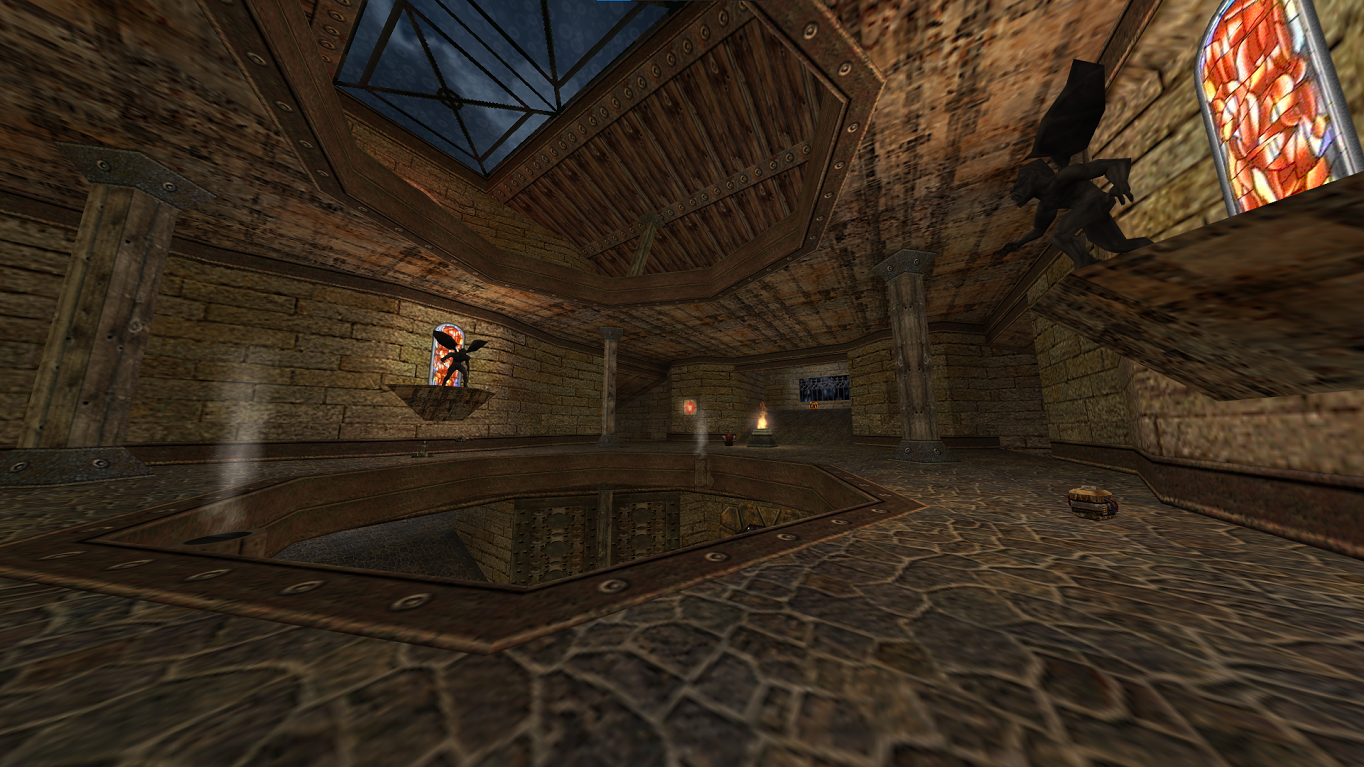 An interesting map, it was made exclusively for DMC. It's probably the most popular of the unofficial maps, and arguably more popular than a few of them. It has three floors that are all very similar. The lightning gun can be found in the water on the bottom floor.
dmc_crossfire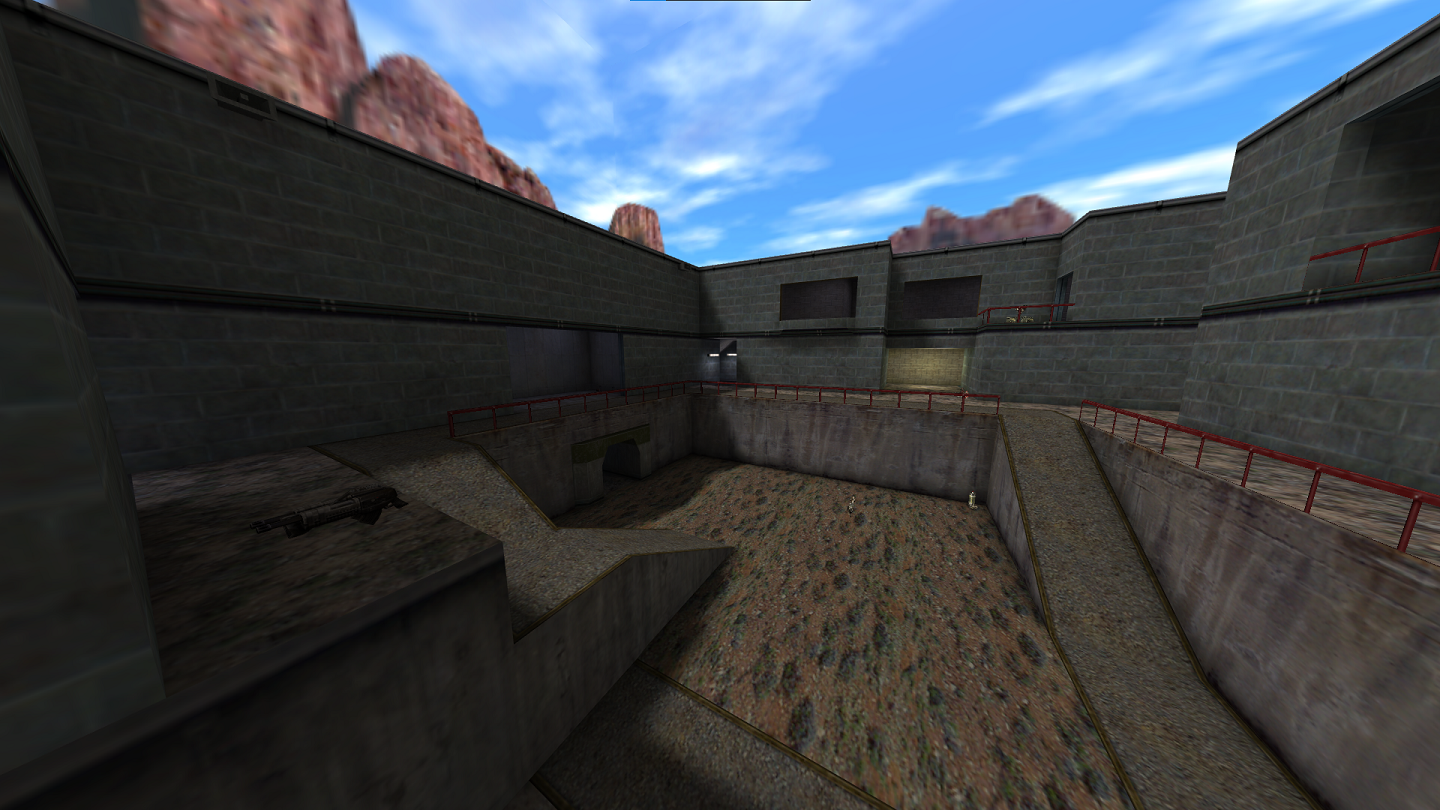
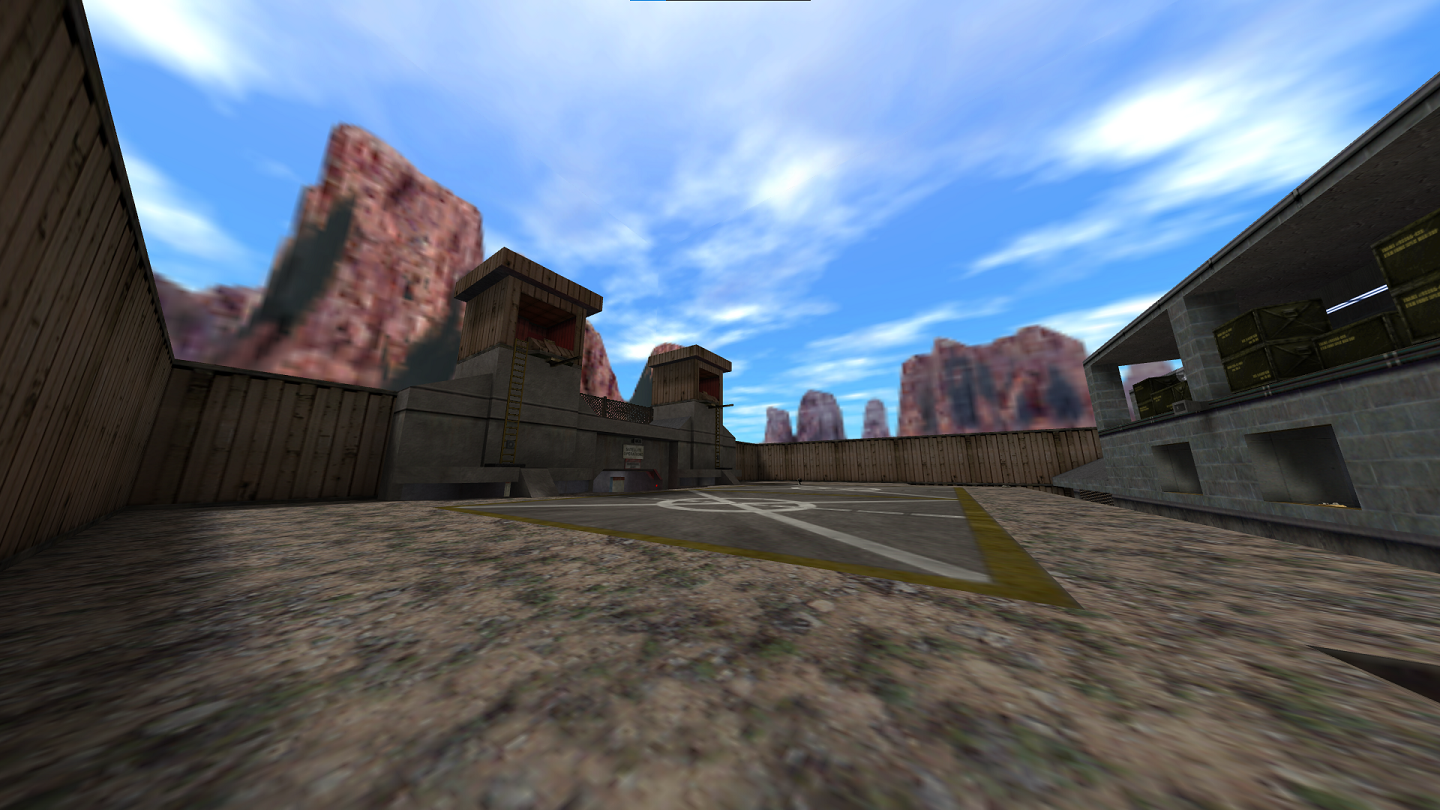 A port of the extremely popular Half-Life Deathmatch map Crossfire, it's an iconic deathmatch map. It features a bunker with a button that activates a nuke. Once pressed, players have around a minute to get to the bunker in order to not die from the blast.
dmc_aztec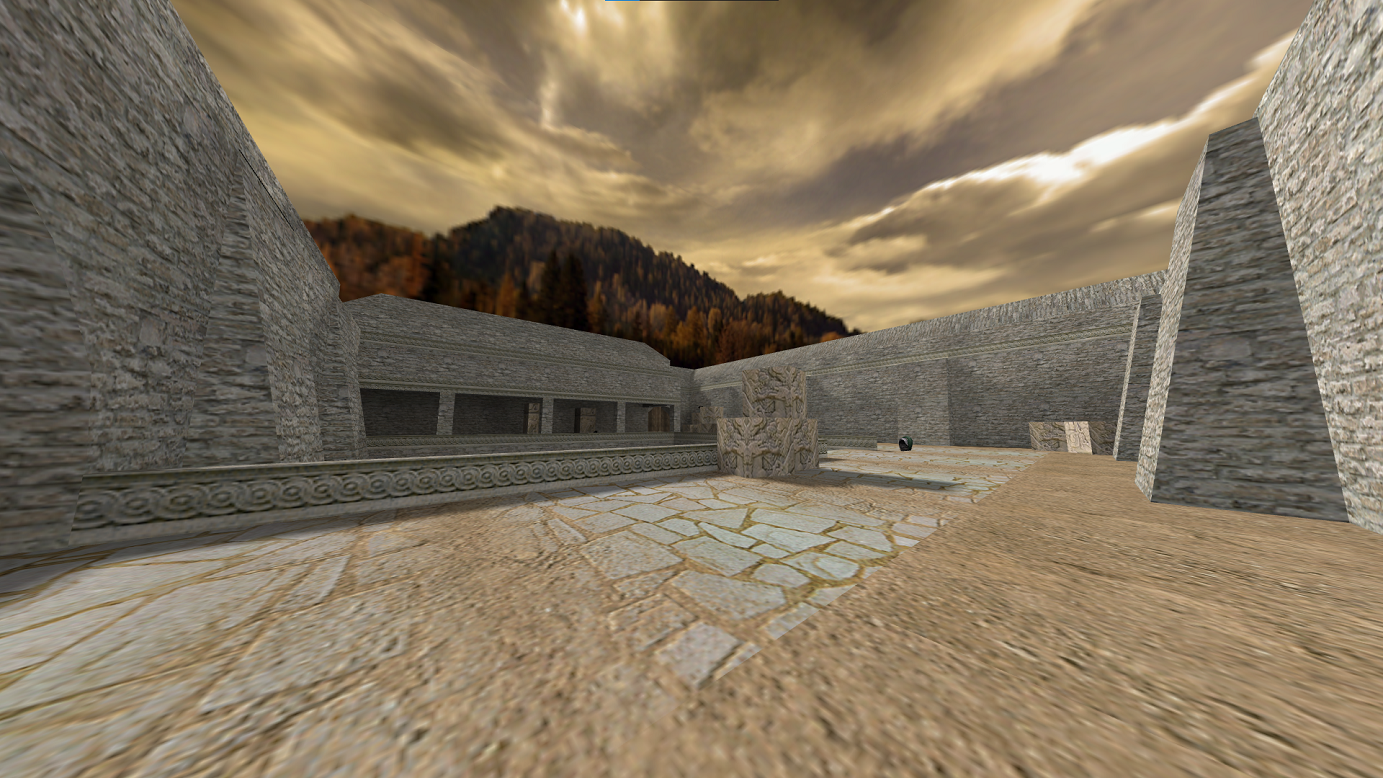
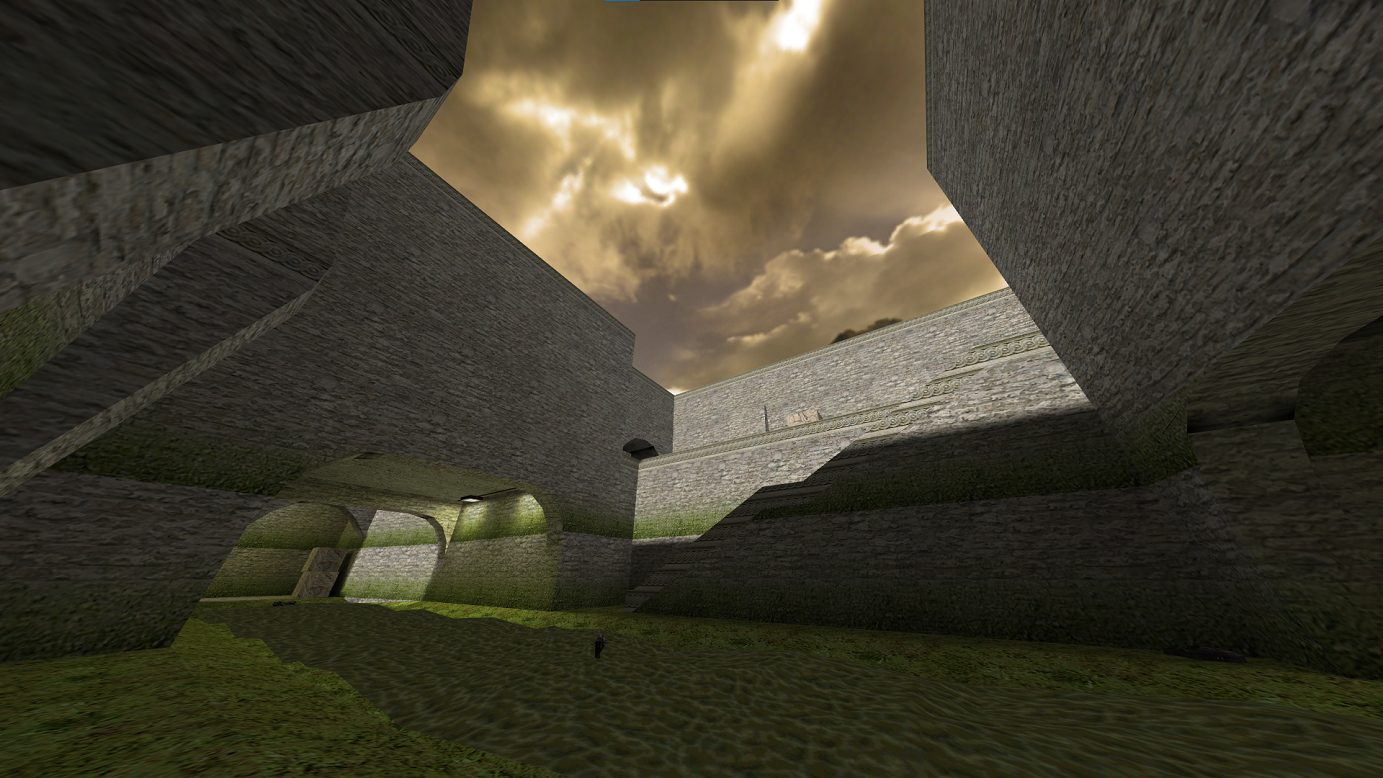 A defusal map ported from Counter-Strike. An interesting pick for a deathmatch game, but it's fairly common to see in the map rotation for a lot of servers. It's frequent you'll be engaging in long-range fights.
dmc_revenant
An interesting map, it was made exclusively for DMC. It's probably the most popular of the unofficial maps, and arguably more popular than a few of them. It has three floors that are all very similar. The lightning gun can be found in the water on the bottom floor.dmc_crossfire
A port of the extremely popular Half-Life Deathmatch map Crossfire, it's an iconic deathmatch map. It features a bunker with a button that activates a nuke. Once pressed, players have around a minute to get to the bunker in order to not die from the blast.dmc_aztec
A defusal map ported from Counter-Strike. An interesting pick for a deathmatch game, but it's fairly common to see in the map rotation for a lot of servers. It's frequent you'll be engaging in long-range fights.Game Optimization
DMC is a great game, but it's far more enjoyable if you immediately change some things about it to make the experience a bit more enjoyable.
Legacy or 25th Anniversary Build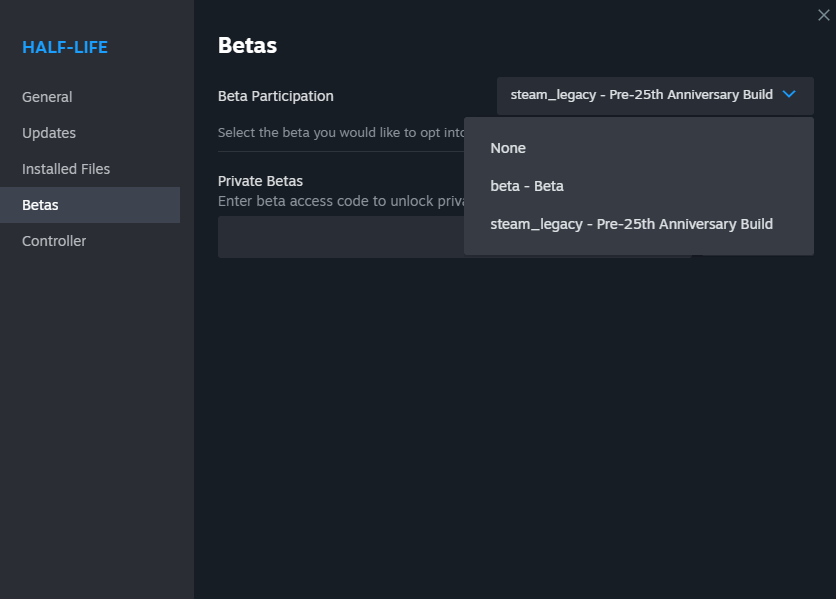 First and foremost, you'll want to decide if you prefer playing on the "legacy" edition (steam_legacy) or the 25th anniversary build (None). The disparity between the two is really only graphical, and the menus are different. The old build looks like what the game looked like at release, while the 25th anniversary appears touched up, and a little sleeker. If you prefer the classic graphics and gritty feel of original Goldsrc, go with the old build. Otherwise, the 25th anniversary build is great. The difference really is minimal, and whichever version you play on doesn't restrict you from playing with players on the other.
Set Pings/Minute to 5000There's a setting in Steam which, if you don't raise it, will block a large amount of servers from your server list. Usually it's fine, but with a game like DMC where there's not many servers nor players, you'll want to see everything and gage for yourself if your latency will be tolerable. I've had mine set to this personally for years now and have never had problems with other games, but if you do you can switch the number back and forth, of course.
Mouse Settings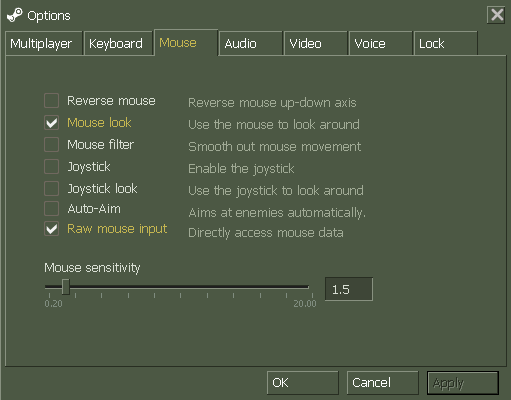 "Raw mouse input" and "Mouse look" should be the only two things you need checked. DMC is not enjoyable on controller, so there's no need to tick those, and "Auto-Aim" does absolutely nothing as it's a Half-Life exclusive option that was never removed from the mouse options for games like DMC. "Mouse filter" is generally avoided since it can cause less consistent aim.
Side note, the Mouse tab should be called "Aim" if you're on the 25th Anniversary build.
Console CommandsThere's a few console commands that are life-savers in terms of improving the experience. Open the console by pressing tilda (~).
Legacy or 25th Anniversary Build
First and foremost, you'll want to decide if you prefer playing on the "legacy" edition (steam_legacy) or the 25th anniversary build (None). The disparity between the two is really only graphical, and the menus are different. The old build looks like what the game looked like at release, while the 25th anniversary appears touched up, and a little sleeker. If you prefer the classic graphics and gritty feel of original Goldsrc, go with the old build. Otherwise, the 25th anniversary build is great. The difference really is minimal, and whichever version you play on doesn't restrict you from playing with players on the other.Set Pings/Minute to 5000
- First, on the dropdown labeled "Steam" in the top left of Steam, select Settings.
- Select In-Game from the selections under Steam Settings.
- Scroll to the bottom, find the setting labeled Server browser pings/minute. Set this value to the maximum, which is 5000.

Mouse Settings
"Raw mouse input" and "Mouse look" should be the only two things you need checked. DMC is not enjoyable on controller, so there's no need to tick those, and "Auto-Aim" does absolutely nothing as it's a Half-Life exclusive option that was never removed from the mouse options for games like DMC. "Mouse filter" is generally avoided since it can cause less consistent aim.Side note, the Mouse tab should be called "Aim" if you're on the 25th Anniversary build.
Console Commands
- hud_fastswitch 1 - Makes it so that pressing a keybind set to bring out a weapon doesn't also require the user to left-click. There's really no reason not to do this.
- cl_fov 120 - This is your field of view. In most Goldsrc games, the command is default_fov, making DMC an odd one out here. Going anywhere from 120-130 is optimal, but it's all personal preference.
- fps_override 1 and fps_max 144 - Overrides the default FPS limit with the first command, then changes the max in the next. I set it to 144 since I have a 144Hz monitor, which gives me consistent frames. You can choose to do it that way, or just let it go to the maximum FPS that it can if that's what you prefer.
- cl_updaterate 60 - If a server you're on supports it, this command can improve internet connectivity.
Unused Content
Deathmatch classic has some unused content found in the files.
As mentioned in the Ammo section, this model for a 12 cell Battery is unused. All Batteries, regardless of them being 6 or 12 cells, are found using the 6 cell model.
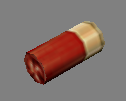 There's a model for a shotgun shell in the files, despite the fact that neither shotgun uses it when firing.
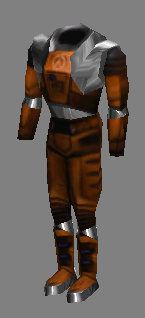 A similar looking item to the Biosuit from Quake can be found in the files, alongside .wav files for sound, which are unique. The suit has the same appearance as the HEV suit from Half-Life.


 These icons were meant to appear when a player obtained a Pentagram of Protection, Invisibility, or Quad powerup respectively. They are never used in-game.
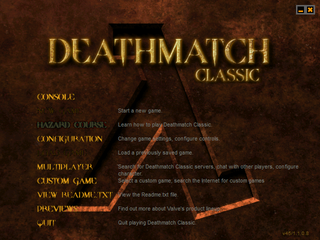 With the release of DMC on Steam, it got a new menu and console. The old one had more choices on the menu, and actually showed the old DMC lambda in the background. It also used a Quake-style console.
w_batteryl.mdl
As mentioned in the Ammo section, this model for a 12 cell Battery is unused. All Batteries, regardless of them being 6 or 12 cells, are found using the 6 cell model.shell.mdl
There's a model for a shotgun shell in the files, despite the fact that neither shotgun uses it when firing.suit.mdl
A similar looking item to the Biosuit from Quake can be found in the files, alongside .wav files for sound, which are unique. The suit has the same appearance as the HEV suit from Half-Life.sight1.wav
There's an unused monster noise in the files named sight1. There's no monsters in DMC, so this could potentially imply that Valve intended to recreate at least some of Quake's singleplayer mode.Unused HUD Powerup Icons
These icons were meant to appear when a player obtained a Pentagram of Protection, Invisibility, or Quad powerup respectively. They are never used in-game.Unused In-Game Text
There are some lines found in the files that relate to certain unadded features, like team-based modes and secret areas.Team_Menu_Join
Please Select a Team:
1. Red
2. Blue
5. Auto-Team
SECRETAREA You Found A Secret Area!
Bonus_Power %s attains bonus powers!!!
Additional_Health 10 addition(sic) health
SECRETAREA You Found A Secret Area!
Bonus_Power %s attains bonus powers!!!
Additional_Health 10 addition(sic) health
WON Menu
With the release of DMC on Steam, it got a new menu and console. The old one had more choices on the menu, and actually showed the old DMC lambda in the background. It also used a Quake-style console.
More Deathmatch Classic guides


This guide was created by its original author on the Steam Community. Are you the author and want it removed? Request removal.