GTA SA - Classic Enhanced
⠀
Introduction
The mods included where not made by me, but by individual modders, whose which deserve the real credits.
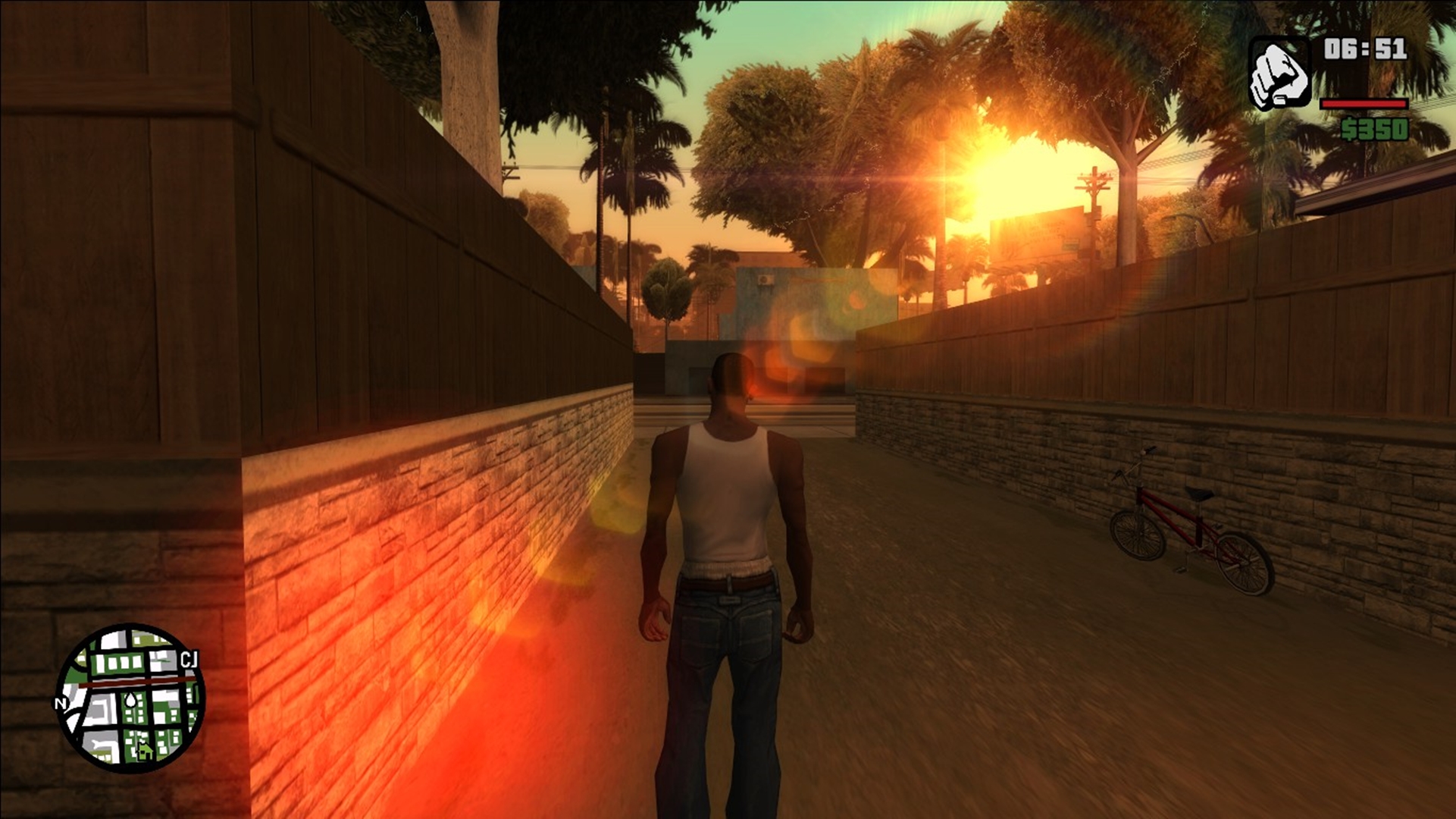
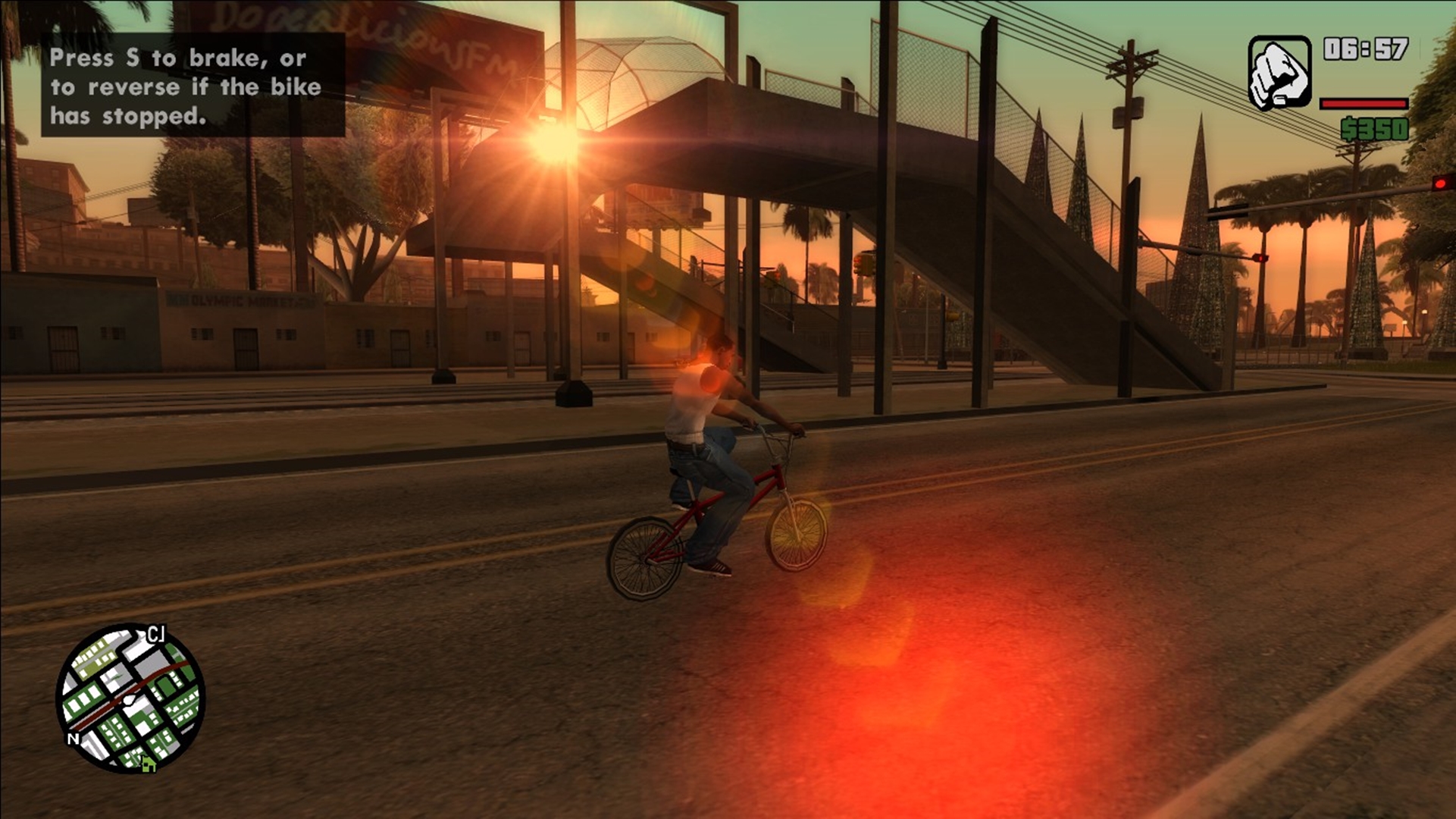
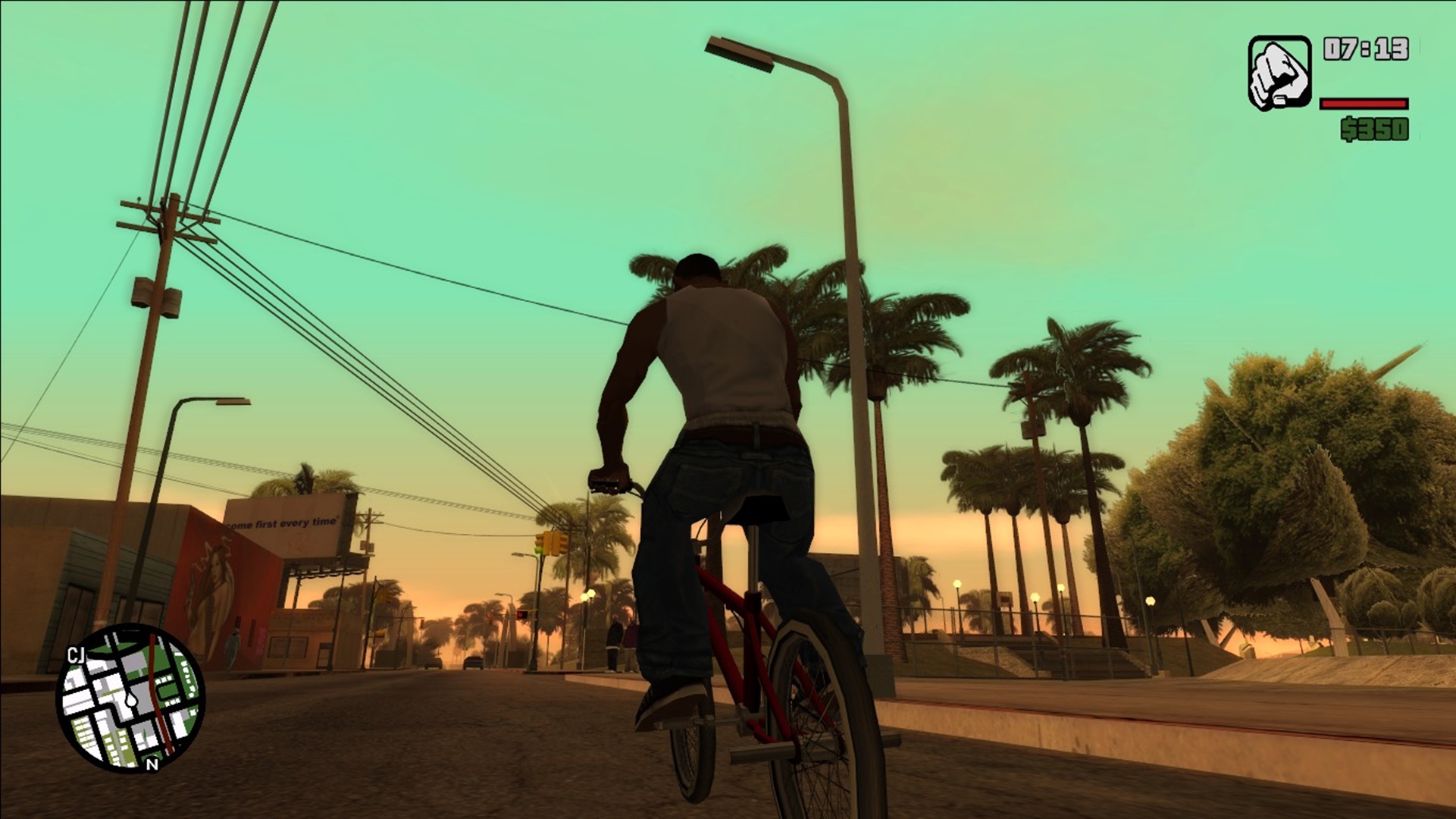
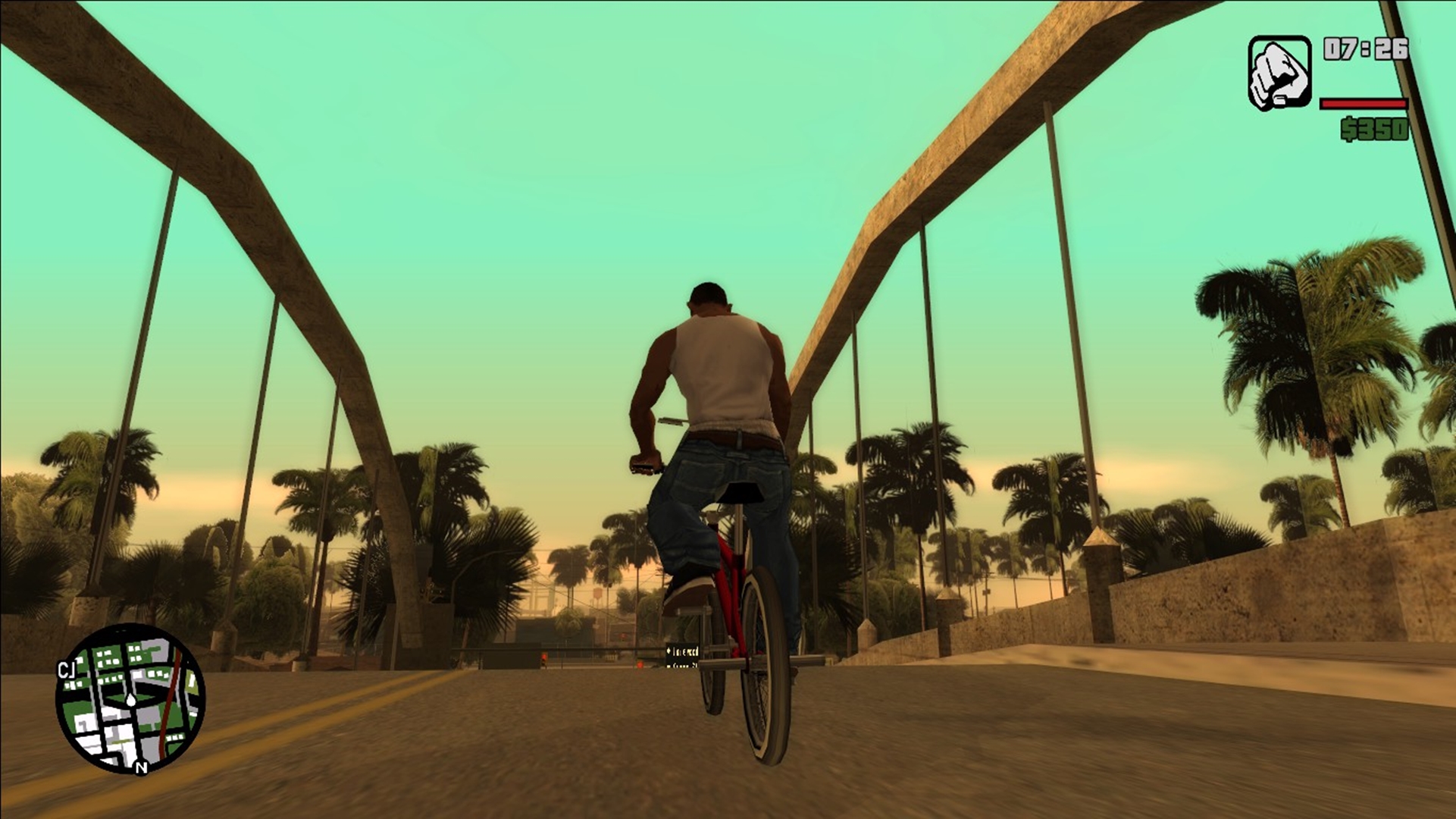
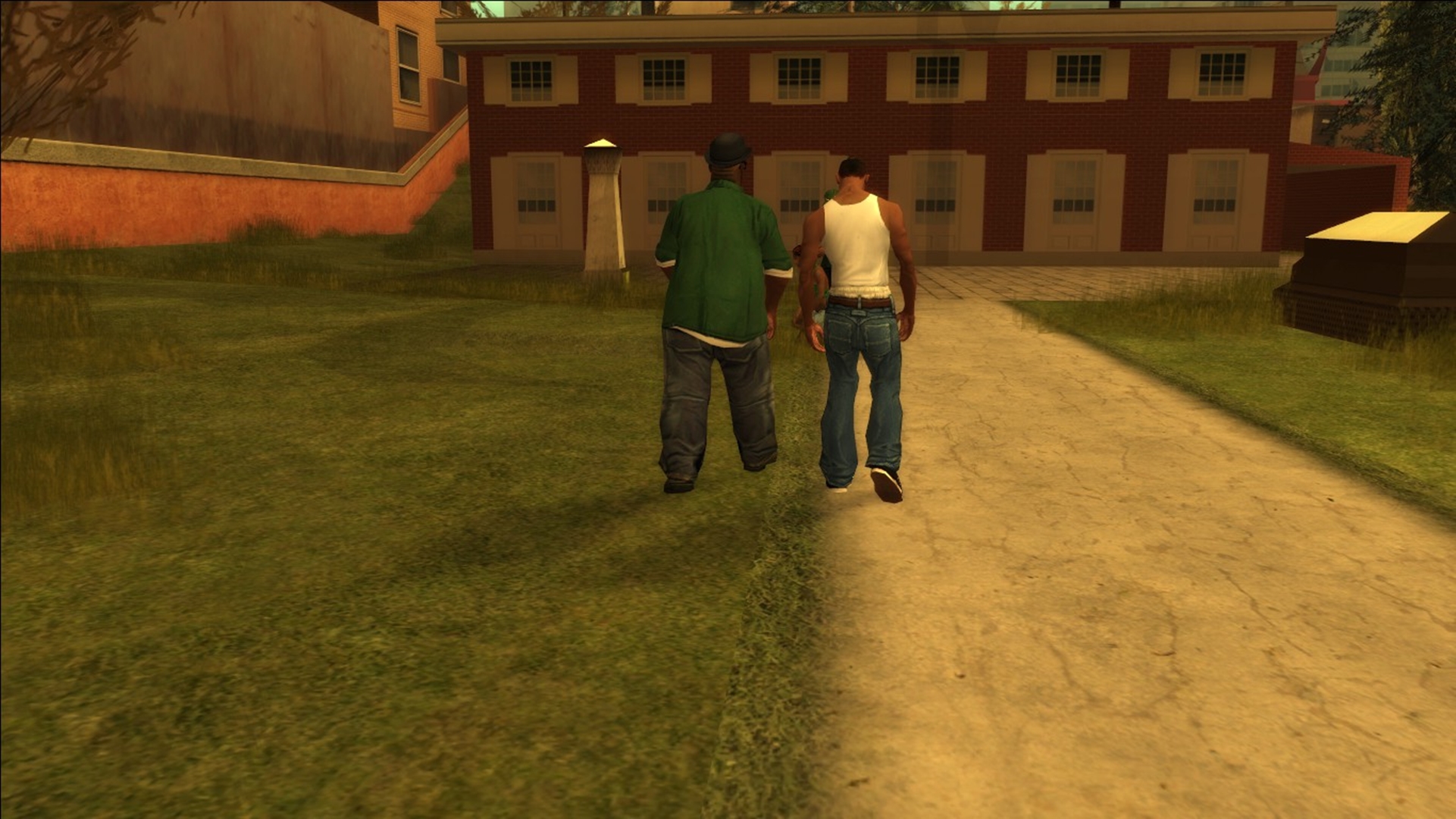
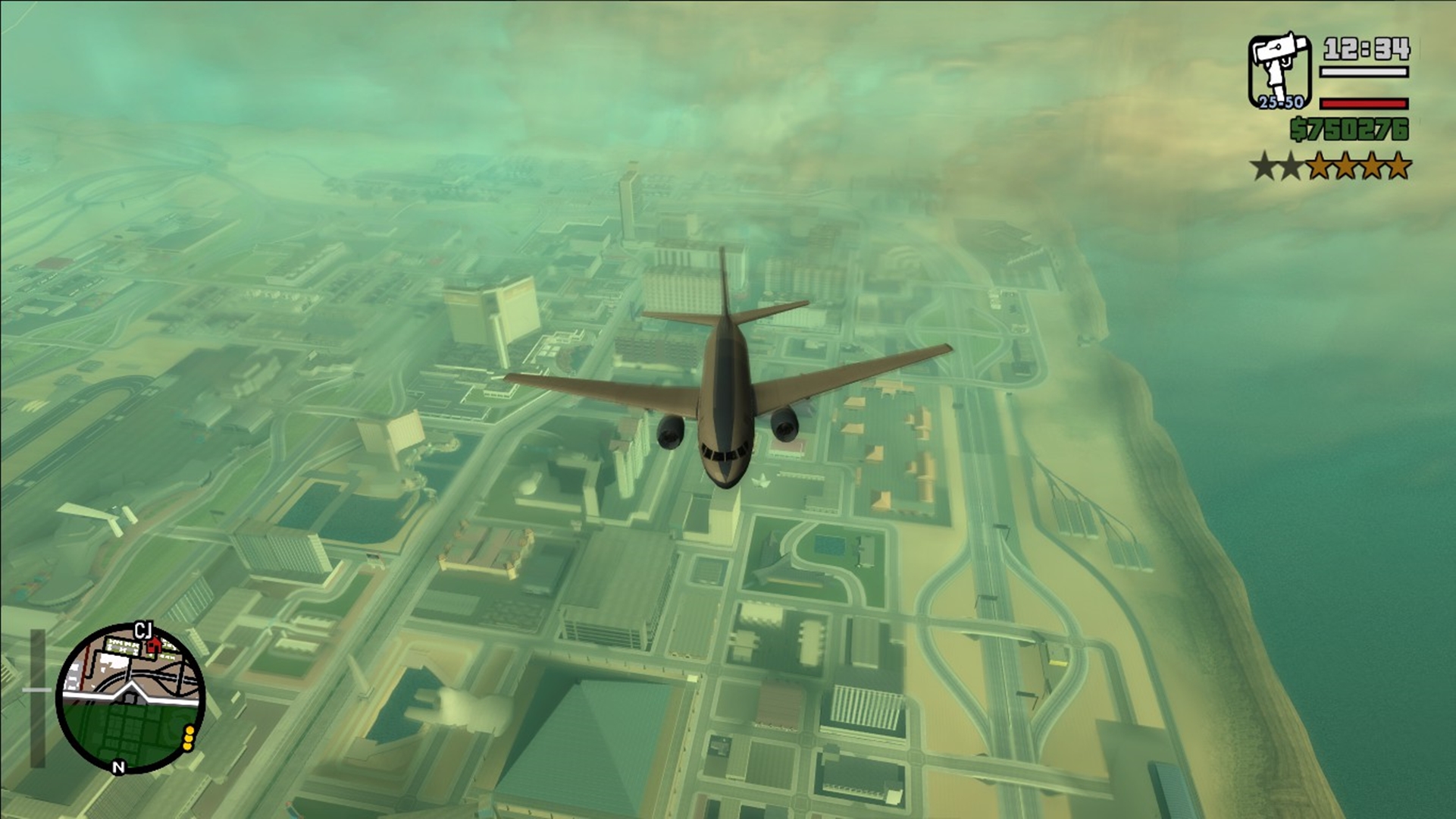
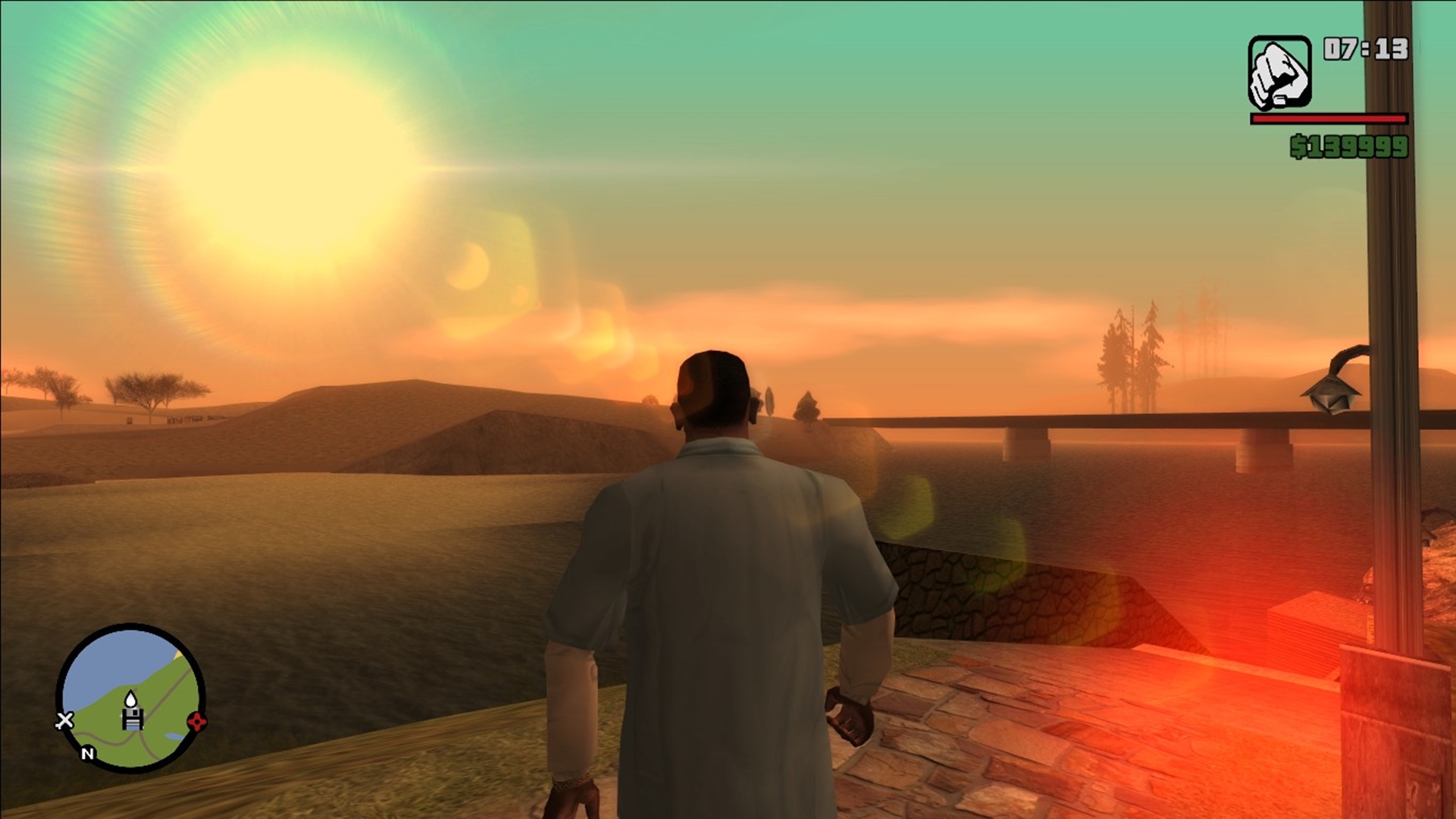
They aim to correct bugs/glitches, improve the gameplay and enhance the overall graphical quality.
They aim to correct bugs/glitches, improve the gameplay and enhance the overall graphical quality.
Main Mods
Description
Faithful Weapons Pack
Improves the weapons models
Atmosphere Interface Pack
Improves the interface quality
Cleo
Loads .cs mods
FramerateVigilante
Fixes FPS related bugs
SilentPatch
Implements lots of fixes
SkyGfx
Improves in-game colours
Silent Asi Loader
Loads .asi mods
Original Peds Vary
adds 3.747 new textures for the peds
Combat FX Upgrade
Improves the effects
RoSa Project Reborn
Improves the game textures
GInput
Improves joystick controls
Modloader
Loads an hugely variety of mods
Widescreen Fix
Fixes the game resolution
Project2DFX
Increases the default draw distance
Installation
Before installing the pack be sure that your steam version of GTA SA are 100% clean, without any other mods or modified files. I recommend you to before install the pack simply delete your GTA SA folder from steamapps\common then download again and install the pack without the risk of crashes\unespected errors. The GTA SA classic enhanced modpack was tested and it works 100%.
Download the pack [drive.google.com] (4GB)
Excract the 7z file and copy everything inside the mod folder to your GTA SA root folder, replacing all the files. By default its located on: (C:\Program Files (x86)\Steam\steamapps\common\Grand Theft Auto San Andreas).
After that your game will be ready to be played decently.
Download the pack [drive.google.com] (4GB)
Excract the 7z file and copy everything inside the mod folder to your GTA SA root folder, replacing all the files. By default its located on: (C:\Program Files (x86)\Steam\steamapps\common\Grand Theft Auto San Andreas).
After that your game will be ready to be played decently.
Screenshots
Also see
More Grand Theft Auto: San Andreas guides
- Улучшаем GTA San Andreas★ 5 (3.9k)72k views4.6k ♥7 minRussianUpdated Jul 20, 2021
- Grand Theft Auto: San Andreas - The Improved Classic★ 5 (1.4k)56k views3.1k ♥5 minUpdated Oct 30, 2025
- Grand Theft Auto: San Andreas - Enhanced Edition★ 5 (1.6k)51k views2.2k ♥5 minUpdated Jun 28, 2020
- Grand Theft Auto San Andreas: Classic Edition★ 5 (1.5k)42k views3k ♥14 minRussianUpdated Jul 17
- GTA - San Andreas CHEATS★ 5 (1.5k)41k views2.4k ♥2 minUpdated Jan 4, 2024
- Silent Patch + Downgraders (SA)★ 5 (493)33k views861 ♥17 minUpdated Jan 3, 2020





This guide was created by its original author on the Steam Community. Are you the author and want it removed? Request removal.