How to increase FOV in ARMA
1. Basic information
Default ARMA 3 FOV is claustrophobic as it provides 70° horizontal field of view. There is no option to edit it in game, but by changing config file it can be freely adjusted between 70° and 120°.
Important: Advice given by author in this guide were personally tested by him and are used by him. However this not mean they will not cause issues on different configurations or different PCs. Author of this guide is not responsible for any issues or damages caused by use of any or all advice in this guide. Any changes to game, system and your PC are applied on your own responsibility. Please also see EULA.
Important: Advice given by author in this guide were personally tested by him and are used by him. However this not mean they will not cause issues on different configurations or different PCs. Author of this guide is not responsible for any issues or damages caused by use of any or all advice in this guide. Any changes to game, system and your PC are applied on your own responsibility. Please also see EULA.
2. How to change FOV
- Go to C:\Users\[your_username]\Documents\Arma 3
- Open [your_username].Arma3Profile with text editor of your choice (I recommend notepad++)
- Find fovTop and set it to 1.03 (fovTop=1.03;)
- Find fovLeft and set it to 1.83 (fovLeft=1.83;)
- While we are here you may as well turn off smoothing and acceleration, find mouseSmoothing and mouseAcceleration, set both to 0 (mouseSmoothing=0; mouseAcceleration=0;)
- Save changes and close file
- Metalman's calculator[hia3.com]
- OLoKo64's calculator[gamecalculator.netlify.app]
mouseSmoothing and mouseAcceleration will allow game to accept raw input from mouse instead of game trying to correct mouse movement. You can check what mouse smoothing is here[prosettings.net] and what mouse acceleration is here[prosettings.net]
3. Comparsion
In prowler
70°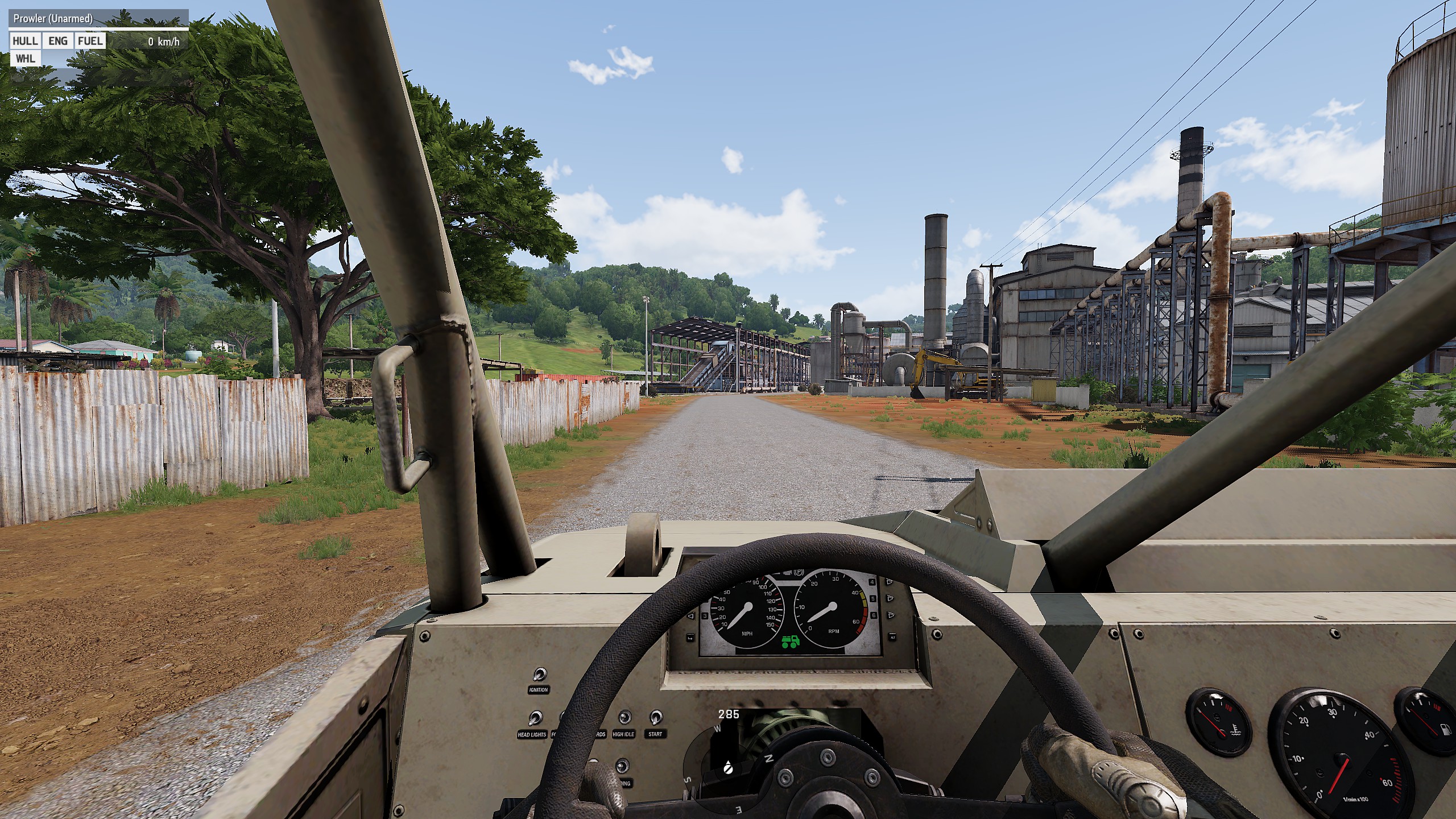 90°
90°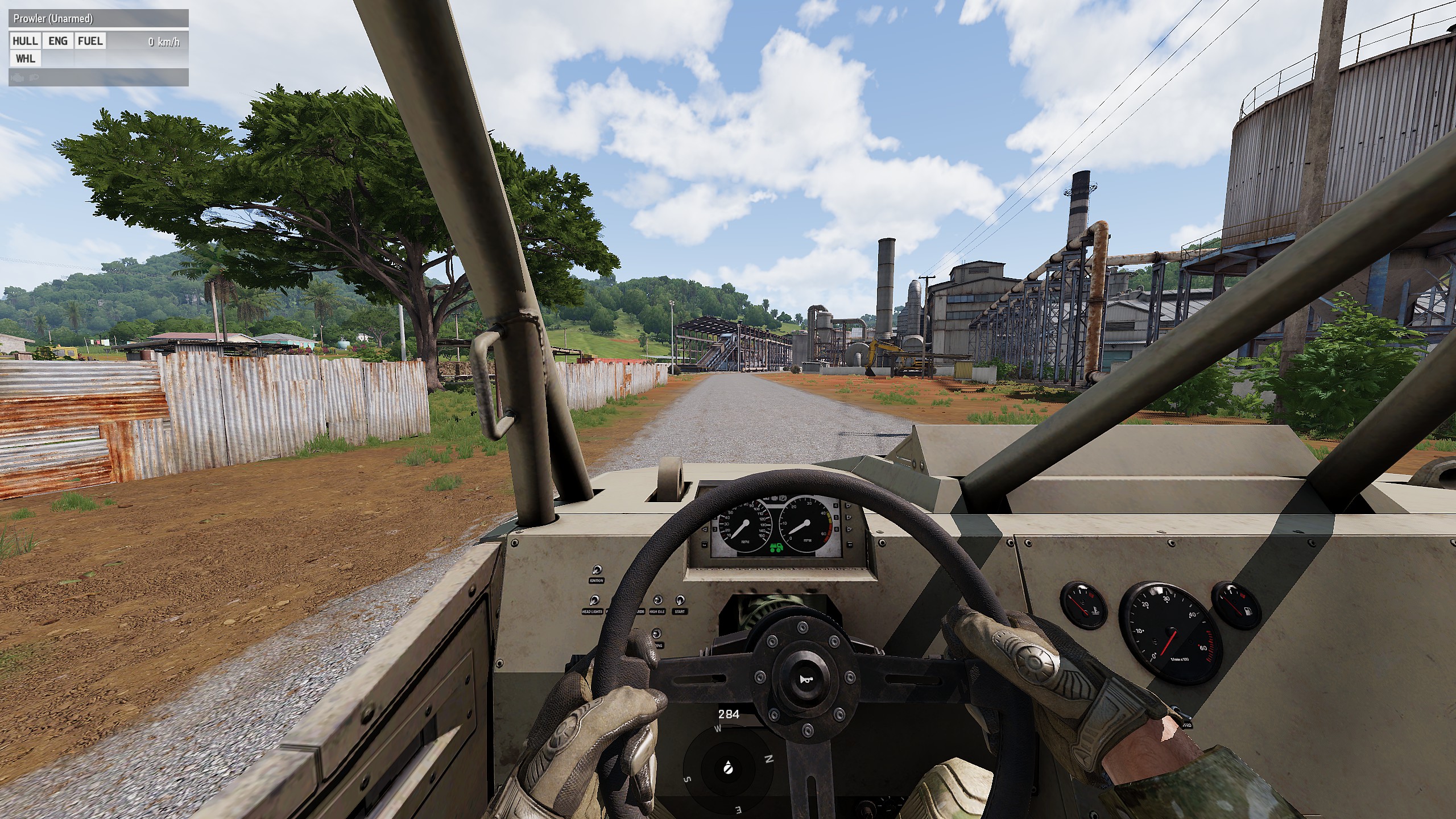 100°
100°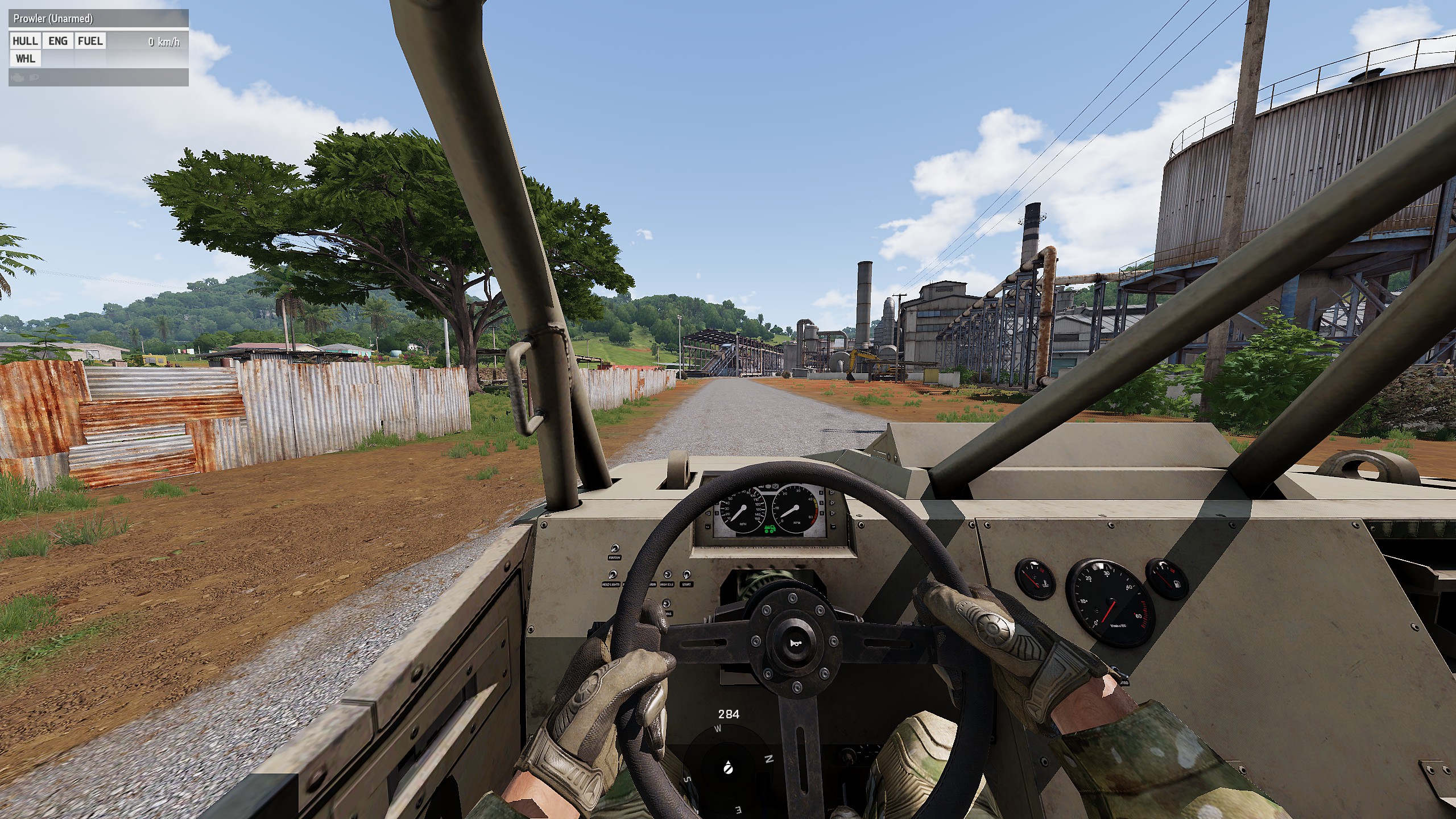 120°
120°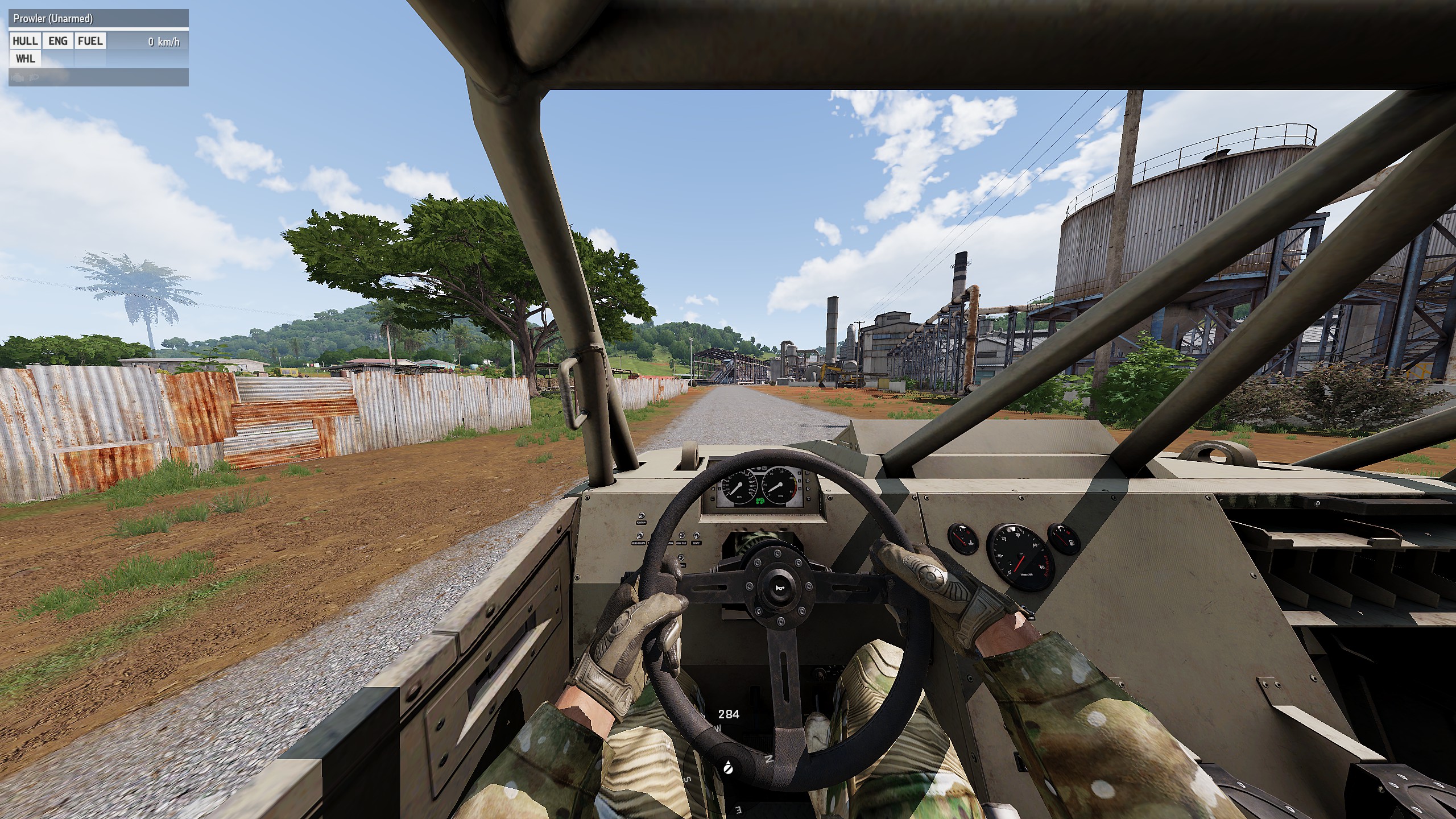
In heli (OH-6M)
70°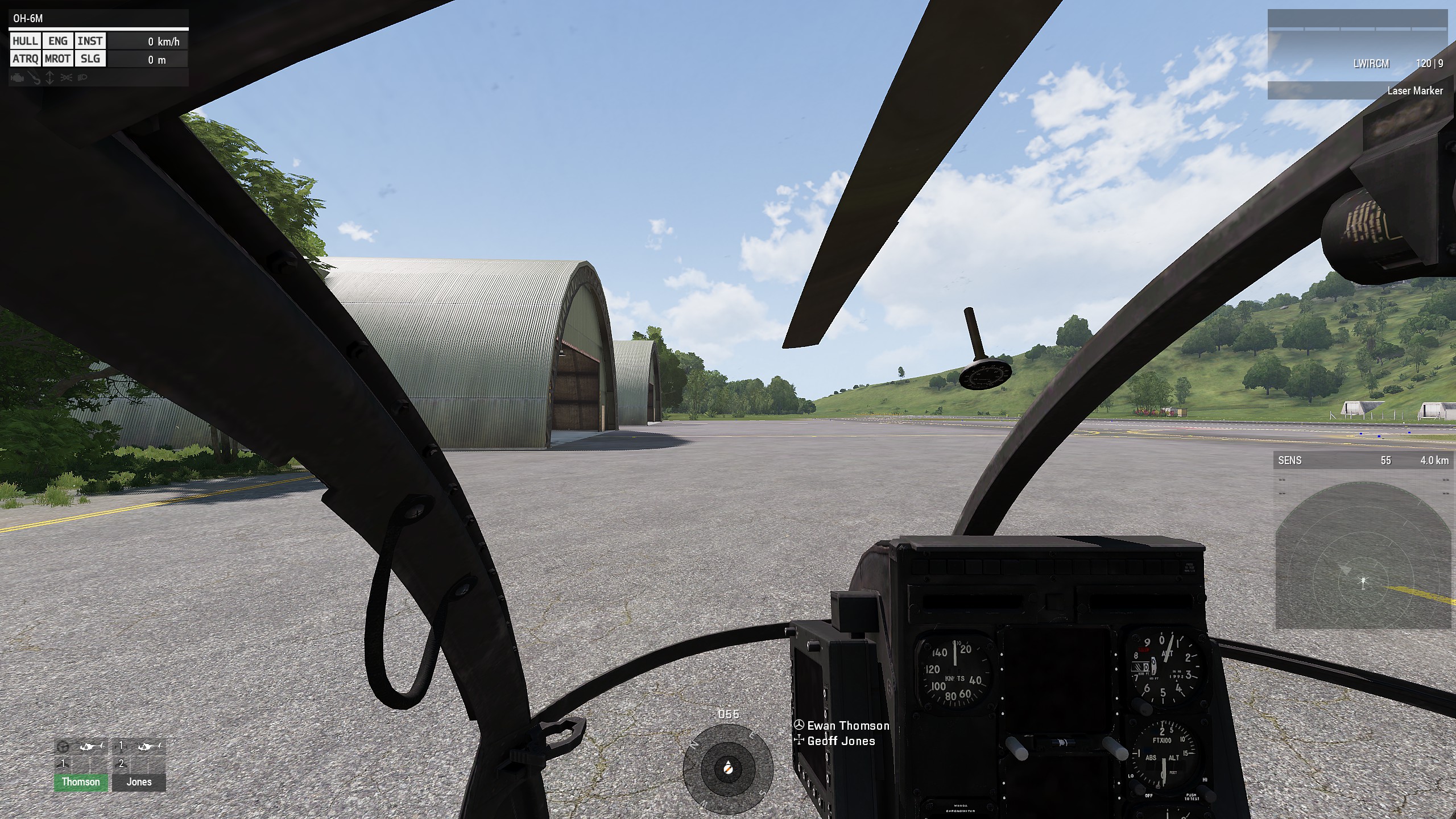 90°
90°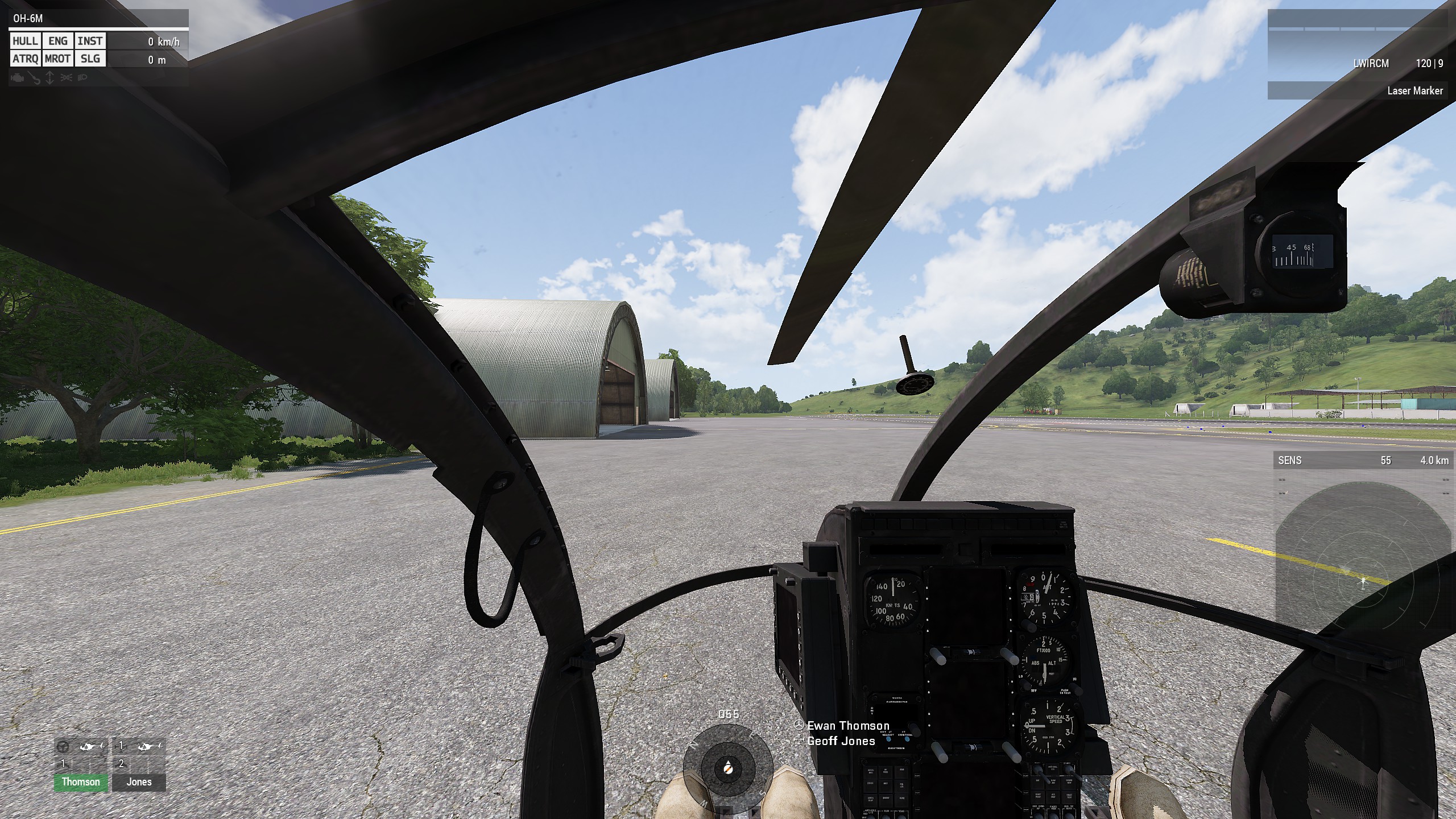 100°
100°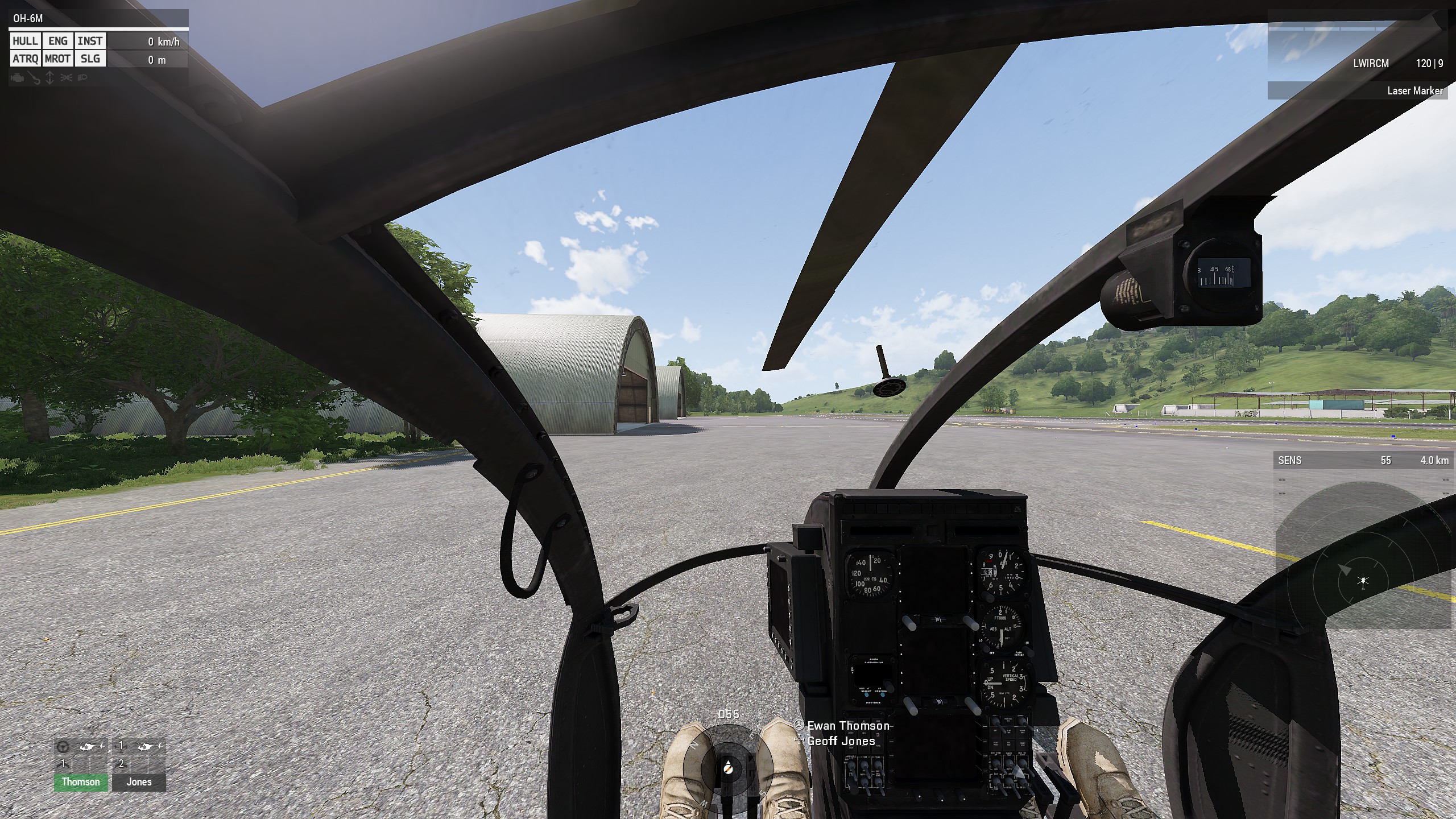 120°
120°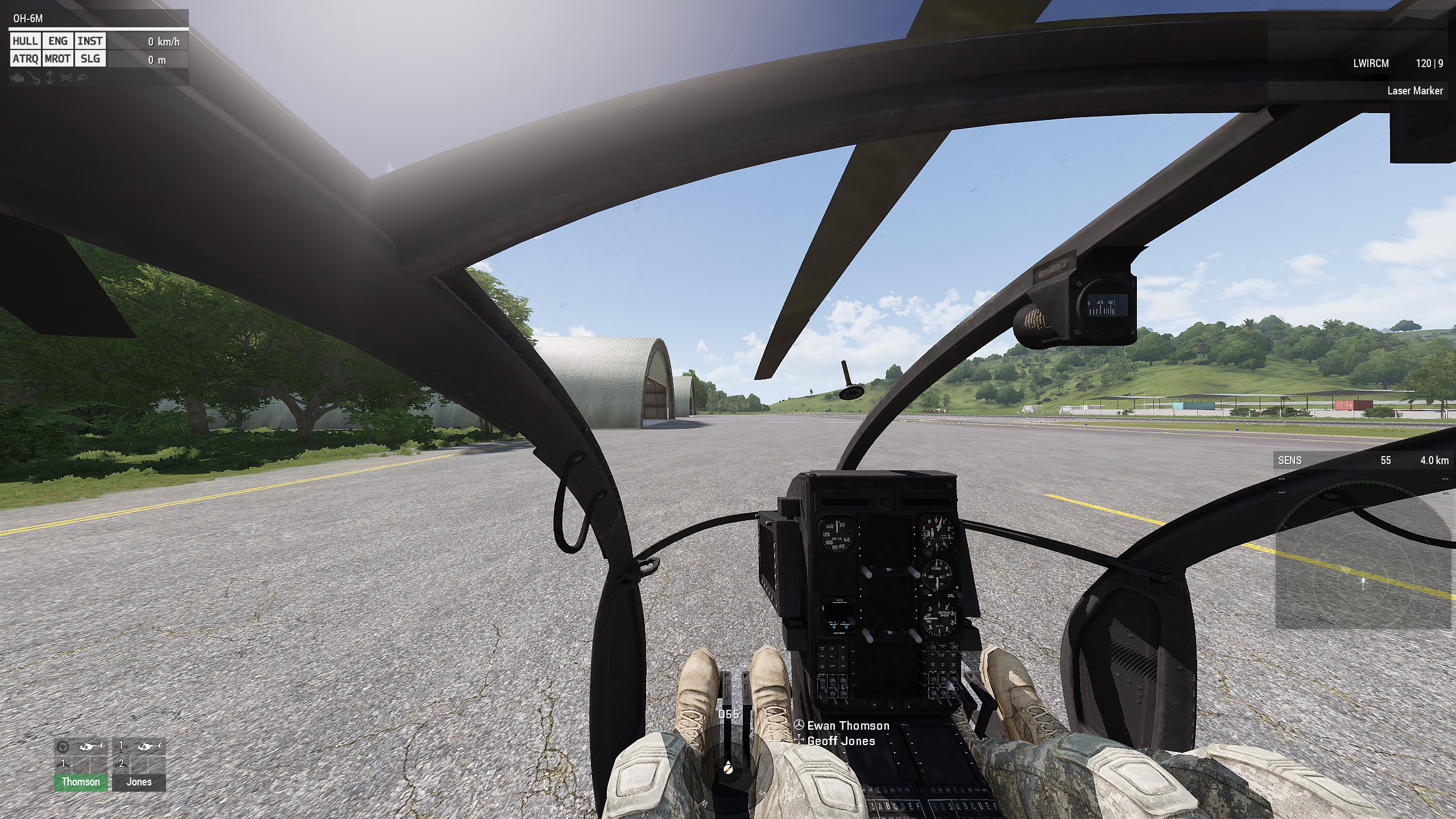
Infantry #1
70°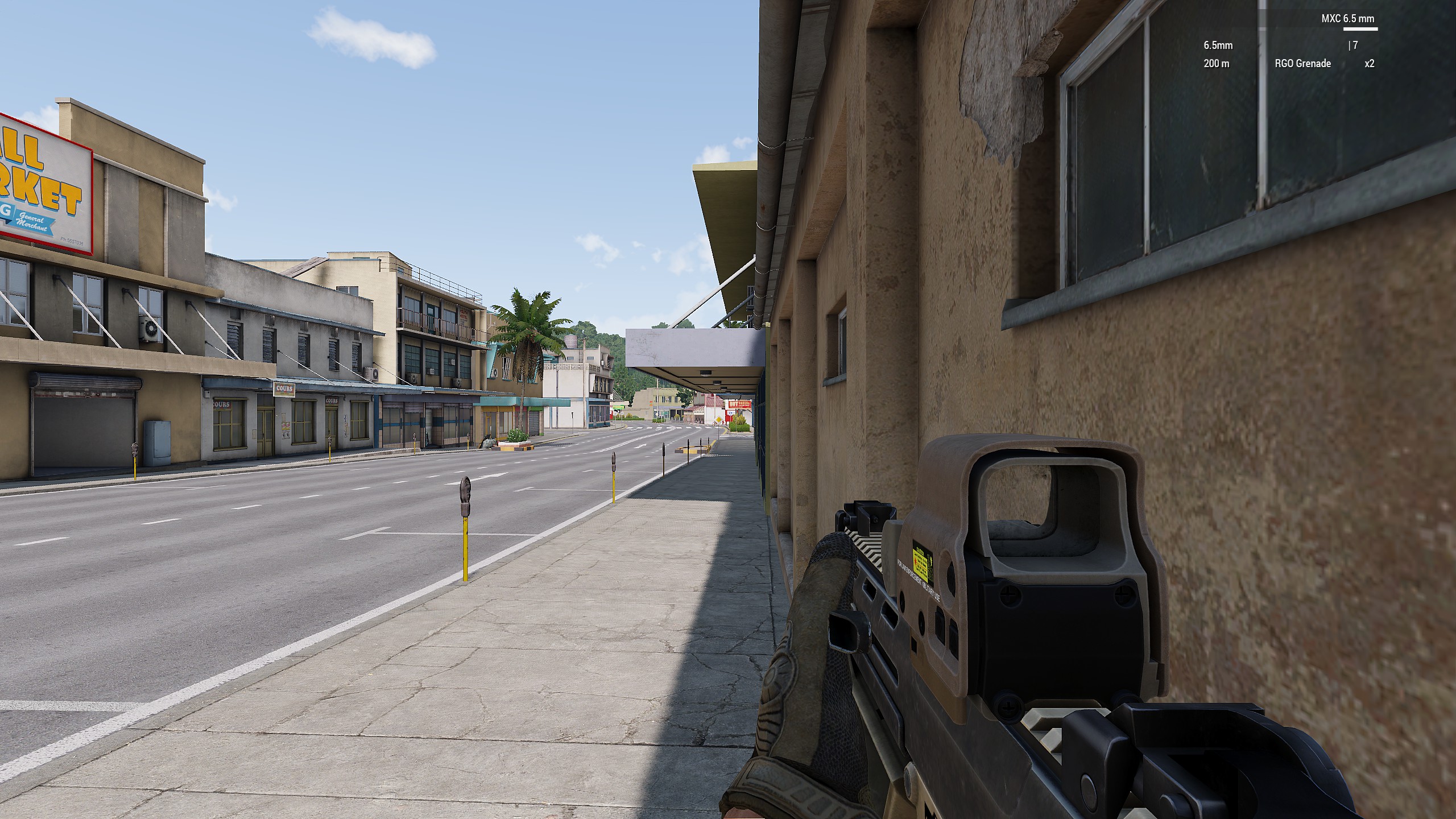 90°
90°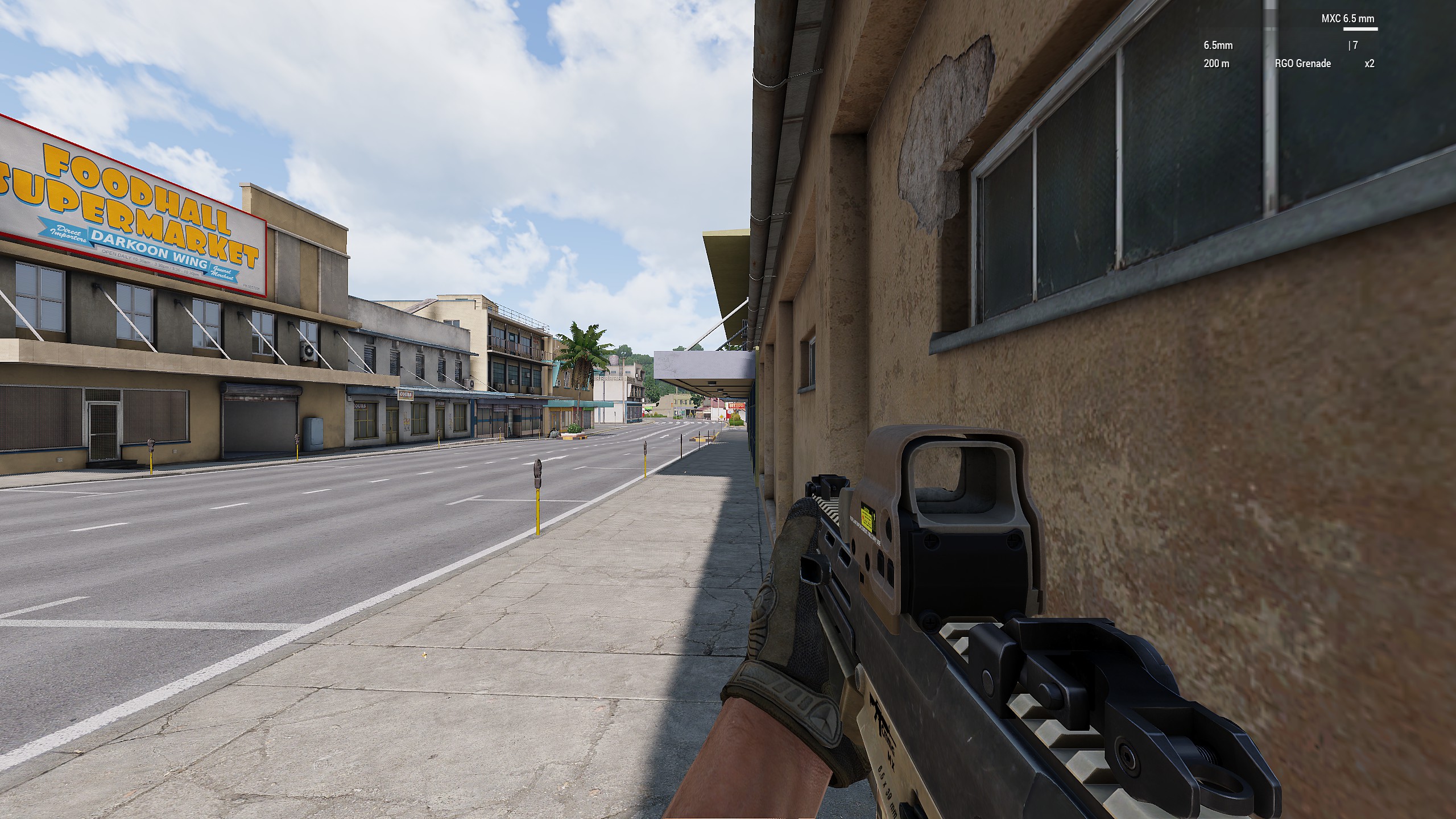 100°
100°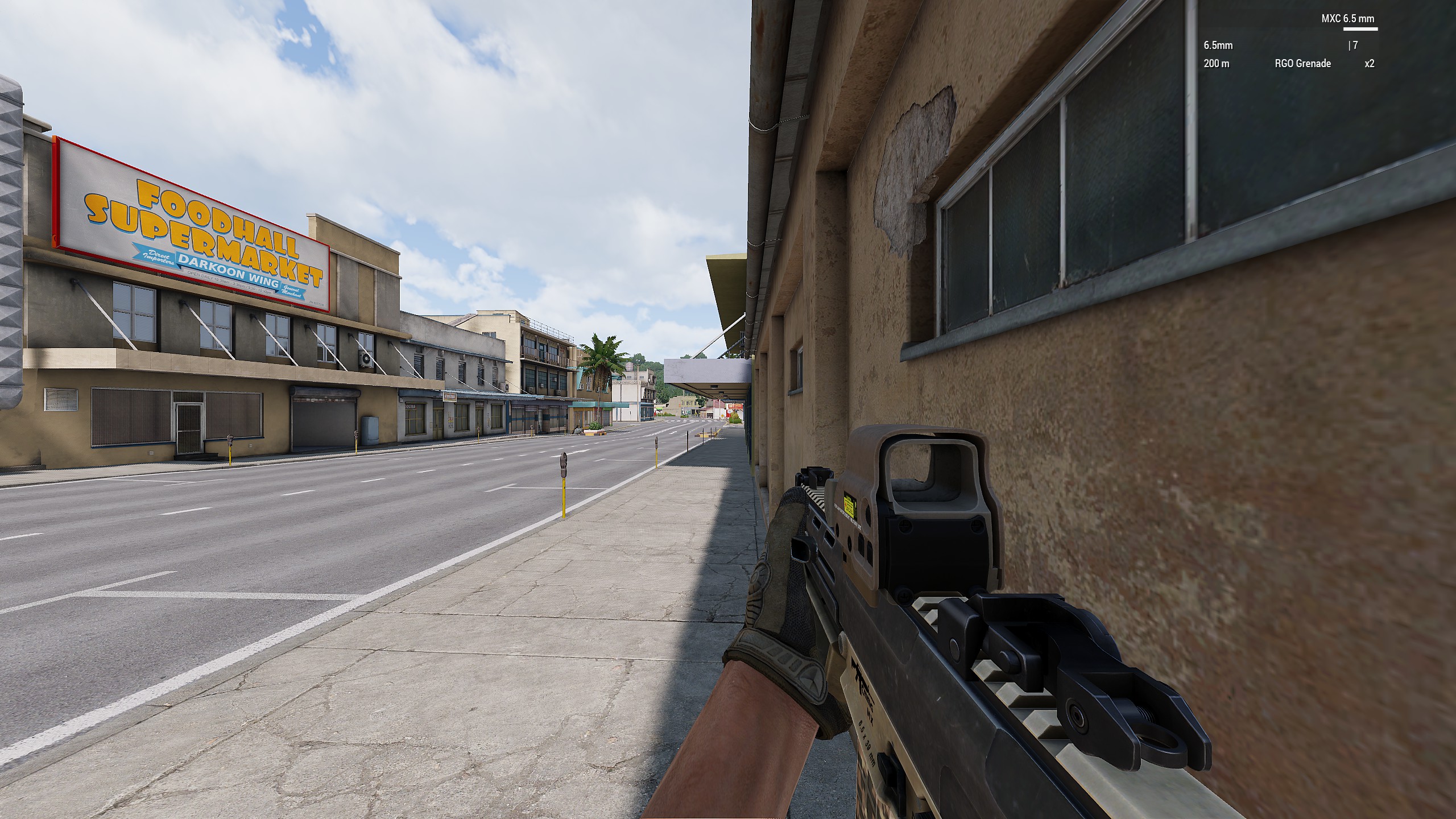 120°
120°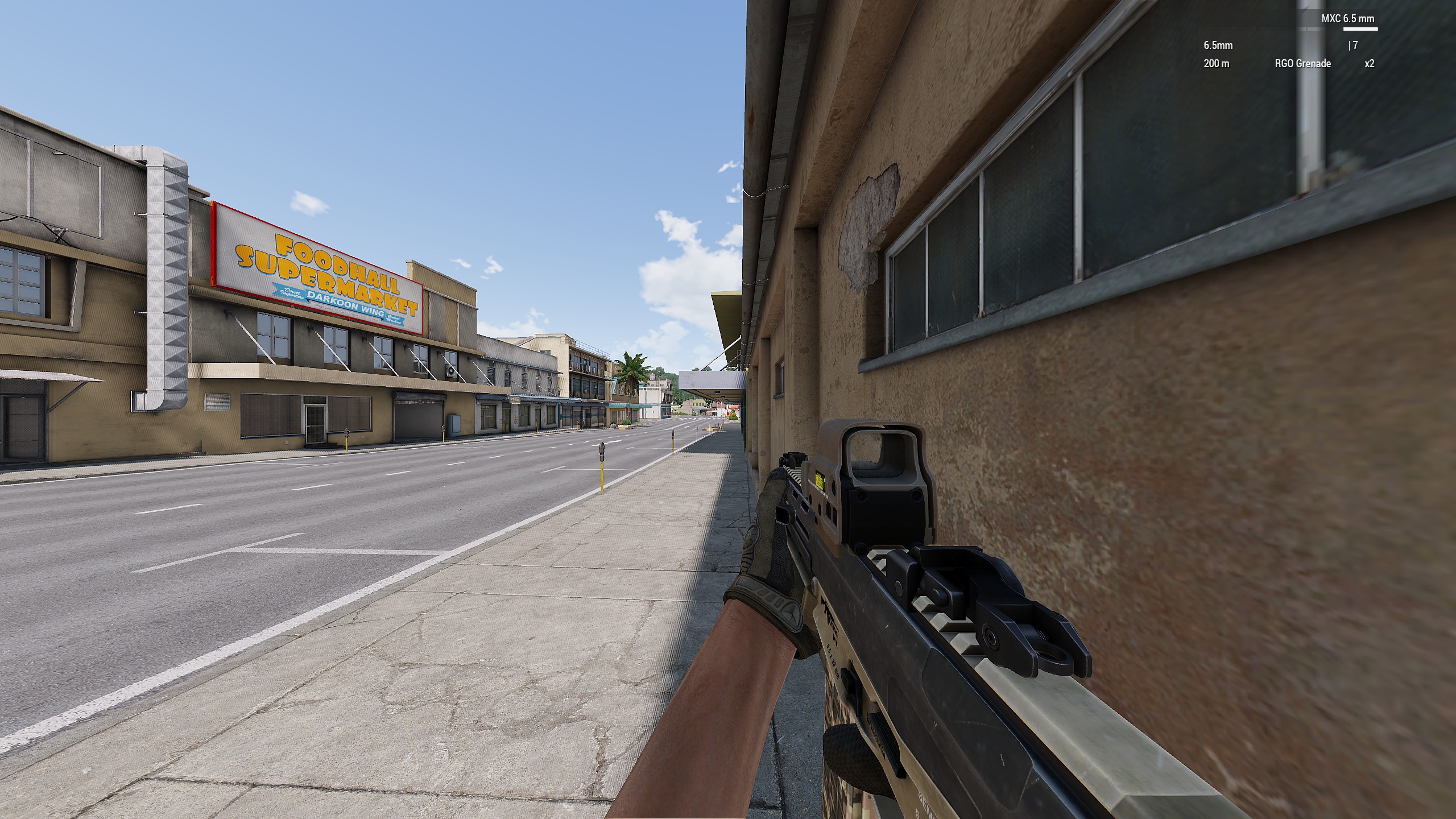
Infantry #2
70°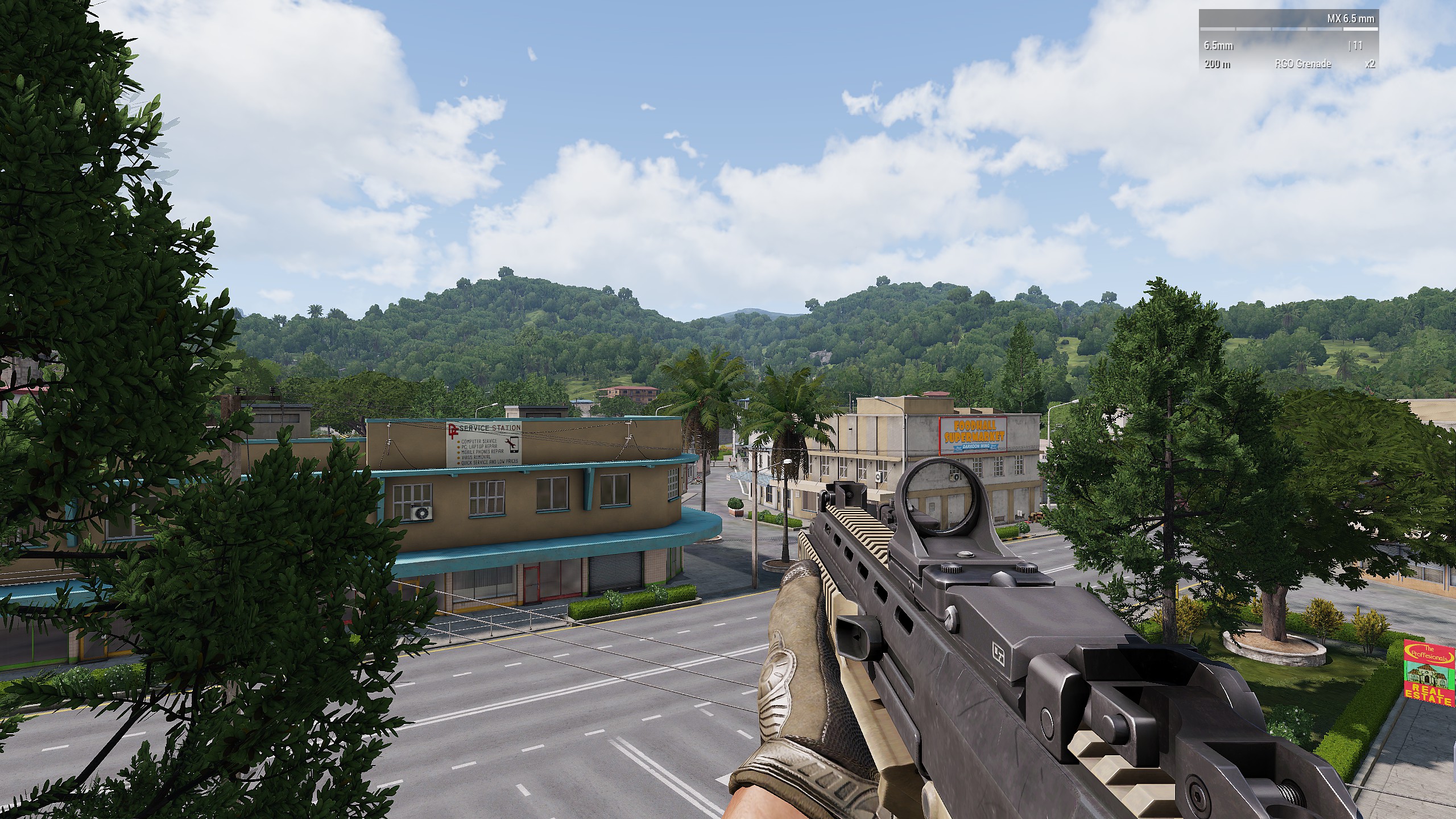 90°
90°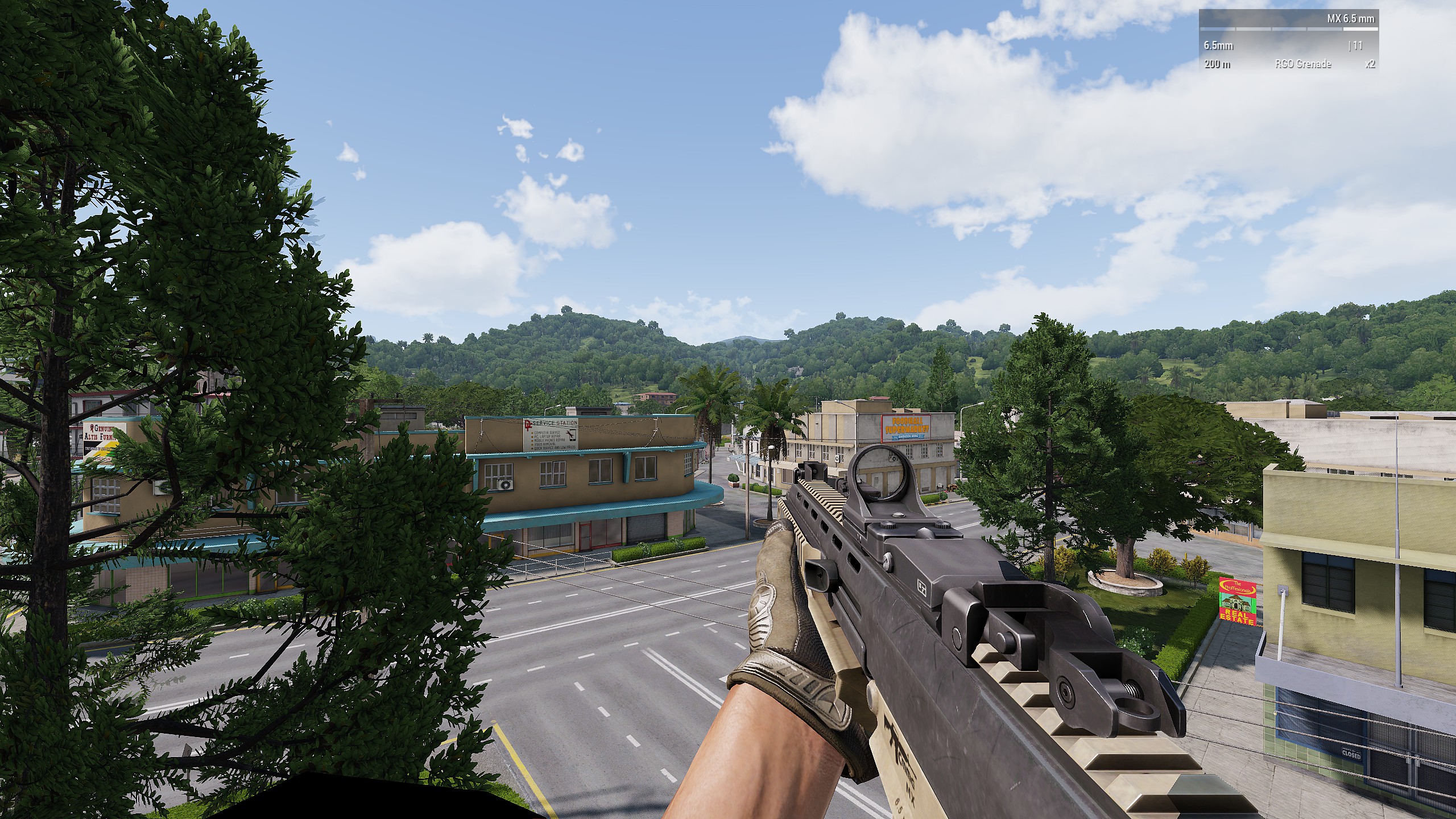 100°
100°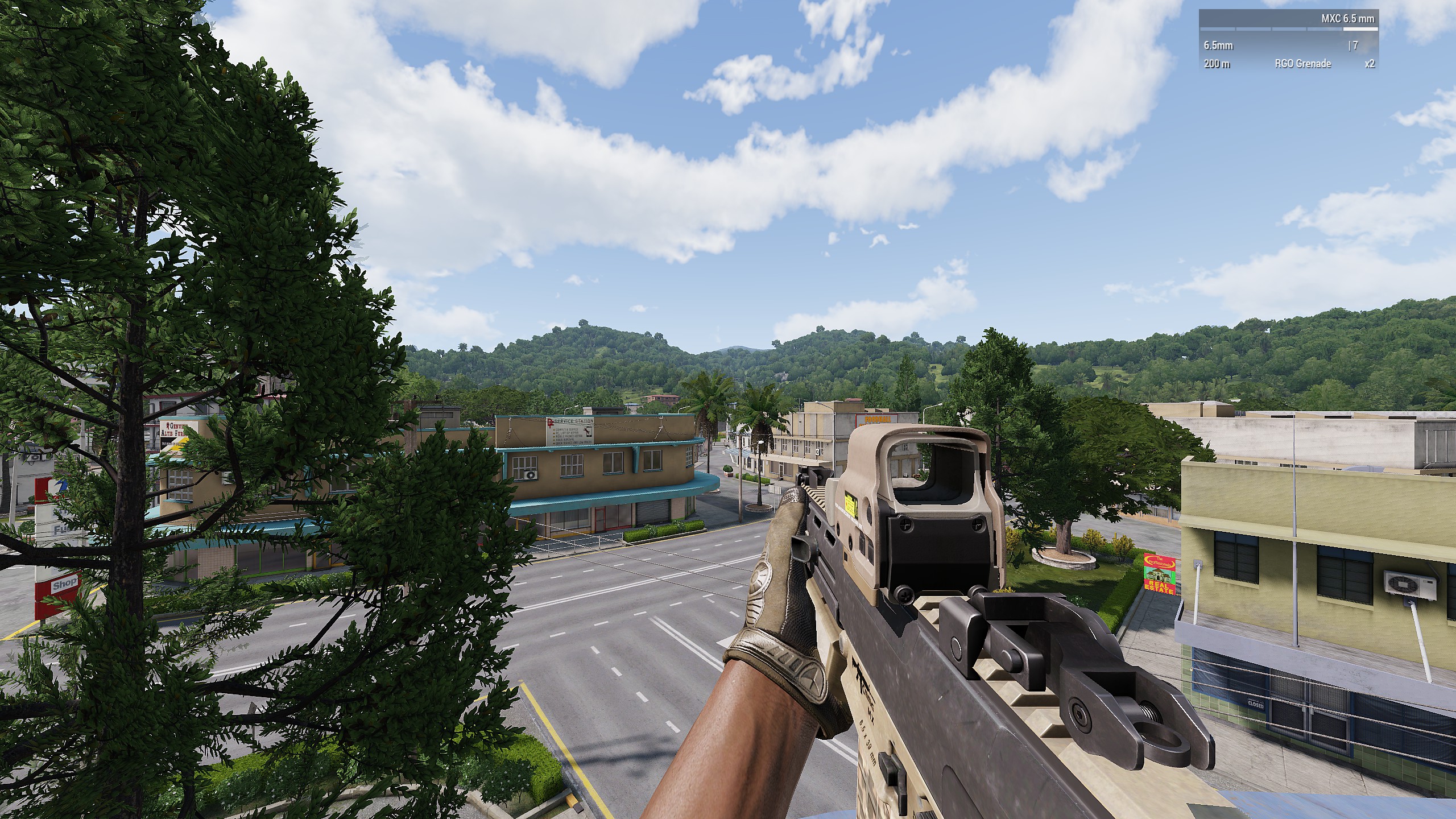 120°
120°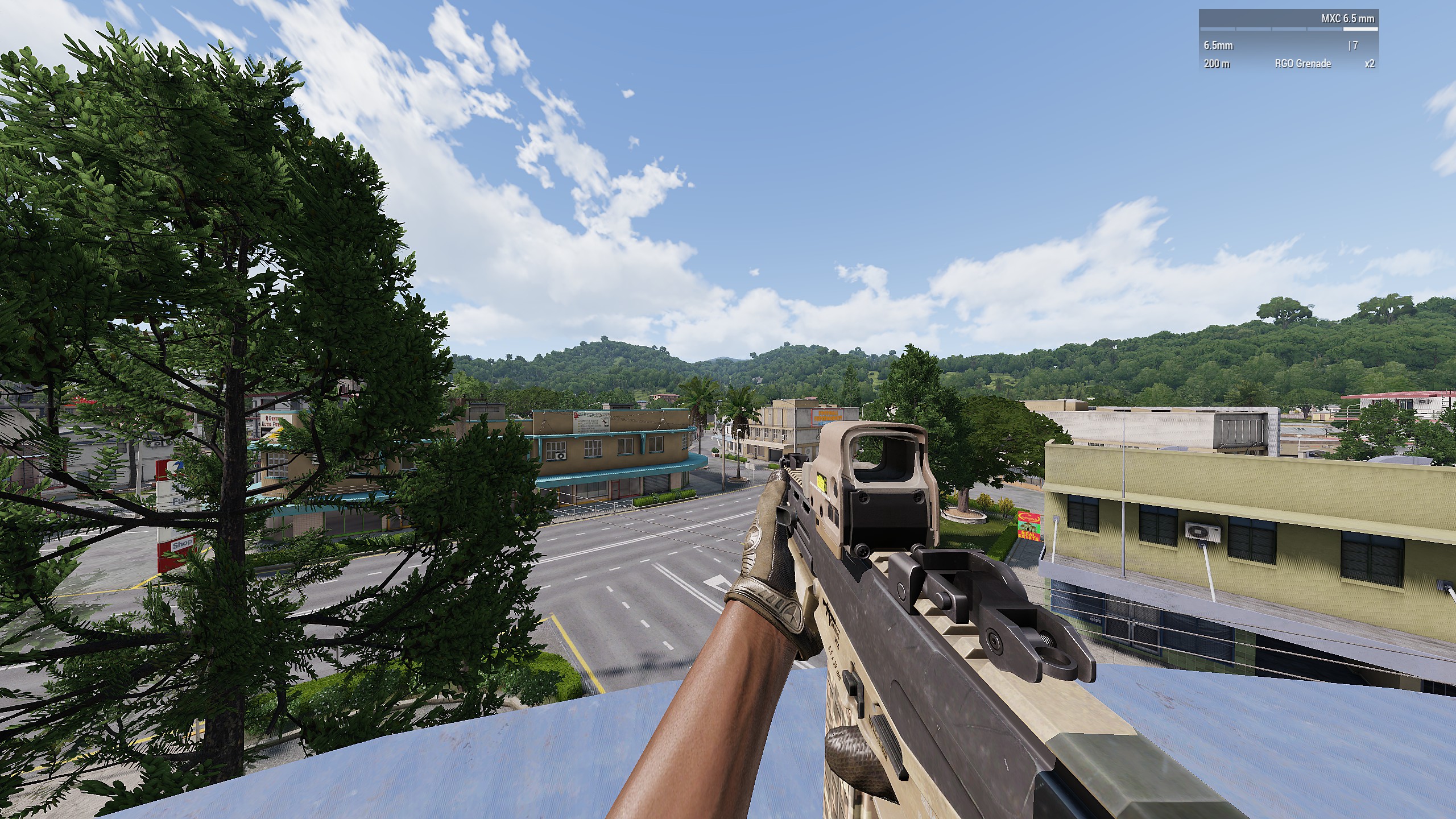
Infantry #3
70°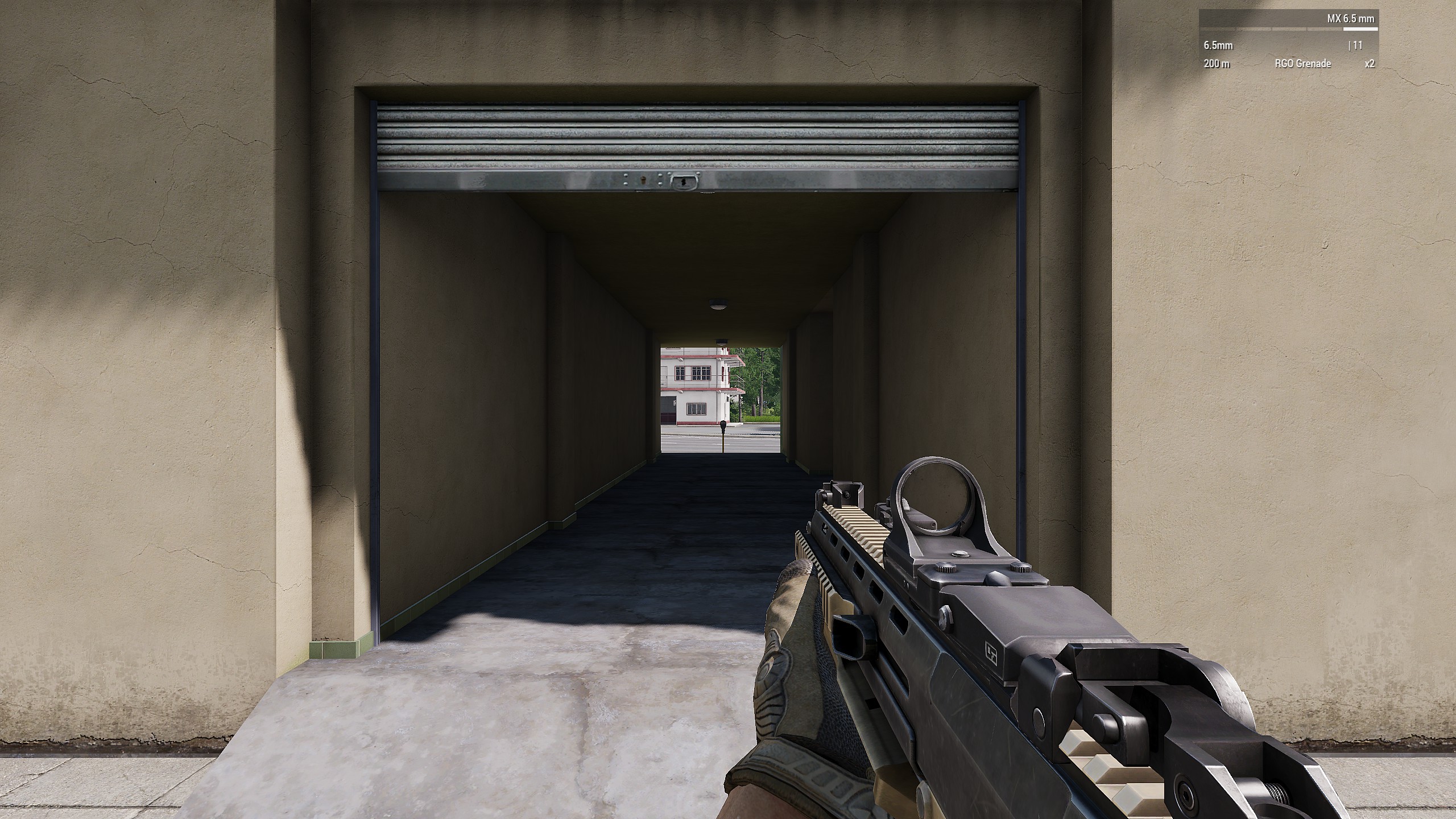 90°
90°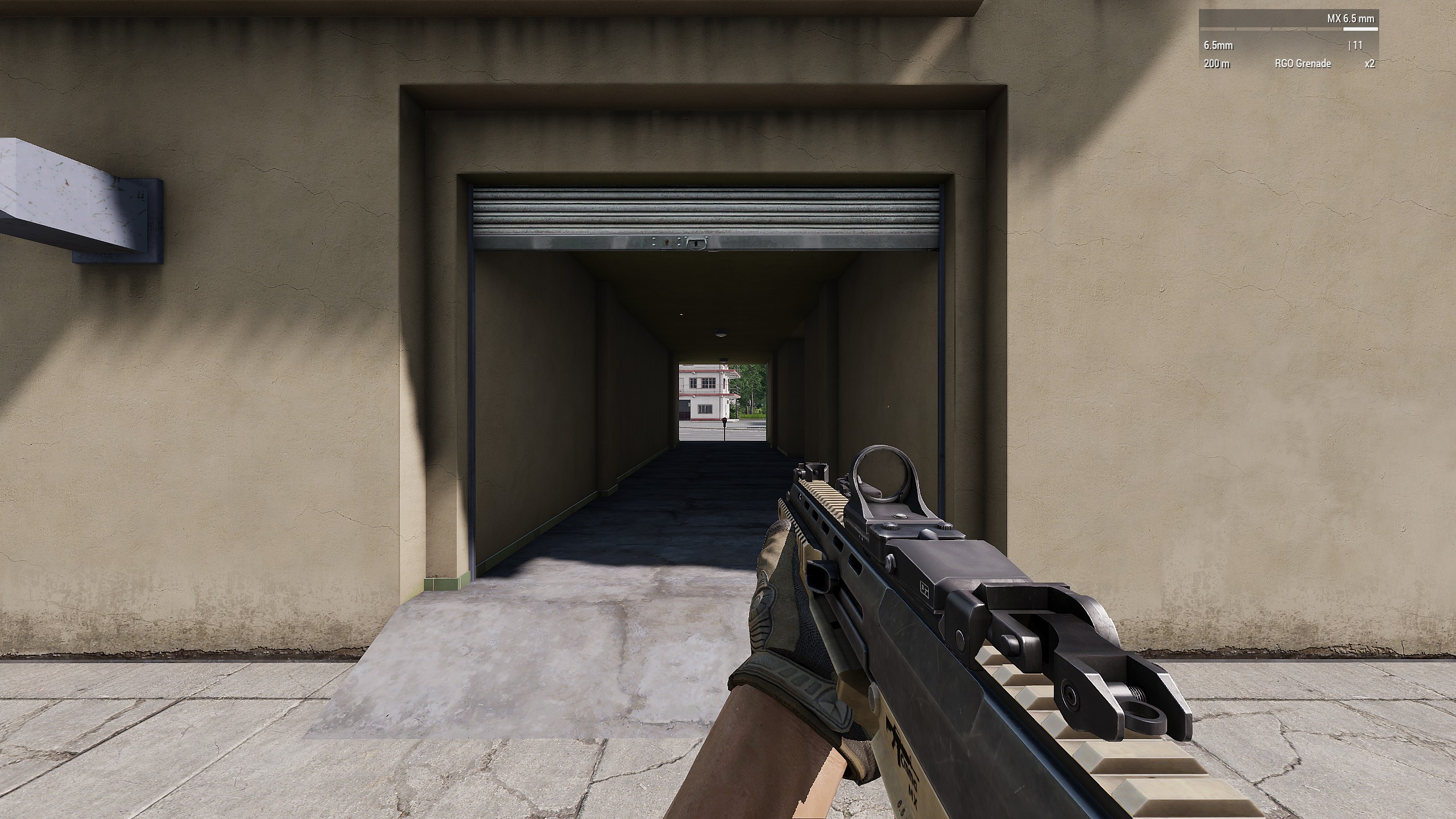 100°
100°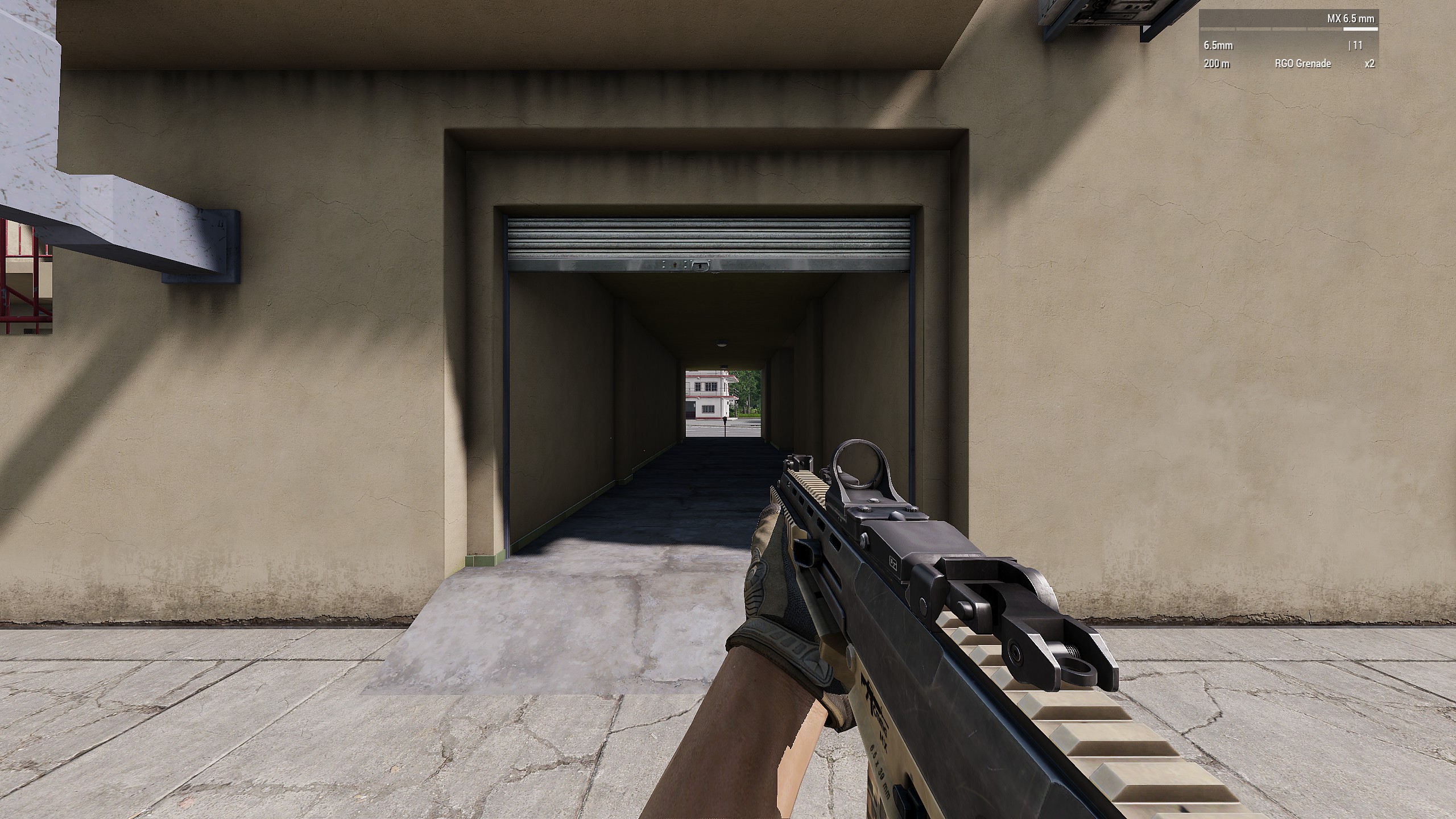 120°
120°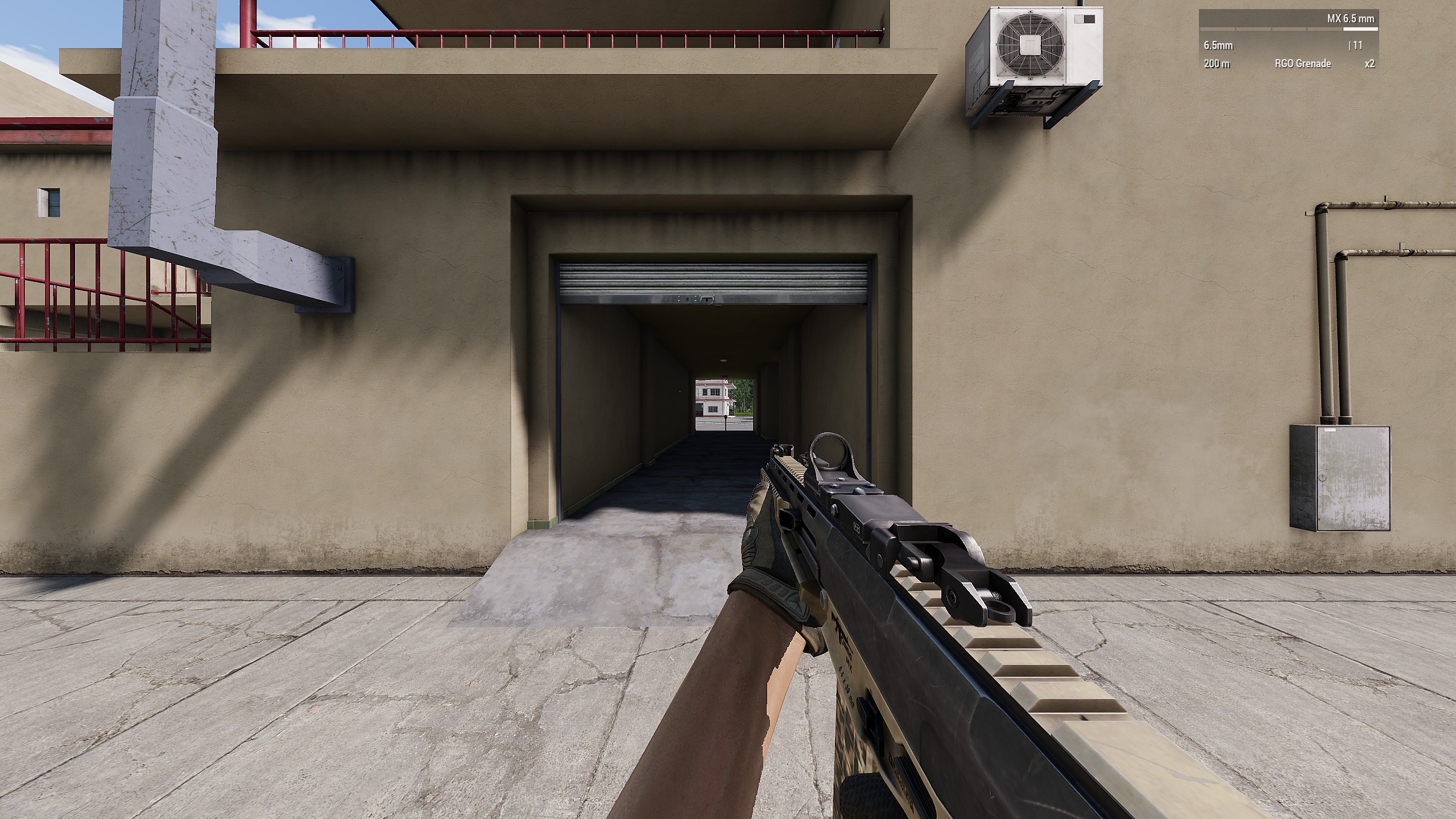
4. EULA
Under no circumstances shall author of this guide be liable for any direct, indirect, incidental, consequential, special or exemplary damages arising out of or in connection with your access or use of this guide and third party content or services or software, whether or not the damages were foreseeable and whether or not author was advised of the possibility of such damages. You (user) are using any or all advice posted in this guide solely on your own responsibility. Use of any or all advice posted in this guide requires you to accept that author cannot be held responsible for any damages and accept this EULA.
It is forbidden to copy, edit or repost this guide without author's permission and without crediting author
It is forbidden to copy, edit or repost this guide without author's permission and without crediting author
More Arma 3 guides
- ACE3 Adv Medical + Cheat Sheet★ 5 (973)48k views2.2k ♥11 minUpdated Feb 21, 2024
- Управление ArmA 3.★ 5 (752)48k views997 ♥4 minRussianUpdated Oct 11, 2015
- ARMA 3 Complete Performance Guide [2020] [ENG]★ 5 (686)48k views1.5k ♥12 minUpdated Oct 10, 2022
- Arma 3 Movement & Weapon Controls (List)★ 5 (513)44k views593 ♥1 minBulgarianUpdated Mar 7, 2016
- How to fly in Arma 3★ 5 (459)40k views746 ♥10 minUpdated Apr 8, 2019
- Лучшие моды за всю историю игры!★ 5 (698)37k views1.7k ♥16 minRussianUpdated Jan 7, 2023


This guide was created by its original author on the Steam Community. Are you the author and want it removed? Request removal.