How to make a Blockman2D map
Create a map
- Create a map
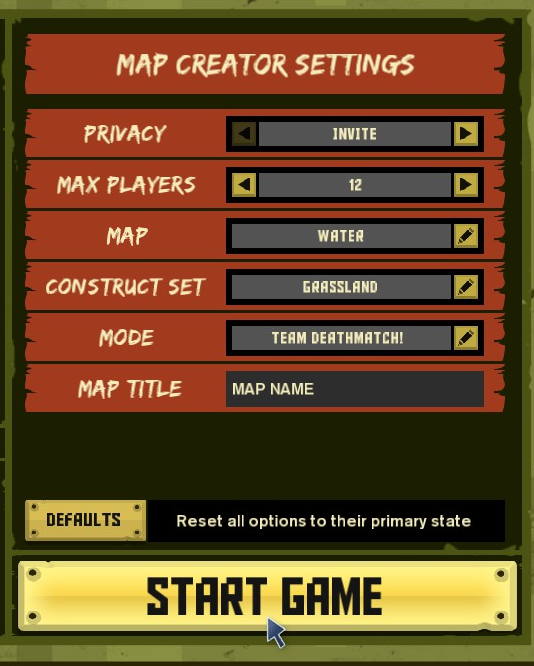
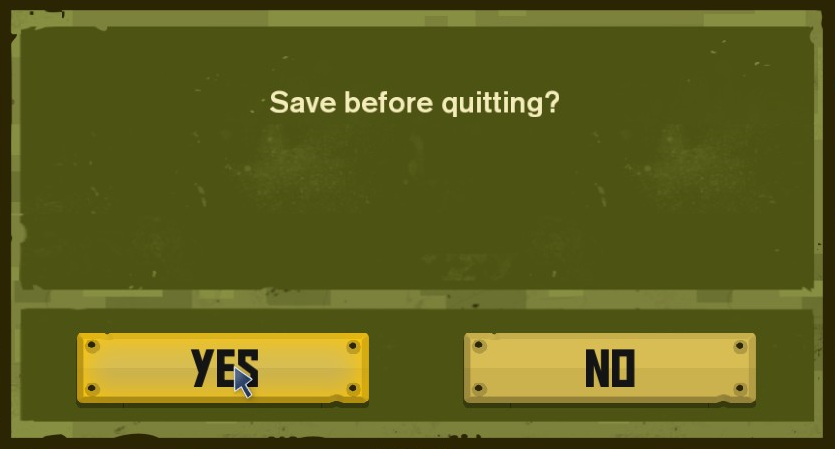
- Save and quit the map
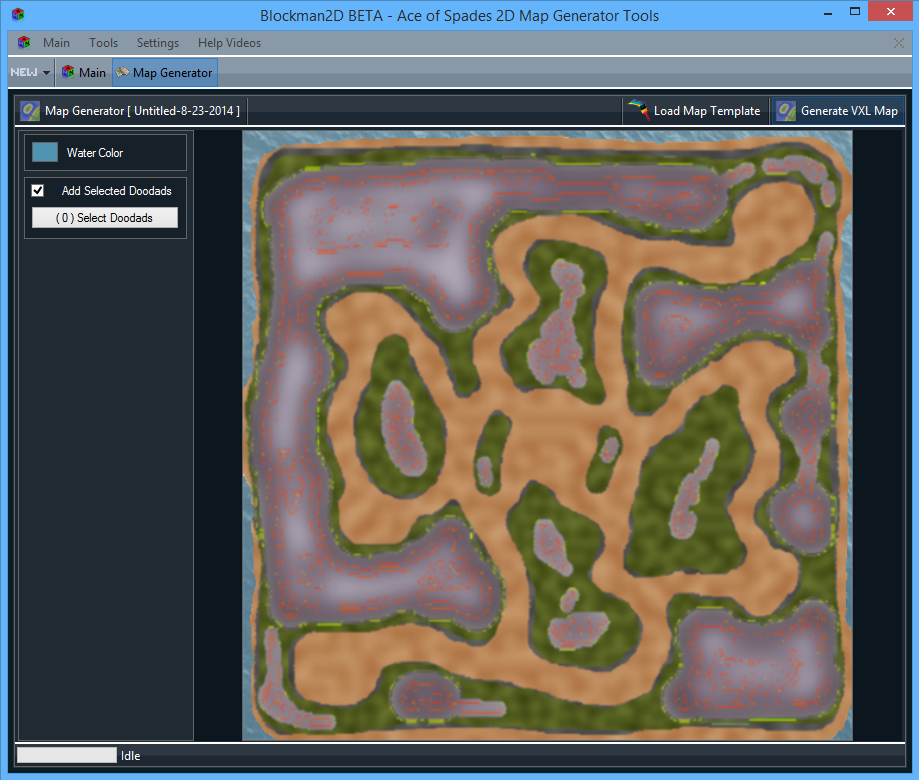
Generate your Blockman2D .VXL file
- Create your Blockman2D map
- Find your steam install folder and go to: Steam\SteamApps\common\aceofspades\hosted_ugc\maps
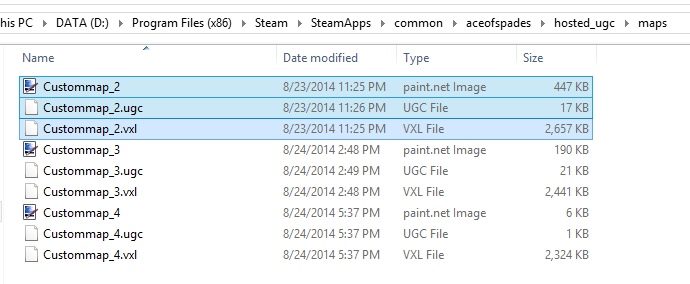
- Save your map
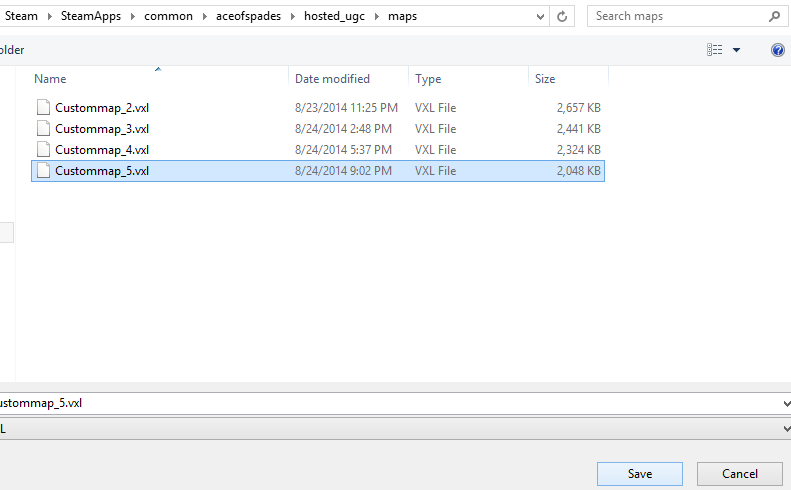
Open your map ingame
- Now open the map ingame
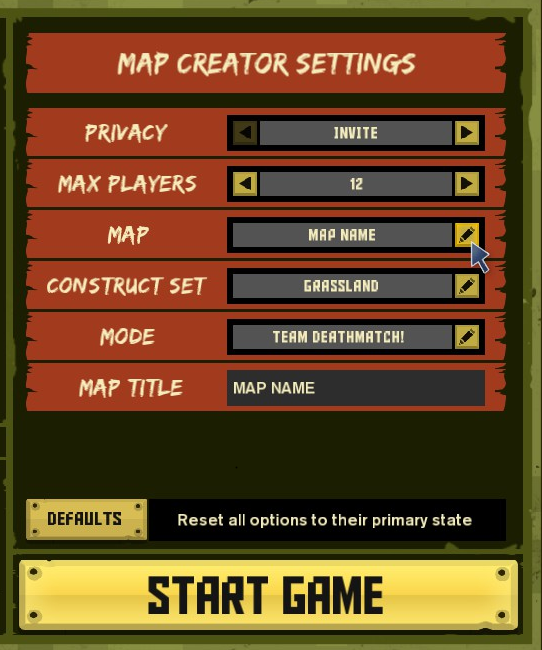
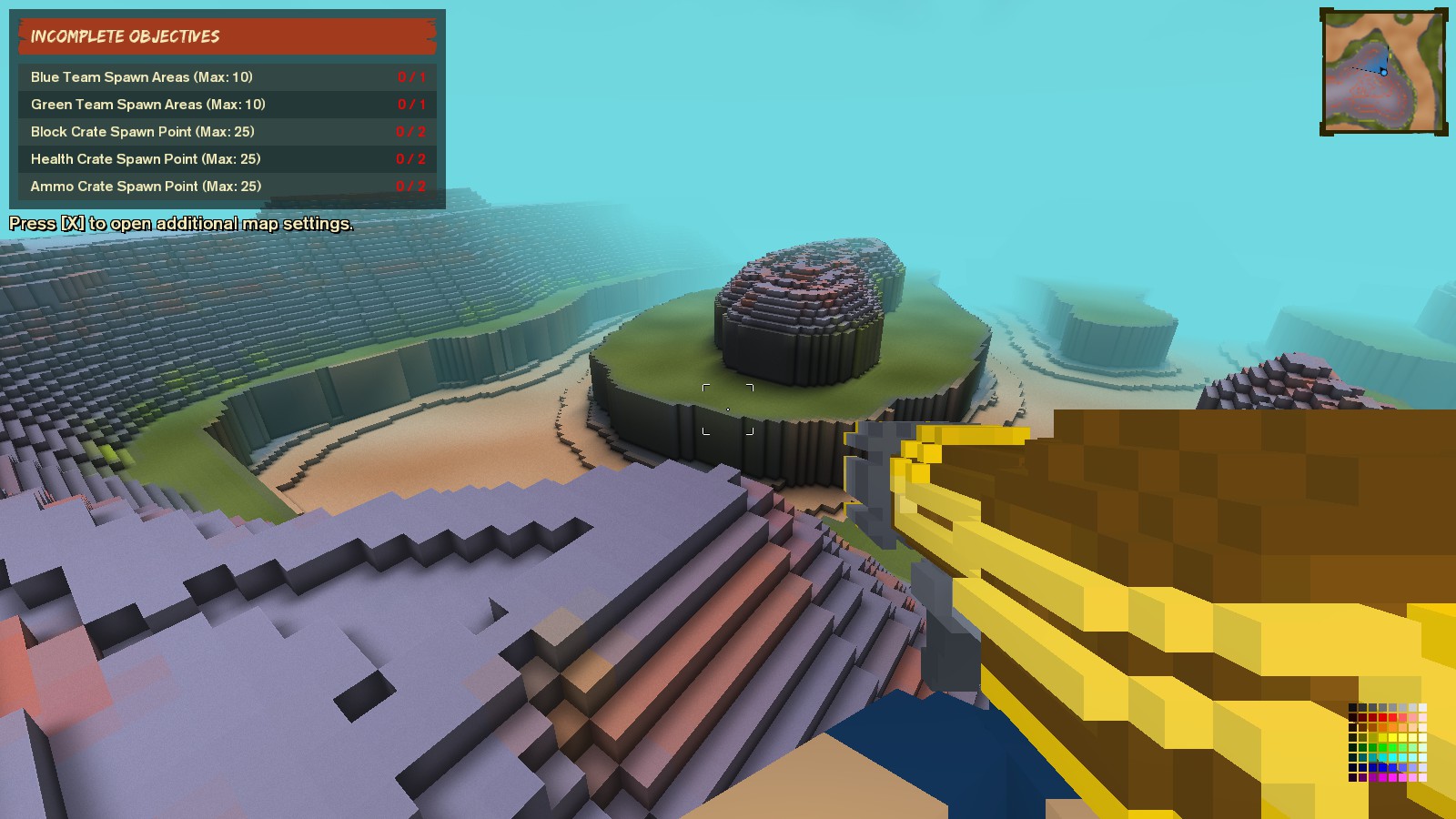
- AND THERE YOU GO!
More Ace of Spades guides
- Ace of Spades Achievement Guide★ 5 (381)9.5k views275 ♥30 minUpdated May 22, 2015
- Кто такой Зомби и с чем его едят ?★ 4 (236)6.3k views23 ♥1 minRussianUpdated Aug 15, 2017
- [PATCHED] How to get the server browser option back★ 4 (118)5.5k views51 ♥1 minUpdated Dec 8, 2022
- Ace of Spades - Achievement Guide [RUS] UPDATE 02.06.14★ 4 (137)3k views59 ♥5 minRussianUpdated Dec 15, 2014
- How to be a good engineer★ 4 (28)2.4k views9 ♥6 minUpdated Mar 2, 2014
- How to play Ace of Spades★ 3 (56)2.4k views11 ♥1 minBulgarianUpdated Dec 22, 2015



This guide was created by its original author on the Steam Community. Are you the author and want it removed? Request removal.