스팀판 콜 오브 듀티: 월드 앳 워 한글 패치(Korean Language Patch)
설치 절차
① 스팀판 콜 오브 듀티: 월드 앳 워를 깔고 1회 이상 실행하세요.
② https://drive.google.com/file/d/1dUdXaBeJUemS1FClaCfFtjmIgq1tz0cD/view?usp=sharing
해당 주소로 들어가서 한글 패치 파일(CODWAWKOR)을 받으세요.
③ 내려받은 패치 파일의 압축을 풀고, 그곳에 있는 " main", "zone", "localization" 파일들을 복사하세요.
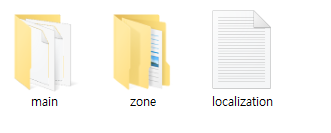
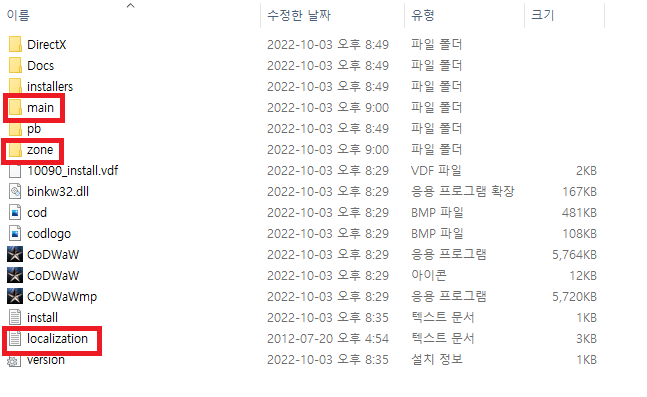
④ 월드 앳 워가 깔린 경로(SteamLibrary\steamapps\common\Call of Duty World at War)로 들어가서 붙여넣기 및 덮어쓰기를 하세요.
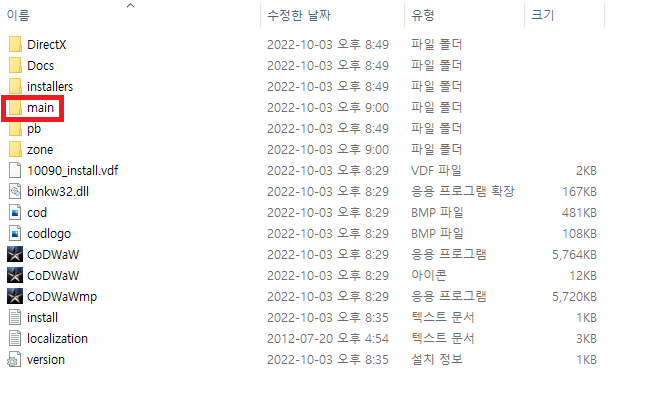
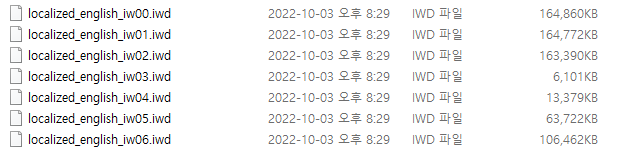
⑤ SteamLibrary\steamapps\common\Call of Duty World at War\main 속에 있는 localized_english로 시작하는 파일들(00 ~ 06 모두)을 지우세요.
⑥ 한글 패치가 끝났습니다. 실행을 하면 됩니다.
② https://drive.google.com/file/d/1dUdXaBeJUemS1FClaCfFtjmIgq1tz0cD/view?usp=sharing
해당 주소로 들어가서 한글 패치 파일(CODWAWKOR)을 받으세요.
③ 내려받은 패치 파일의 압축을 풀고, 그곳에 있는 " main", "zone", "localization" 파일들을 복사하세요.
④ 월드 앳 워가 깔린 경로(SteamLibrary\steamapps\common\Call of Duty World at War)로 들어가서 붙여넣기 및 덮어쓰기를 하세요.
⑤ SteamLibrary\steamapps\common\Call of Duty World at War\main 속에 있는 localized_english로 시작하는 파일들(00 ~ 06 모두)을 지우세요.
⑥ 한글 패치가 끝났습니다. 실행을 하면 됩니다.
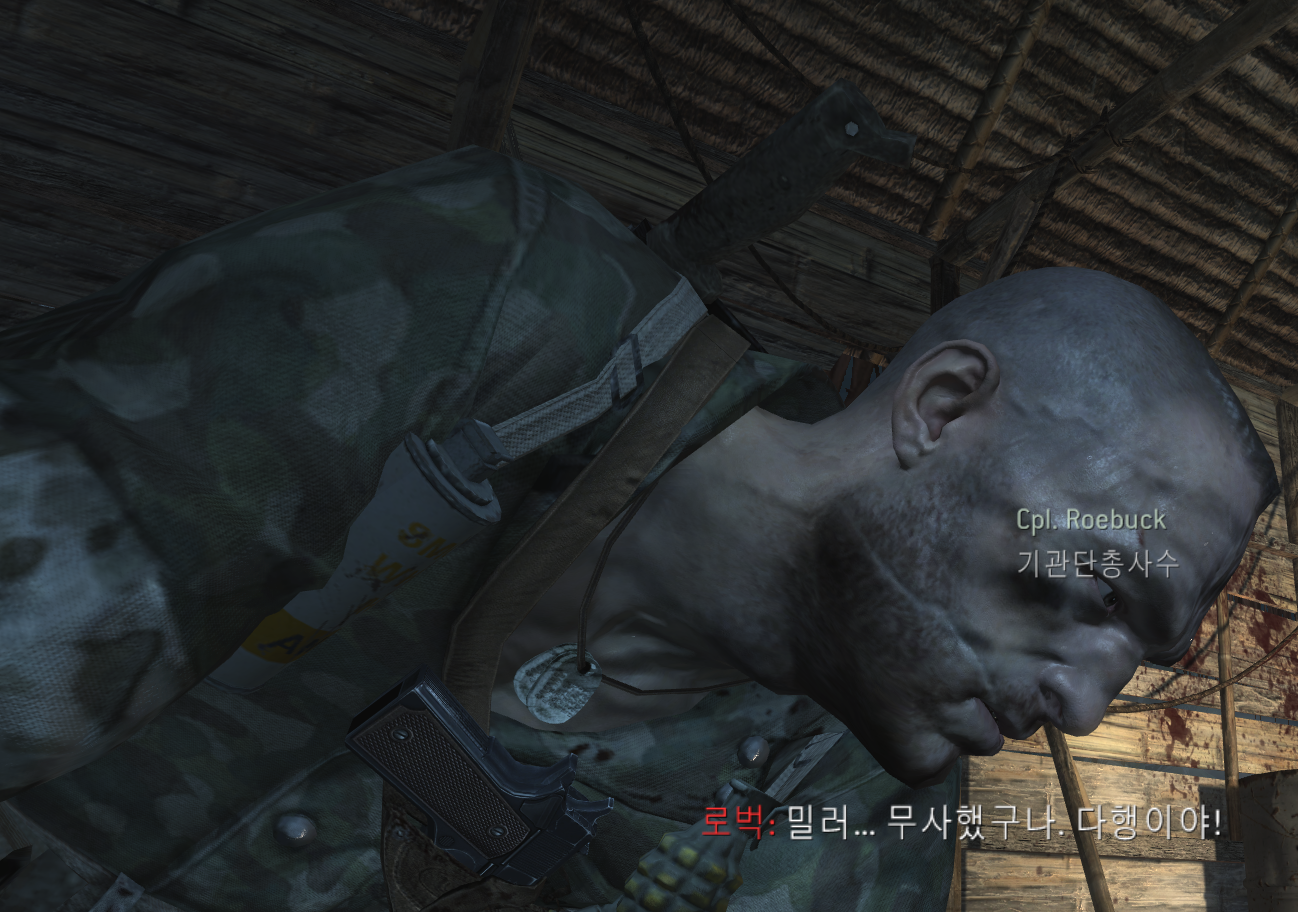
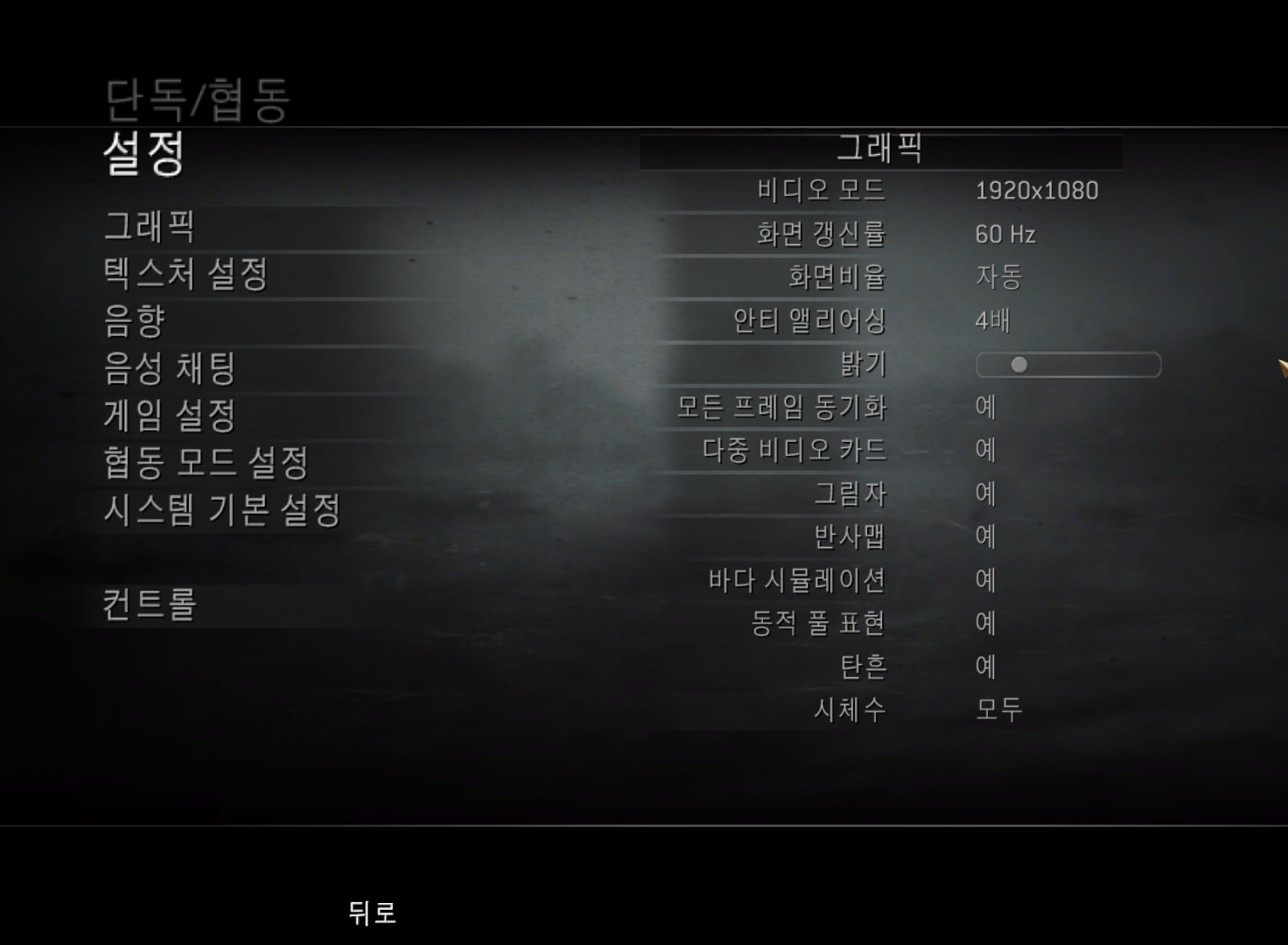
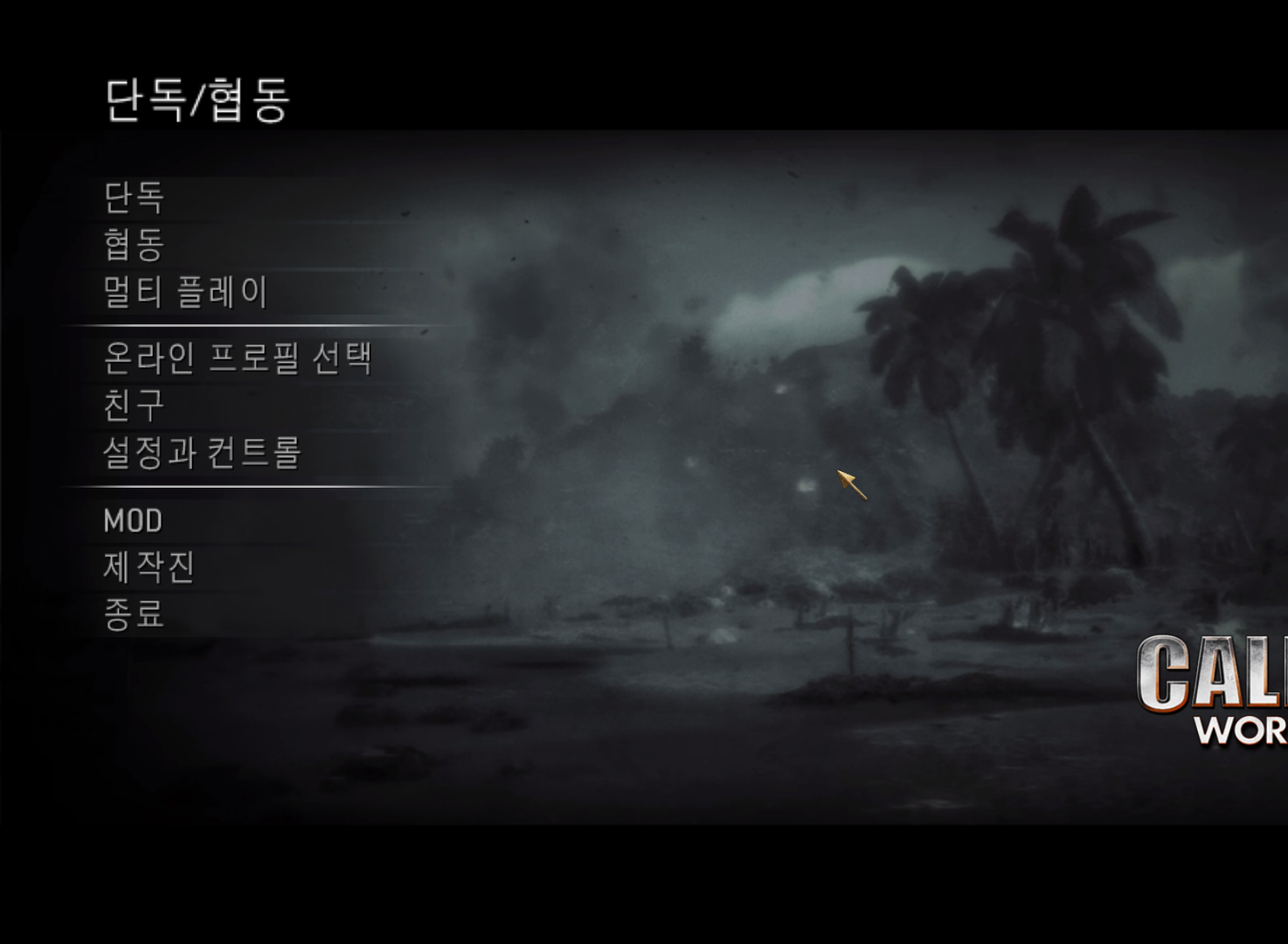
한글 패치 화면
More Call of Duty: World at War guides
- How to install and play custom zombie maps + other tips.★ 5 (927)101k views1.9k ♥3 minUpdated May 17, 2021
- Call of Duty: World at War Zombies Console Commands★ 5 (1.3k)77k views2.4k ♥2 minUpdated Jan 27, 2016
- Call of Duty: World at War Custom Zombies Map Links★ 5 (1.5k)60k views3.1k ♥5 minUpdated Feb 13, 2018
- CoD: WaW Commands.★ 5 (810)52k views1.6k ♥2 minUpdated Jun 24, 2016
- How to survive in round 2.★ 5 (1.1k)48k views297 ♥1 min
- How to get a Ray Gun in the campaign★ 5 (311)33k views444 ♥1 minUpdated Feb 11, 2016


This guide was created by its original author on the Steam Community. Are you the author and want it removed? Request removal.