Make your The Witcher playthrough more enjoyable
What is this Guide about?

After having played The Witcher 3: Wild Hunt, I thought I might give the first game of the series a go.
Since The Witcher released in 2007, however, not only the graphics and sounds, but also the interface and gameplay mechanics are pretty out-dated by today's standards.
Luckily, there are several great mods which helped increase the enjoyment I had with the game substantially.
I reckon that after the success of the Netflix series, more people might be interested in the Witcher lore and want to play these old classics for themselves.
This is the reason I put together this small guide, listing some of the, in my opinion, most useful mods. All the mods listed below help to improve the overall experience without changing any of the core mechanics, meaning I deliberately avoided any mods which e.g. let you teleport to locations instantly or give you money/talents for free.
So if you are wanting to enjoy a The Witcher playthrough with better textures, sounds, Bugfixes and QoL improvements that stays true to the original vision of the game as the developers intended it, these mods should be a must.
(Mods have been tested with the Enhanced Edition on Steam)
Mod Suggestions
Texture/Sound Mods
- The Witcher Overhaul Project (nexusmods[www.nexusmods.com])
- The Witcher: Hi-Res Character Models (moddb)
- Better Dice for Original Witcher (nexusmods[www.nexusmods.com])
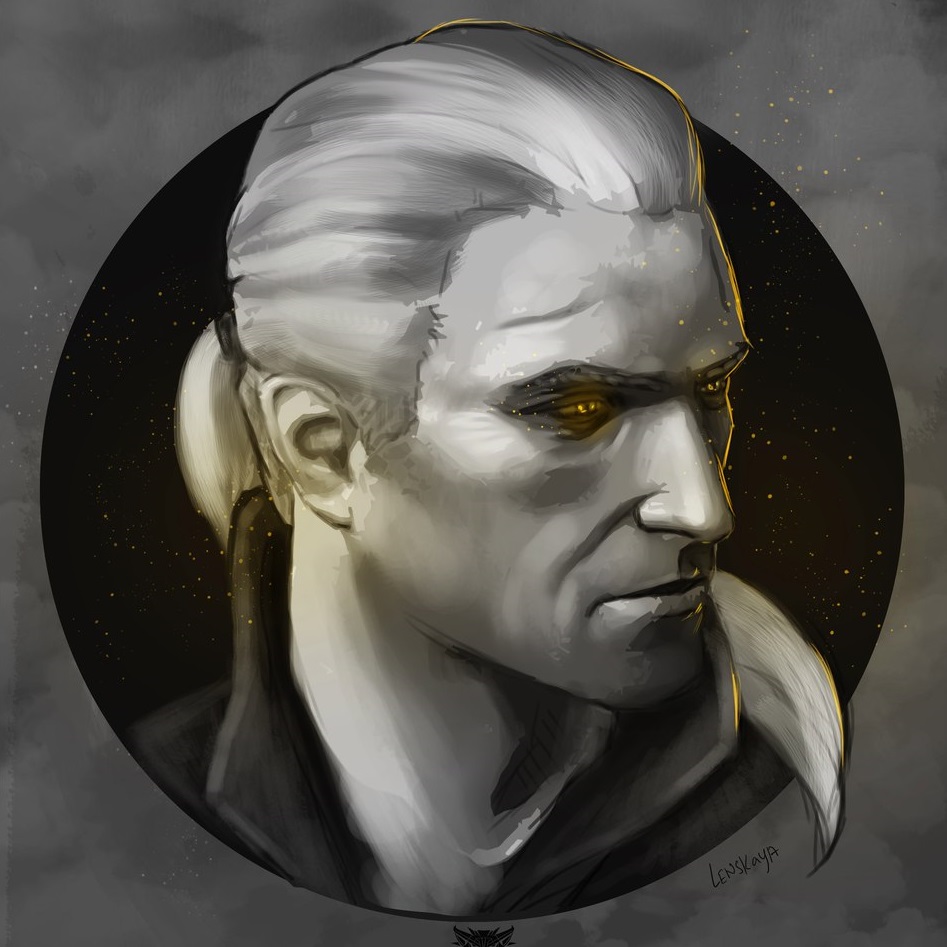
- Geralt Face Retexture (Face from The Witcher 3) (nexusmods[www.nexusmods.com])
- Improved HD Lightsources (nexusmods[www.nexusmods.com])
- Realistic Moon HD (nexusmods[www.nexusmods.com])
Quality of Life Mods
- Item Stacking and Equipment Slots Mod (nexusmods[www.nexusmods.com])
- Faster Movement Mod (nexusmods[www.nexusmods.com])
- Fairer Trade (nexusmods[www.nexusmods.com])
- Leuvaarden Buys Salamandra Badges (nexusmods[www.nexusmods.com])
- One-round Dice Poker Mod (nexusmods[www.nexusmods.com])
Interface Mods
- The Witcher Alchemy Mod - Better Color Coding (nexusmods[www.nexusmods.com])
Bugfixes
- Missing Kalkstein and Leuvaarden Clues Fix (nexusmods[www.nexusmods.com])
- Han Gives Han NOT Berbercane (nexusmods[www.nexusmods.com])
Misc
How to Install
- Download all the mod files
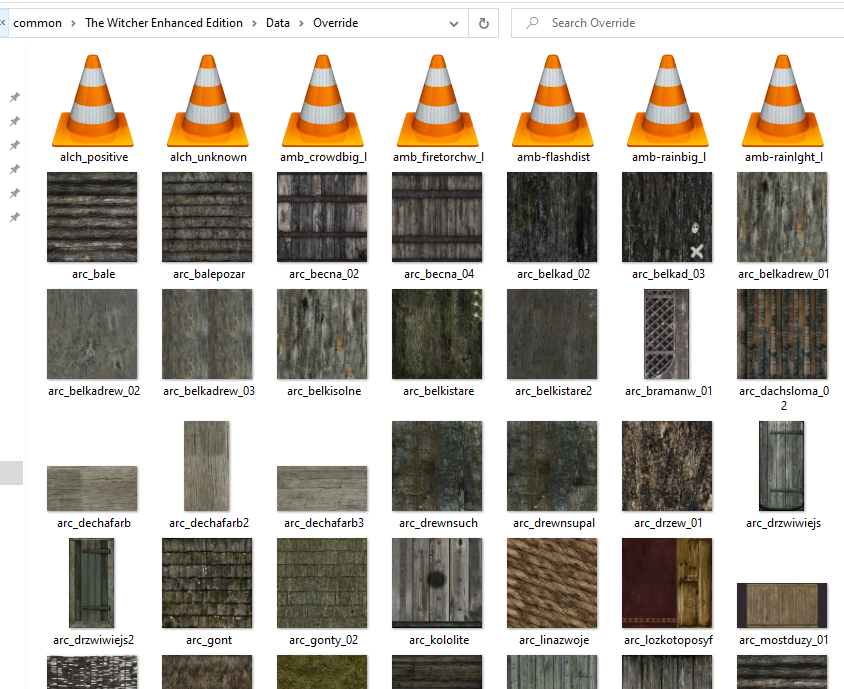
- Navigate to your game installation folder (C:\Program Files (x86)\Steam\steamapps\common\The Witcher Enhanced Edition)
- Inside the "Data" folder, create a new folder "Override" in which all the mod files will be placed
- Extract and copy the individual mod files into the "Override" folder using the order given above (start with the first mod in Texture/Sound Mods and continue downwards)
- All files must be placed loosely into the "Override" folder, there should be no sub-folders within the "Override" folder (even if there is a folder structure in the mod zip file!)
- Accept any file overrides while copying
Miscellaneous
Dice Poker
- If you want the regular length Dice Poker matches, leave out the "One-round Dice Poker Mod"
- There might be a rare mod related bug[www.gog.com], which prevents NPCs from spawning in certain locations (Gamblers' den, Workshop in Chapter 3)
- Even without the NPCs, the Dice Poker Quest can still be completed
Additional mods
These mods might be worth checking out, especially if you are unhappy with the original interface and combat mechanics:More The Witcher: Enhanced Edition guides
- A Beginner's Guide to The Witcher★ 5 (1.9k)72k views2.5k ♥25 minUpdated Dec 28, 2016
- Большой Гайд: Подсказки, секреты и многое другое★ 5 (3.7k)68k views9.2k ♥37 minRussianUpdated Jul 14, 2024
- The Witcher: Enhanced Edition - Walkthrough★ 5 (691)42k views1.7k ♥56 minUpdated May 12, 2015
- Моды на The Witcher: Enhanced Edition★ 5 (1.1k)41k views1.8k ♥13 minRussianUpdated Feb 3, 2020
- Девушки и способы их соблазнения.★ 5 (1.2k)31k views1.4k ♥5 minRussianUpdated May 1, 2014
- The Witcher: Enchanced Edition на 100%★ 5 (1.4k)30k views3.4k ♥10 minRussianUpdated Feb 20, 2021




This guide was created by its original author on the Steam Community. Are you the author and want it removed? Request removal.