The Unofficial Guide to the Su-25T
Starting Up
Starting up your plane is as easy as doing your mum.
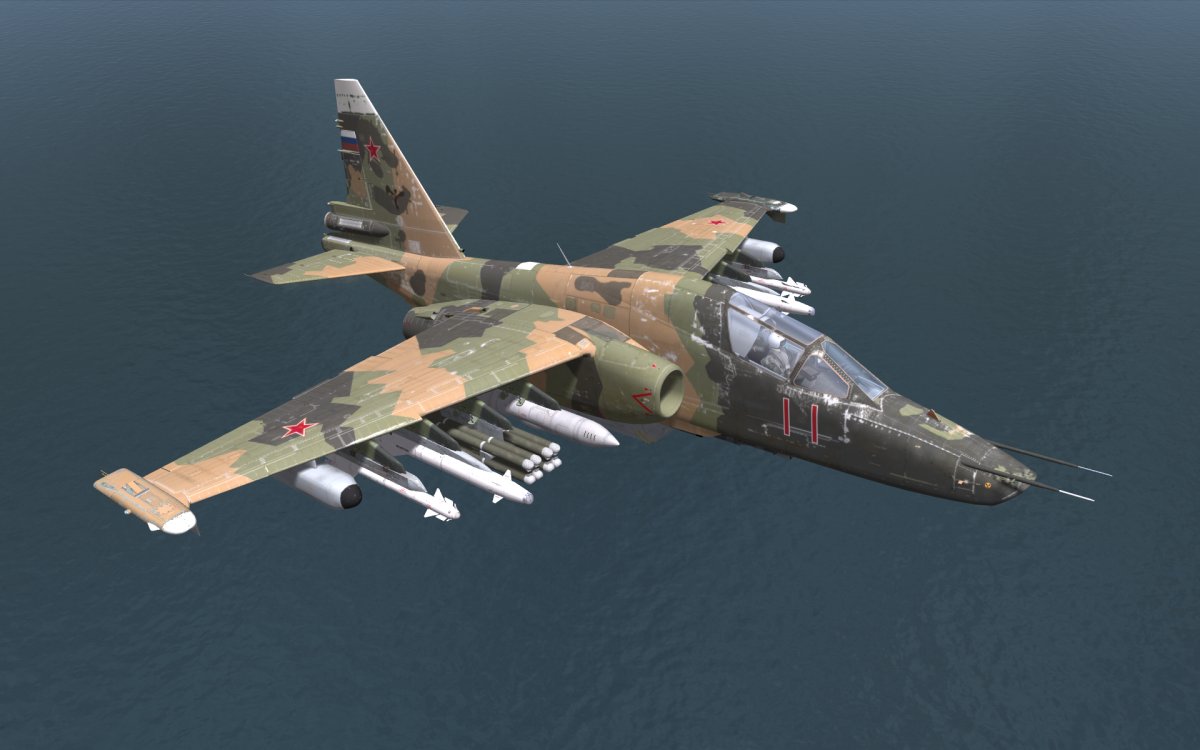
Step One: Start the APU by pressing RSHIFT+L, wait a moment for the APU to start (usually 15 seconds)
Step Two: Close the Canopy by pressing Ctrl+C
Step Three: Press Right Alt+Home to start ENG #1
Step Four: Press Right Ctrl+Home to start ENG #2, wait about 30 seconds for both engines to start
Step Five: You're on your way (to die)
Step One: Start the APU by pressing RSHIFT+L, wait a moment for the APU to start (usually 15 seconds)
Step Two: Close the Canopy by pressing Ctrl+C
Step Three: Press Right Alt+Home to start ENG #1
Step Four: Press Right Ctrl+Home to start ENG #2, wait about 30 seconds for both engines to start
Step Five: You're on your way (to die)
Taking Off
Now here is the tricky bit
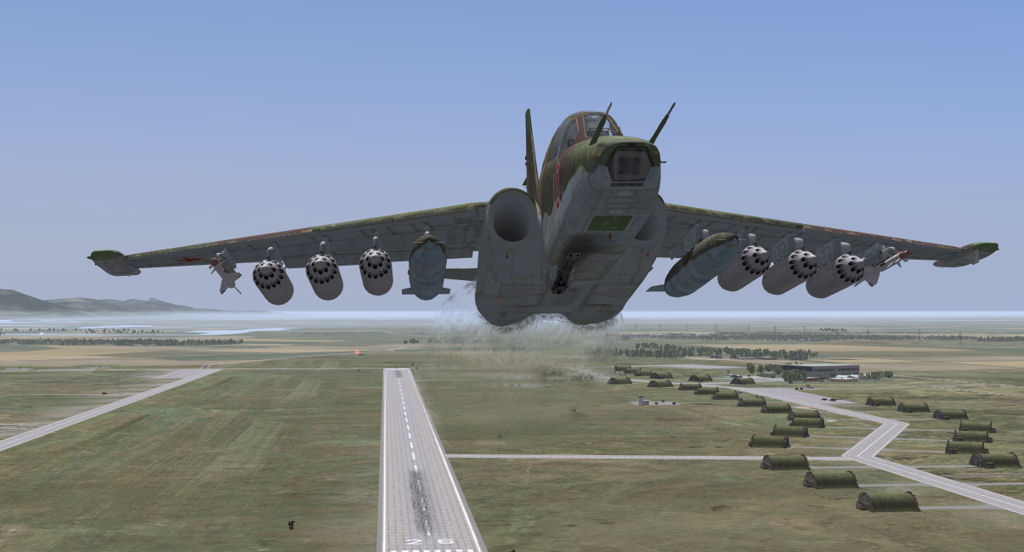
Step One: Use Z and X buttons to taxi to your desired runway
Step Two: If your engines aren't on fire then check your gear is actually down and set your flaps by pressing F
Step Three: Spam the Page Up button to go to full throttle and use Z and X buttons to make sure you don't steer off the runway
Step Four: Choose one of the following choices
Choice #1: Never make it off the runway and swerve off the runway to a fiery death
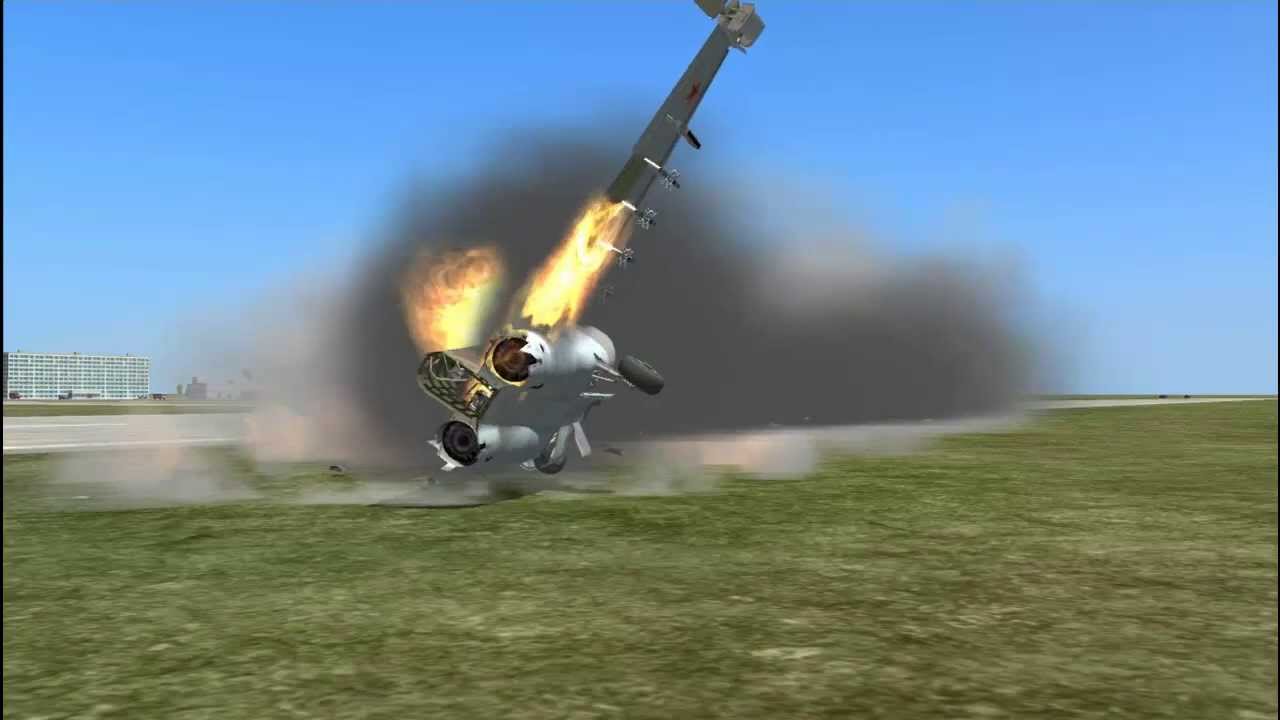
Choice #2: Press the down key or pull back on your joystick to lift off the runway to then be destoryed by a SAM missile
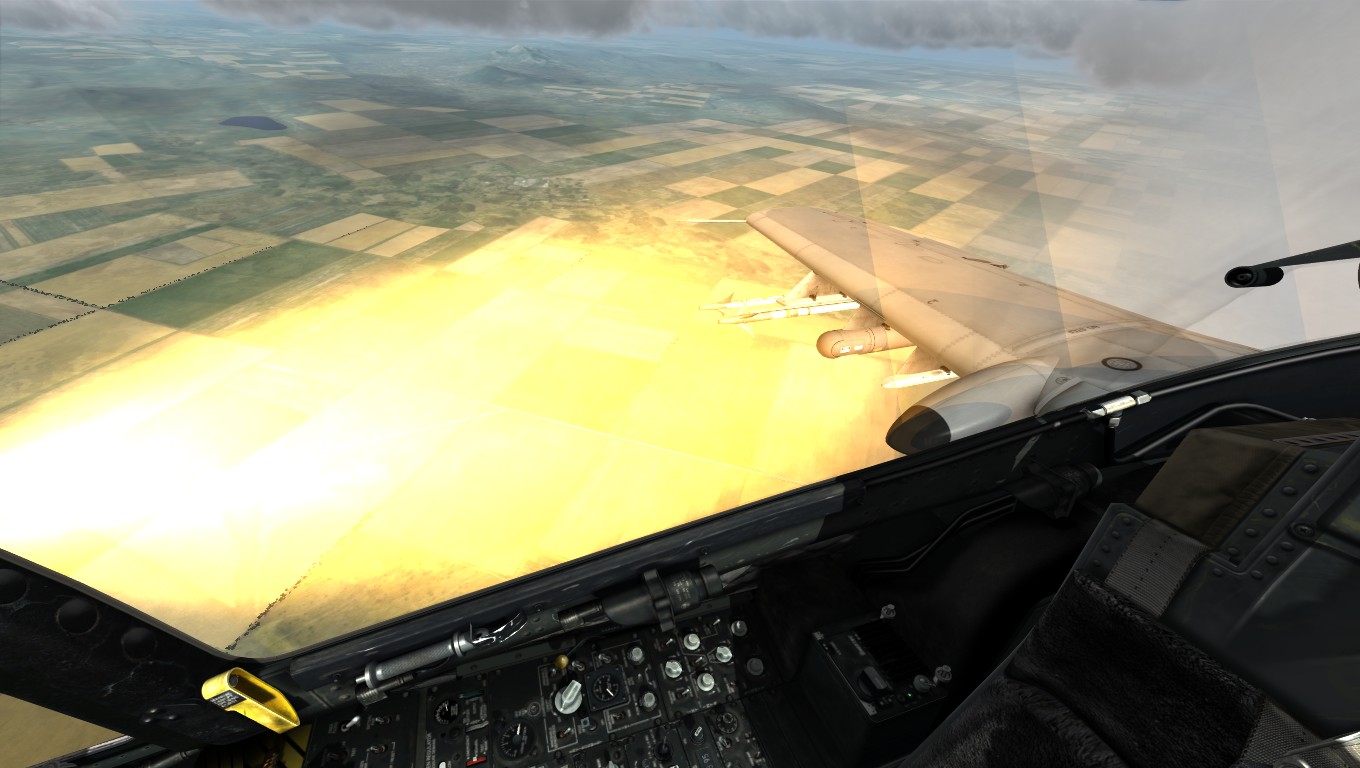
Step One: Use Z and X buttons to taxi to your desired runway
Step Two: If your engines aren't on fire then check your gear is actually down and set your flaps by pressing F
Step Three: Spam the Page Up button to go to full throttle and use Z and X buttons to make sure you don't steer off the runway
Step Four: Choose one of the following choices
Choice #1: Never make it off the runway and swerve off the runway to a fiery death
Choice #2: Press the down key or pull back on your joystick to lift off the runway to then be destoryed by a SAM missile
Weapons Systems
Trust me when I say this, if you get this working you are better than 99.5% off people who play this game which must be such a life achievement for you.
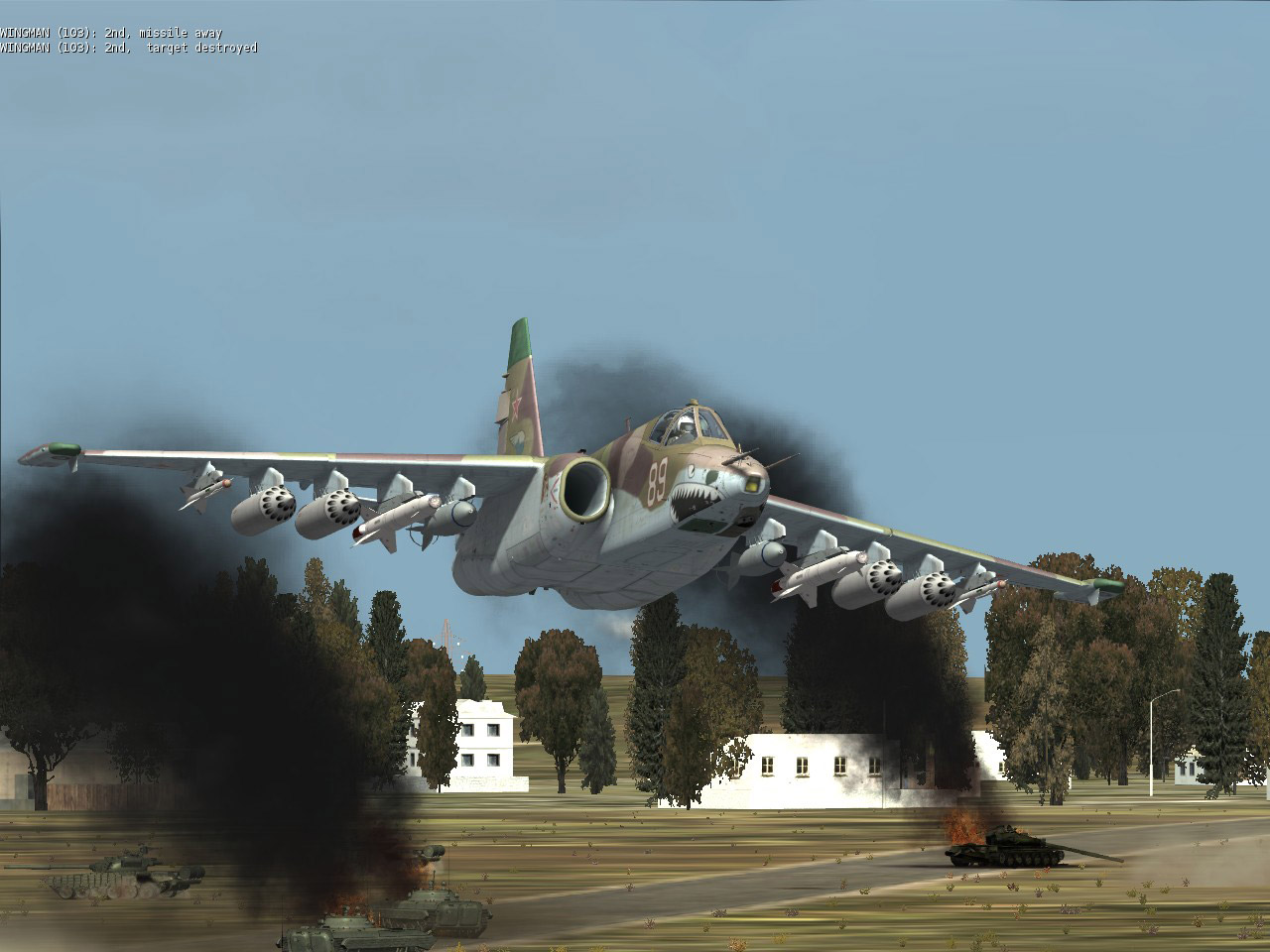
Cannon (It's easy):
Step One: Press 7 to go into Air to Ground Mode
Step Two: Press C to select the Cannon
Step Three: Use the Spacebar to kill ♥♥♥♥
Laser Designation Missiles (Good Luck!):
Step One: Press 7 to go into Air to Ground Mode
Step Two: Select the desired weapon by pressing D
Step Three: To identify targets press O to start the Shkval TV system
Step Four: Find your target by pressing ; - Up / - Right . - Down , - Left, Zoom using + and - keys.
Step Five: When you have found your target use the stabalize sensor by pressing Enter
Step Six: To lock a target you need to manually set a target base, use these values
* Personnel and Minor Stuctures - 5m
* Cars and Armored Vehicles - 10m
* Tactical Aircraft and Helicopters - 20m
* Transport and Strategic Aircraft - 30-60m
* Buildings - 20-60m
* Ships - 60m
Step Seven: Turn on the Laser by pressing RSHIFT+O
Step Eight: FIRE FIRE FIRE (Spacebar)
REMEBER!!!: After you have used the laser turn it off again by pressing RSHIFT+O and it will enter a cooldown cycle otherwise it may overheat.
Short Range Missiles
Step One: Press 6 to go into Air to Air mode
Step Two: Move your aircraft until the center of the HUD aircraft symbol is over the target, when locked you will hear a sound.
Step Three: FIRE ZA MISSILES
If you have somehow gotten this to work please stop hacking this game and not have weapons like the rest of us (Jet ramming is the way of the future).
Cannon (It's easy):
Step One: Press 7 to go into Air to Ground Mode
Step Two: Press C to select the Cannon
Step Three: Use the Spacebar to kill ♥♥♥♥
Laser Designation Missiles (Good Luck!):
Step One: Press 7 to go into Air to Ground Mode
Step Two: Select the desired weapon by pressing D
Step Three: To identify targets press O to start the Shkval TV system
Step Four: Find your target by pressing ; - Up / - Right . - Down , - Left, Zoom using + and - keys.
Step Five: When you have found your target use the stabalize sensor by pressing Enter
Step Six: To lock a target you need to manually set a target base, use these values
* Personnel and Minor Stuctures - 5m
* Cars and Armored Vehicles - 10m
* Tactical Aircraft and Helicopters - 20m
* Transport and Strategic Aircraft - 30-60m
* Buildings - 20-60m
* Ships - 60m
Step Seven: Turn on the Laser by pressing RSHIFT+O
Step Eight: FIRE FIRE FIRE (Spacebar)
REMEBER!!!: After you have used the laser turn it off again by pressing RSHIFT+O and it will enter a cooldown cycle otherwise it may overheat.
Short Range Missiles
Step One: Press 6 to go into Air to Air mode
Step Two: Move your aircraft until the center of the HUD aircraft symbol is over the target, when locked you will hear a sound.
Step Three: FIRE ZA MISSILES
If you have somehow gotten this to work please stop hacking this game and not have weapons like the rest of us (Jet ramming is the way of the future).
Countermeasures
SPAM ALL THE DELETE AND INSERT BUTTON
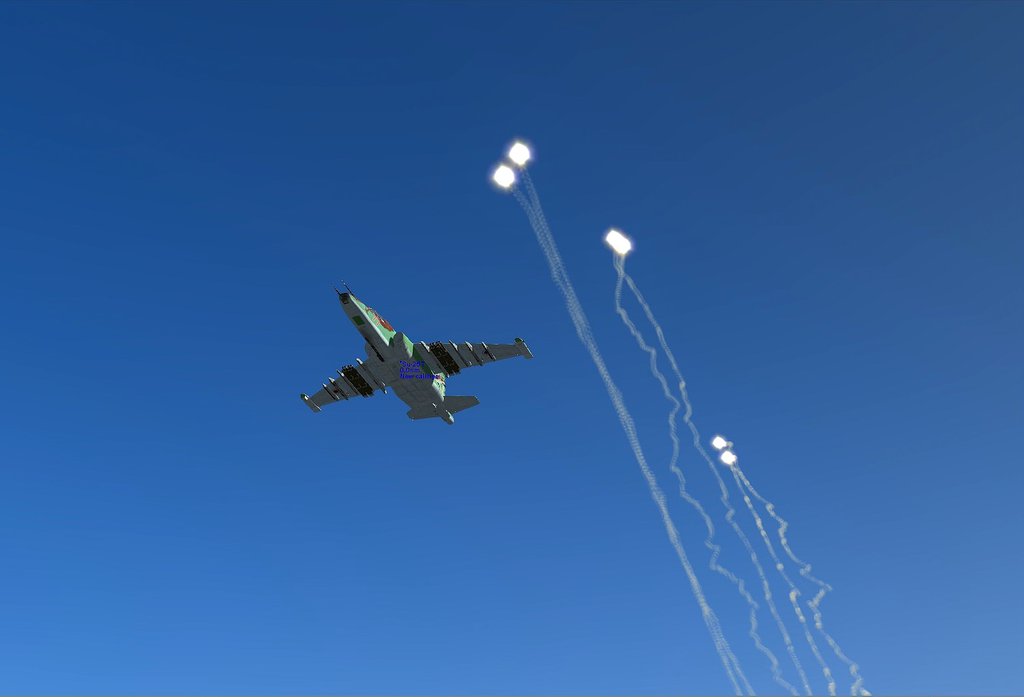
If all else fails spam CTRL+E to give up on life.
If all else fails spam CTRL+E to give up on life.
Miscellaneous Controls
RSHIFT+L = Start APU (put electrical power on, whatever)
L = cockpit instrument lights (for when its dark obviously)
Ctrl + C = close/open canopy
Right Alt + Home = Start ENG #1
Right Ctrl + Home = Start ENG #2
Right Alt + L = taxi/landing lights (take's a while to move down from stowed position under the wingtip speed brakes
W = Wheel Brake
Right Ctrl + L = Navigation lights (steady, alternating Left/Right, off)
F = Flaps (cycles between fully retracted and down one "notch" is for take-off)
G = Landing Gear (retract/extent)
1 = select navigation mode
Ctrl + ` = cycle waypoints, or cycle airfields when in Return/ILS mode nav mode
` = AP override (is the key left of the 1 on your keyboard)
Alt + 1 = AP Attitude Hold (maintains bank and pitch angle)
Alt + 2 = AP Altitude and Roll Hold (maintains altitude and bank angle)
Alt + 3 = AP Transit Level Flight (panic button, returns aircraft to straight and level flight)
Alt + 4 = AP Barometric Altitude Hold (can still roll the aircraft)
Alt + 5 = AP Radio Altitude hold (can still roll the aircraft, follows terrain, Alt THERE ARE SLOPE LIMITS believe max 5 degrees up)
Alt + 9 = AP Disengage (disengage whatever autopilot mode was selected)
A = Auto Pilot on in selected NAV mode (meaning fly's to next waypoint, fly's to return point, fly's ILS approach, or when in Air to Ground mode and any targeting device lock it will fly to the locked target at the present altitude)
Rctrl + . = Trim UP
Rctrl + / = Trim Right Roll (right wingtip down)
Rctrl + ; = Trim Down
Rctrl + , = Trim Left Roll (left wingtip down)
Right Ctrl + O = Mercury LLTV (low light version of Skhval, only if fitted)
O = Uncage/Cage skhval
; = Skhval UP
/ = Skhval Right
. = Skhval Down
, = Skhval Left
Ctrl + W = Jettison Weapons (start whit A-G weapons, outter pylons first working inwards, then continues whit A-A weapons outter pylons first working inwards, pods/jammers can NOT BE JETTISONED)
Alt + R = Jettison External tanks (also in pairs, outboard stations first then inboard)
Insert = deploy chaff (only good against radar guided missiles)
Delete = deploy flares (only good against Heat Seaking missiles)
for both, DONT EXPECT MAGIC!
L = cockpit instrument lights (for when its dark obviously)
Ctrl + C = close/open canopy
Right Alt + Home = Start ENG #1
Right Ctrl + Home = Start ENG #2
Right Alt + L = taxi/landing lights (take's a while to move down from stowed position under the wingtip speed brakes
W = Wheel Brake
Right Ctrl + L = Navigation lights (steady, alternating Left/Right, off)
F = Flaps (cycles between fully retracted and down one "notch" is for take-off)
G = Landing Gear (retract/extent)
1 = select navigation mode
Ctrl + ` = cycle waypoints, or cycle airfields when in Return/ILS mode nav mode
` = AP override (is the key left of the 1 on your keyboard)
Alt + 1 = AP Attitude Hold (maintains bank and pitch angle)
Alt + 2 = AP Altitude and Roll Hold (maintains altitude and bank angle)
Alt + 3 = AP Transit Level Flight (panic button, returns aircraft to straight and level flight)
Alt + 4 = AP Barometric Altitude Hold (can still roll the aircraft)
Alt + 5 = AP Radio Altitude hold (can still roll the aircraft, follows terrain, Alt THERE ARE SLOPE LIMITS believe max 5 degrees up)
Alt + 9 = AP Disengage (disengage whatever autopilot mode was selected)
A = Auto Pilot on in selected NAV mode (meaning fly's to next waypoint, fly's to return point, fly's ILS approach, or when in Air to Ground mode and any targeting device lock it will fly to the locked target at the present altitude)
Rctrl + . = Trim UP
Rctrl + / = Trim Right Roll (right wingtip down)
Rctrl + ; = Trim Down
Rctrl + , = Trim Left Roll (left wingtip down)
Right Ctrl + O = Mercury LLTV (low light version of Skhval, only if fitted)
O = Uncage/Cage skhval
; = Skhval UP
/ = Skhval Right
. = Skhval Down
, = Skhval Left
Ctrl + W = Jettison Weapons (start whit A-G weapons, outter pylons first working inwards, then continues whit A-A weapons outter pylons first working inwards, pods/jammers can NOT BE JETTISONED)
Alt + R = Jettison External tanks (also in pairs, outboard stations first then inboard)
Insert = deploy chaff (only good against radar guided missiles)
Delete = deploy flares (only good against Heat Seaking missiles)
for both, DONT EXPECT MAGIC!
More DCS World Steam Edition guides
- How To Setup Controls and Joystick★ 5 (505)39k views1.1k ♥12 minUpdated Aug 18, 2015
- F-15C Eagle Beginners Guide★ 5 (921)29k views1.6k ♥12 minUpdated Sep 13, 2019
- Xbox One Controls for DCS: World★ 5 (359)22k views757 ♥6 minUpdated Sep 12, 2022
- Su-25T : Weapon Specifications List / Other useful information★ 5 (615)18k views1k ♥10 minUpdated Jul 11, 2015
- How To: DCS World Beginner Basics★ 5 (167)13k views389 ♥16 minUpdated Feb 22, 2021
- DCS: A-10C Easy Guide and Basic Concepts★ 5 (296)13k views633 ♥11 minUpdated Sep 4, 2014



This guide was created by its original author on the Steam Community. Are you the author and want it removed? Request removal.