This guide explains weapon/player skins and how to install them
Weapon Skins/Models
https://www.file-upload.net/download-14424088/v_m4a1.mdl.html
https://www.file-upload.net/download-14424089/w_m4a1.mdl.html
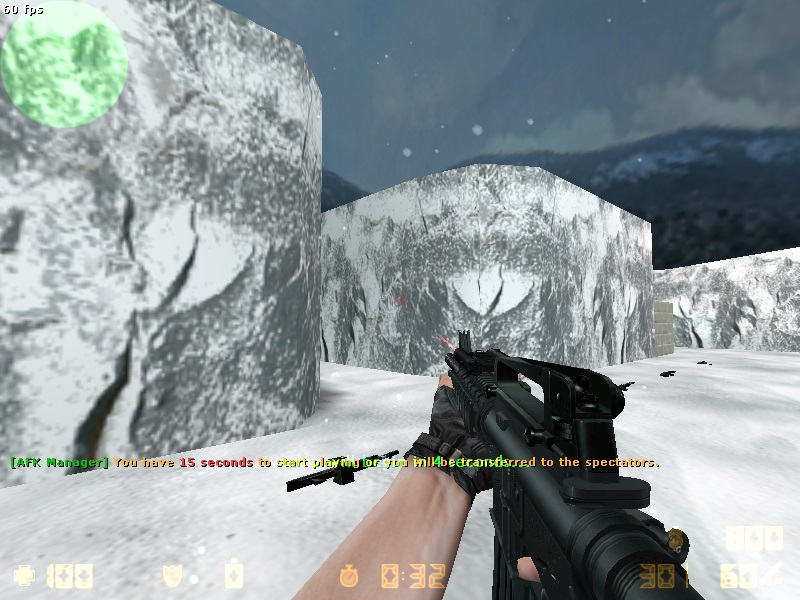 Update:06.01.2021 Still working same way
Sleveed
:/www.file-upload.net/download-14424062/v_deagle.mdl.html
Non Sleveed
https://www.file-upload.net/download-14424092/p_deagle.mdl.html
https://www.file-upload.net/download-14424094/v_deagle.mdl.html
https://www.file-upload.net/download-14424093/w_deagle.mdl.html
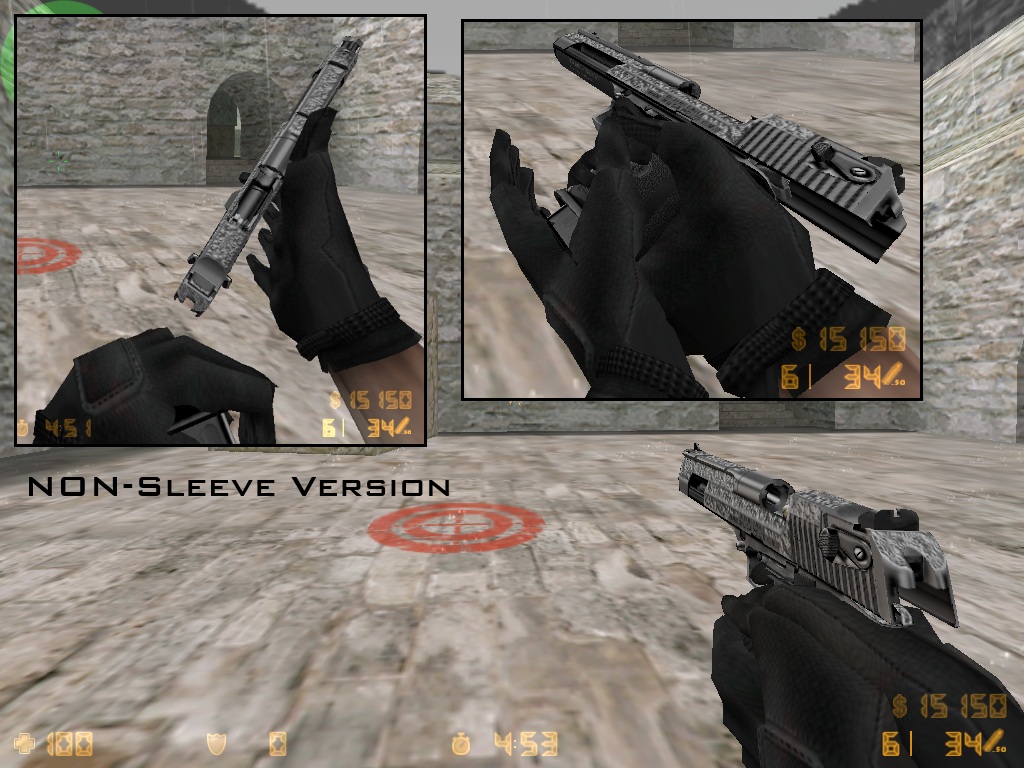
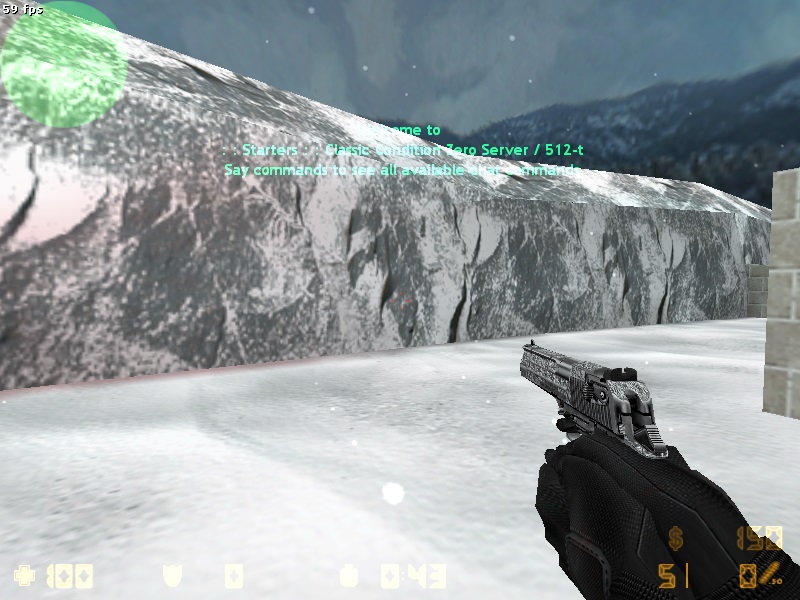
First il explain the weapon skins
The weapon skins are separated in 3 .mdl files
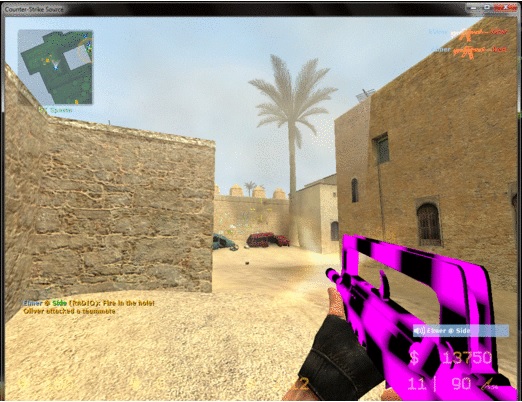
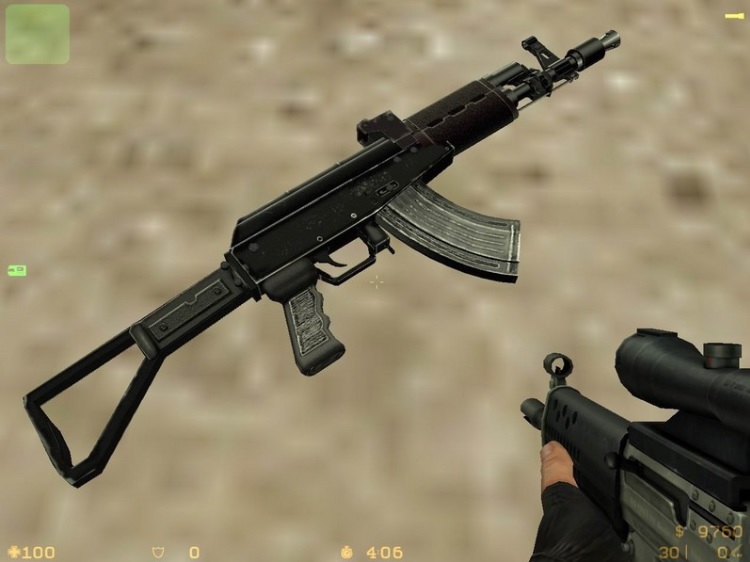
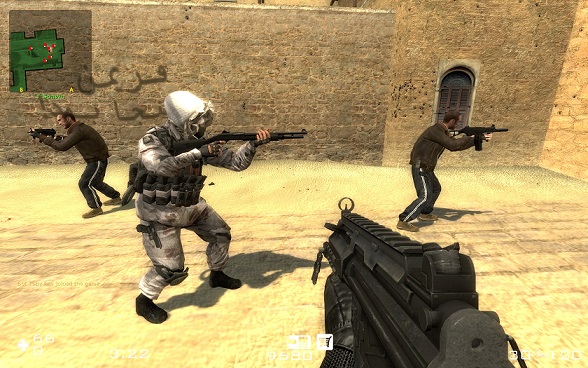
The v/w/p .mdl files are not attached to each other, you can use one of them or all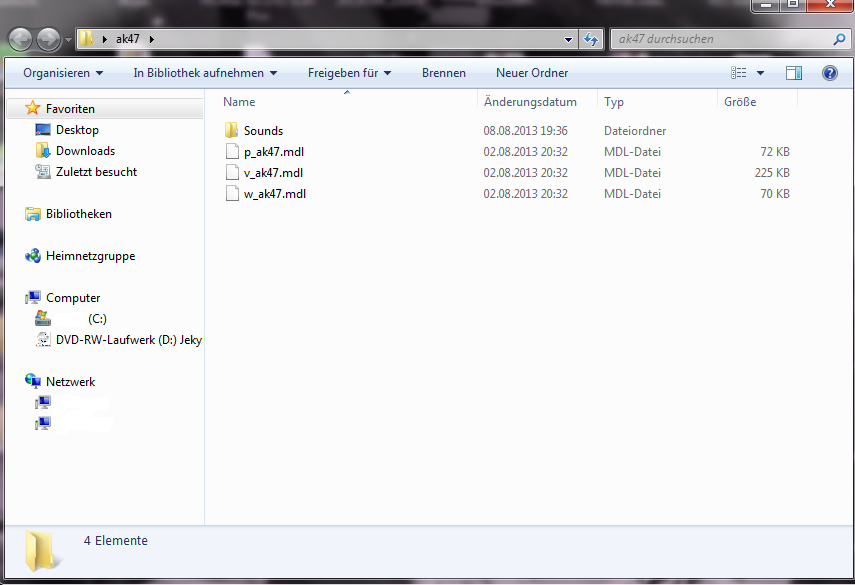 ⇽
⇽
└📁Program Files (x86)
⠀└📁steam
⠀⠀└📁steamapps
⠀⠀⠀└📁common
⠀⠀⠀⠀└📁Half-Life
⠀⠀⠀⠀⠀└📁czero
-------→└📁models
Dont worry to override the original skins (when u delete your custom skins csz will regenerates the normal skins back)To install the weapon skins, past them here''\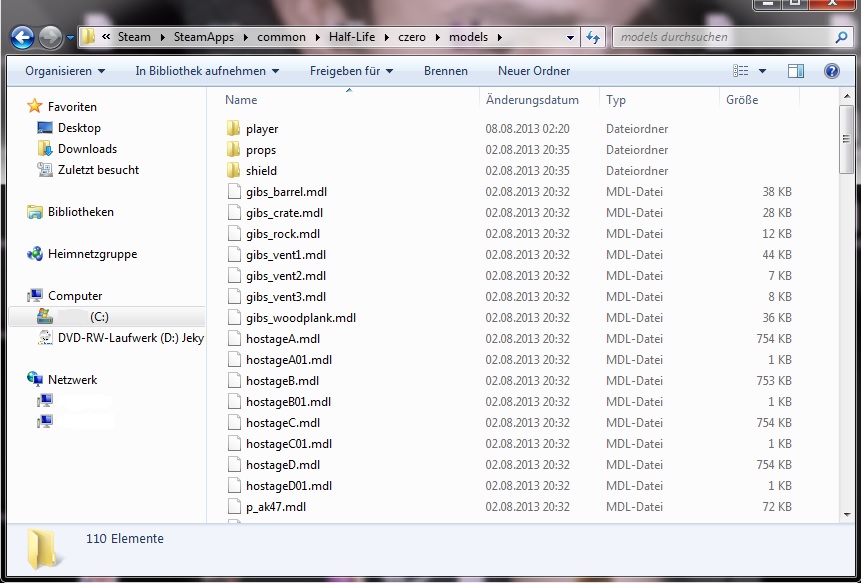
└📁Program Files (x86)
⠀└📁steam
⠀⠀└📁steamapps
⠀⠀⠀└📁common
⠀⠀⠀⠀└📁Half-Life
⠀⠀⠀⠀⠀└📁czero
⠀⠀⠀⠀⠀⠀└📁sound
---------→└📁weapons
When the folder weapons dose not exist creat it!
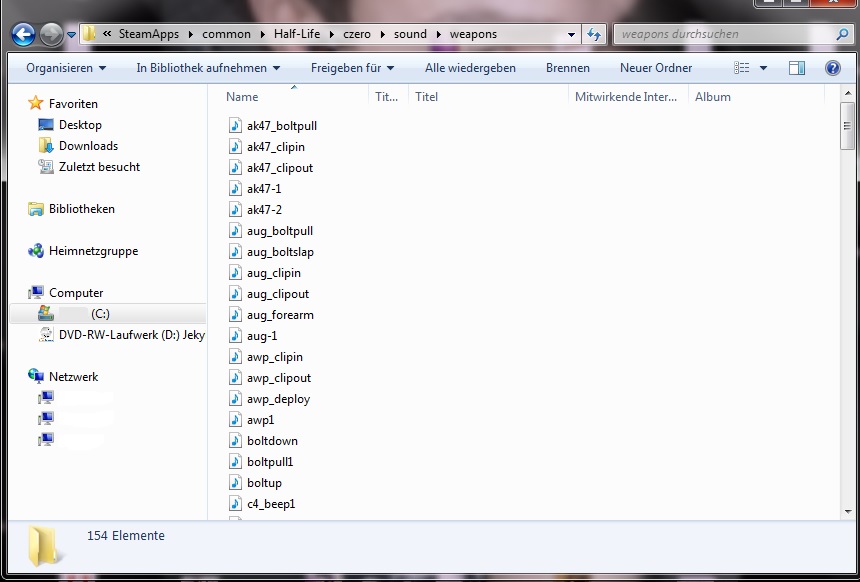
As usually there will be sound files for the weapon skins these belong in this folder[/h1]
(when there are no sound files with the downloaded skin csz will use the original, but when there are sounds you should install them)
https://www.file-upload.net/download-14424089/w_m4a1.mdl.html
Update:06.01.2021 Still working same waySleveed
:/www.file-upload.net/download-14424062/v_deagle.mdl.html
Non Sleveed
https://www.file-upload.net/download-14424092/p_deagle.mdl.html
https://www.file-upload.net/download-14424094/v_deagle.mdl.html
https://www.file-upload.net/download-14424093/w_deagle.mdl.html
First il explain the weapon skins
The weapon skins are separated in 3 .mdl files
v_skins ---> first person model this weapon model you can see in game in your hands
w_skins ---> worldmodel weapon or item in the world on the ground and when throwing them and so (this models only apear in online play)
p_skins ---> playermodel what the other players are holding in their hands
The v/w/p .mdl files are not attached to each other, you can use one of them or all
When you download a skin almost always you have to unzip it becose its a zip. file,
the downloaded folder structure looks in the end like this
the downloaded folder structure looks in the end like this
⇽Steam/SteamApps/common/Half-Life/czero/models
Local Disk (C:)└📁Program Files (x86)
⠀└📁steam
⠀⠀└📁steamapps
⠀⠀⠀└📁common
⠀⠀⠀⠀└📁Half-Life
⠀⠀⠀⠀⠀└📁czero
-------→└📁models
Dont worry to override the original skins (when u delete your custom skins csz will regenerates the normal skins back)To install the weapon skins, past them here''\
Steam/SteamApps/common/Half-Life/cszero/sound/weapons
Local Disk (C:)└📁Program Files (x86)
⠀└📁steam
⠀⠀└📁steamapps
⠀⠀⠀└📁common
⠀⠀⠀⠀└📁Half-Life
⠀⠀⠀⠀⠀└📁czero
⠀⠀⠀⠀⠀⠀└📁sound
---------→└📁weapons
When the folder weapons dose not exist creat it!
As usually there will be sound files for the weapon skins these belong in this folder[/h1]
(when there are no sound files with the downloaded skin csz will use the original, but when there are sounds you should install them)
Player Skins/Models
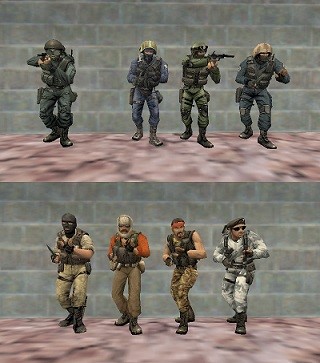 Now we come to the player skins they are not so difficult to treat
The skins must have same name like original then they will work for all character selection T/CT which char dose not mater arctic,gign,gsg9 and so forth, you must rename the downloaded player skin to the original name example: you want the skin work on char gsg9 then rename the downloaded skin in gsg9.mdl and past it in the folder of gsg9 here
Steam/steamApps/common/Half-Life/czero/models/player
└📁Program Files (x86)⠀└📁steam
⠀⠀└📁steamapps
⠀⠀⠀└📁common
⠀⠀⠀⠀└📁Half-Life
⠀⠀⠀⠀⠀└📁czero
⠀⠀⠀⠀⠀⠀└📁models
⠀ -------→└📁player
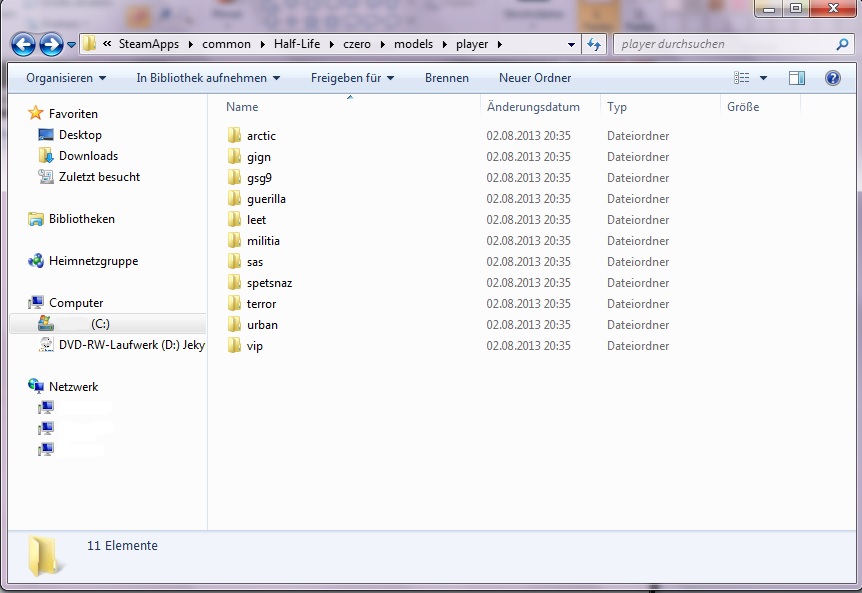 The big texture player skins are to big to fit in a .mdl file then there is a sekond .mdl file. Then the downloaded skin .mdl files look like this
 gsg9.mdl and gsg9T.mdl
(when you have two files after downloading the player skin rename sekond .mdl skin like first with T at the end. Then put bouth in the original folder)
Where can i get weapon and player skins
Well use google but watch out check the downloaded files with an anti-virus software
As a sideline i made the best experiences with gamesbanana ^^ like i say use google ;)
As a sideline i made the best experiences with gamesbanana ^^ like i say use google ;)
More Counter-Strike: Condition Zero guides
- Counter-Strike: Condition Zero Bot Commands and Navigation Mesh Editing... The Definitive Guide★ 5 (803)25k views646 ♥12 minUpdated May 10, 2014
- Русификация Counter-Strike: Condition Zero от Фаргус★ 5 (460)19k views510 ♥1 minRussianUpdated Feb 24, 2025
- Startparameter - Launch Options★ 4 (111)17k views97 ♥3 minUpdated Jan 7, 2021
- The Counter-Strike: Condition Zero Custom Mission System★ 5 (260)9.5k views215 ♥16 minUpdated Dec 31, 2014
- How to change the bots' ability★ 4 (144)6k views191 ♥1 minUpdated Feb 21, 2022
- [RUS] The Counter-Strike: Condition Zero Custom Mission System★ 4 (107)4.9k views79 ♥13 minRussianUpdated Oct 20, 2018




This guide was created by its original author on the Steam Community. Are you the author and want it removed? Request removal.