16 Tips for Quake Live Beginners!
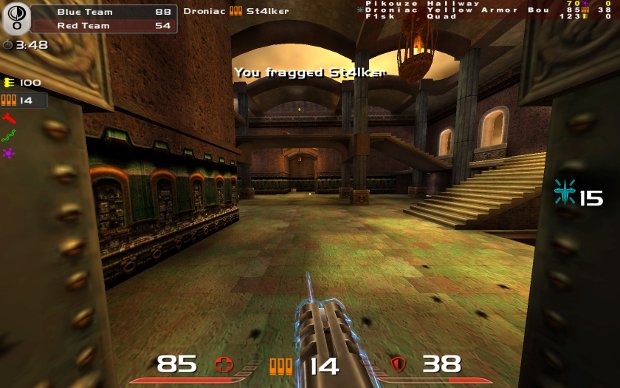
1. Study your environment
It is important to know the map you’re playing on. It’s advisable to start practicing a single game mode, prefferably FFA or TDM. Once you’ve decided your main game mode then focus on the maps available in that game mode and walk through them in practice mode.
Learn where the weapons, armour and health pickups are located. Also take note of possible powerups on the map and any possible height advantage you can derive from the map. It’s also a good idea to give it a few runs ‘as if’ you were playing, to get a feel for how to best move across the map.
These are the absolute essentials if you want to compete. You will learn them just by playing ordinarily, but it’ll be a much slower process and this sort of thing can really boost your level of play early on.
2. Learn to move
Quake Live is as much about movement as it is about accuracy.
The most basic method for moving about maps is called strafejumping. This technique allows you to quickly build up speed by holding down the forward key and tapping a directional key and jump at the same time. Throwing your mouse slightly (roughly 45 degrees) in the direction you’re strafing and alternating direction on each jump helps build speed even faster.
You can try to learn cirlejumping after that, which is a more advanced technique that is not nearly as easily mastered. It’s commonly used for a massive boost at the start of a strafejumping run. You accomplish this by starting out at a 90 degree angle to where you wish to go. Then flick your mouse and jump 135 degrees in the direction you wish to go and strafejump from there on out. It’s very difficult to learn, but very useful as well.
There are other methods of movement in Quake Live as well. You can rocketjump by planting a rocket behind/below you as you jump – this gives a massive forward/upward boost. It’s also a required technique to reach Advanced level in the Quake Live training. Plasma bolts can also be used to climb straight walls, which involves jumping and then blasting plasma below you at the wall. Both of these techniques cost you health so use them wisely.
3. Make good use of key bindings
Default controls involve tapping the 0-10 keys or scrolling your mousewheel to access weapons. This is not a good idea.
If you really want to have an optimal setup for taking down enemies quick, then you want to be able to switch weapons quick. To do this you bind all available weapons around your movement keys. As an example, here’s my keybind config:
This setup allows me to access all important weapons instantly, without swapping between weapons or searching for the appropriate key. It takes time and practice to get used to a hardcore keybind setup like this, but it is oh-so worth it.
4. Tweak in-game settings to suit your needs
A nice trick to try is turning up your field of view setting (Game Settings – Advanced). This results in a slightly warped game view that might be a little disorienting at first, but often – not always - results in much better play. It makes speedy strafejumping a lot easier, but also gives you a more focused view of the game and allows for better accuracy.
Another useful trick for getting an edge up on your opponent is turning down your visual settings. With lower visual settings the environments become bland and characters stand out more, making them easier to spot. It might not look as good, but it’ll help you score frags more easily.
You can also try your hand at modifying your cfg files. Make all enemy characters use the same model and skin with cg_forceEnemyModel “keel/sport” (or another value for a different model/skin) so that you don’t suffer any disadvantages from poorly visible skins.
You can also browse through a list of useful commands here to search for any other values you might want to change. You can find both config files in the \Documents and Settings\%userprofile%\Application Data\id Software\quakelive\home\baseq3 folder or for Windows Vista users: %userprofile%\AppData\LocalLow\id Software\quakelive\home\baseq3.
5. Follow the leader
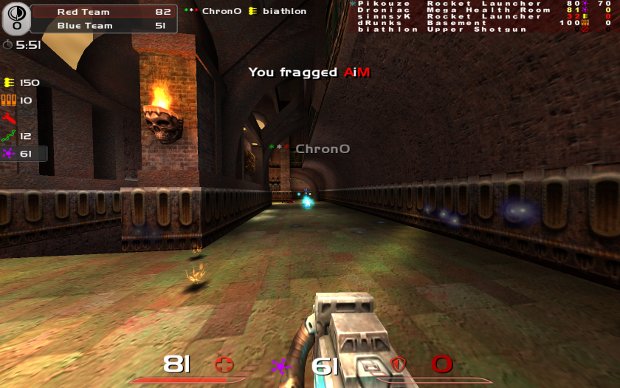
The best way to learn how to play is to imitate someone who is good at the game.
So join a game, prefferably with an average skill level higher than yours, and spectate it. Just watch what the best players do and take notes – study their map routes and tricks they display (useful jumps, movement in combat, etc). Then add what you’ve learned to your own game and adjust it to suit your playstyle.
It’s not as hands-on as any of the other methods, but you can learn a lot just by following a good player around. You can also opt to simply join the team of a skilled player and physically follow him/her around the map – you won’t catch as many of their techniques, but you’ll improve nonetheless.
6. Determine and improve your weapon skills
Contrary to more accessible shooters, Quake Live features various forms of aiming and a collection of completely different weapons. This makes it a more varied game, but also makes it more difficult to master.
You can use this to your advantage! One of the easiest methods of making quick improvements to your play in these sorts of games is by analyzing your weapon capabilities. Determine which weapons you suck at and then use those weapons exclusively for the next couple of days. You’ll notice a marked improvement relatively quickly, as you become more accustomed to utilizing these weapons.
In Quake Live it’s of vital importance to be proficient with all weapons.
7. Appropriate movement will save your life
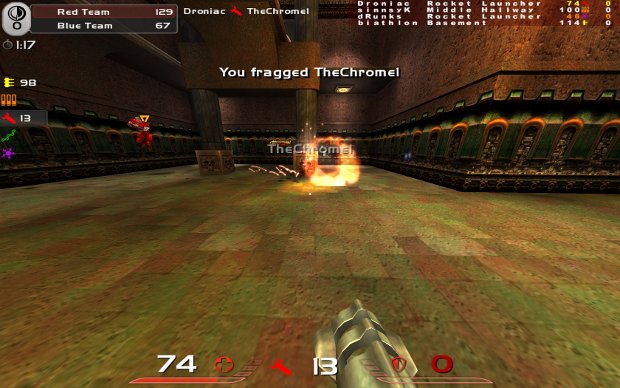
The way you move isn’t just determined by your skills and preferences, but also by the weapons you’re facing. There are good and bad ways to face off against the various weapons in Quake Live and it’s important to get the good ways down fast.
If you’re up against a player wielding a rocket launcher then you’re best off taking them on from a distance while strafing, not jumping! Railguns and Lightning Guns are best dealt with by strafing erraticaly and avoiding jumping as much as possible. Plasma Guns and Chainguns are best taken on by jumping about randomly. And so on…
Also make use of your environment! Turn around corners to blast rockets into the face of anyone following you. And don’t jump up a jumppad when you know someone is waiting for you to do exactly that.
8. Use your head
Don’t bother taking on someone who’s just taken a Red Armour or MegaHealth when all you’ve got is a machinegun. It’s often a better idea to run away than to engage your nearest opponent.
Likewise you want to run away from a fight you’re losing. Stock up on health and guns and fight back once you know you’re up for it. Not all fights are to the death!
Battles in Quake Live are about more than movement and accuracy – they also require intelligence. If you want to win then you want to out-think your opponent. Always consider your environment while fighting: don’t use shotguns on wide open ground, don’t use railguns in tight areas, and so on. Obviously these are tips, not laws. You can use railguns in tight areas and shotguns in wide-open areas, as long as you know what you’re doing. And some players are really good at it. But as a Quake beginner – it’s probably not such a good idea just yet.
Lure opponents to more favourable terrain or use fresh powerup spawns to bait your enemy. And if you can – try to get a height advantage. If you can come down on an enemy from up top, then there’s little chance that he’ll manage to take you out.
9. Objectives > Frags
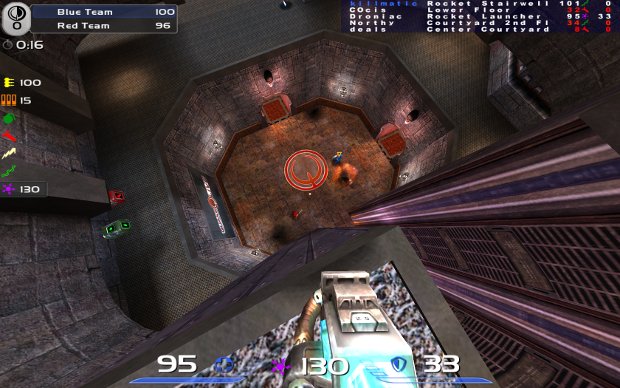
If you’re playing CTF then keep in mind that the objective is capturing and defending flags, not fragging. Don’t play like it’s DeathMatch!
Keep the base secure if you don’t know the map or try to capture their flag if you’re more offensively minded. Support your flagcarrier and don’t grab a flag when you know a better runner of your team is nearby!
If you’re playing Team DeathMatch then keep in mind that having your teammates survive is equally important as fragging your opponents! Share guns (bind your drop weapon key) and leave health or armour pickups if a teammate needs it more than you.
10. Fun trumps victory
It’s no good to be frustrated over little things like dying in a video game, especially when you still suck at it anyway. I’ve also found that playing with a more carefree attitude tends to help you improve your game faster.
11. Keep at it
Don’t just give these tips a try and quit after a few days of play and little in the way of results. A couple of days of play is not enough to become a good player, especially not in this game.
Quake Live features a wealth of extremely experienced players. People who have essentially played it since 1999 (Quake 3 Arena) and have a massive advantage in the way of experience. Don’t expect to be taking down the elite anytime soon.
But stick with it and eventually you just might rise to those heights as well. Simple training and frequent play can do a lot for your skills – and can overcome any experience gap as long as you excercise some patience and celebrate the small victories. Like awesome shots you made, or beating a player you couldn’t beat before.
12. Join a clan
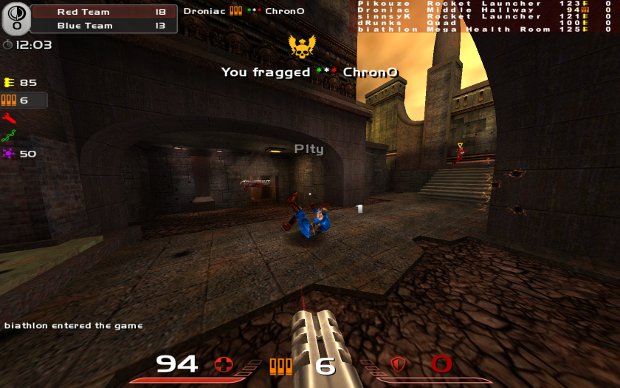
The main benefit of this comes in the form of competition against other clans. These kinds of organised matches will mean much more for your skills than ordinary public games. You’ll be taking on people who know what they’re doing and are working as a team… this kind of challenging situation requires your very best to overcome.
13. Mouse settings
You can turn off mouse acceleration in your mouse drivers and in Windows[tweaks.com]. Many beginners play better with this ‘feature’ turned off, because mouse acceleration takes some time to get used to, but some do prefer to have this setting remain turned on. If you’re not experiencing any clear issues like consistently overshooting targets then you probably don’t want to turn it off.
As for mouse sensitivity. The common way to calculate your sensitivity is by determining how many centimeters you need to move for a 360 degree turn in-game. For many pro players this is roughly 24 cm on average, which is low sensitivity.
Does that mean you should use low sens too? No, it doesn’t! If you want to be good then use the sensitivity that suits you best. Low sens does not work for everyone and many people do play better with high sens. I’m an ultra-high sens player at 6cm/360 and it works much better for me than low sens, which I’ve tried to get used to on multiple occassions. Don’t stick with a setting that doesn’t work for you!
14. Timing is key
Once you start to get to grips with all of the above, it may be time to start to time item spawns.
This involves looking at the in-game clock and determining when an item will next spawn after it’s been picked up. For health items (e.g.: MegaHealth) this is generally 35 seconds, whereas armour and weapons take 25 seconds.
The easiest way to get used to this is by starting to a map… once you think you have this down, you start to time two, then three, and so on. In general the most important items to time are Red Armour, MegaHealth and Yellow Armour in that order.
Against certain opponents it may be important to time items to keep them away from it (e.g.: railgun against skilled rail players). An easy way to get used to it is to assign one item each to a clanmember during clan matches so you can correct each other when timings are off.
15. Different game modes for practice
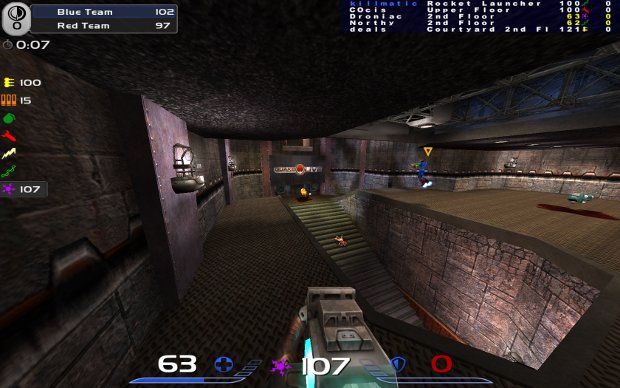
Each game mode is different and some are better for certain practice routines. You should keep this in mind when training yourself to become a better player.
Play some Clan Arena to improve your accuracy and dodging in a relatively simple game. No need to worry about pickups, just run and gun with all weapons at your disposal. Ideal for improving with a specific weapon or getting used to new keybinds or mouse sensitivity settings. Instagib is similarly suitable for getting accustomed to new keybinds and sensitivity settings.
Free For All and Team DeathMatch are better for getting your tactical game up to scratch. Time item spawns and learn to remove yourself from losing battles.
16. The importance of sound
In a game of Quake next to nothing is as important as sound, especially in duels.
You can use sound to locate your opponent. Not only by footsteps, but also by pickups (armour shards, health bubbles, weapons). You can use this to avoid them, set up a trap, or even just fire off a shot in their direction which could well hit them in the face.
Also important is that certain spawns play their own sounds, such as the MegaHealth and Quad damage powerups. Additionally you can sometimes hear which weapon an opponent has deployed, by the buzzing noise of the Lightning Gun or Railgun for example.
Hopefully this lengthy list of tips and tactics will guide you in the right direction and have you fragging more people, dieing less and overall just enjoying the game more. If you have anything to add, any lingering questions or just want to comment – feel free to do so below!
Be Sociable, Share!
17. Copyright © All Rights Reserved
- The Ultimate Quake Live Guide★ 5 (869)29k views1.2k ♥76 minUpdated 10 Feb, 2024
- How to get 40%+ accuracy with the Lightning Gun★ 5 (359)19k views563 ♥9 minUpdated 25 Sep, 2017
- Commands in Quake Live★ 5 (229)16k views363 ♥16 minCzech
- Quake Live beginner guide★ 5 (329)16k views338 ♥6 minUpdated 21 Sep, 2014
- Quake Live Configuration Basics & Custom HUDs★ 4 (110)11k views179 ♥8 minUpdated 18 Sep, 2014
- Руководство по Quake Live (Дополняется,WIP)★ 5 (290)9.2k views294 ♥23 minRussianUpdated 25 Sep, 2014


- Upgrading to PremiumTeam Fortress 2★ 5 (20k)1441k views11k ♥6 minUpdated May 11, 2022
- No More Room in Hell Official ManualNo More Room in Hell★ 5 (2.8k)569k views2.1k ♥29 minUpdated Apr 22, 2019
- NMRiH Community Hosting GuidesNo More Room in Hell★ 5 (526)351k views653 ♥1 minUpdated Aug 10, 2022
- ULTIMATE GUIDE FOR GAME DEV TYCOONGame Dev Tycoon★ 5 (5.8k)326k views10k ♥4 minUpdated 23 Jan, 2014
- How to 'Git Gud' Soon™MORDHAU★ 5 (2k)318k views3k ♥68 minUpdated Nov 16, 2024
- Лучшие кооперативные игры SteamPAYDAY 2★ 5 (1.5k)315k views2.1k ♥56 minRussianUpdated Apr 27, 2025






This guide was created by its original author on the Steam Community. Are you the author and want it removed? Request removal.