ALL console commands | ВСЕ консольные команды
Introduction | Вступление
(ENG)Below are all the console commands that are currently available.
(РУС)Ниже приведены все коносльные команды, которые есть на данный момент.
Console | Консоль
(ENG)To open the console press at any time of the game F10. Press ENTER to apply the command.
(РУС)Чтобы открыть консоль нажмите в любой момент игры F10. Нажмите ENTER, чтобы применить команду
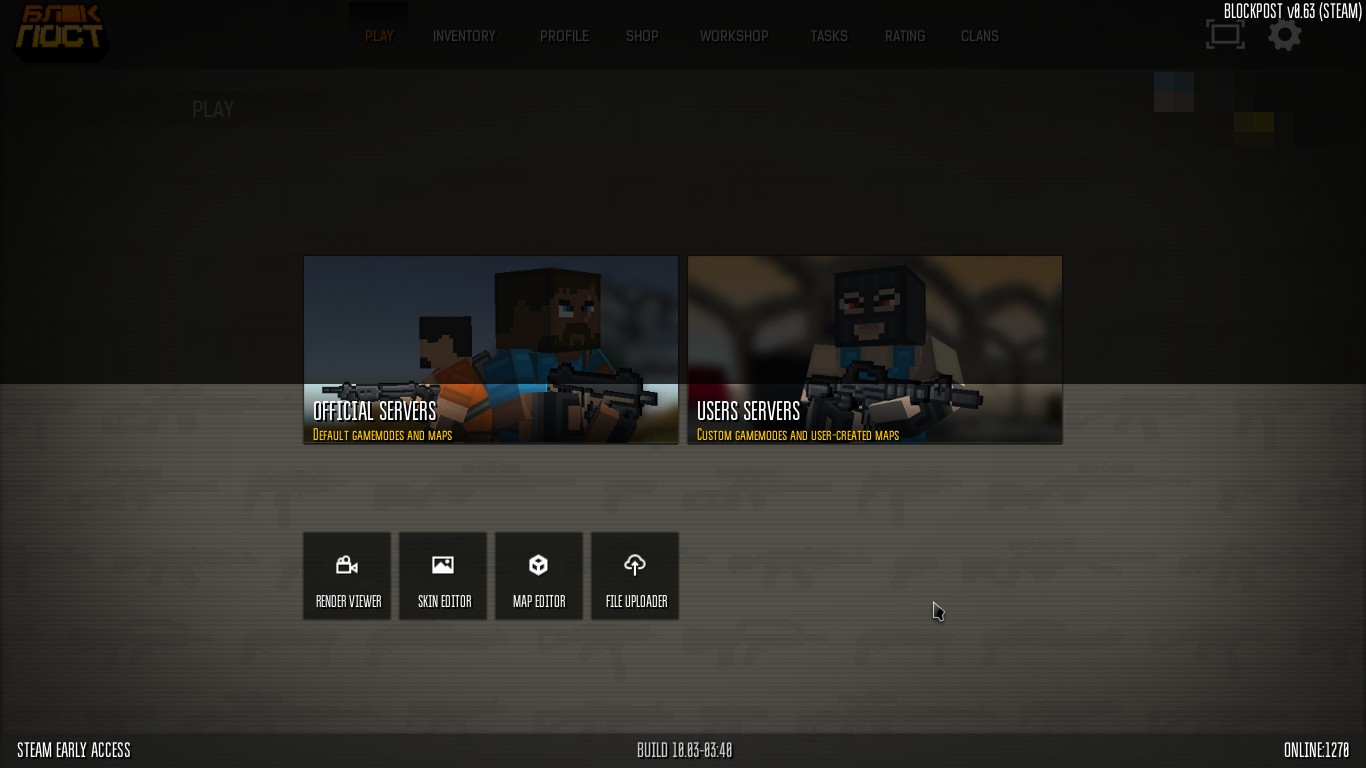
(РУС)Чтобы открыть консоль нажмите в любой момент игры F10. Нажмите ENTER, чтобы применить команду
General commands | Основные команды
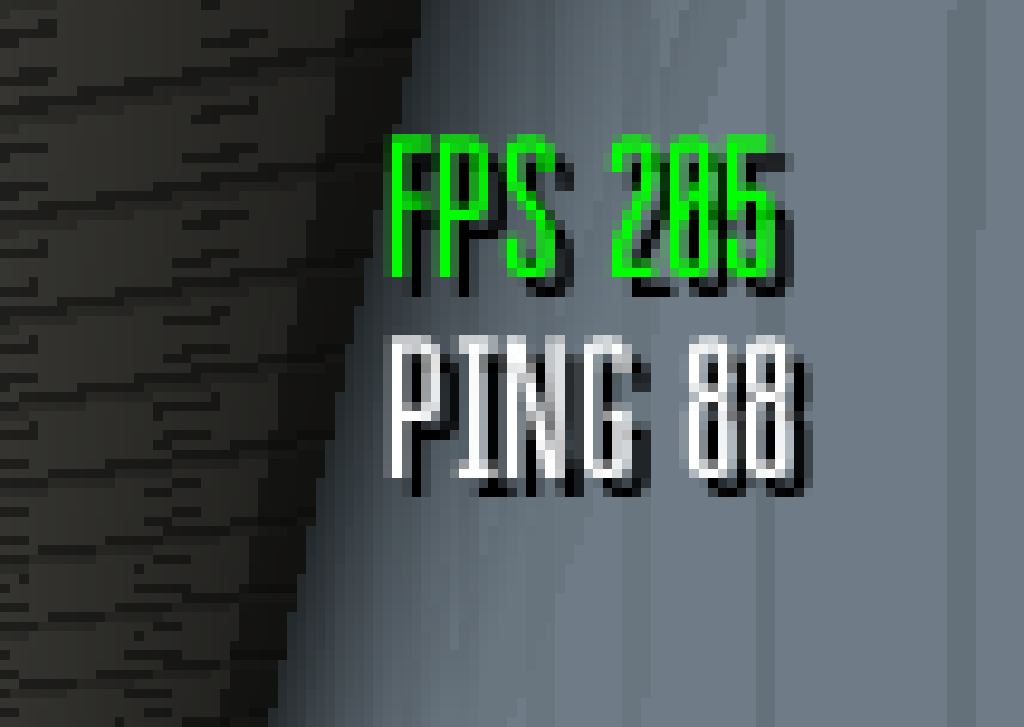
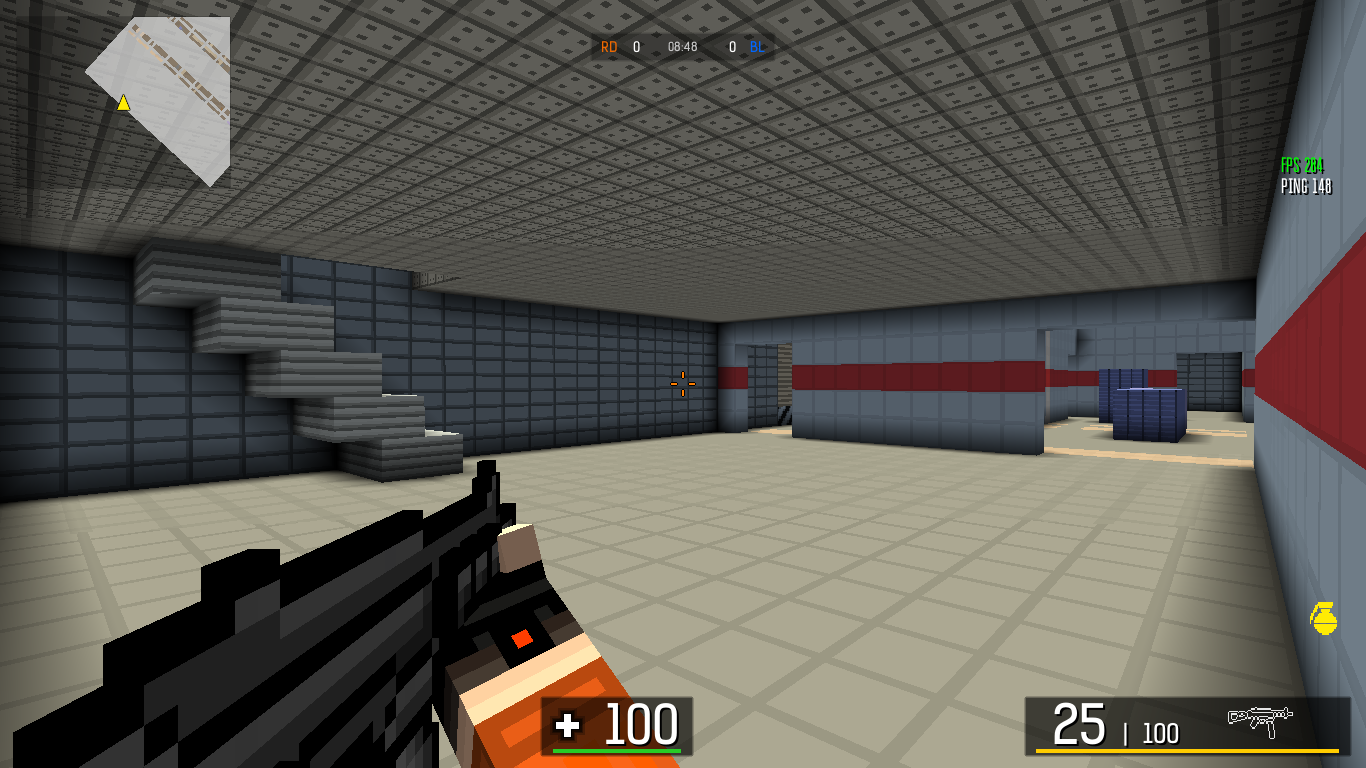
1. showfps 1/0 - Hide/show FPS | Скрывает/показывает ФПС. E.g. "showfps 1".
 4. sun N N - rotate the sun on the map at given coordinates(x,y) | Поворачивает солнце по заданным координатам(x,y) E.g. "sun 50 330"(default value).
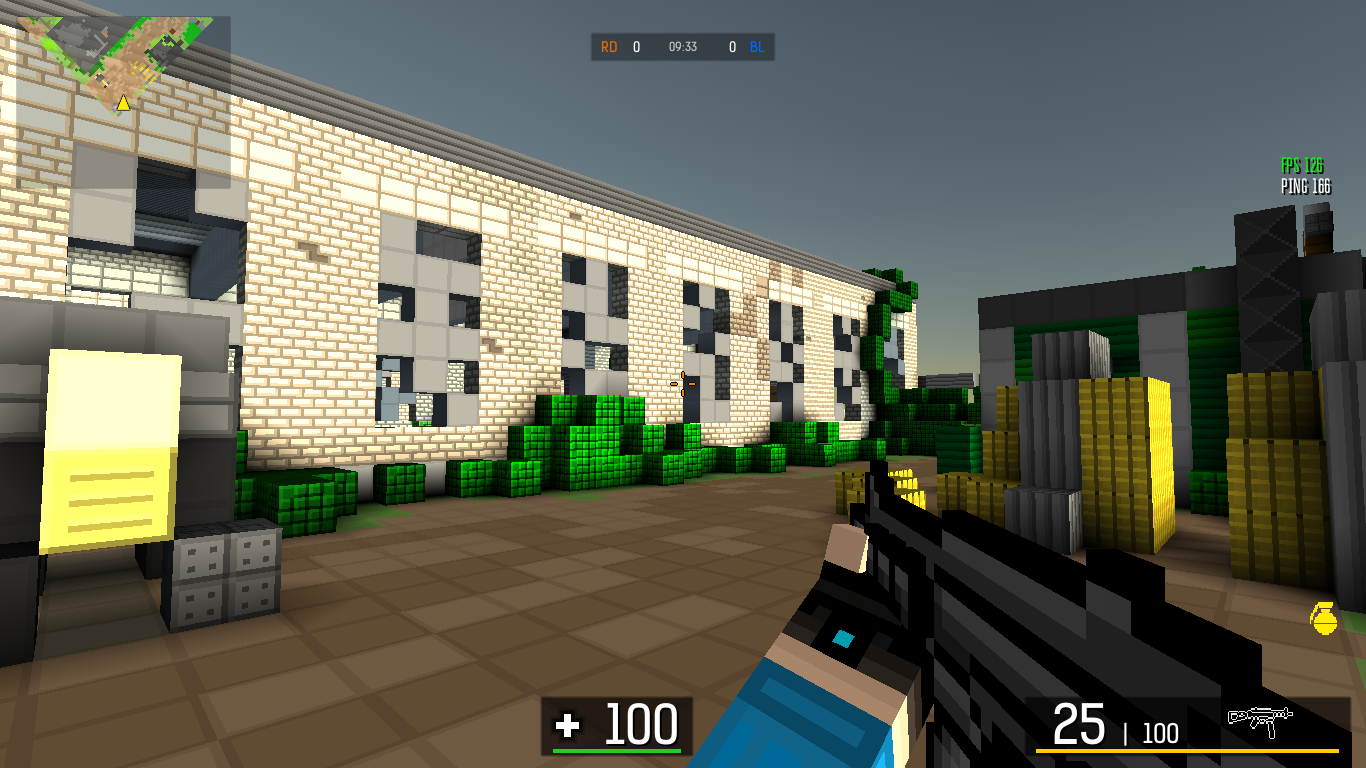
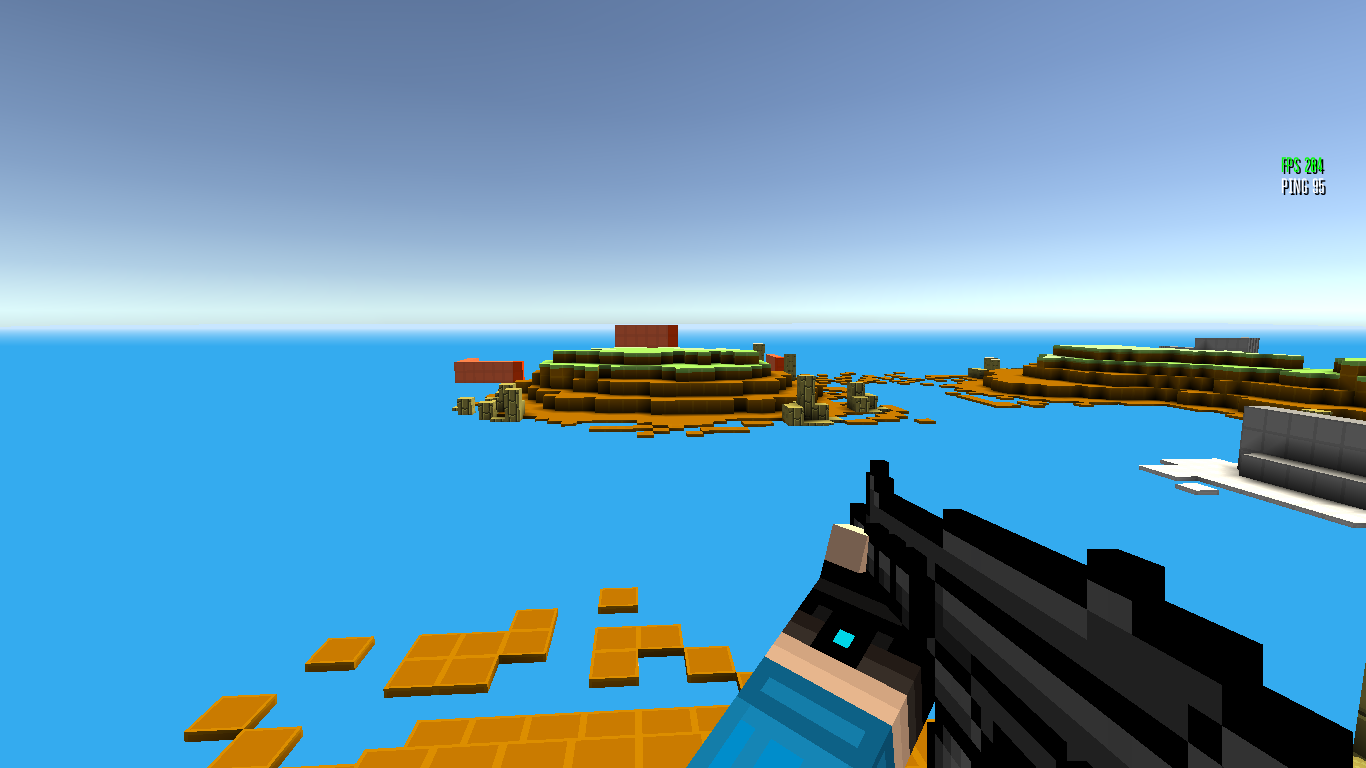 11. hideweapon - hide weapon(switch the weapon so that it becomes visible again) | скрывает оружие в ваших руках(чтобы оно снова появилось, поменяйте оружие, например, колёсиком мыши).
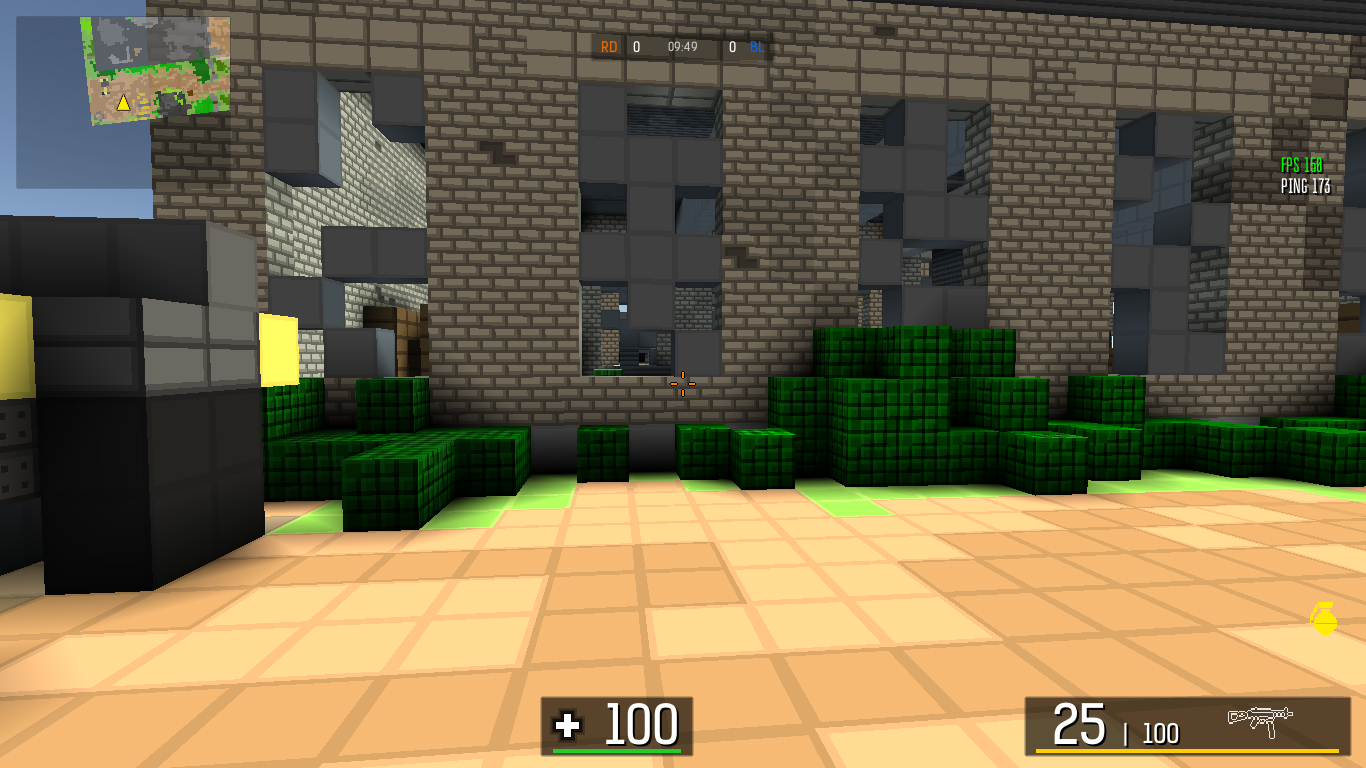 12. disablesun - turn off the sun(you can't turn on sun after this command) | Отключает солнце (вы не сможете включить его снова после этой команды)
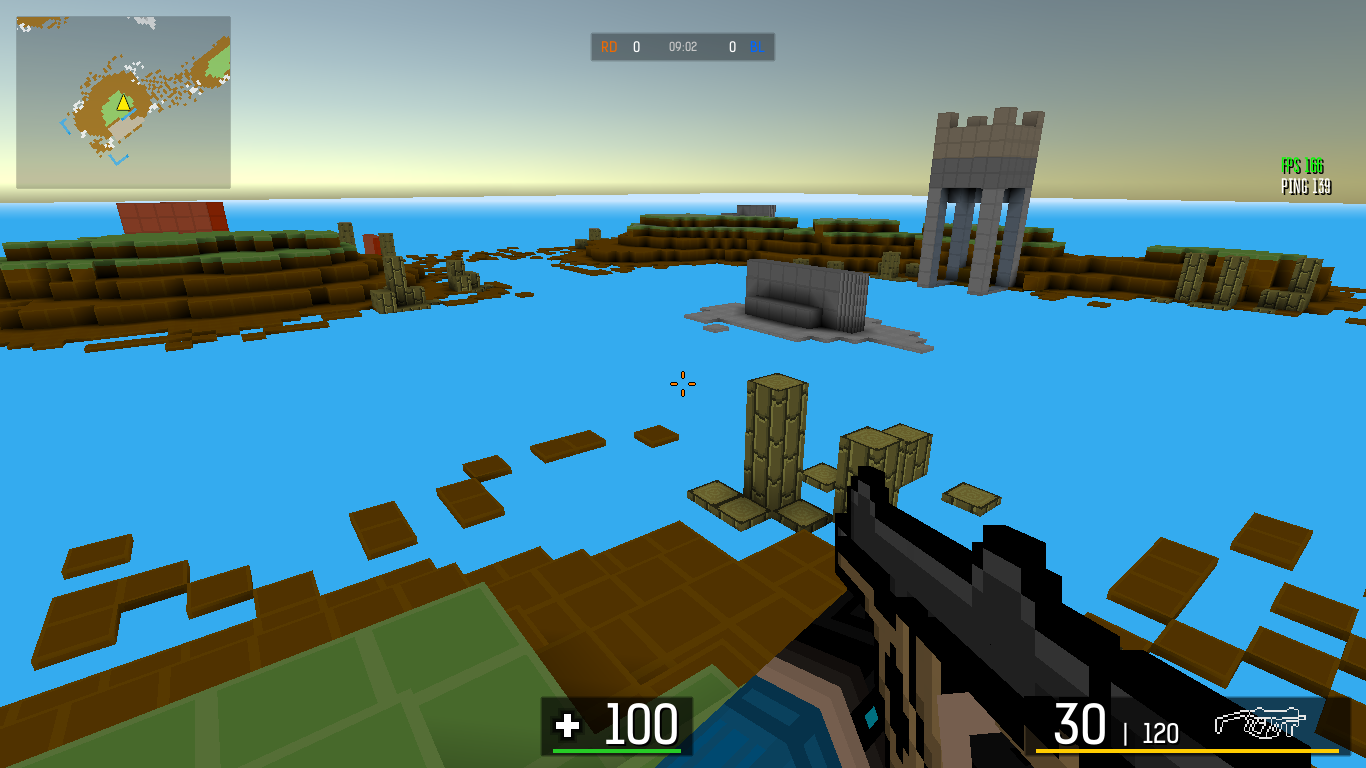
- clearprefs - Clear all "prefs". i.e. clears data related to what kind of sight is worn on which weapon, what skin do you have, etc | Очищает все "prefs", т.е. удаляет все данные, отвечающие за прицелы, которые надеты на пушки, какой скин на игроке и т.д.
4. sun N N - rotate the sun on the map at given coordinates(x,y) | Поворачивает солнце по заданным координатам(x,y) E.g. "sun 50 330"(default value).
- clearent - clear all "ents"(spawns) in the map editor | Удаляет все спавны в редакторе карт.
- fps_max N - sets the maximum FPS | Ограничивает ФПС. E.g. "fps_max 30"(minimum value).
- sens N - sets sensitivity | Меняет чувствительность. E.g. "sens 0.5".
- zoomsens N - sets sensitivity in zoom | Меняет чувствительность в режиме прицеливания. E.g. "zoomsens 0.5"
- quit - closes the game | Закрывает игру.
11. hideweapon - hide weapon(switch the weapon so that it becomes visible again) | скрывает оружие в ваших руках(чтобы оно снова появилось, поменяйте оружие, например, колёсиком мыши).
12. disablesun - turn off the sun(you can't turn on sun after this command) | Отключает солнце (вы не сможете включить его снова после этой команды)For "Render viewer" | Для "Render viewer"
- obj NAME - place the model in .obj format into the scene in the "render viewer" | помещает модель в формате .obj в сцену в "Render viewer". E.g. "obj car" (if file name = "car.obj").
- dof_enable 0/1 - enable/disable dof(depth of field). Useful for arts/renders in the "render viewer" | включает/отключает глубину поля(когда размыт фон). Полезно для артов/рендеров в "Render viewer". E.g. "dof_enable 1".
- dof_fl N - changes focal length of camera(works only if "dof_enable 1") | Изменяет фокусное расстояние камеры(только с включенной глубиной поля). E.g. "dof_fl 10" (defaut value).
- dof_fs N - changes focal size of camera(works only if "dof_enable 1") | Изменяет фокусный размер камеры(только с включенной глубиной поля). E.g. "dof_fs 0.05" (defalut value).
- dof_ap N change aperture of camera(works only if "dof_enable 1") | Изменяет апертуру камеры (только с включенной глубиной поля). E.g. "dof_ap 11.5" (default value).
- dof_debug 0/1 - debug function for DOF | Для отладки глубины поля. E.g. "dof_debug 1".
Conclusion | Заключение
These were all the teams that exist at the moment. Over time, their list will be replenished. You can offer your commands and their purpose in your guide. I am Russian and could be mistaken in writing some words. If you find an mistake, please correct me in the comments =)
Это были все команды, которые существуют на данный момент. Со временем их список будет пополнятся. Вы можете предложить свои команды и их предназначение в своем руководстве. Я русский и мог ошибиться в написании некоторых слов. Если вы обнаружили ошибку, пожалуйста, поправьте меня в комментариях =)
Это были все команды, которые существуют на данный момент. Со временем их список будет пополнятся. Вы можете предложить свои команды и их предназначение в своем руководстве. Я русский и мог ошибиться в написании некоторых слов. Если вы обнаружили ошибку, пожалуйста, поправьте меня в комментариях =)
More BLOCKPOST LEGACY guides
- Заработок на игре!★ 4 (391)10k views24 ♥1 minRussian
- > Weapon Stats <★ 5 (284)8.5k views309 ♥25 minUpdated 12 Jan, 2025
- Фарм★ 4 (148)8k views54 ♥1 minRussian
- (Сиквел) Отличные пушки до 5 рублей.★ 4 (41)5.9k views47 ♥4 minRussianUpdated 1 May, 2020
- Список преступников BLOCKPOST★ 4 (60)4.9k views35 ♥1 minRussianUpdated 31 Jul, 2021
- Как быстро перезарежаться в BlockPost★ 3 (45)4.2k views17 ♥1 minRussianUpdated 30 Oct, 2018





🔥 Popular guides
- Upgrading to PremiumTeam Fortress 2★ 5 (20k)1441k views11k ♥6 minUpdated May 11, 2022
- No More Room in Hell Official ManualNo More Room in Hell★ 5 (2.8k)569k views2.1k ♥29 minUpdated Apr 22, 2019
- NMRiH Community Hosting GuidesNo More Room in Hell★ 5 (526)351k views653 ♥1 minUpdated Aug 10, 2022
- How to 'Git Gud' Soon™MORDHAU★ 5 (2k)318k views3k ♥68 minUpdated Nov 16, 2024
- Лучшие кооперативные игры SteamPAYDAY 2★ 5 (1.5k)315k views2.1k ♥56 minRussianUpdated Apr 27, 2025
- Desert Eagle Heat Treated | Blue GemCounter-Strike 2★ 5 (1.6k)293k views1.5k ♥2 minUpdated Jan 16





This guide was created by its original author on the Steam Community. Are you the author and want it removed? Request removal.