All DLC Unlocked/Все DLC Разблокированы
Download/Скачать
1. Ссылка/Link Google Drive[drive.google.com] (This mod is based on the Cream API which was like emulation of DLC which mine was like the first one to do) (Note: My version does not work on Steam Deck or SteamOS; it only works on Windows. Примечание: моя версия не работает на Steam Deck или SteamOS она работает только в Windows.)
2. Ссылка/Link Google Drive[drive.google.com] By: Telltale Fox
Information mod/Информация о моде: (Note: It runs entirely on Windows and even on SteamOS. Примечание: она полностью работает на Windows и даже на SteamOS.)
Примечание: скачайте один мод, но не используйте два одновременно; иначе вы будете жаловаться, что игра не работает.)
2. Ссылка/Link Google Drive[drive.google.com] By: Telltale Fox
Information mod/Информация о моде: (Note: It runs entirely on Windows and even on SteamOS. Примечание: она полностью работает на Windows и даже на SteamOS.)
Я нашёл код, который отвечает за проверку наличия у пользователя приобретённых DLC, через SDK и изменил его, убрав условие для этой проверки.(Note: Download one mod, but don't use two at the same time; otherwise, you'll complain that the game isn't working.
Теперь в вашей виртуальной комнате Sega Mega Drive вы сможете наслаждаться всеми доступными играми.
I found the code that is responsible for checking if the user has purchased DLC through the SDK and changed it by removing the condition for this check.
Now you can enjoy all available games in your Sega Mega Drive Virtual Room.
Примечание: скачайте один мод, но не используйте два одновременно; иначе вы будете жаловаться, что игра не работает.)
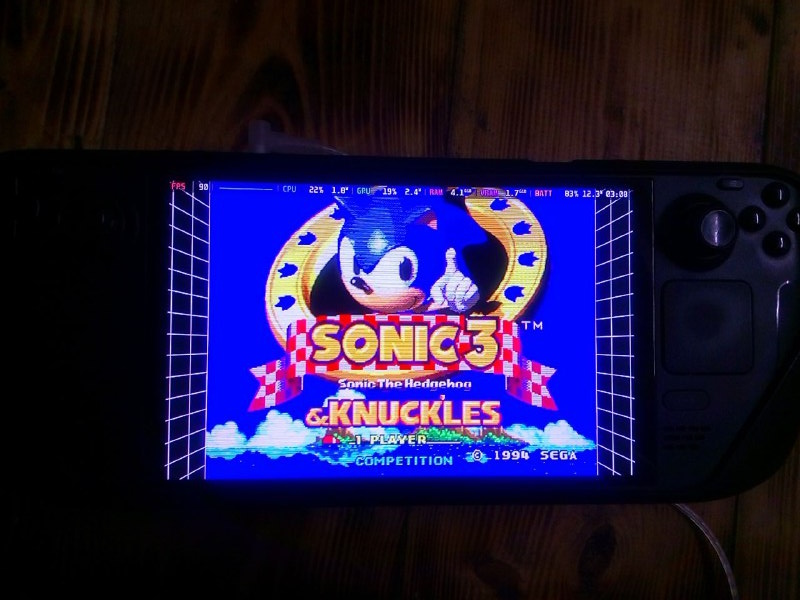
Поддерживает ли Steam Deck?/Does it support Steam Deck?
Да отлично работает
Yes works great ✅
Фотографии сделал InfinitePW
Photos by InfinitePW
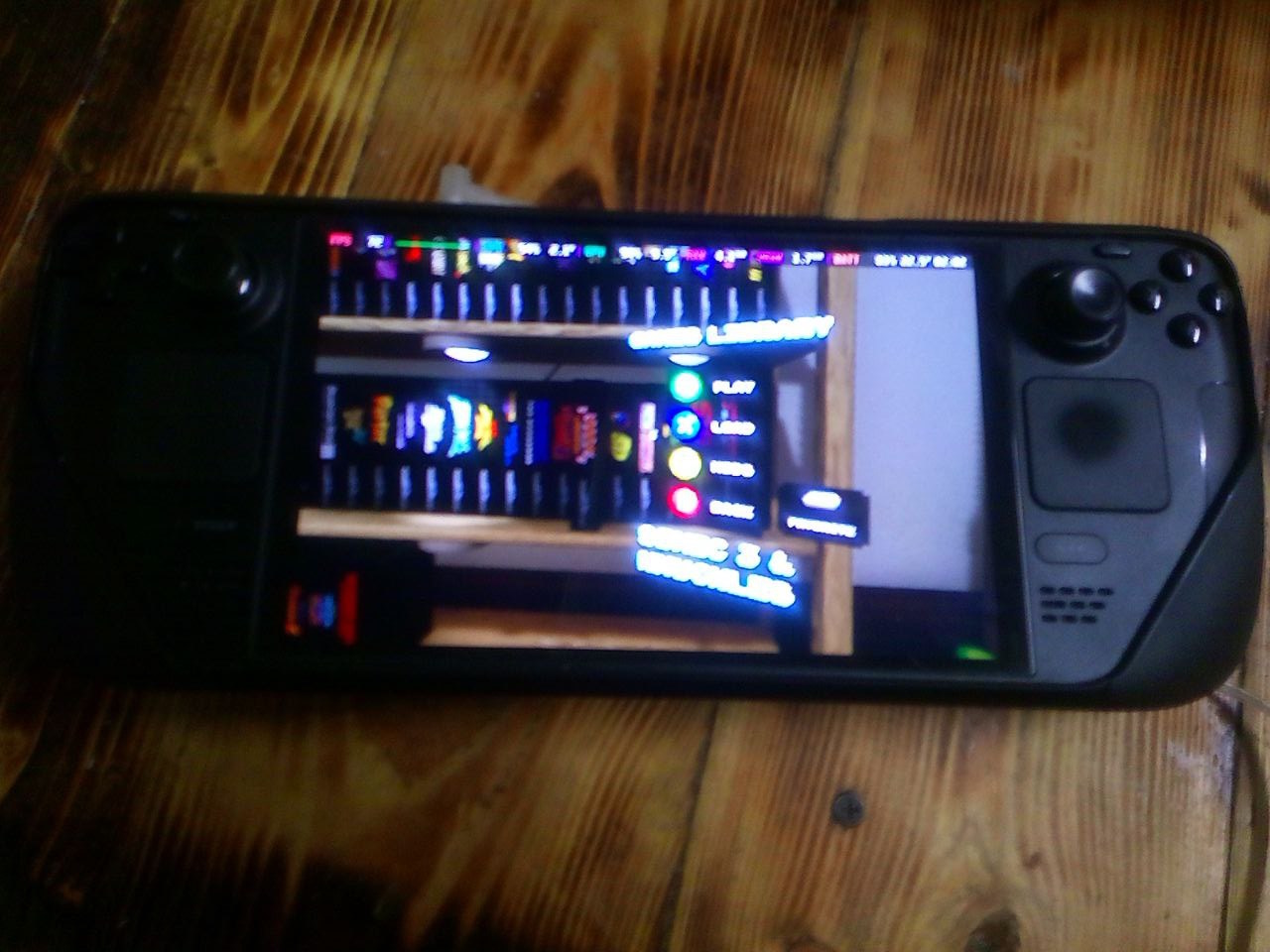
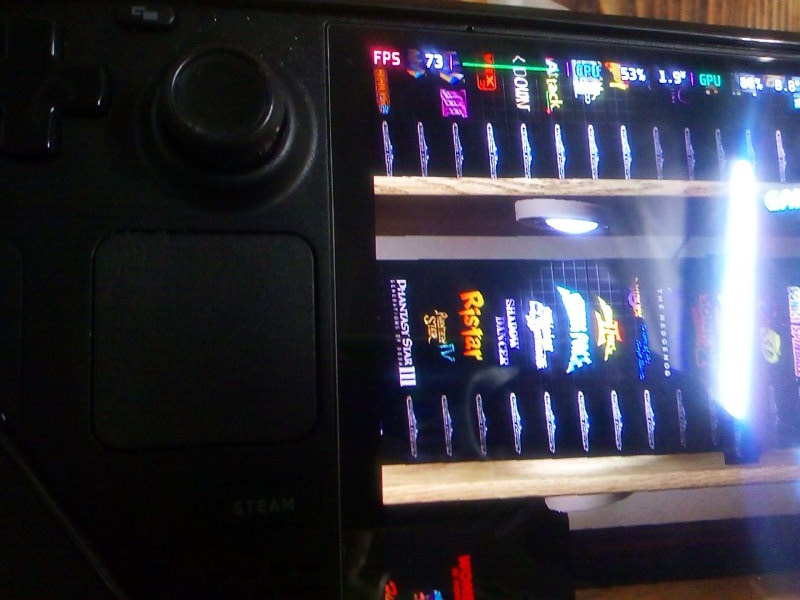
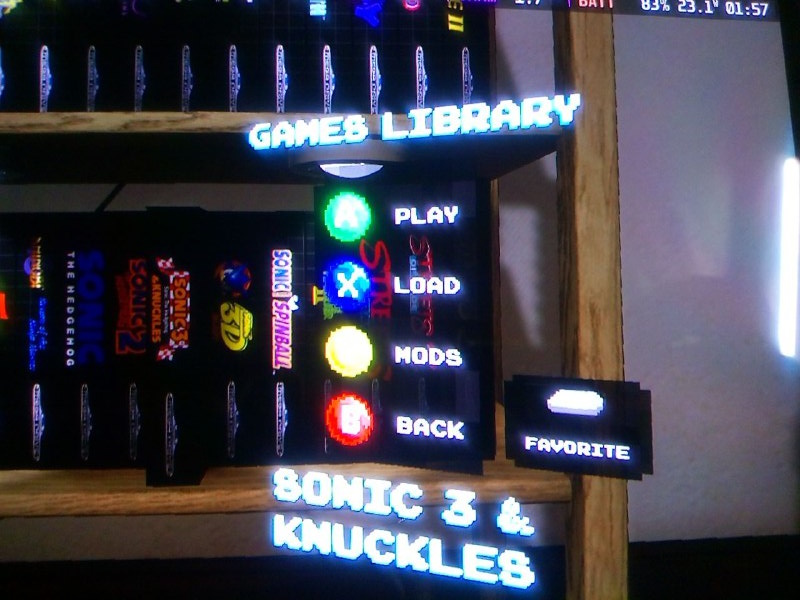
Install and Demonstration Working/Установка и демонстрация что работает.
Когда вы скачаете архив перенесите в папку где находится ваша игра Sega Classics
When you download the archive, move it to the folder where your Sega Classics game is located
на пример скриншота должно быть так:
for example, the screenshot should be like this:
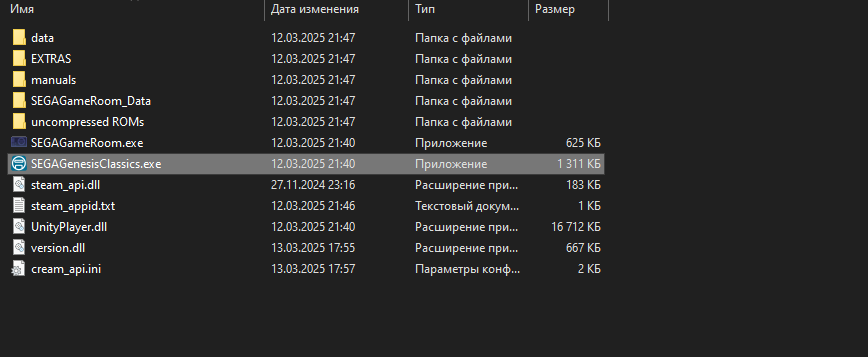
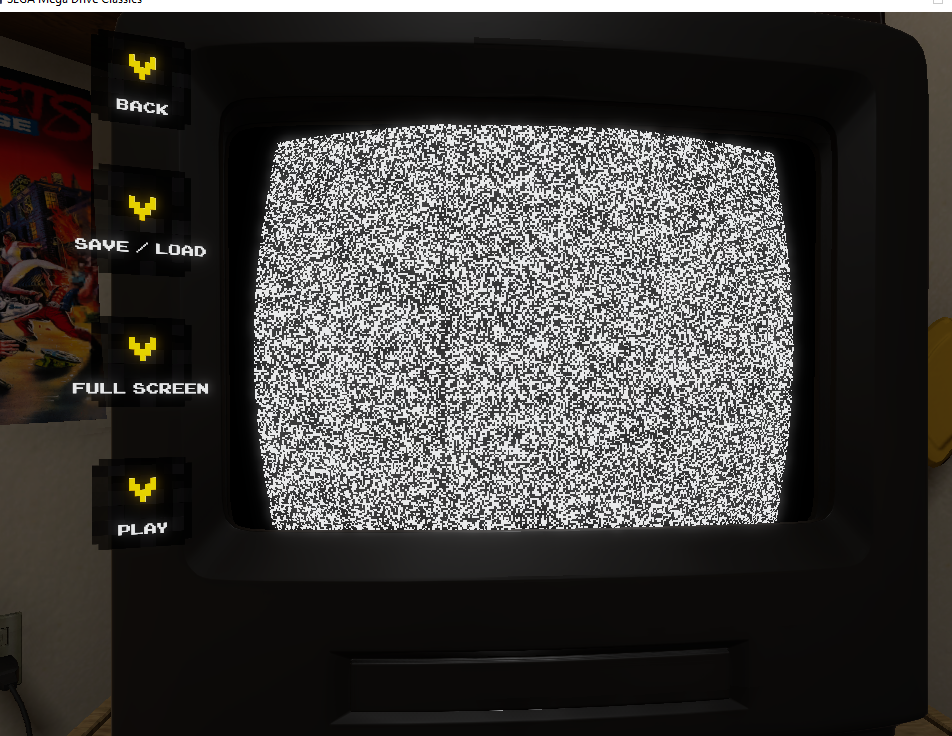
Если бы не работала игра она была бы таком виде:
If the game didn't work it would look like this:
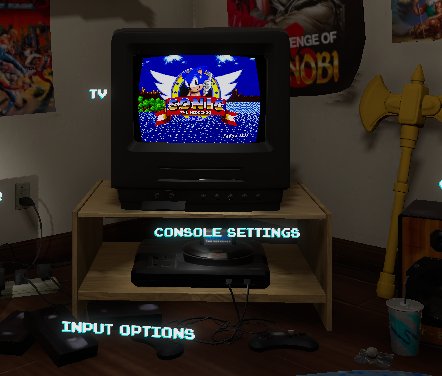
Когда установлены все игры и они будут работать на примере Соника 1:
When all the games are installed and they will work, using Sonic 1 as an example:
И да челленджи и прочее рабочие даже ачивки так что приятной игры.
And yes, the challenges and other stuff are working, even the achievements, so have a nice game.
When you download the archive, move it to the folder where your Sega Classics game is located
на пример скриншота должно быть так:
for example, the screenshot should be like this:
Если бы не работала игра она была бы таком виде:
If the game didn't work it would look like this:
Когда установлены все игры и они будут работать на примере Соника 1:
When all the games are installed and they will work, using Sonic 1 as an example:
И да челленджи и прочее рабочие даже ачивки так что приятной игры.
And yes, the challenges and other stuff are working, even the achievements, so have a nice game.
Thank the author/Отблагодарите автора
Можете выдать Steam Очки буду благодарен
Can you give me Steam Points, I'll be grateful

Can you give me Steam Points, I'll be grateful
More SEGA Mega Drive & Genesis Classics guides
- SEGA Classics F.A.Q. & game list★ 5 (621)58k views665 ♥20 minBulgarianUpdated Nov 10, 2024
- All SEGA Genesis & Mega Drive Games★ 5 (272)29k views332 ♥25 minUpdated May 22, 2016
- Mods & ROMs for SEGA Genesis & Mega Drive Classics★ 5 (185)22k views317 ♥15 minUpdated May 27, 2016
- SEGA Genesis Classics - Codes & Secrets★ 5 (433)17k views626 ♥191 minUpdated Feb 17, 2016
- Create a Mod for Steam Workshop★ 5 (227)12k views257 ♥1 minUpdated Oct 12, 2020
- How to play full screen at full speed with your own emulator for FREE★ 4 (141)10k views155 ♥4 minUpdated Aug 10, 2023


This guide was created by its original author on the Steam Community. Are you the author and want it removed? Request removal.