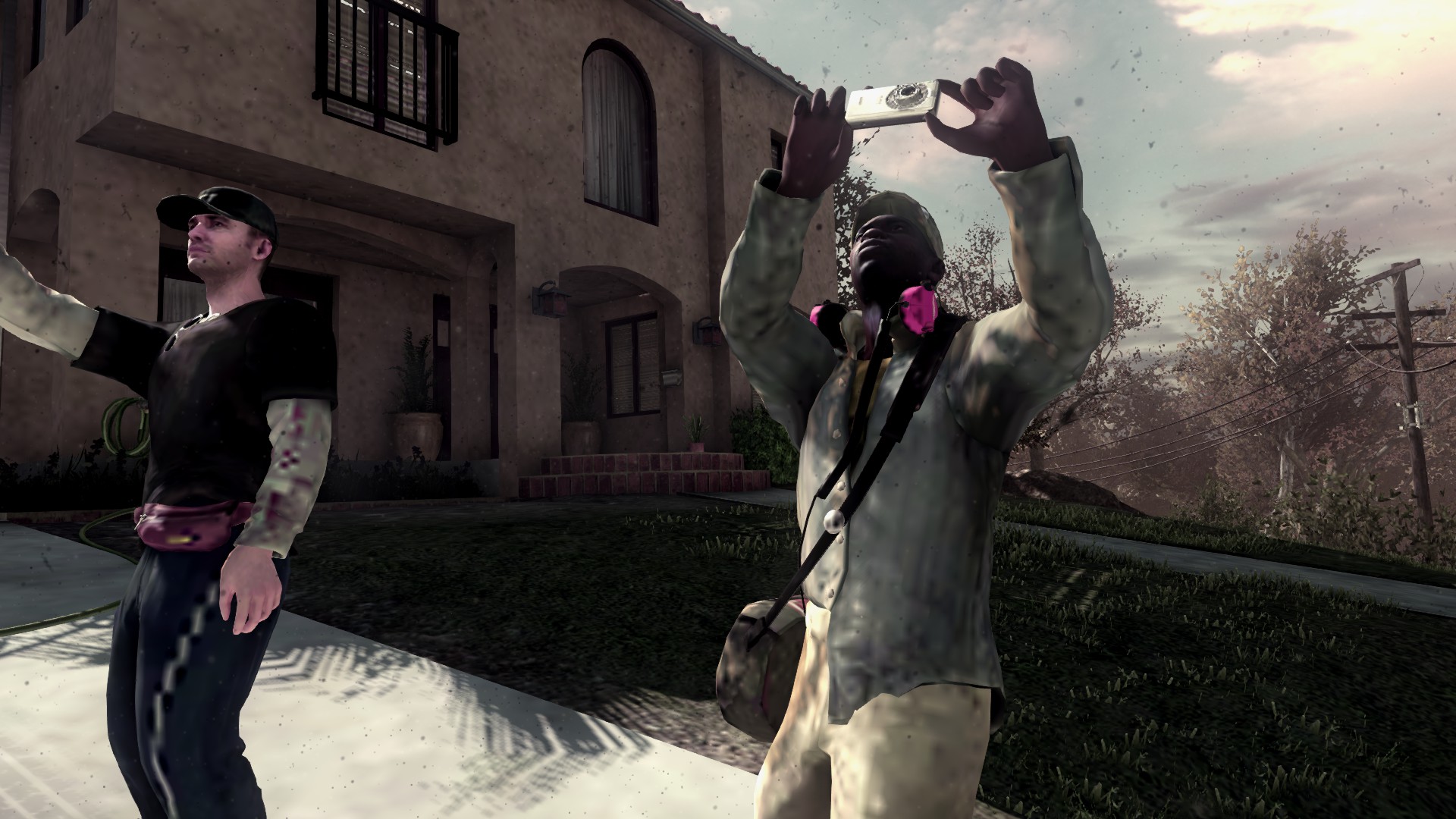
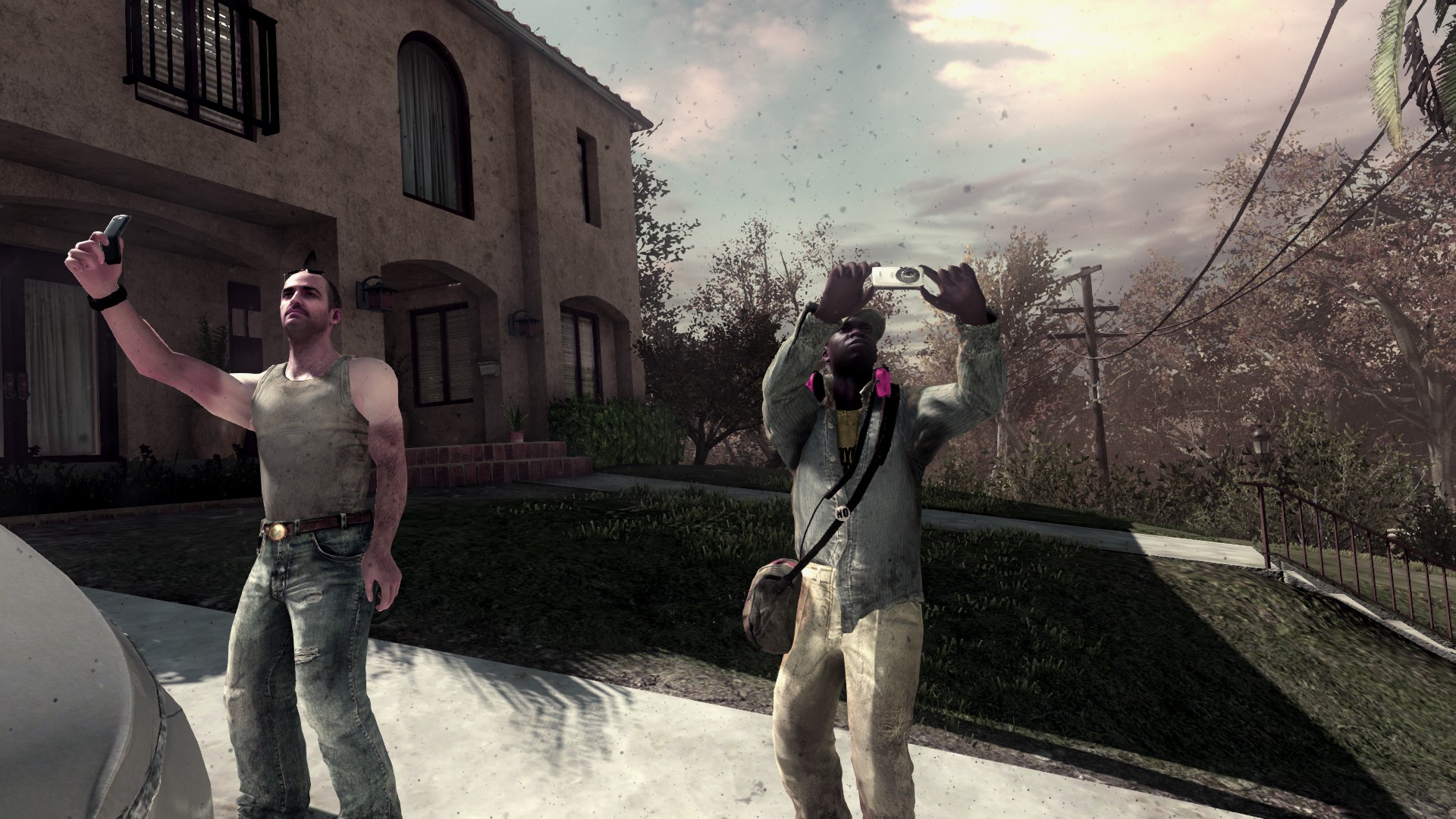
Blurry Textures FIX / Фикс мыльных текстур
eng
1. Open this folder:
Steam \ steamapps \ common \ Call of Duty Ghosts \ players2
2. Open config.cfg via any text editor
3. Find this string (use Ctrl+F)
seta r_usePrebuiltSpotShadow "Enabled"
4. Change it to "Disabled" so the line should look like this:
seta r_usePrebuiltSpotShadow "Disabled"
5. Save and quit
6. Enjoy
Steam \ steamapps \ common \ Call of Duty Ghosts \ players2
2. Open config.cfg via any text editor
3. Find this string (use Ctrl+F)
seta r_usePrebuiltSpotShadow "Enabled"
4. Change it to "Disabled" so the line should look like this:
seta r_usePrebuiltSpotShadow "Disabled"
5. Save and quit
6. Enjoy
rus
1. Открыть папку
Steam \ steamapps \ common \ Call of Duty Ghosts \ players2
2. Открыть config.cfg любым текстовым редактором
3. Найти эту строчку (советую использовать Ctrl+F)
seta r_usePrebuiltSpotShadow "Enabled"
4. Поменять значение на "Disabled", результат должен выглядеть так:
seta r_usePrebuiltSpotShadow "Disabled"
5. Сохранить файл и закрыть
6. Играть
Steam \ steamapps \ common \ Call of Duty Ghosts \ players2
2. Открыть config.cfg любым текстовым редактором
3. Найти эту строчку (советую использовать Ctrl+F)
seta r_usePrebuiltSpotShadow "Enabled"
4. Поменять значение на "Disabled", результат должен выглядеть так:
seta r_usePrebuiltSpotShadow "Disabled"
5. Сохранить файл и закрыть
6. Играть
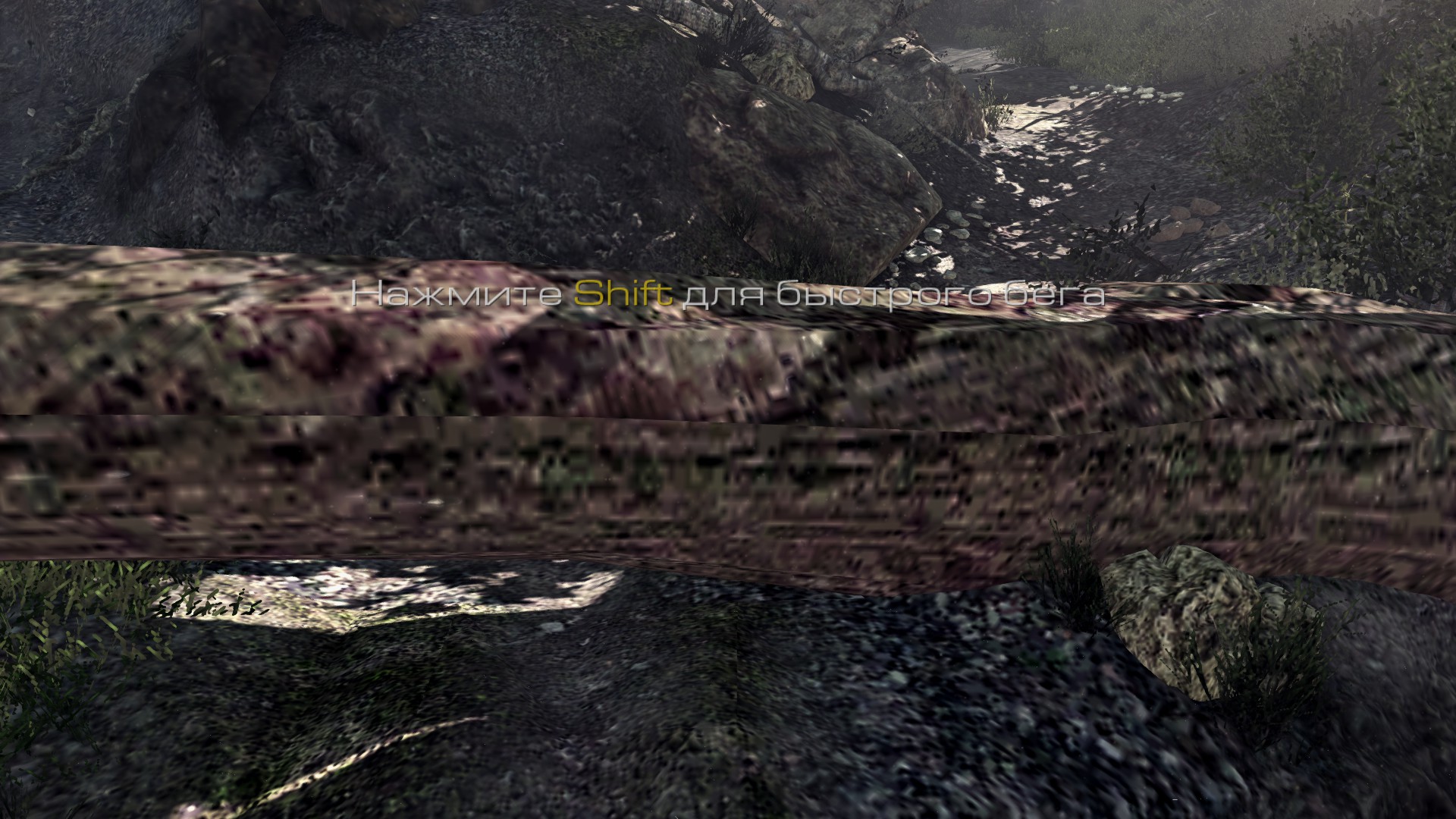
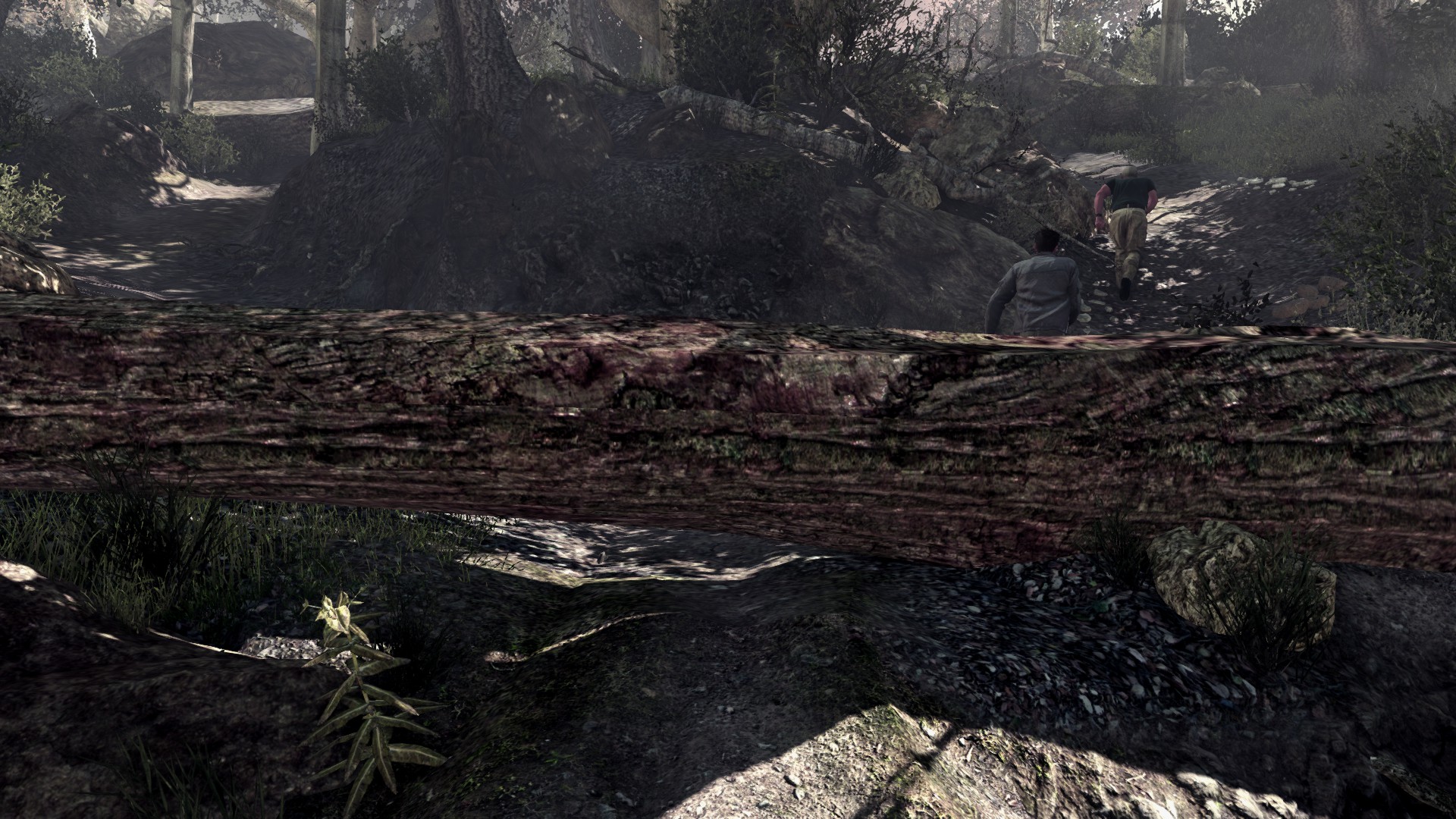
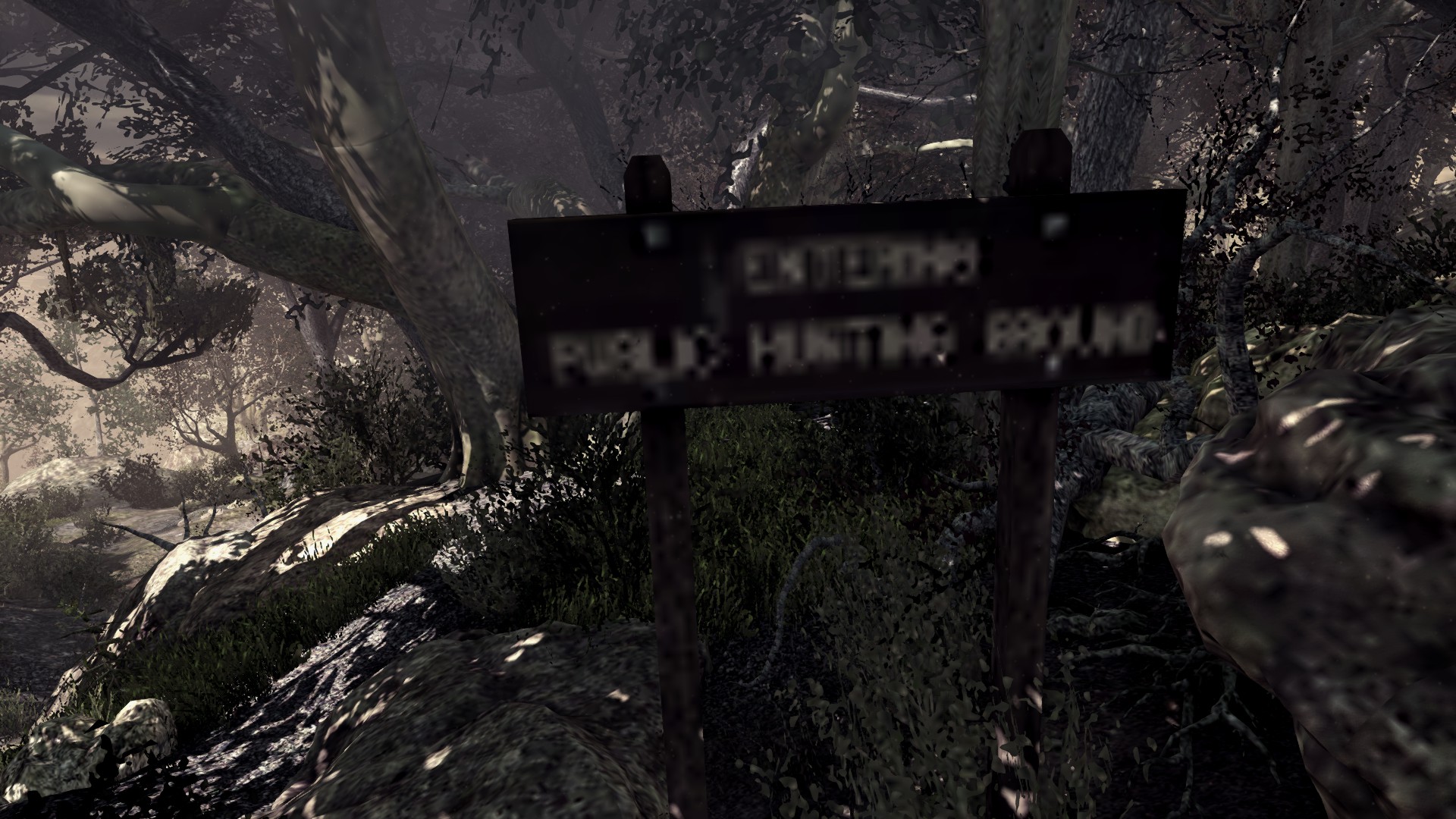
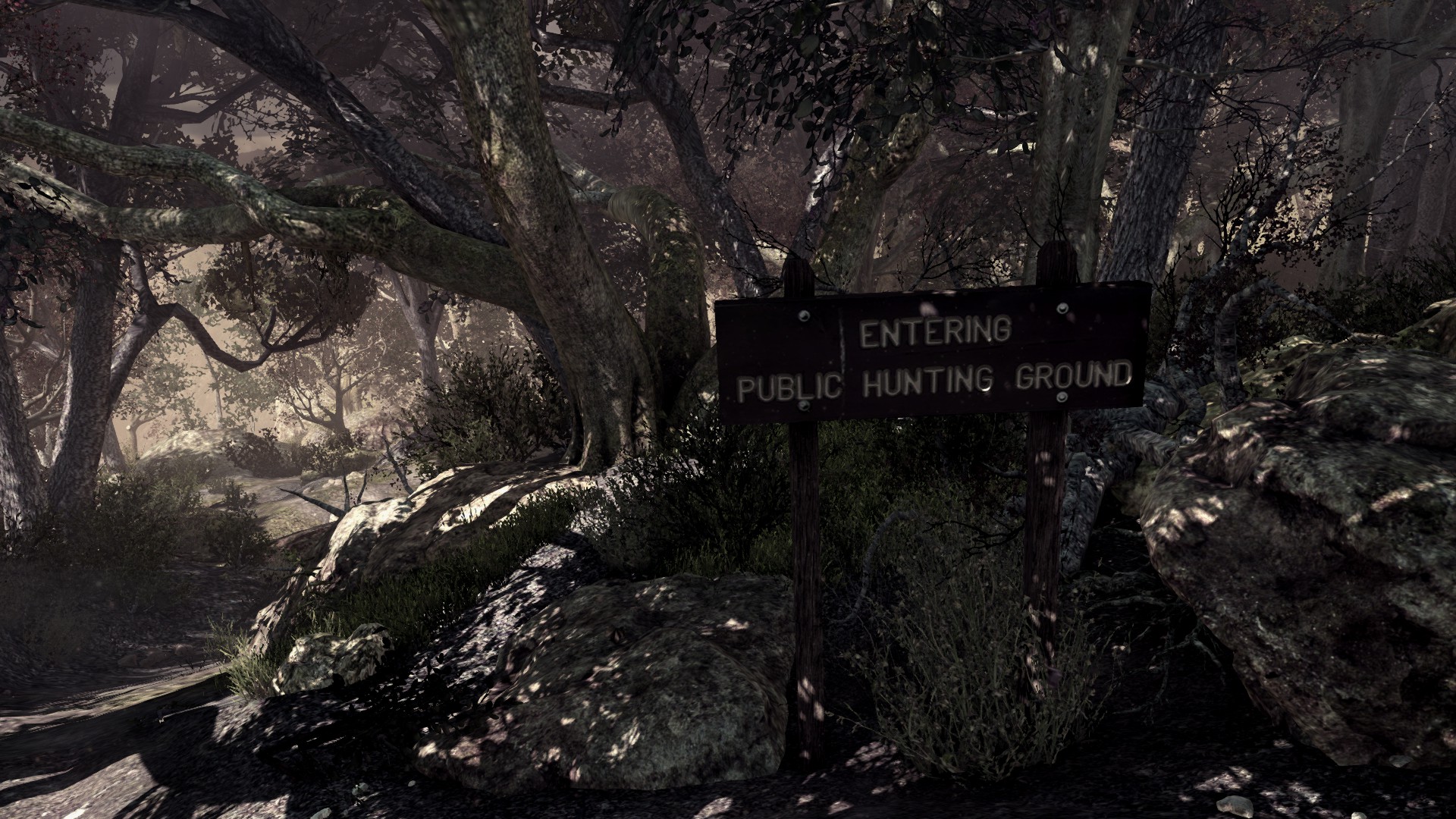
Comparison / сравнение
More Call of Duty: Ghosts guides
- Call of Duty: Ghosts - Rorke File Locations (with images)★ 5 (635)13k views775 ♥5 minUpdated Feb 25, 2014
- Achivement Guide :D Campaign Guide!★ 5 (527)13k views657 ♥17 minUpdated Jan 15, 2014
- FOV changer for Call of Duty: Ghosts★ 4 (60)12k views61 ♥1 minUpdated Jul 15, 2022
- Достижение "Аудиофил" Нахождение всех файлов Рорка!★ 5 (380)7.4k views333 ♥1 minRussianUpdated Jan 4
- [RU] Полная русификация Call of Duty: Ghosts★ 4 (92)7.1k views188 ♥1 minRussianUpdated Jan 8, 2020
- Гайд по всем достижениям к CoD:Ghosts★ 5 (479)6.8k views446 ♥5 minRussianUpdated Mar 8, 2016


This guide was created by its original author on the Steam Community. Are you the author and want it removed? Request removal.