CRYSIS 3 BOW IN CRYSIS 2
Downloading to your computer
Click here to download the modification clicking the DOWNLOAD button
https://mega.co.nz/#!pwYF3TxT!d7U5qhH90J2UPPScuJVWhXVC2sAlHEDhkTLa6ZLt_Ao
DOWNLOAD LINK (Yandex Disc)
https://yadi .sk/d/Rb2aqtuFwnvup (Remove the space)
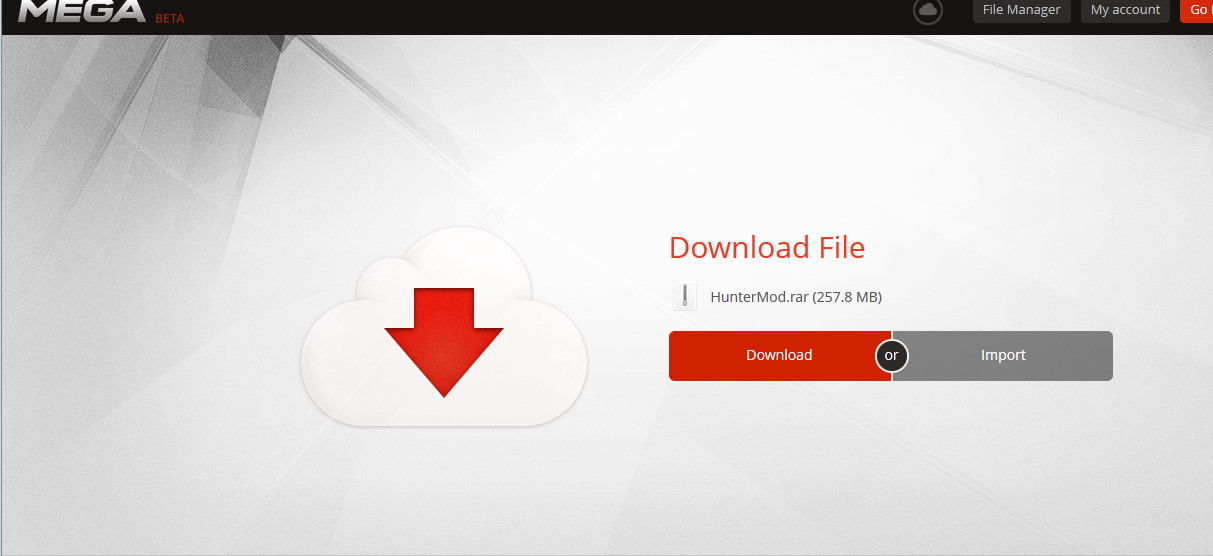
Next, unpack the archive
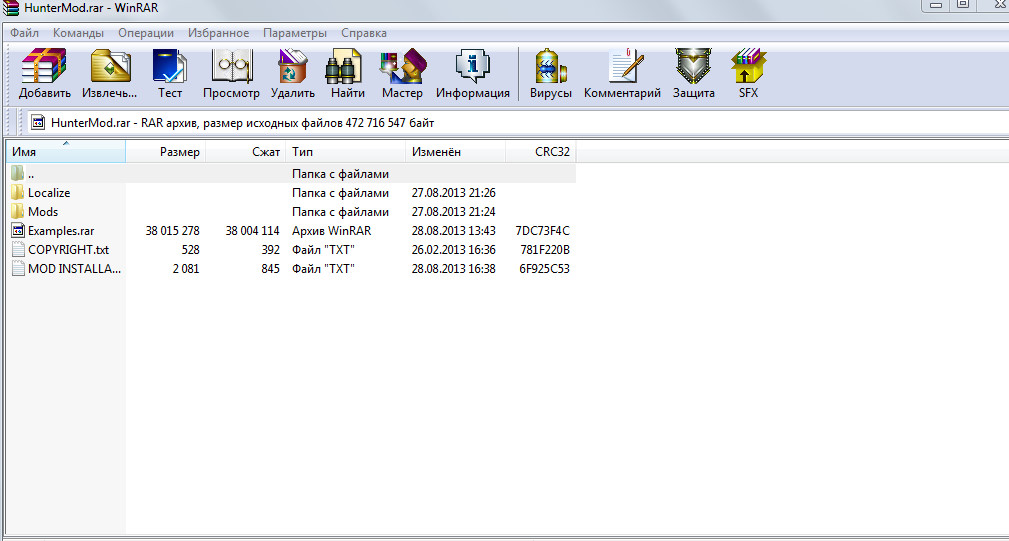
https://mega.co.nz/#!pwYF3TxT!d7U5qhH90J2UPPScuJVWhXVC2sAlHEDhkTLa6ZLt_Ao
DOWNLOAD LINK (Yandex Disc)
https://yadi .sk/d/Rb2aqtuFwnvup (Remove the space)
Next, unpack the archive
Installing and running
NOTE: the mod works on the 1.9 version of the game
1 In the root folder of the game (e.g. D:\Steam\SteamApps\common\Crysis 2 Game of the Year) make a folder called "Mods". Well if you have one is even better
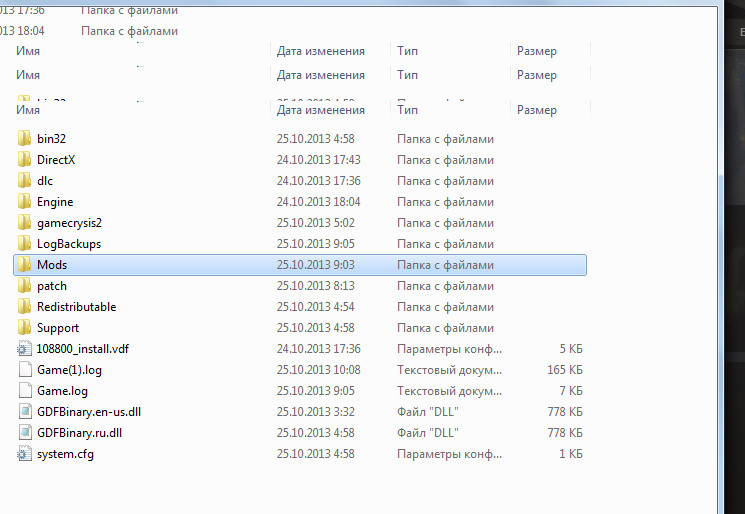
Now, locate the folder in which you extracted the archive, and extract the contents, namely the modification of the "HunterMod" in the Mods folder in the directory of the game
It must be so
D:\Steam\SteamApps\common\Crysis 2 Game of the Year\Mods\HunterMod
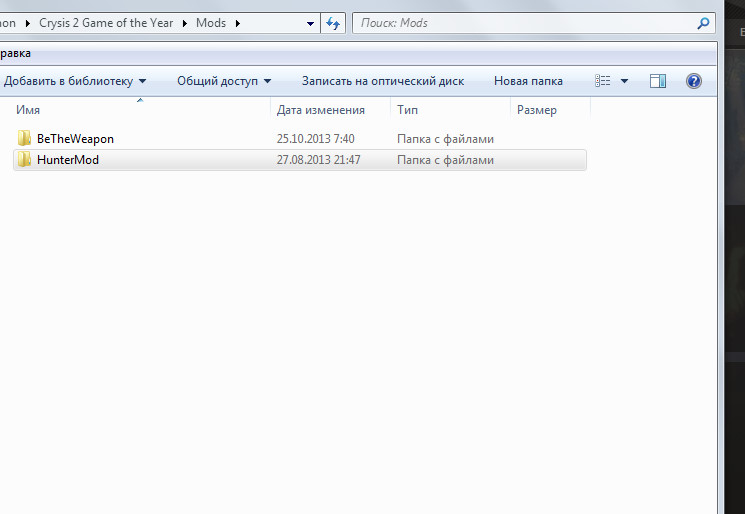
2. Setting localization. Localization is used for high-quality display of all the features and modifications .
* Open the "Localize" in the archive. In the archive where was the modification.
* Open the folder for the desired language(3 - Russian, English, German)
* Move the "languages" directory ..../Mods/HunterMod/GameCrysis2/
* Start the game, go to the menu "Modification".
* Select the "Hunter" and the bottom right, click "Enable".
* The game will be restarted automatically.
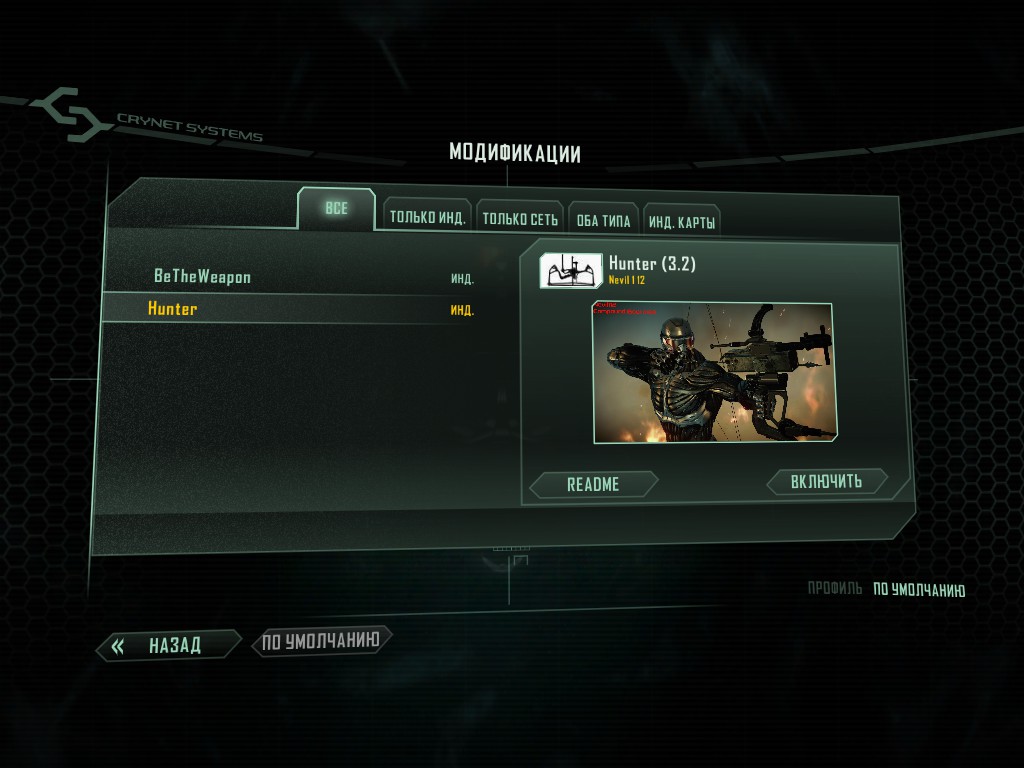
Now in the main menu of the game will be part of a "Modified company"
Can choose any episode and start playing
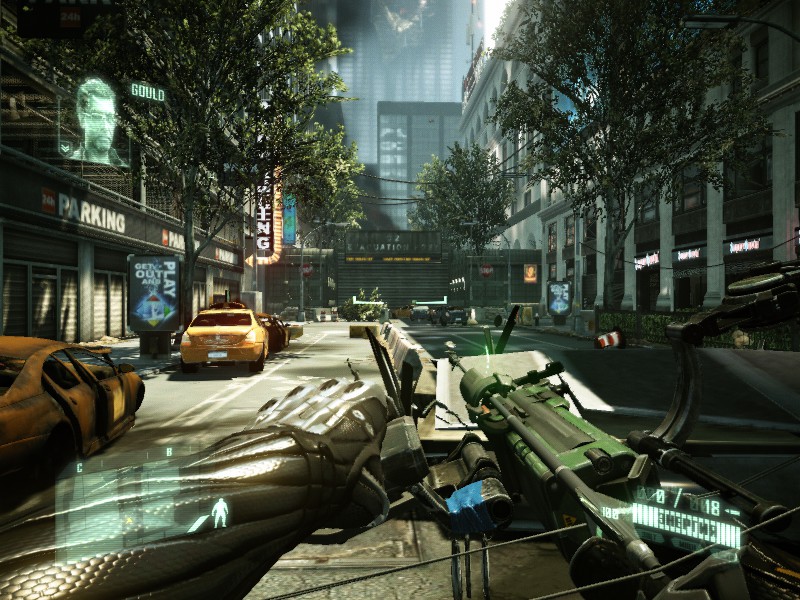
Bow you will have as a secondary weapon for the
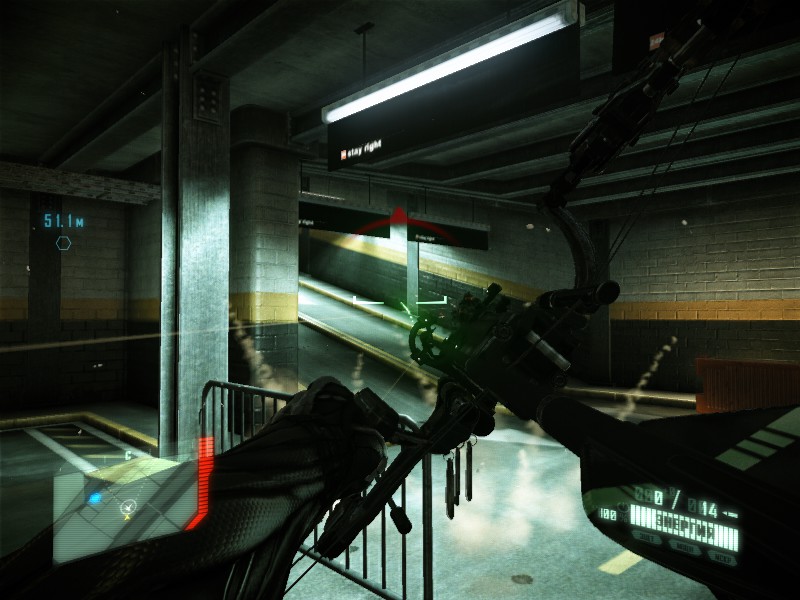 [previewicon=687822;sizeOriginal,inline;2013-10-25_00007.jpg][/previewicon][/previewicon]
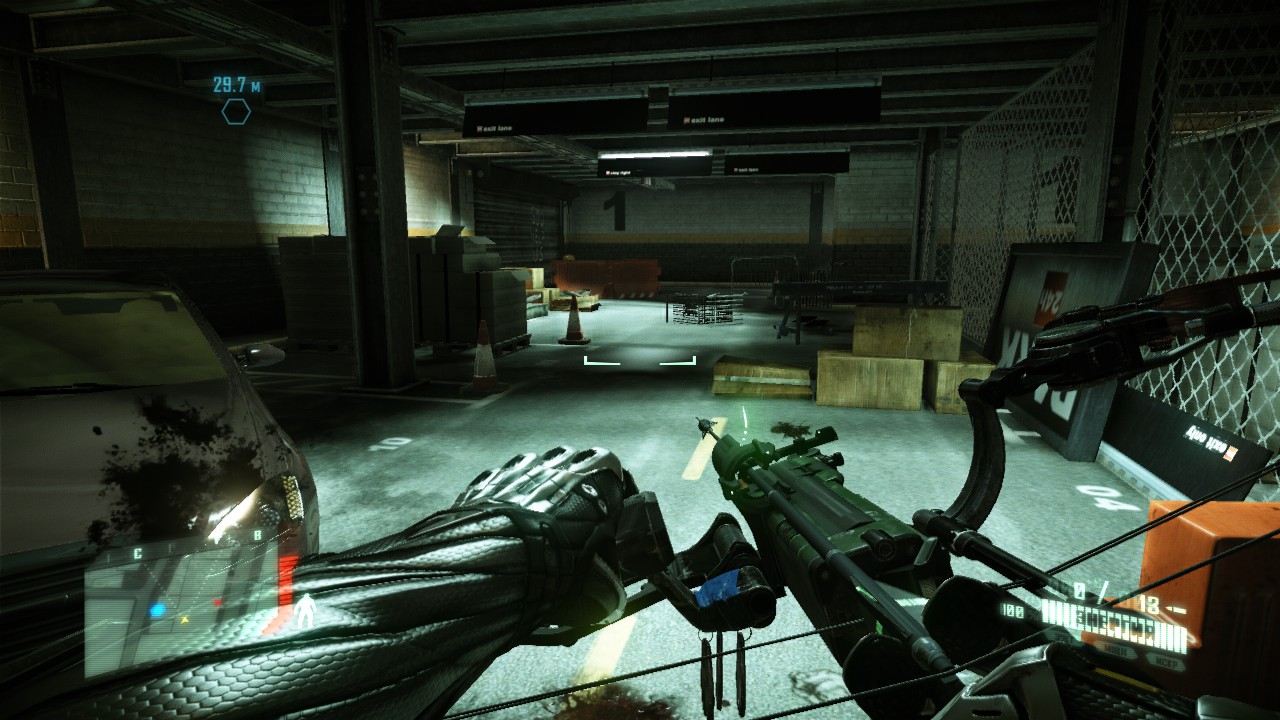
1 In the root folder of the game (e.g. D:\Steam\SteamApps\common\Crysis 2 Game of the Year) make a folder called "Mods". Well if you have one is even better
Now, locate the folder in which you extracted the archive, and extract the contents, namely the modification of the "HunterMod" in the Mods folder in the directory of the game
It must be so
D:\Steam\SteamApps\common\Crysis 2 Game of the Year\Mods\HunterMod
2. Setting localization. Localization is used for high-quality display of all the features and modifications .
* Open the "Localize" in the archive. In the archive where was the modification.
* Open the folder for the desired language(3 - Russian, English, German)
* Move the "languages" directory ..../Mods/HunterMod/GameCrysis2/
* Start the game, go to the menu "Modification".
* Select the "Hunter" and the bottom right, click "Enable".
* The game will be restarted automatically.
Now in the main menu of the game will be part of a "Modified company"
Can choose any episode and start playing
Bow you will have as a secondary weapon for the
[previewicon=687822;sizeOriginal,inline;2013-10-25_00007.jpg][/previewicon][/previewicon]
Launch the mod through the Origin:
* Click the right mouse button on the game and select "Properties of the game..."
* In the window that appears, add -mod HunterMod
* Now, run the game you will run the mod.
4. After launching the mod, select either "New game", or select the desired episode.
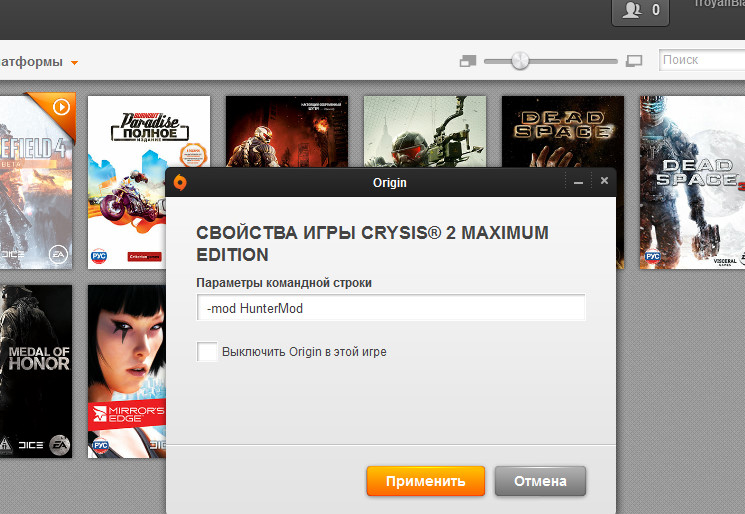
* In the window that appears, add -mod HunterMod
* Now, run the game you will run the mod.
4. After launching the mod, select either "New game", or select the desired episode.
More Crysis 2 Maximum Edition guides
- Crysis 2 Easter Eggs★ 4 (149)14k views62 ♥1 minUpdated Feb 21, 2021
- Crysis 2 Ultra HD Texture, Tessellation and DirectX 11 mod★ 4 (108)12k views96 ♥1 minUpdated Jun 5, 2020
- Как разблокировать все находки в игре (кампания) | How to find all souvenirs in campaign★ 5 (465)10k views589 ♥10 minUpdated Jul 6, 2020
- TF2 Classes in Crysis 2★ 4 (97)9.4k views56 ♥2 minUpdated Feb 15, 2014
- Получение всех оружейных модулей в одиночной кампании игры Crysis 2★ 5 (213)7.3k views251 ♥2 minRussianUpdated May 8, 2024
- Crysis 2 Console Command★ 3 (27)6.7k views39 ♥2 minUpdated Aug 30, 2020





This guide was created by its original author on the Steam Community. Are you the author and want it removed? Request removal.