Effective Communication: Making It Work for Your Team
1. Voice Chat: Quick and Critical
Voice chat is your go-to for urgent information. It’s the fastest way to get your team on the same page. Here’s when to use it:
Keep voice chat for the important stuff. Avoid cluttering it with minor details that can pull focus from what really matters.
- Enemy spotted: "Skulk in maintenance!"
- Requesting backup: "I need help at West Junction!"
- Coordinating an attack: "We’re pushing Atrium in 10 seconds, get ready."
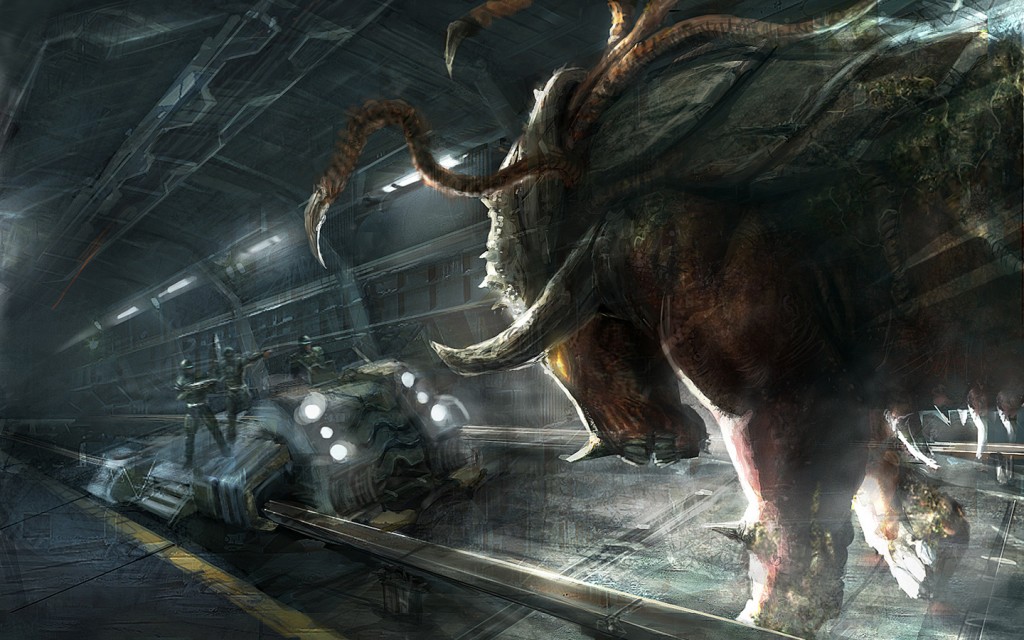
- Quick warning: "Onos incoming, fall back!"
- Calling out important buildings: "Alien tunnel in Subsector!" or "Marine phase gate near Platform!" or "Observatory spotted in Hub!"
- Enemy upgrades spotted: Calling out enemy upgrades when first spotted on the battlefield is useful information for your commander and team.
Keep voice chat for the important stuff. Avoid cluttering it with minor details that can pull focus from what really matters.
2. Use Game Commands for Quick Requests
When it comes to requesting things like welding, healing, or ammo, it's best to use the in-game commands instead of text chat. These commands are faster, more efficient, and clear to everyone around you.
To set it up:
To set it up:
- Default key bindings: Use the X key to bring up the radial menu. From there, you can select various requests like "Request Welding," "Request Medpack," or "Request Ammo."
3. Commander Talk: Stay Clear and Focused
As the commander, you set the tone for the team. Your role is to be clear, concise, and focused on the bigger picture:
- Give direct orders: "We need to build an extractor at Cargo," or "Hit the Hive in Subsector."
- Respond quickly: Acknowledge player requests with a simple "On the way" or "Not yet, saving resources."
- Keep morale up: Positive guidance goes a long way. Encourage your team, but don’t overwhelm them.
4. Balance Speaking and Listening
It’s easy to get caught up in talking during chaotic moments, but don’t forget to listen. Too much chatter can drown out important calls.
- Prioritize key info: If someone’s already calling out alien locations or buildings, like tunnels or observatories, or if an alien has parasited a key structure, there’s no need to repeat it unless it adds value.
- Give space: After a big moment, whether it’s a successful push or a tough defense—let everyone catch their breath before jumping in with more instructions.
5. Use Pings and Markers
Sometimes, there’s no time to talk, or the voice channel’s already full. In those cases, use the in-game ping system to highlight crucial locations instantly without adding to the noise.
6. Stay Positive, Stay Constructive
How you communicate affects morale. Even if the game isn’t going your way, staying positive helps. Instead of focusing on mistakes, offer practical advice: "Let’s focus on holding key areas. Regroup at the base."
Wrapping Up
Effective communication in Natural Selection 2 is all about balance, getting the right information out at the right time, listening to your team, and keeping the energy constructive. Master that, and you’ll help build stronger teamwork and increase your chances of winning.
Disclaimer
I’m not claiming to be an expert, this guide is a living document. If you have any good additions or suggestions, feel free to drop a comment! I’d be happy to include them and credit you for the input.
More Natural Selection 2 guides
- The Ultimate NS2 Basics Tutorial: From Noob to Vet (Updated!)★ 5 (676)31k views784 ♥1 minUpdated Aug 28, 2013
- Natural Selection 2: Beginner Tips★ 4 (157)14k views117 ♥12 minUpdated Nov 30, 2014
- Большая энциклопедия по Natural Selection 2. Том 1: Боевая часть★ 5 (646)10k views385 ♥57 minRussianUpdated Jun 11, 2019
- Commander's Bible [UPDATED 6/5/2016]★ 4 (112)5.8k views110 ♥35 minUpdated Jun 5, 2016
- HOW TO DANCE★ 2 (79)2.6k views9 ♥1 minDanishUpdated Dec 23, 2015
- Spectator Controls★ 4 (48)1.8k views30 ♥1 minUpdated Feb 27, 2013



This guide was created by its original author on the Steam Community. Are you the author and want it removed? Request removal.