[ENG/RUS] How to Switch Russian Language to English / Как Вернуть Английский Язык
[ENG] Steps
English:
1. Install the game and make sure language is set to Russian.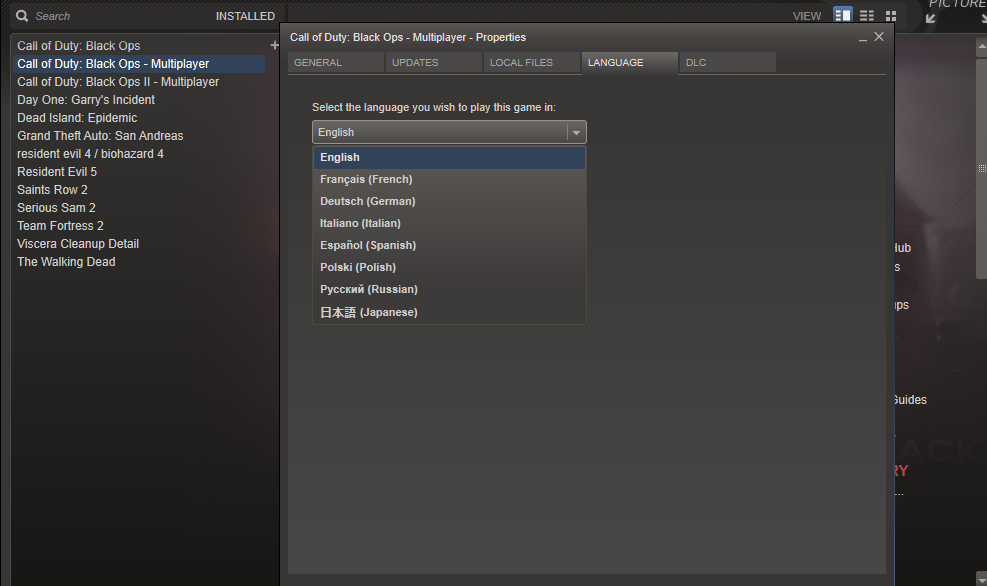 ~~~~~~~~~~~~~~~~~~~~~~~~~~~~~~~~~~~~~~~~~~~~~~~~~~~~~~~~~~~~~~~~~
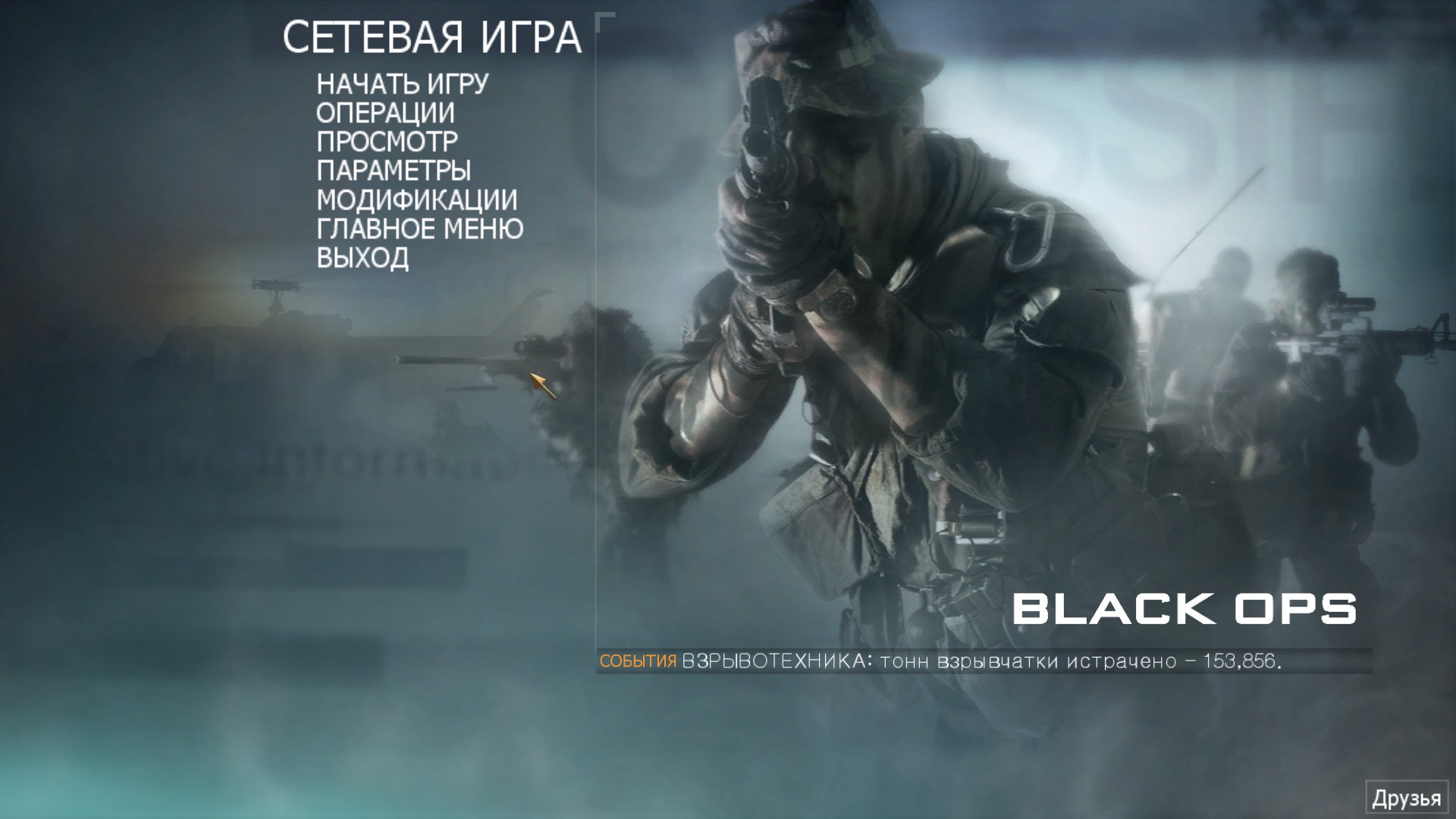
2. Run the game and see if it runs and launches with no errors a.k.a. working.
 ~~~~~~~~~~~~~~~~~~~~~~~~~~~~~~~~~~~~~~~~~~~~~~~~~~~~~~~~~~~~~~~~~
3. Exit the game and download English files from here: https://drive.google.com/file/d/0B9idSMcb0cASc0JzamhsUFVsdk0/view?usp=sharing
~~~~~~~~~~~~~~~~~~~~~~~~~~~~~~~~~~~~~~~~~~~~~~~~~~~~~~~~~~~~~~~~~
4. Navigate to your Black Ops 1 folder and delete the following files and folders:
- main/video (for campign and zombies)
- zone/Russian (for multiplayer)
- localized_Russian_iw00.iwd all through localized_Russian_iw15.iwd
- localiztion
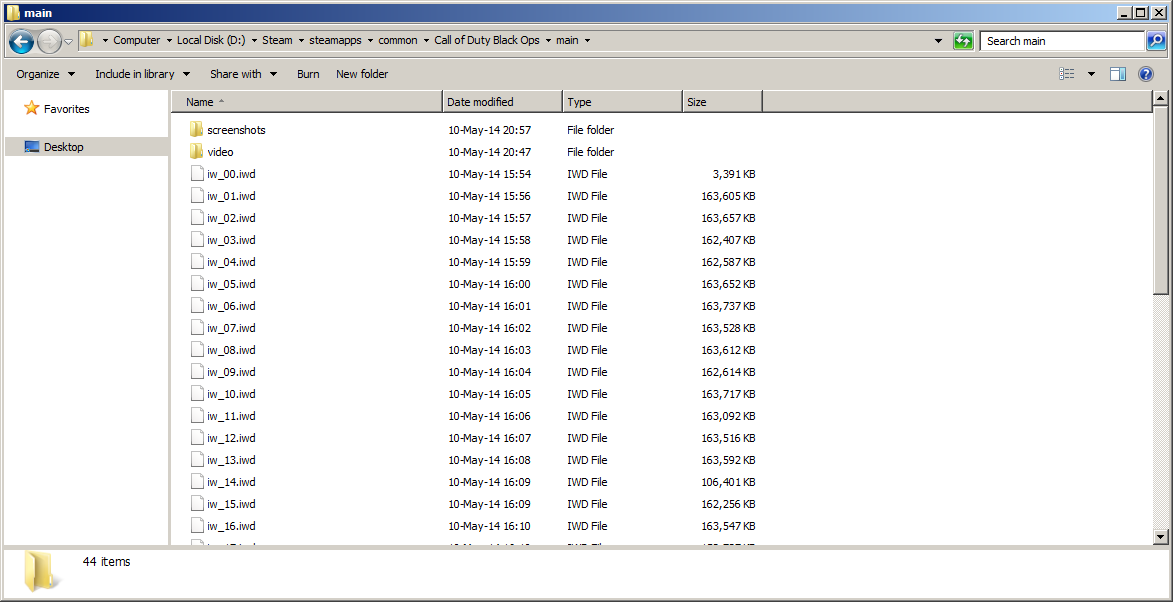
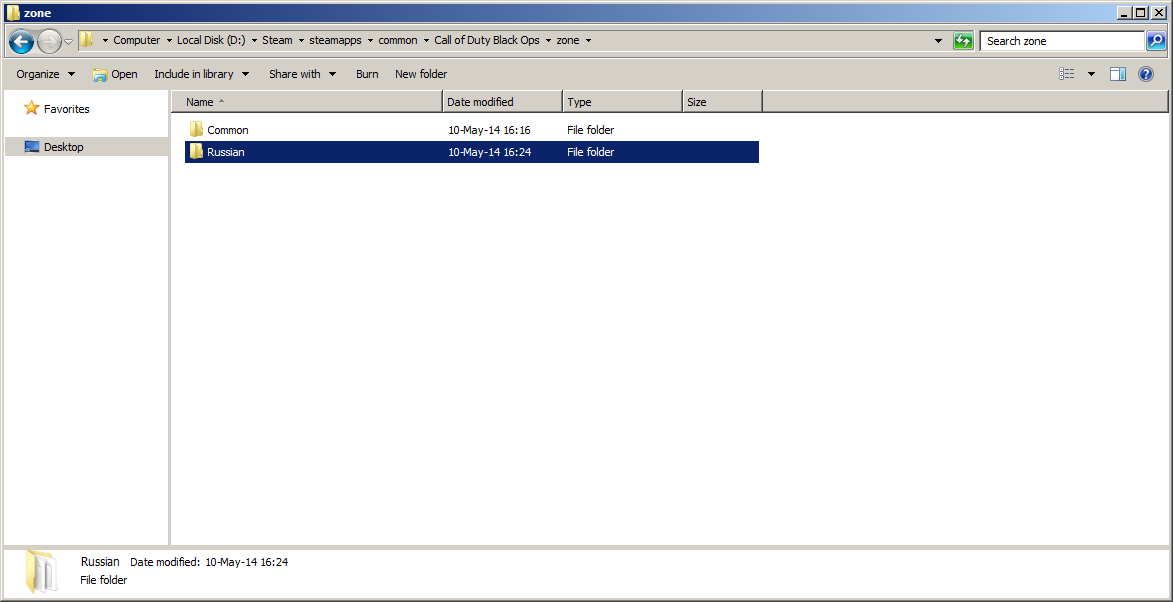
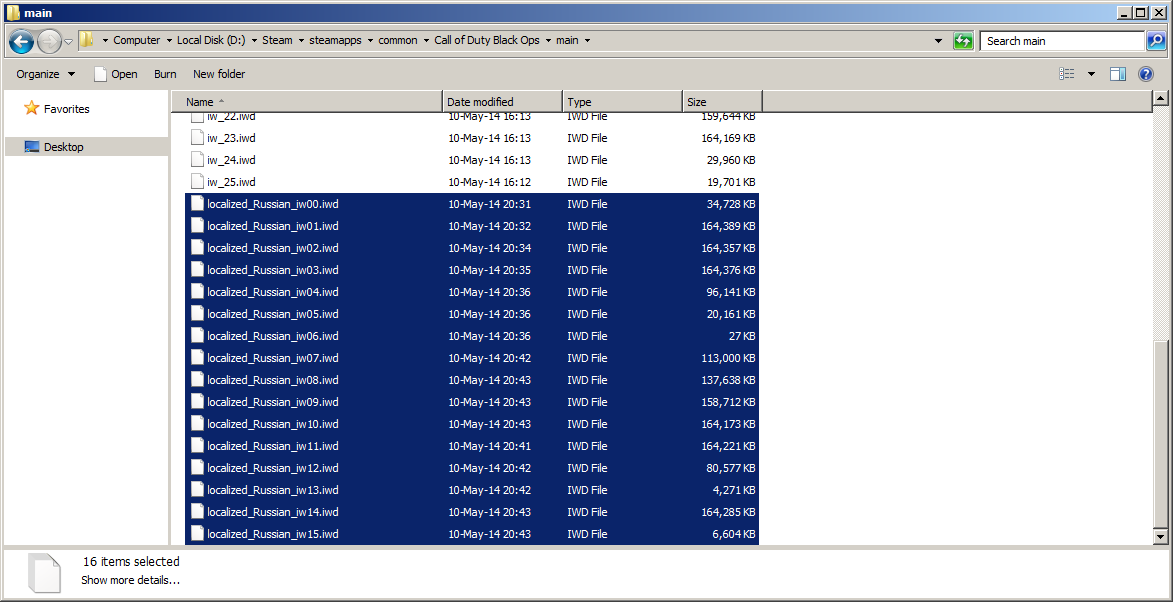
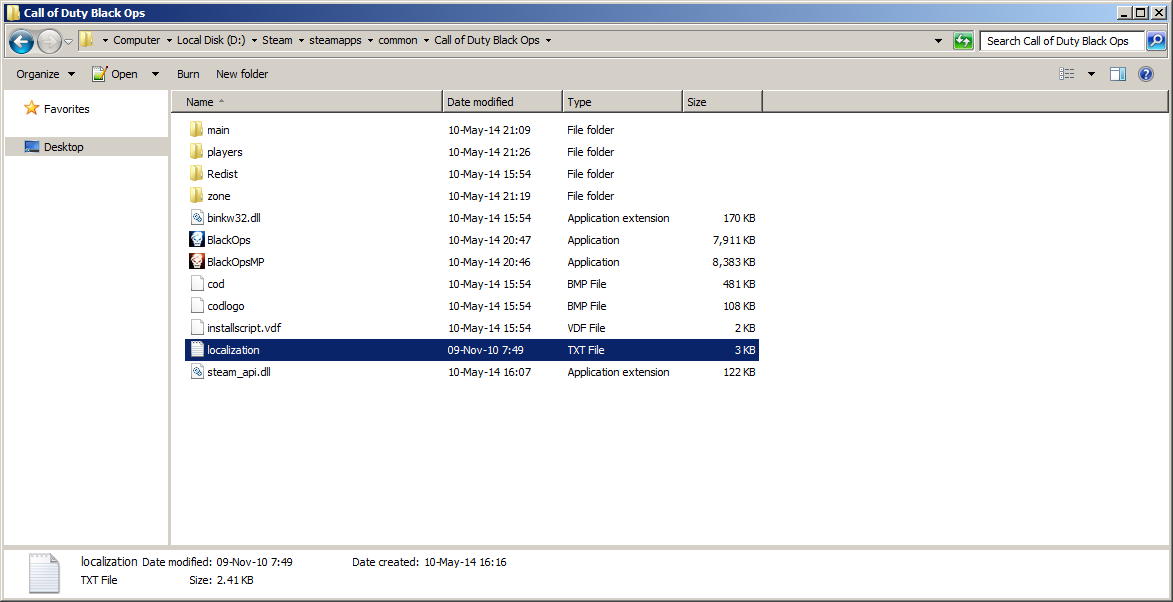
5. Then copy or cut files from the archive you've downloaded and place them instead of those you just deleted.
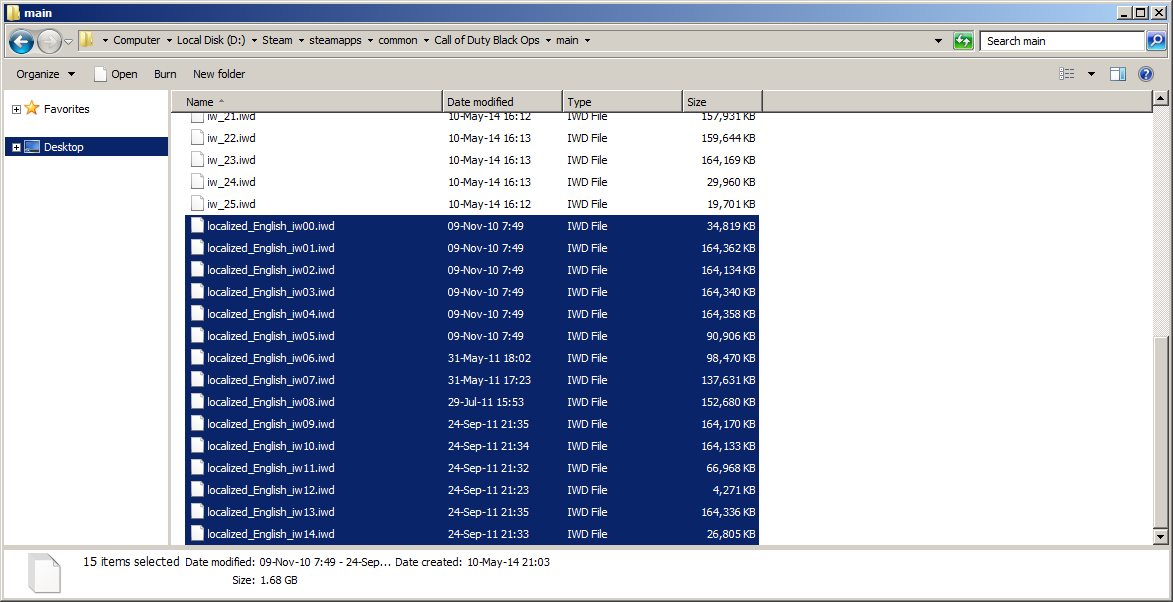
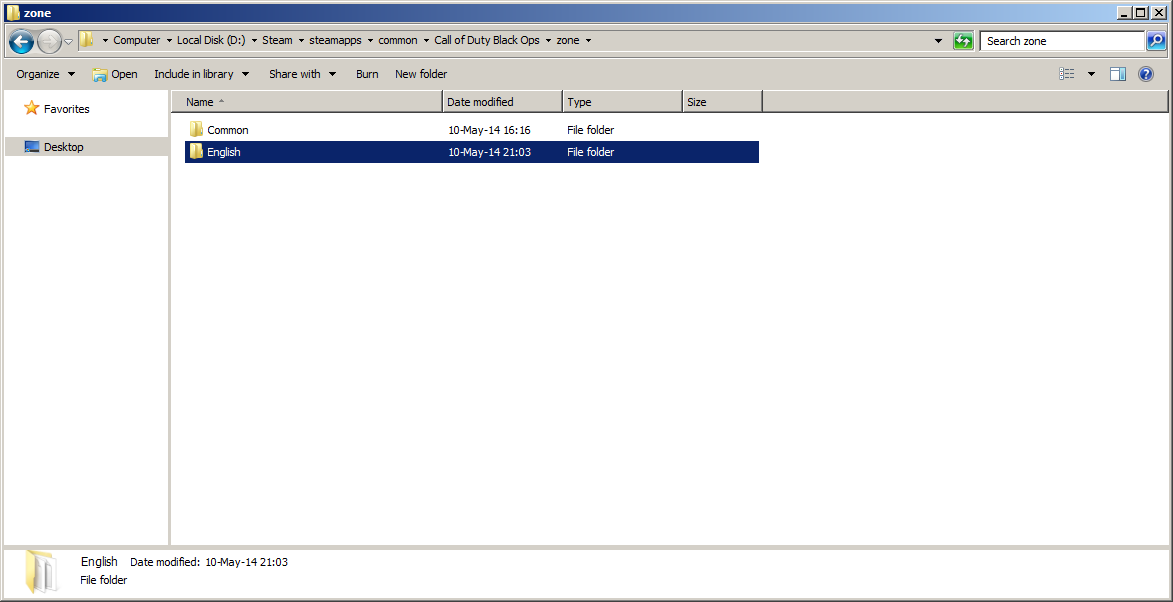
~~~~~~~~~~~~~~~~~~~~~~~~~~~~~~~~~~~~~~~~~~~~~~~~~~~~~~~~~~~~~~~~~
6. Set language back to English.
~~~~~~~~~~~~~~~~~~~~~~~~~~~~~~~~~~~~~~~~~~~~~~~~~~~~~~~~~~~~~~~~~
7. Done!
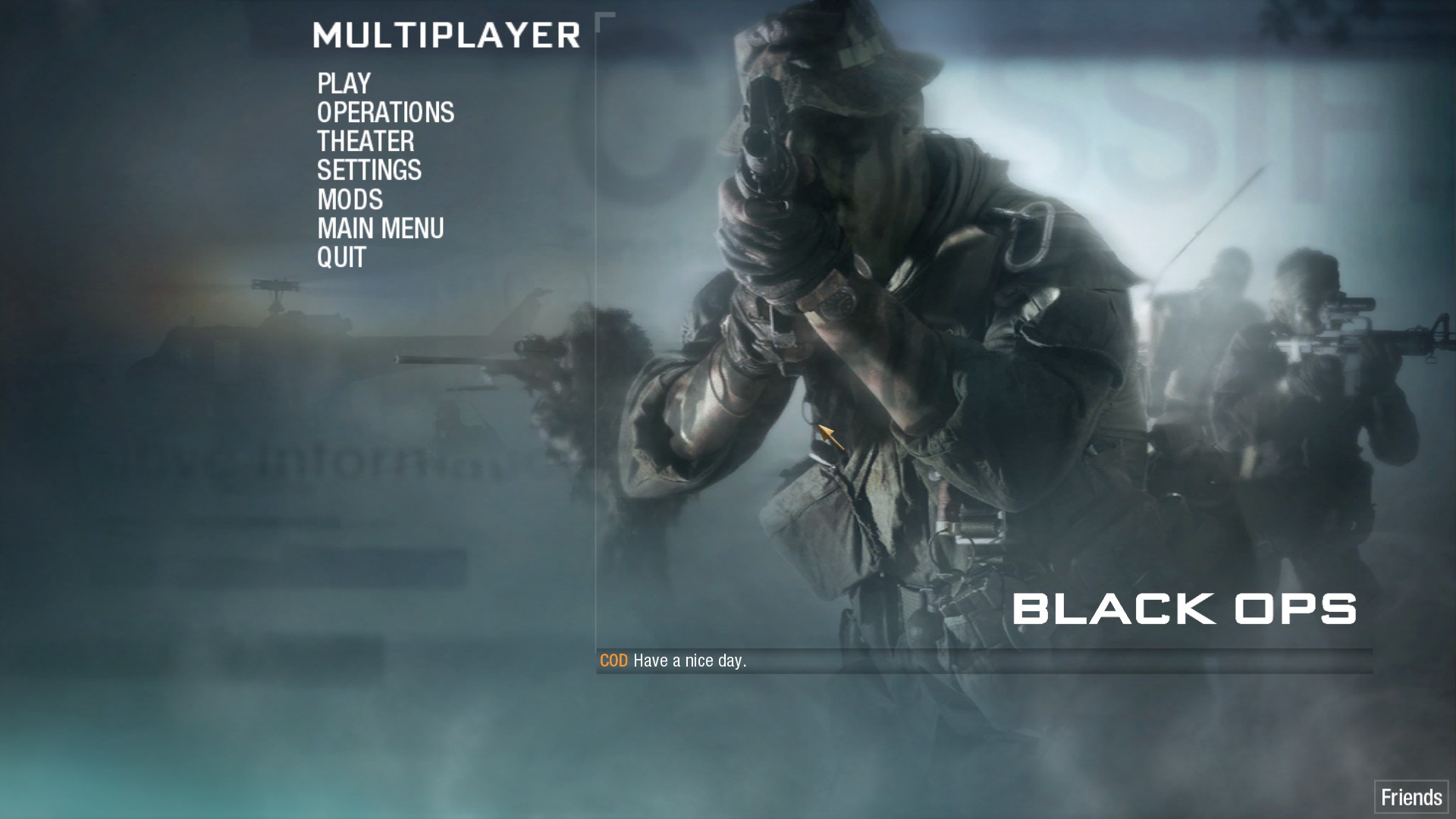
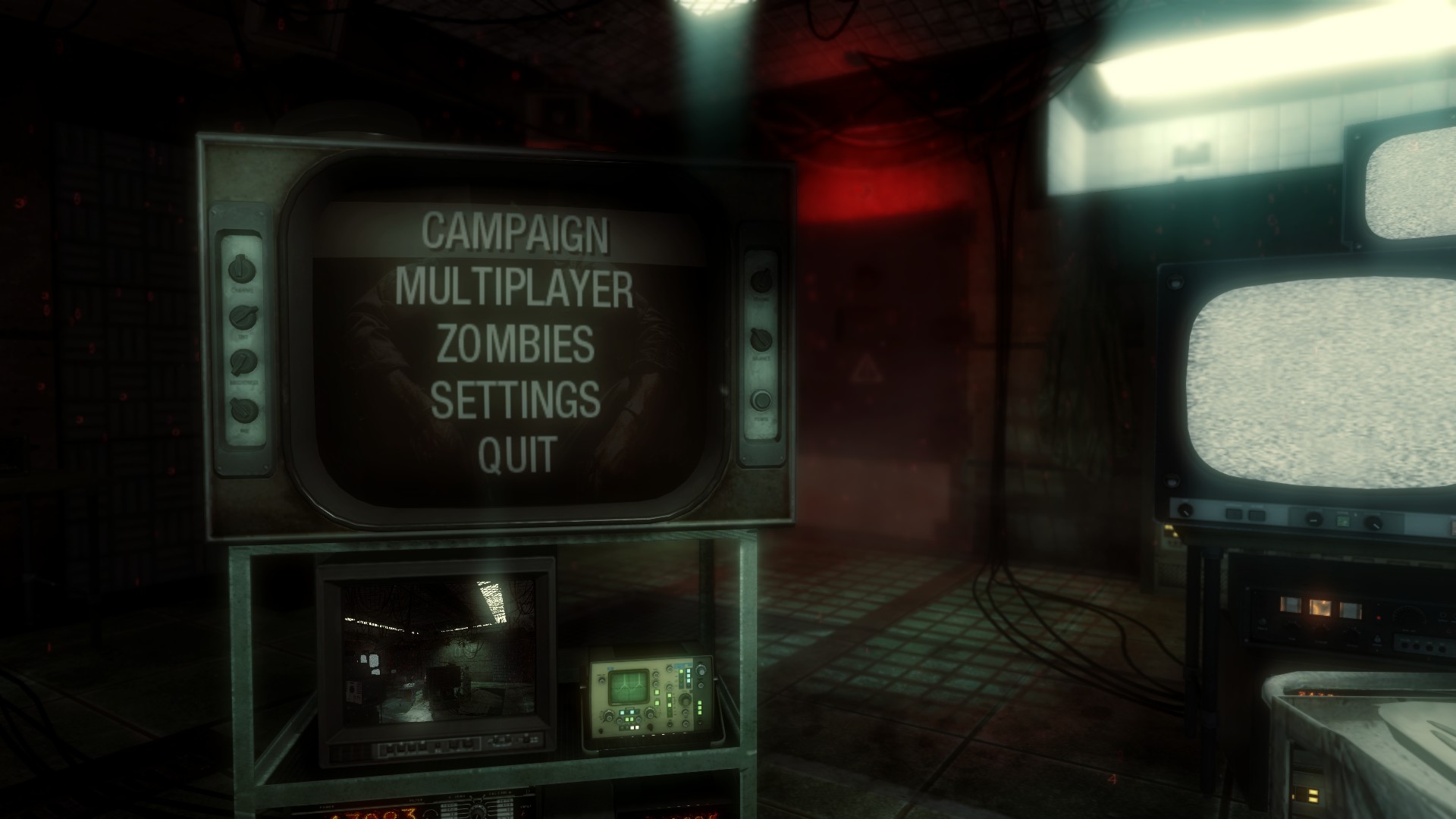
~~~~~~~~~~~~~~~~~~~~~~~~~~~~~~~~~~~~~~~~~~~~~~~~~~~~~~~~~~~~~~~~~
[RUS] Шаги
Русккий:
1. Установи игру и убедись, что язык стоит Русский.~~~~~~~~~~~~~~~~~~~~~~~~~~~~~~~~~~~~~~~~~~~~~~~~~~~~~~~~~~~~~~~~~
2. Запусти игру и проверь, что она запускается без ошибок и работает.
~~~~~~~~~~~~~~~~~~~~~~~~~~~~~~~~~~~~~~~~~~~~~~~~~~~~~~~~~~~~~~~~~
3. Выйди из игры и скачай отсюда Английские файлы: https://drive.google.com/file/d/0B9idSMcb0cASc0JzamhsUFVsdk0/view?usp=sharing
~~~~~~~~~~~~~~~~~~~~~~~~~~~~~~~~~~~~~~~~~~~~~~~~~~~~~~~~~~~~~~~~~
4. В папке с игрой найди и удали следующие файлы и папки:
- main/video (для кампании и зомби)
- zone/Russian (для мультиплеера)
- localized_Russian_iw00.iwd все по localized_Russian_iw15.iwd
- localization
6. Затем скопируй или выреж скаченые файлы в замен удалённым.
~~~~~~~~~~~~~~~~~~~~~~~~~~~~~~~~~~~~~~~~~~~~~~~~~~~~~~~~~~~~~~~~~
7. Перевиди язык обратно на Английский.
~~~~~~~~~~~~~~~~~~~~~~~~~~~~~~~~~~~~~~~~~~~~~~~~~~~~~~~~~~~~~~~~~
8. Всё!
~~~~~~~~~~~~~~~~~~~~~~~~~~~~~~~~~~~~~~~~~~~~~~~~~~~~~~~~~~~~~~~~~
More Call of Duty: Black Ops - Multiplayer guides
- Black Ops config★ 5 (246)24k views387 ♥5 minUpdated Dec 5, 2019
- How to change the color of your custom classes.★ 5 (270)19k views218 ♥1 minUpdated Jul 17, 2019
- How to be a great sniper Engl/Fre/Ger/Rus★ 4 (223)13k views52 ♥2 minUpdated Feb 12, 2016
- How to not get banned on servers 101★ 5 (236)11k views58 ♥1 minUpdated Oct 8, 2020
- possible Rank reset fix★ 4 (102)11k views59 ♥1 minBulgarianUpdated Jun 30
- Black ops 1 Smooth L96a1★ 4 (155)8.8k views155 ♥5 minUpdated Jan 2, 2017



This guide was created by its original author on the Steam Community. Are you the author and want it removed? Request removal.