Forging
Introduction
So first things first, what is forging? Forging is a feature in Dragons and Titans that upgrades weapons. The forge map is located in the weapons tab. Choose the weapon you want to forge and click the forge button.
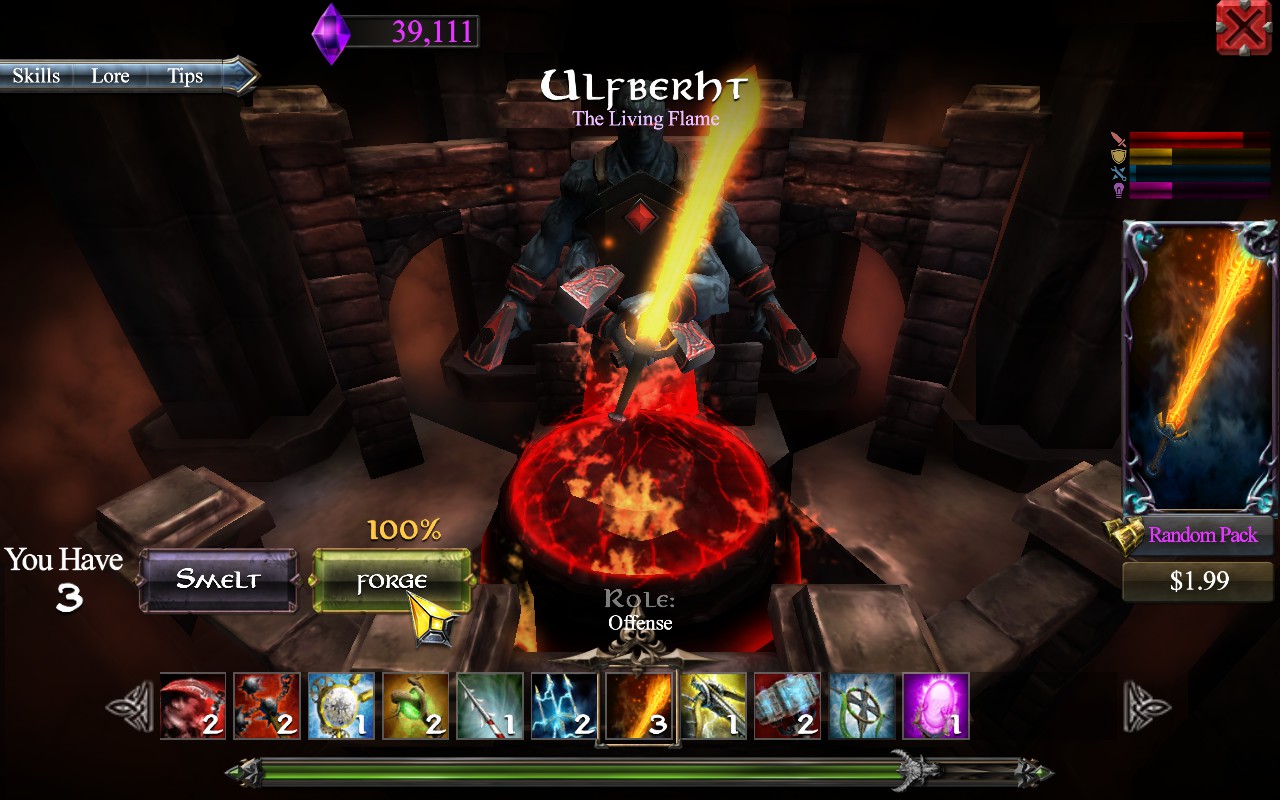
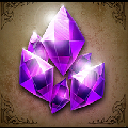
Forging is based on 4 forge elements: Magesteel, Dragon Scales, Titan Tears, and Moonstones.
The damage increase, cooldown and mana cost reduction benefits apply not only to your weapon abilities but also your dragons. Investing in a forged weapon is well worth the effort. - See more at: http://www.dragonsandtitans.com/game-info/beginners-guide/#sthash.MWkYTisN.dpuf
The Forge Map
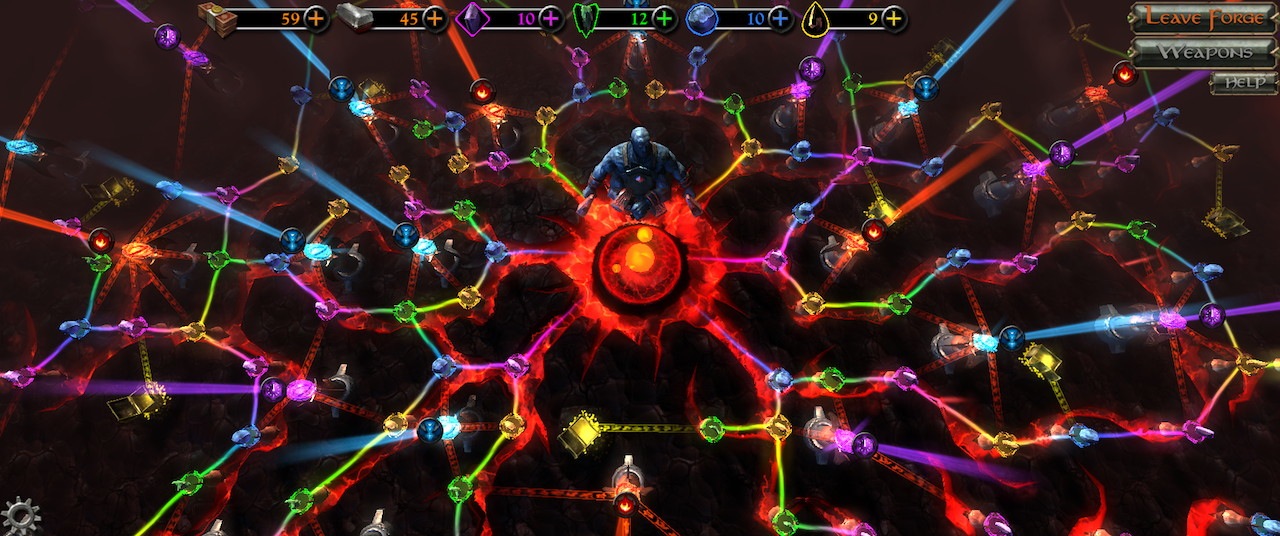
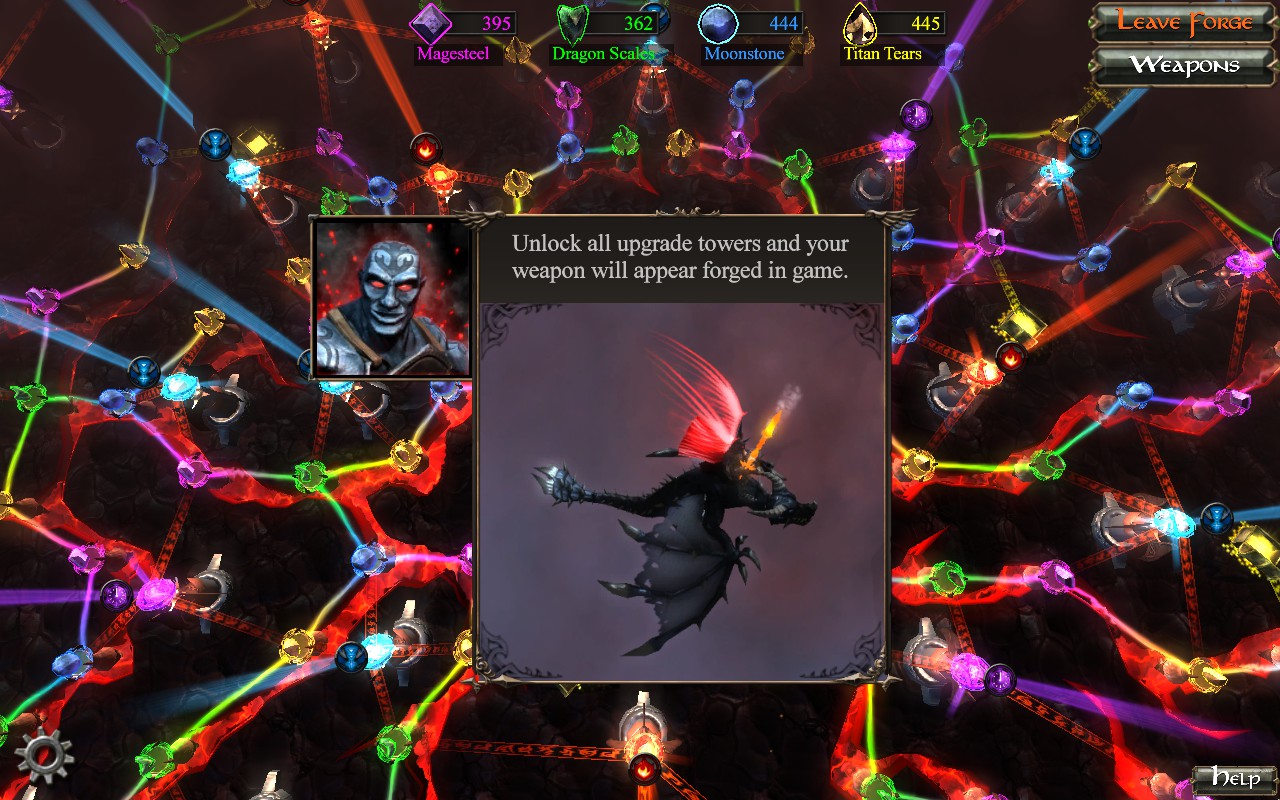
This is the epic network of forge elements, the forge map. The circles illuminated in beams of light are upgrade towers. Each one provides a small boost, like 1% less cooldown or 1% more damage for your abilities.
Once you unlock all of the towers by filling in the element slots, the forged weapon will give a bonus of +14% damage, -15% ability mana cost and -13% cooldown, not only for your weapon but also your dragon abilities.
On the forge map, there are 48 slots of each element to fill. However, you do not have to fill all of them to maximize the forge benefits.
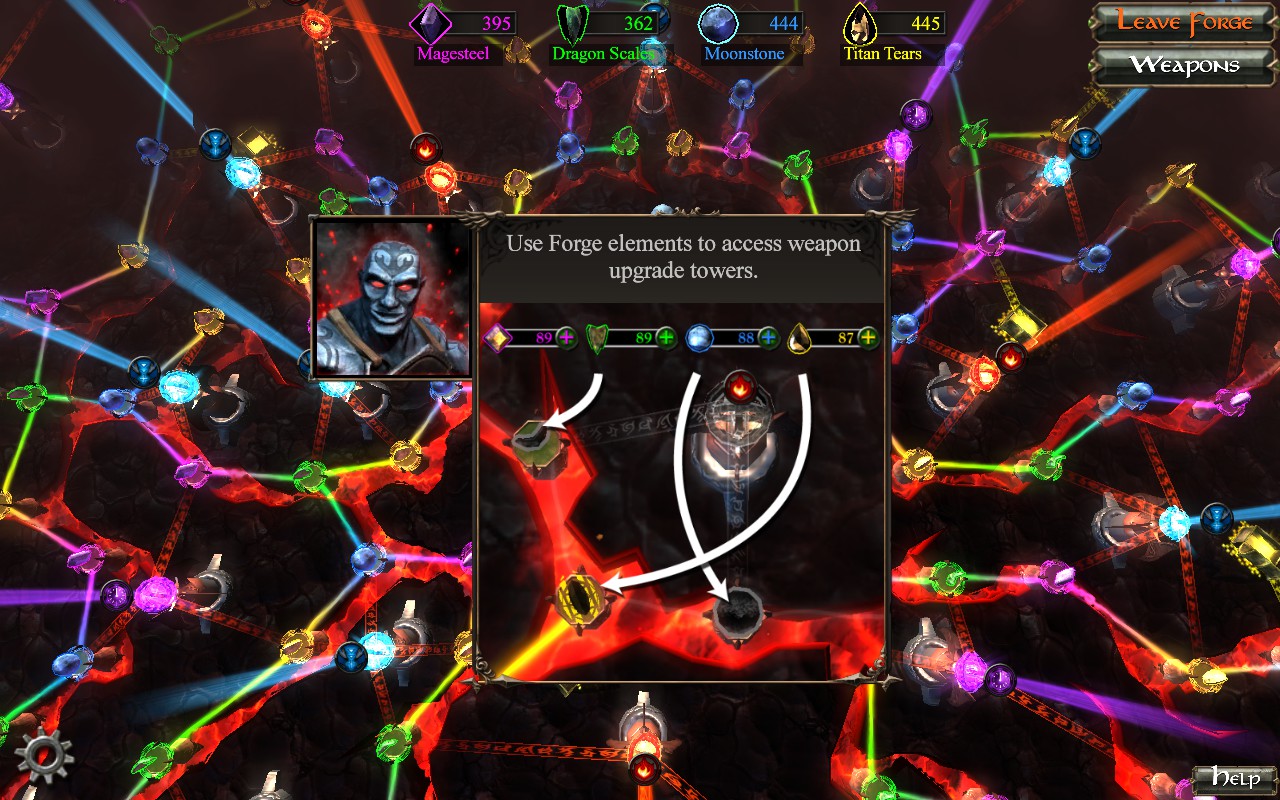
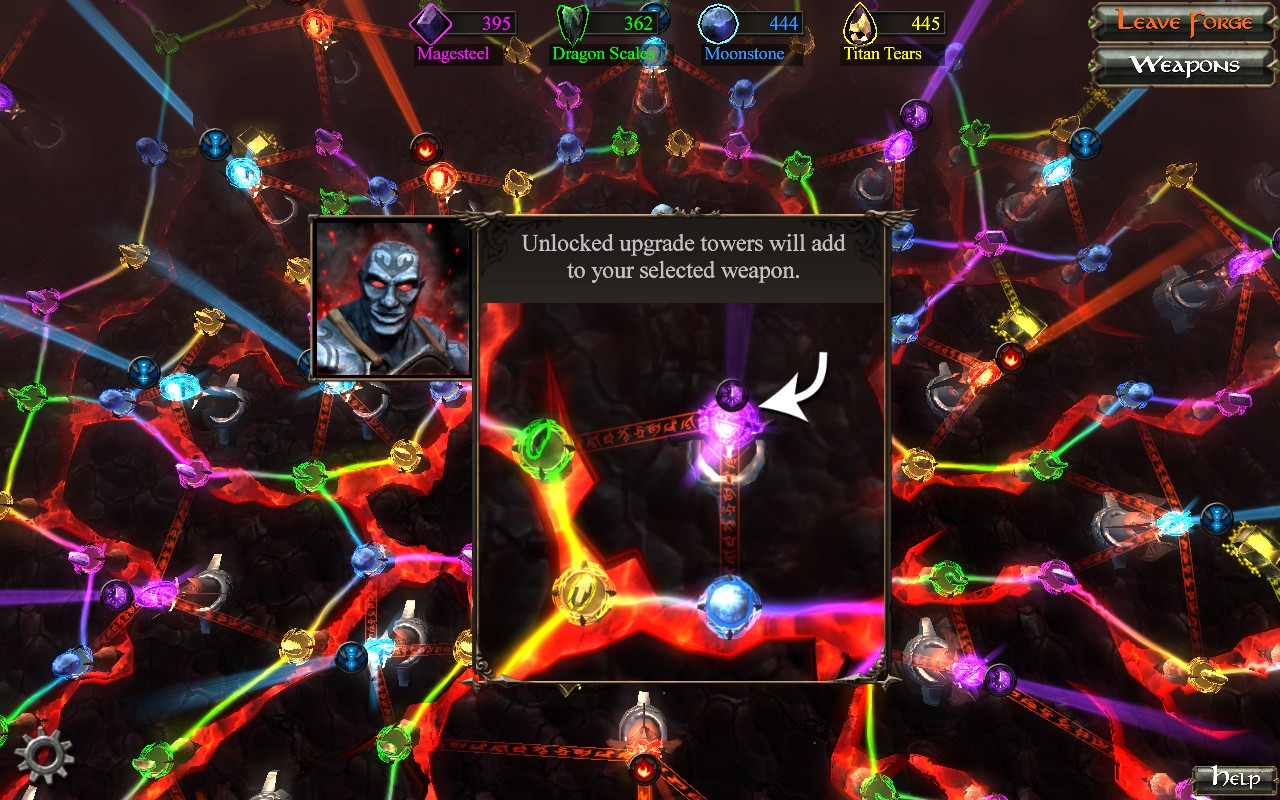
Forge Elements
The treasure chests on the forge map also can provide elements, but they also have a chance to drop other things like crystals. If you have plenty of elements to use, go ahead and unlock the slots and open them.
Saving Forge Elements
A lot of the forge elements do not need to be forged and either connect upgrade towers together or provide for treasure chests. If you want your weapon to become a molten orange color, fill in ALL of the element slots. However, if you're like me and you just want to save as many forge elements as possible, fill in the slots carefully to minimize the amount of elements you use.
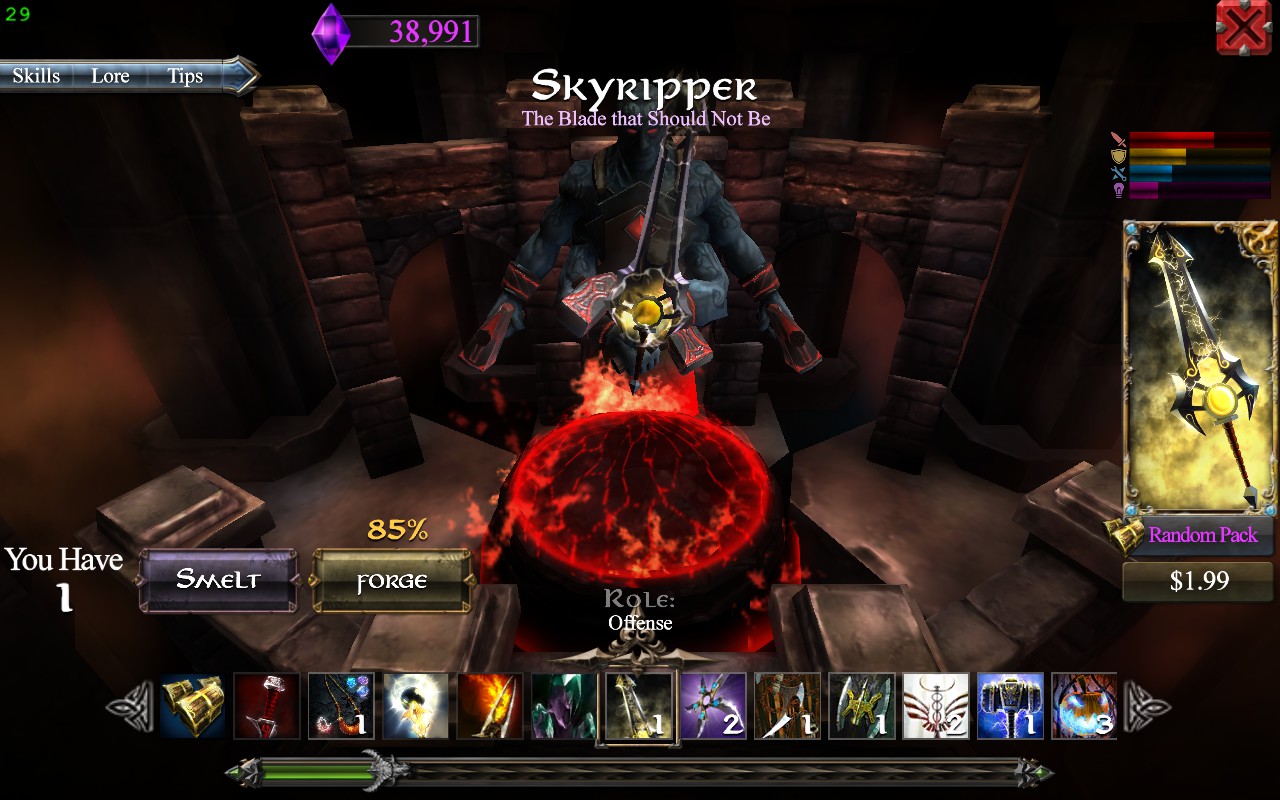 By upgrading Skyripper the way I did, I unlocked all upgrade towers while only forging it 85%.
- Achivement "Dragon Hugger"★ 4 (41)2.1k views27 ♥1 min
- Fire Dragon★ 3 (50)1.7k views34 ♥1 minBulgarianUpdated Mar 9, 2015
- Dragons and Titans Tips and Tricks★ 3 (25)1.2k views39 ♥7 minUpdated May 18, 2015
- How To Win This Game?(best guide)1.2k views4 ♥1 minBulgarianUpdated May 30, 2017
- Basic to Advanced Runes Tutorial826 views13 ♥6 minUpdated Dec 19, 2016
- Ganhando Cristais, Explicado - Português646 views16 ♥2 minUpdated Mar 29, 2014



- Upgrading to PremiumTeam Fortress 2★ 5 (20k)1441k views11k ♥6 minUpdated May 11, 2022
- No More Room in Hell Official ManualNo More Room in Hell★ 5 (2.8k)569k views2.1k ♥29 minUpdated Apr 22, 2019
- NMRiH Community Hosting GuidesNo More Room in Hell★ 5 (526)351k views653 ♥1 minUpdated Aug 10, 2022
- How to 'Git Gud' Soon™MORDHAU★ 5 (2k)318k views3k ♥68 minUpdated Nov 16, 2024
- Лучшие кооперативные игры SteamPAYDAY 2★ 5 (1.5k)315k views2.1k ♥56 minRussianUpdated Apr 27, 2025
- Desert Eagle Heat Treated | Blue GemCounter-Strike 2★ 5 (1.6k)293k views1.5k ♥2 minUpdated Jan 16





This guide was created by its original author on the Steam Community. Are you the author and want it removed? Request removal.