Grand Theft Auto III - Enhanced Edition
Introduction
PC version of Grand Theft Auto III misses some features of the PS2 original game, but has improved things like better graphics, or extra things. Here I´m gonna explain you how to get the best of each version.
Comparison
Diferences between PS2 and PC versions
Mods
The scripts are .asi files that allow you to add or modify the way the game works without touching any game files. The ones we are going to use are:
OPTIONAL
- Open Limit Adjuster: Turns whatever previously was limited into unlimited, being only limited by the machine/application capacity.
- SilentPatch: Brings back many of the PS2 features, and fixes many ingamebugs.
- SkyGfx: Brings back most of the PS2 effects missing and also fixes some graphic bugs.
- Widescreen Fix: Makes the HUD more friendly for HD/4K screens.
- III GInput: This modification completely rewrites GTA controls handling and ditches DirectInput in favour of XInput. This way, your PlayStation 3 and XBOX 360 pads will be handled by the game just perfectly, taking advantage of all their features, including analog triggers.
- Skin and Bones: restores Xbox characters animations and models
- lodfix: FIxes the lod bugs with map elements.
- IIIPS2Cam: Fixes camera movement errors
- mouse wheel radio changer: Allows you to change the radio using you mouse wheel
OPTIONAL
- Sharptrails: Allows you to use trails effect, but without the blur if you dont like it.
- Project2DFX: adds LOD corona effect to a game map, making LOD-world look a lot better.
- 4K menu: replaces all menu textures with updated 4K versions
Download links
- Grand Theft Auto III - Enhanced Editionhttps://www.mediafire. com/folder/70fuvk8rjf9to/
- DirectX web setup:
- DirectX End-User Runtimes (June 2010):
Note: Both DirectX instalers should be the same, but one doesnt install some files the others does and vice versa.
Optional
- Sharptrails:
- Project2DFX:
- 4K menu:
- PS2 buttons
- Original Xbox buttons
- PS4 buttons
- Xbox One Buttons
Installing mods
First of all run both "DirectX web setup" and "DirectX End-User Runtimes" to update DirectX to the lastest version.
Unzip files from "Grand Theft Auto III - Enhanced Edition.zip" into your root folder, it's under
Where X is the hard drive you installed the game and Y the route to your steam folder.
It will ask you to overwrite a couple of files, say yes and you're done.
If you have any issues unistall Grand Theft Auto III, delete your steam folder and install the game againg to have a fresh install.
For Sharptrails and Project2DFX just unzip the files into the "scripts" folder you have now into your Grand Theft Auto 3 game folder.
For 4K menu just copy the menu.txd file into the ".\modloader\lclf\models" folder you have on your game.
For PS2/PS4 ingame buttons download the ps3btns.txd you want to use and overwrite the one in the "models" folder you have now into your Grand Theft Auto Vice City game folder.
For Original Xbox and Xbox One buttons same as with PS but with x360btns.txd file instead.
When you launch the game in options menu change player texture to playa5_xbox so player texture looks like it should be.
WARNING: You also hace a modupdater that will update silentpath, skygfx and the other mods this guide uses so dont panic if you get an "error" box asking you to update.
Unzip files from "Grand Theft Auto III - Enhanced Edition.zip" into your root folder, it's under
X:\Y\Steam\steamapps\common\Grand Theft Auto 3
Where X is the hard drive you installed the game and Y the route to your steam folder.
It will ask you to overwrite a couple of files, say yes and you're done.
If you have any issues unistall Grand Theft Auto III, delete your steam folder and install the game againg to have a fresh install.
For Sharptrails and Project2DFX just unzip the files into the "scripts" folder you have now into your Grand Theft Auto 3 game folder.
For 4K menu just copy the menu.txd file into the ".\modloader\lclf\models" folder you have on your game.
For PS2/PS4 ingame buttons download the ps3btns.txd you want to use and overwrite the one in the "models" folder you have now into your Grand Theft Auto Vice City game folder.
For Original Xbox and Xbox One buttons same as with PS but with x360btns.txd file instead.
When you launch the game in options menu change player texture to playa5_xbox so player texture looks like it should be.
WARNING: You also hace a modupdater that will update silentpath, skygfx and the other mods this guide uses so dont panic if you get an "error" box asking you to update.
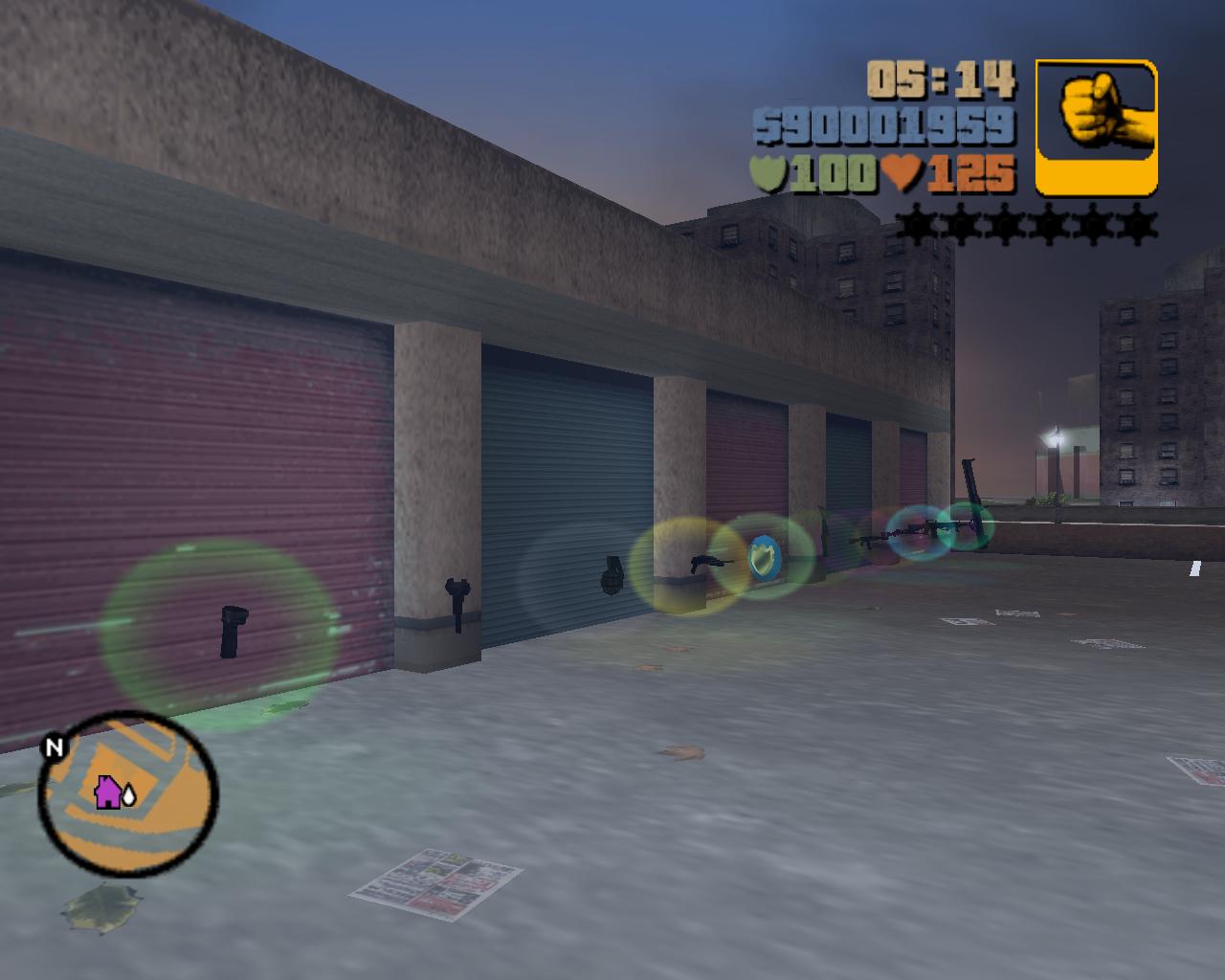
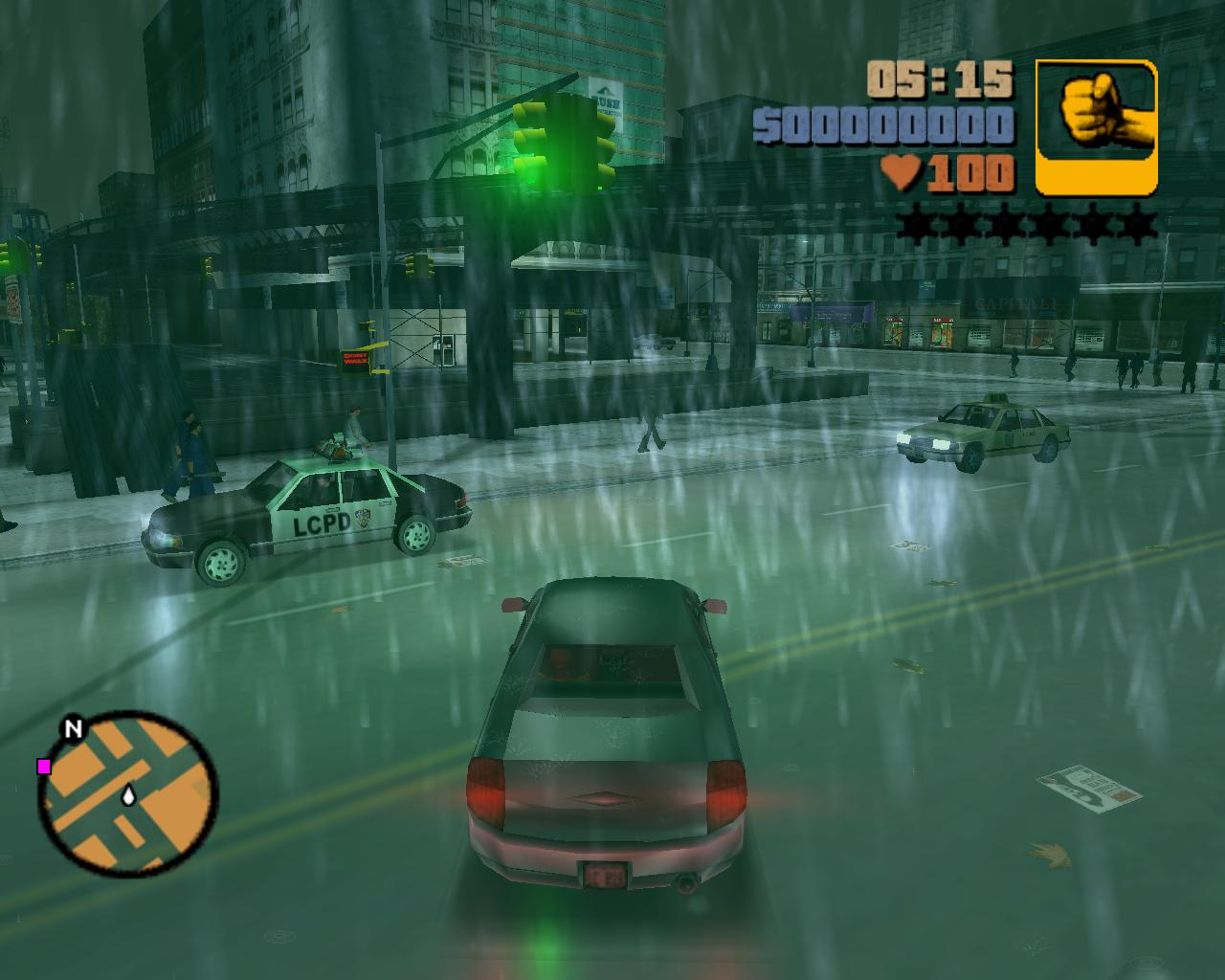
Screenshots
Silentpatch addons:
More Grand Theft Auto III guides
- Grand Theft Auto III - The Improved Classic★ 5 (965)34k views2k ♥5 minUpdated Jan 29, 2025
- GTA III Transparent Menu Fix (STEAM) - Windows 10 64Bit Video Tuto★ 5 (432)27k views276 ♥1 minBulgarianUpdated Jan 25, 2019
- Grand Theft Auto: III - Complete Fixes and HD Re-master★ 5 (315)26k views383 ♥1 minUpdated Oct 10, 2020
- Silent Patch, Controller Support and Widescreen Fix (III)★ 5 (249)19k views411 ♥6 minUpdated Jan 3, 2020
- GTA III - Classic Enhanced★ 5 (308)19k views555 ♥1 minUpdated Jun 1, 2021
- Game Cheats★ 5 (367)11k views581 ♥1 minUpdated Mar 15, 2014


This guide was created by its original author on the Steam Community. Are you the author and want it removed? Request removal.