Graphics settings High and Very High
Steps
Close down your game.
Search in windows for: %appdata%
This should bring you to the folder "Roaming" ( Users > "name" > AppData > Roaming ).
Click "The Creativ Assembly" > Empire > scripts.
Click the "preferences.script"
find gfx_video_memory 0
change to gfx_video_memory 536870912
Save preferences.script
Done.
Settings for High Graphics and Very High should now be unlocked in your game.
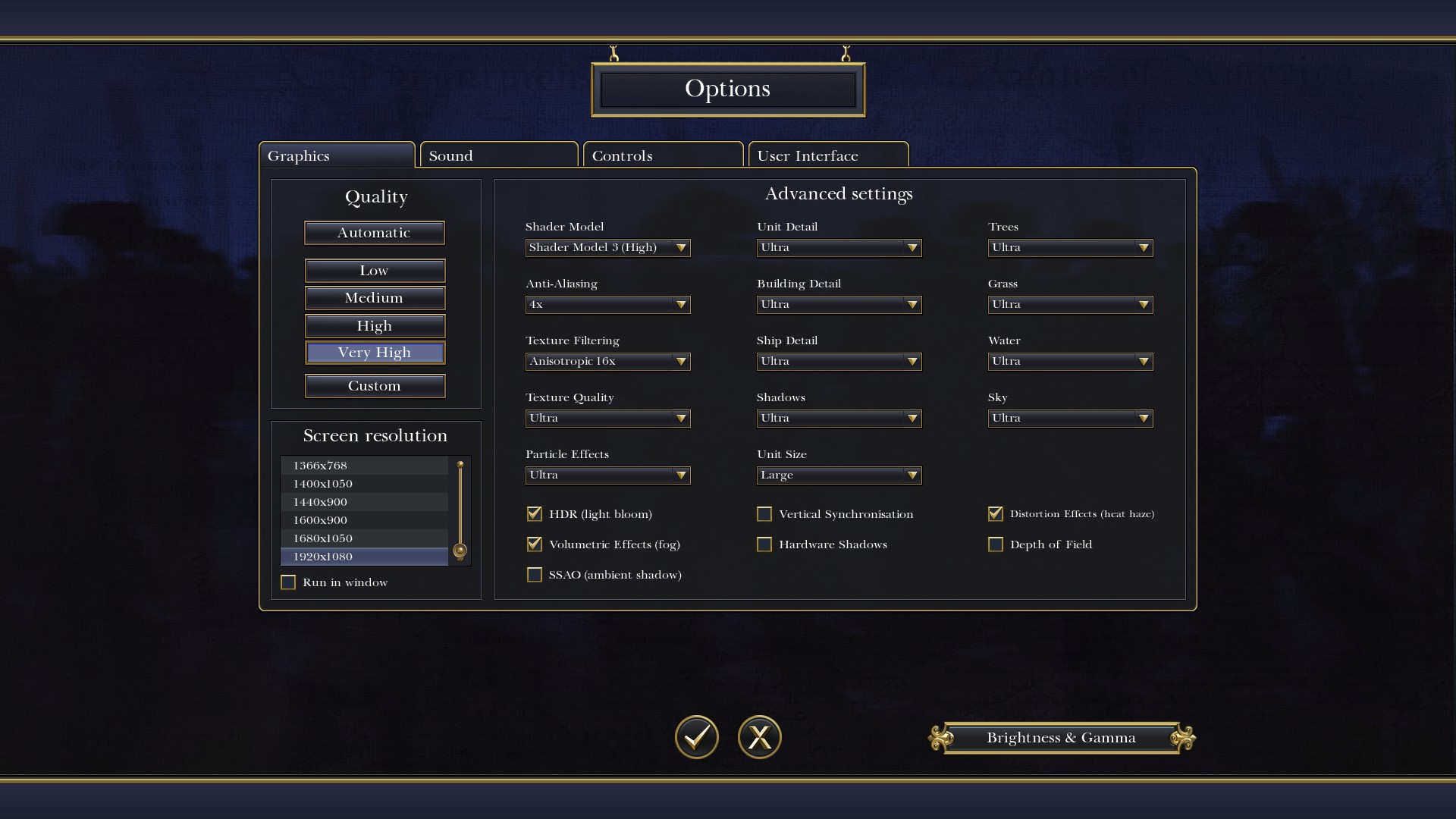
This also works for Napoleon: Total War.
Search in windows for: %appdata%
This should bring you to the folder "Roaming" ( Users > "name" > AppData > Roaming ).
Click "The Creativ Assembly" > Empire > scripts.
Click the "preferences.script"
find gfx_video_memory 0
change to gfx_video_memory 536870912
Save preferences.script
Done.
Settings for High Graphics and Very High should now be unlocked in your game.
This also works for Napoleon: Total War.
More Total War: EMPIRE - Definitive Edition guides
- The Proper Use of Dragoons★ 5 (722)45k views448 ♥5 minUpdated Jul 4, 2024
- Empire II: Total War: A Pool of Suggestions★ 5 (1k)44k views309 ♥17 minUpdated Mar 12, 2016
- A quick and general Guide To Empire Total War★ 5 (699)43k views1k ♥42 minUpdated Feb 20, 2015
- Why CA should make Empire 2: Total War★ 5 (1k)40k views184 ♥3 min
- Warfare in the 1700s★ 5 (528)31k views662 ♥15 min
- Line Infantry: Making the most of them★ 5 (336)28k views394 ♥10 minUpdated Mar 16, 2019


This guide was created by its original author on the Steam Community. Are you the author and want it removed? Request removal.