HITMAN™ How to Fix: (Error Code: 0x80000003)
It’s simple. If your game randomly crashes frequently, sometimes after 5/10 minutes of gameplay, sometimes right after you load a save.
Open the Windows Event Viewer (in start menu search bar). In application category, look for Hitman application errors. If in the detail you see 0x80000003 exception code and if in System category, you see this too : “display driver nvlddmkm stopped responding”, it means that you are affected by the TDR crashing issue…
Event Log Error: 0x80000003 “A Breakpoint has been reached”
Faulting application name: hitman.exe, version: 1.15.0.0, time stamp: 0x5d8c9186
Faulting module name: hitman.exe, version: 1.15.0.0, time stamp: 0x5d8c9186
Exception code: 0x80000003
Fault offset: 0x0000000000e5b635
Faulting process id: 0x5ac
Faulting application start time: 0x01d581f390d89dfb
Faulting application path: E:\Program Files\SteamLibrary\steamapps\common\Hitman™\dx12retail\hitman.exe
Faulting module path: E:\Program Files\SteamLibrary\steamapps\common\Hitman™\dx12retail\hitman.exe
Report Id: ef23cbdf-6a51-4976-a5e4-cbfef3c68714
Faulting package full name:
Faulting package-relative application ID:
According to my observations in the last couple of months, with DX11, Nvidia Turing architecture and HITMAN, the GPU randomly hits the timeout threshold defined in TDR Windows registry keys.
The nVidia driver doesn't have enough time to recover and this is what causes the crash
The Windows default threshold value is "2" seconds. to prevent this issue from occurring the value must be changed to "10" seconds
The nVidia driver doesn't have enough time to recover and this is what causes the crash
The Windows default threshold value is "2" seconds. to prevent this issue from occurring the value must be changed to "10" seconds
Couple off ways to test before doing the actual method:
In a nutshell it gives the GPU 10 seconds to recover/respond vs. 2 seconds (default).
- ----------------------------------------------------------------
- Try disabling V-sync.
- Try changing the Exclusive Fullscreen to Fullscreen, or vice versa.
- Try to launch the game in DirectX 12 mode (available in launcher settings).
----------------------------------------------------------------
The Actual Method:
If non of the methods above worked try doing the next solution:- Update your Nvidia drivers to the latest version available (search for the latest hotfix).Updated 10/03/2019 12:15 AM (GeForce Hotfix Driver Version 436.51)
- Simply go to: Start --> Run --> Type in "Regedit" and navigate to:"Computer\HKEY_LOCAL_MACHINE\SYSTEM\CurrentControlSet\Control\GraphicsDrivers"
- Create a key of type "DWORD (32-bit) for a 32-bit system. or a "QWORD (64-bit) for a 64-bit system.
- Name it "TdrDelay" with a value of '10' as "Decimal value".
- Reboot your system, launch the game, and the crashes won't happen :D
In a nutshell it gives the GPU 10 seconds to recover/respond vs. 2 seconds (default).



More HITMAN™ guides
- HITMAN™ - Гайд по достижениям и испытаниям★ 5 (2k)34k views2.8k ♥102 minRussianUpdated Jan 24, 2023
- HITMAN™ Achievement Guide★ 5 (883)19k views1.1k ♥7 minGermanUpdated Aug 25, 2020
- Хронологический порядок миссий, серии игр Hitman с 1998 - 2021.★ 5 (228)12k views194 ♥6 minRussianUpdated Jun 7
- Paris SA/SASO guide written out of sheer anger due to there being no good written guides for this game★ 4 (145)11k views131 ♥9 minUpdated Dec 30, 2017
- Снаряжение настоящего убийцы★ 5 (298)11k views314 ♥12 minRussianUpdated Jun 18, 2018
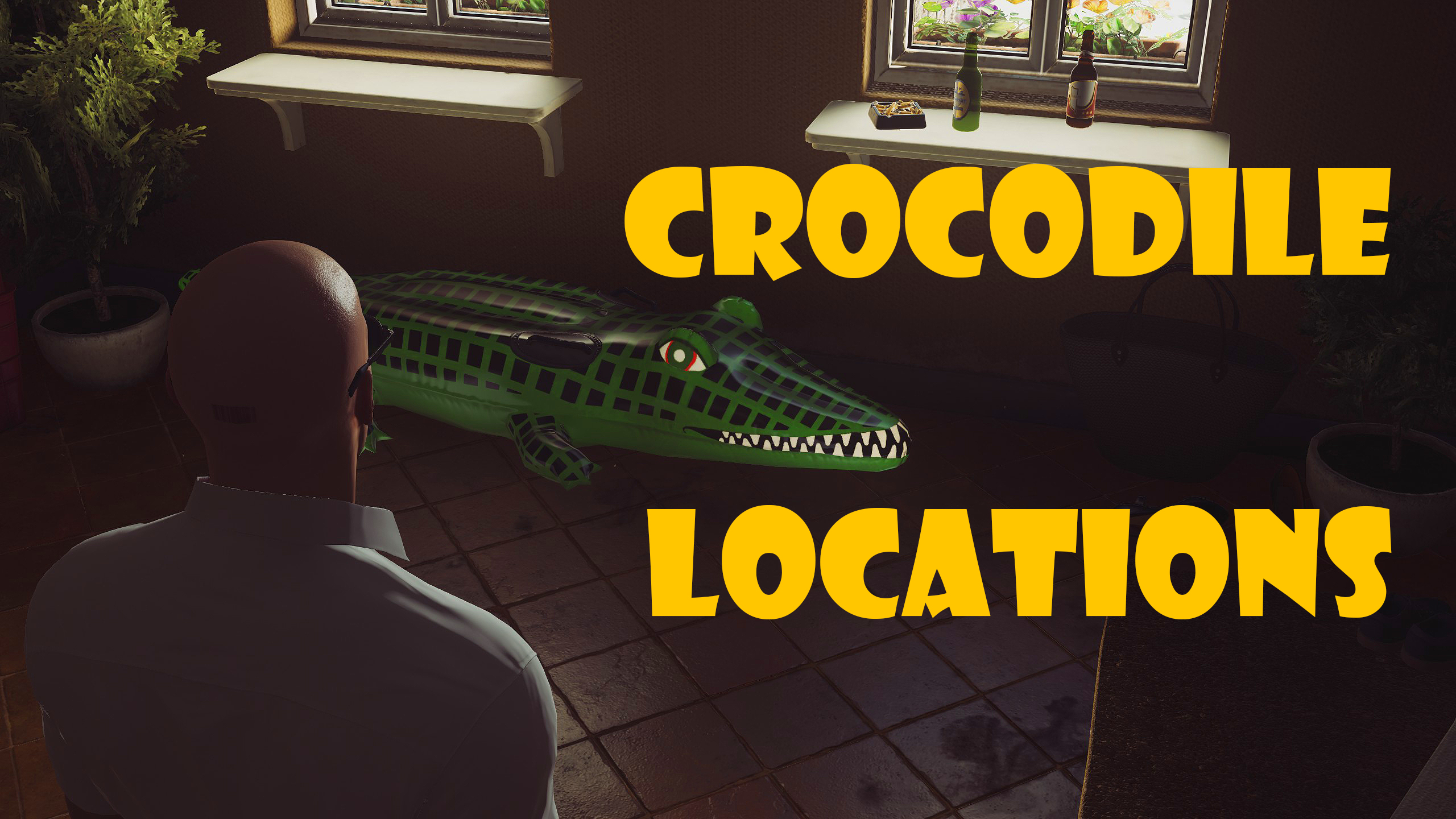
- Sapienza - Inflatable crocodile locations (Investigator challenge)★ 4 (56)11k views25 ♥1 minUpdated May 31, 2016




🔥 Popular guides
- Upgrading to PremiumTeam Fortress 2★ 5 (20k)1441k views11k ♥6 minUpdated May 11, 2022
- No More Room in Hell Official ManualNo More Room in Hell★ 5 (2.8k)569k views2.1k ♥29 minUpdated Apr 22, 2019
- NMRiH Community Hosting GuidesNo More Room in Hell★ 5 (526)351k views653 ♥1 minUpdated Aug 10, 2022
- ULTIMATE GUIDE FOR GAME DEV TYCOONGame Dev Tycoon★ 5 (5.8k)326k views10k ♥4 minUpdated 23 Jan, 2014
- How to 'Git Gud' Soon™MORDHAU★ 5 (2k)318k views3k ♥68 minUpdated Nov 16, 2024
- Лучшие кооперативные игры SteamPAYDAY 2★ 5 (1.5k)315k views2.1k ♥56 minRussianUpdated Apr 27, 2025






This guide was created by its original author on the Steam Community. Are you the author and want it removed? Request removal.