How to open the game in fullscreen mode?
Step 1.
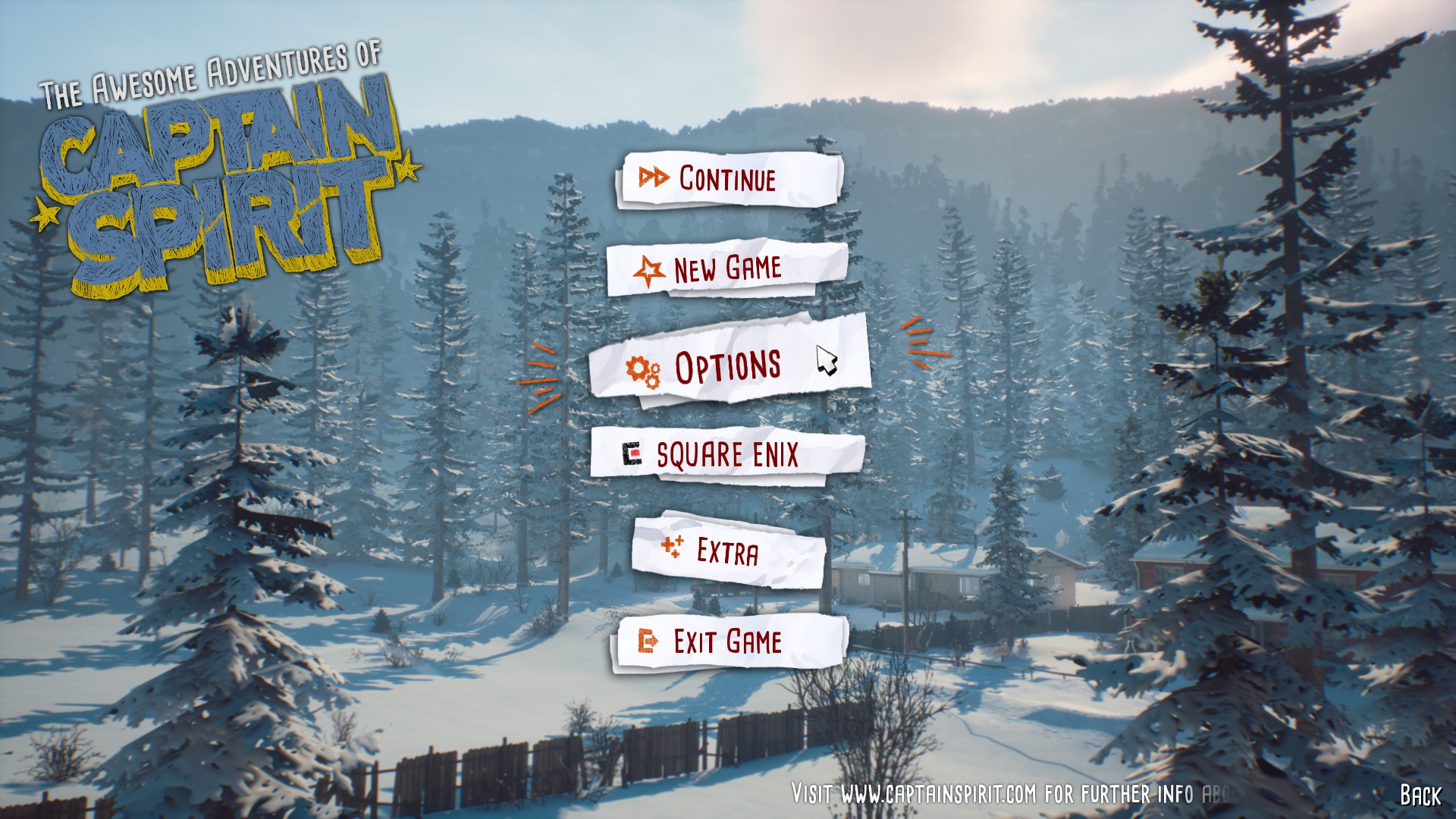
Open the game. You will see the main menu that consists of 6 panels. Click the third one (OPTIONS).
Step 2.
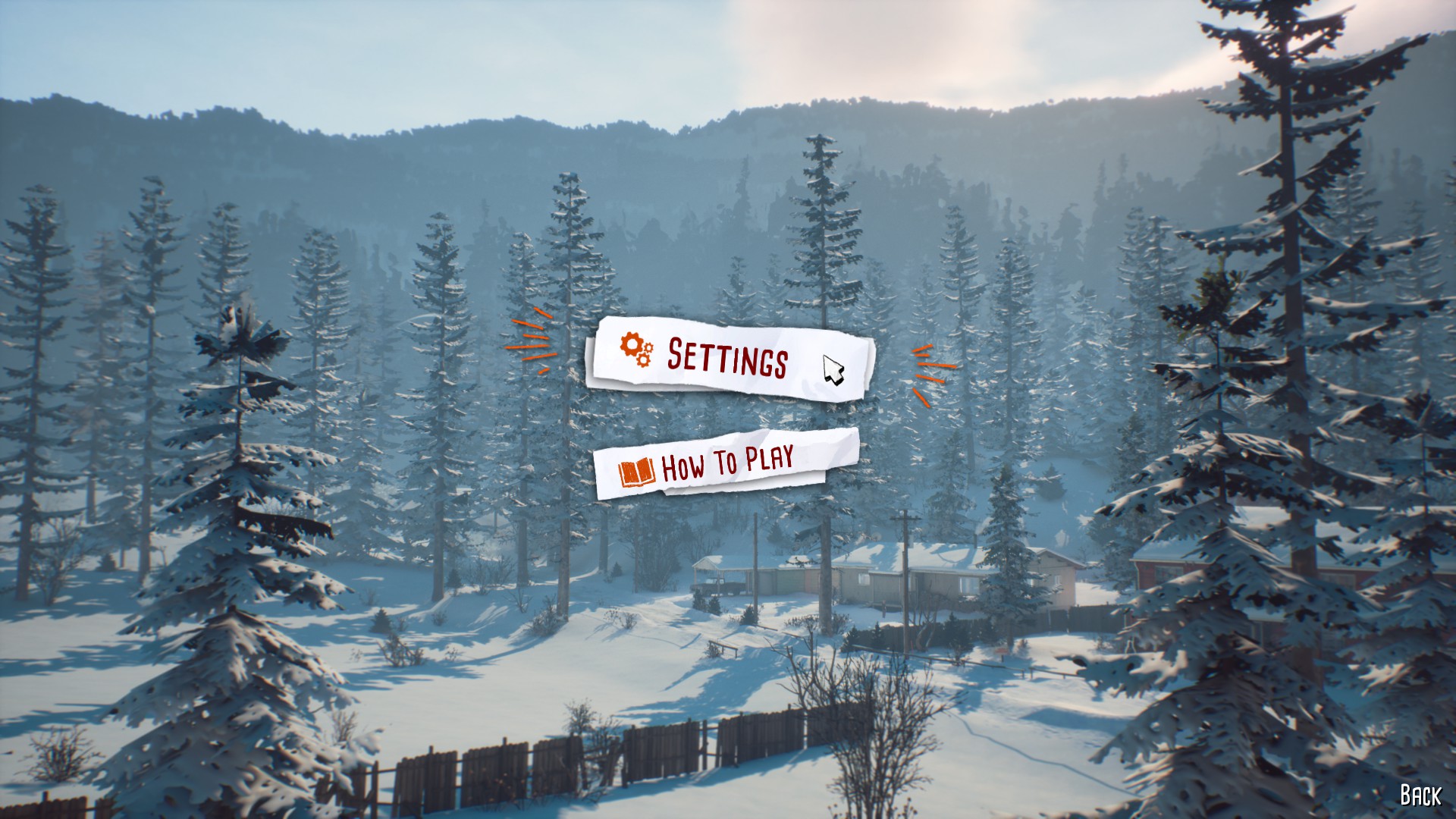
Now you should be able to see two panels - click the first one (SETTINGS).
Step 3.
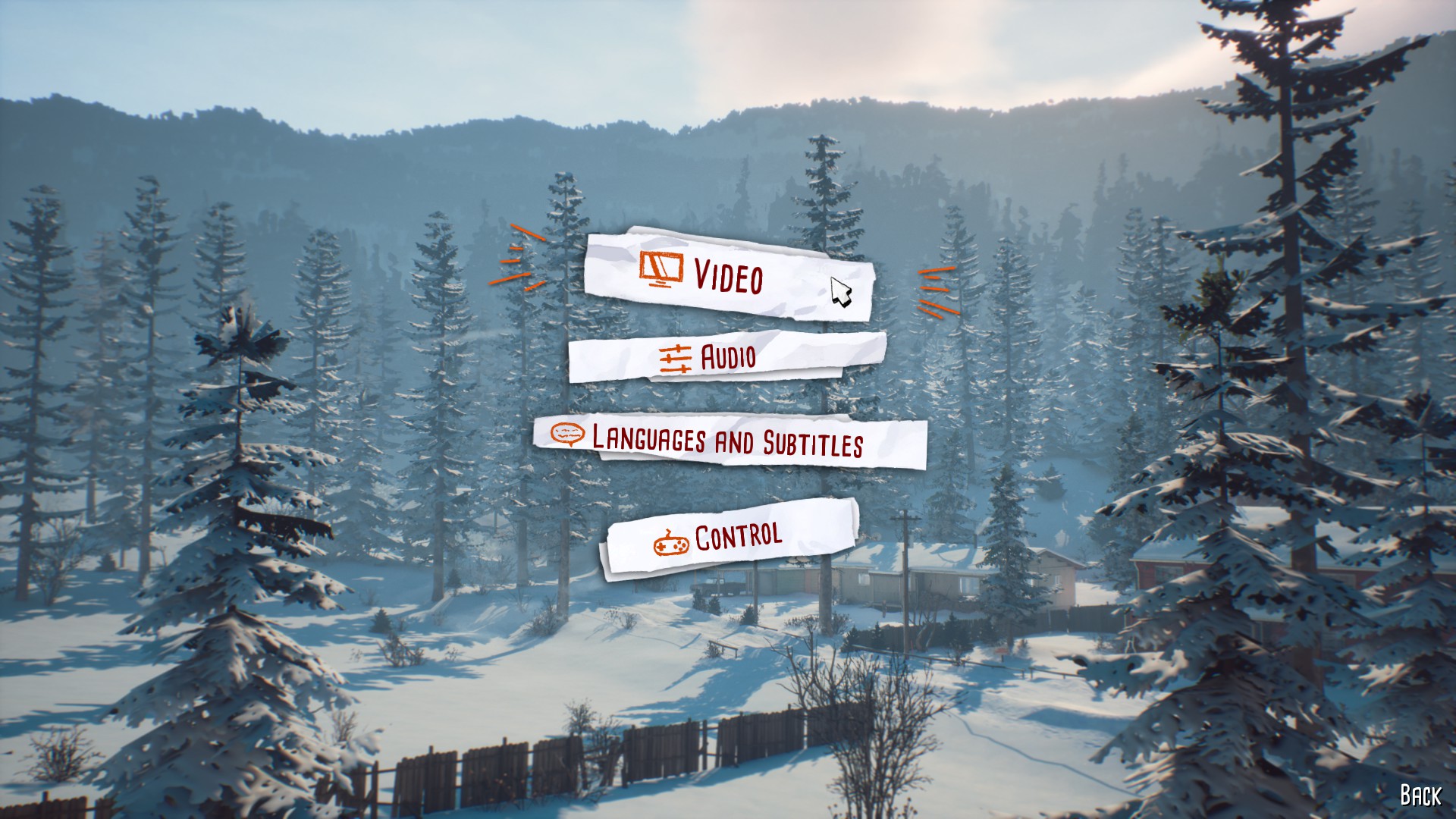
Now you should see four panels - click the first one (VIDEO).
Step 4.
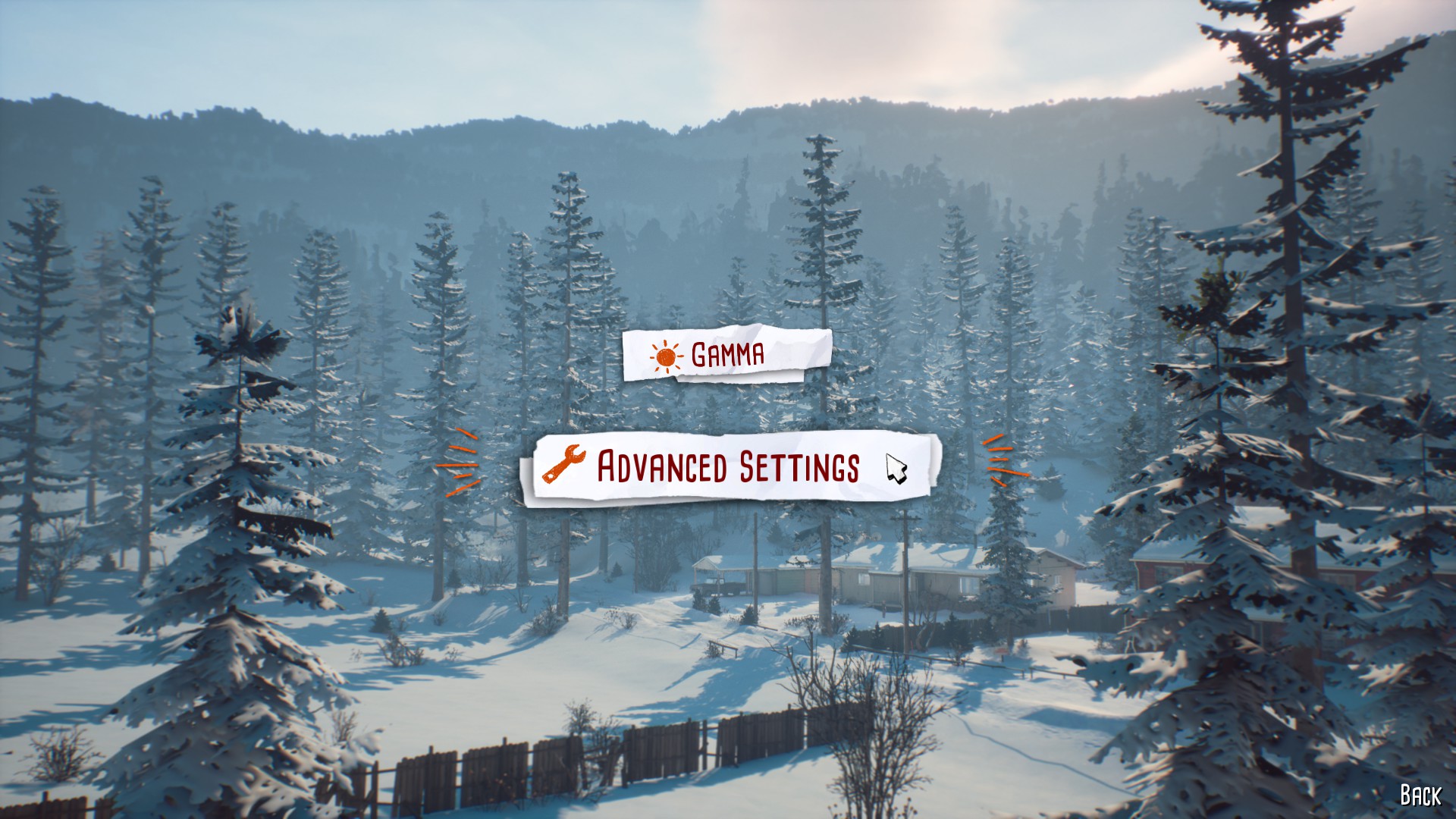
Now two panels should be shown - click the second one (ADVANCED SETTINGS).
Step 5.
Now you shouldn't see panels like before, but many different options. You are interested in the first and second one (SCREEN RESOLUTION and DISPLAY MODE). To choose FULLSCREEN you must click left arrow in the SCREEN RESOLUTION category (to get 1920x1080 px) and right arrow in the DISPLAY MODE category (to get FULLSCREEN).
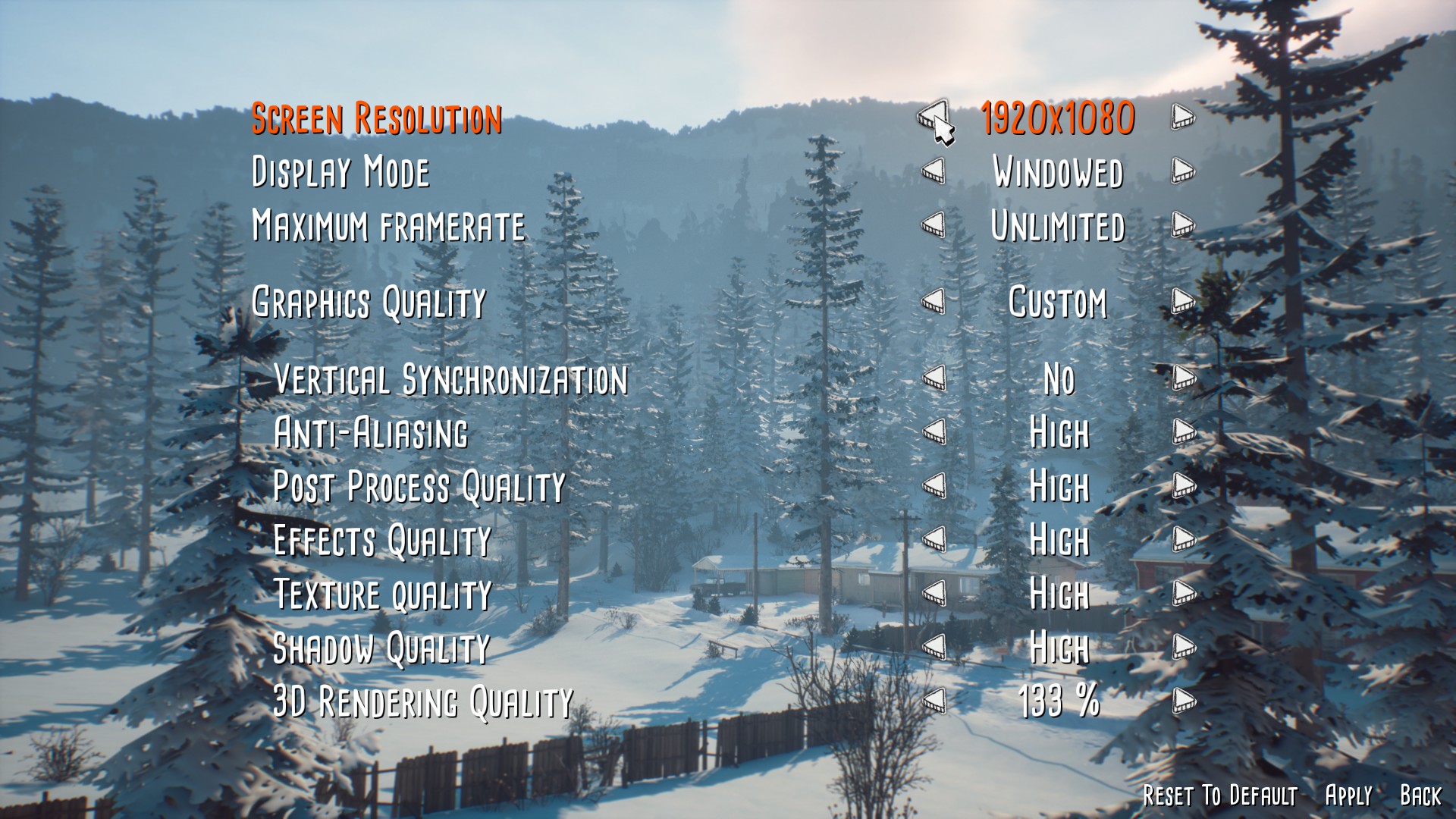
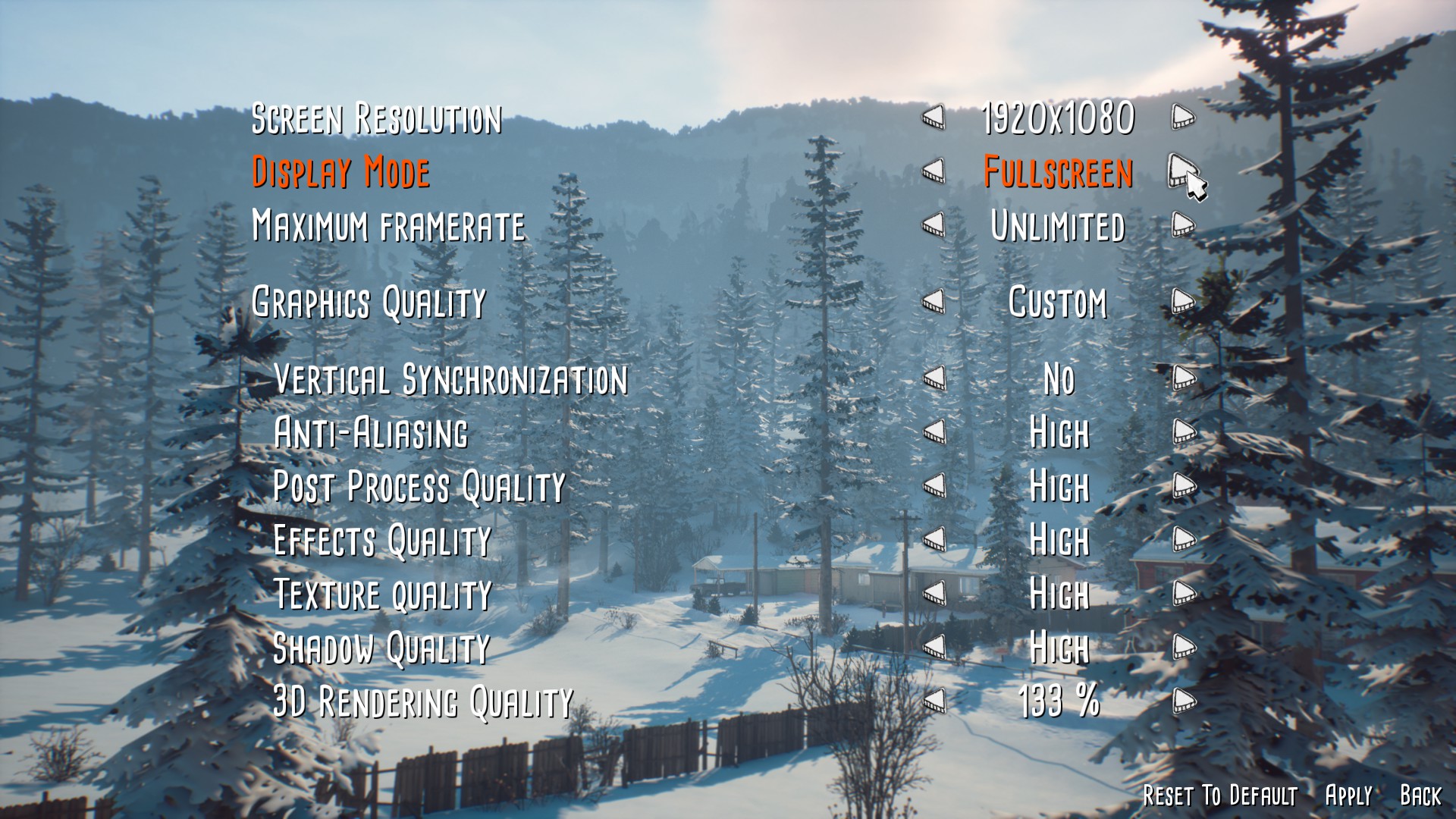
You have to apply changes by clicking the APPLY option in the lower right corner. You should be able to play the game more comfortably now!
More The Awesome Adventures of Captain Spirit guides
- PIN for Dad's Phone★ 5 (508)19k views116 ♥1 minUpdated Jun 26, 2018
- FULL Guide/Walkthrough - Puzzles, codes and tasks included!★ 5 (332)18k views259 ♥9 minUpdated Nov 1, 2020
- Выполняем все супергеройские задания Капитана Призрака!★ 5 (414)16k views224 ♥4 minRussianUpdated Jun 28, 2018
- All superhero missions of Captain Spirit★ 5 (196)9.8k views102 ♥4 minUpdated Jul 4, 2018
- Codes for the locker and pin code to Dad's phone★ 4 (88)7.7k views64 ♥1 minUpdated Jun 25, 2018
- *SPOILERS* How to get a specific reaction from Claire★ 4 (49)7.7k views34 ♥2 minUpdated Jul 4, 2018


🔥 Popular guides
- Upgrading to PremiumTeam Fortress 2★ 5 (20k)1441k views11k ♥6 minUpdated May 11, 2022
- No More Room in Hell Official ManualNo More Room in Hell★ 5 (2.8k)569k views2.1k ♥29 minUpdated Apr 22, 2019
- NMRiH Community Hosting GuidesNo More Room in Hell★ 5 (526)351k views653 ♥1 minUpdated Aug 10, 2022
- How to 'Git Gud' Soon™MORDHAU★ 5 (2k)318k views3k ♥68 minUpdated Nov 16, 2024
- Лучшие кооперативные игры SteamPAYDAY 2★ 5 (1.5k)315k views2.1k ♥56 minRussianUpdated Apr 27, 2025
- Desert Eagle Heat Treated | Blue GemCounter-Strike 2★ 5 (1.6k)293k views1.5k ♥2 minUpdated Jan 16





This guide was created by its original author on the Steam Community. Are you the author and want it removed? Request removal.