How to show FPS in Archeblade
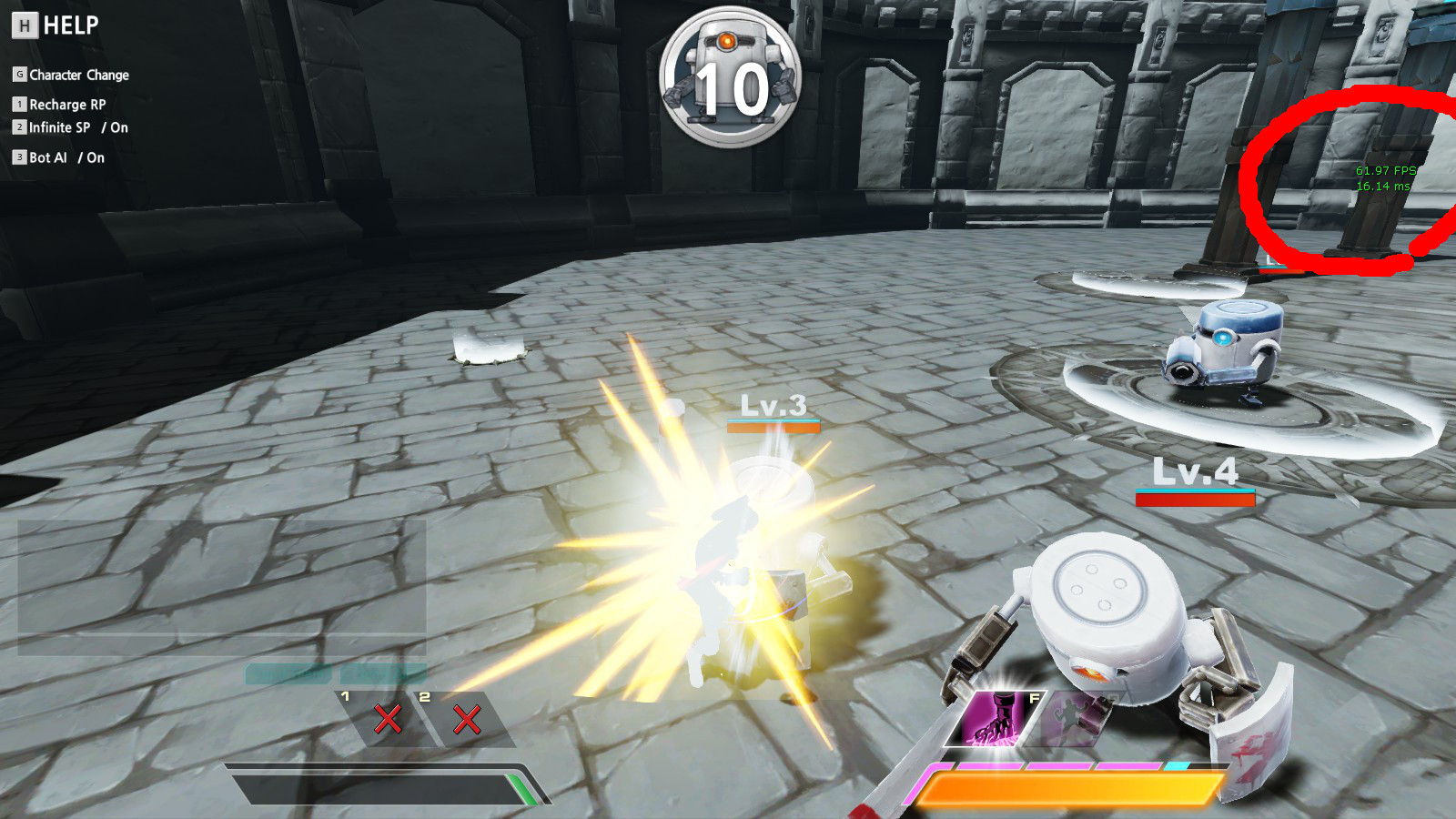
Show FPS
- Open directory to : \Steam\SteamApps\common\ArcheBlade\ABGame\Config
- Take a backup of ABGame.ini
- Open ABGame.ini with Notepad.
- Serch MOBILE_ToggleFPS and change to the any key(e.g. V)
- well done! Press configeration key in game to show FPS.

More Archeblade guides
- How to make Your Own Server?★ 5 (283)17k views289 ♥1 minUpdated Mar 31, 2013
- Play more and better to get Meceta, Buy Recipies for Consumables★ 4 (114)9.9k views27 ♥1 minUpdated Nov 7, 2013
- Comprehensive Basics Guide★ 4 (145)6.1k views141 ♥95 minUpdated Aug 7, 2013
- ArcheBlade - The Original Novel in English★ 4 (92)4.8k views146 ♥9 minUpdated Mar 25, 2014
- All characters stats★ 4 (38)2k views13 ♥1 minUpdated May 10, 2014
- Beginners guide to Ridika★ 3 (28)1.9k views24 ♥4 minUpdated Apr 30, 2014






This guide was created by its original author on the Steam Community. Are you the author and want it removed? Request removal.