How to use ps4-5 controller layout in game
Locate PC.int in game folder
steamapps\common\Batman Arkham Knight\BmGame\Localization\INT (defult)
In INT folder find PC.int and open with notepad
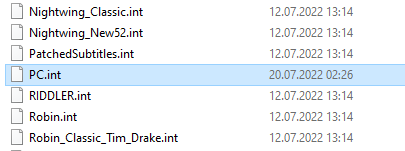
In INT folder find PC.int and open with notepad
Open with notepad
And find [ControllerTags_Sony]
Copy all of them
![]()
Copy all of them
Replace it!
Copy all of sony layout and replace with [ControllerTags_Xbox]
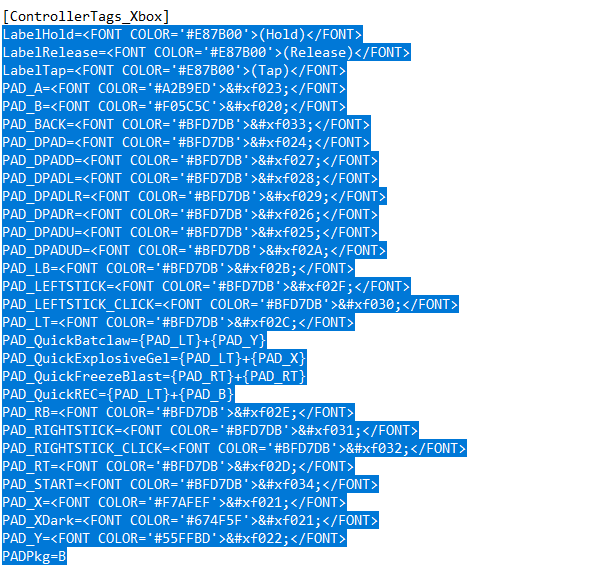
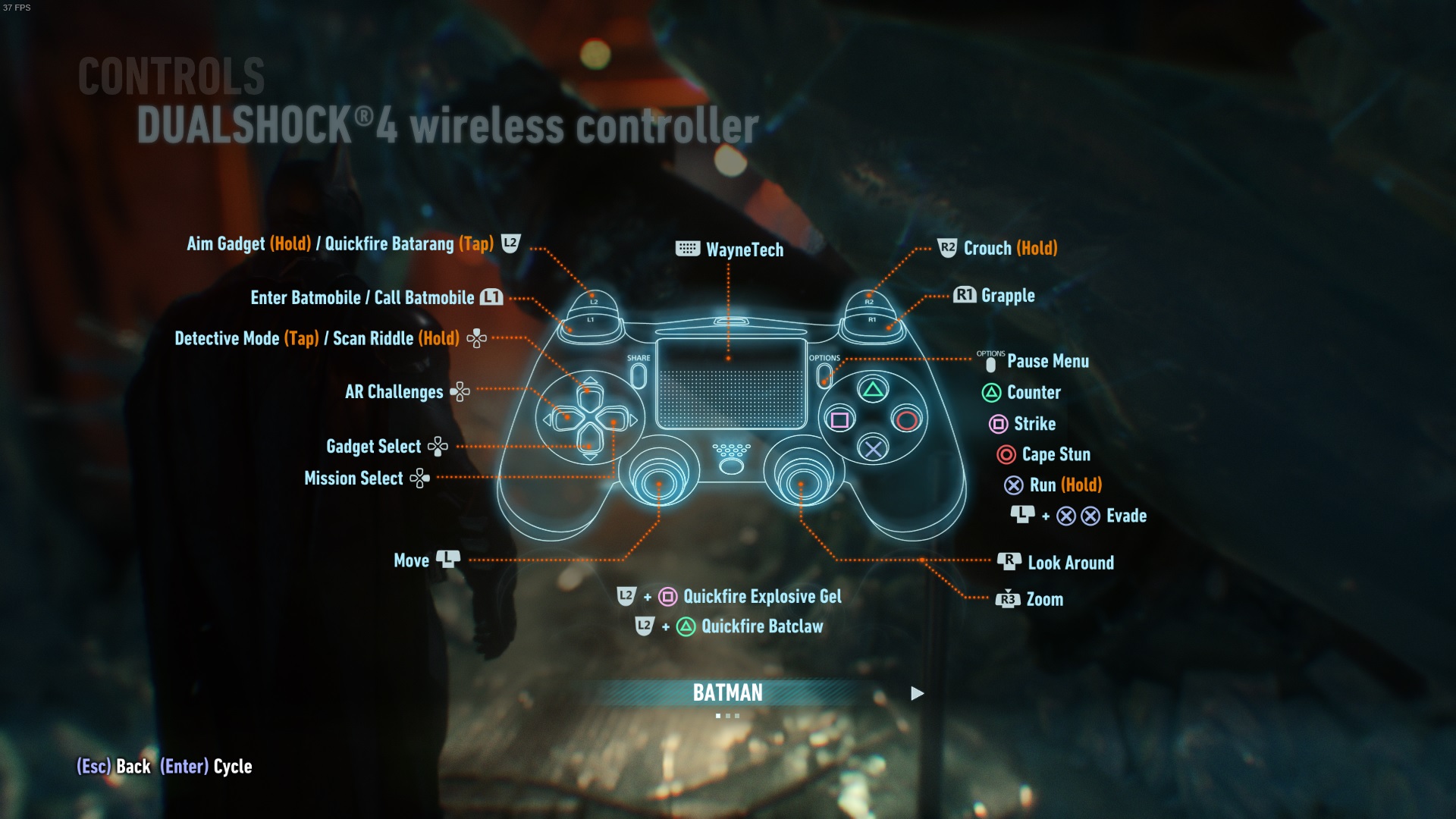
Enjoy your Almighty DS layout!!!
More Batman™: Arkham Knight guides
- Riddler Trophies, Riddles, Breakable Objects, and Riot Bombers (Strategy Guide)★ 5 (1.4k)58k views2.2k ♥1 minBulgarianUpdated Oct 25, 2021
- Batman™: Arkham Knight全汉化【已更新蝙蝠侠起源汉化包】★ 5 (1.5k)38k views937 ♥1 minSimplified ChineseUpdated Mar 26, 2025
- Skip startup logos, unlock frame rate, widen field of view and other tweaks [Updated 2024]★ 5 (647)37k views1.3k ♥3 minUpdated Feb 4, 2024
- Загадки Загадочника (СКРИНШОТЫ)★ 5 (1k)36k views2.1k ♥5 minRussianUpdated Jun 26, 2020
- Batman™: Arkham Knight - Гайд по достижениям★ 5 (1.2k)27k views1.8k ♥11 minRussianUpdated Jan 13, 2021
- The Line of Duty [Locations]★ 5 (347)25k views694 ♥3 minUpdated Dec 24, 2023





This guide was created by its original author on the Steam Community. Are you the author and want it removed? Request removal.