Make Star Wars RC Great [looking] Again!
How-to
I made a graphics mod slash preset bundle for various games as well as experimental shaders and had recently included Star Wars Republic Commando port in it.
Real Dust download + info (Eng + RUS) - http://www.realitymod.com/forum/f10-pr-bf2-general-discussion/142224-real-dust-graphics-mod-project-reality-a2.html
IMPORTANT: If you use this mod, turn off Bloom and Antialiasing in the game or it will crash and bug out.
HOW TO INSTALL:
1. Download latest bundle (v10 now) from original post
2. Extract the archive.
3. Find folder named RealDust SWRC in the extracted archive folder.
4. Copy and paste files inside into directory where the executable for the game is which should be wherever you installed Steam and then \Steam\steamapps\common\Star Wars Republic Commando\GameData\System
The executable ( .EXE ) is named "SWRepublicCommando". Thanks Sir Pootington for the location info.
5. That's it, you launch the game and it works. Do not forget to turn off bloom and antialiasing in the game when using.
HOW TO UNINSTALL: Just delete copied RealDust files.
SMALL UPDATE: RealDust doesn't work with any fix or retexture mods (it seems) and tbh you don't need those since devs updated game recently to be compatible and run smooth. The only thing missing is resolution which you can set custom by pressing console key "~" and typing in or pasting in while in a mission;
setres 1920x1200
You can input any resolution you want. Game will remember resolution set as long as you don't change it in game settings.
Enjoy.
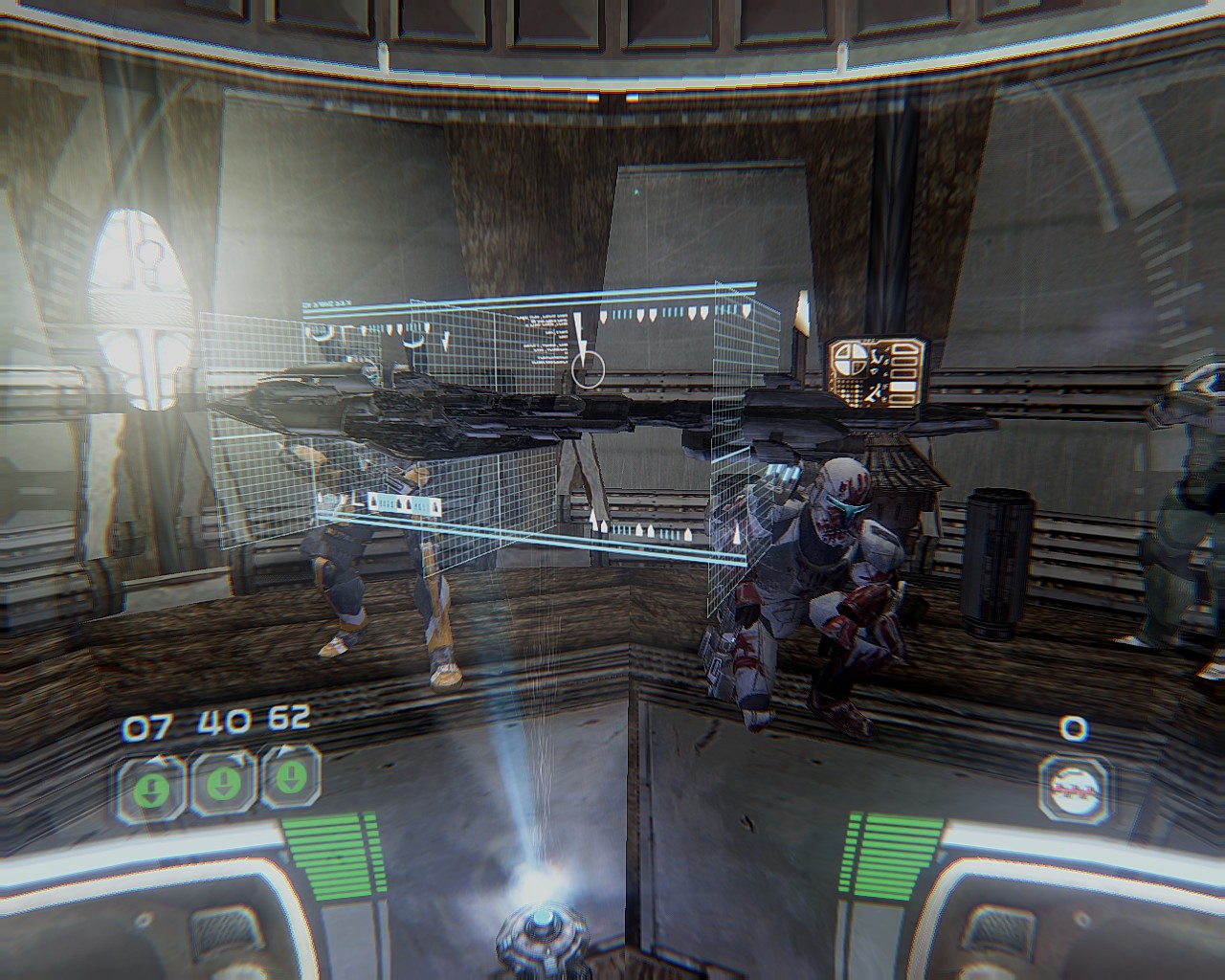
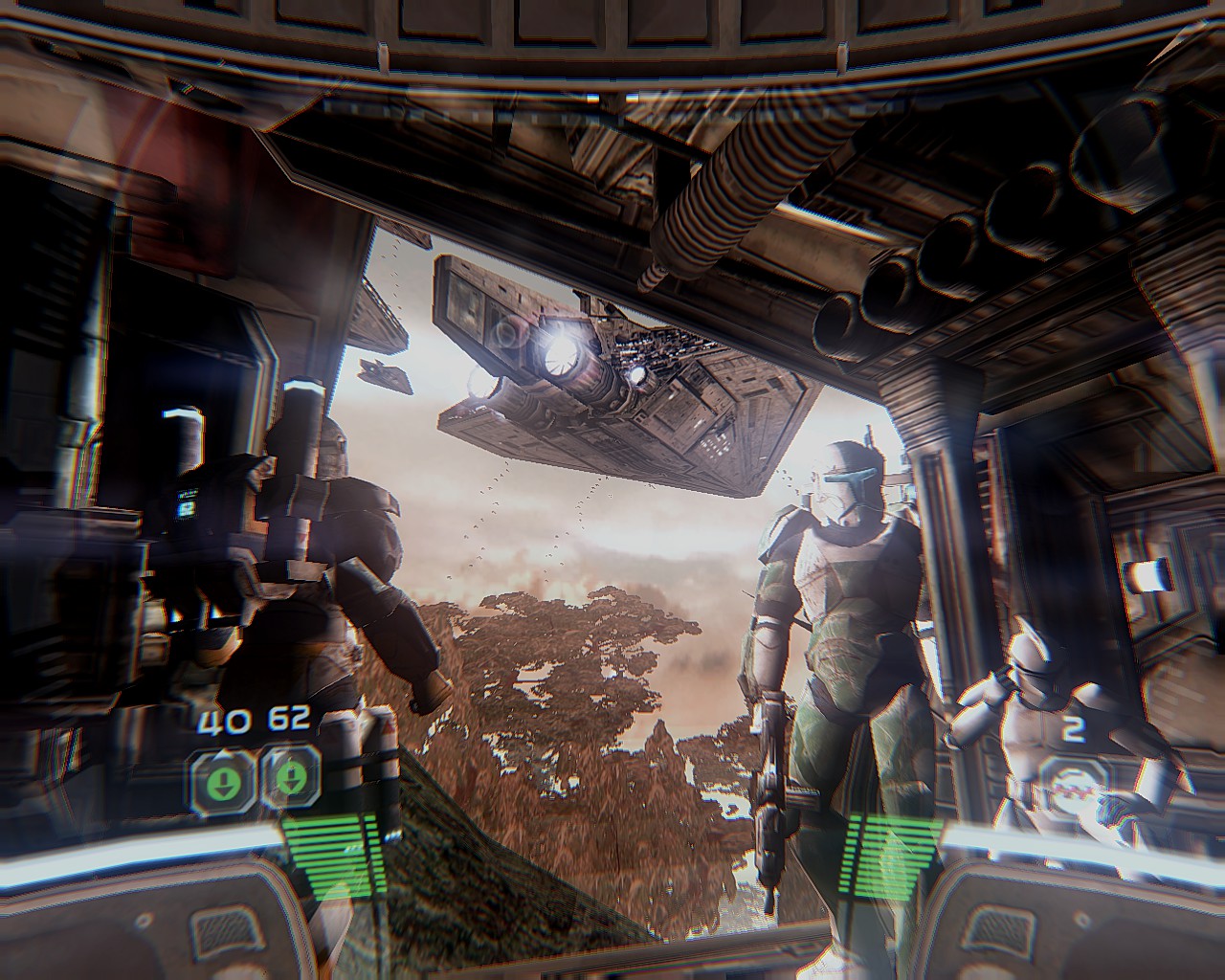
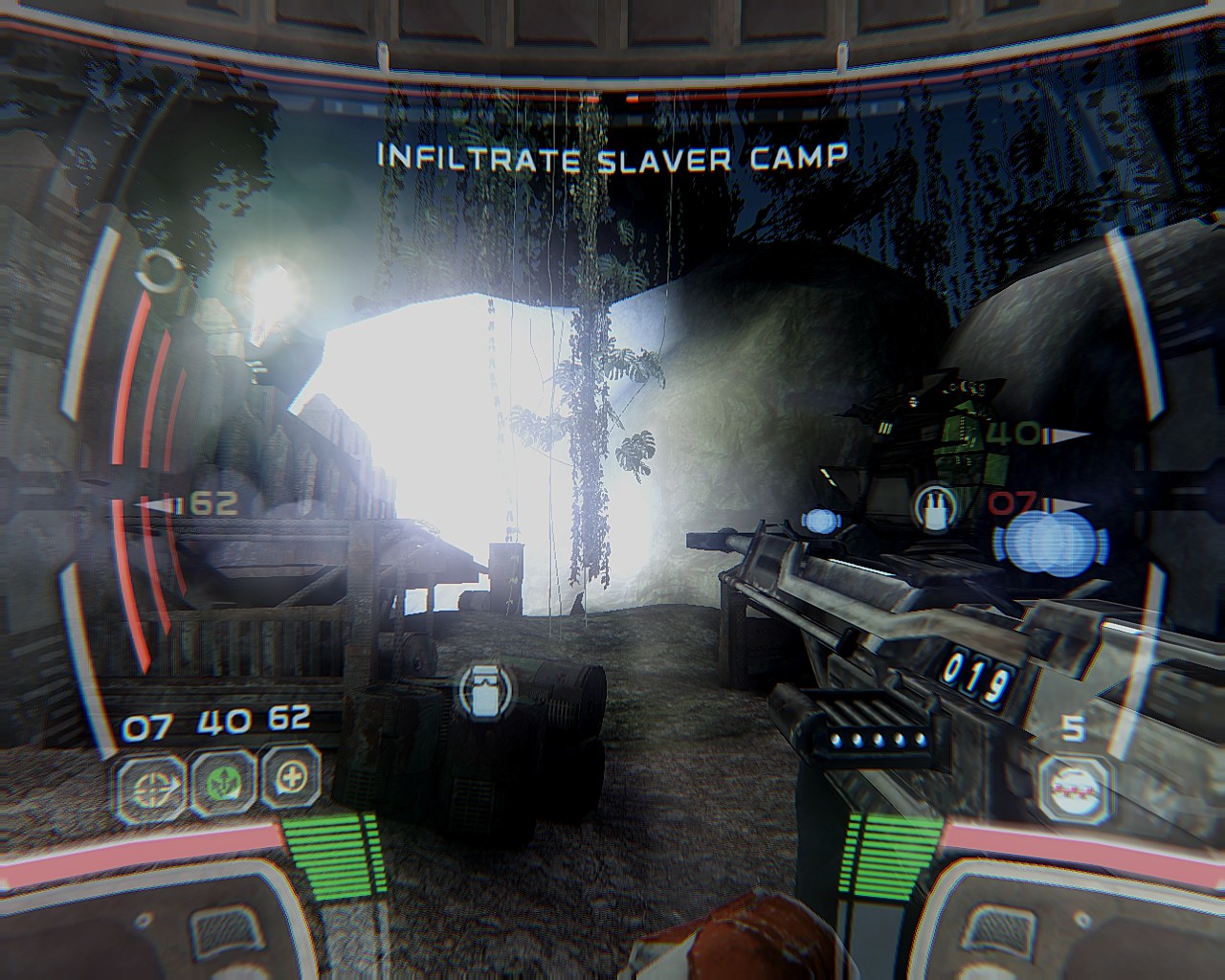
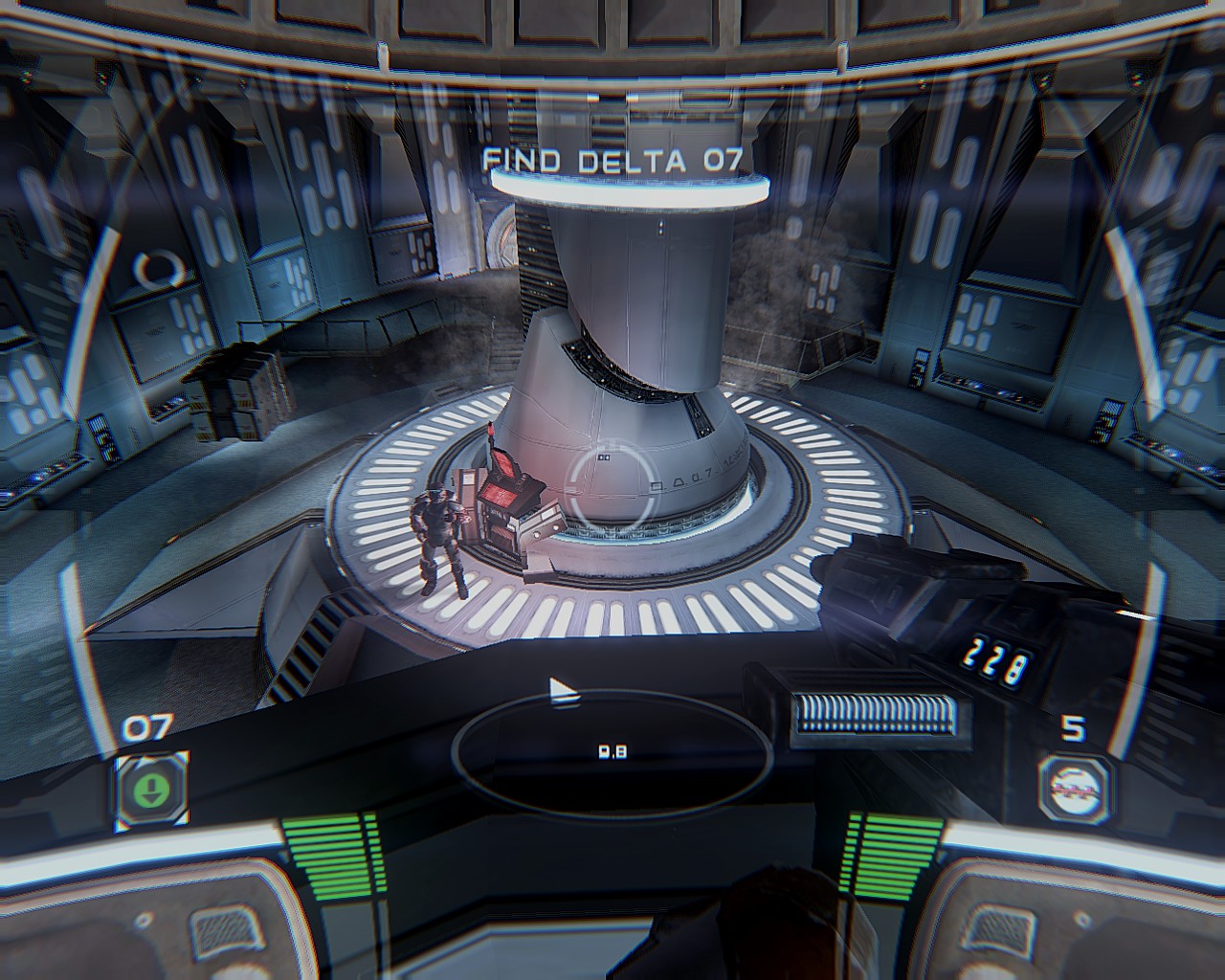
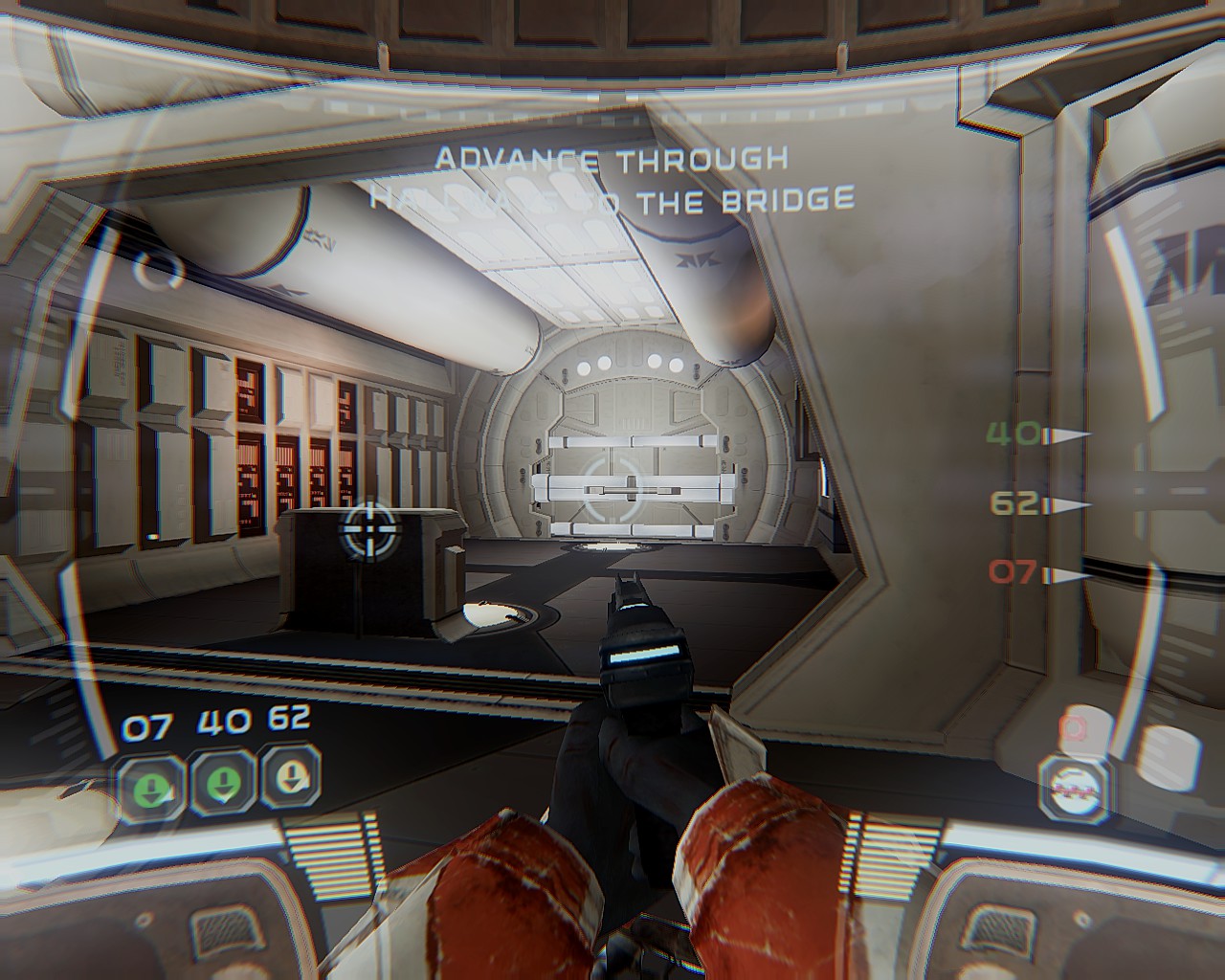
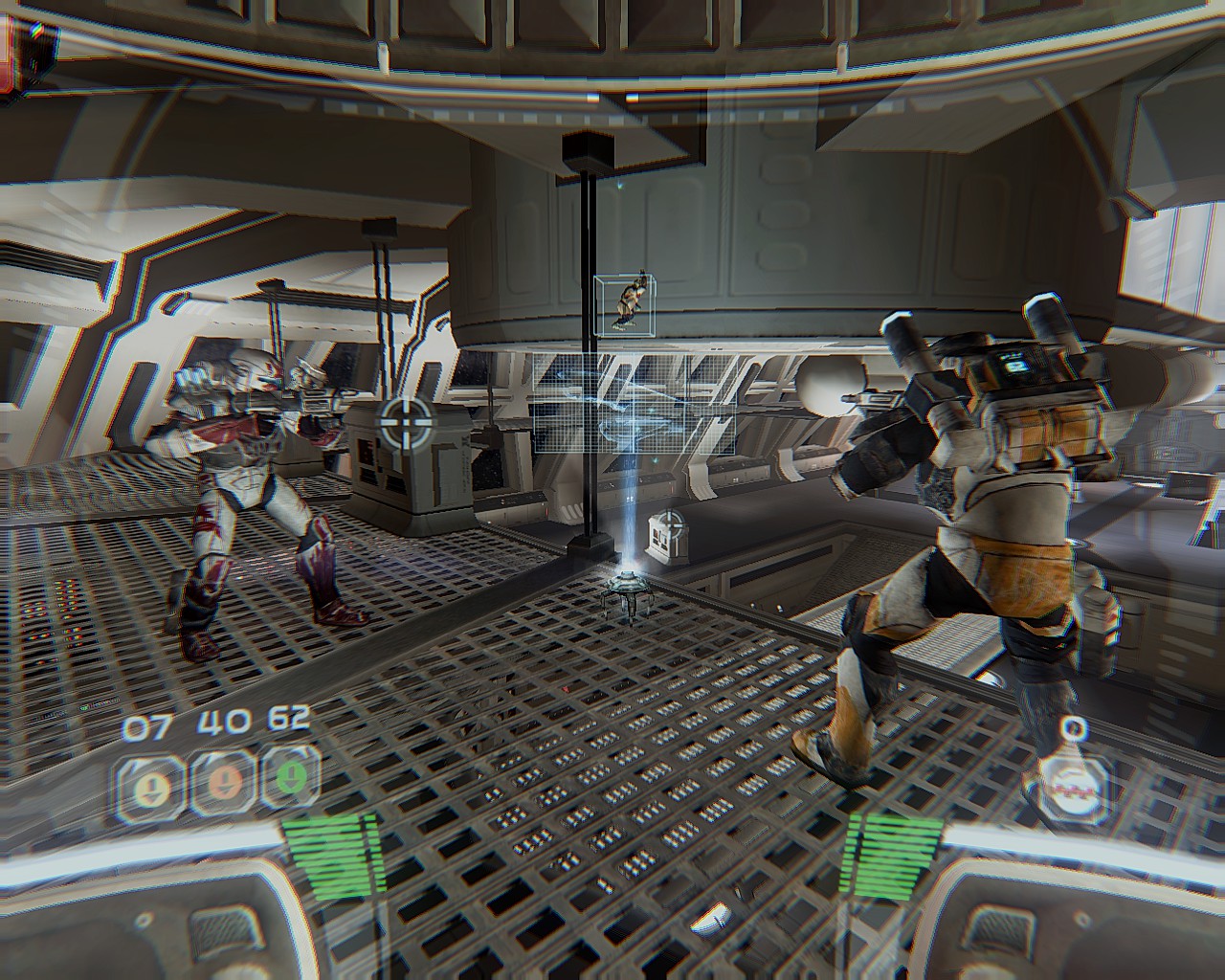
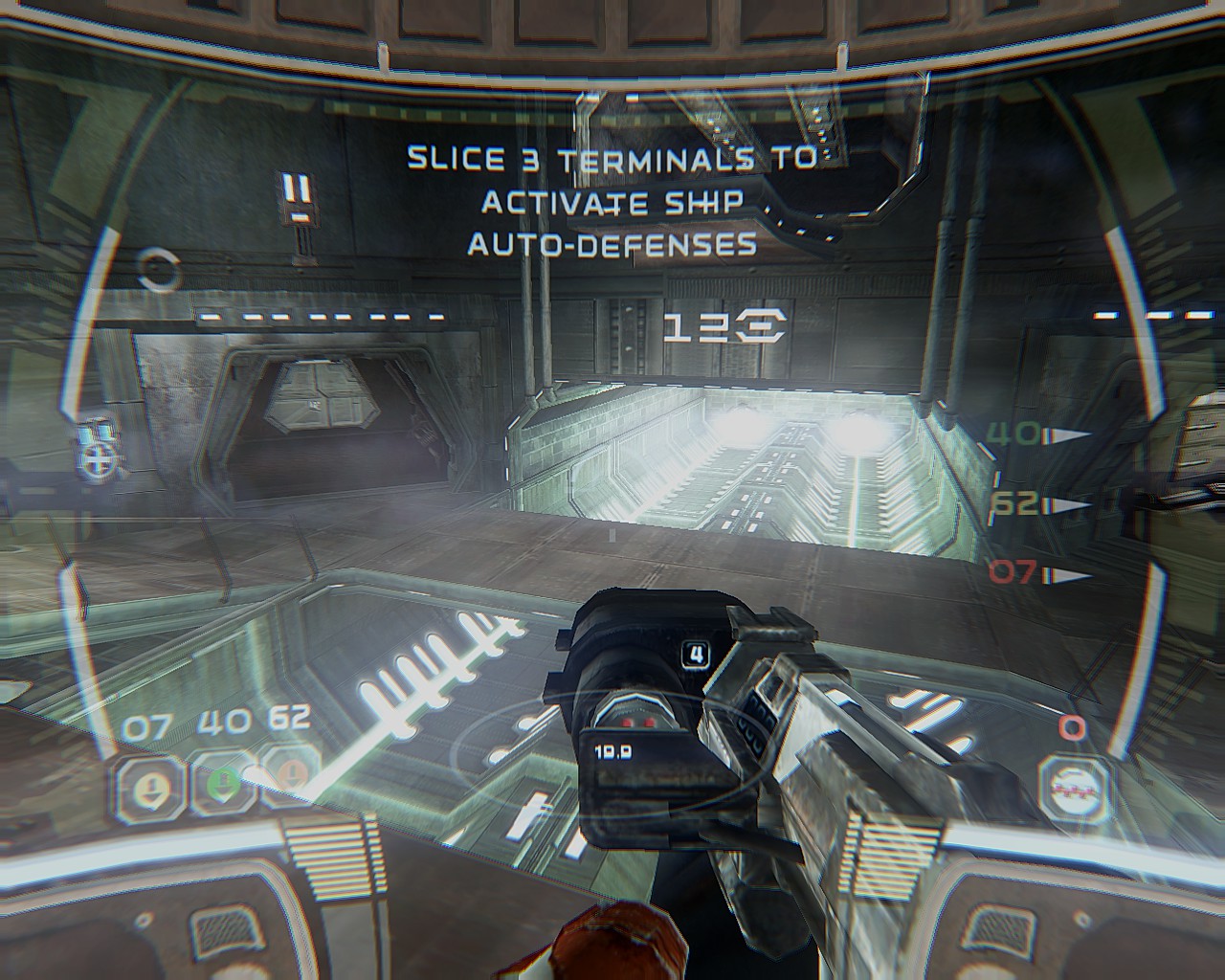
Real Dust download + info (Eng + RUS) - http://www.realitymod.com/forum/f10-pr-bf2-general-discussion/142224-real-dust-graphics-mod-project-reality-a2.html
IMPORTANT: If you use this mod, turn off Bloom and Antialiasing in the game or it will crash and bug out.
HOW TO INSTALL:
1. Download latest bundle (v10 now) from original post
2. Extract the archive.
3. Find folder named RealDust SWRC in the extracted archive folder.
4. Copy and paste files inside into directory where the executable for the game is which should be wherever you installed Steam and then \Steam\steamapps\common\Star Wars Republic Commando\GameData\System
The executable ( .EXE ) is named "SWRepublicCommando". Thanks Sir Pootington for the location info.
5. That's it, you launch the game and it works. Do not forget to turn off bloom and antialiasing in the game when using.
HOW TO UNINSTALL: Just delete copied RealDust files.
SMALL UPDATE: RealDust doesn't work with any fix or retexture mods (it seems) and tbh you don't need those since devs updated game recently to be compatible and run smooth. The only thing missing is resolution which you can set custom by pressing console key "~" and typing in or pasting in while in a mission;
setres 1920x1200
You can input any resolution you want. Game will remember resolution set as long as you don't change it in game settings.
Enjoy.
More STAR WARS™ Republic Commando guides
- Complete Fix/ HD EDITION★ 5 (785)58k views1.4k ♥1 minUpdated Jan 3, 2021
- Fix your Resolution and Mousesensitivity★ 5 (804)56k views1.4k ♥1 minUpdated Mar 22, 2025
- Republic Commando Remastered★ 5 (792)53k views593 ♥1 minUpdated Aug 29, 2018
- Cheats & Console Commands★ 5 (546)25k views1k ♥2 minUpdated Dec 8, 2013
- [2024] Texture and Gameplay Fix + Joystick + Ultrawide (mouse sensibility fix Included)★ 5 (368)19k views769 ♥6 minUpdated May 4, 2024
- Star Wars Republic Commando Fix или как с комфортом играть в SWRC★ 5 (375)14k views487 ♥2 minRussianUpdated Sep 15, 2022


This guide was created by its original author on the Steam Community. Are you the author and want it removed? Request removal.