More Beautiful Graphic's (Nvidia User's)
Comparison
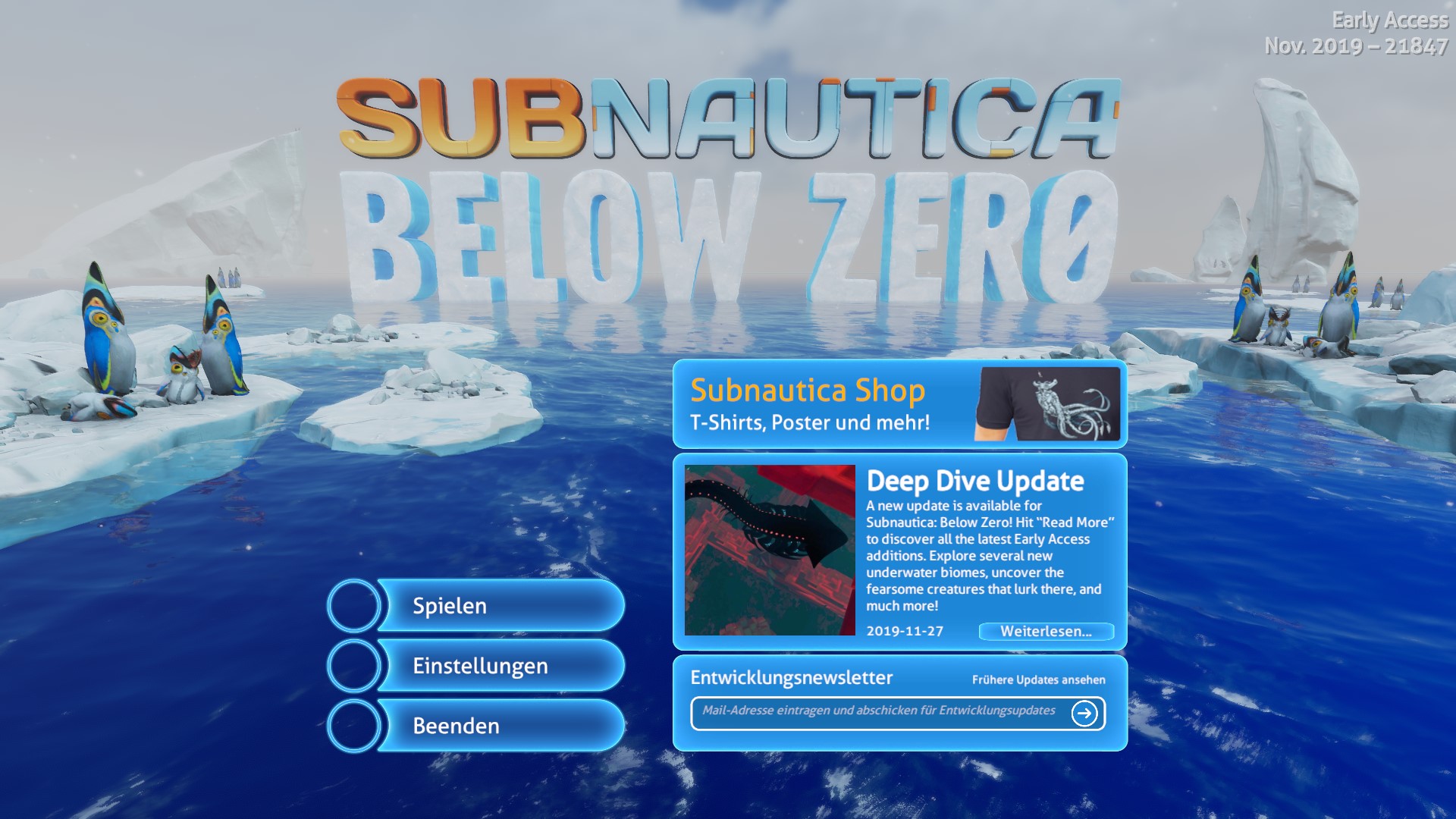
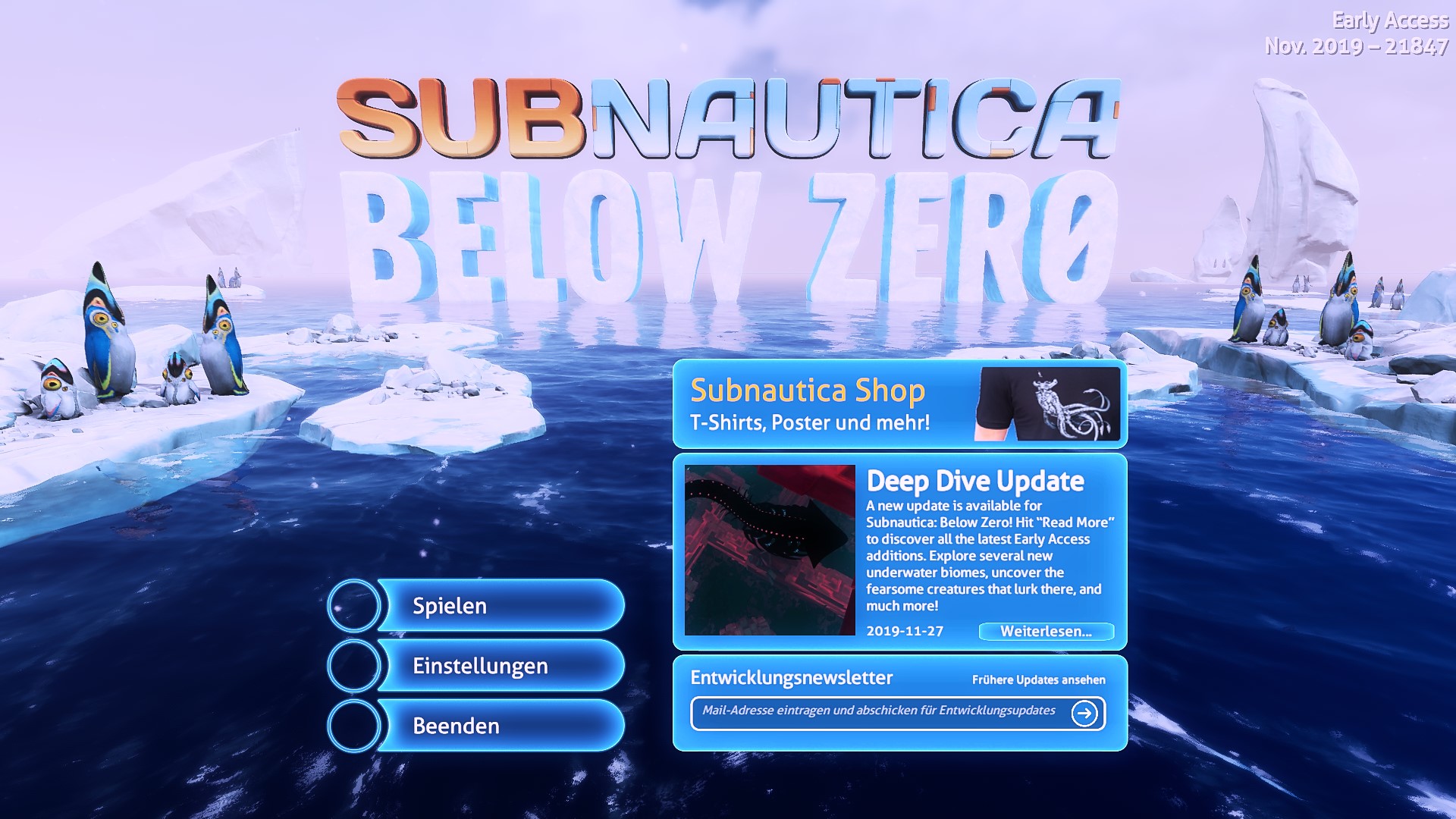

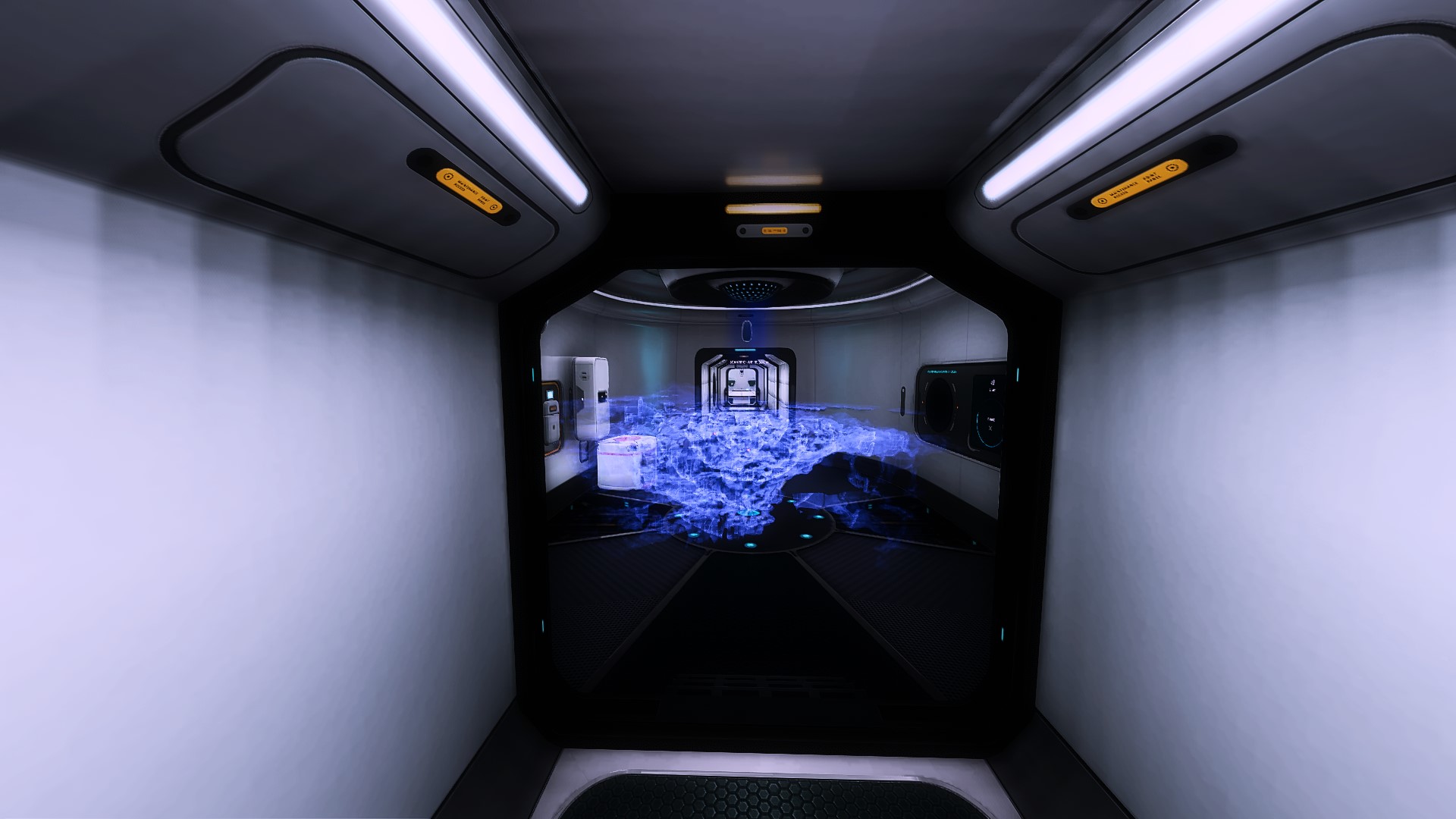
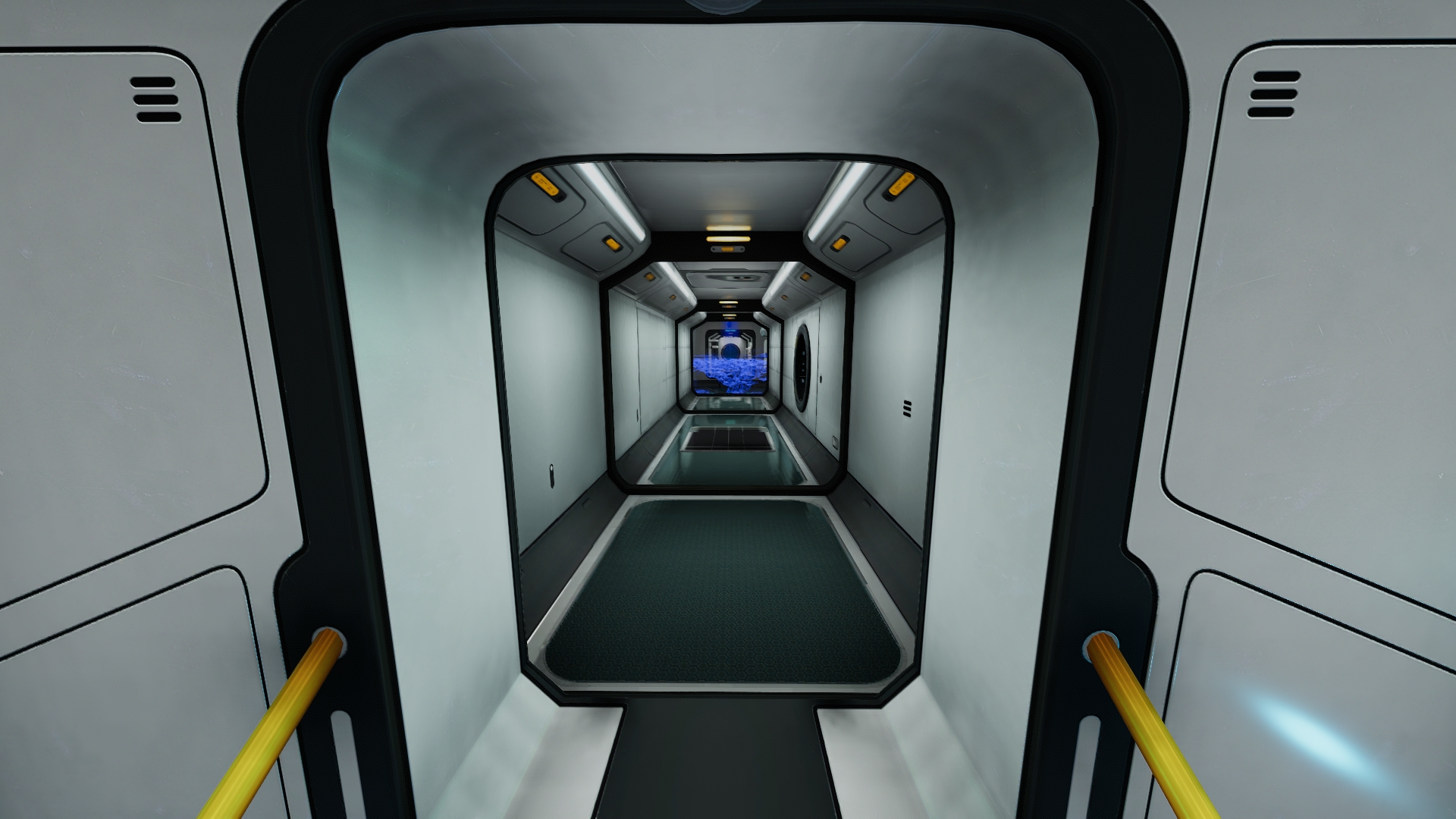
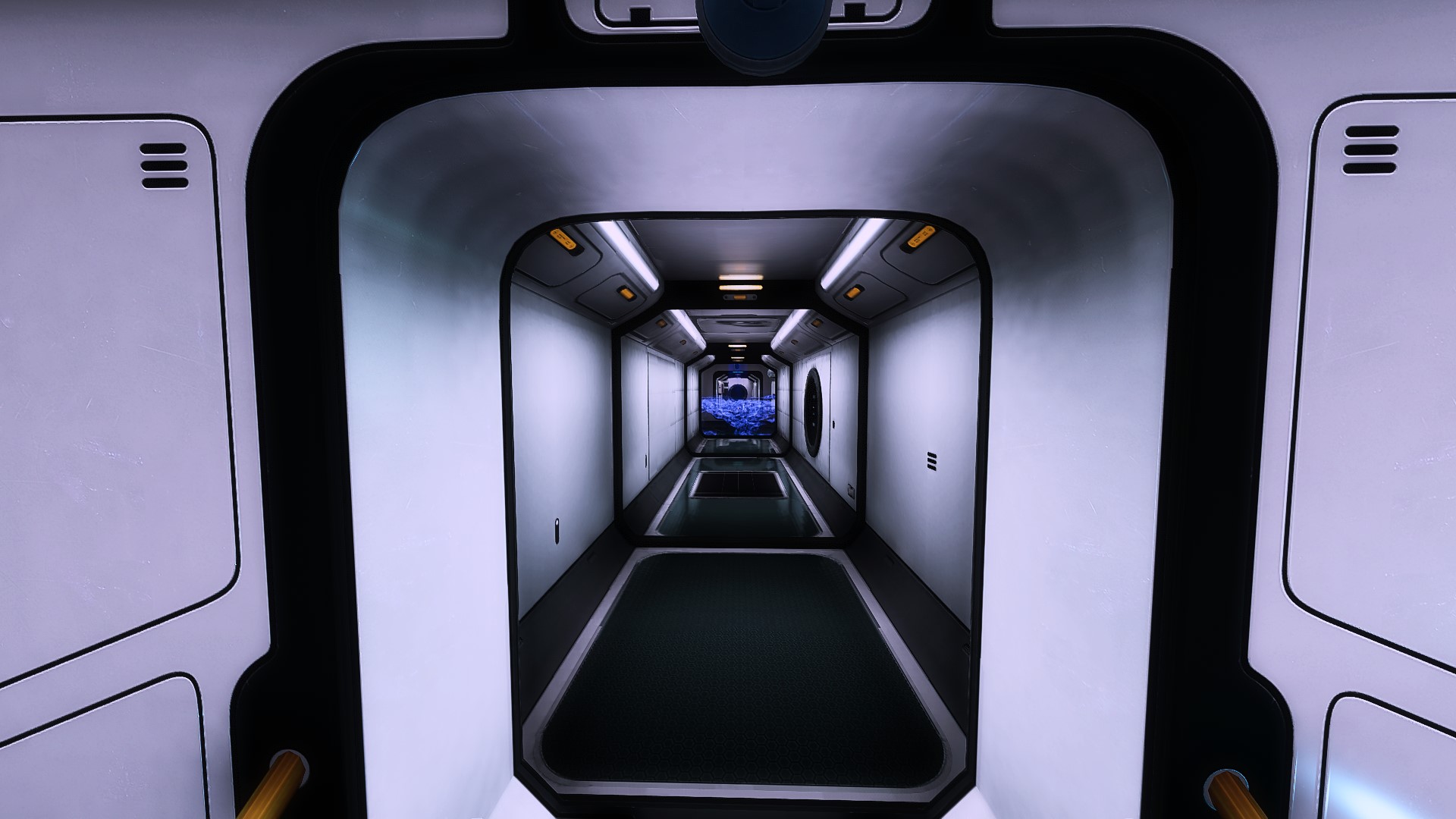
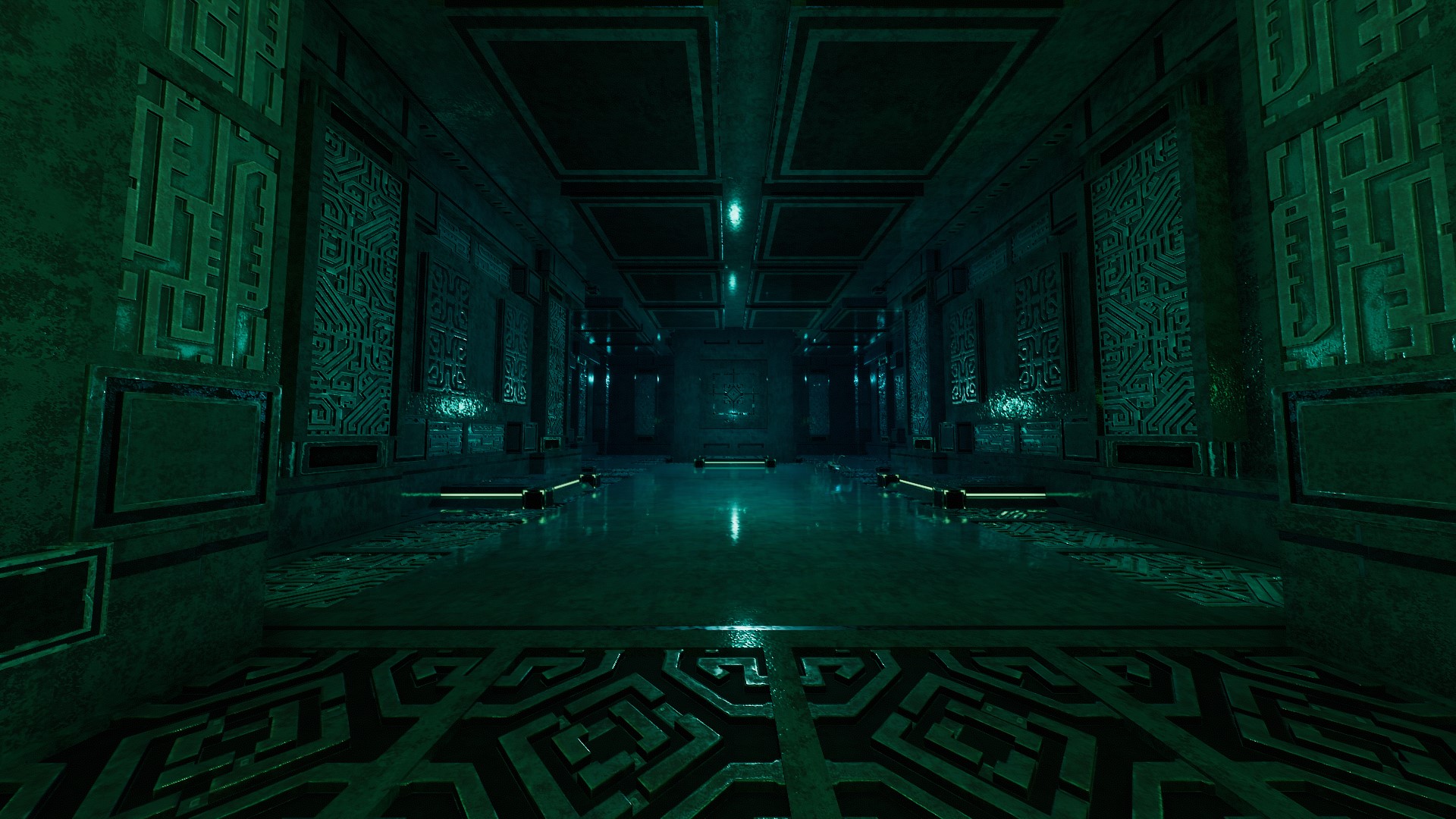
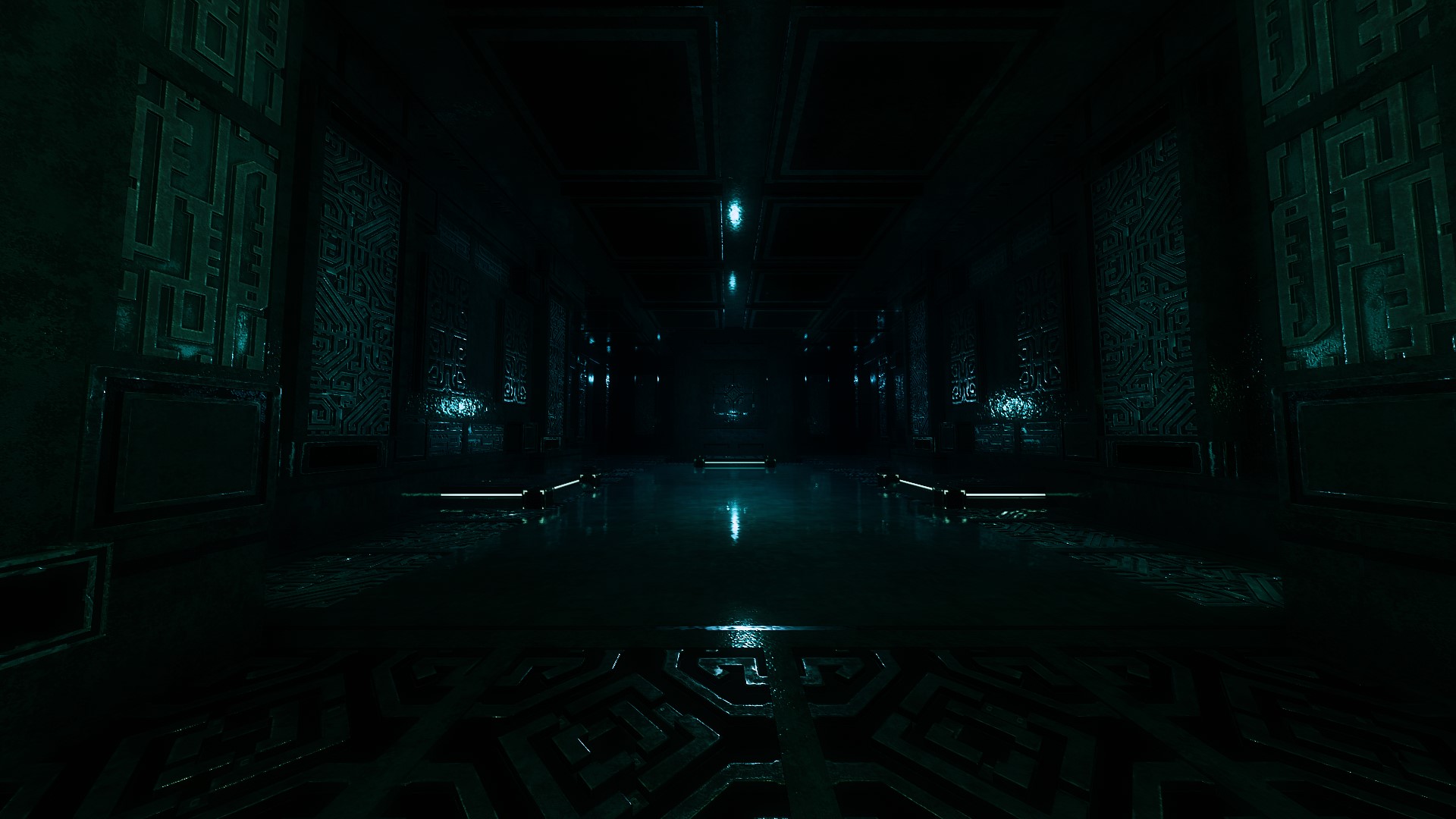
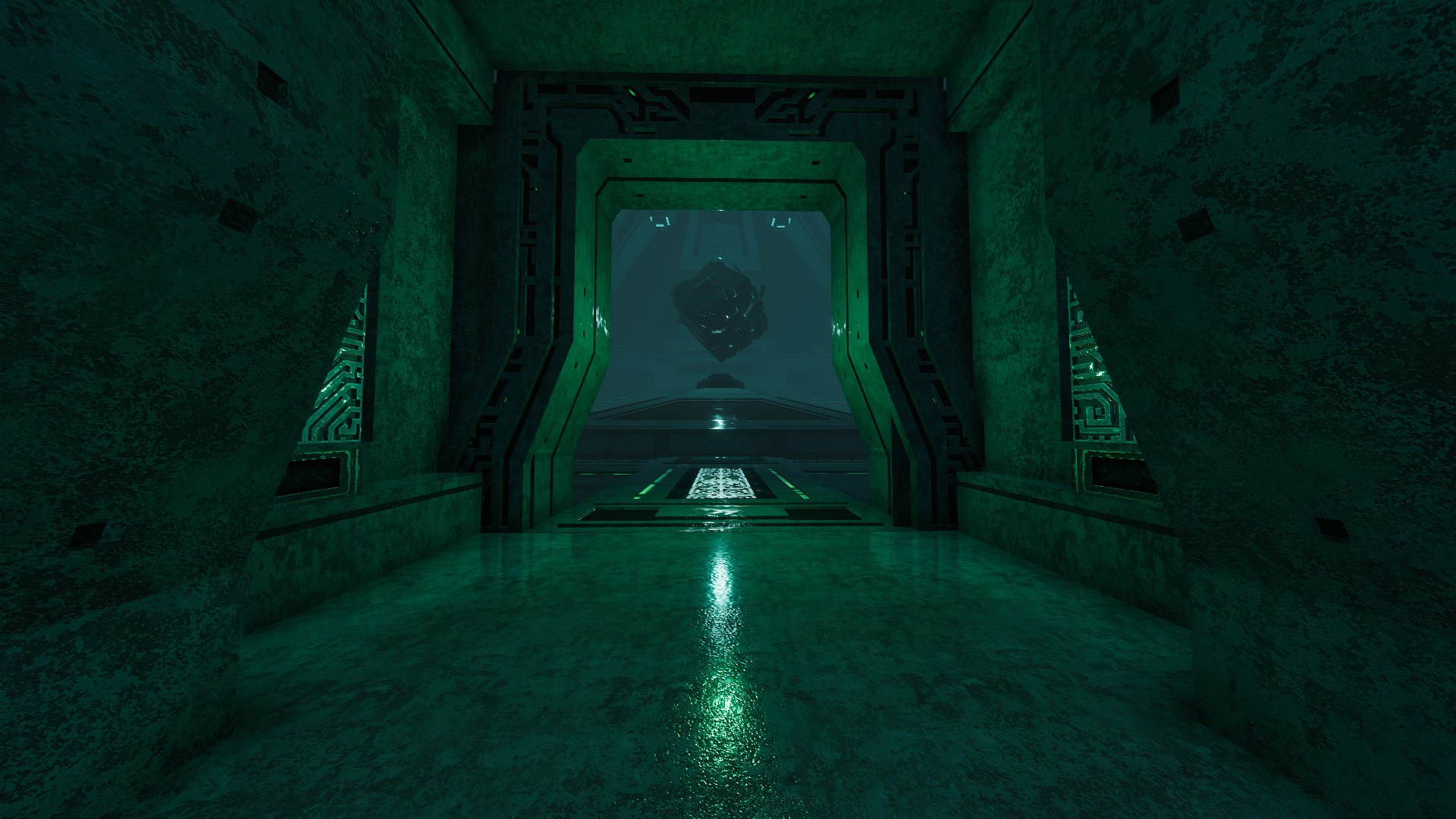
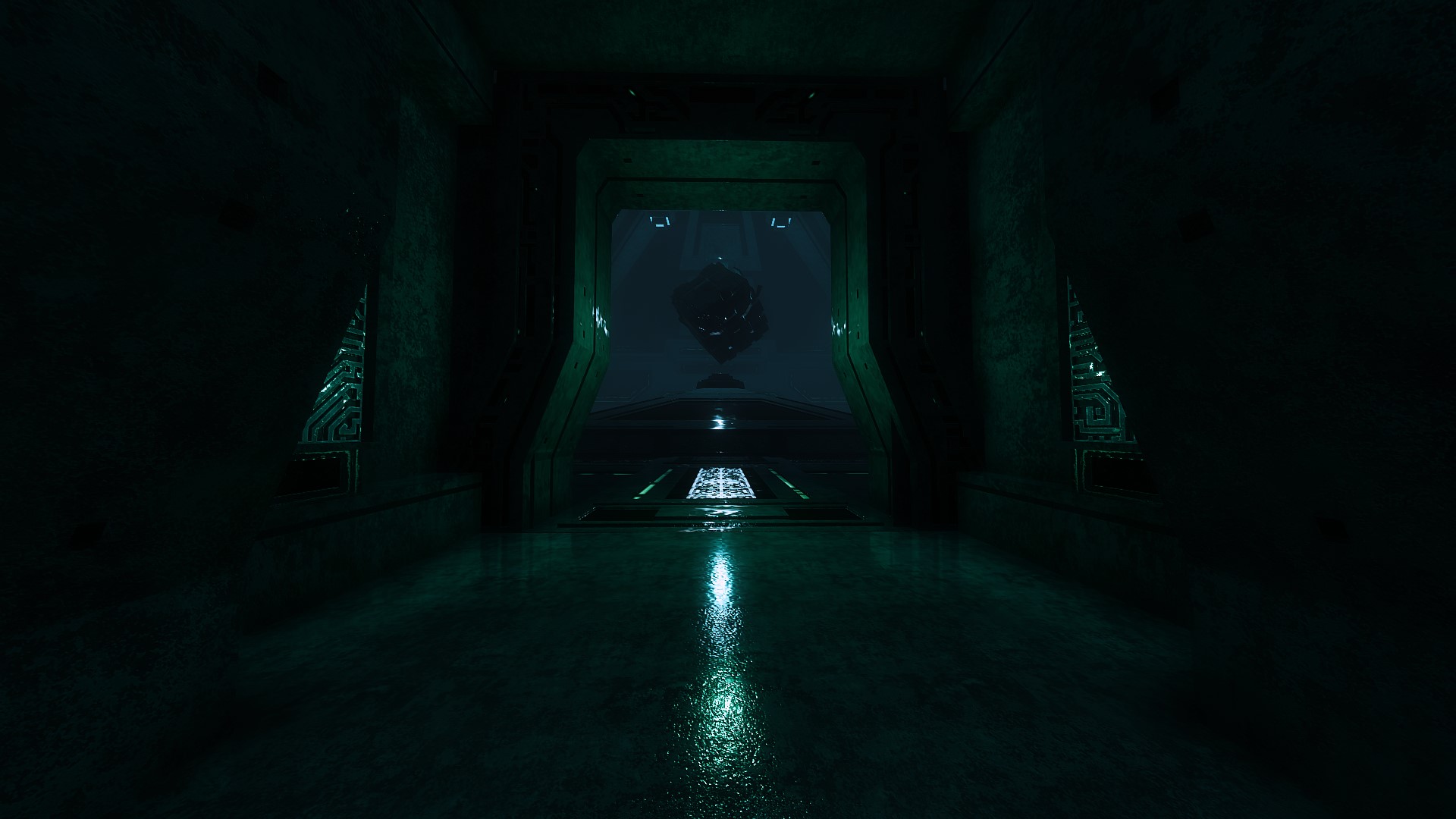
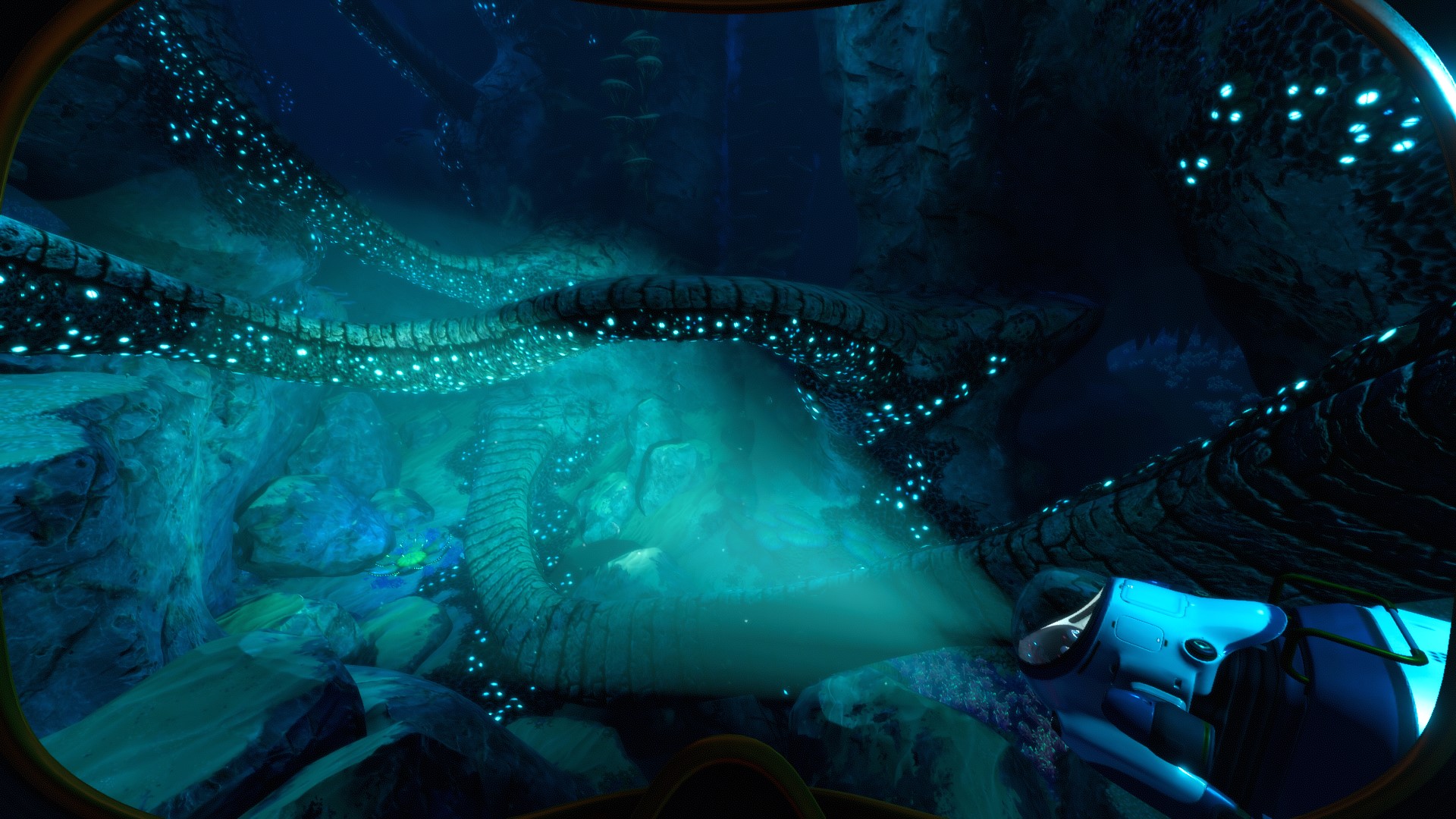
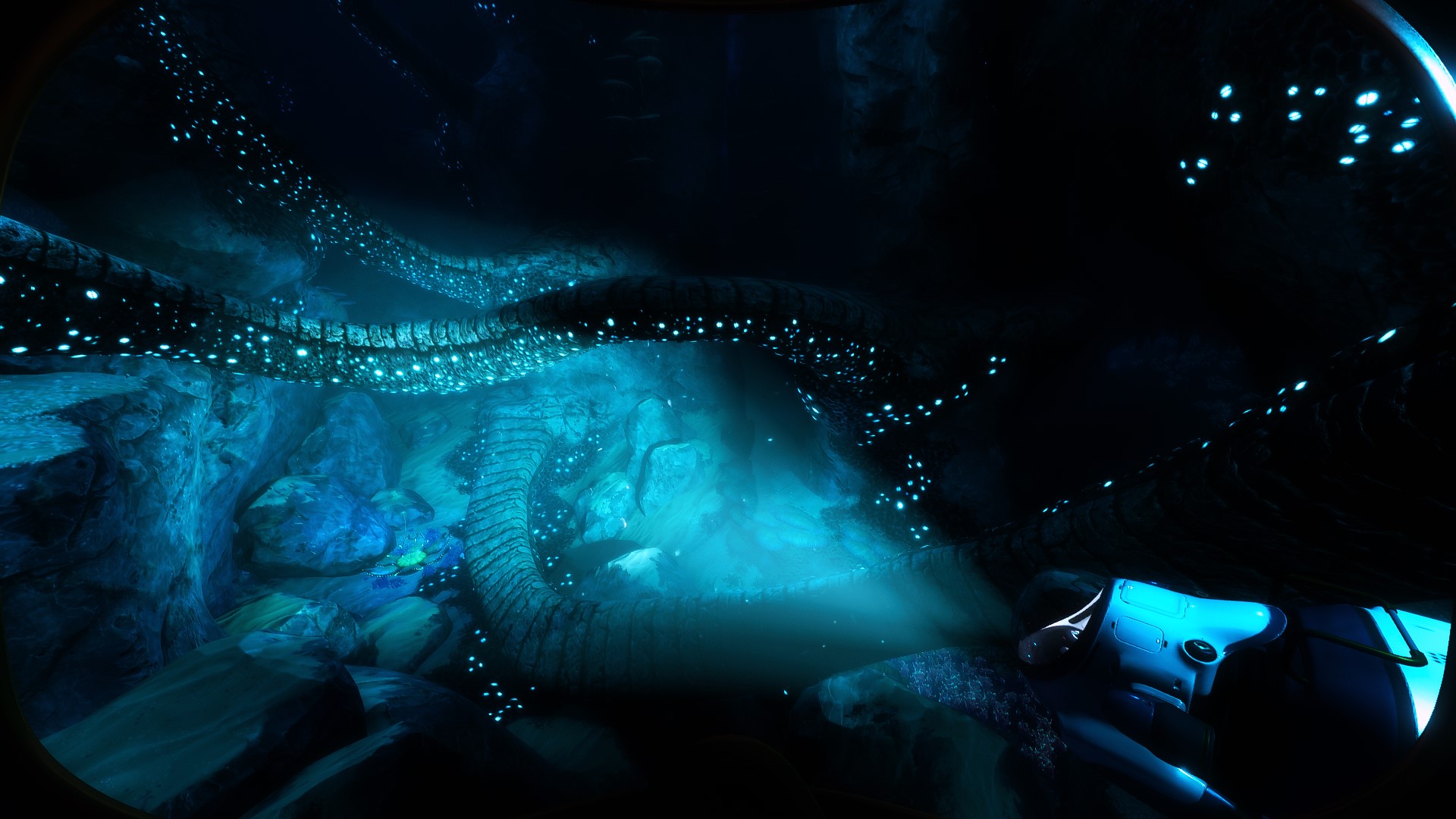
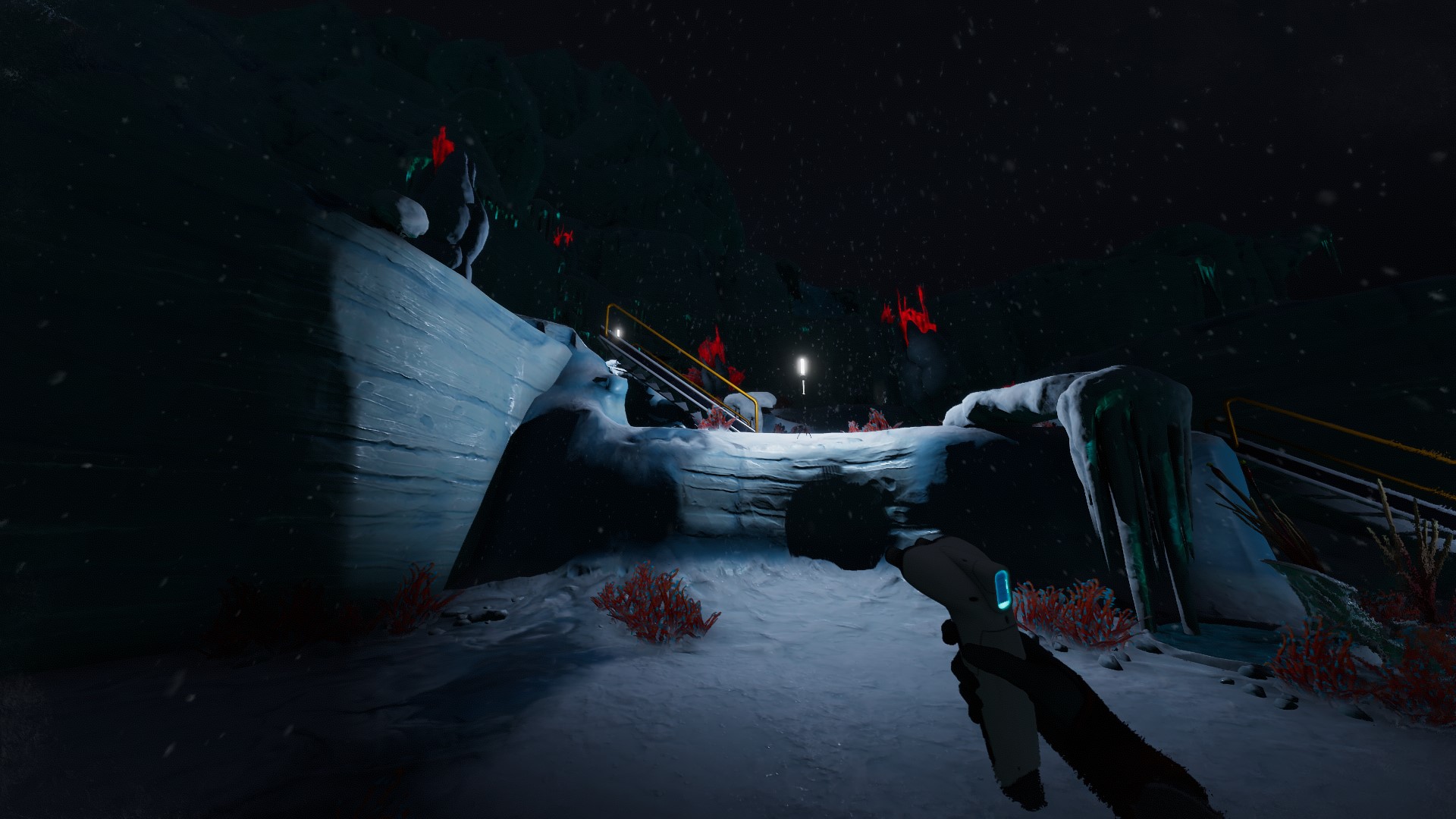
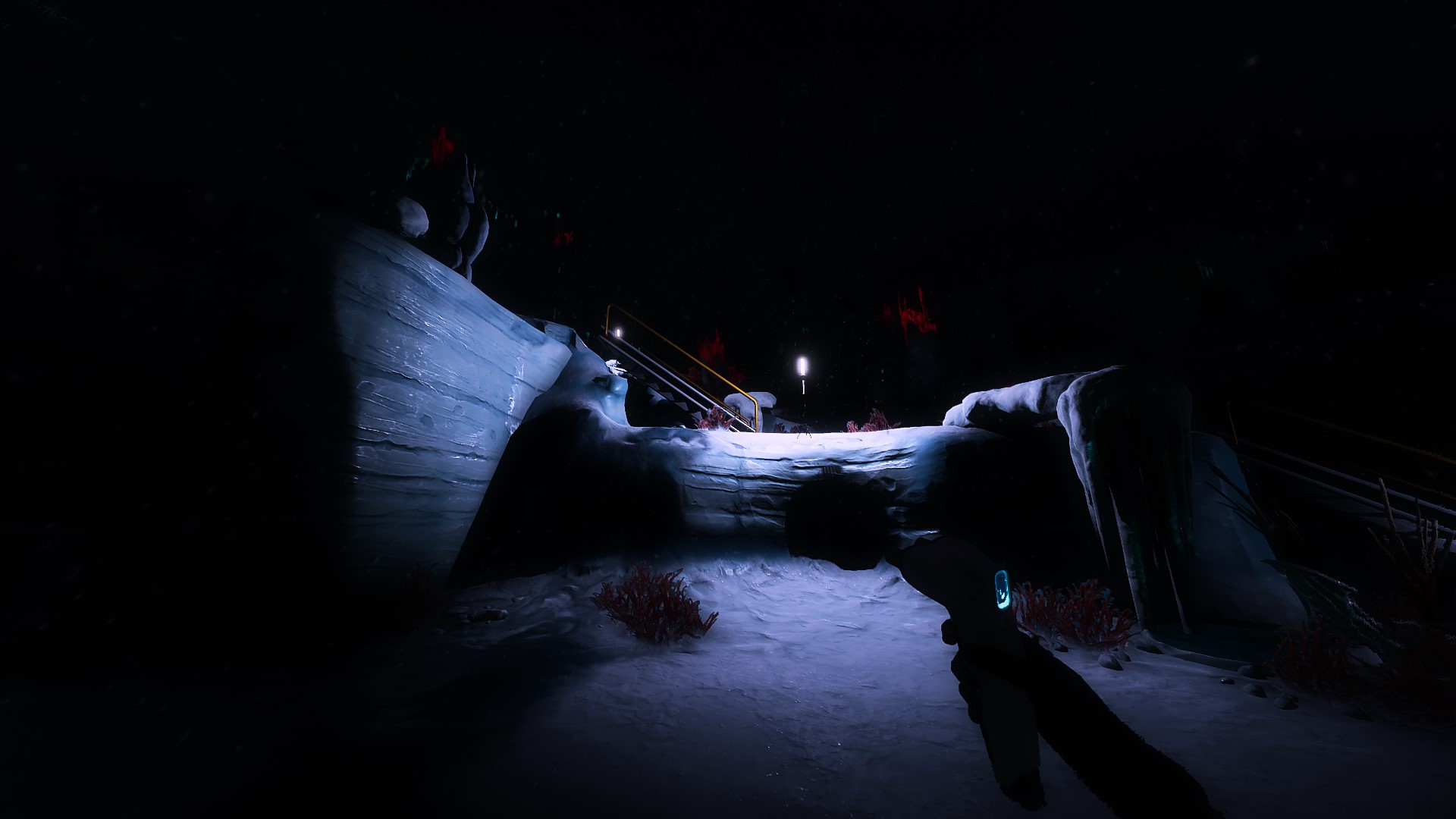
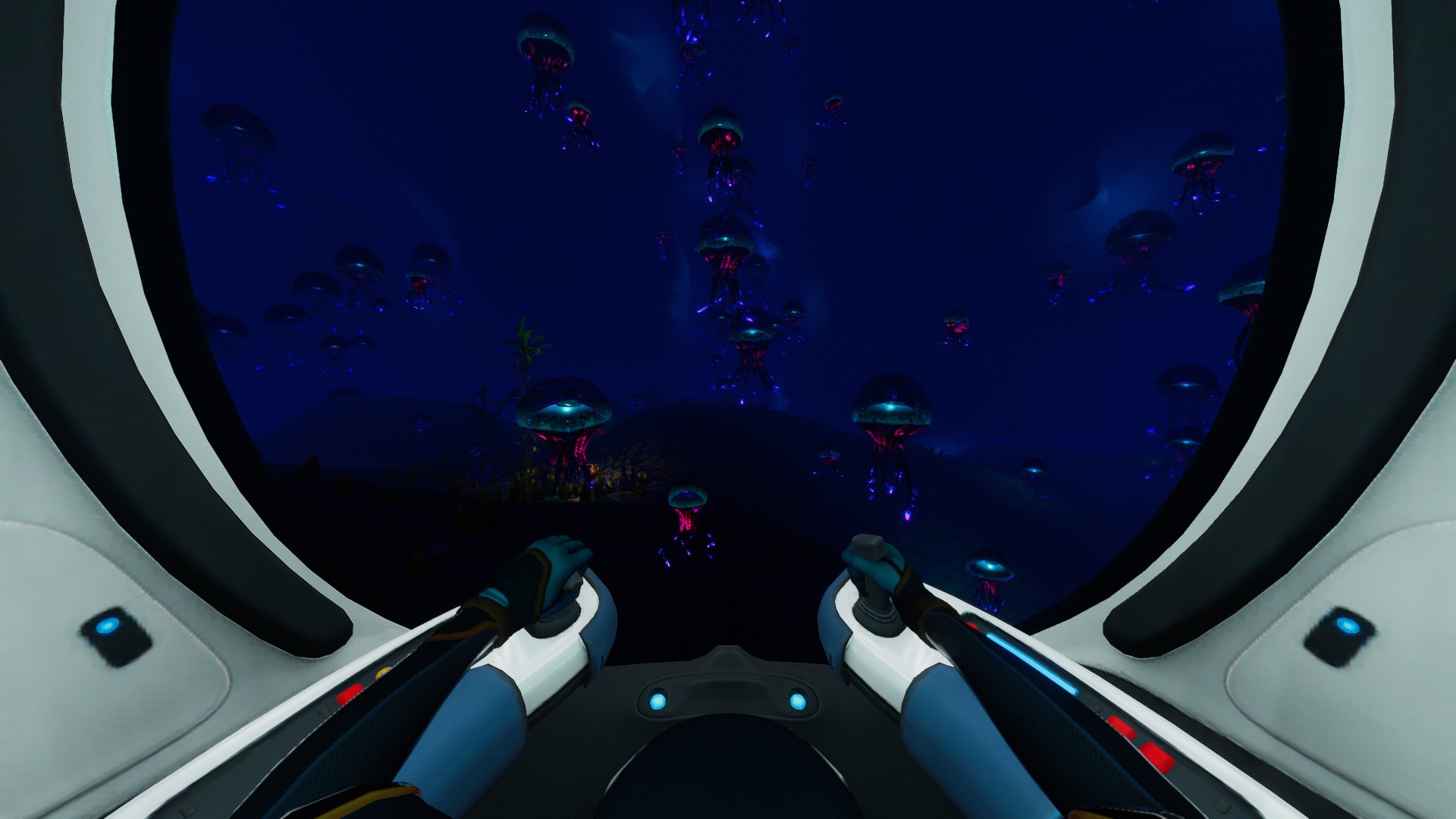
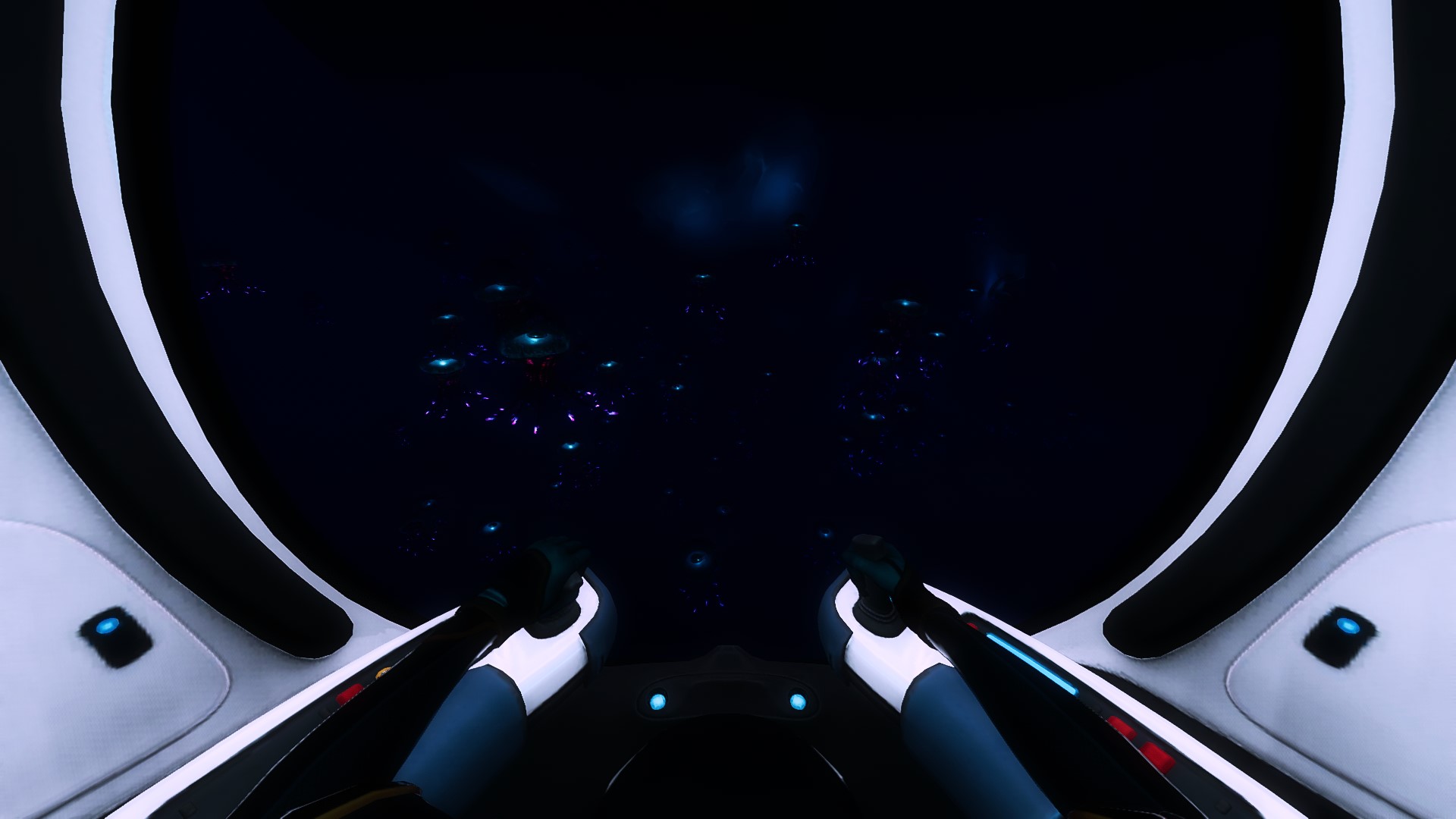
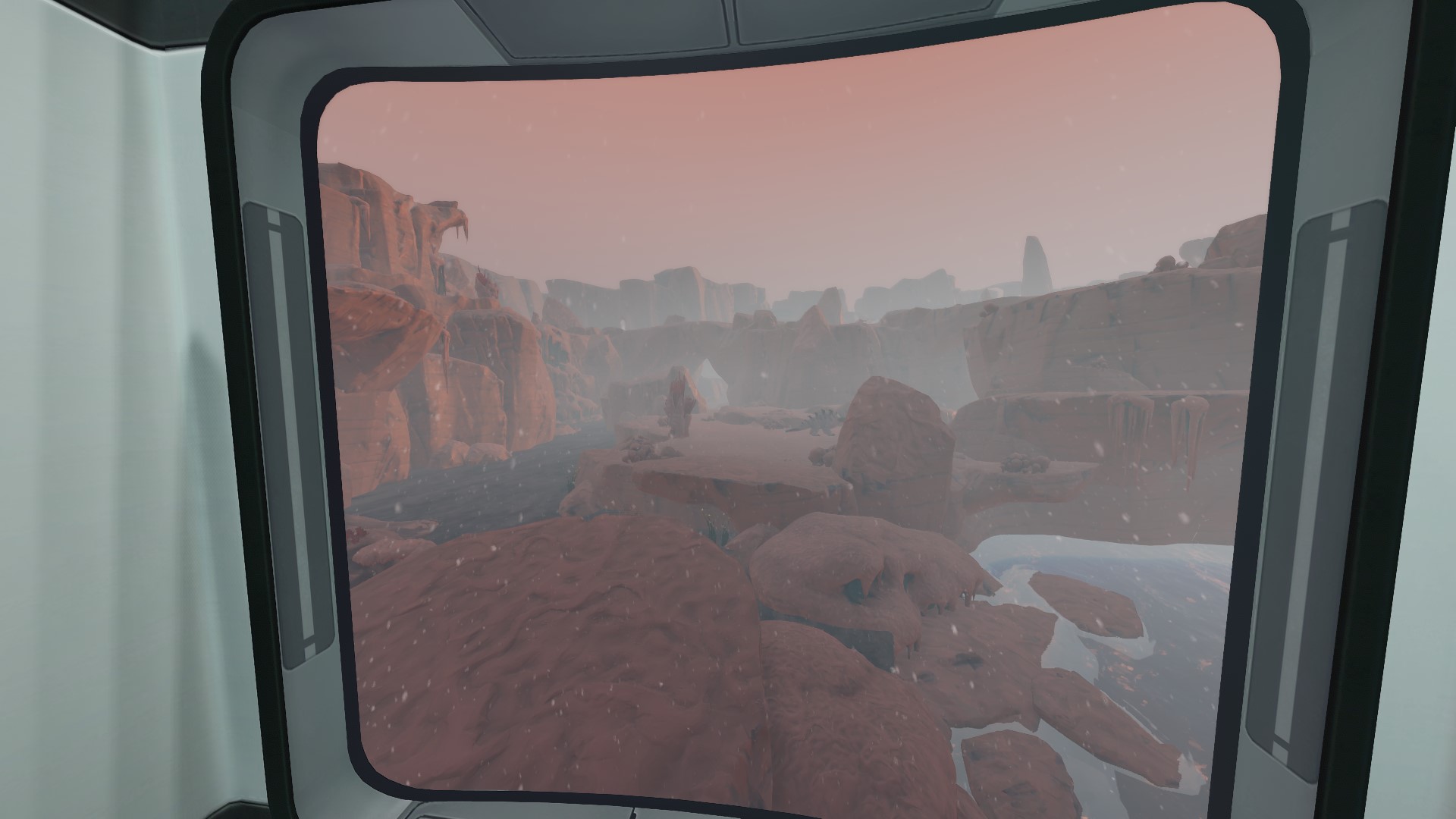
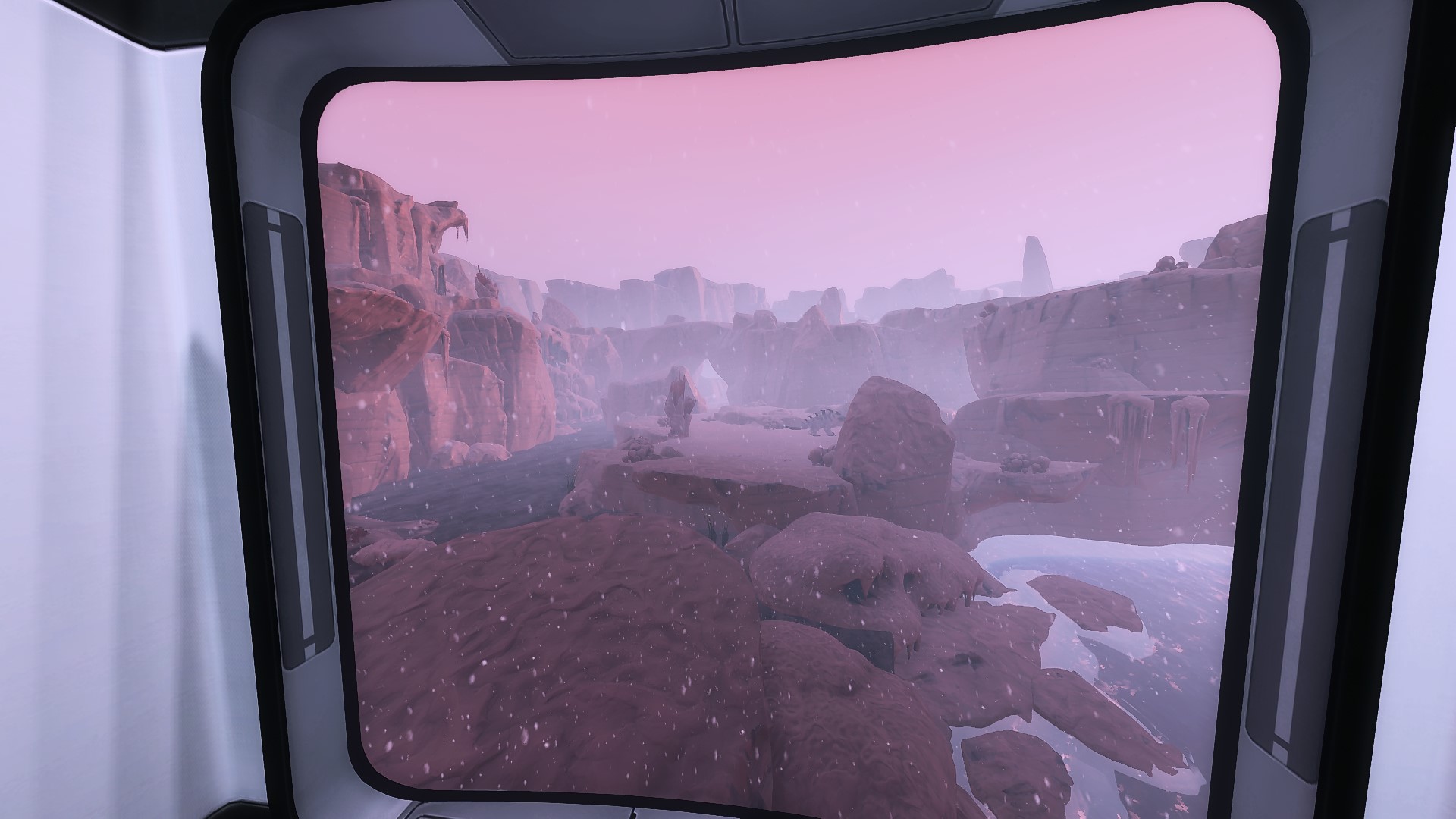
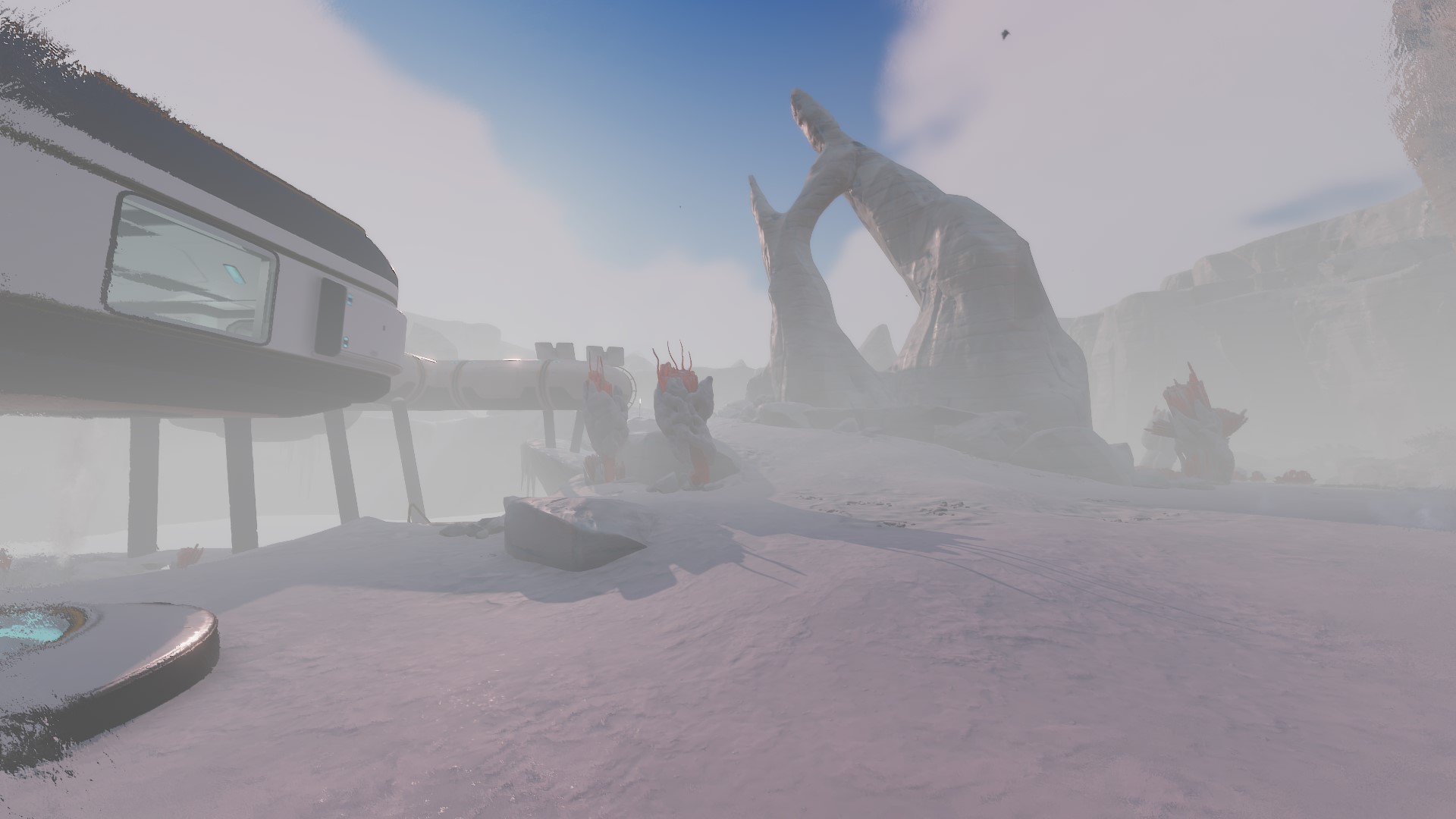
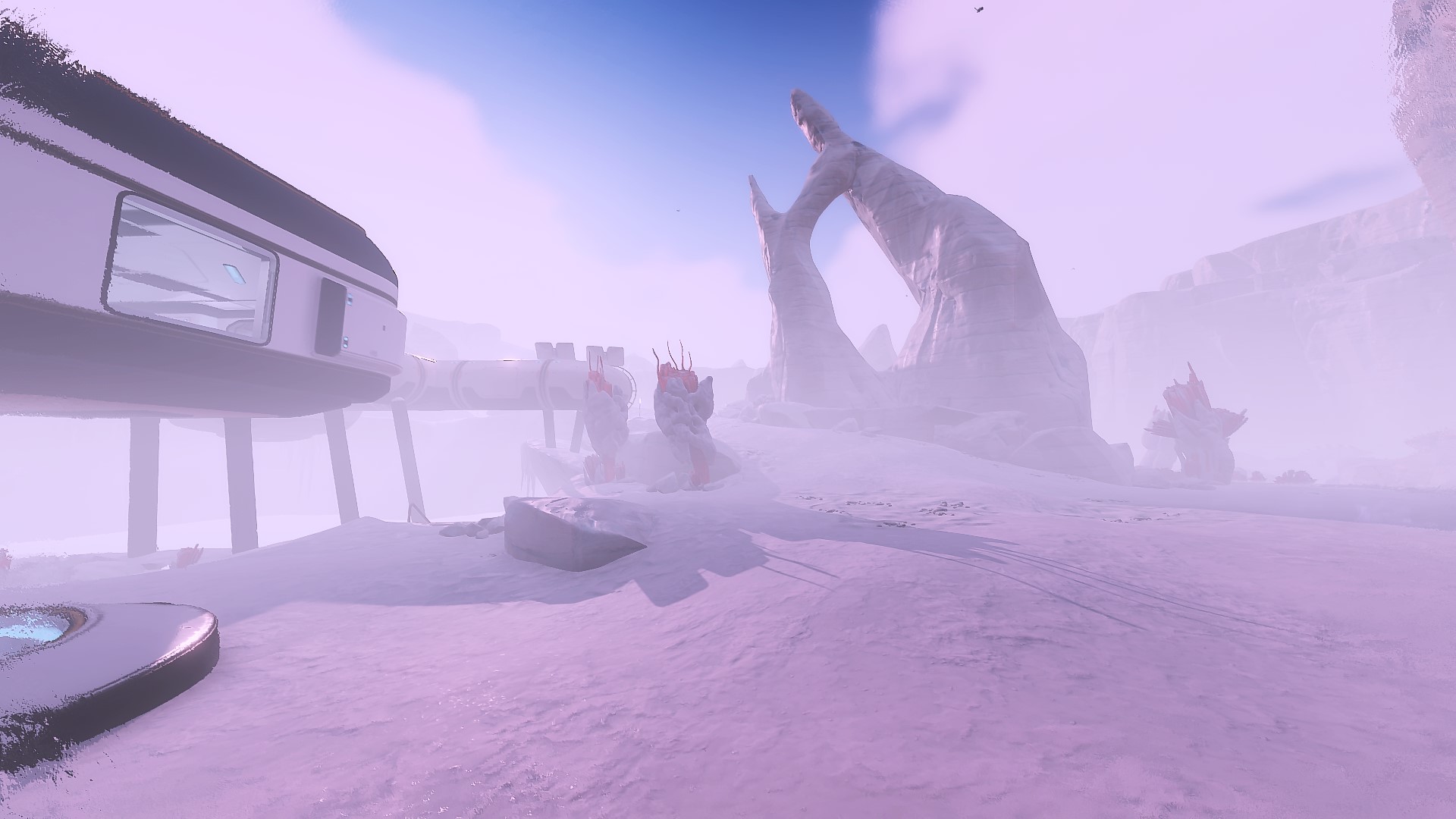
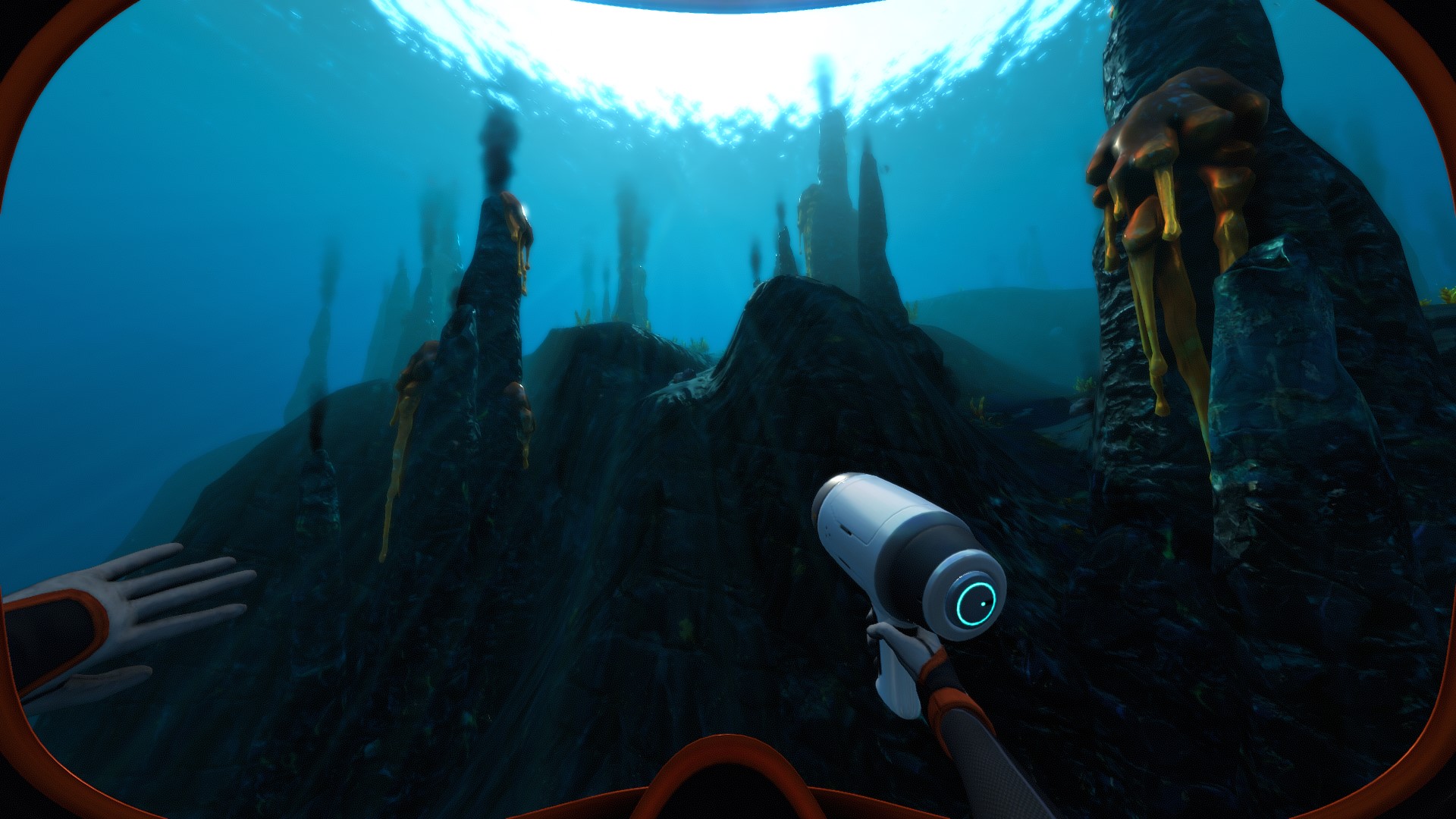
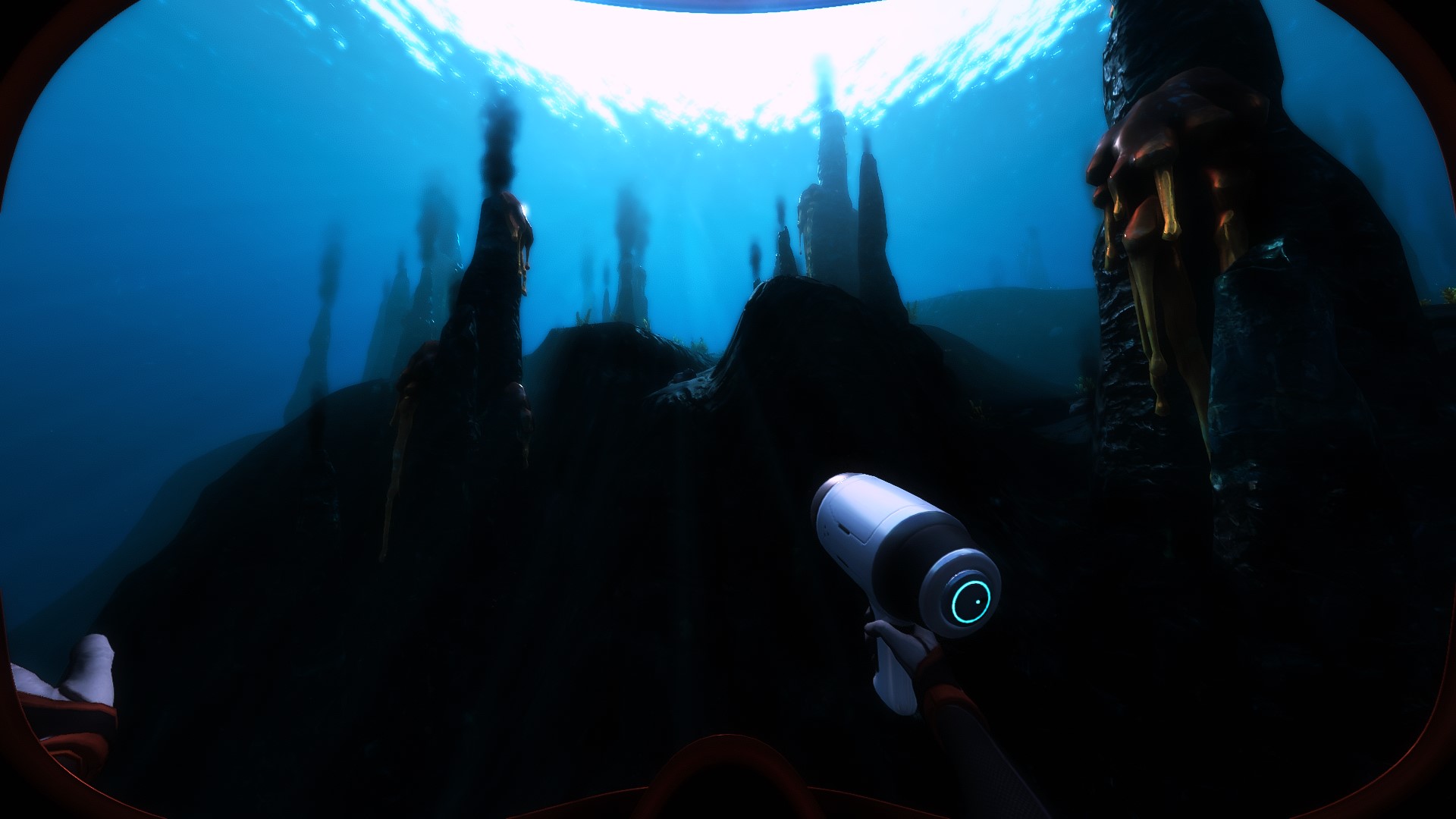
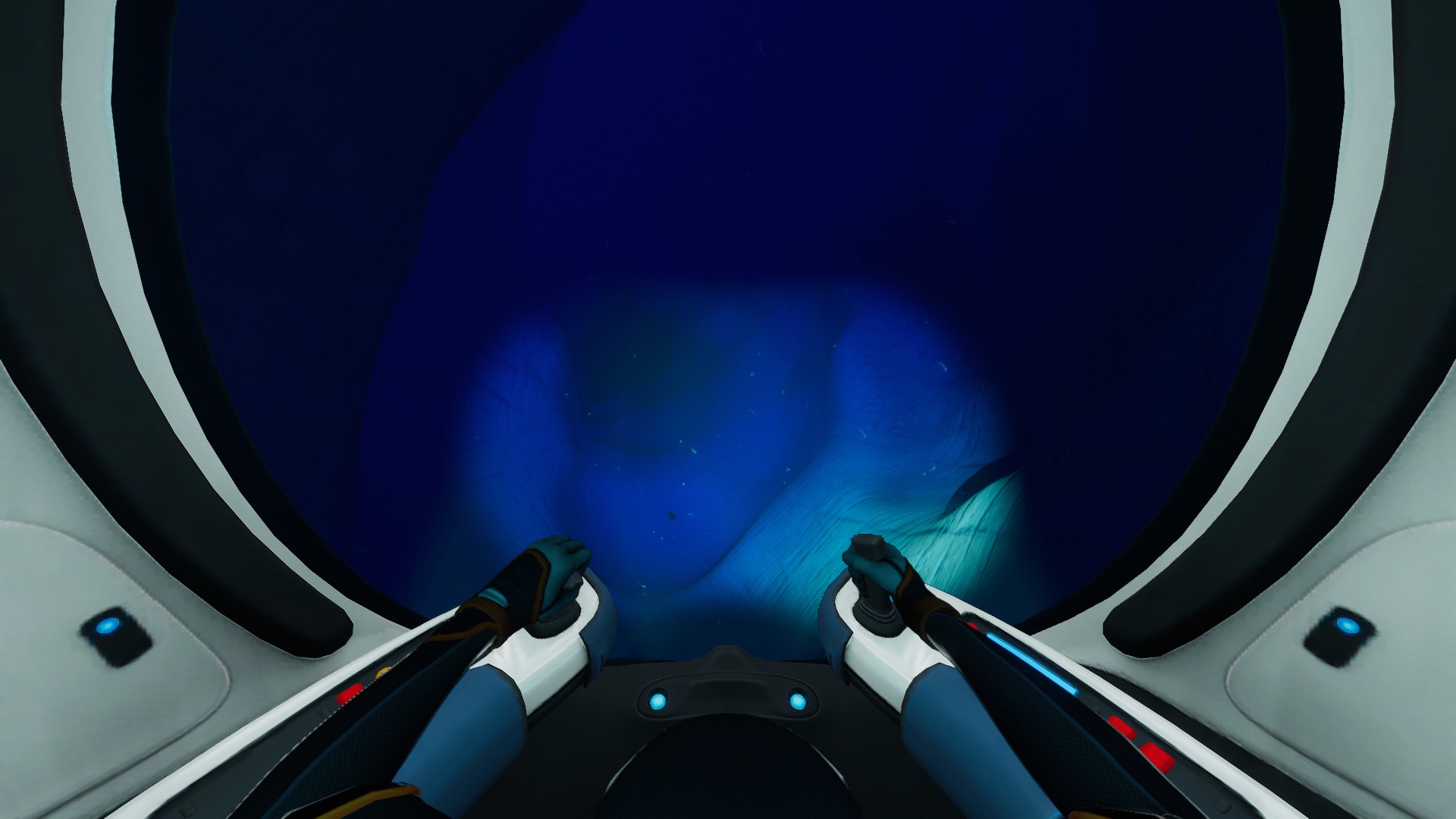
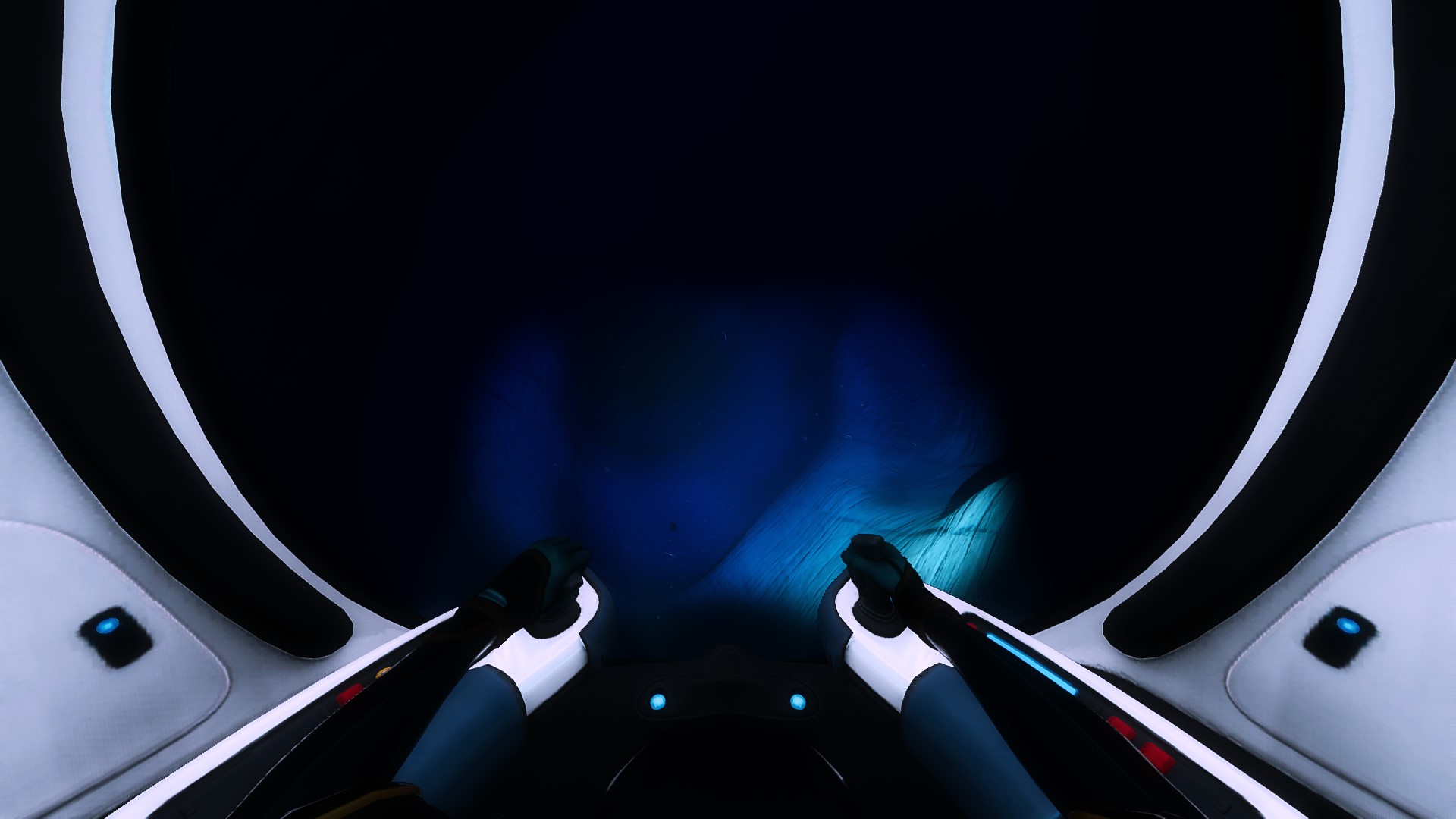
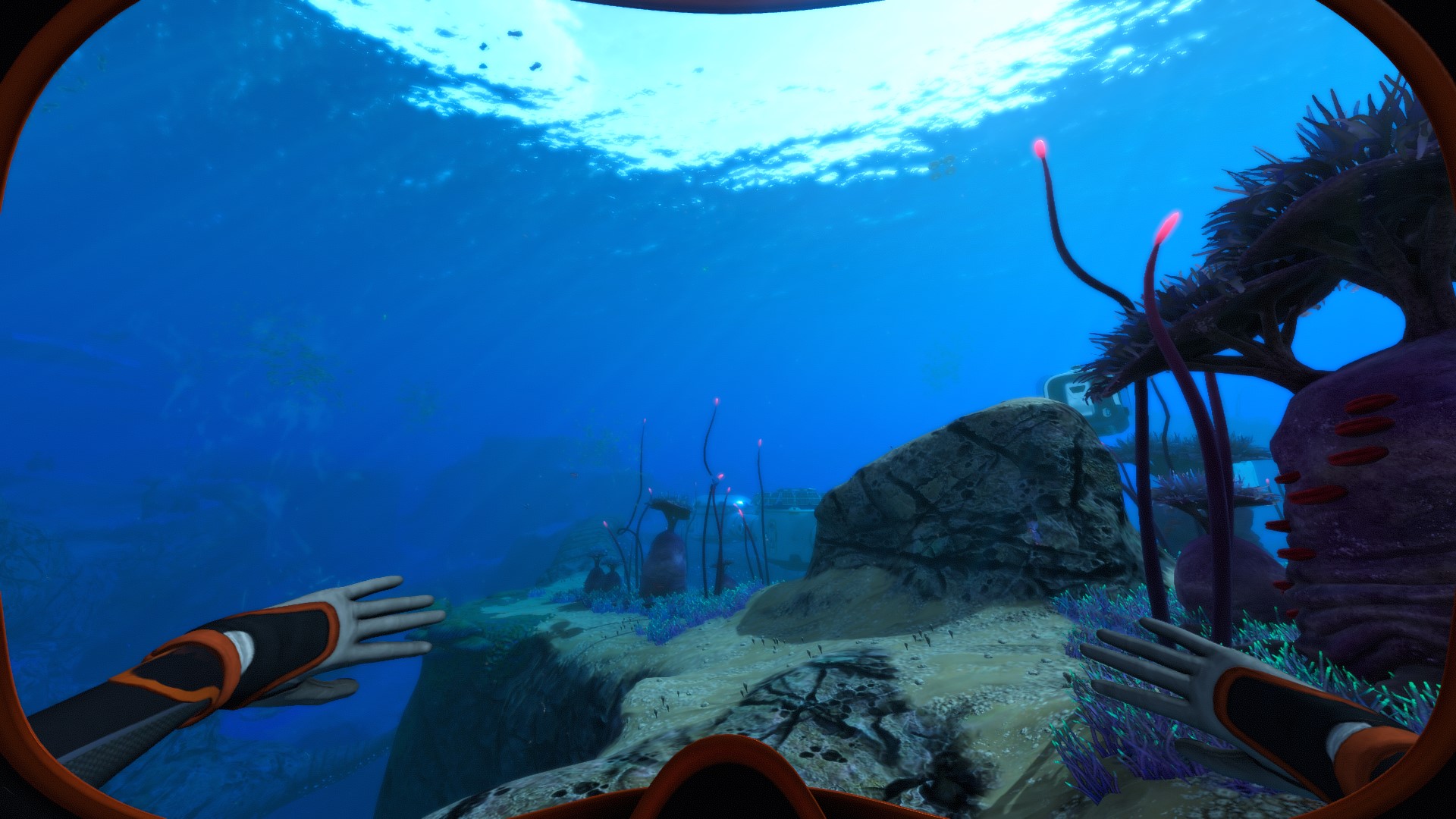
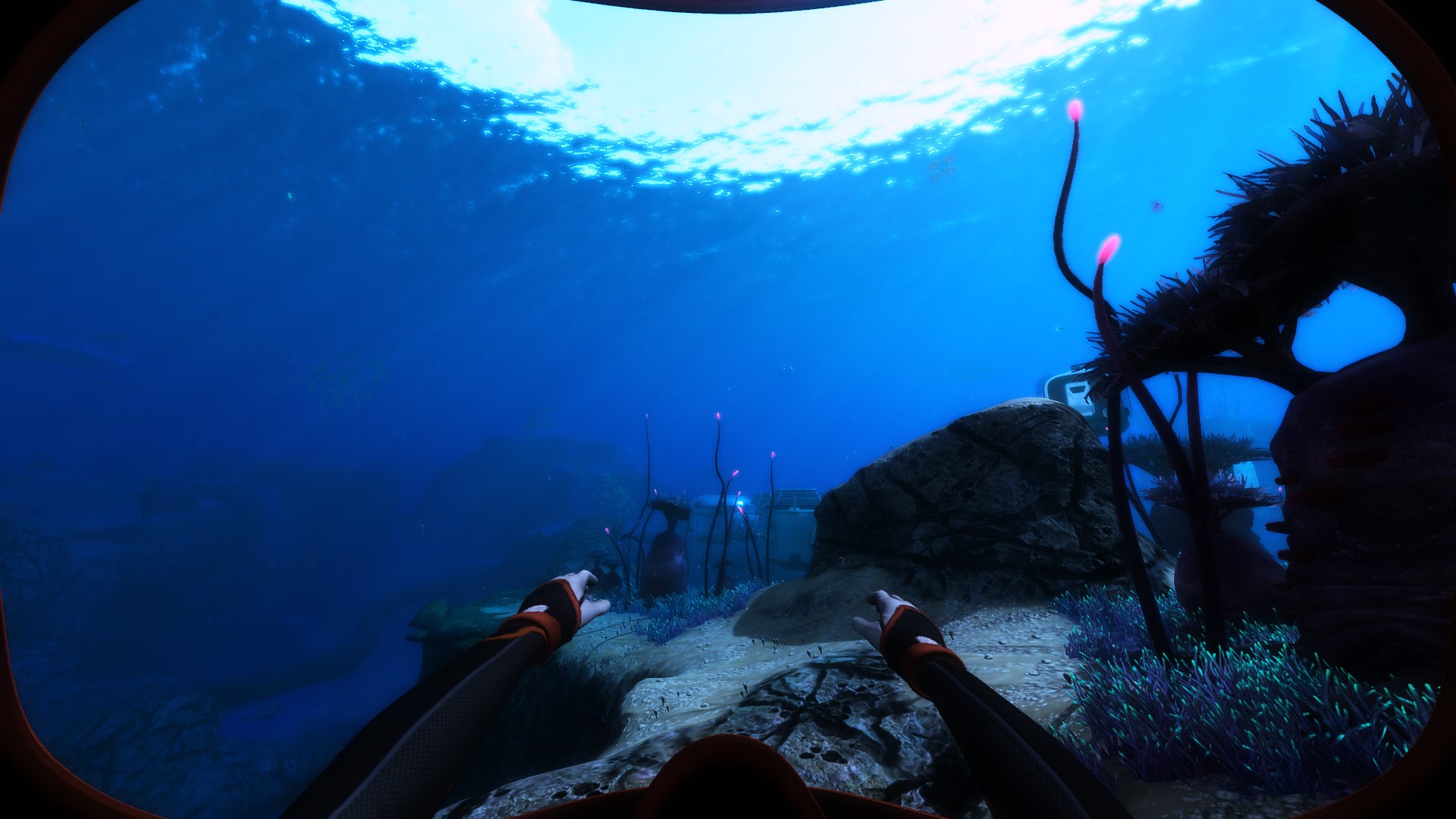
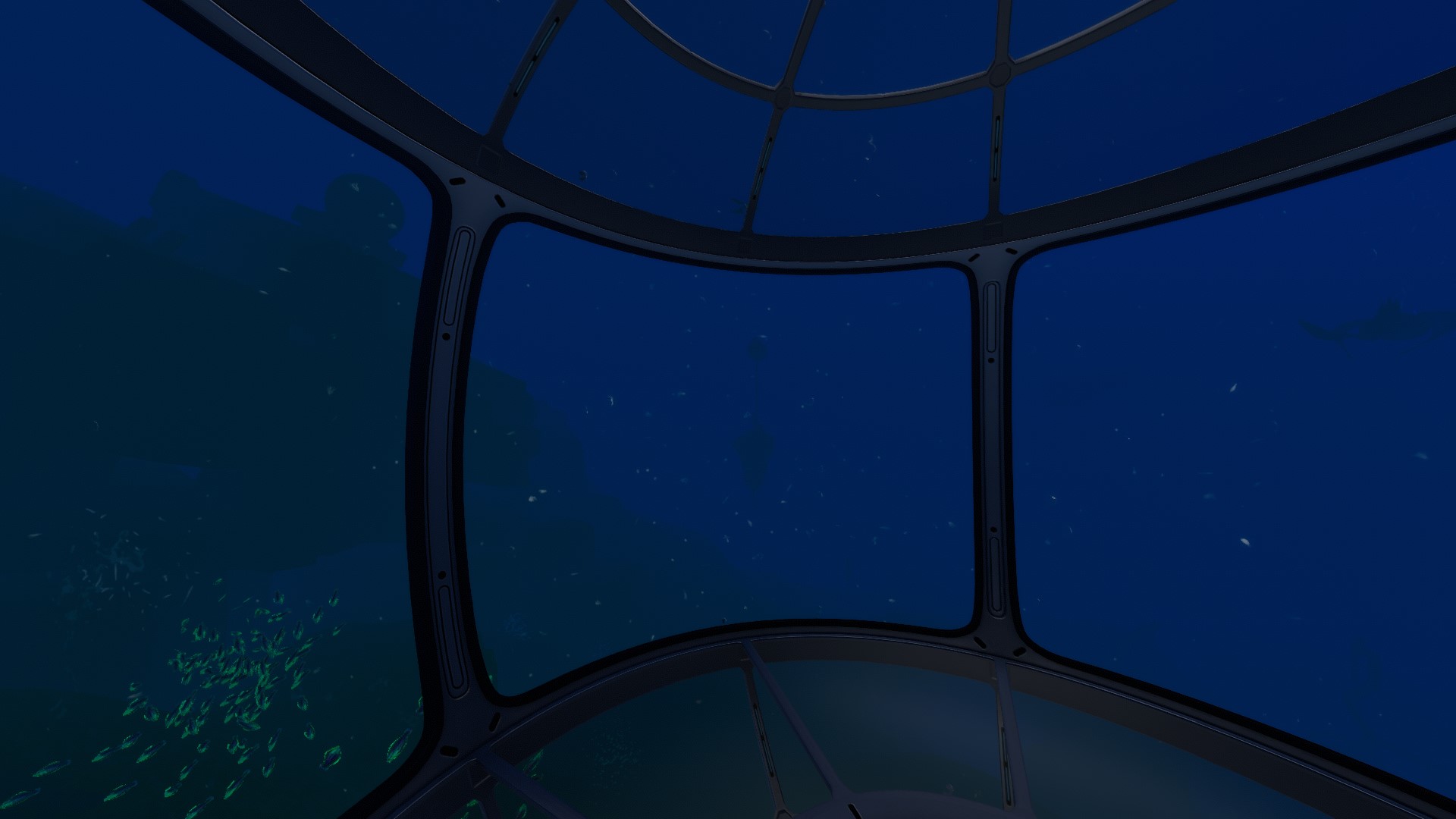
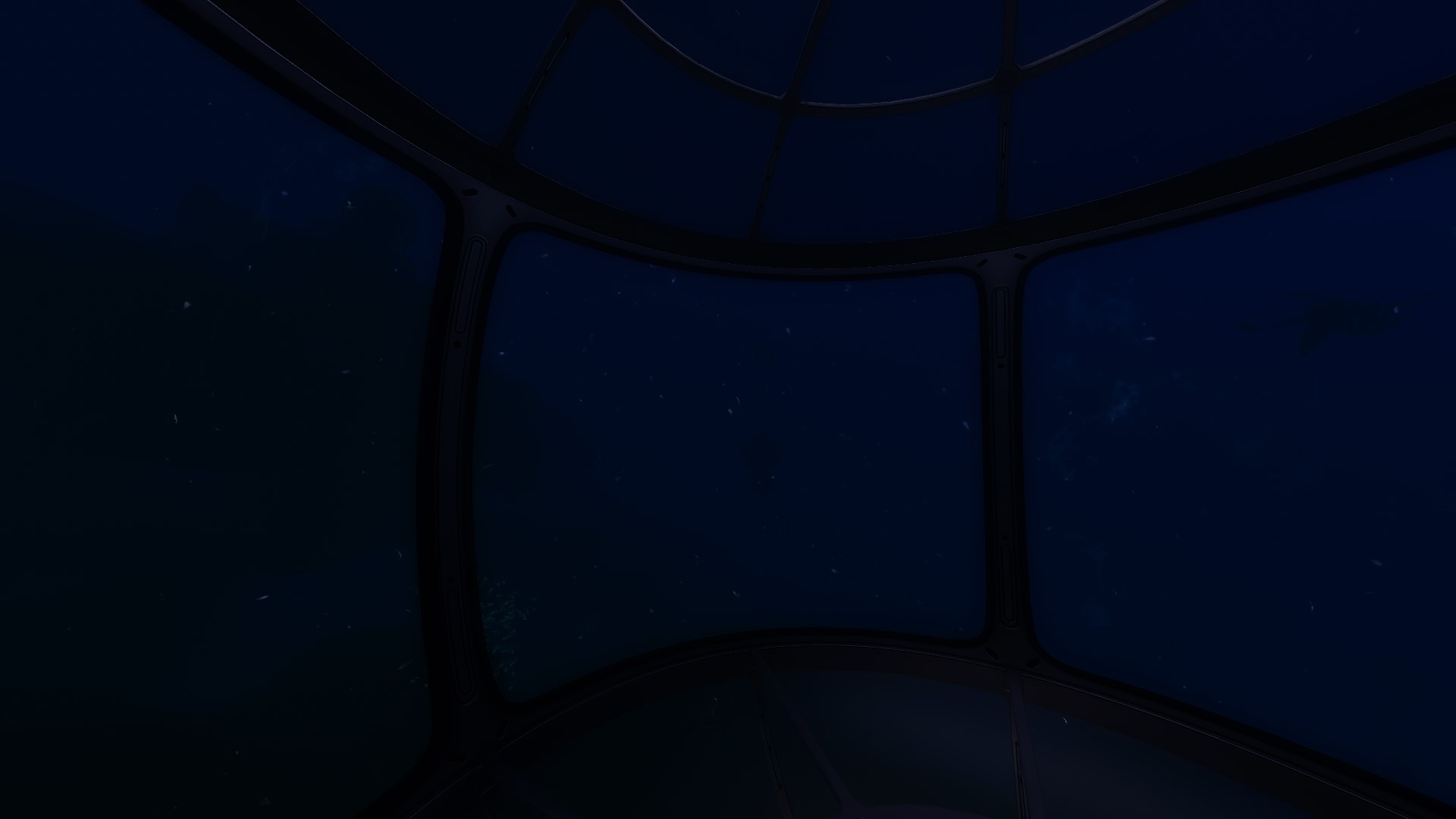
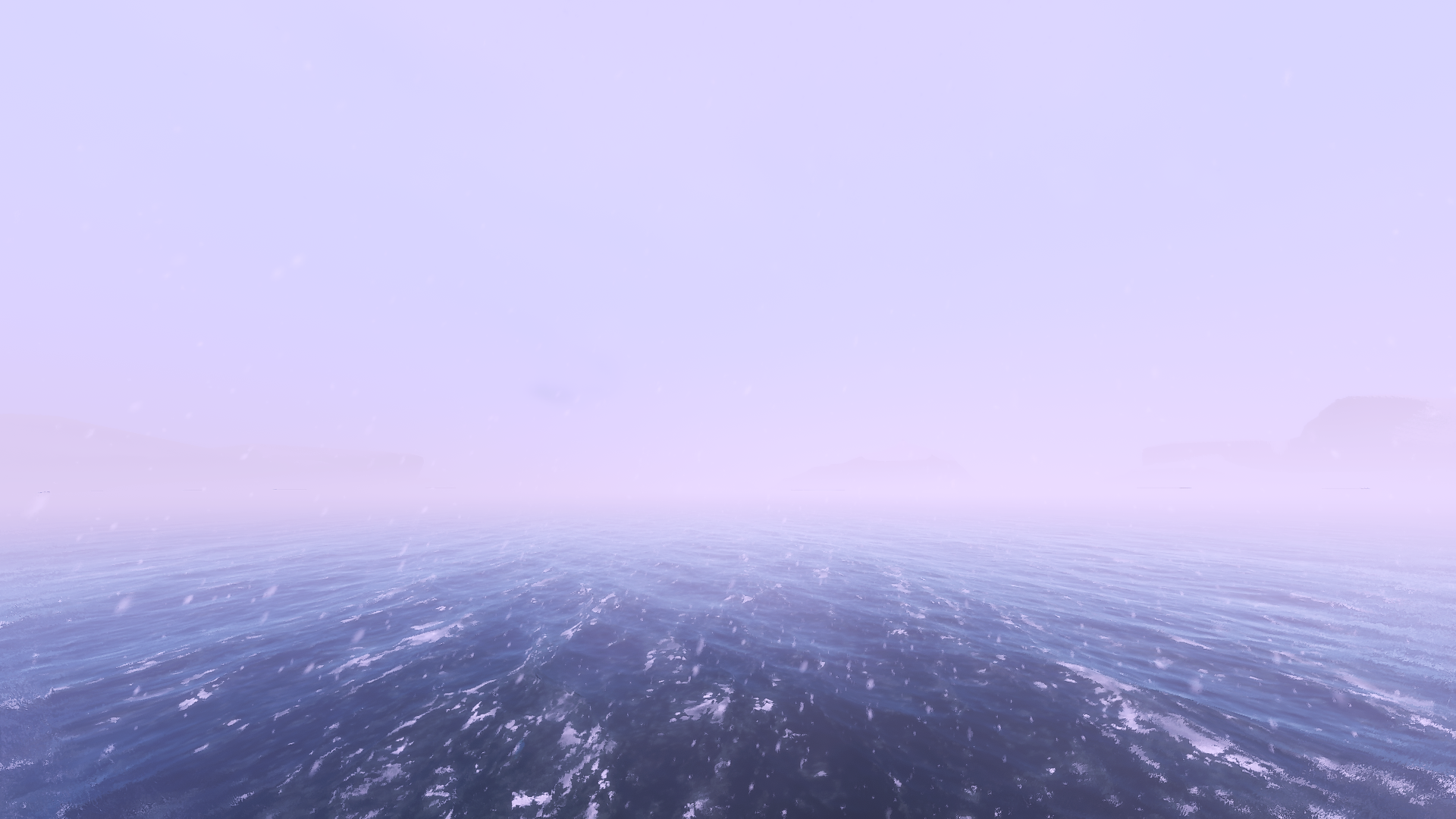
Screenshot's
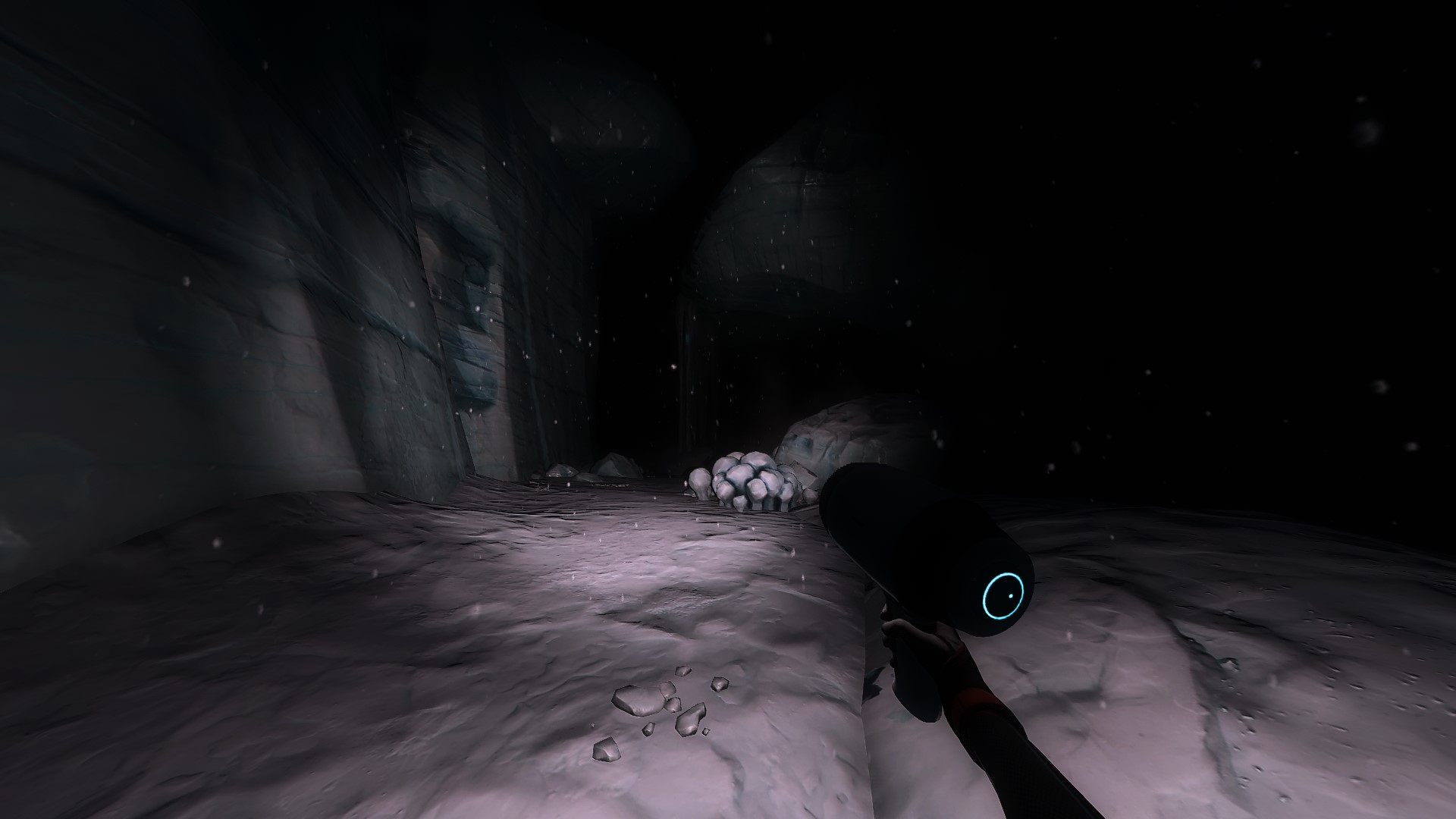
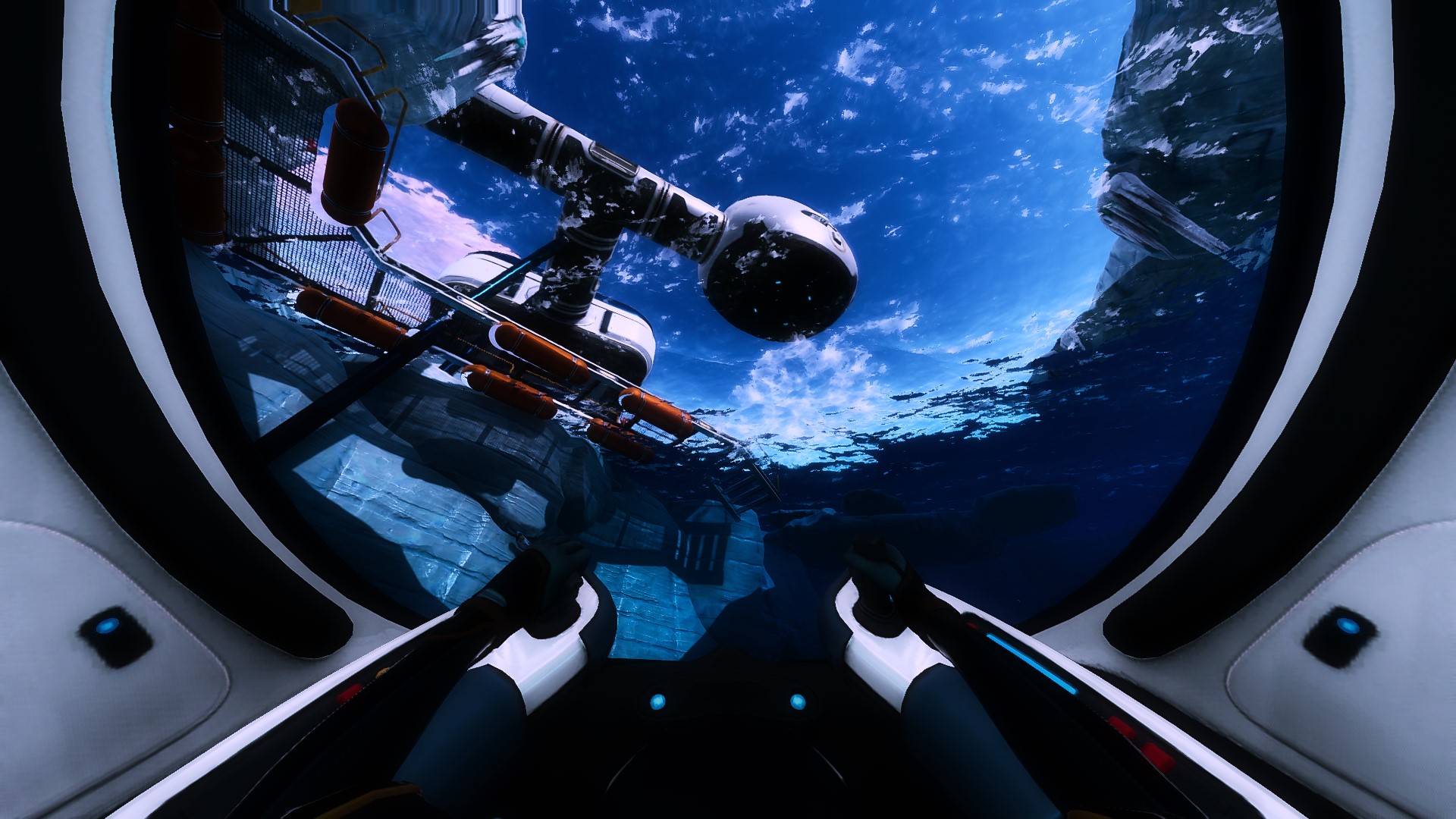
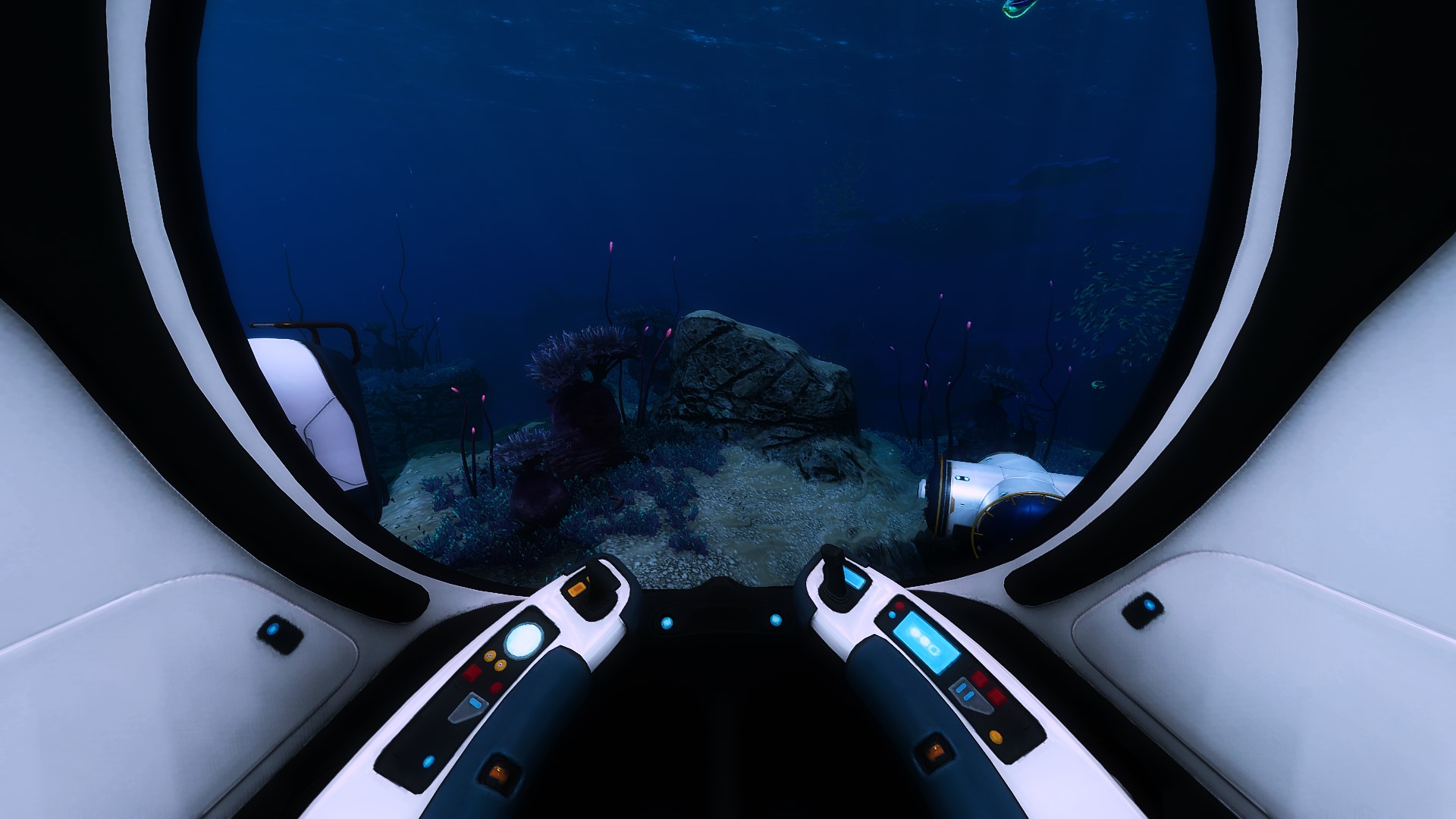
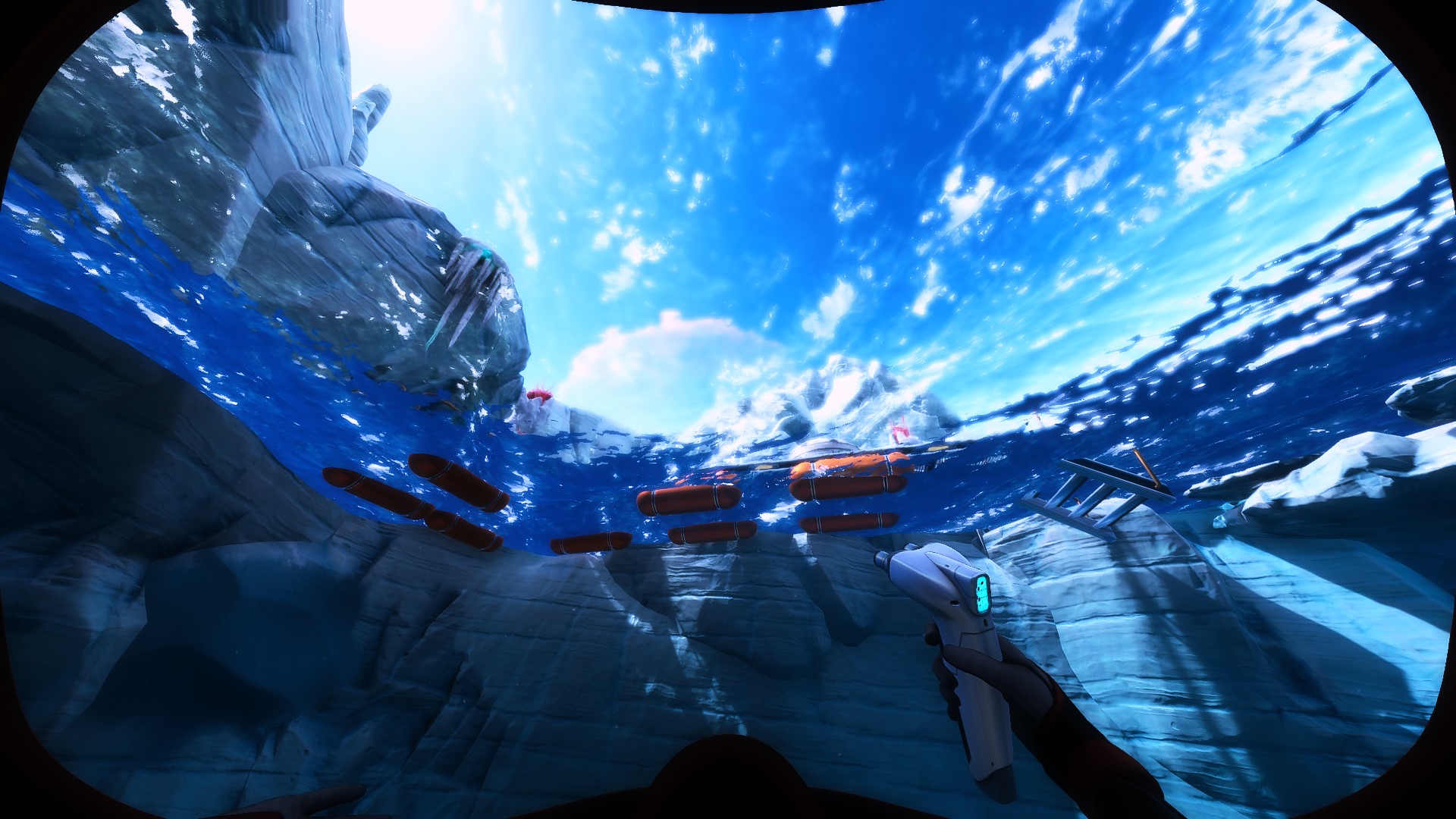
How to Set Up! (w/ Nvidia Freestyle)
Nothing Special, just Nvidia Freestyle. =)
Ingame Settings are all on High (Res:2560x1440), except Motion Blur (Off),
but you can turn it "On" if you like it.
+Use the Filmic Mode.
Step 1: Open NVIDIA Geforce Experience & activate the Ingame Overlay.
Step 2: Start Subnautica Below Zero, press in the Mainmenu "Alt+F3" & select a empty profile 1, 2
or 3.
Step 3: Add "Brightness/Contrast" and set it up like this:
Exposure = 0%
Contrast = 0%
Highlights = 100%
Shadows = 12%
Gamma = 0%
Step 4: Add "Color" and set it up like this:
Tint Color = 20%
Tint Intensity = 30%
Temperature = 0.5
Vibrance = 0
Step 5: Add "Details" and set it up like this:
Sharpen = 20%
Clarity = 100%
HDR Toning = -100%
Bloom = 15%
Step 6: Add "Sharpen" and set it up like this:
Sharpen = 25%
Ignore Film Grain = 100%
Now you're done & it must look like on the Screenshots.
-Have Fun.^^
- Complete Walkthrough [Subnautica Below Zero]★ 5 (438)32k views1.1k ♥26 minUpdated Jun 11
- Material Locations★ 5 (631)31k views1.3k ♥5 minUpdated Aug 29, 2025
- Subnautica: Below Zero 100% Achievement Guide★ 5 (514)27k views949 ♥8 minUpdated Jun 26
- Console Commands (Cheats)★ 5 (526)23k views1.3k ♥9 minUpdated Sep 24, 2021
- Русская озвучка Subnautica: Below Zero от GamesVoice★ 5 (567)21k views735 ♥1 minRussianUpdated Apr 12, 2022
- Simple Walkthrough★ 5 (314)20k views649 ♥9 minUpdated Jul 11, 2023


- Upgrading to PremiumTeam Fortress 2★ 5 (20k)1441k views11k ♥6 minUpdated May 11, 2022
- No More Room in Hell Official ManualNo More Room in Hell★ 5 (2.8k)569k views2.1k ♥29 minUpdated Apr 22, 2019
- NMRiH Community Hosting GuidesNo More Room in Hell★ 5 (526)351k views653 ♥1 minUpdated Aug 10, 2022
- ULTIMATE GUIDE FOR GAME DEV TYCOONGame Dev Tycoon★ 5 (5.8k)326k views10k ♥4 minUpdated 23 Jan, 2014
- How to 'Git Gud' Soon™MORDHAU★ 5 (2k)318k views3k ♥68 minUpdated Nov 16, 2024
- Лучшие кооперативные игры SteamPAYDAY 2★ 5 (1.5k)315k views2.1k ♥56 minRussianUpdated Apr 27, 2025






This guide was created by its original author on the Steam Community. Are you the author and want it removed? Request removal.