Not available in your region? Here's the fix.
Step 1
Copy the following link into a browser or just use Win+R and paste it in there: steam://install/24200 (apparently it works in Chrome too but "you just have to select the second option after you paste the link")
Step 2
Install and wait for the game to download. It's about 25 gb, it might take a while.
Step 3
You can now play the game, with all its Steam features, the store page, unfortunately, will remain unavailable, you won't be able to buy the DLCs on Steam yourself, but you can still get them through trading or from a friend from outside your country (since it is unavailable in yours). I tried it myself, it works.
Step 4
Have fun!
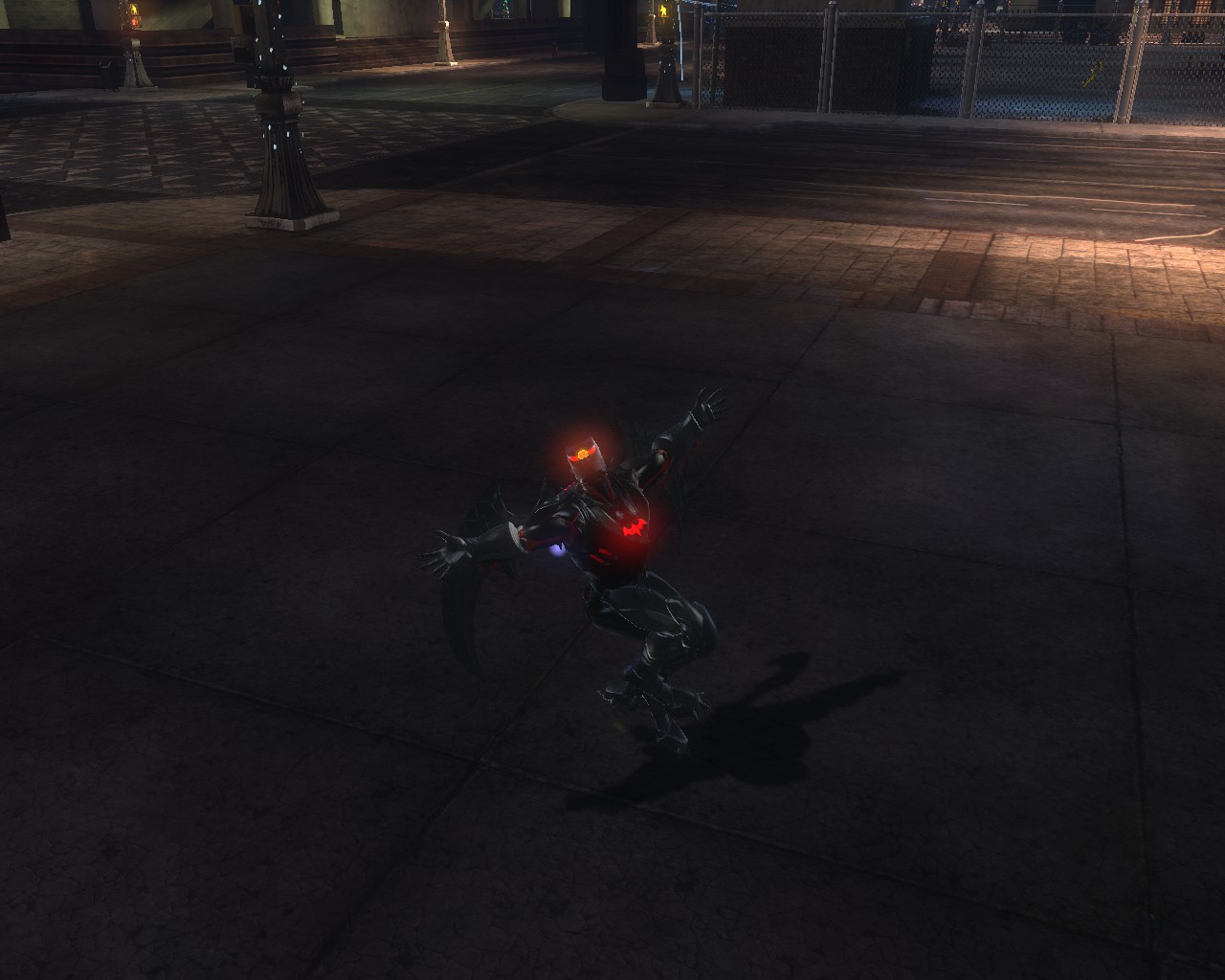
More DC Universe Online guides
- Episodes and DLC content.★ 5 (533)36k views527 ♥15 minUpdated May 11
- Casual Solo Player's Guide From Fresh Level 30, to CR 84★ 5 (250)17k views485 ♥85 minUpdated Aug 17, 2014
- Easy/Fast Treasure Chest Farming★ 4 (116)10k views147 ♥1 minUpdated Feb 17, 2016
- BECOMING A TANK!★ 4 (105)6.8k views116 ♥7 minUpdated Jan 11, 2014
- BECOMNG A TROLLER!★ 4 (60)6.6k views70 ♥3 minUpdated Jan 10, 2014
- Coordinate your wardrobe★ 4 (74)5.4k views109 ♥4 minUpdated Nov 25, 2019



This guide was created by its original author on the Steam Community. Are you the author and want it removed? Request removal.