Recommended Mods for Custom Missions, Side Ops and Beyond
Essentials
You'll definitely need these two for most of these mods.
Being that all the following mods come in .mgsv archives, you will definitely need the mod manager that uses them. Its installation is very simple, and it'll guide you through it, like directing it to the game's mgsvtpp.exe. Despite the warning of size mismatch at the start of the mod space setup, it will also work fine on the Japanese voice version of the game - tested it myself!
All following mission and side op mods do not require any setup in Infinite Heaven - you only need to have Infinite Heaven installed as is for all those mods to work. However, seeing how only one side op can be active within a "questarea" at once, you might want to use Infinite Heaven's "Side ops menu" to force activate a specific side op you wish to play, specifically the "Open specific sideop" option, or other random repop options like "Sideop selection mode", set to the "ADDON_QUEST" side op type if you wish for the game to prioritize the custom side ops when choosing random ones from the list.
In addition, Infinite Heaven's Nexus Mods page has four example side ops - three side ops set on Mother Base about animals breaking loose, and another about rescuing Pequod from a support helicopter crash in Central Africa.
Missions
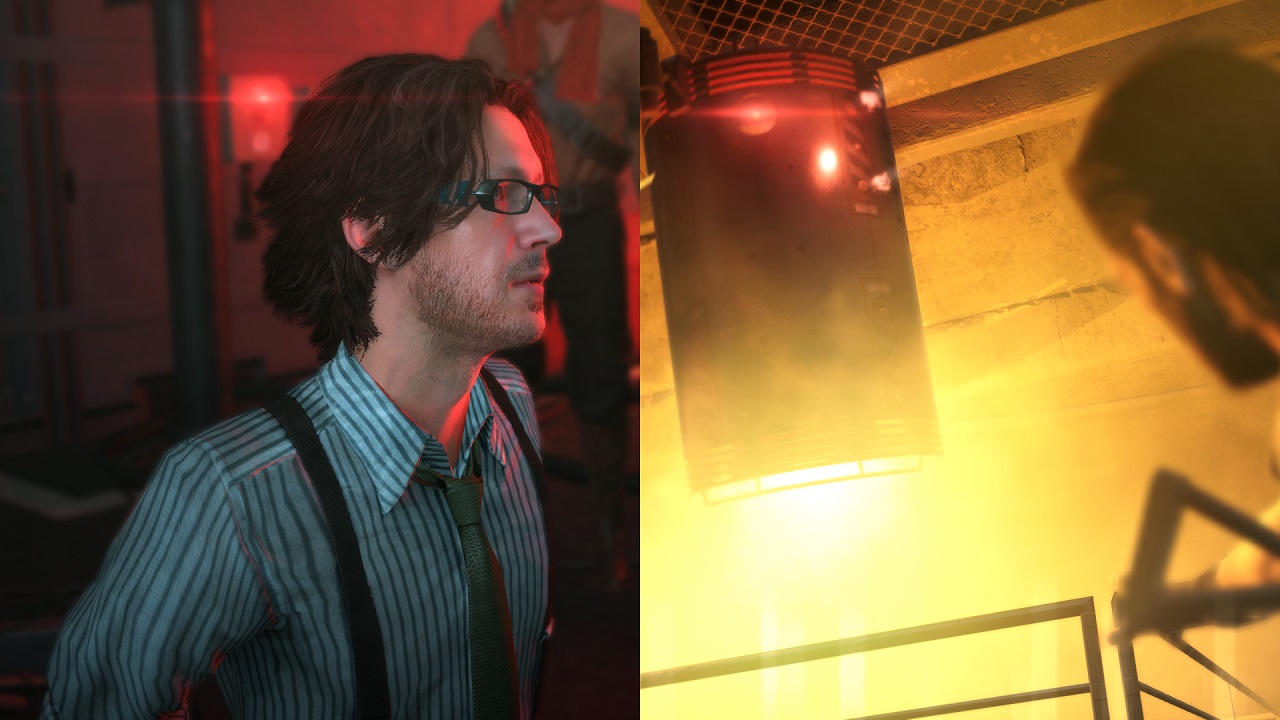
These mods will actually add an entry to the MISSIONS LIST on the iDroid and will act like most of the game's main story missions, meaning they have a lot of freedom for creators to ensure a more fun experience for the user!
Side Ops
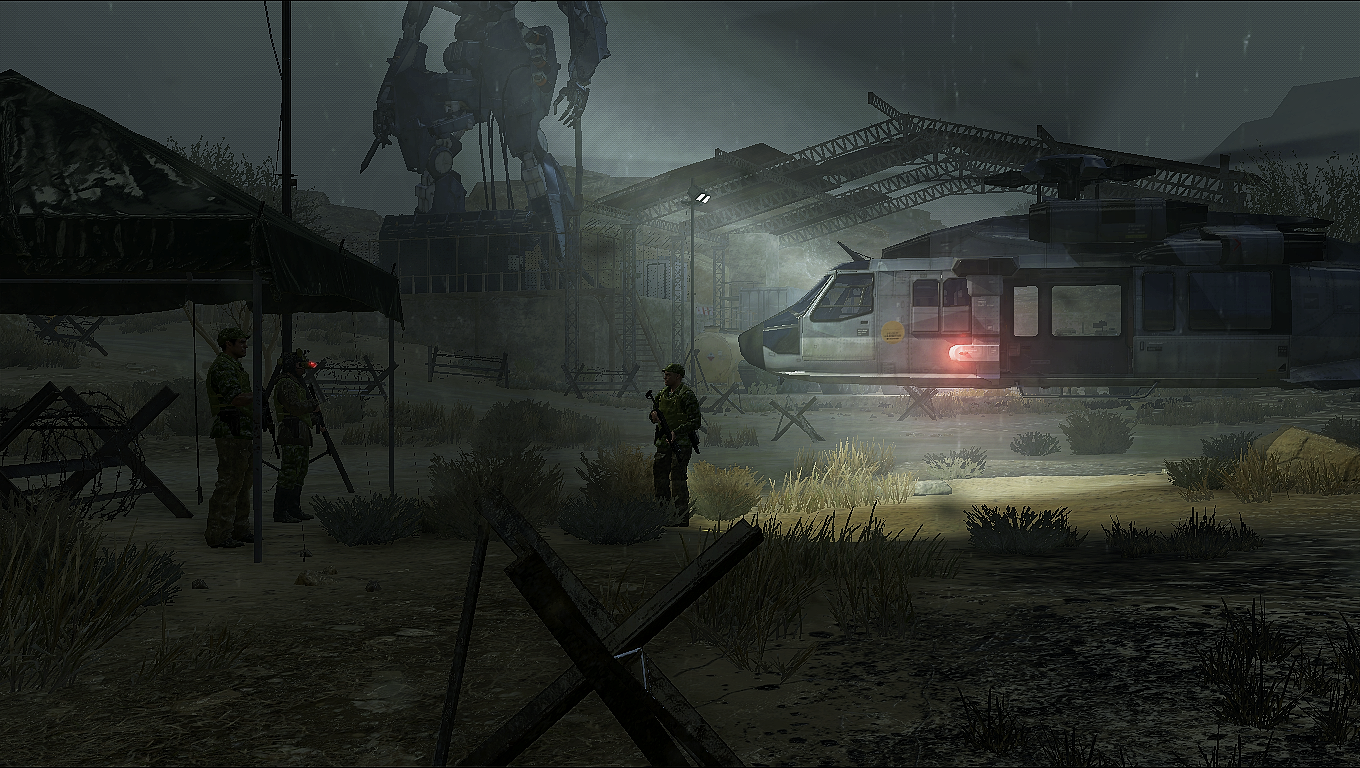
These mods will add entries to the iDroid's SIDE OPS LIST. While they don't have as much memory, environmental and general freedom as Missions, they're more accessible, and have been around for much longer!
Part 2[www.nexusmods.com]
Part 3[www.nexusmods.com]
Part 4[www.nexusmods.com]
Part 5[www.nexusmods.com]
Naval Ops - The Sahelanthropus[www.nexusmods.com]
Destroy All Walker-Gears at the Communications Area[www.nexusmods.com]
Extract the Stolen DD Walker Gears[www.nexusmods.com]
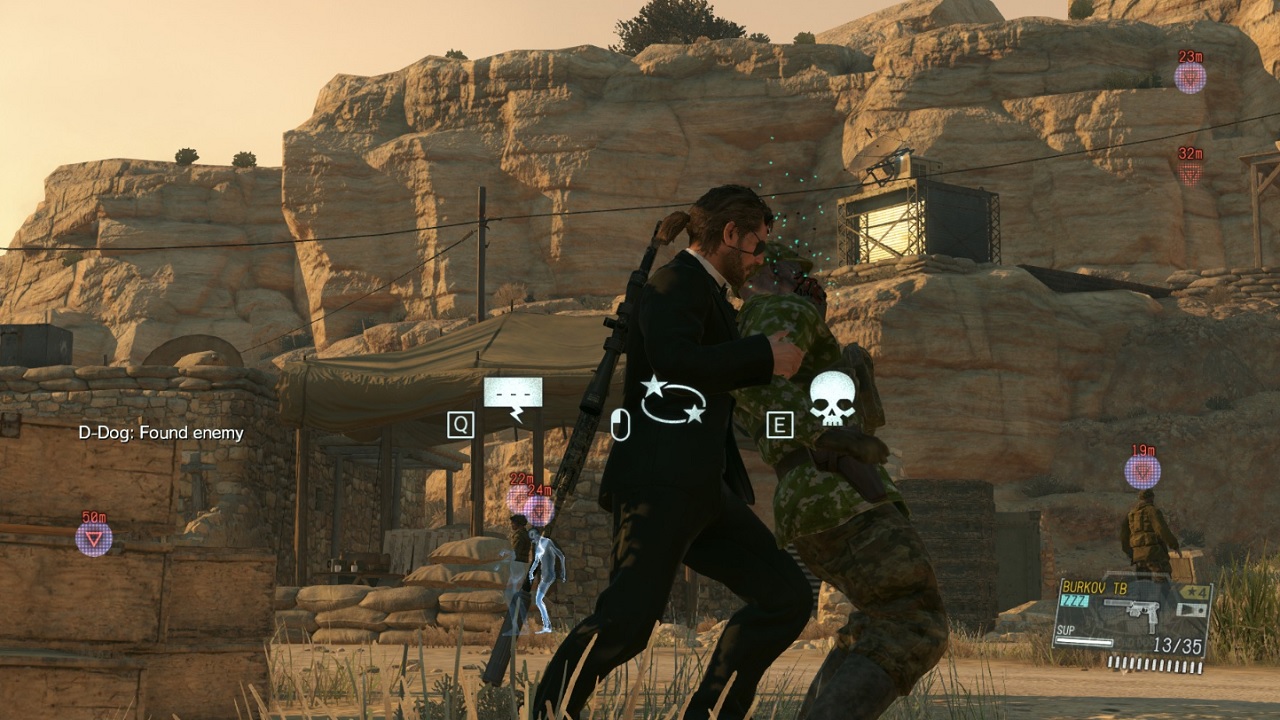
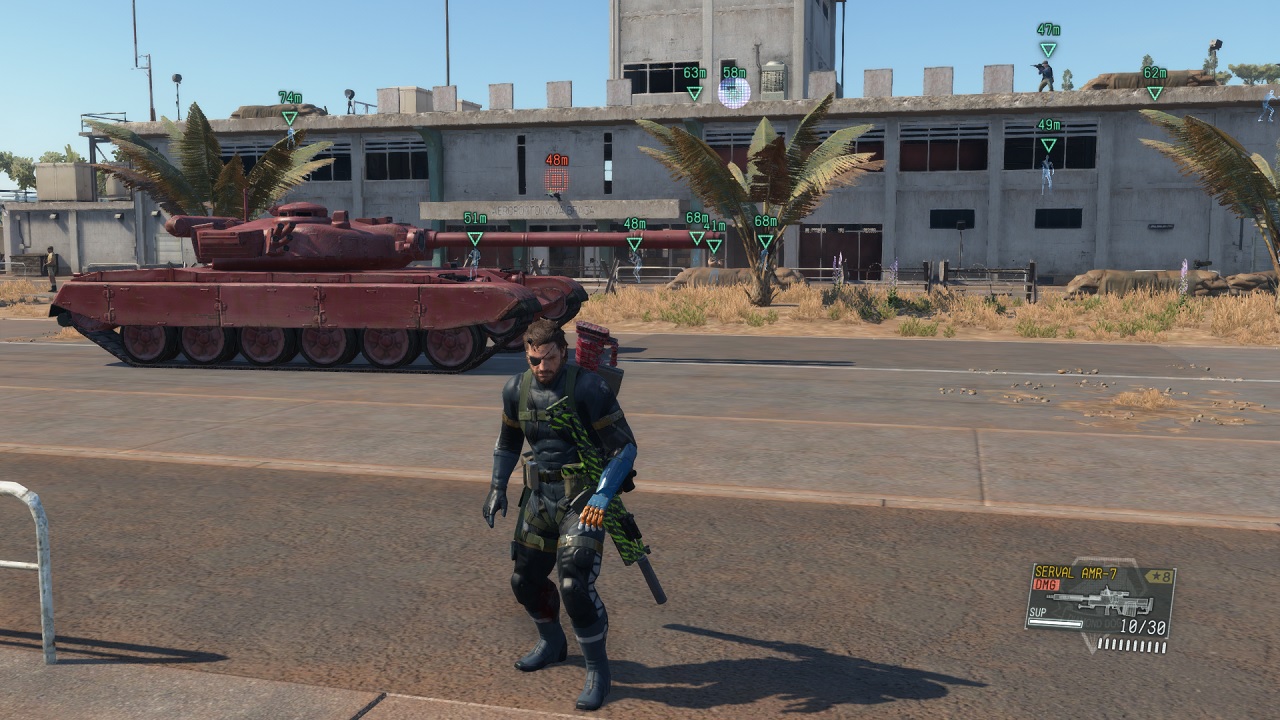
Part 1[www.nexusmods.com]
Strikes Back[www.nexusmods.com]
Part 2[www.nexusmods.com]
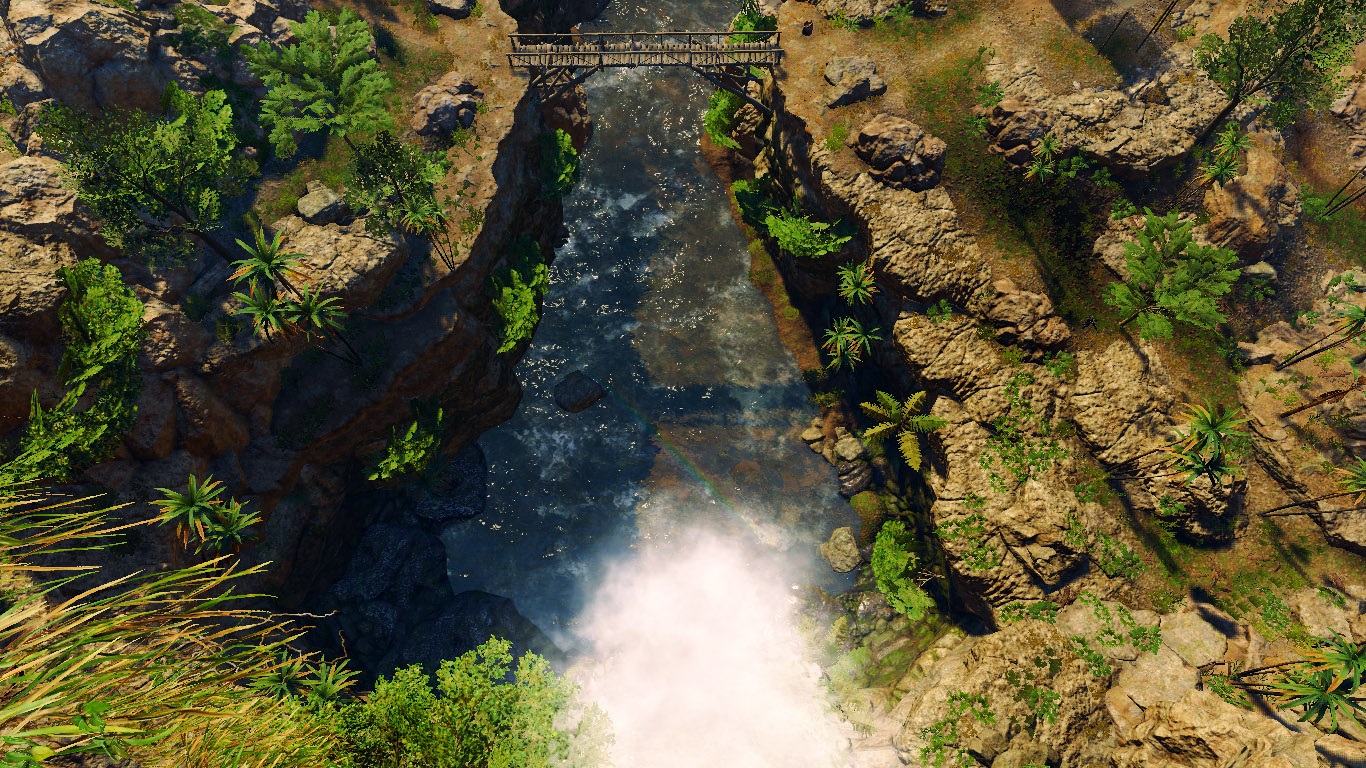
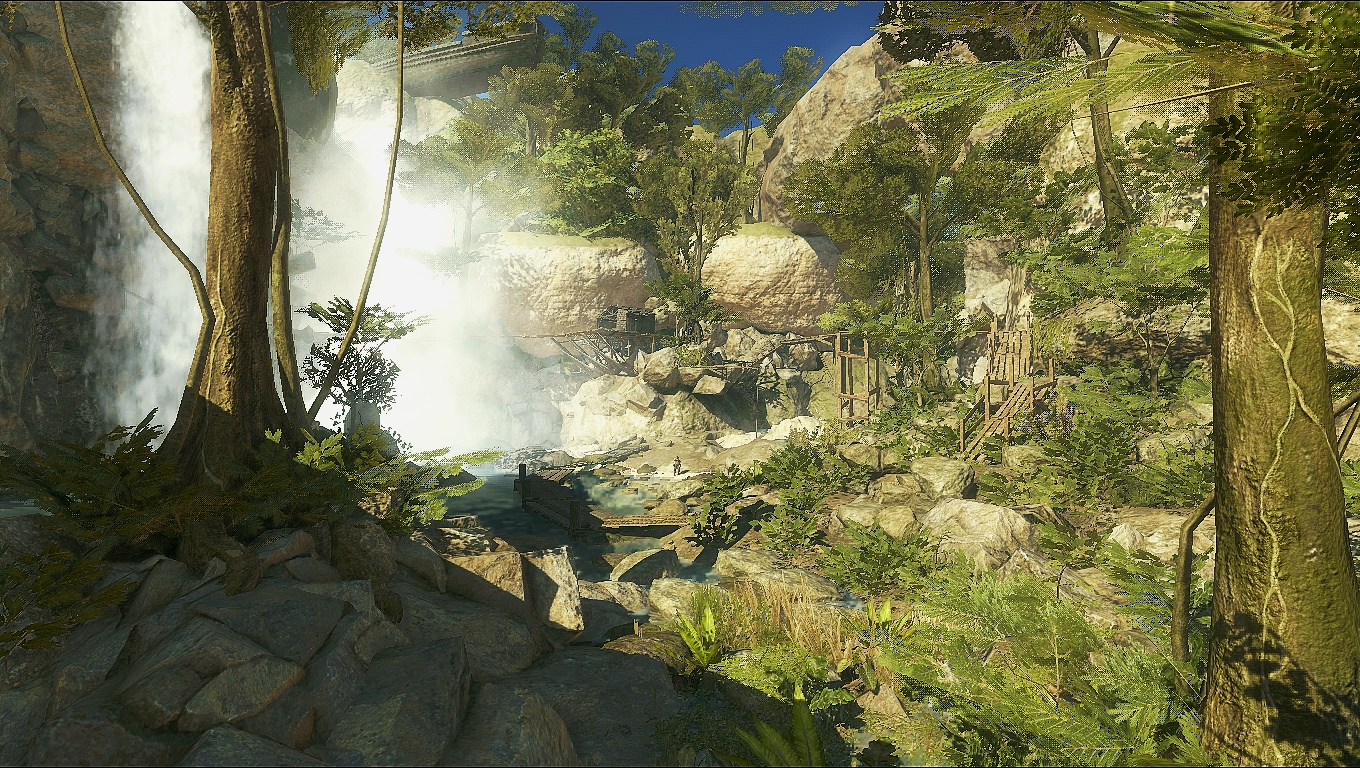
Lost in a Jungle[www.nexusmods.com]
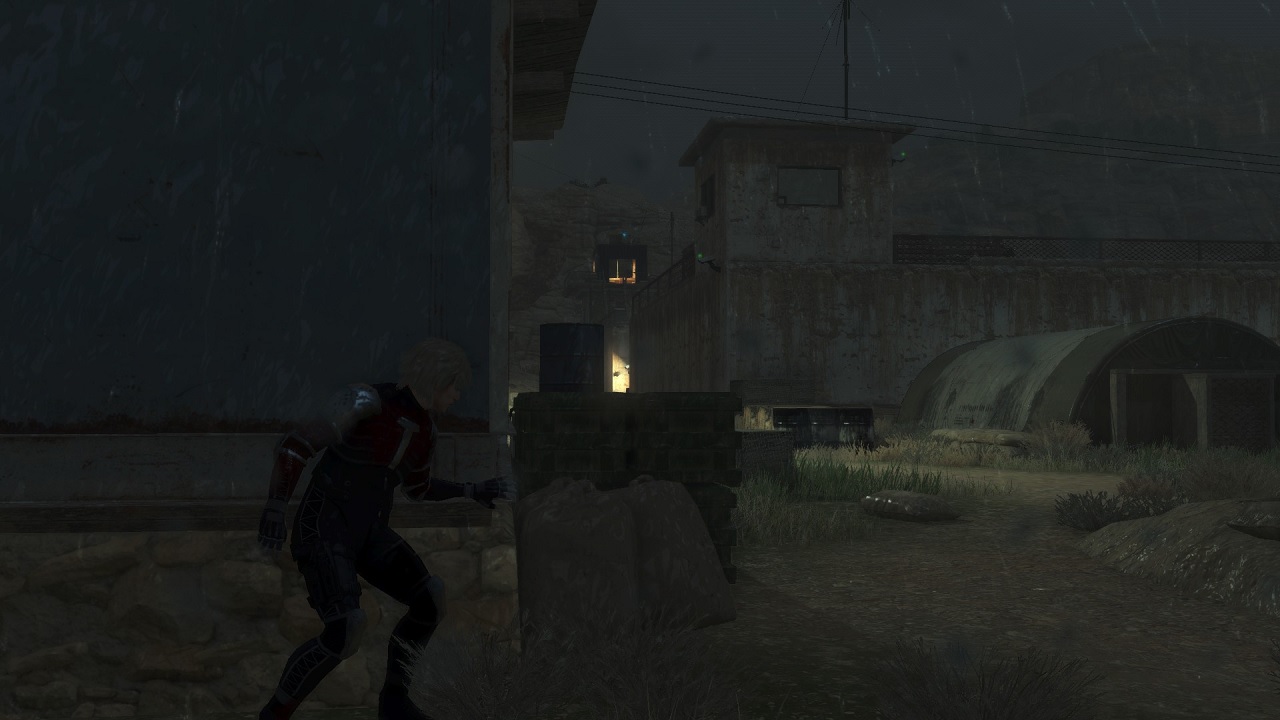
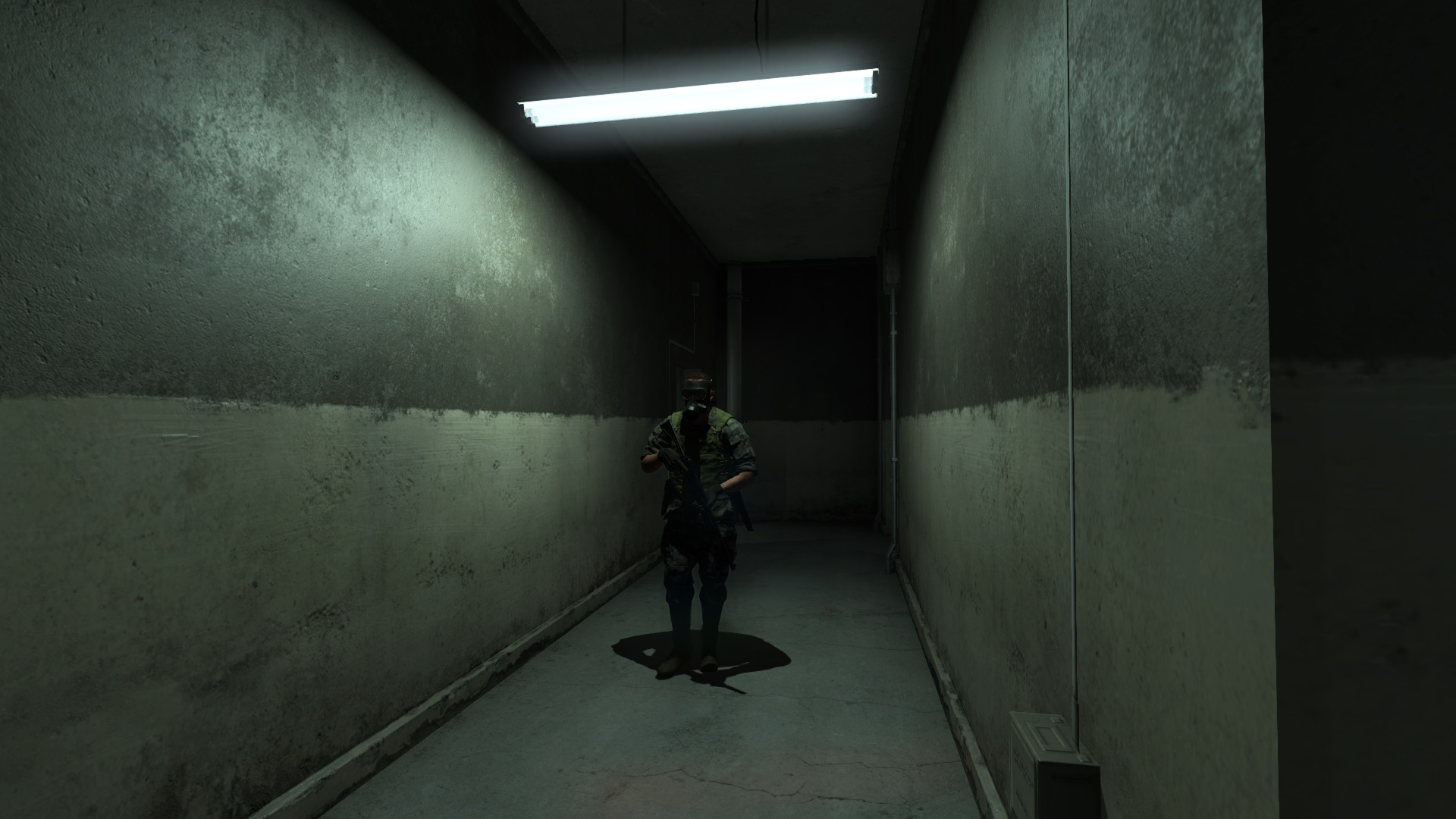
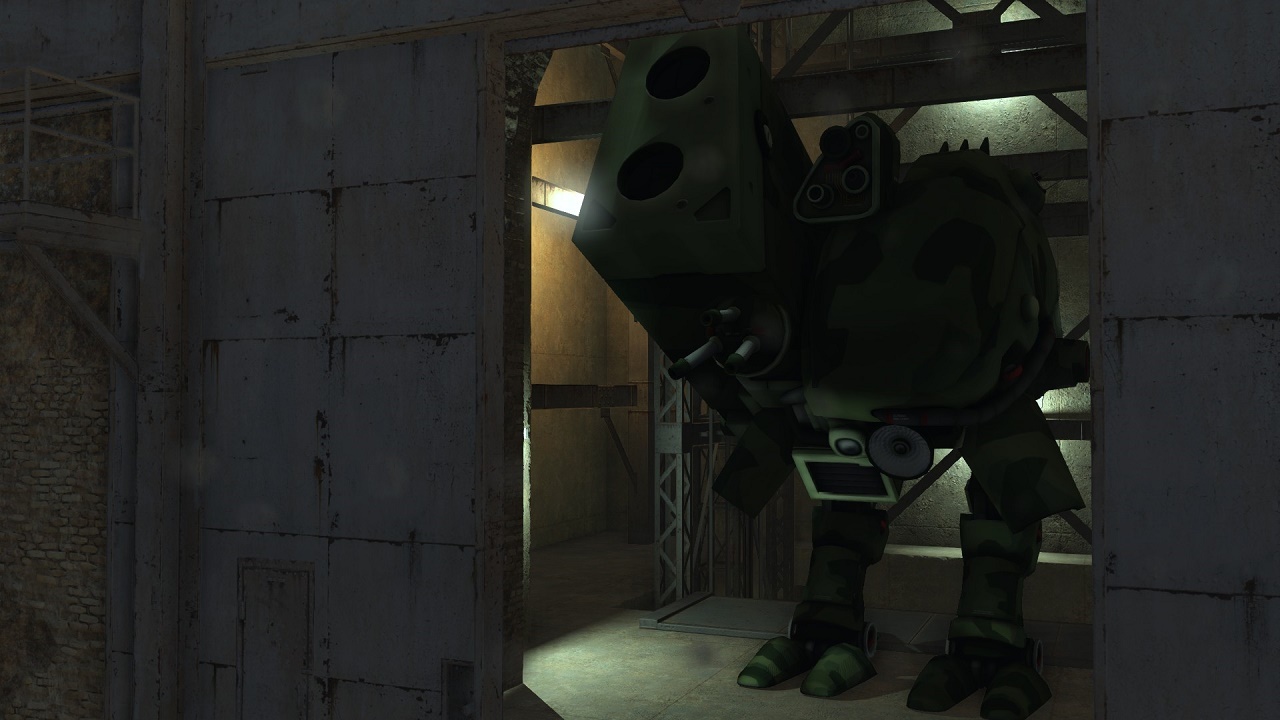
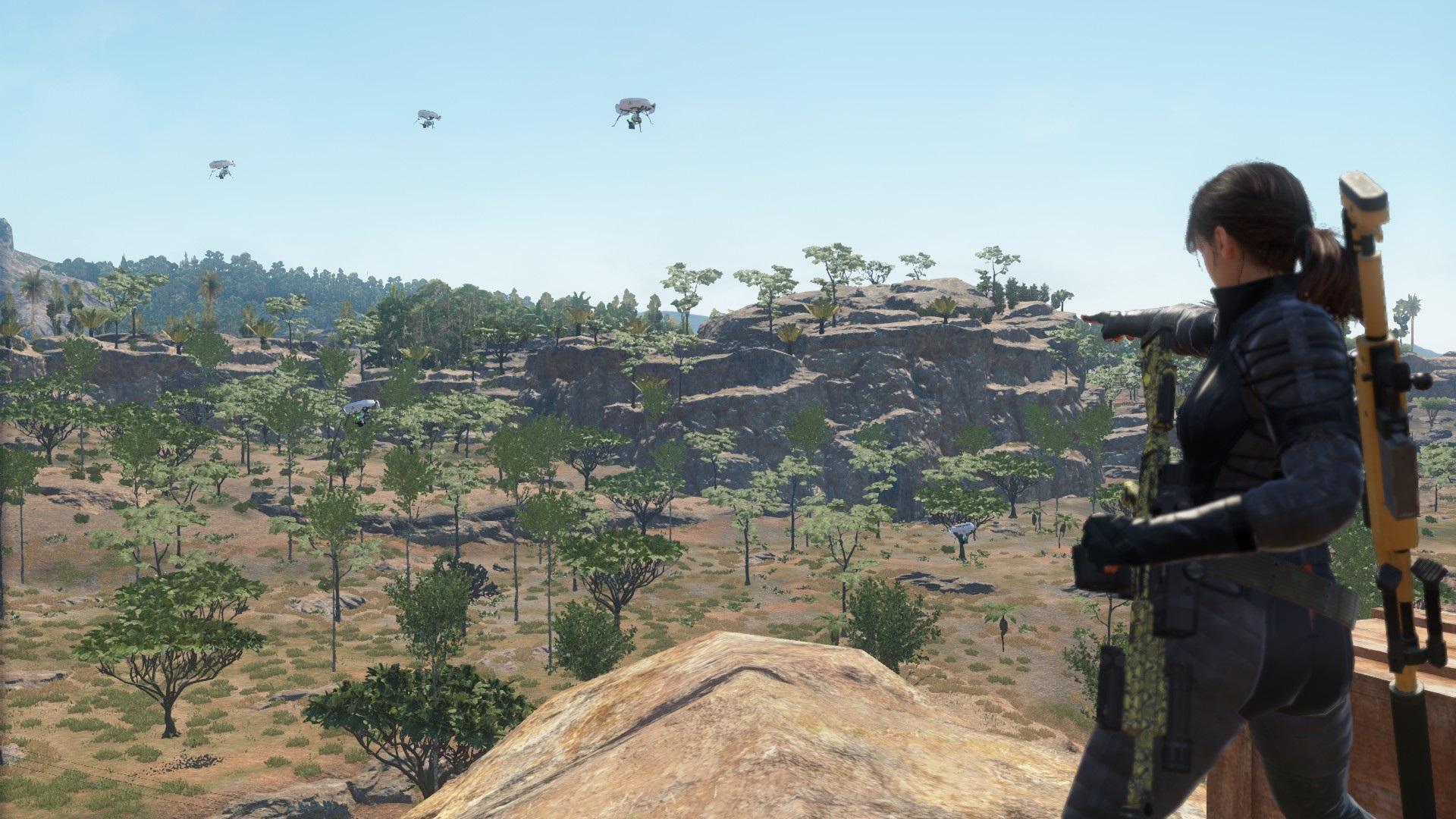
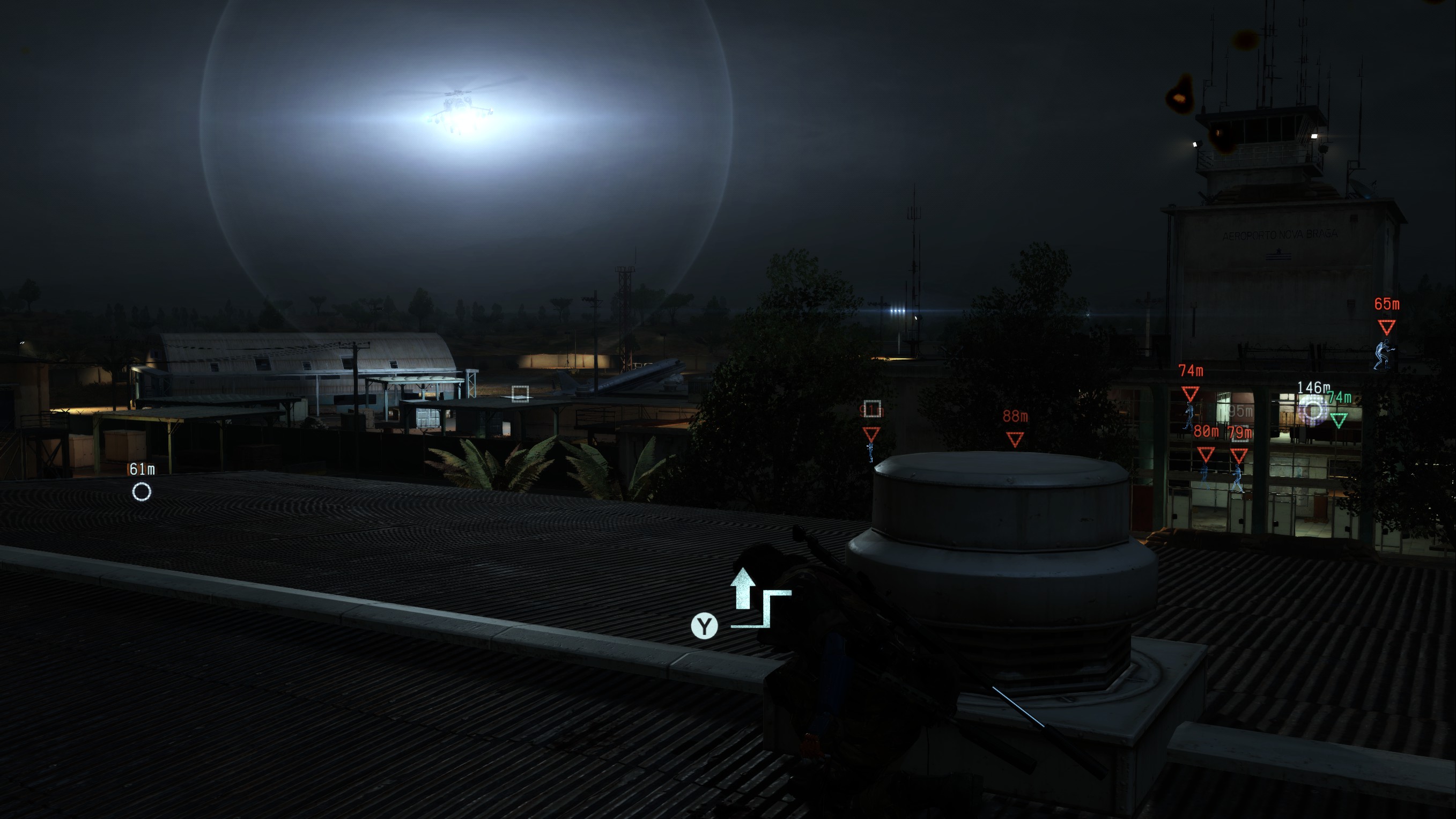
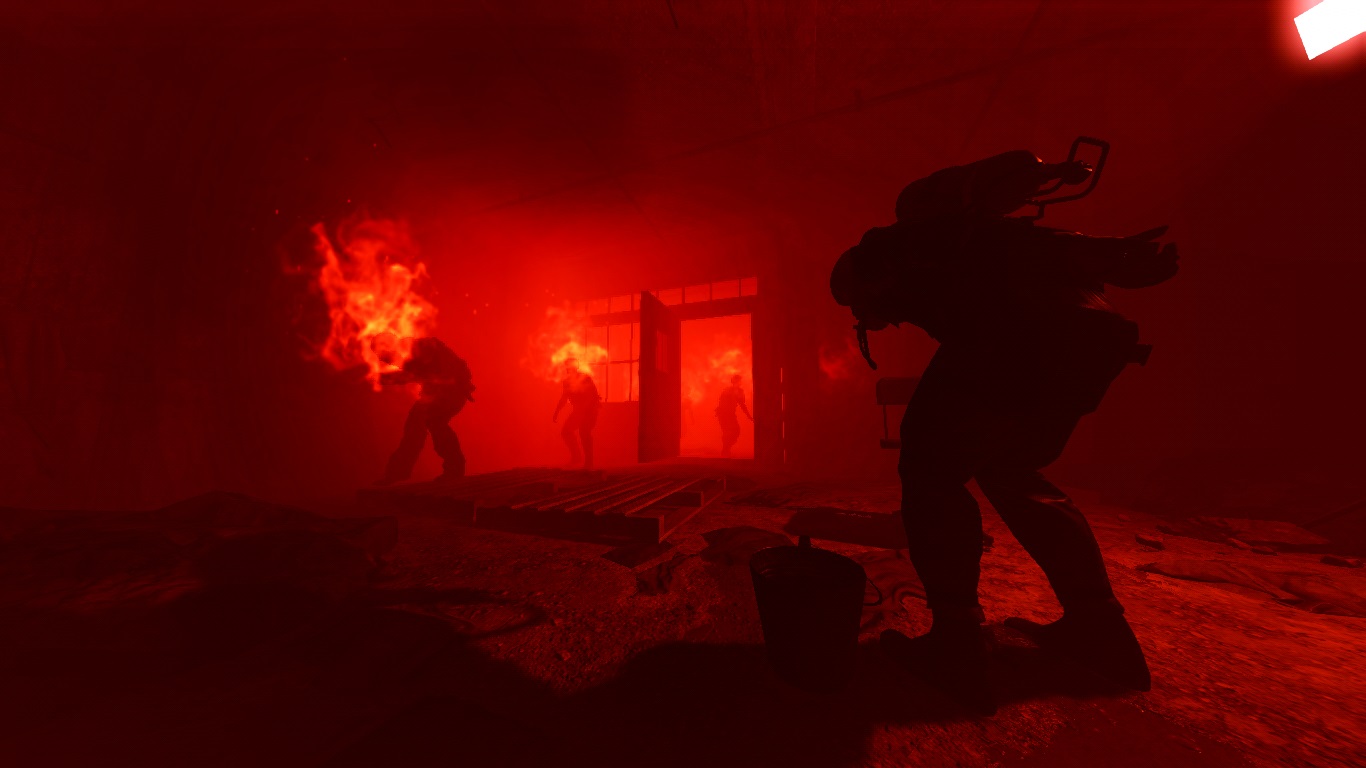
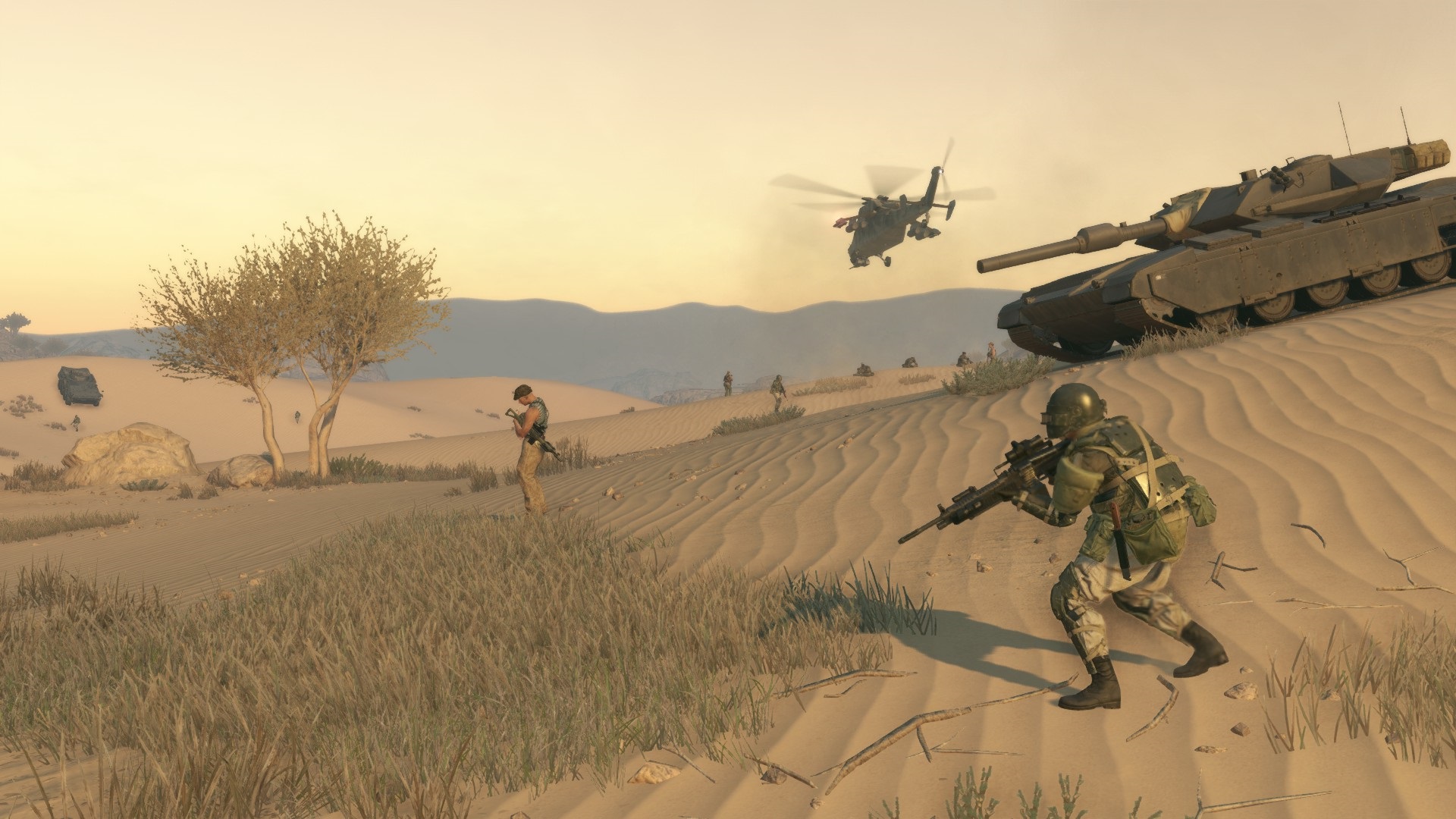
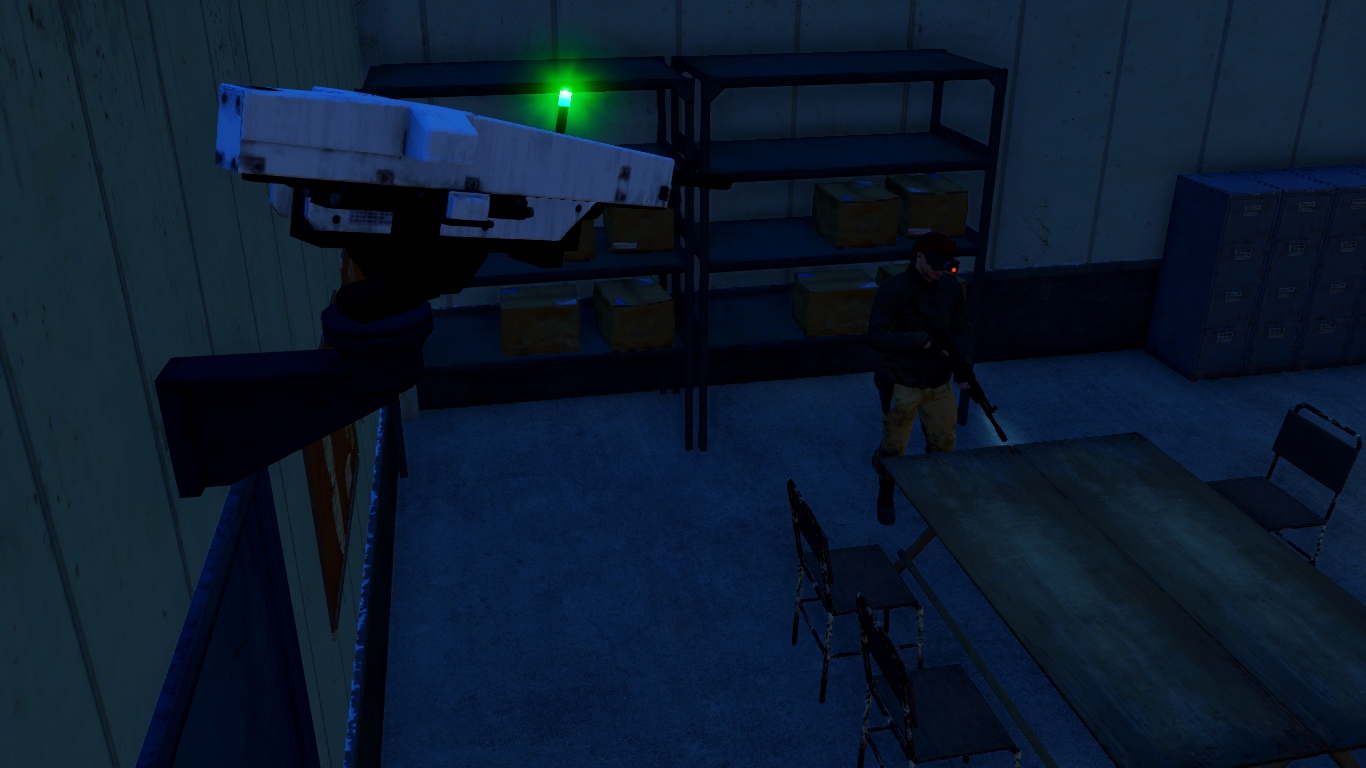
A recreation of some cut side ops we've only ever had names and descriptions of left over in the game's files!
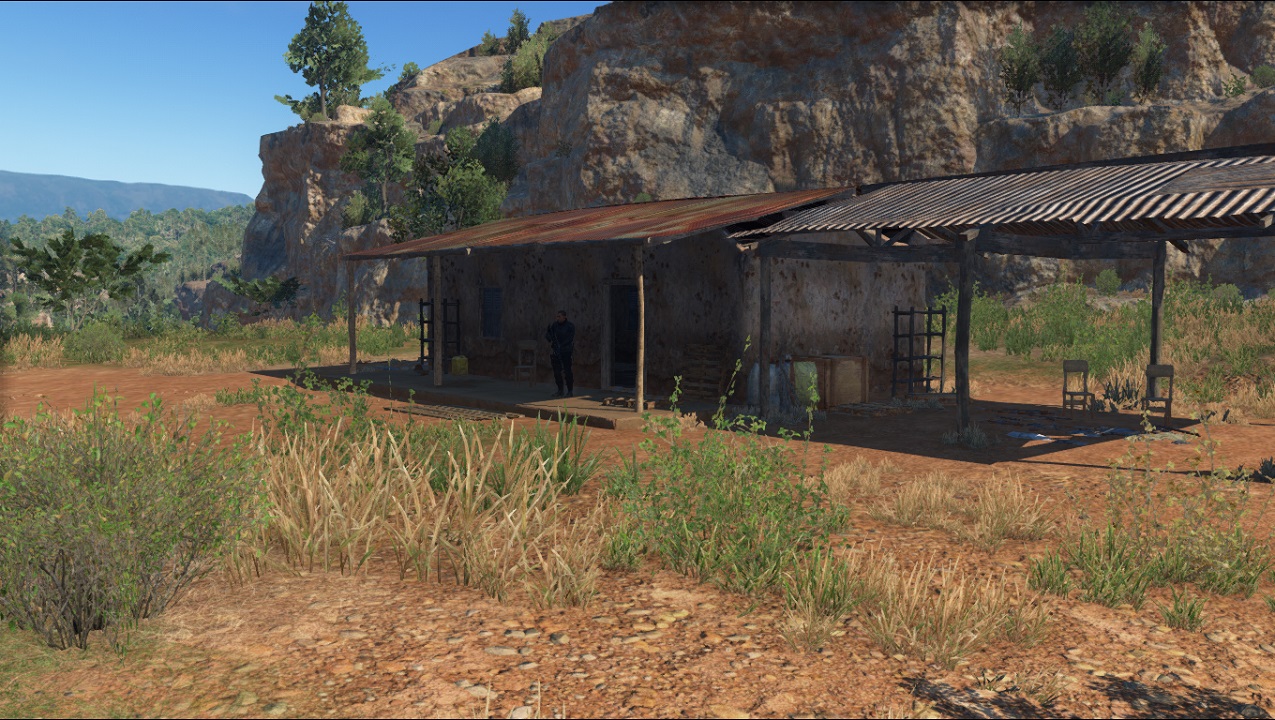
Beyond
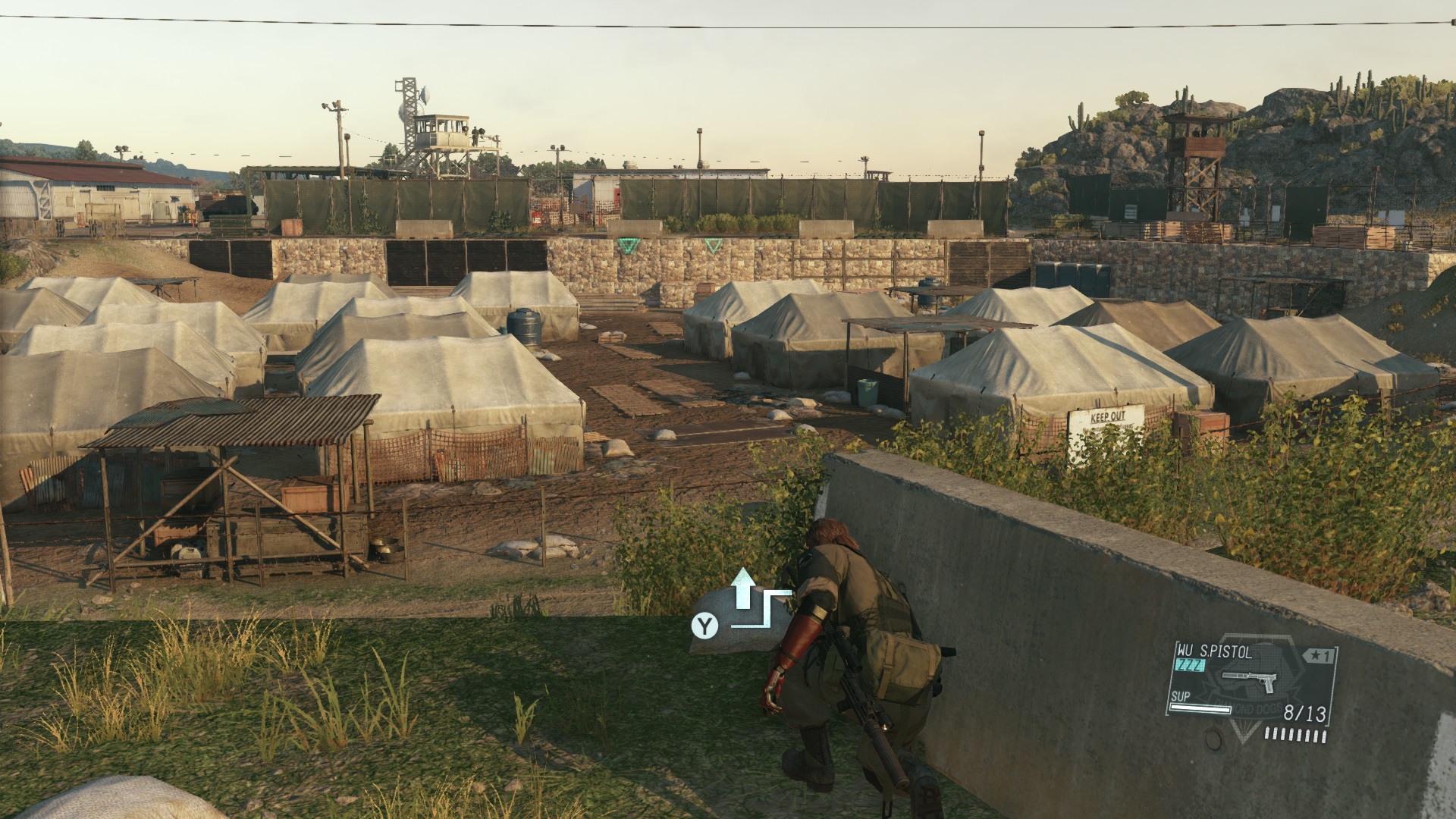
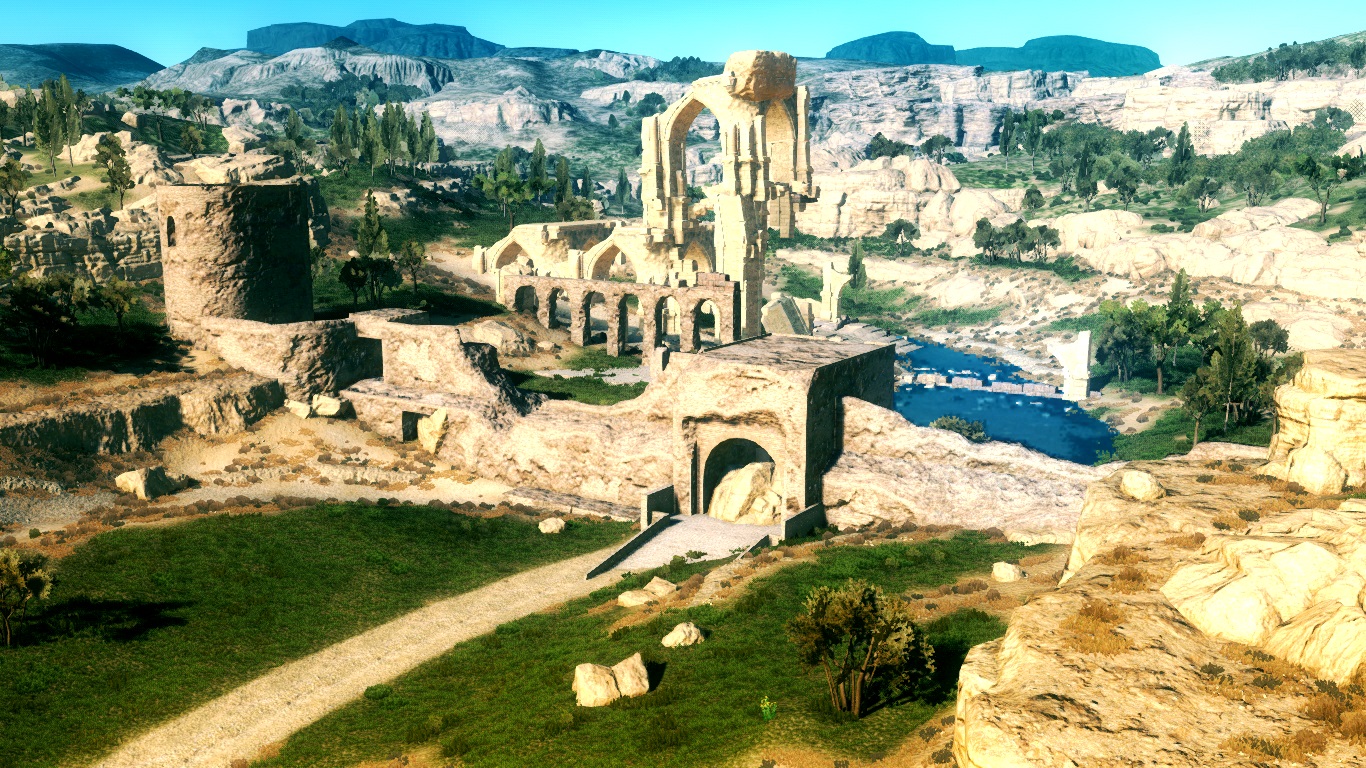
tinmantex's port of the MGO map ports, all including rescue side ops!
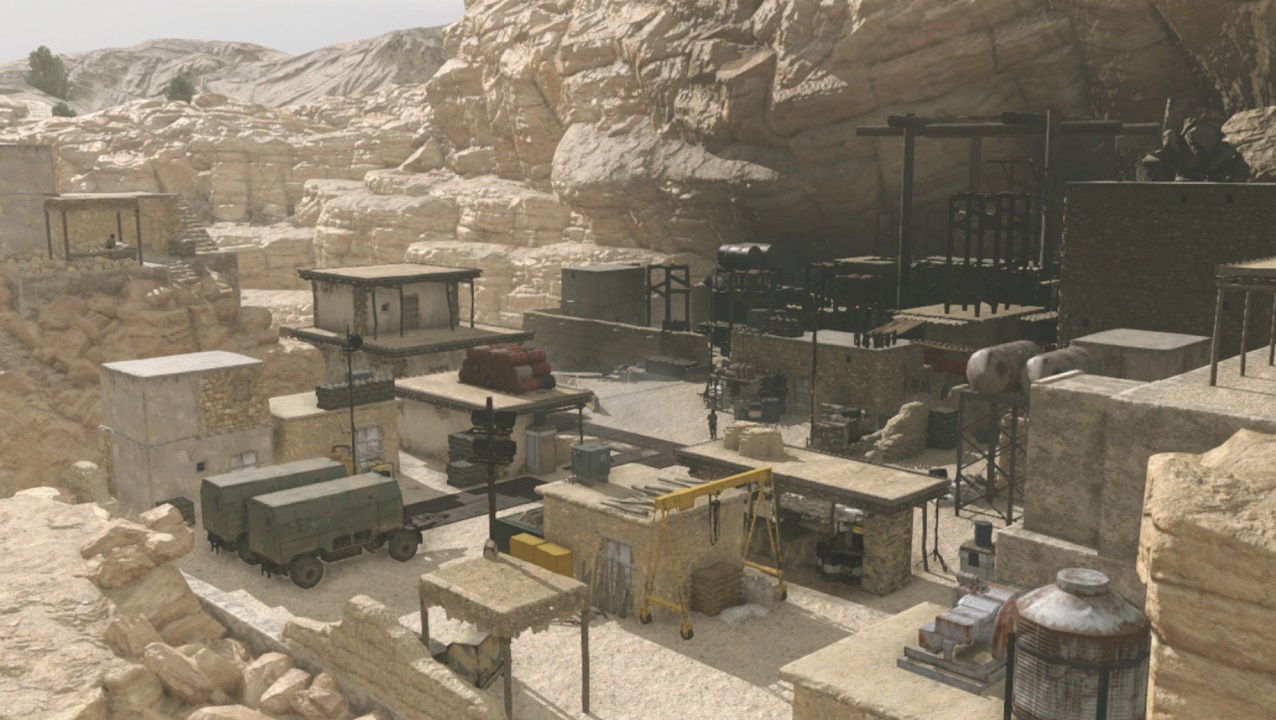
As the file formats and data functionalities have changed drastically between March 2014 and September 2015, this map will be in a long process of conversion, as plenty of those file formats are still unreversed or have no tool support that would make the process much easier available.
Tools
These are the tools that were used to create the mods listed above! If you're interested in making mods yourself, you can look into them!
The very basics for unpacking/repacking are:- File Monolith's[www.nexusmods.com] Archive Unpacker which unpacks the game's archives in an easily accessible way, even unpacking the packs within the archives and putting both in one folder, just so you can easily find some files, and Mass Texture Converter, which will convert all .ftex/.ftexs files within a specific folder - your extraction folder from Archive Unpacker for instance - into DXT1/DXT5 .dds files. There are more very useful tools in File Monolith for much more specific uses, so feel free to take a look on the Nexus page for more!
- GzsTool[github.com] which will unpack individual archives and the packs within, and also repack them for you.
- FtexTool[github.com] which converts .ftex/.ftexs files (former being the main file which connects the latter's together, latter being the mipmaps) to and from DXT1/DXT5 .dds.
- AutoPftxsTool[github.com] which automatically repacks unpacked _pftxs folders into the texture pack .pftxs files, saves a lot of trouble as SnakeBite's mod building companion app MakeBite doesn't already do that on its own.
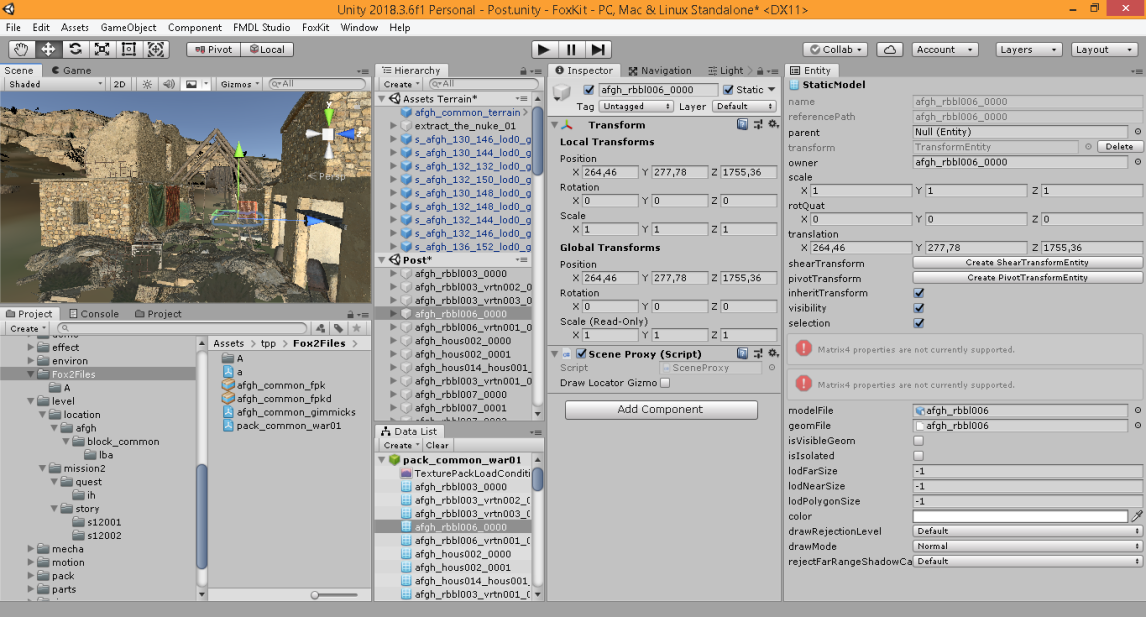 Image by Ventos
As FoxKit's more automated data array/parameter file-editing functions are still under development, the alternative is the more tedious XML manual editing decompiling one - but honestly when you get used to it it's not that bad, just not quite there for the patience required for bigger, more precise projects, FoxTool.[github.com]
An application that alleviates a great deal of the more tedious manual work involved in creating custom side ops. Even with the most minimal understanding of modding in general, users can create their own side ops with this, or at least have a decent starting point if they decide to enhance the resulting files with manual scripting work!
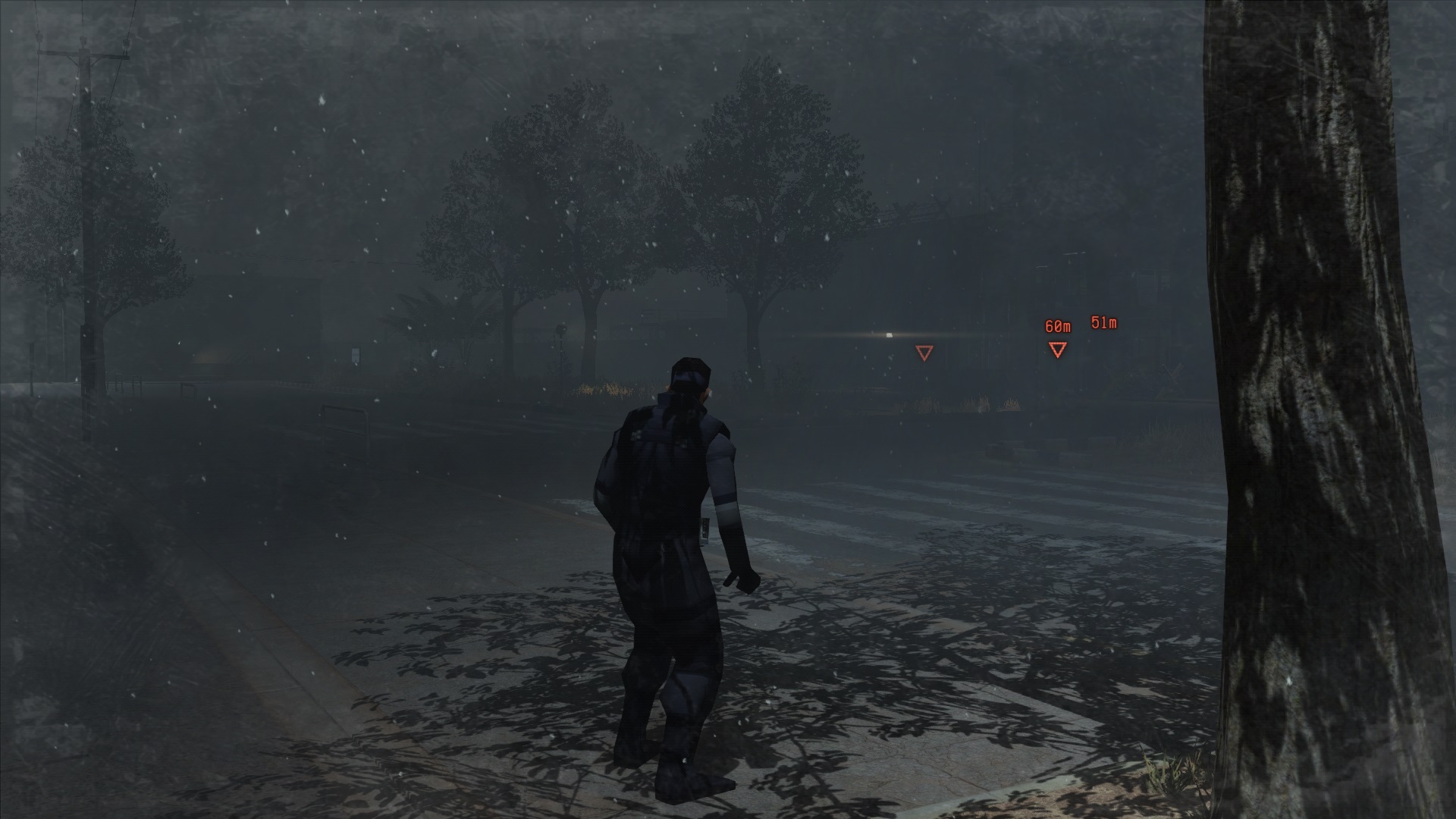
Would you, person in the audience, be the first one to make a completely custom .vfx file by documenting how their node structures work, or help this tool's creator in making a node-based editor? Who knows?...
Epilogue
- The Water Pistol: A serious guide about a "joke" weapon★ 5 (919)78k views802 ♥6 minUpdated Nov 4, 2019
- Advanced Game Mechanics★ 5 (1.5k)45k views2.1k ♥12 minUpdated Oct 1, 2021
- Guide to S Ranking Missions★ 5 (1.3k)35k views2.7k ♥43 minUpdated May 10, 2016
- All Hideo Kojima Games★ 5 (250)19k views228 ♥19 minUpdated Sep 9, 2025
- MGSV: How to add "Duran Duran - Invisible" to your game★ 5 (286)13k views311 ♥1 minUpdated Oct 21, 2025
- 100% Achievement Guide: MGS5 - The Phantom Pain Part 1★ 5 (213)13k views867 ♥109 minUpdated May 15


- Upgrading to PremiumTeam Fortress 2★ 5 (20k)1441k views11k ♥6 minUpdated May 11, 2022
- No More Room in Hell Official ManualNo More Room in Hell★ 5 (2.8k)569k views2.1k ♥29 minUpdated Apr 22, 2019
- NMRiH Community Hosting GuidesNo More Room in Hell★ 5 (526)351k views653 ♥1 minUpdated Aug 10, 2022
- How to 'Git Gud' Soon™MORDHAU★ 5 (2k)318k views3k ♥68 minUpdated Nov 16, 2024
- Лучшие кооперативные игры SteamPAYDAY 2★ 5 (1.5k)315k views2.1k ♥56 minRussianUpdated Apr 27, 2025
- Desert Eagle Heat Treated | Blue GemCounter-Strike 2★ 5 (1.6k)292k views1.5k ♥2 minUpdated Jan 16





This guide was created by its original author on the Steam Community. Are you the author and want it removed? Request removal.