Renovation Tweaks
Installation
1. Download a desired addon
2. Drop it into the Sam2Renovation folder
2. Drop it into the Sam2Renovation folder
\steamapps\common\Serious Sam 2\Content\Sam2Renovation
Tested on the latest steam version 1.02
Vanilla Double Shotgun
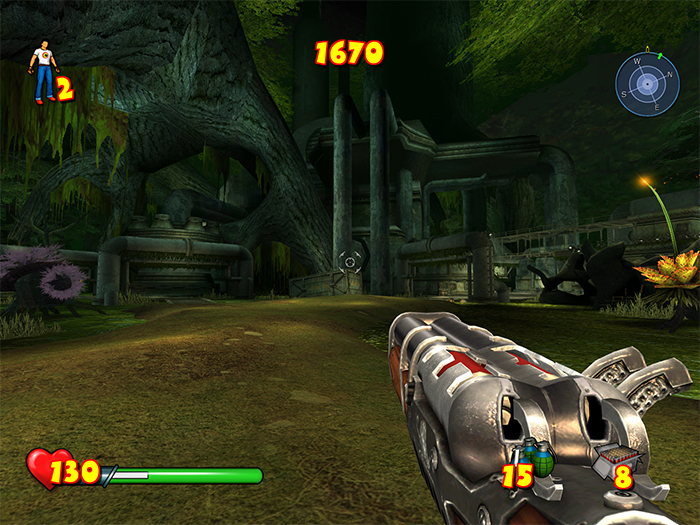
Vanilla Minigun
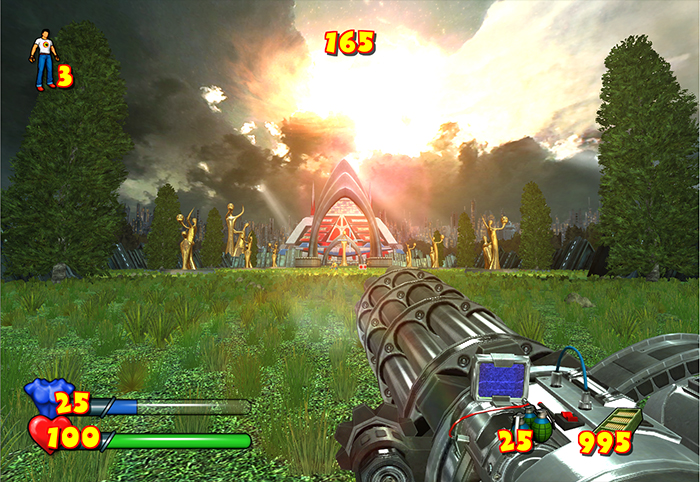
Vanilla Sniper Rifle
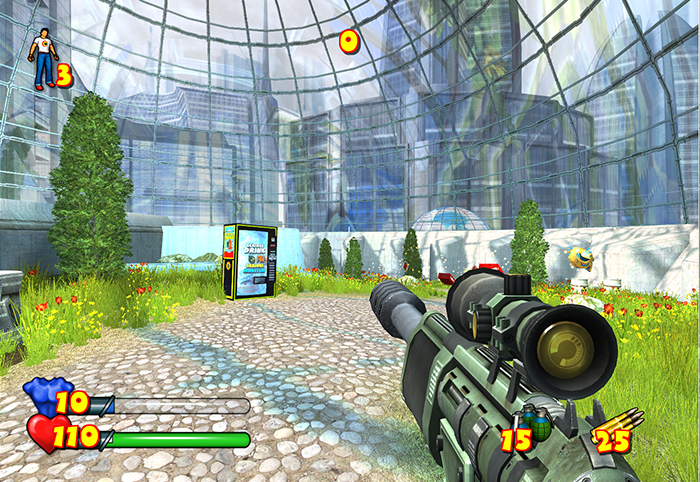
Vanilla Kamikaze
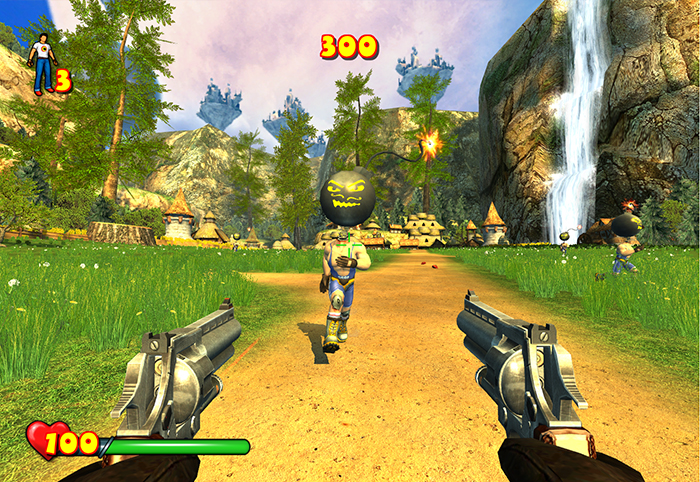
Vanilla Clown
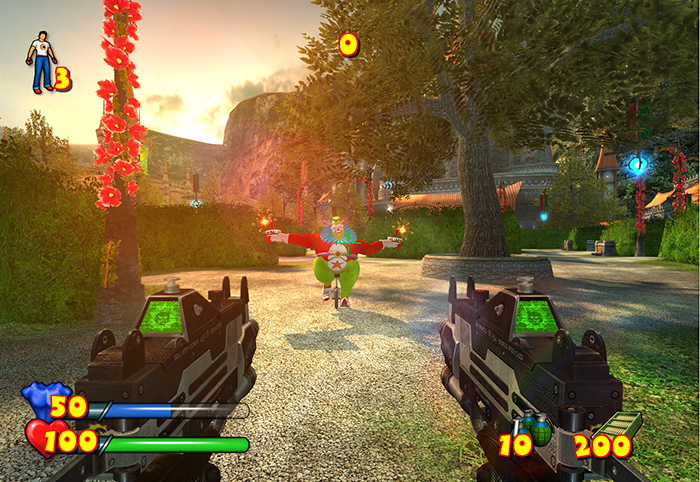
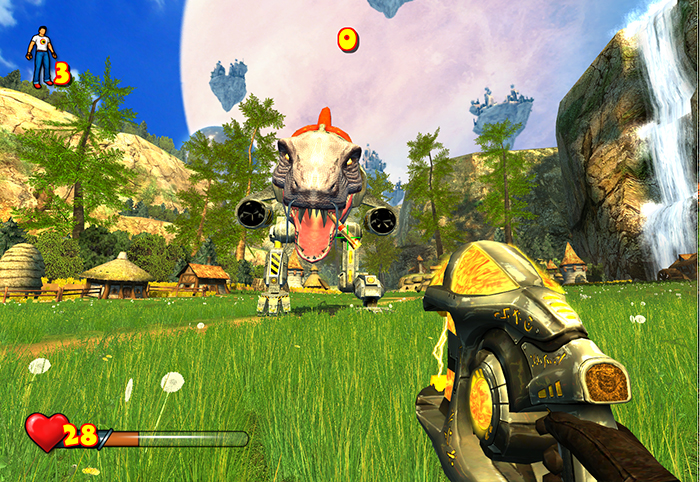
Vanilla T-mech
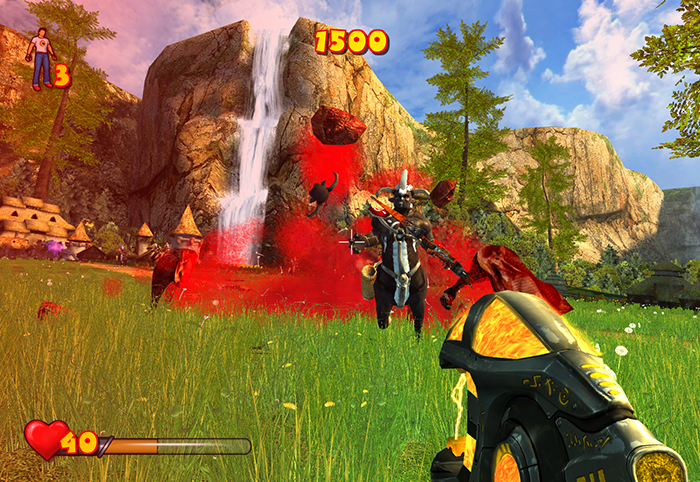
Vanilla Blood Explosions
Only affects blood explosions when the enemy is gibbed. All the rest blood effects stay untouched
 DOWNLOAD [disk.yandex.ru]
DOWNLOAD [disk.yandex.ru]
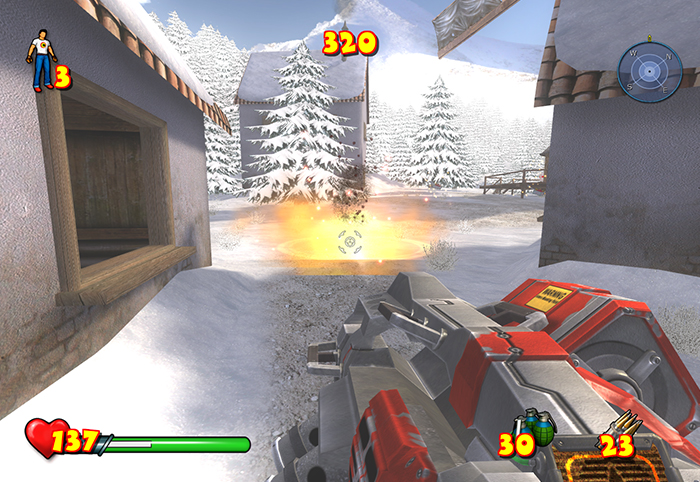
Vanilla Rocket Explosions
Vanilla PowerUp Effects
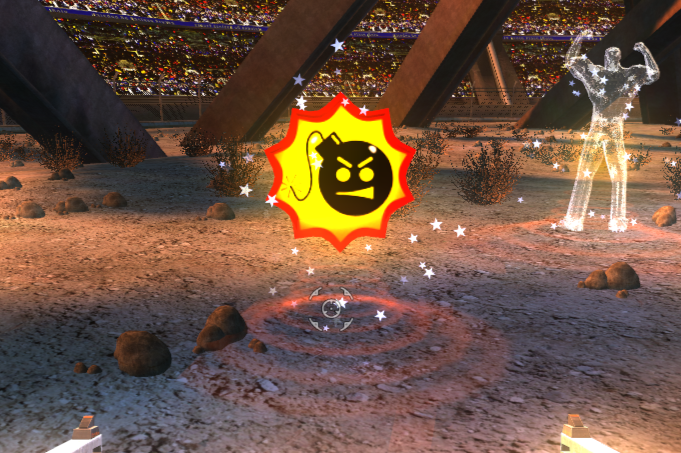
Vanilla Weapon Icons

Less Boink
Replaces overused boink font, where it makes things hard to read. Also adjusts position of some ui elements. Only for 16:9
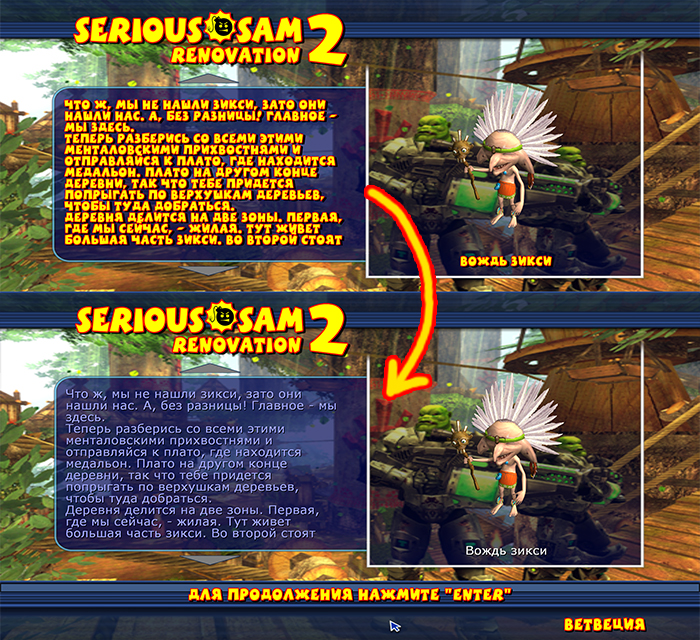 DOWNLOAD [disk.yandex.ru]
DOWNLOAD [disk.yandex.ru]
4:3 fix
Fixes squeezed fonts and other ui misalignments in 4:3 resolutions. Includes all changes from Less Boink addon
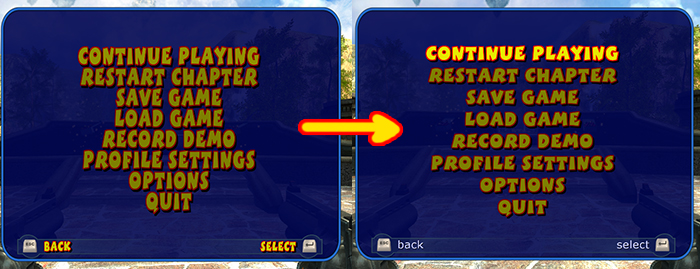 DOWNLOAD [disk.yandex.ru]
DOWNLOAD [disk.yandex.ru]More Serious Sam 2 guides
- Русификатор для Serious Sam 2★ 5 (838)33k views1k ♥4 minRussianUpdated Apr 2
- Serious Sam 2 - Русификатор [текст + звук]★ 5 (303)23k views292 ♥1 minRussianUpdated May 21, 2014
- Serious Sam 2:Secrets.[Rus/Eng]★ 5 (512)19k views600 ♥34 minUpdated Apr 6, 2014
- Serious Sam 2: Renovation Mod (v0.765)★ 5 (458)13k views479 ♥4 minUpdated Oct 11, 2025
- Secrets Guide for SS2★ 5 (423)13k views597 ♥35 minUpdated Jan 9, 2017
- Серьёзное руководство. Секреты Serious Sam 2★ 5 (316)9.8k views496 ♥13 minRussianUpdated Oct 5, 2024




This guide was created by its original author on the Steam Community. Are you the author and want it removed? Request removal.