SEGA Genesis/Mega Drive Classics - How to use Non-Workshop Mods
How to do it
You first want to pick the non-workshop ROM hack you want to use, for example I used Shadow in Sonic the Hedgehog[info.sonicretro.org]. Download the ROM and then download a mod off the workshop that's for the game that your non-workshop ROM is (I used Pantufa the Cat). Locate it in the workshop files folder for this game's appid, by default it's
C:\Program Files (x86)\Steam\SteamApps\workshop\content\34270
You want to look in these folders until you find the .bin file named after the workshop mod. Delete that file and replace it with the .bin file from the ROM you downloaded at the beginning. Now that you've done that, you should be able to load the mod in-game with the name of the original workshop mod. When it loads that mod up it should instead be the non-steam mod.
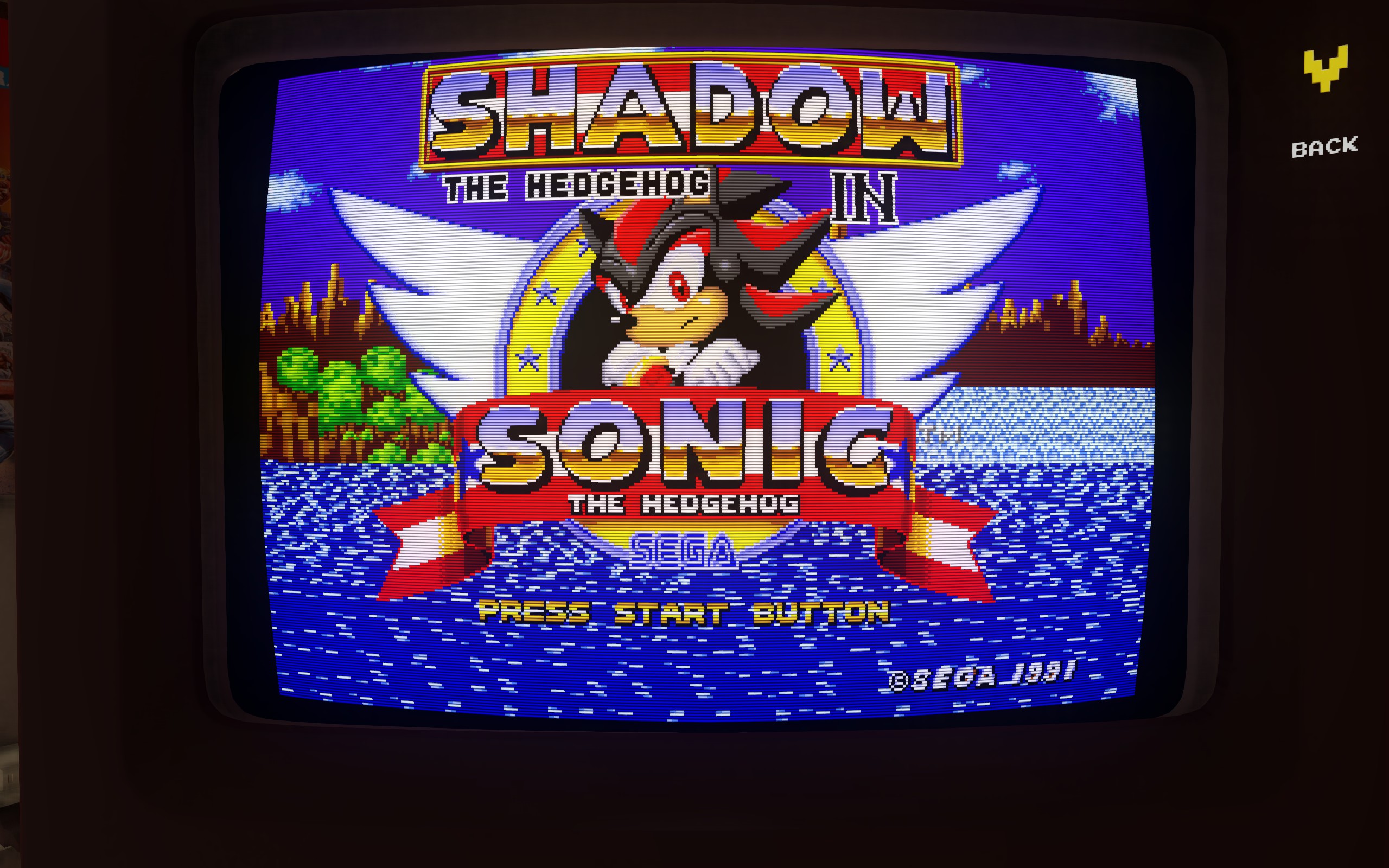
Congratulations, you have successfully installed a non-steam mod for SEGA Classics
C:\Program Files (x86)\Steam\SteamApps\workshop\content\34270
You want to look in these folders until you find the .bin file named after the workshop mod. Delete that file and replace it with the .bin file from the ROM you downloaded at the beginning. Now that you've done that, you should be able to load the mod in-game with the name of the original workshop mod. When it loads that mod up it should instead be the non-steam mod.
Congratulations, you have successfully installed a non-steam mod for SEGA Classics
More SEGA Mega Drive & Genesis Classics guides
- SEGA Classics F.A.Q. & game list★ 5 (621)58k views665 ♥20 minBulgarianUpdated Nov 10, 2024
- All SEGA Genesis & Mega Drive Games★ 5 (272)29k views332 ♥25 minUpdated May 22, 2016
- Mods & ROMs for SEGA Genesis & Mega Drive Classics★ 5 (185)22k views317 ♥15 minUpdated May 27, 2016
- SEGA Genesis Classics - Codes & Secrets★ 5 (433)17k views626 ♥191 minUpdated Feb 17, 2016
- Create a Mod for Steam Workshop★ 5 (227)12k views257 ♥1 minUpdated Oct 12, 2020
- How to play full screen at full speed with your own emulator for FREE★ 4 (141)10k views155 ♥4 minUpdated Aug 10, 2023


This guide was created by its original author on the Steam Community. Are you the author and want it removed? Request removal.