STORM 4 Evolution, or how to make STORM CONNECTION from STORM 4
WHAT DOES THE GAME LOOK LIKE WITH THIS MOD
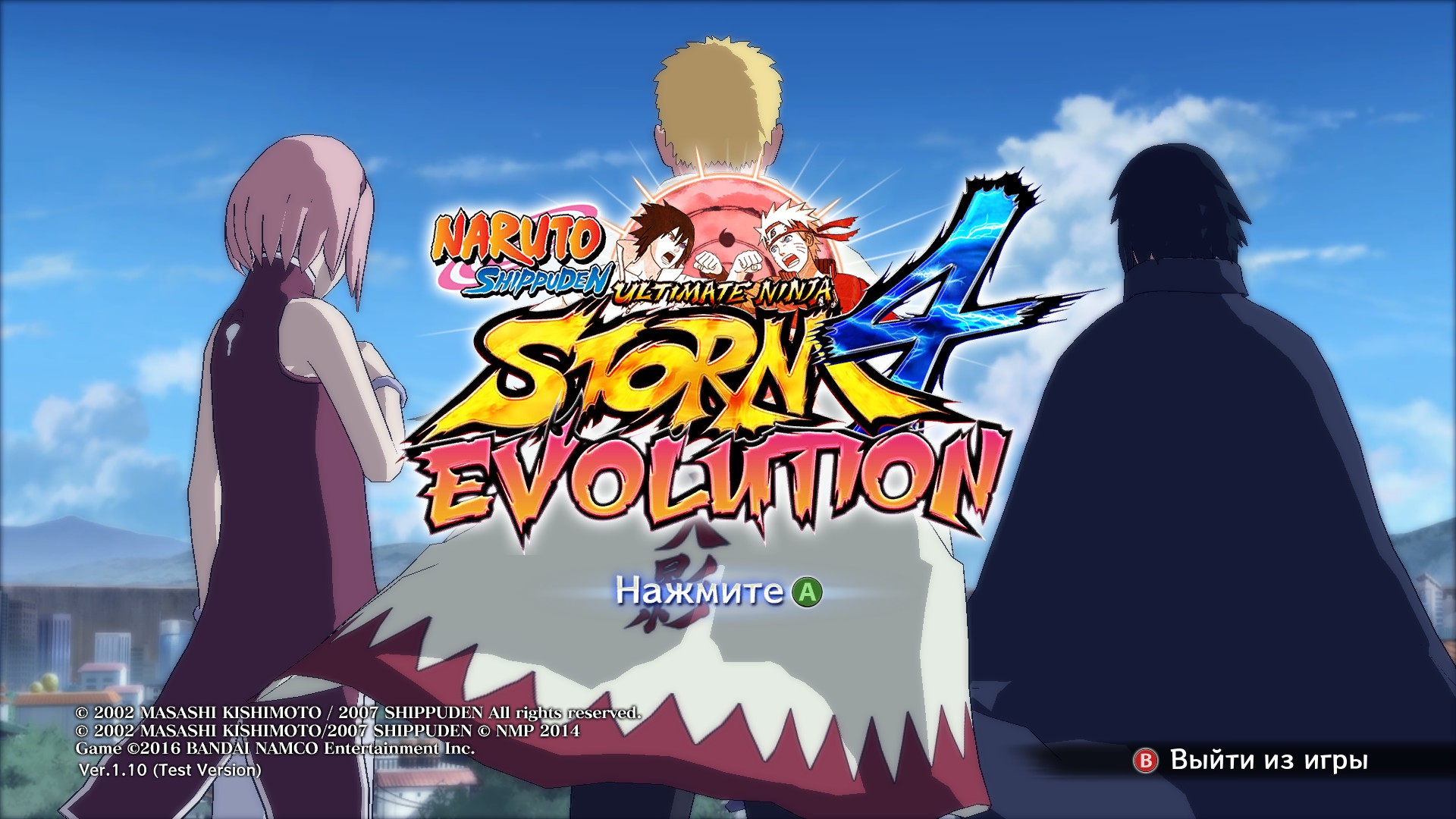
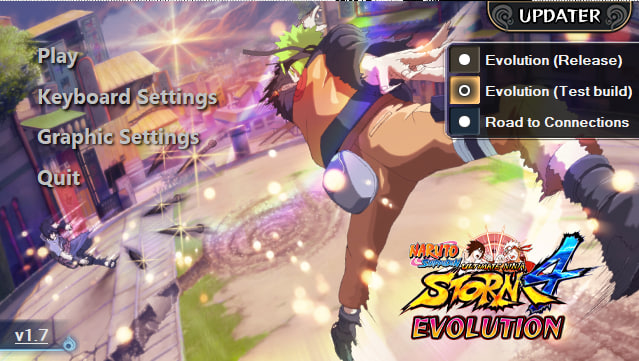
This is what the main screen of Naruto looks like
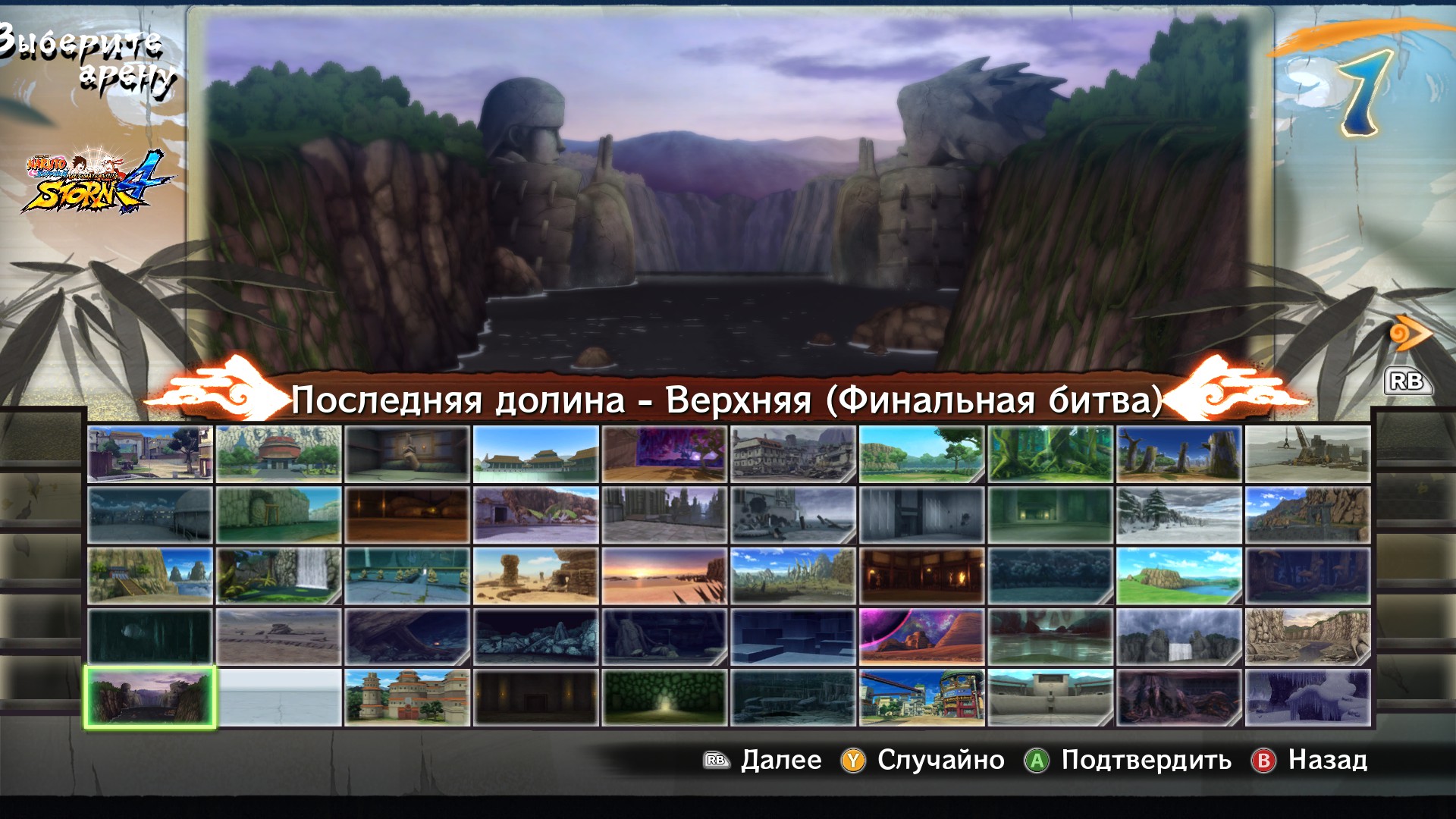
Added a lot of new cards (as I understand it, these are cards from previous storms or from STORM CONNECTION)
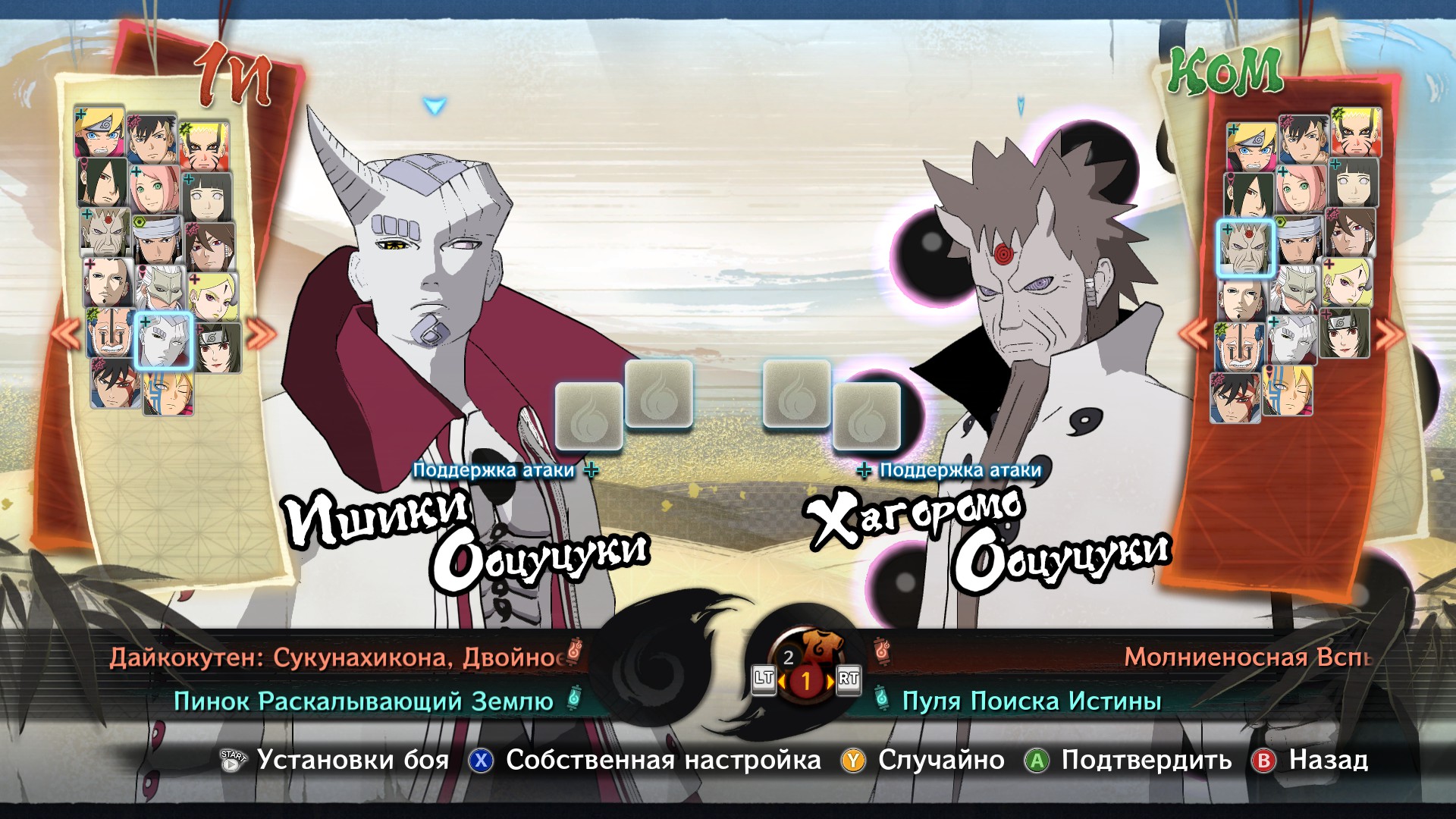
And here are the new characters in the game itself
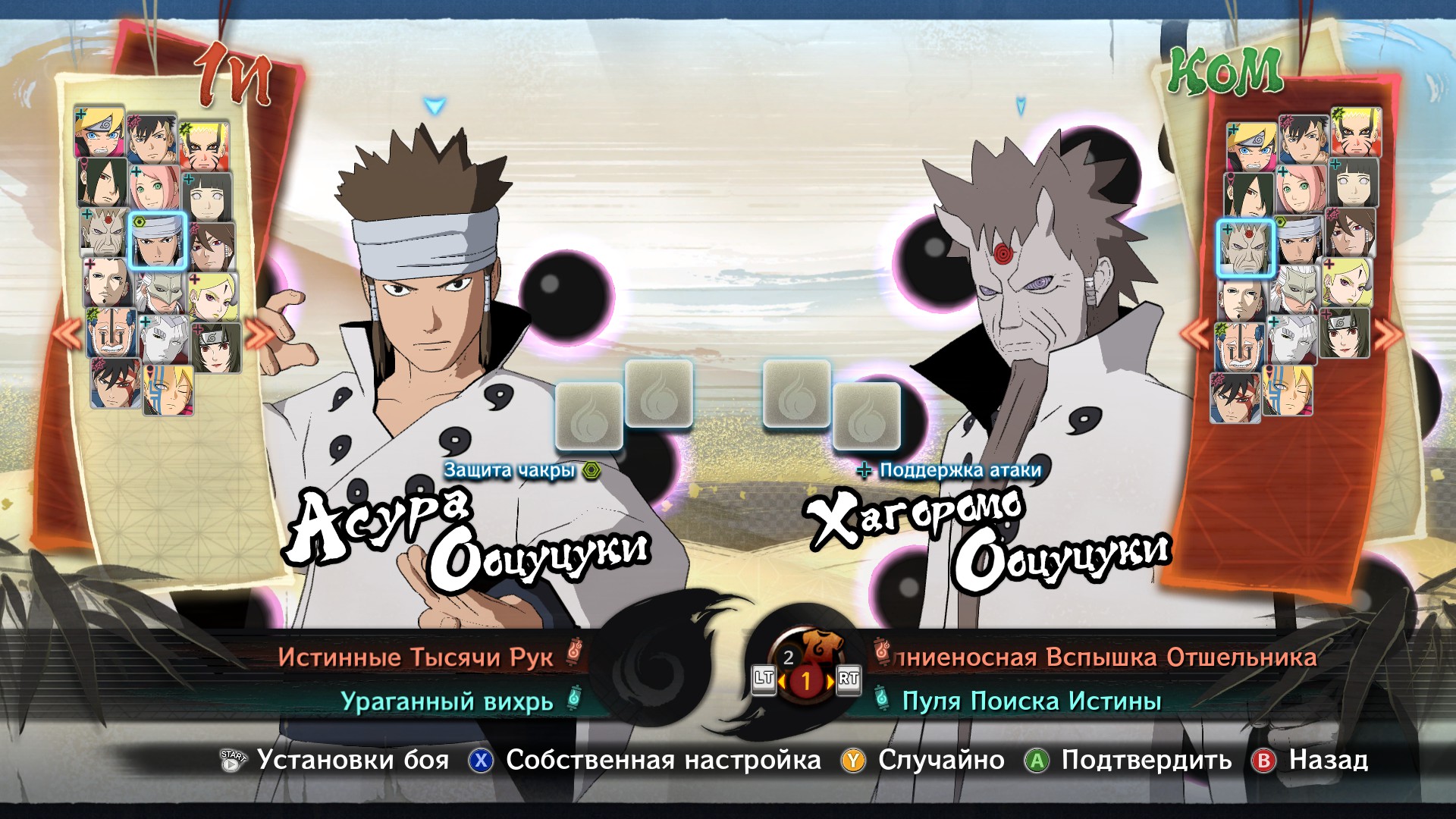
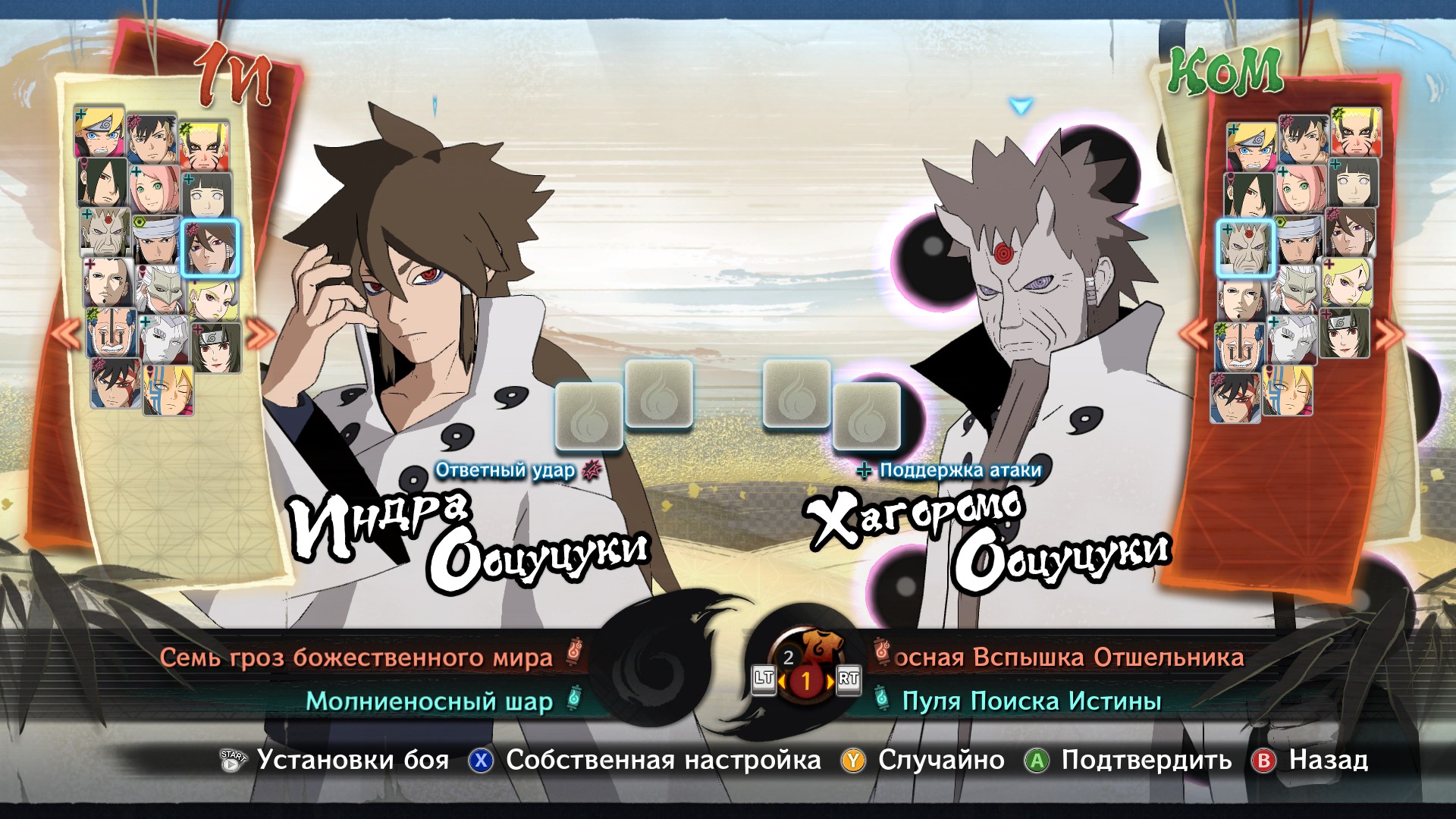
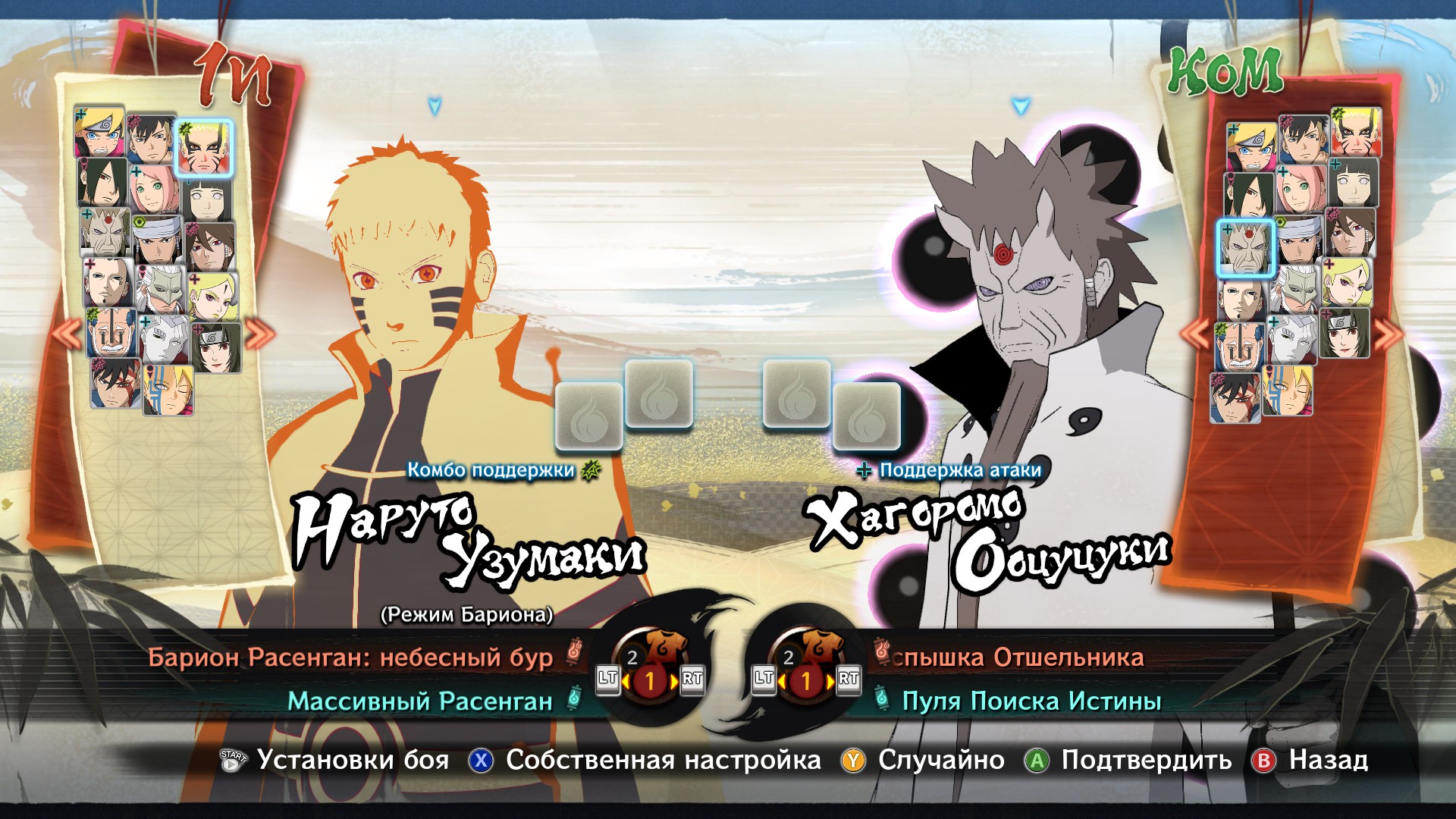
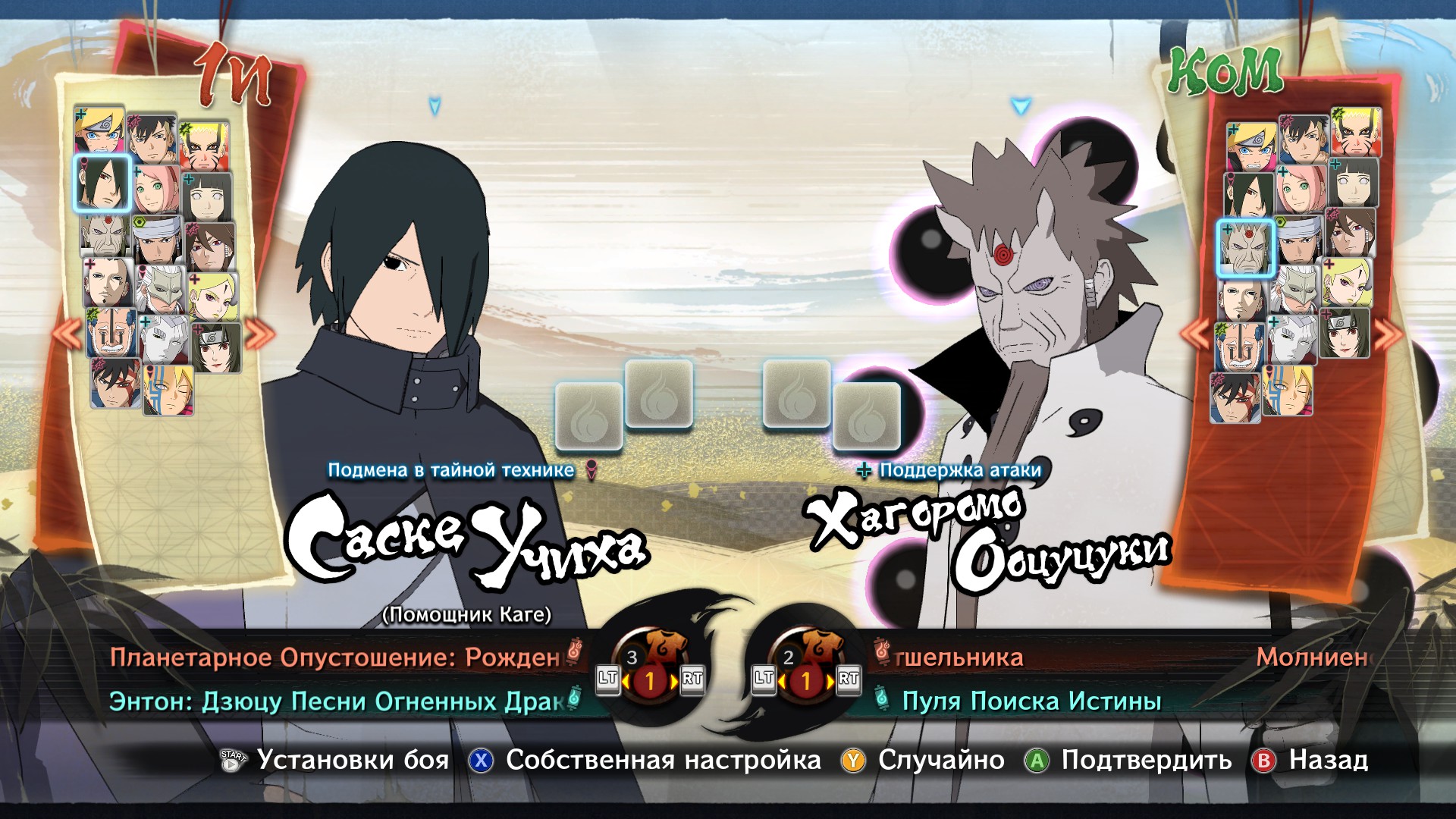
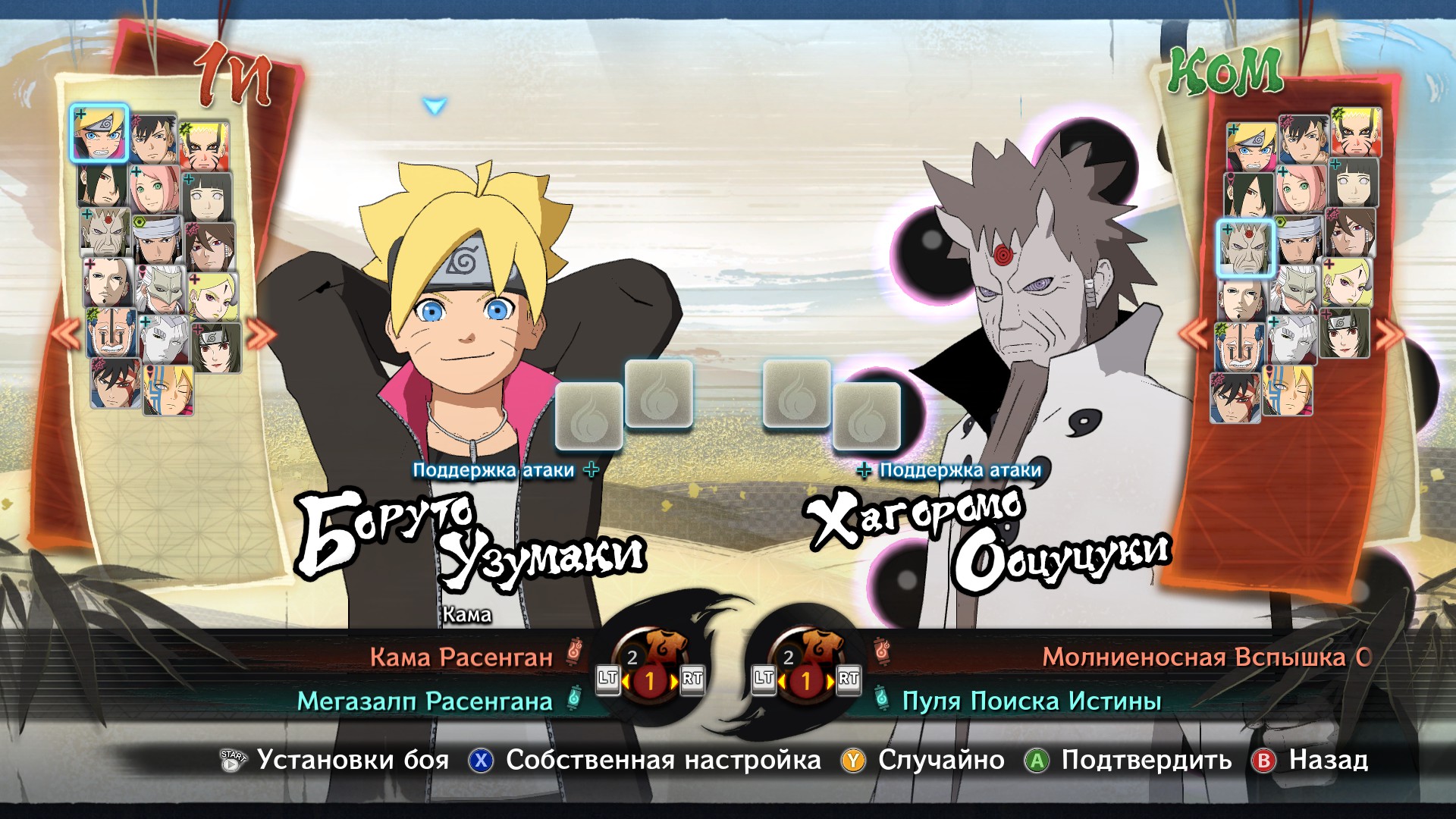
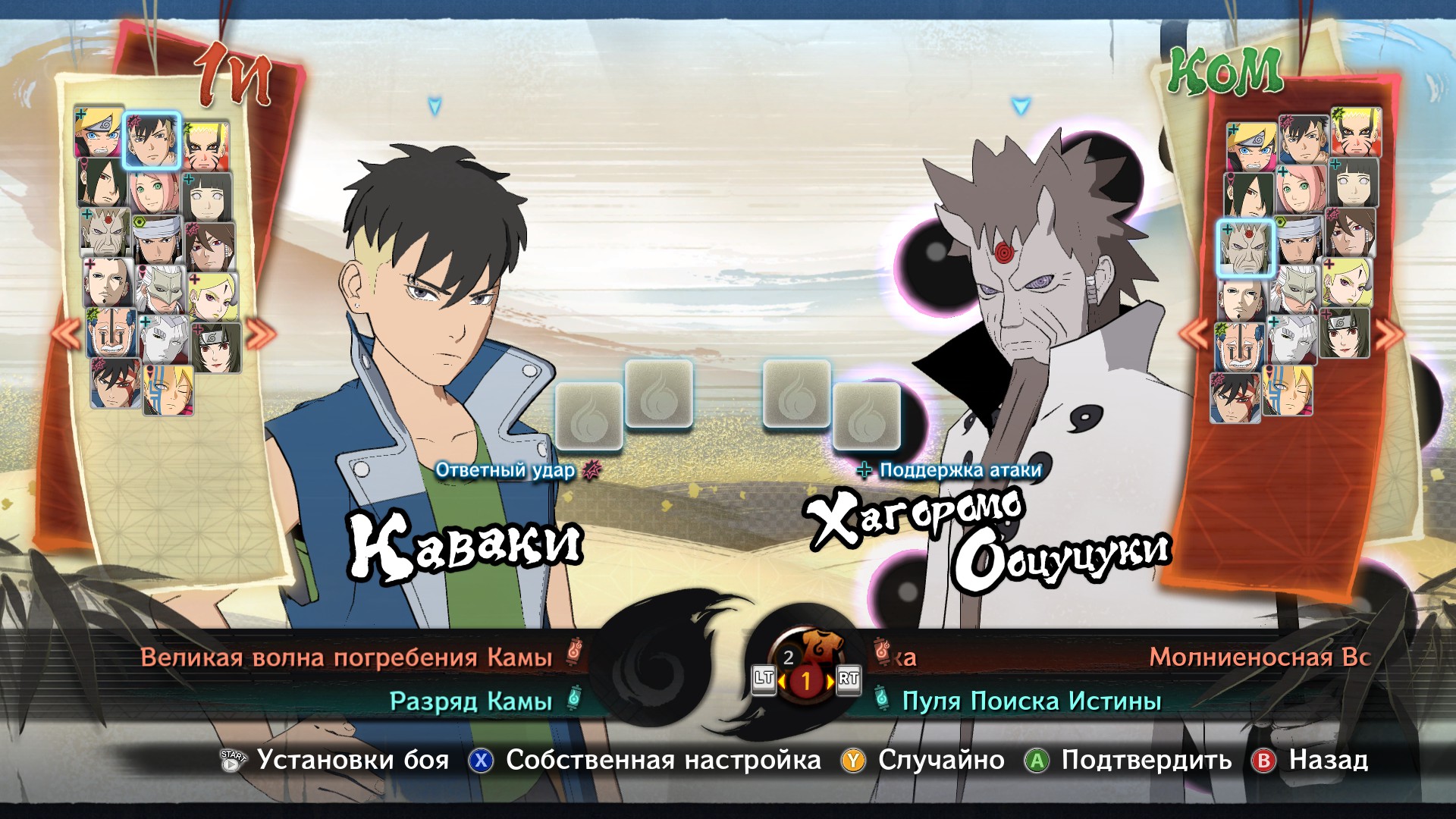
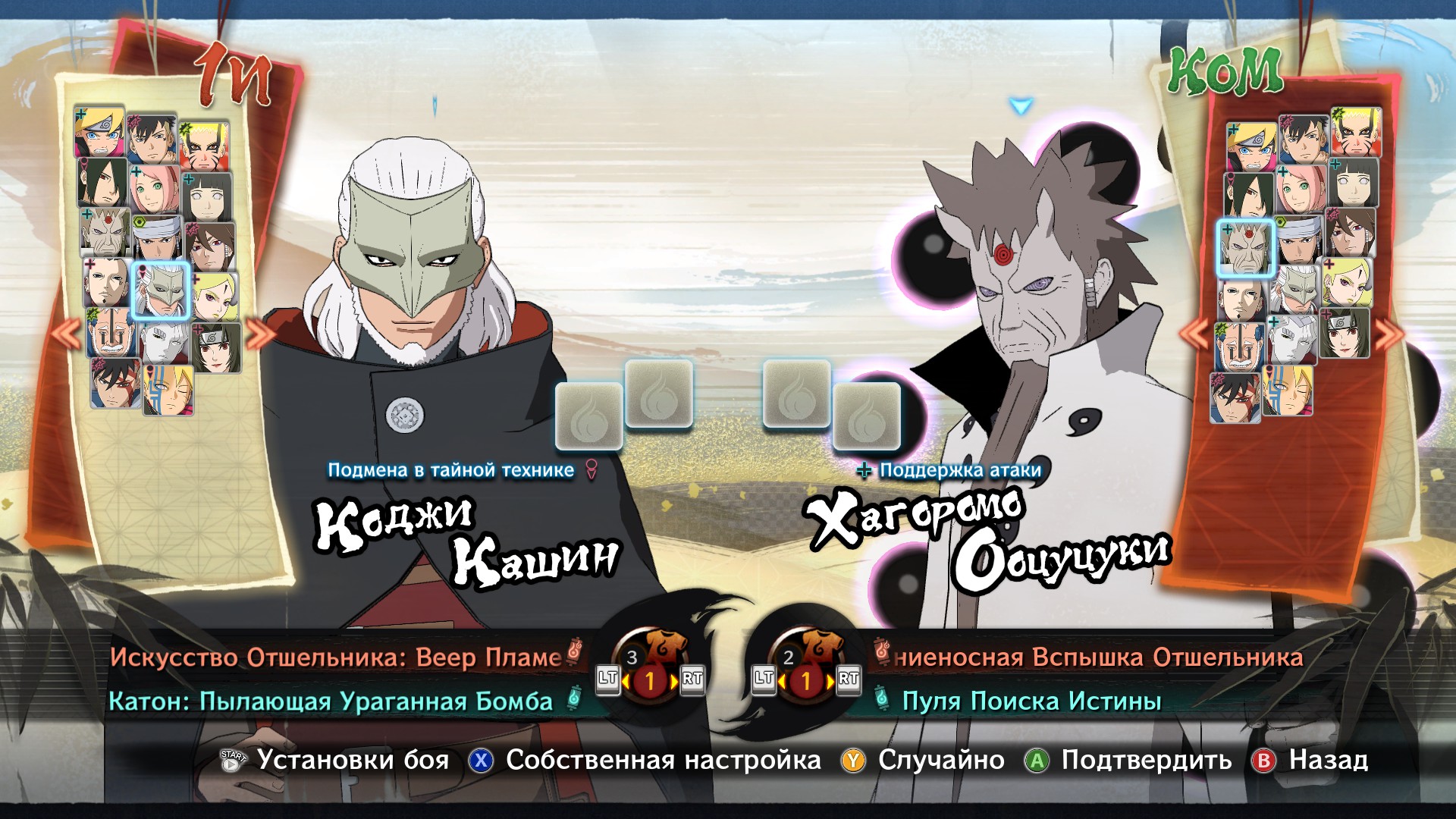
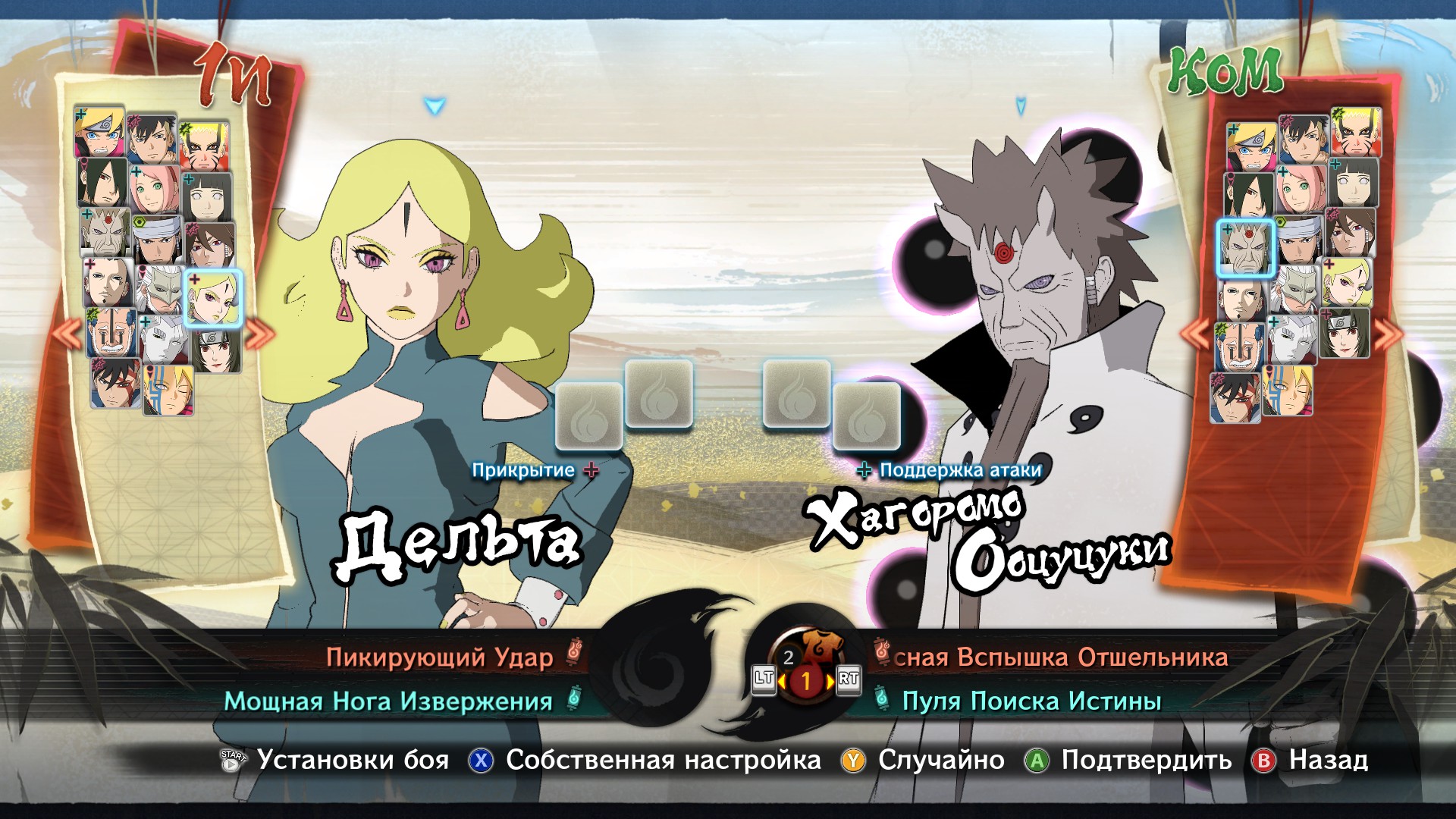
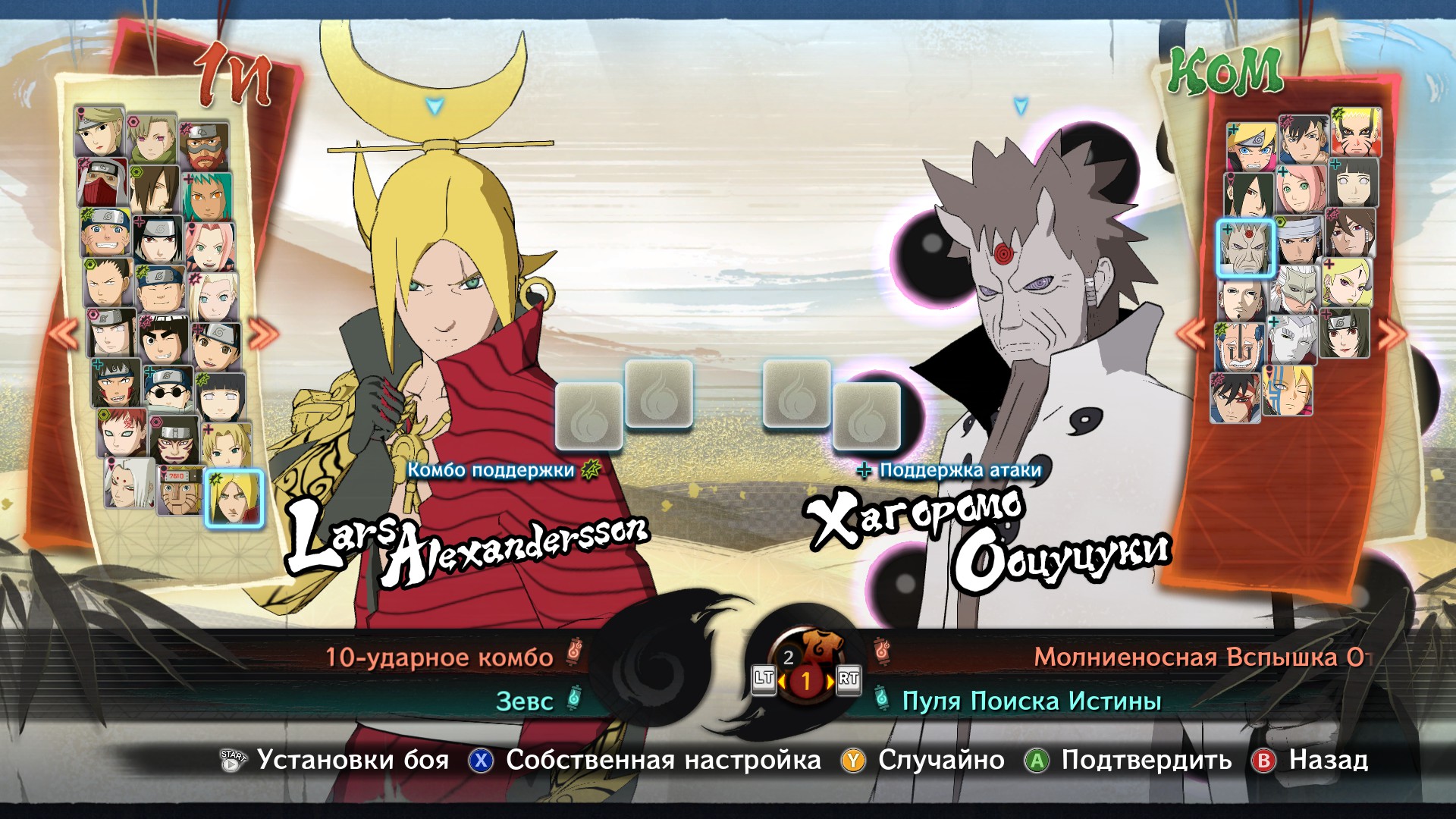
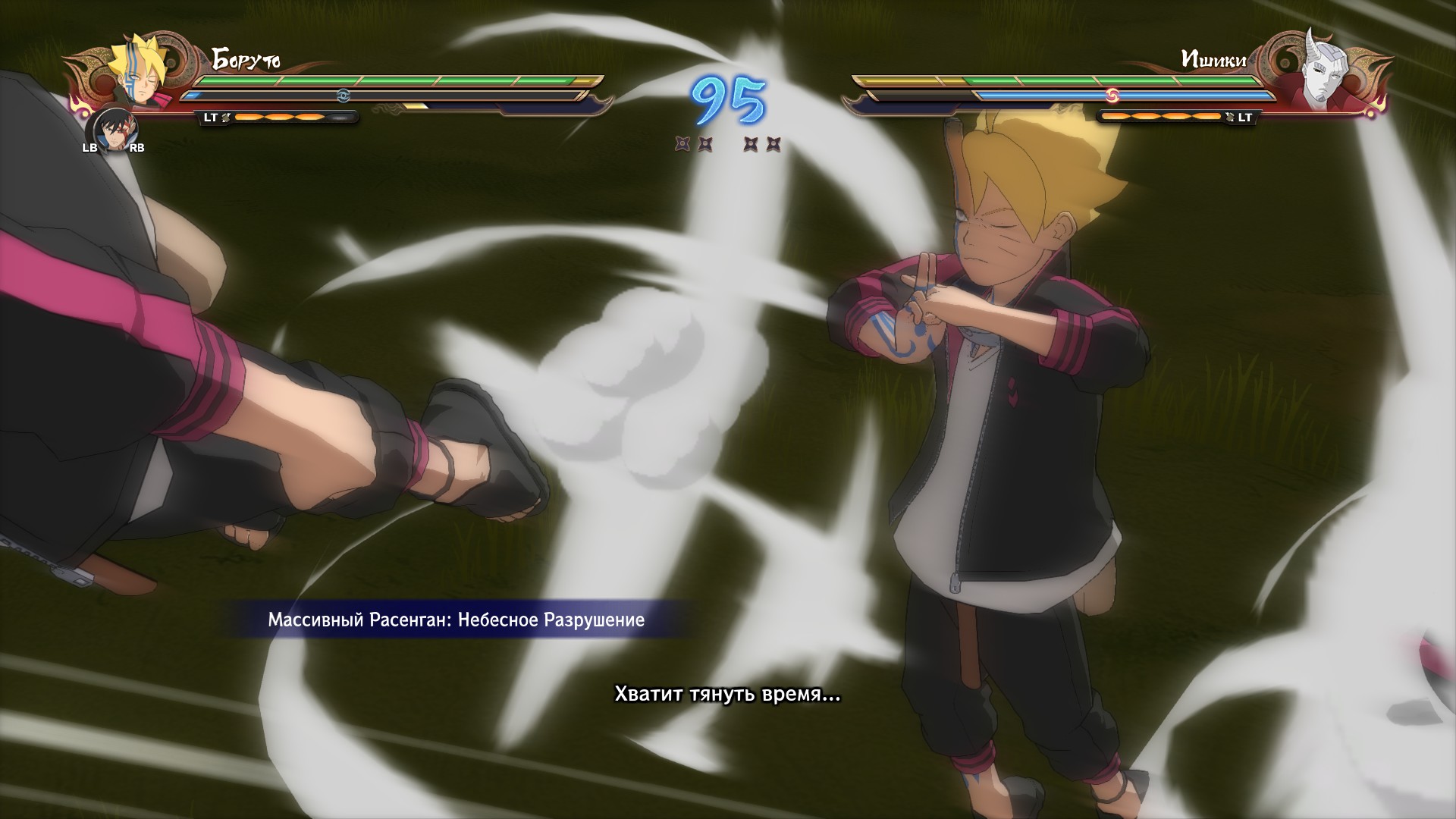
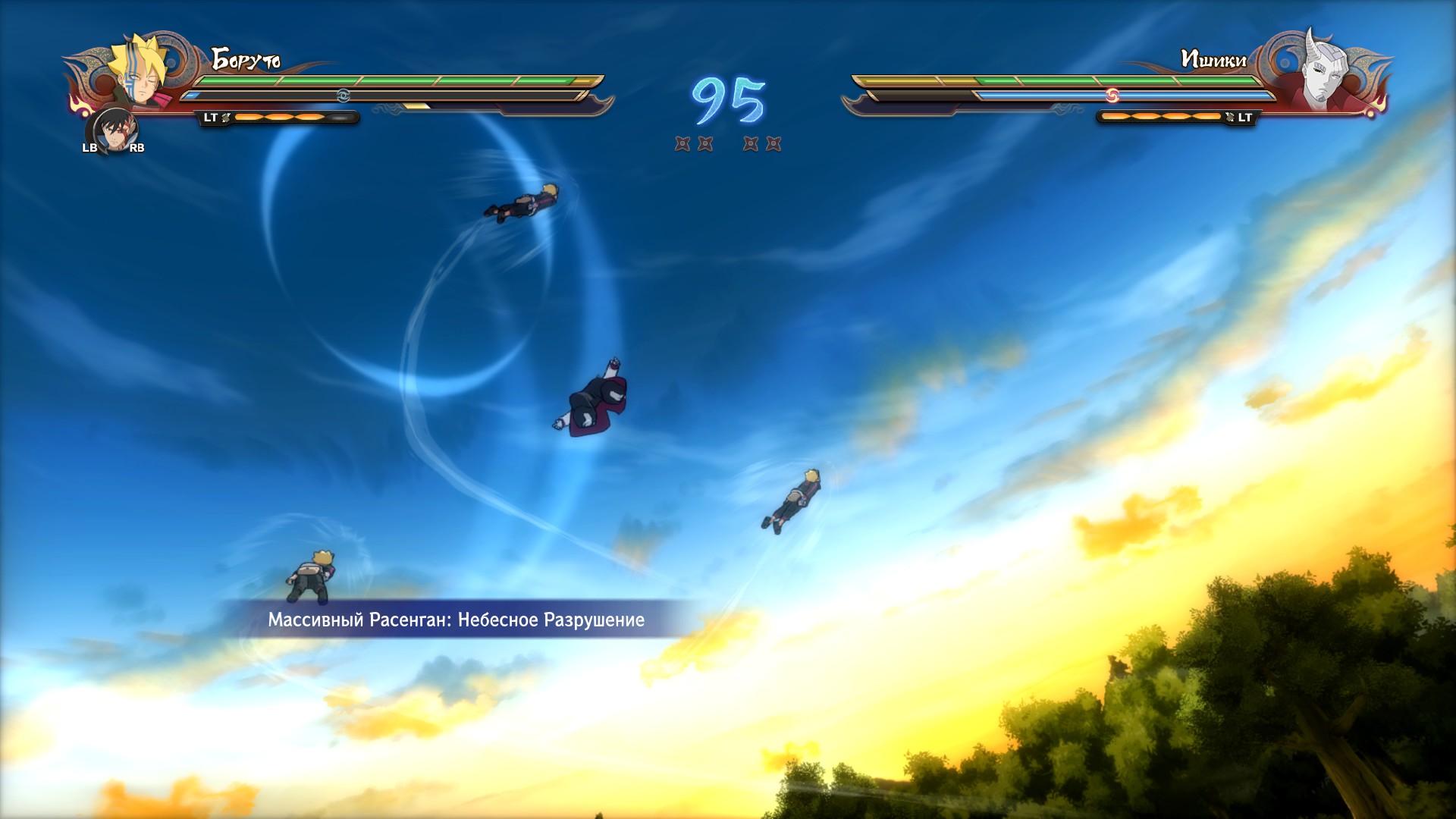
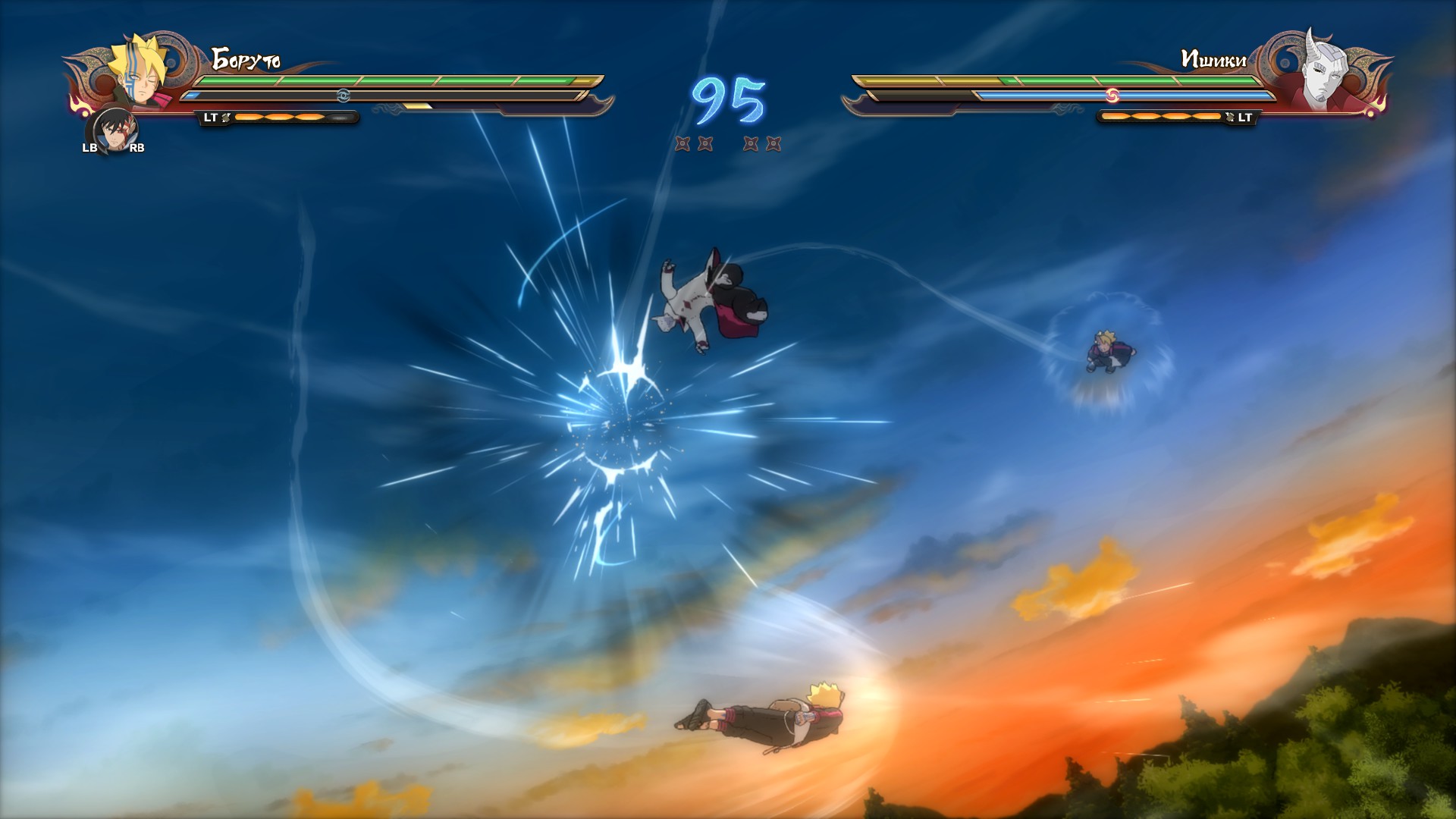
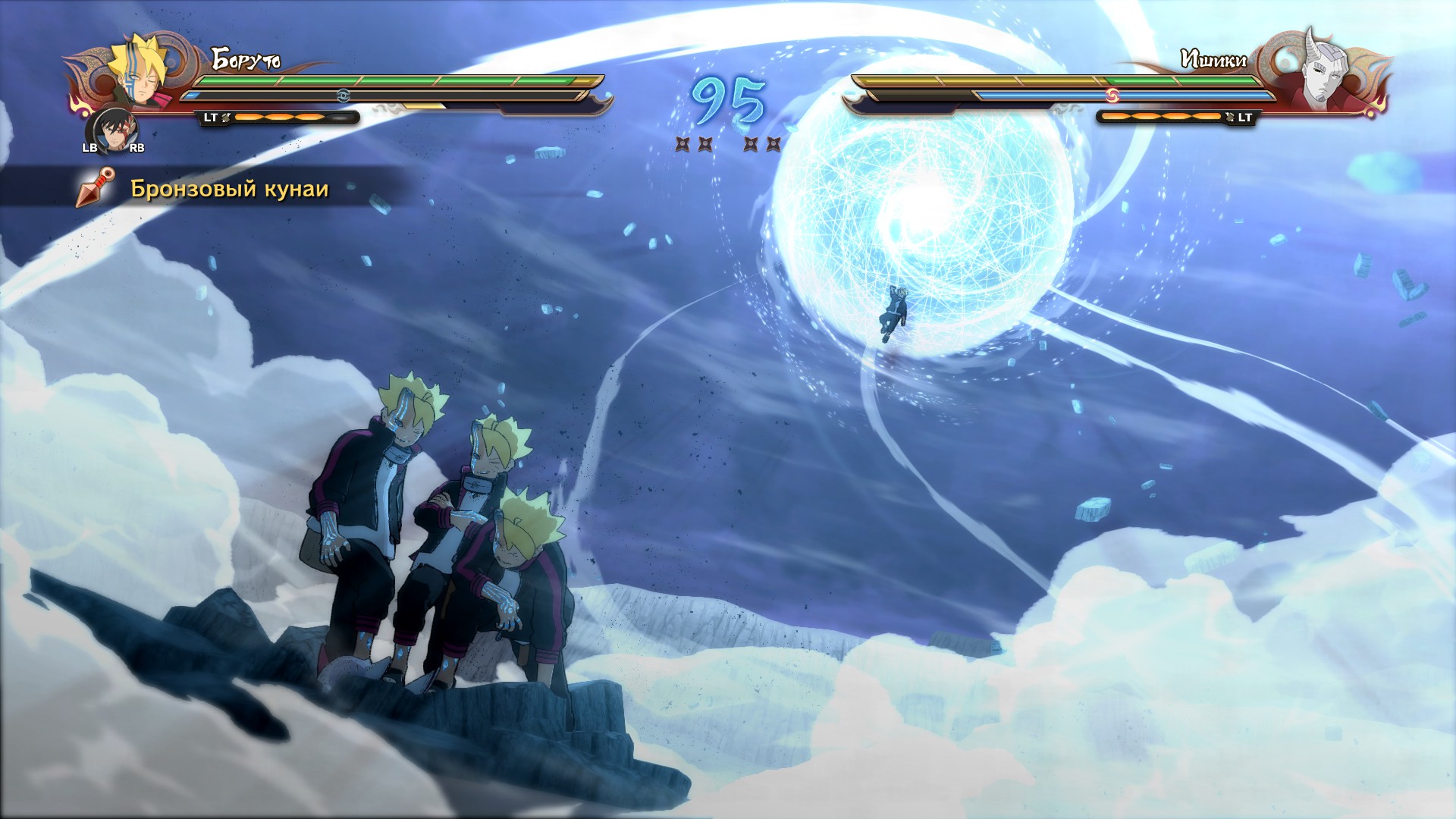
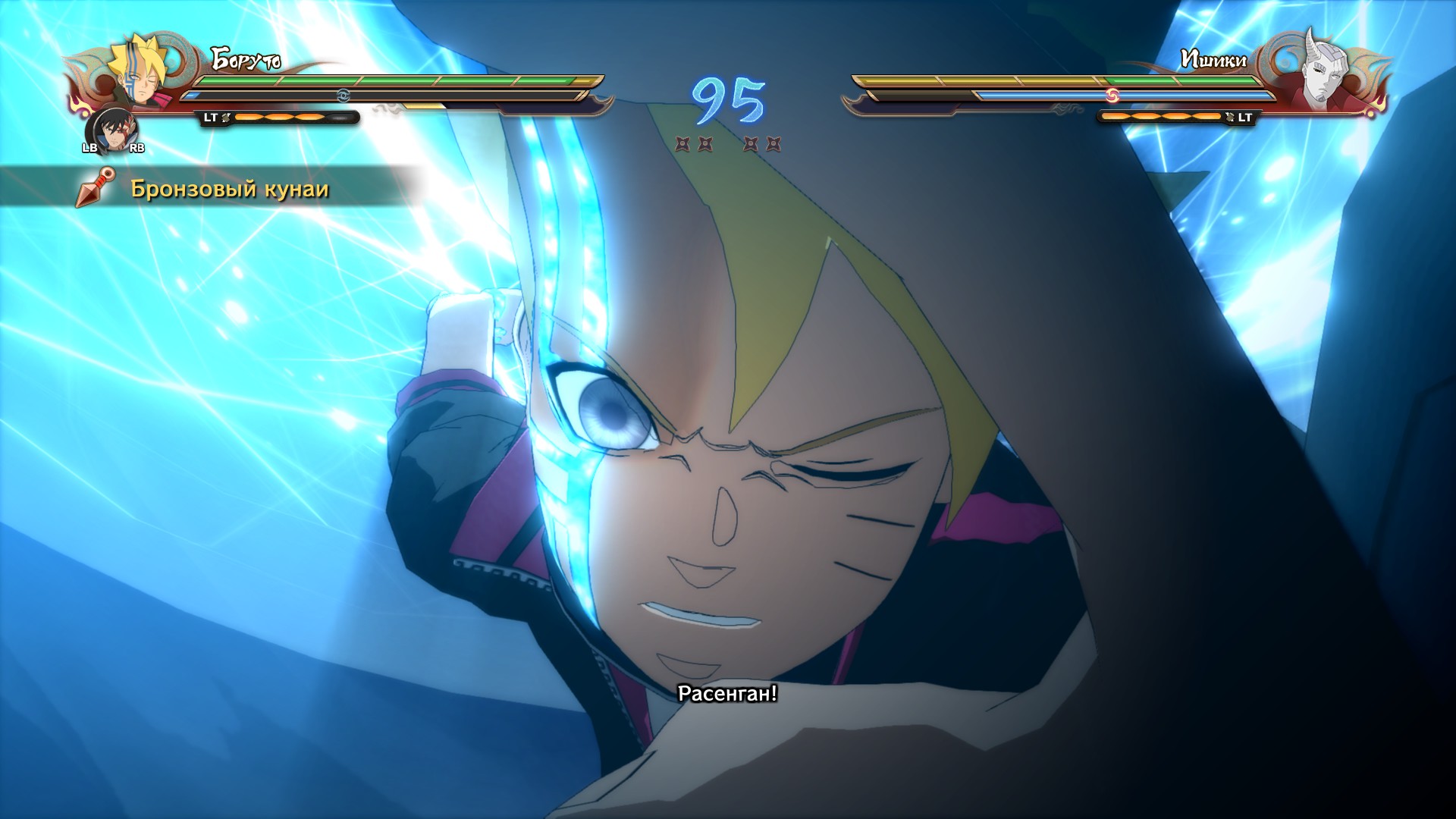
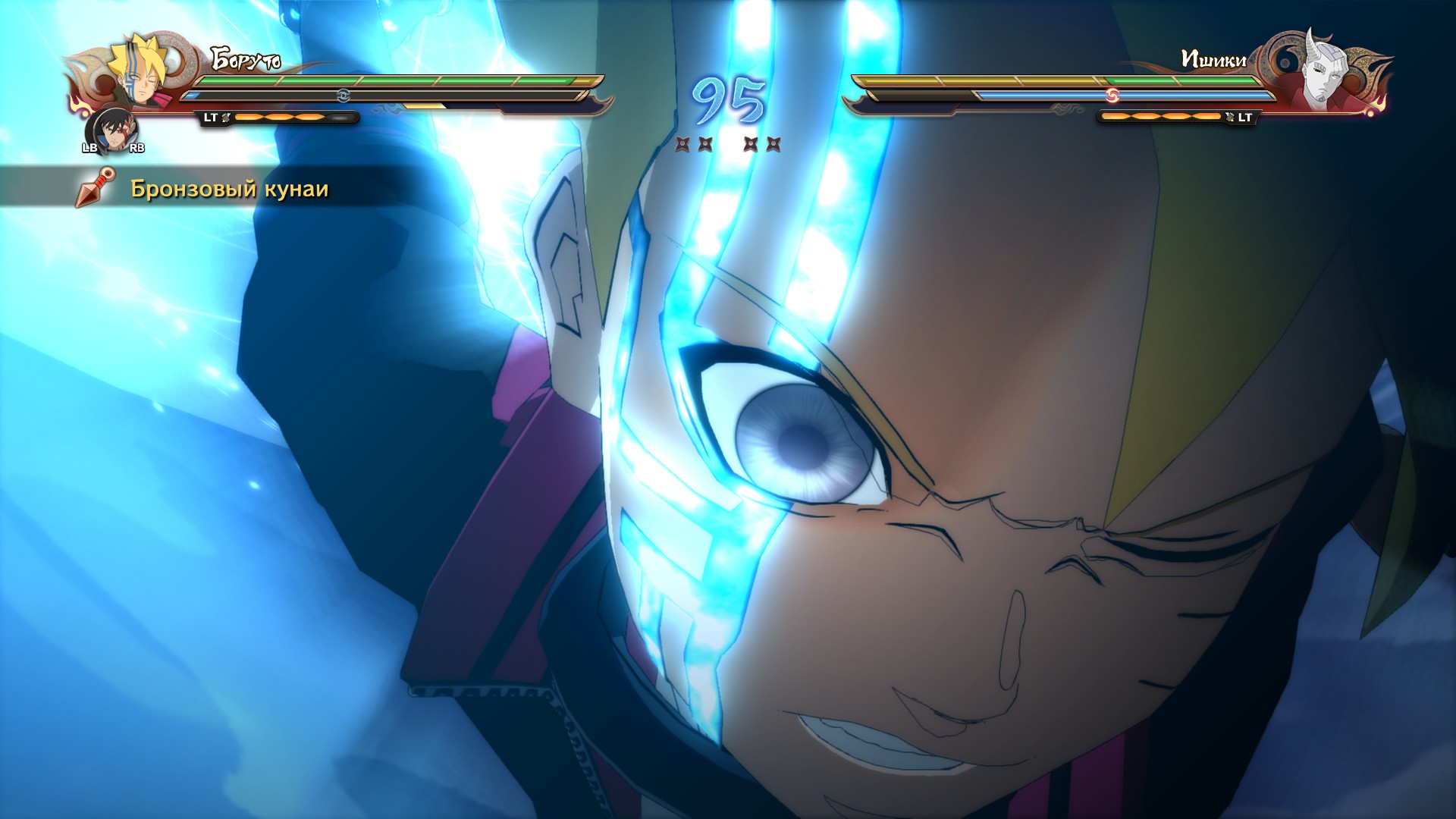
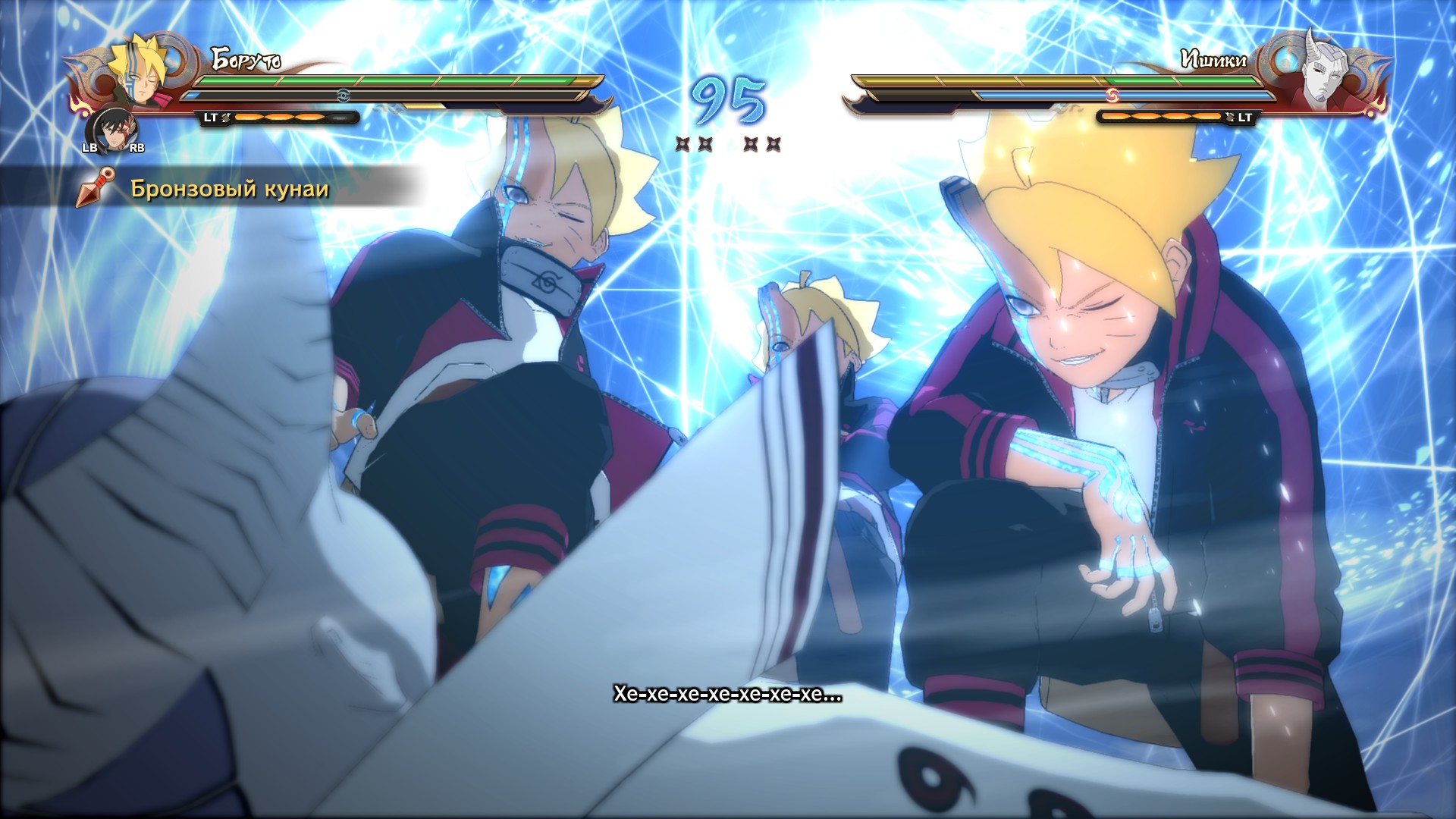
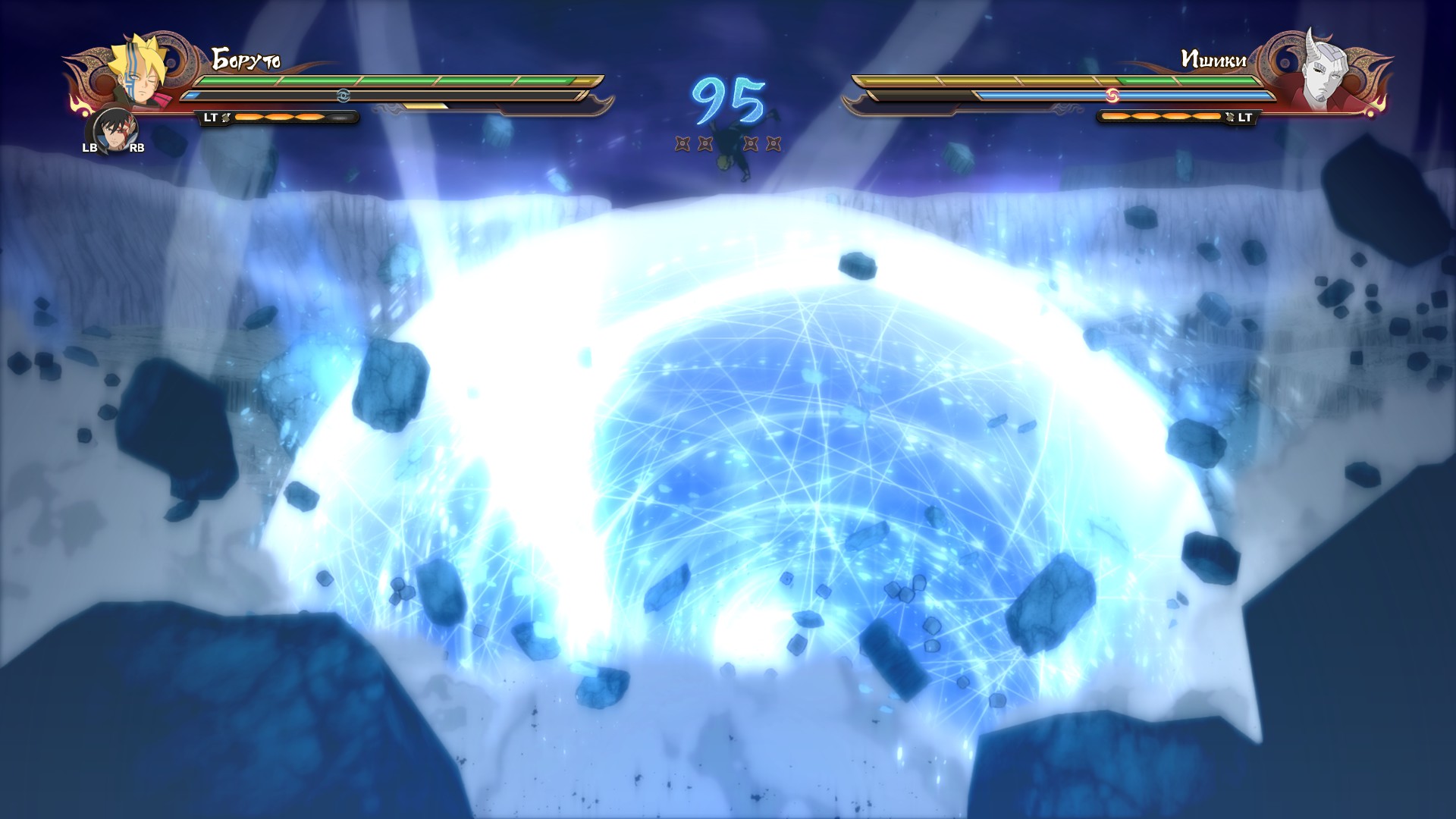
Here are some screenshots from the Borushiki combo
INSTALLING THE MOD FOR THE GAME
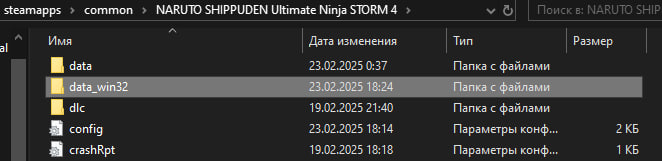
This modification only works if you don't have any other mods installed for the game. If you have mods like I do, the game won't launch from the mod launcher. Therefore, we simply move the folder with other mods to the desktop. The folder with mods is called data_win32
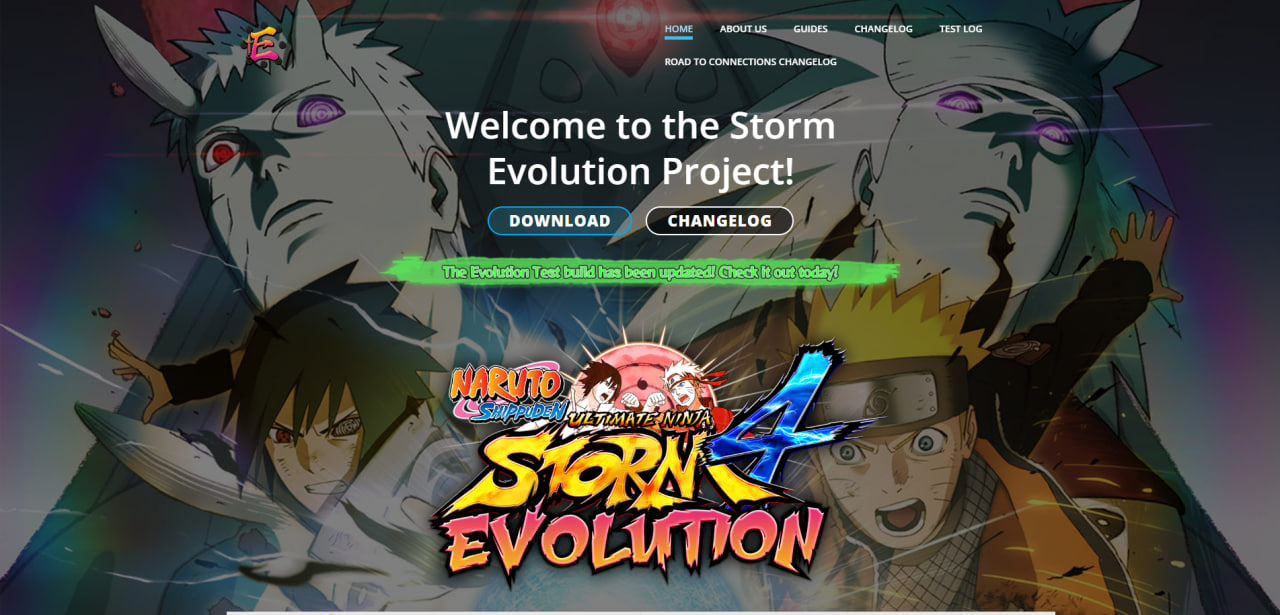
First, go to the official website of the developers of this mod and click the download button: Official website [unsevolution.com]
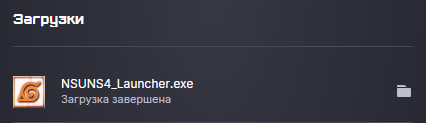
Once the mod launcher has downloaded, move it to the game folder.
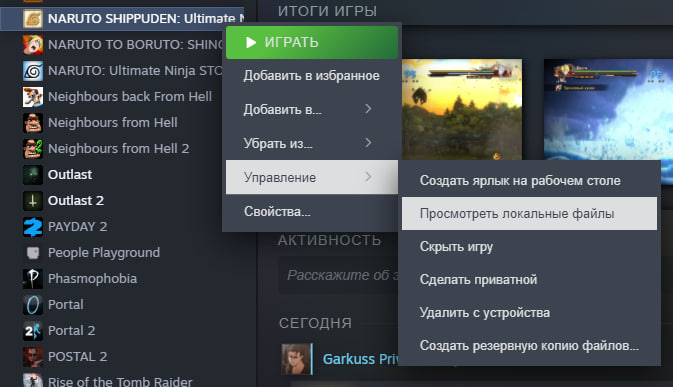
Go to the library right-click on the game, press controls, then press view local files
Then we add this launcher to the game files and launch THIS PARTICULAR LAUNCHER, NOT THE GAME ITSELF
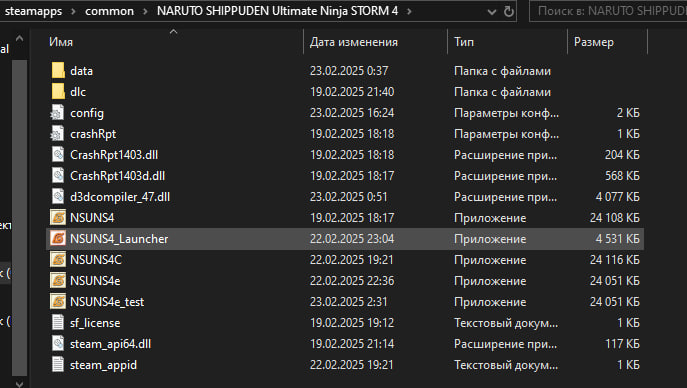
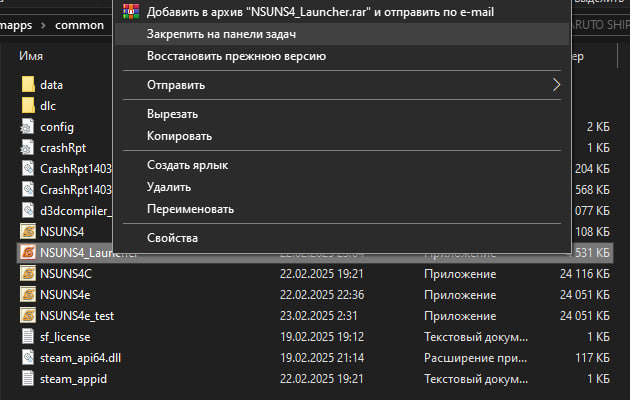
I would also like to mention that this mod only works if you launch the game through the launcher, so for your convenience, we pin this launcher to the taskbar
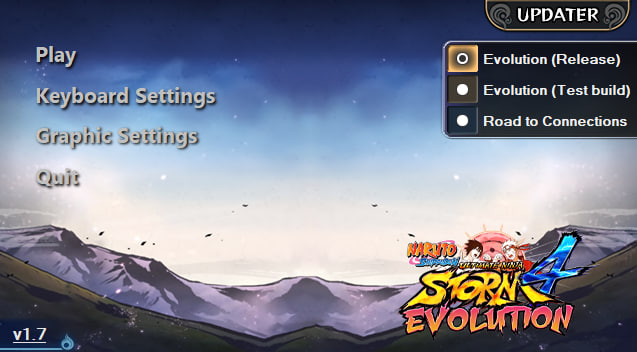
After you launch the launcher, you will see a small menu with a choice of games. Click on the UPDATER button and check for updates. Since we just installed the launcher, the mod itself is not installed yet, we press the small install button and wait for the mod to install (it took me about 1-2 hours to download, yours might be faster). For those who don't understand at all, we are installing the main mod that is currently available, its name is Evolution (Release)
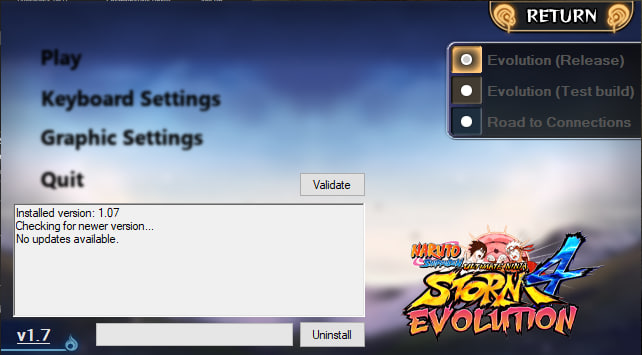
This is what the updates menu looks like when all updates are installed.
This is what the Evolution menu (Test build) looks like (I just put it here for fun)
There's a small caveat: the release version of the mod doesn't include Borushiki, Kawashiki, or Kurenai. There are no skins from the first season for Itachi, Kisame, Jiraiya, etc.
If you want them in your game, like me, just download Evolution (Test build) installation is similar to Evolution (Release)
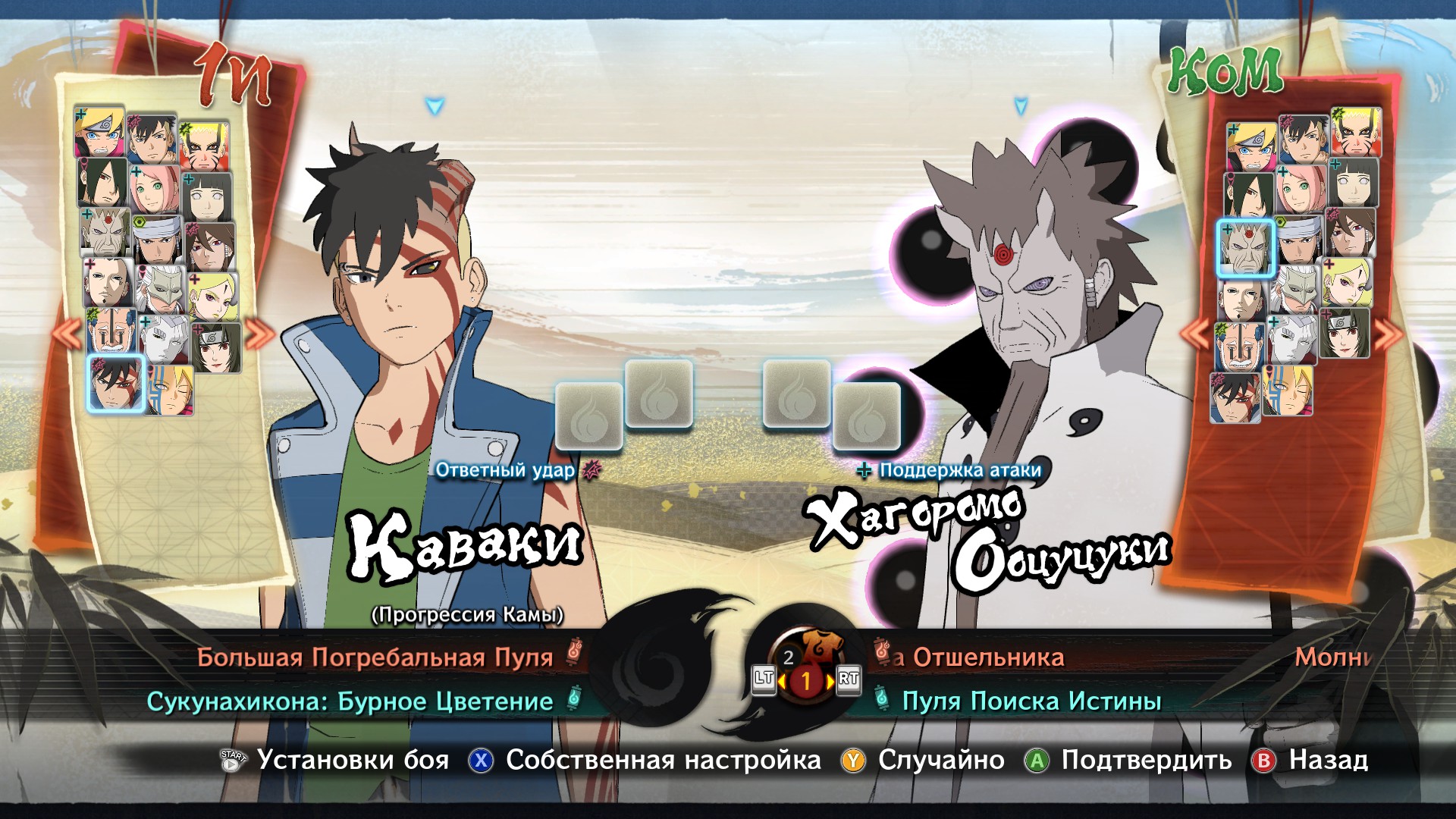
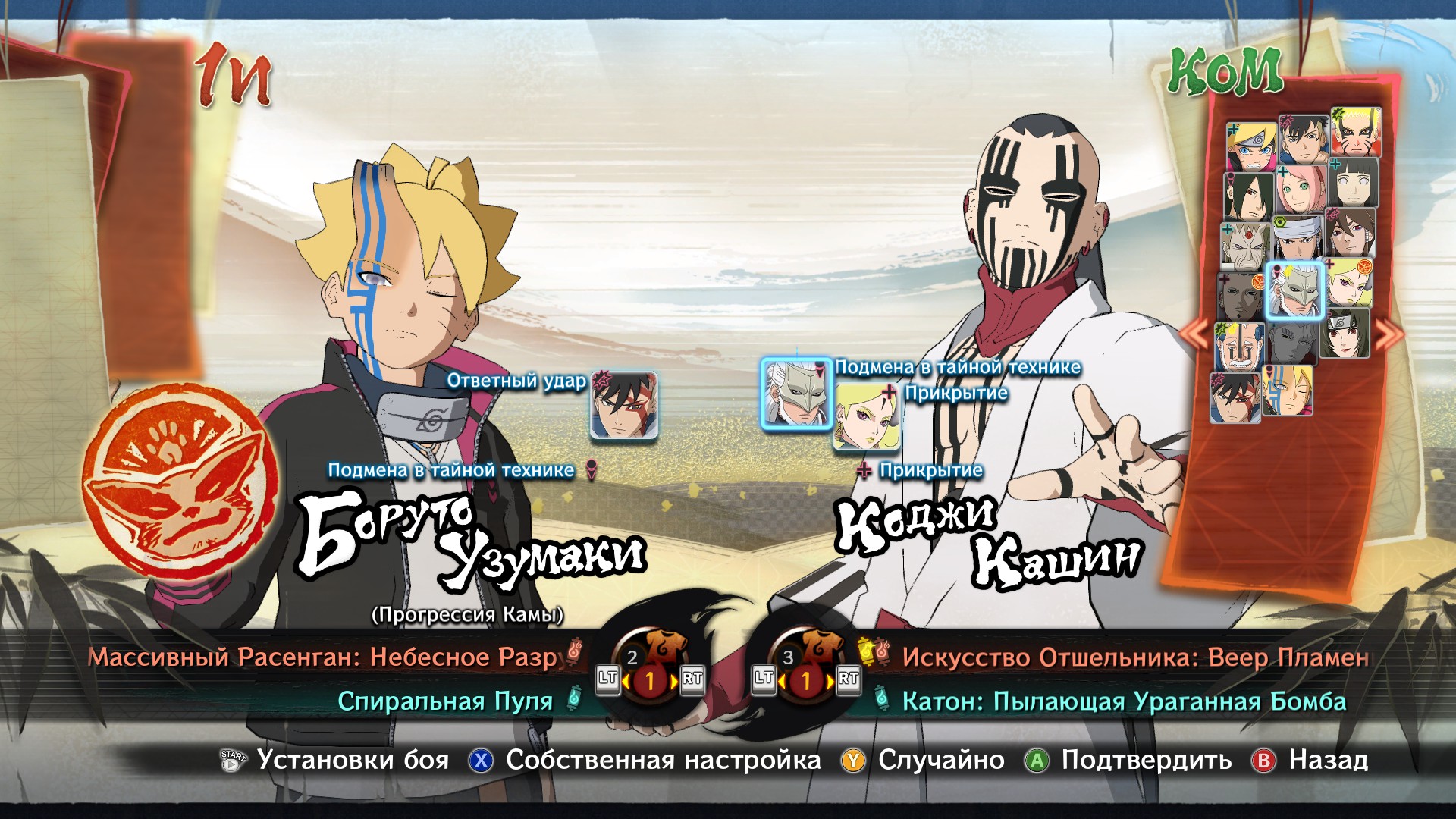
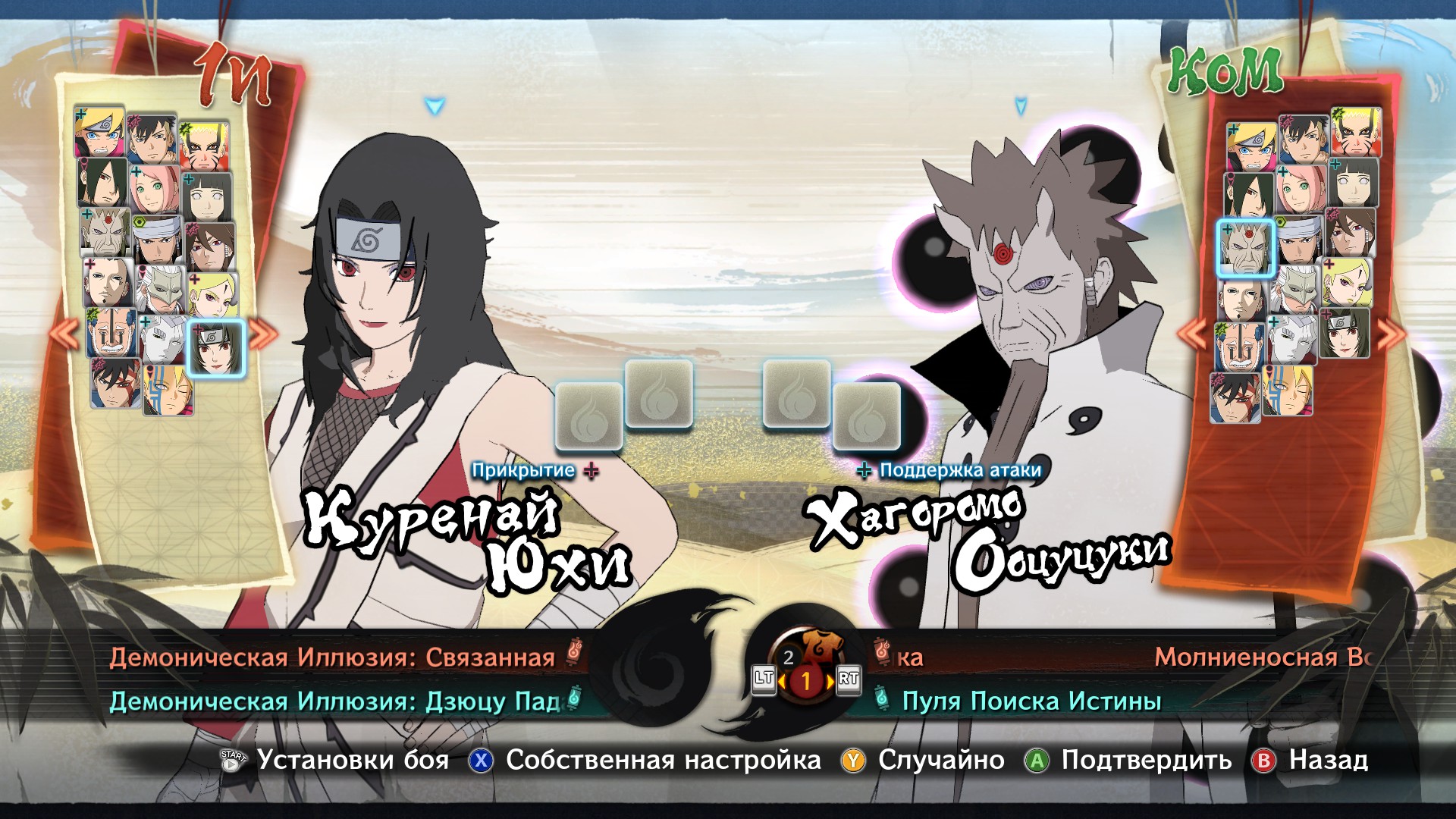
There is also Road to Connection, but I didn't notice any differences from the regular STORM 4 (except for the main screen with Naruto and the loading icon), so you don't have to download it.
All the details of this mod, about what works and what doesn't, are on the official website of the developers (everything is in English, so use a translator)
Congratulations, we have installed everything we need and can now play with this mod without any problems.
FINALLY
I heard from a guy in the comments (thanks to him for this info), the mod doesn't work without the DLC with Momoshiki and Kinshiki, most likely you also need the DLC Road to Boruto. Since I already purchased all the DLC for the game, I don't know for sure, so I apologize. If you installed the mod correctly and it still doesn't work with these two DLCs, then you'll likely need to buy three more DLCs with Gaara, Shikamaru and The Sound Four (I'm not sure about this one, so sorry again)
Basically, I've shown you what I wanted. And you can leave a comment below this guide and give it a like if you found it helpful and liked it. You can share this guide with your friends and give it a reward. Thank you all for your attention.
This guide has been personally rewritten by me for English-speaking users. Here's a link if you'd like to view the original Russian version.
- NARUTO SHIPPUDEN: Ultimate Ninja STORM 4 Keyboard Controls Guide★ 5 (315)58k views334 ♥1 minUpdated 4 Feb, 2016
- НАСТРОЙКА КЛАВИАТУРЫ В NARUTO SHIPPUDEN: Ultimate Ninja STORM 4★ 5 (559)51k views963 ♥1 minBulgarianUpdated 26 Jan, 2023
- All Kekkei Genkai★ 5 (577)27k views905 ♥10 min
- Complete list of Secret Team Ultimate Jutsus★ 5 (239)23k views378 ♥4 minUpdated 3 Feb, 2017
- 《火影忍者:究极风暴4》攻略★ 5 (747)21k views2k ♥4 minSimplified ChineseUpdated 25 Oct, 2022
- Keyboard Controls★ 5 (225)19k views351 ♥1 minUpdated 1 Oct, 2023




- Upgrading to PremiumTeam Fortress 2★ 5 (20k)1441k views11k ♥6 minUpdated May 11, 2022
- No More Room in Hell Official ManualNo More Room in Hell★ 5 (2.8k)569k views2.1k ♥29 minUpdated Apr 22, 2019
- NMRiH Community Hosting GuidesNo More Room in Hell★ 5 (526)351k views653 ♥1 minUpdated Aug 10, 2022
- ULTIMATE GUIDE FOR GAME DEV TYCOONGame Dev Tycoon★ 5 (5.8k)326k views10k ♥4 minUpdated 23 Jan, 2014
- How to 'Git Gud' Soon™MORDHAU★ 5 (2k)318k views3k ♥68 minUpdated Nov 16, 2024
- Лучшие кооперативные игры SteamPAYDAY 2★ 5 (1.5k)315k views2.1k ♥56 minRussianUpdated Apr 27, 2025






This guide was created by its original author on the Steam Community. Are you the author and want it removed? Request removal.