(USELESS) Need for Speed: Hot Pursuit PC - How to get DLC events and DLC cars
Introduction
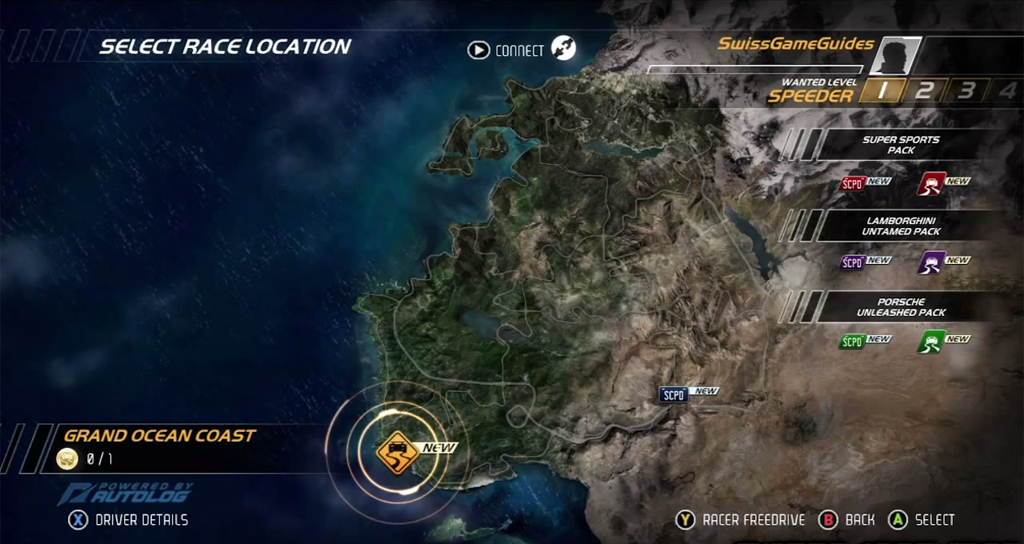
As we know, NFS: HP has 3 DLC: SUPER SPORTS PACK, LAMBORGHINI UNTAMED PACK, PORSCHE UNLEASHED PACK, they can be only played from PS3 and Xbox 360, but not PC. That made lots of racers unhappy. But not anymore, i will show you how to get those DLCs to your PC
What you need to do
To get the DLCs events, you need to download the event files from REMOVED
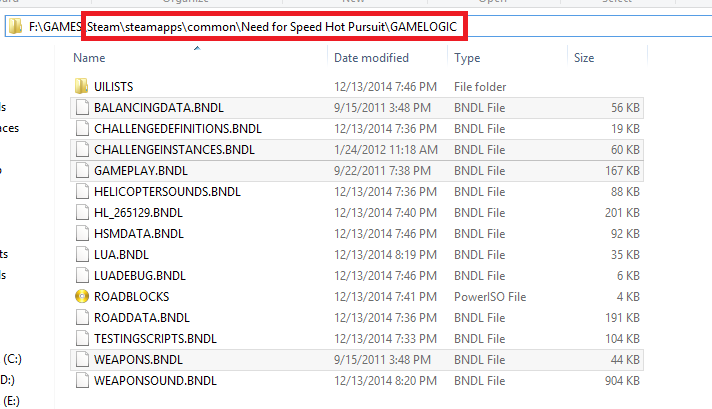
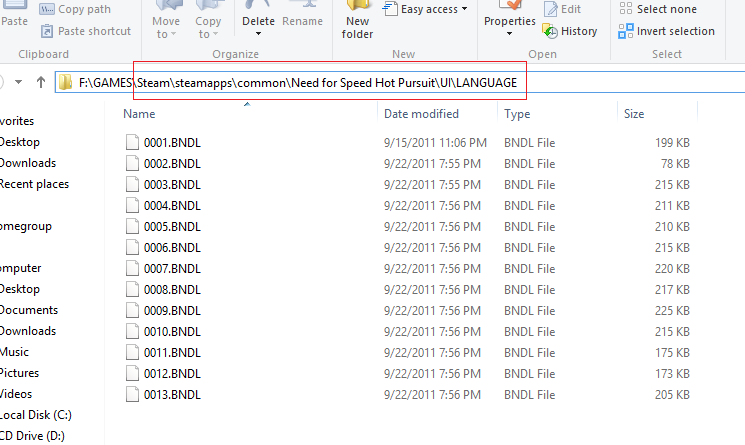
1. Extract the .rar file you downloaded, you will see 2 folders named GAMELOGIC and UI\LANGUAGE
2. Go to your NFS: HP installed folder, make a backup of those files
3. You done ? Now just copy the folders from the .rar you extracted to your NFS: HP directory, it will ask you to replace or something else, just click "replace" (you have your backup)
 4. Just open the game and enjoy those DLCs
• This will only add the events from DLCs only, you won't get the cars.
• When the "event cursor" is at the DLCs events, DO NOT go "freedrive", the game will crash immediately
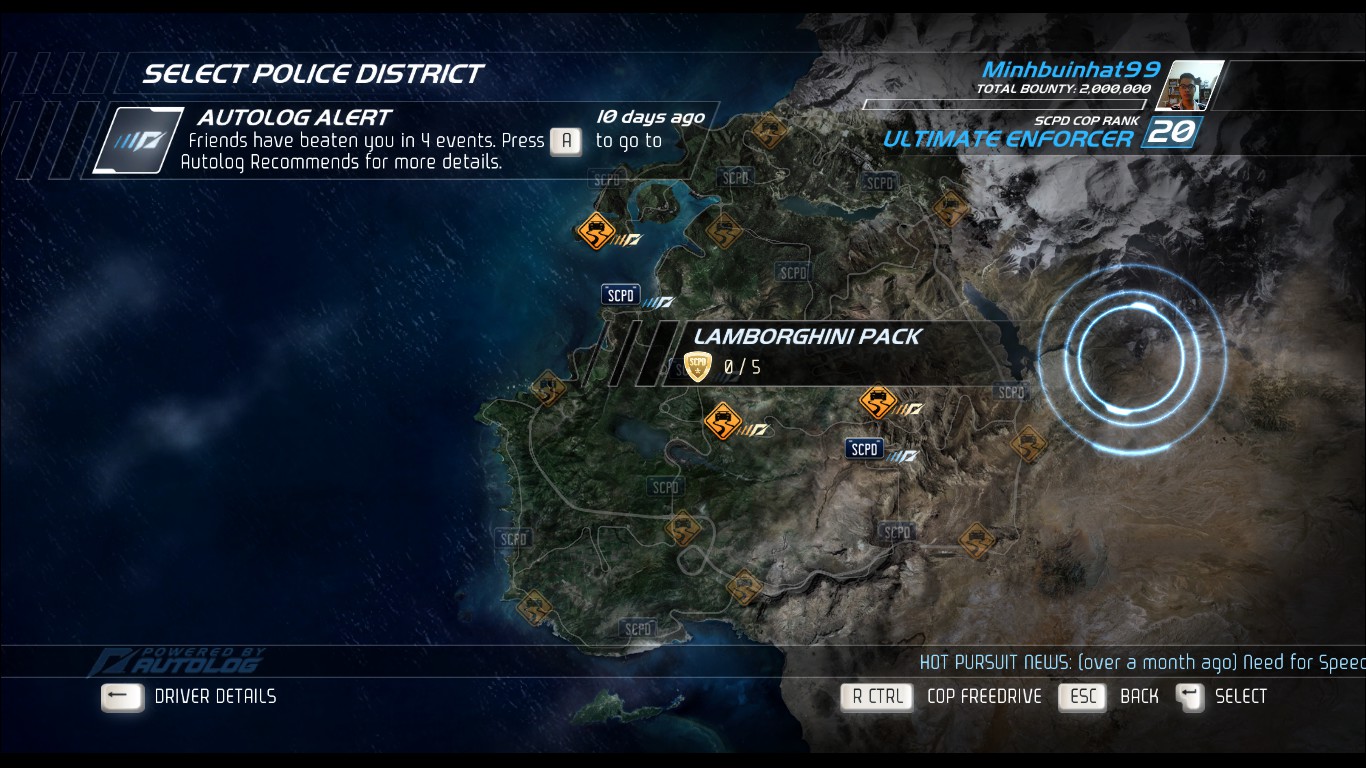
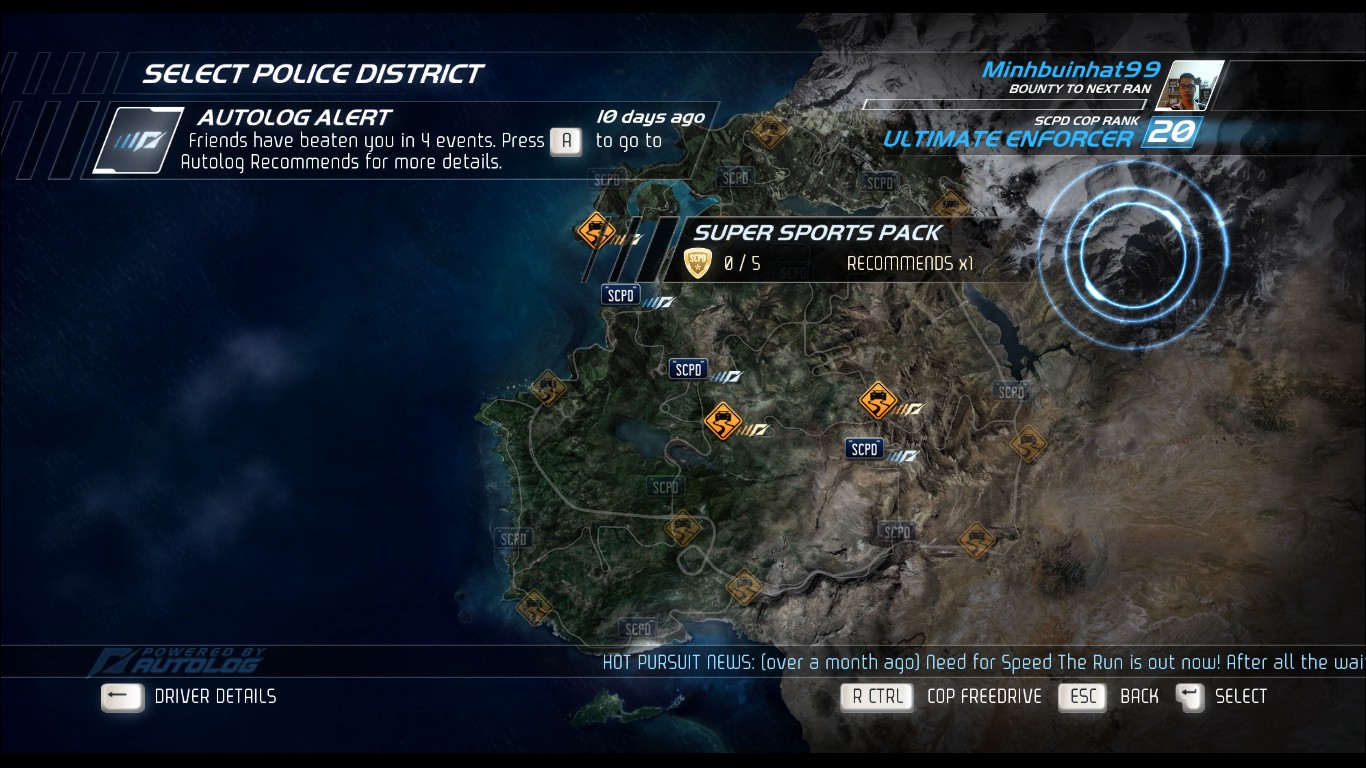
• You can't see the signs of the dlc events, but you can use the cursor to chose them, like you do with the normal events
• Some events when you start, it shows you black screen, don't worry, close the game using "Alt+F4", then you turn off your internet connenction, start the game again, then you can enter (not sure if you can race that event next time with internet connection, but i recommend you to turn off internet when you race the DLCs, sorry for the inconvinence)
GOOD LUCK GUYS AND ENJOY THE DLCS
1. Extract the .rar file you downloaded, you will see 2 folders named GAMELOGIC and UI\LANGUAGE
2. Go to your NFS: HP installed folder, make a backup of those files
3. You done ? Now just copy the folders from the .rar you extracted to your NFS: HP directory, it will ask you to replace or something else, just click "replace" (you have your backup)
4. Just open the game and enjoy those DLCsNotes:
• This will only add the events from DLCs only, you won't get the cars.
• When the "event cursor" is at the DLCs events, DO NOT go "freedrive", the game will crash immediately
• You can't see the signs of the dlc events, but you can use the cursor to chose them, like you do with the normal events
• Some events when you start, it shows you black screen, don't worry, close the game using "Alt+F4", then you turn off your internet connenction, start the game again, then you can enter (not sure if you can race that event next time with internet connection, but i recommend you to turn off internet when you race the DLCs, sorry for the inconvinence)
GOOD LUCK GUYS AND ENJOY THE DLCS
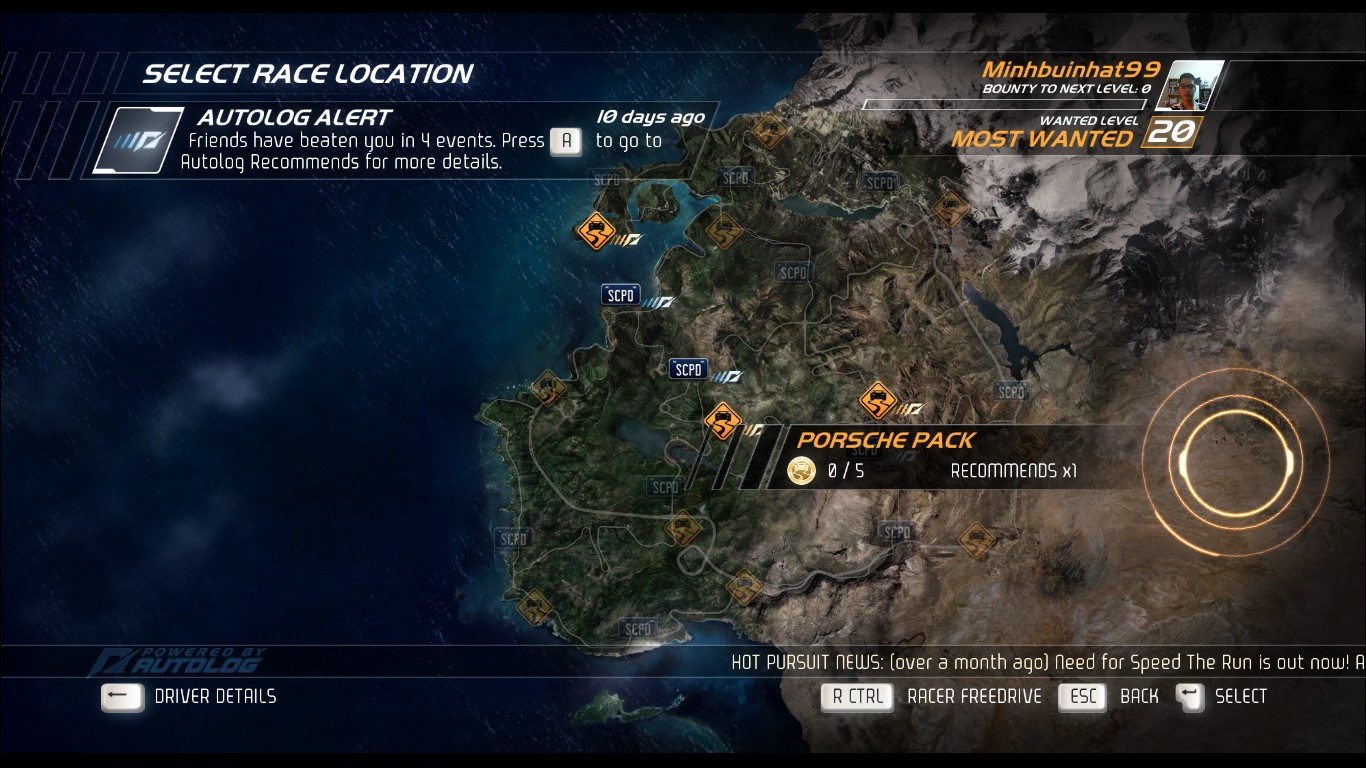
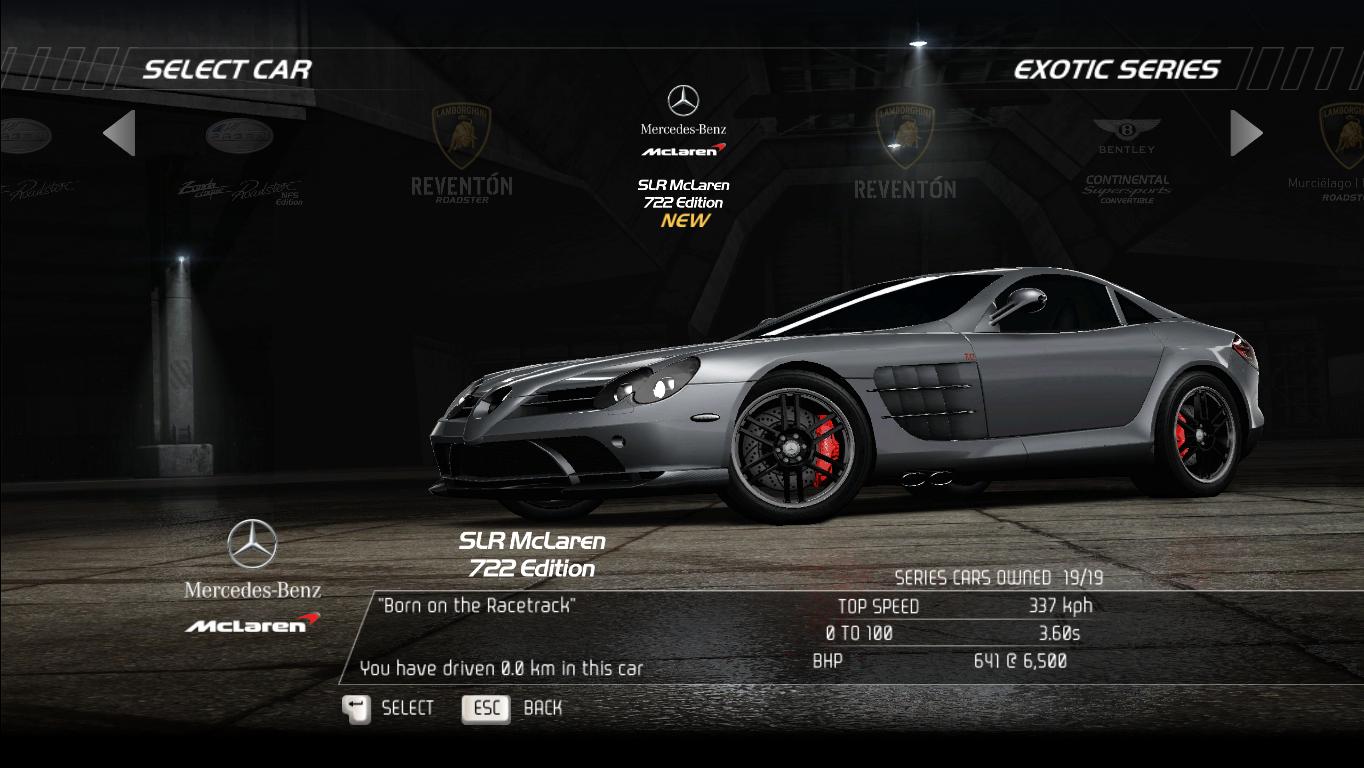
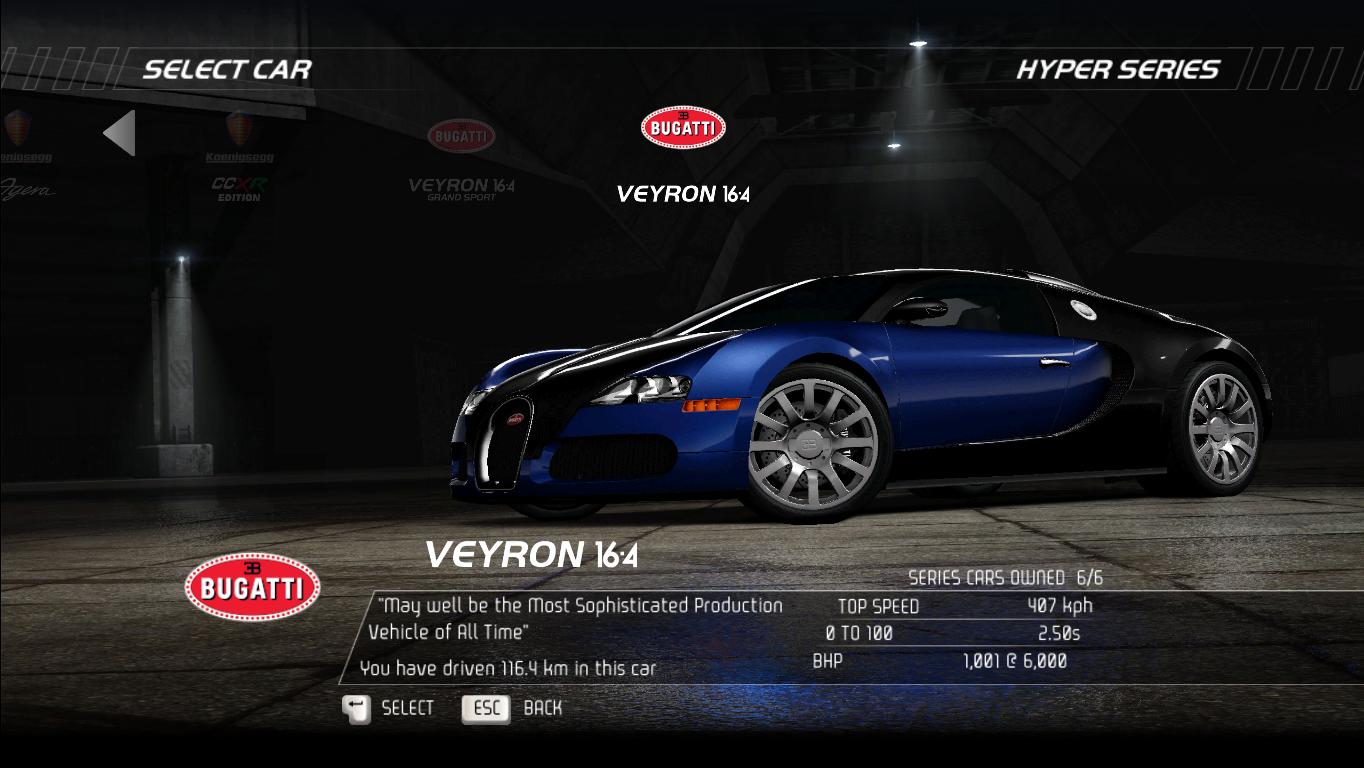
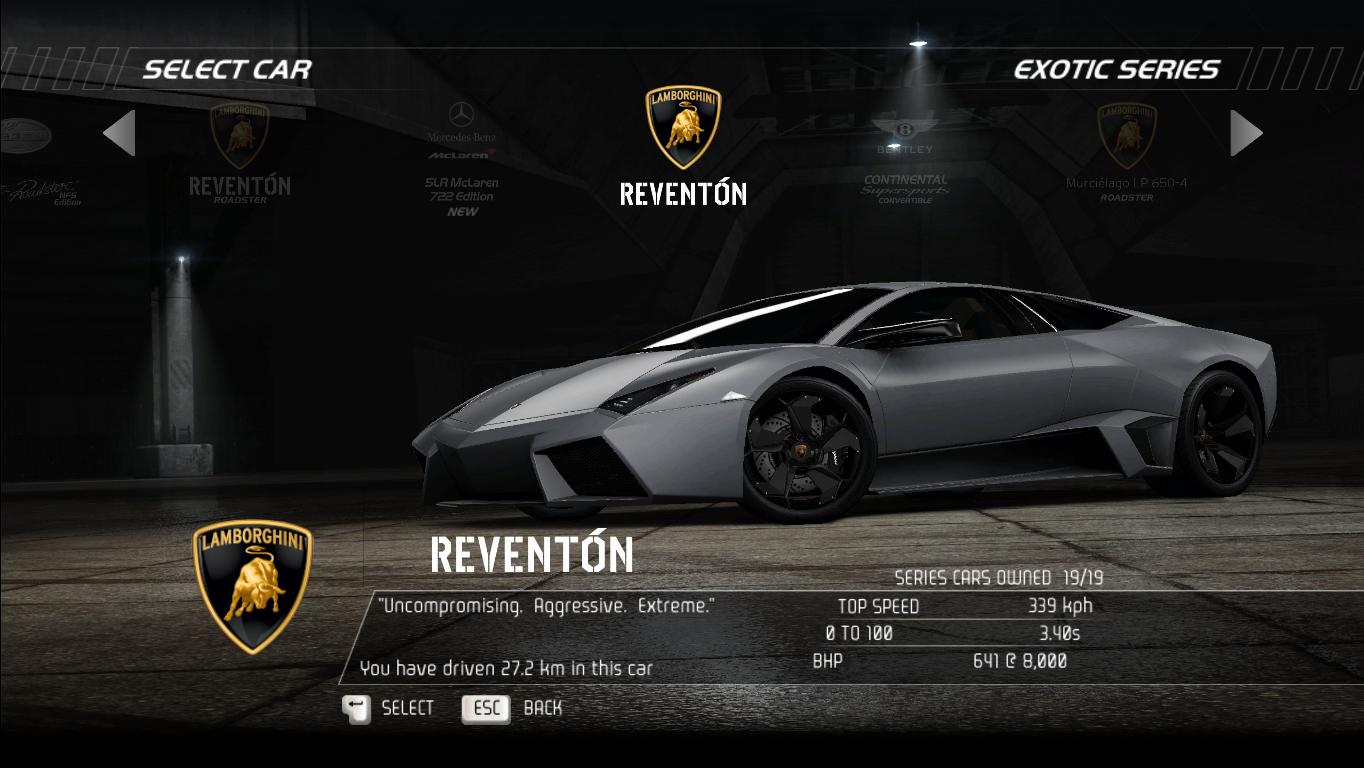
Some of the screenshots in my game after copying the DLCs files
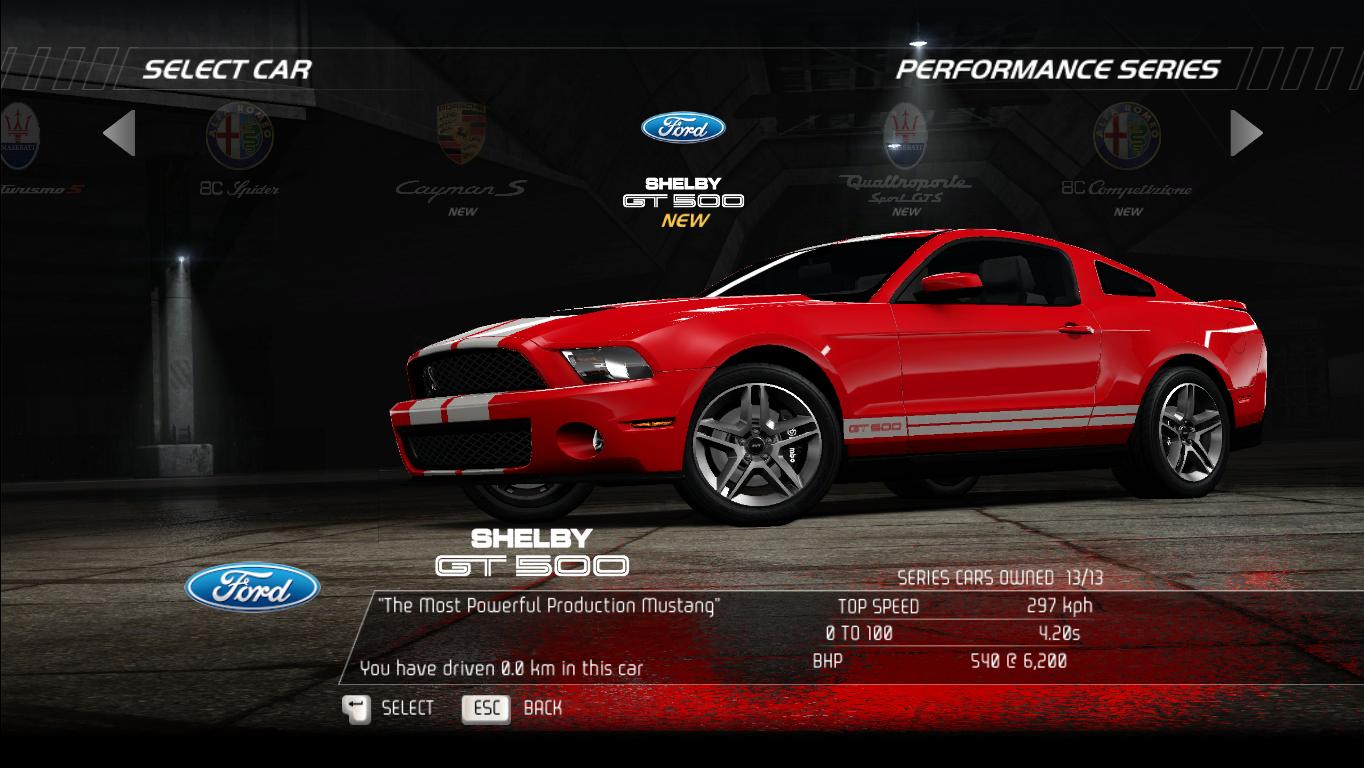
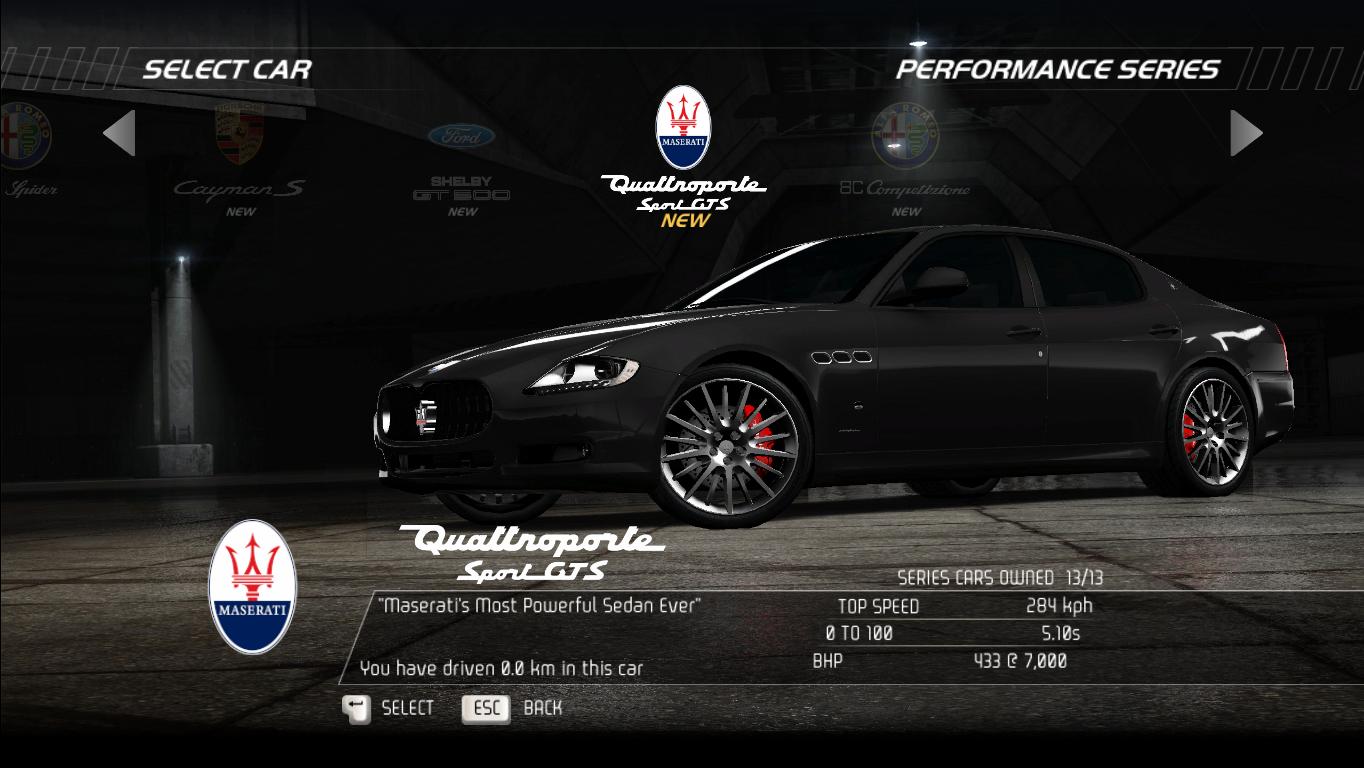
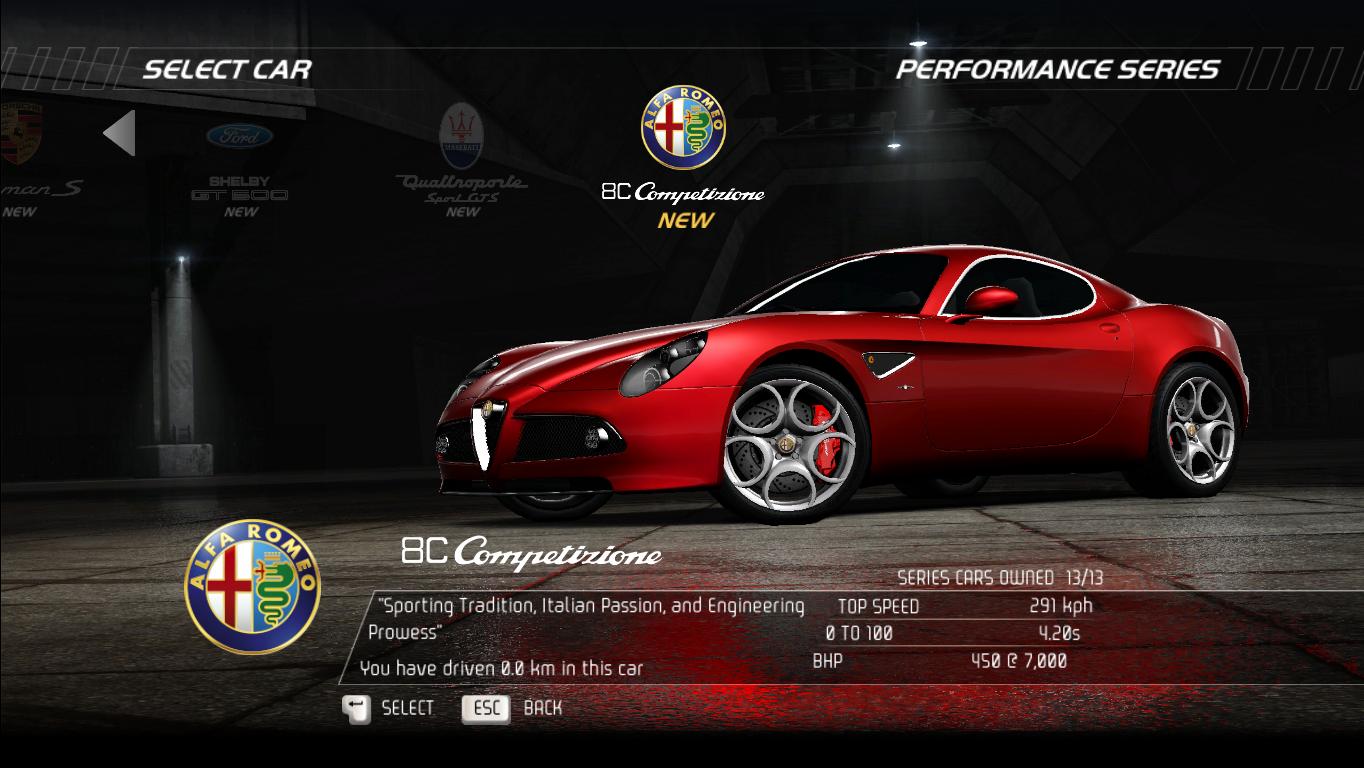
13 new cars for Racer (SCPD Rebels)
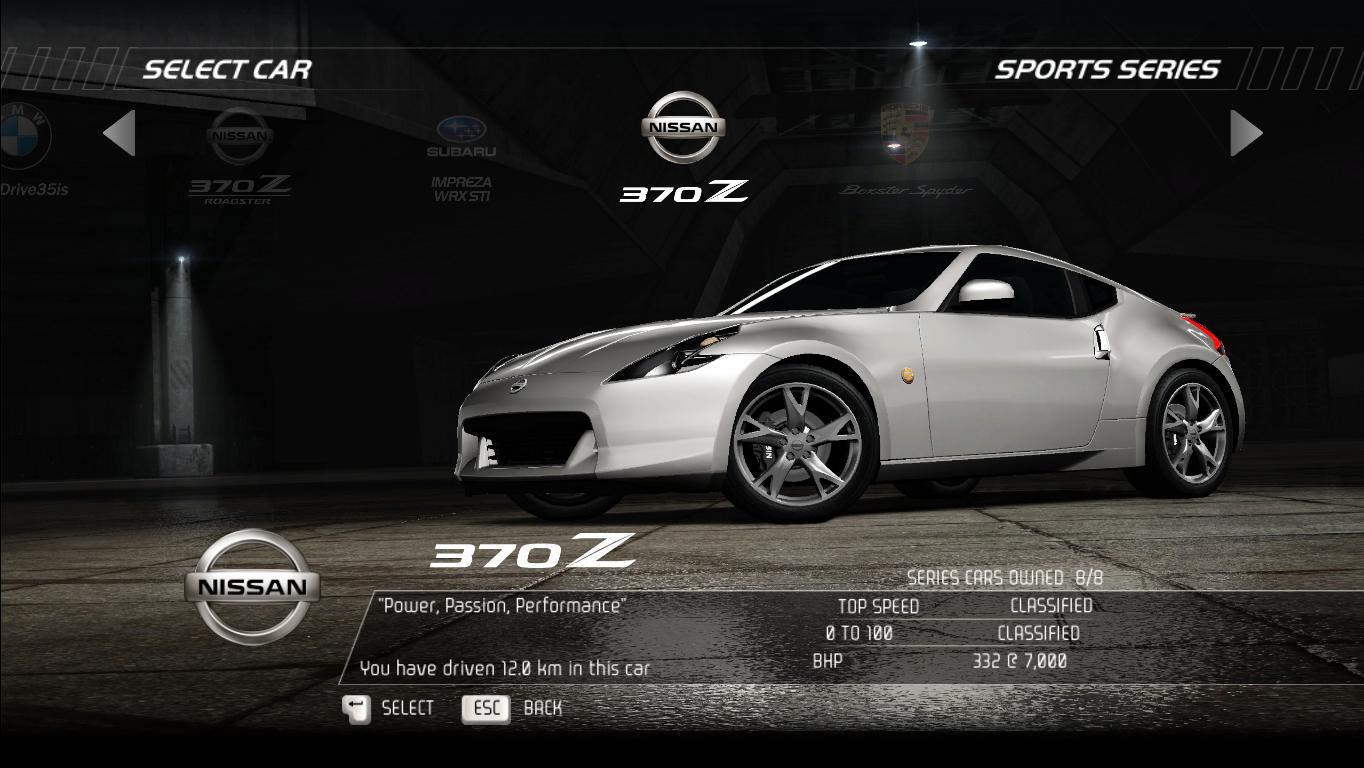
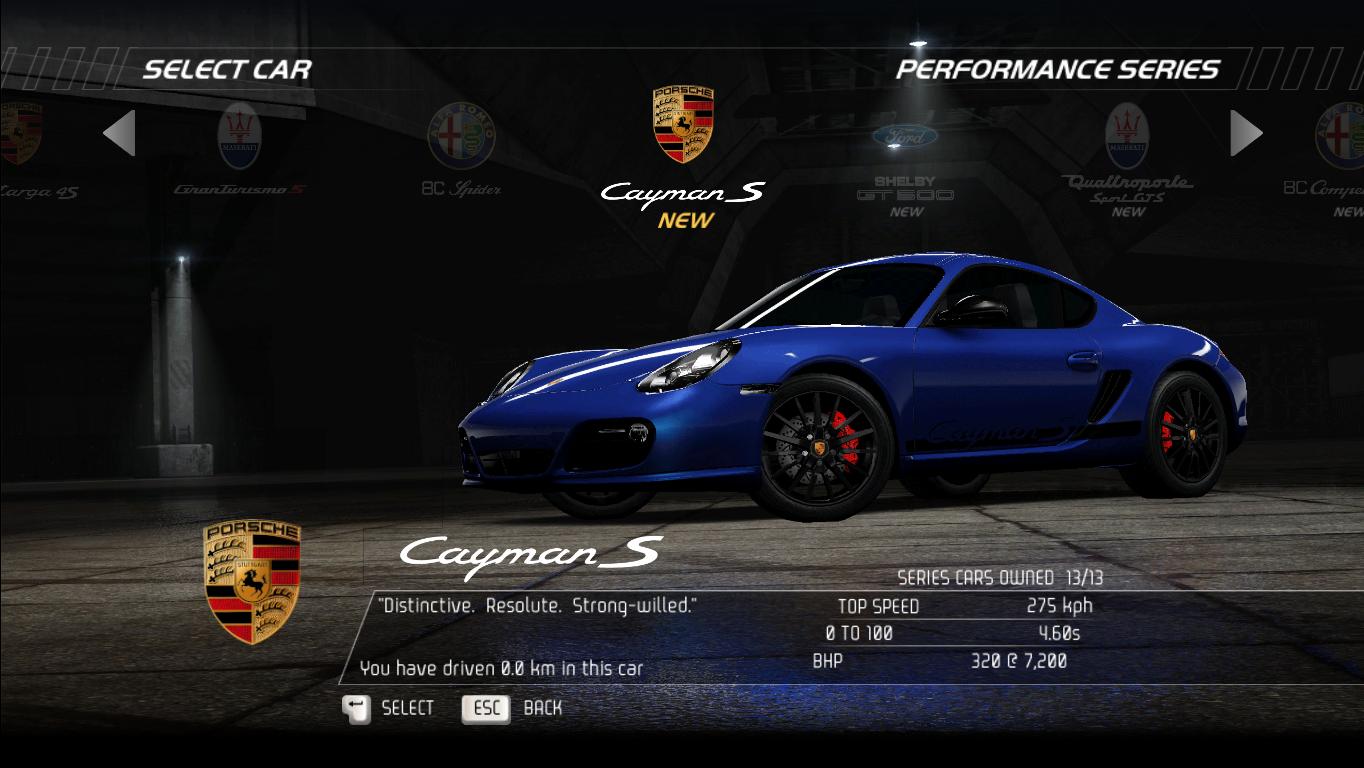
Just another few simple tasks, and you'll have 13 new cars in your garage (Racers Only)
1. Download the file from REMOVED
2. Extract the .zip file, and you'll see a folder named GAMELOGIC, which contains a file named GAMEPLAY.BNDL
2. Make a backup of the file in your NFS: HP directory (probably you already have)
3 Copy those files to the game's directory
4. Open the game
• You can race the new cars in multiplayer (Cool, right ?)
AS USUAL, GOOD LUCK GUYS
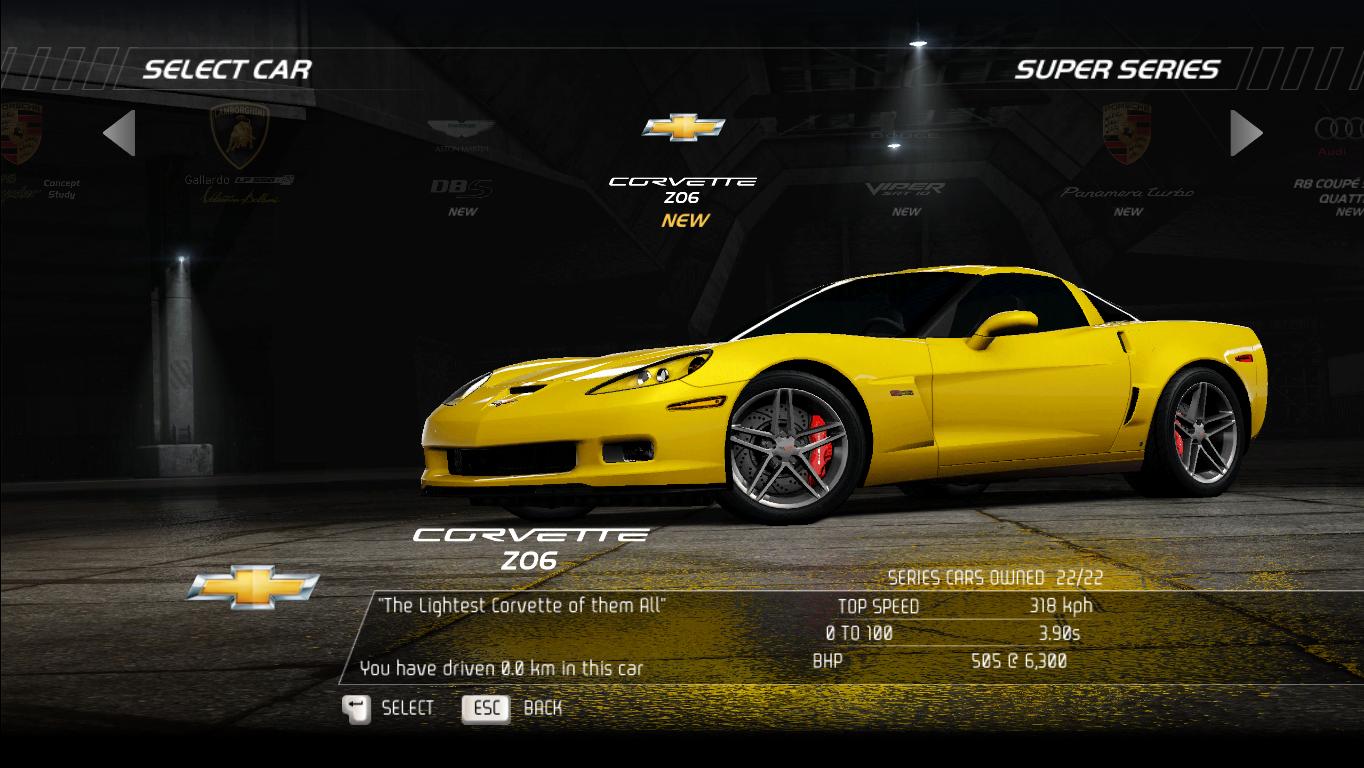
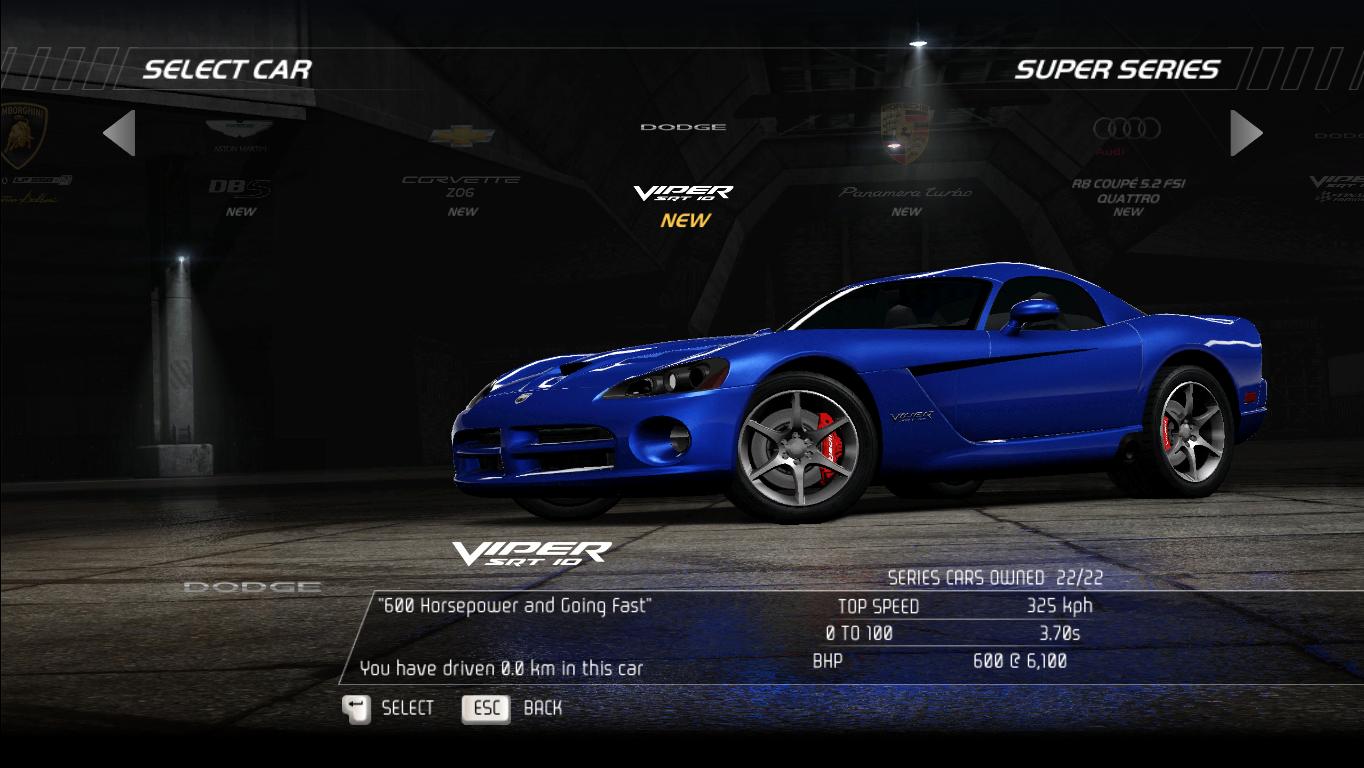
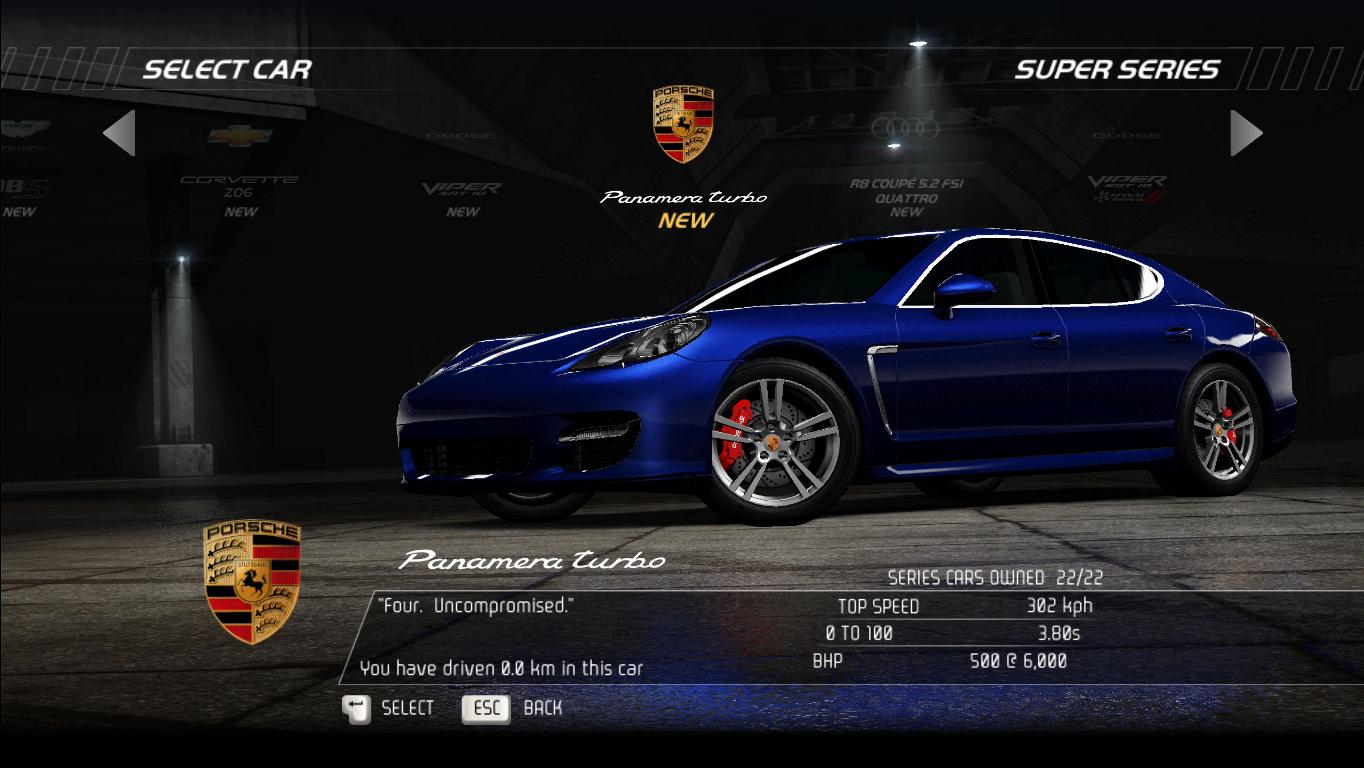
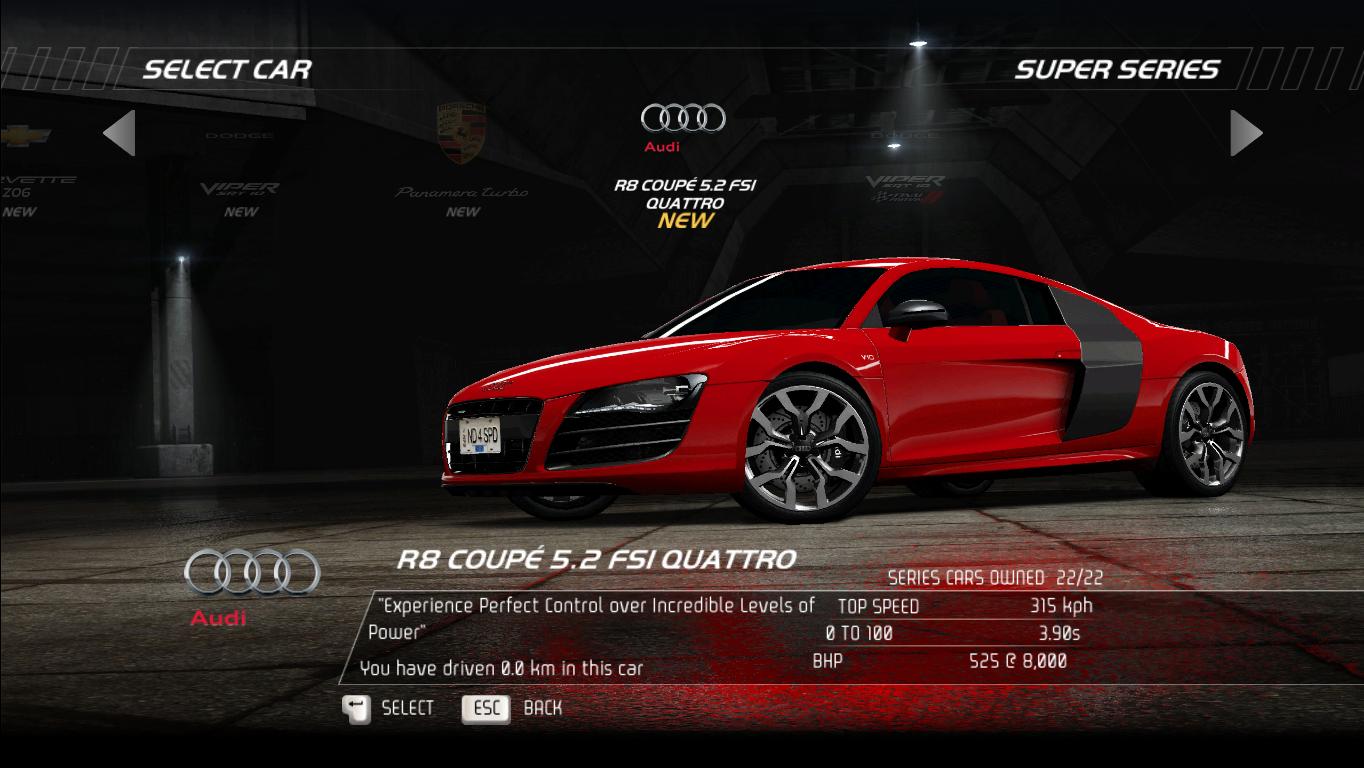
 [/strike]
1. Download the file from REMOVED
2. Extract the .zip file, and you'll see a folder named GAMELOGIC, which contains a file named GAMEPLAY.BNDL
2. Make a backup of the file in your NFS: HP directory (probably you already have)
3 Copy those files to the game's directory
4. Open the game
Notes:
• You can't have both DLC events and DLC cars, just 1 only, DLC events or DLC cars. You can race the events using the main game cars• You can race the new cars in multiplayer (Cool, right ?)
AS USUAL, GOOD LUCK GUYS
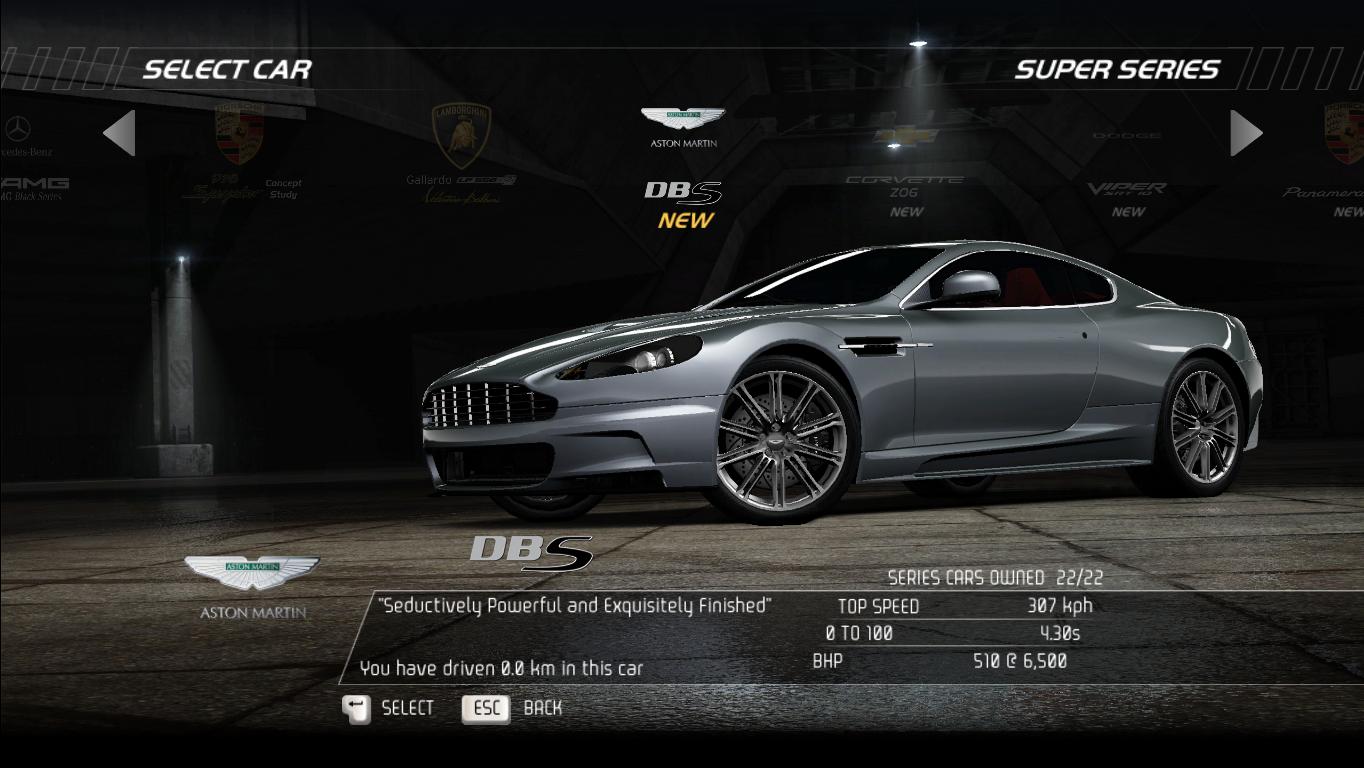
Here are some screenshots of the new cars:
[/strike]Credits
Written by, well, me
Thanks to a friend of mine for the DLC contents (he doesn't use steam, he plays this game on origin, so i can't add him as an author)
Thanks to Criterion for making this game, but not DLCs events and cars for PC (LOL)
Thanks to EA for keeping the servers running still, for 5 years.
Big thanks to everyone still playing this game and keeping it alive.
If you have something to share, spot errors, or have questions about my guide, please kindly post a comment below
Neither the DLC events nor the DLC cars are made by me, the sources are from NFScars.net
Thank you for visiting my guide, hope it will help you
Thanks to a friend of mine for the DLC contents (he doesn't use steam, he plays this game on origin, so i can't add him as an author)
Thanks to Criterion for making this game, but not DLCs events and cars for PC (LOL)
Thanks to EA for keeping the servers running still, for 5 years.
Big thanks to everyone still playing this game and keeping it alive.
If you have something to share, spot errors, or have questions about my guide, please kindly post a comment below
Neither the DLC events nor the DLC cars are made by me, the sources are from NFScars.net
Thank you for visiting my guide, hope it will help you
Update with a full guide video:
More Need for Speed: Hot Pursuit guides
- Разблокировка/Unlocking SCPD Rebels Pack DLC★ 5 (530)17k views439 ♥1 minRussianUpdated Jul 21, 2018
- Улучшение графики в Need for Speed: Hot Pursuit [Обновление от 06.05.2024]★ 5 (308)15k views248 ♥6 minRussianUpdated May 6, 2024
- GUIDE TO GOING FAST★ 5 (554)13k views283 ♥3 minUpdated Jul 16, 2013
- Ищем себе игроков для мультиплеера★ 5 (539)11k views393 ♥1 minRussianUpdated Aug 23, 2025
- Reduce Stuttering, Tweaking CPU Cores & Hyper-Threading★ 5 (173)10k views200 ♥14 minUpdated Dec 1, 2017
- RU Community/Русское сообщество★ 5 (266)9.9k views148 ♥1 minRussianUpdated Feb 21, 2013





This guide was created by its original author on the Steam Community. Are you the author and want it removed? Request removal.