WARFACE - The nearly "Ultimate Guide"
Introduction
Please note that Warface had some major changes in the past months.
IMPORTANT NOTE:
In a few months, this guide will be 10 years old. Most of the info and gameplay elements in here are far outdated and do not reflect the current state of the game.

Daily LogIn Rewards
Every day you log in you'll get a reward. If you don't log in for one day, the counter will reset and you'll have to start from the beginning.

 *
* 500
500 100
100* The so called "Resurrection Coins" can be used to revive you, no matter if there are medics near you or not. They should only be used in hard missions because they are only gettable trough the login reward, coin creates and "Credits", Warface’s premium currency.

Missions (PVP)
Warface's PVP system has a lot of game modes. Some of the most played ones are: Team-Deathmatch, Plant the Bomb, Free for all, Storm, Capture, Bountyhunter, and Destruction.
- Create your own server, choose a map and a name, gamemode, amount of players and Gamerules*. Now you just have to wait for other players to join you.
* If you create your own server you can turn on/off different game rules. E.g.: "I don't want medics in the round or only melee/pistols."

Missions (PVE)
Beside the PVP missions there are also PVE missions where you can team up to a 5-Man squad to defeat tons of AI enemies on your way to the extraction. Most of the PVE missions have a second part. The Resurrection coins can only be used in the PVE missions. But what if you don't have any coins left and the medic is dead? One of your team mates needs to reach a Checkpoint*.
* Survival missions are PVE missions which are harder and longer
* A checkpoint restores your ammo, grenades and armor.

Earning money
Earning money is a very hard discussed topic in the Warface forums. The money to buy equipment isn't really that much. Rather the price for weapon crates and the repair costs for permanent weapons are the most expensive things in the game. It's also recommended to use limited weapons/event weapons as long as they are available. They often have buffed stats and you don't have to repair them which saves a lot of money. If you are willing to spend some crowns, you should go for vests and helmets since they are strong and have no repair costs.
- Complete the PVE missions. If you finish a mission for the first time a day you'll get a special bonus.
- Using the default equipment (Marked with an infinite symbol)
- Try to play more PVP then PVE
- Play the Survival missions
- Buy VIP, money or XP booster
- Use limited/event weapons
- Use crown gear

Take your time

Familiarize yourself with the map

Know your team

Know the situation

Stick together

If the map gives you cover, take it
All over the map are objects where you can take cover; no matter if you play PVE or PVP. If you're under fire and at low health, don't try to shoot back! The chance that you miss is higher than actually hitting the target. Rather you should try to get behind the next wall and let your team mates take care of the enemy.
If cover is not working - run! It's not uncommon for enemies to shoot trough a wooden wall. If you're hiding and still taking damage, run into the medic's arms. I'm sure he'll help you.

Rifleman Advice
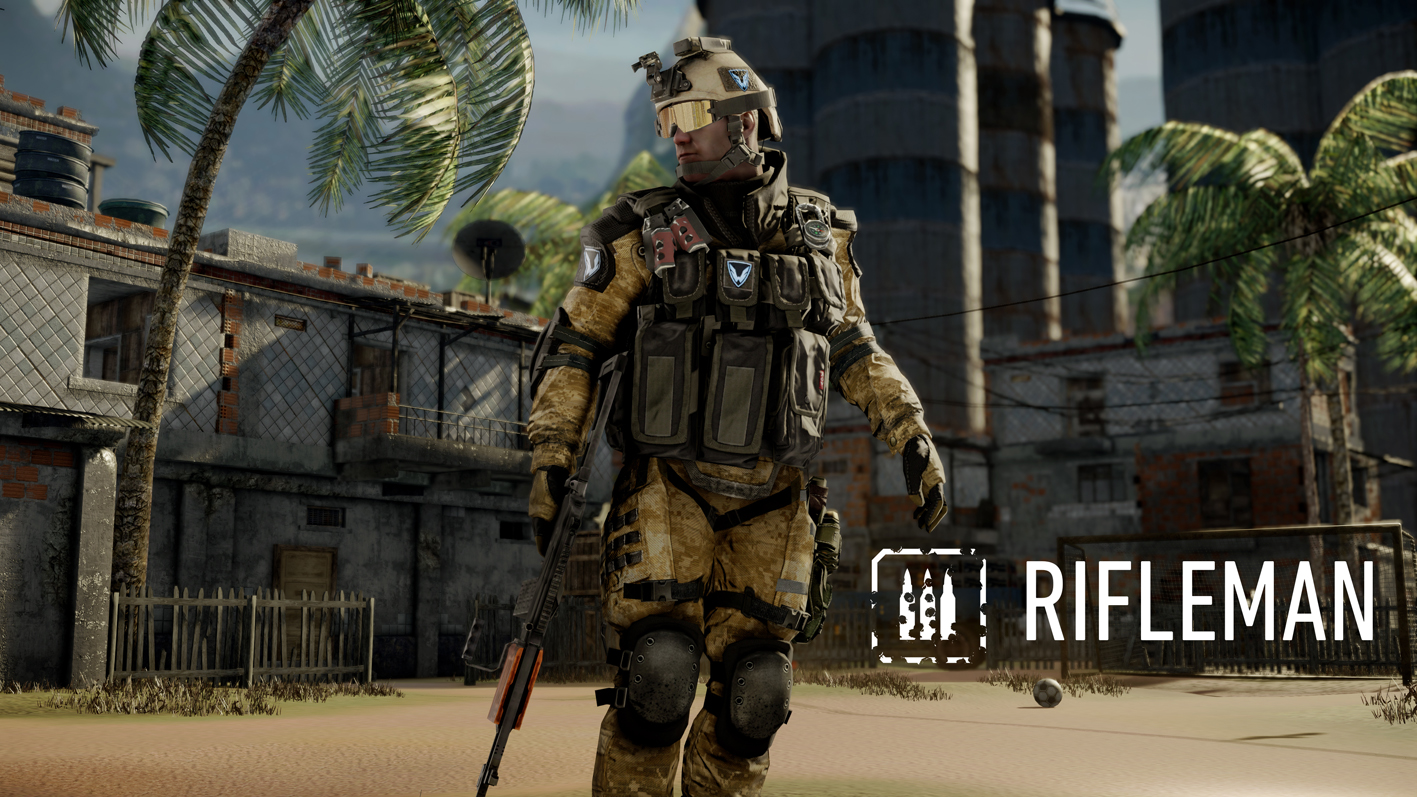
- Stay in prone - it will help steady aim and increase accuracy especially for LMG
- You're equiped with ammo packs, so don't be afraid to spray
- Refill your team mates' ammo! Nobody likes it when you rush ahead, too busy with killing.

Medic Advice
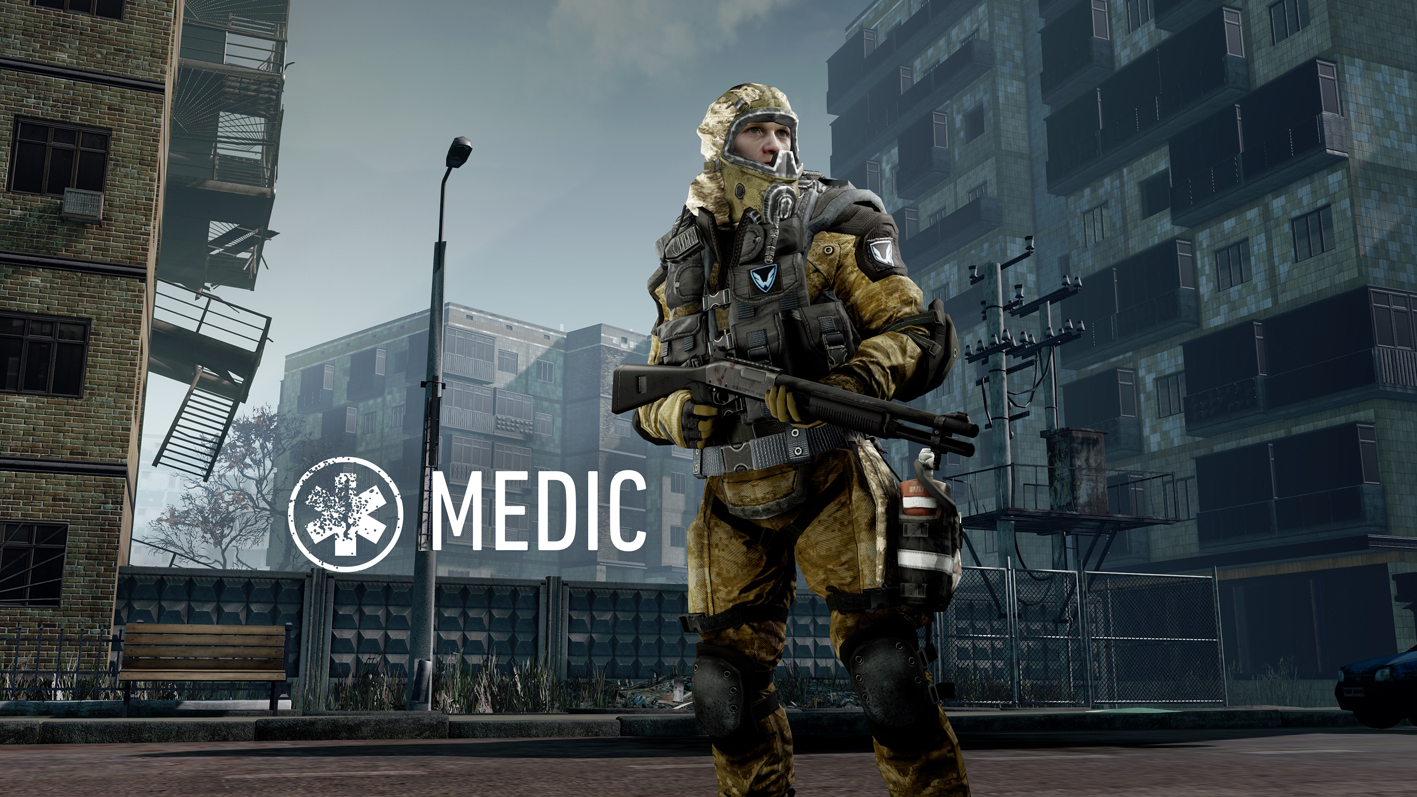
- Use you handgun! Even the default high-power pistol has surprising range and considerable accuracy.
- You can use your defibrillator as a melee, not very fast but powerful
- Your shotgun is the deadliest weapon in the game when it comes to close range battle
- You can't save everybody and some aren't worth it.
- Your primary task is healing, don't rush and try to kill every enemy
- Watch your ammo. The medic can't carry that much rounds.
- The medic is not for everybody. You'll get balmed, shouted and insulted if you're playing with less experienced players.

Engineer Advice
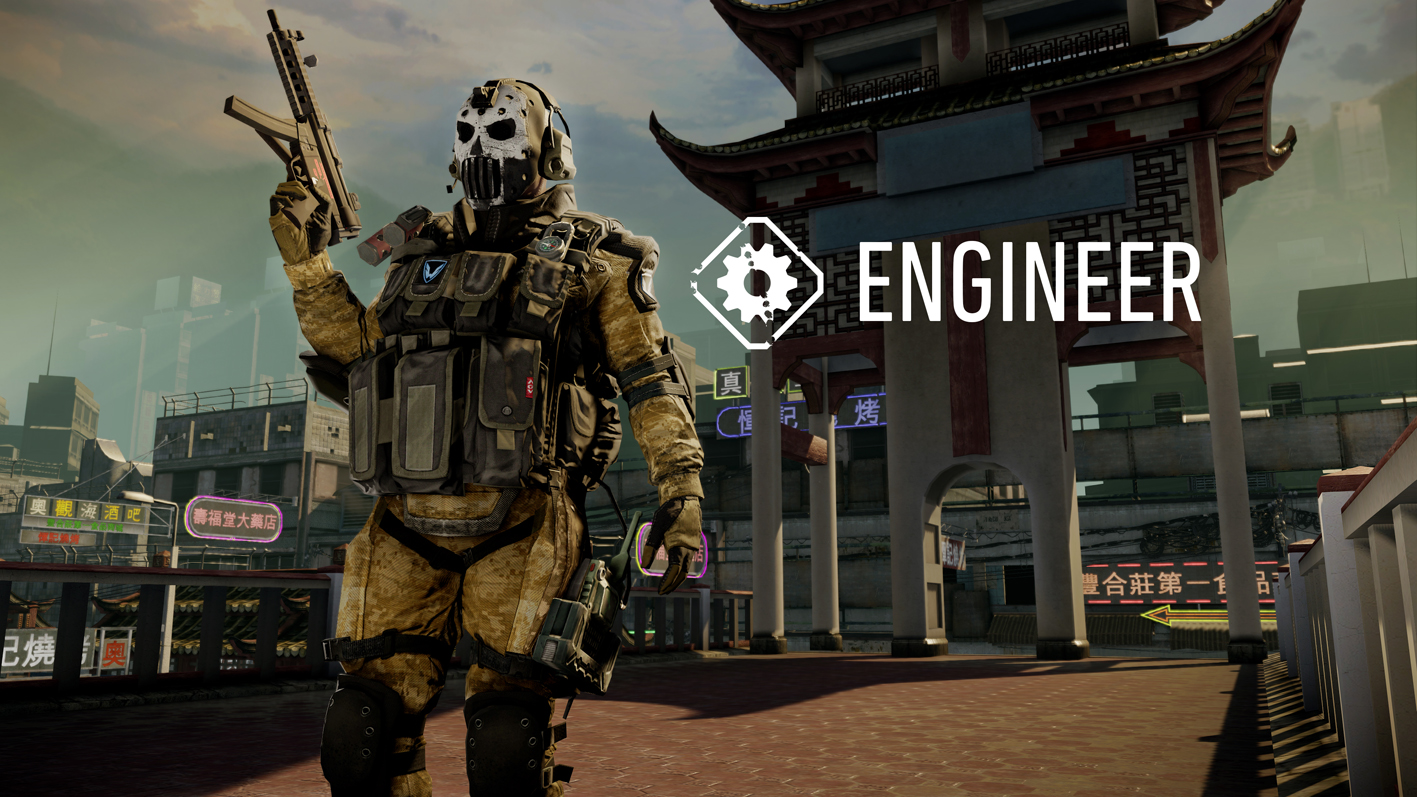
- Your primary task is to keep the medic armored, he's the most important squad member.
- If you have the time, power up your team mates as well.
- Use your tripmine in small hallways or locations where you know that enemies will come across.

Sniper Advice
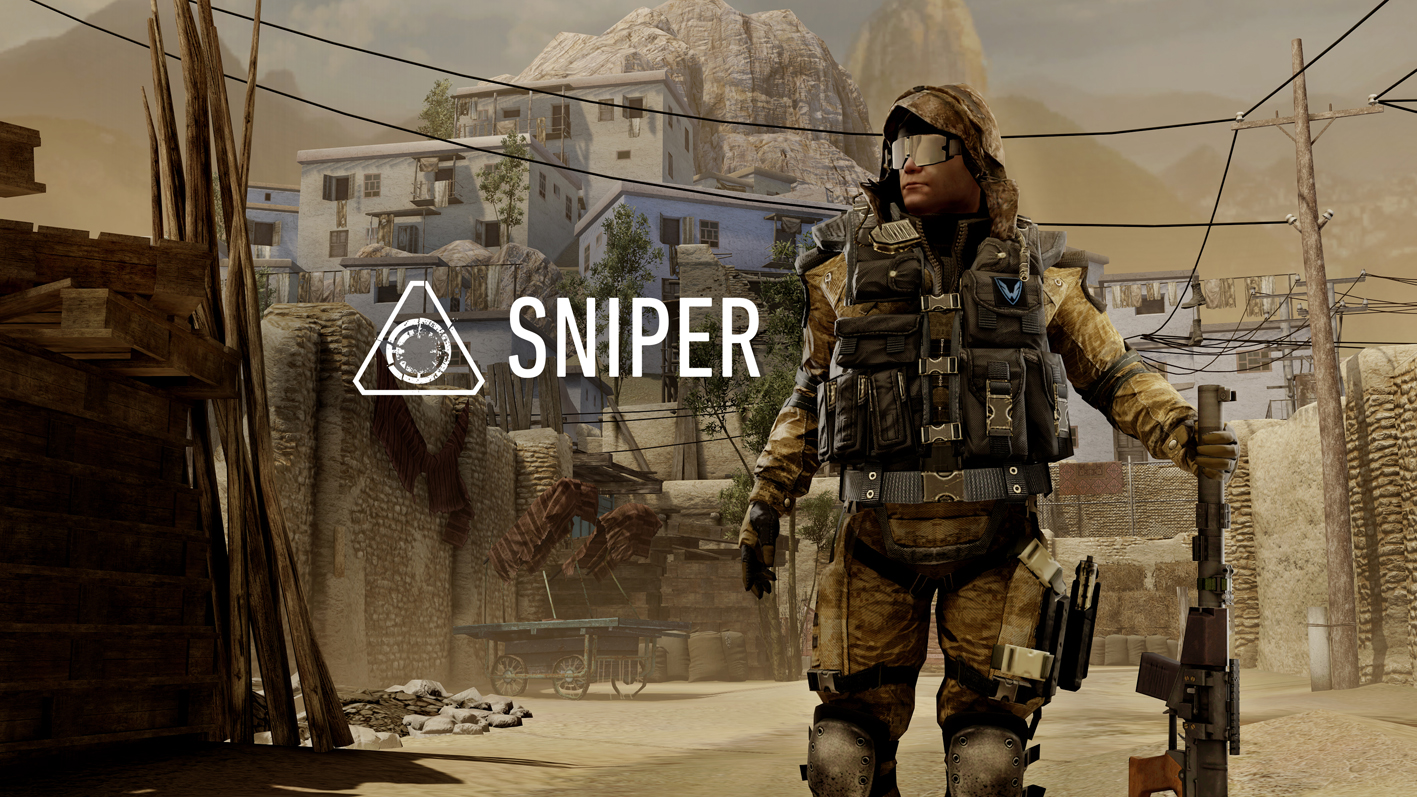
- Be the only sniper in the team. It's the only class with no special support ability.
- Stay back. You are a long range class. When your team moves in, give support from behind.
- Your primary task is taking care of enemy snipers, spec-ops or gunners
- If you are in close combat, use your secondary weapon.
- Go for headshots in PVE, it will kill the enemy with one shot and saves ammo.

Know the enemy
For example: The Riot-Shield can tank every bullet but not a defibrillator.
Use your advantages to win!

- Достижения с неизвестными условиями5.4k views38 ♥1 minRussianUpdated 10 Jan, 2022
- Mini-Achievements List★ 4 (72)3.8k views43 ♥3 minUpdated 27 Jan, 2018
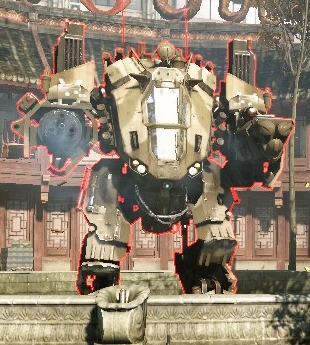
- How to Destroy a Mech★ 4 (44)3.7k views19 ♥1 minUpdated 3 Aug, 2014
- Blackwood are the good guys.★ 4 (92)3.2k views56 ♥2 minUpdated 29 Jun, 2019
- Обозначения позиций на картах РМ★ 4 (44)2.9k views65 ♥3 minRussianUpdated 10 Sep, 2021
- Windows 7 ,Windows vista,Windows 8 ,Windows 8.1and dont forget about Windows 10 OS FPS PC gaming optimization guide★ 4 (44)2.7k views52 ♥19 minUpdated 27 Jan, 2017




- Upgrading to PremiumTeam Fortress 2★ 5 (20k)1441k views11k ♥6 minUpdated May 11, 2022
- No More Room in Hell Official ManualNo More Room in Hell★ 5 (2.8k)569k views2.1k ♥29 minUpdated Apr 22, 2019
- NMRiH Community Hosting GuidesNo More Room in Hell★ 5 (526)351k views653 ♥1 minUpdated Aug 10, 2022
- ULTIMATE GUIDE FOR GAME DEV TYCOONGame Dev Tycoon★ 5 (5.8k)326k views10k ♥4 minUpdated 23 Jan, 2014
- How to 'Git Gud' Soon™MORDHAU★ 5 (2k)318k views3k ♥68 minUpdated Nov 16, 2024
- Лучшие кооперативные игры SteamPAYDAY 2★ 5 (1.5k)315k views2.1k ♥56 minRussianUpdated Apr 27, 2025






This guide was created by its original author on the Steam Community. Are you the author and want it removed? Request removal.