Accessing the In-Game Mod Menu
Introduction
This guide has been previously outdated due to a patch from a couple months ago. With that said; the steps are slightly more complex but will get you where you need to go. As of 11/6/2023 this does work. This has been tested with multiple machines and everyone has gotten relatively the same results.
If this isn't working, it's a user error.
If this isn't working, it's a user error.
Obtaining a TV and Keyboard
First off, you will need a natural spawning TV and keyboard. The one in the house will not work and will just report a "syntax error" whenever anything other than basic commodore commands are done.
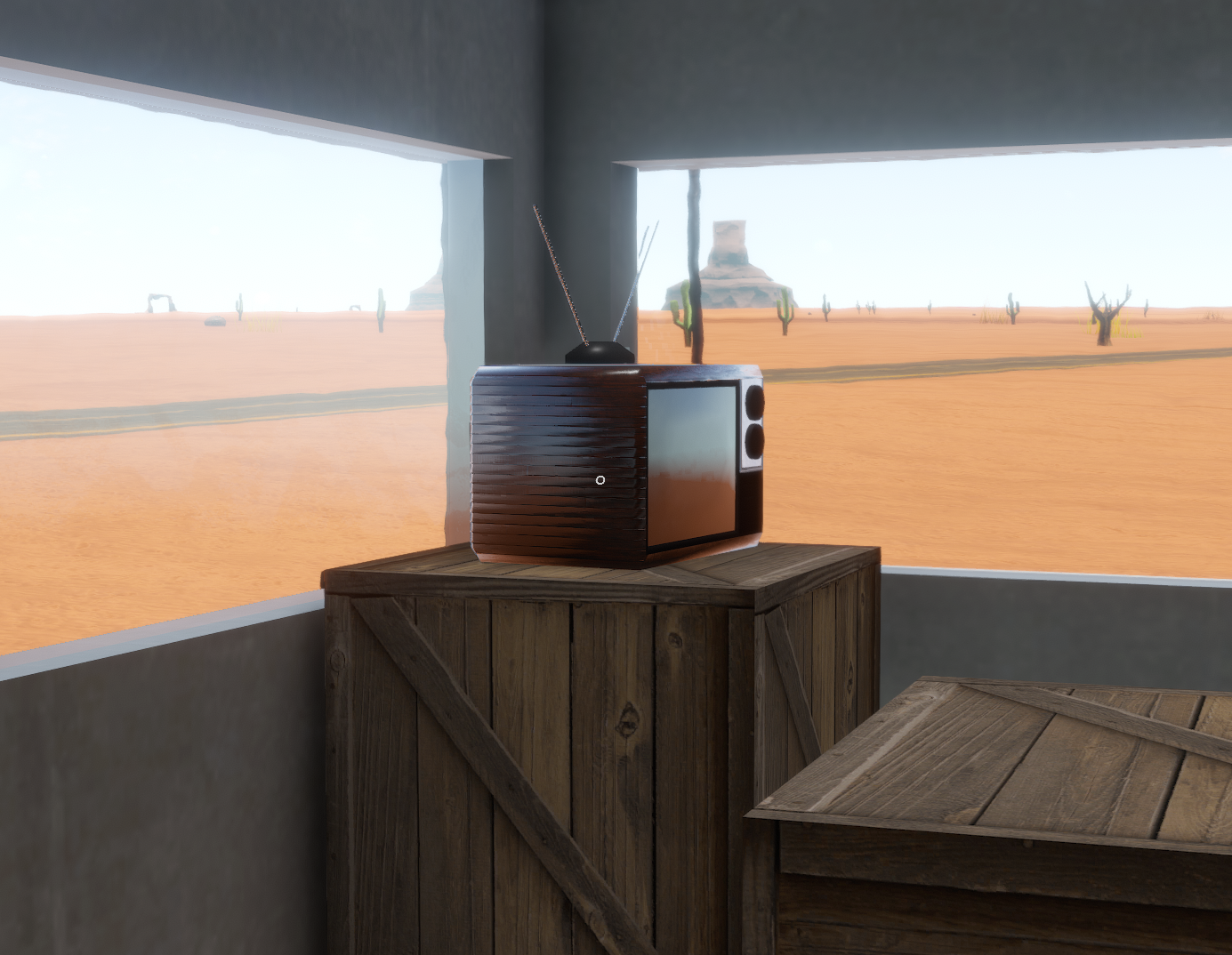
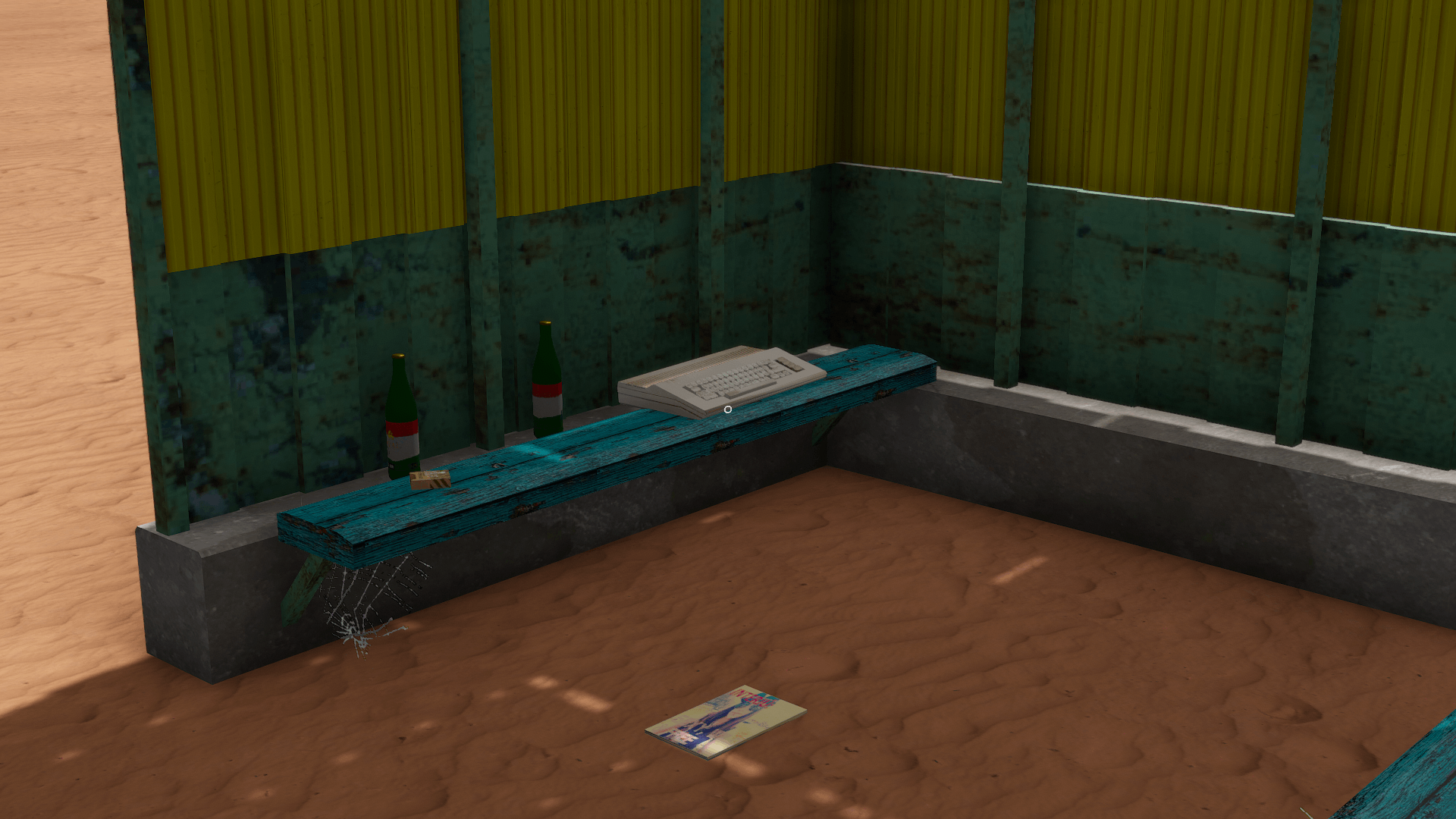
Accessing the Mod Menu
Once you have obtained your TV and keyboard, go ahead and connect the keyboard to the TV and turn both objects "on". Where and how you do it will not affect this.
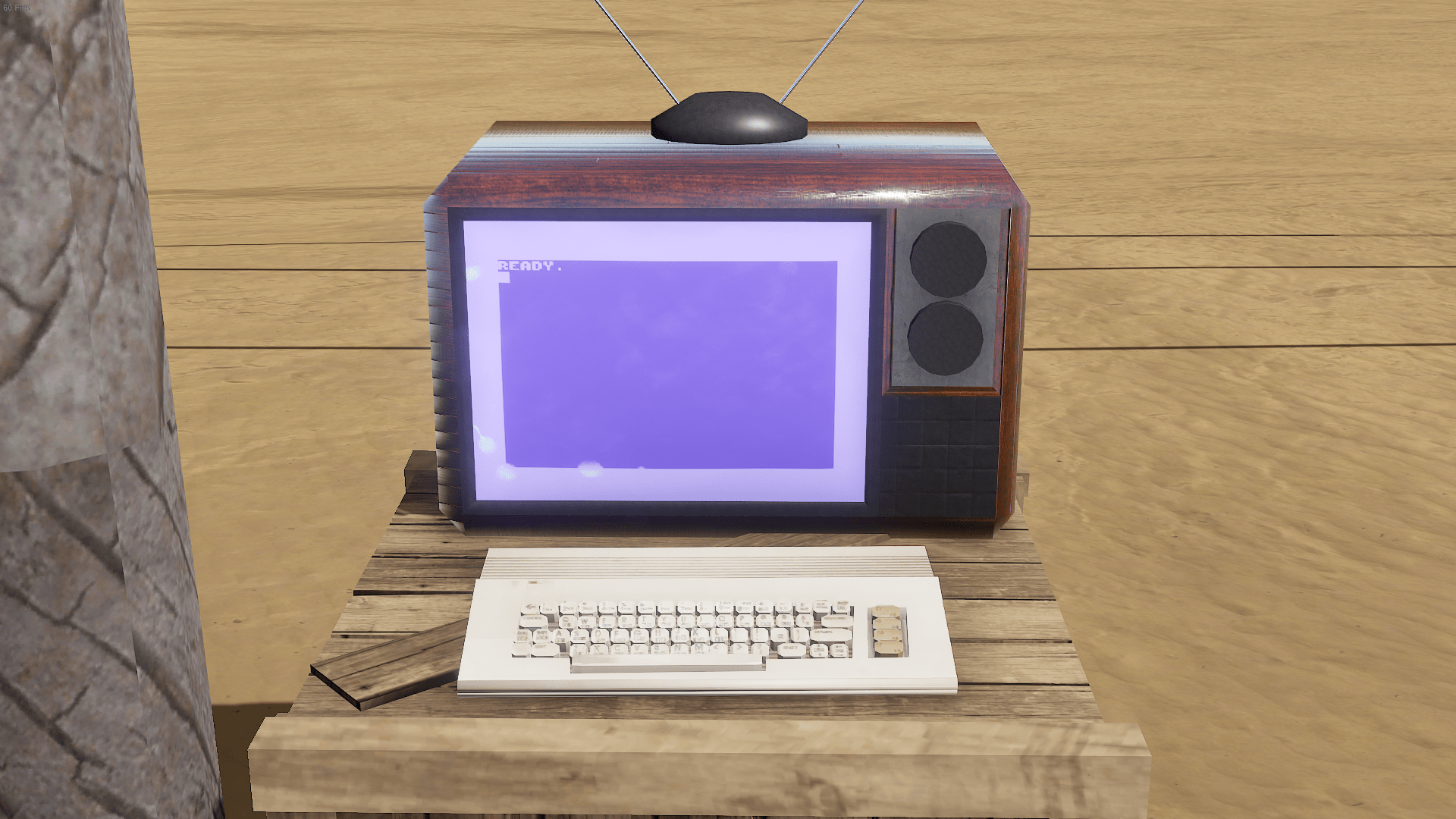 ̅.
Next, Type out the following:
̅.
Next, Type out the following:
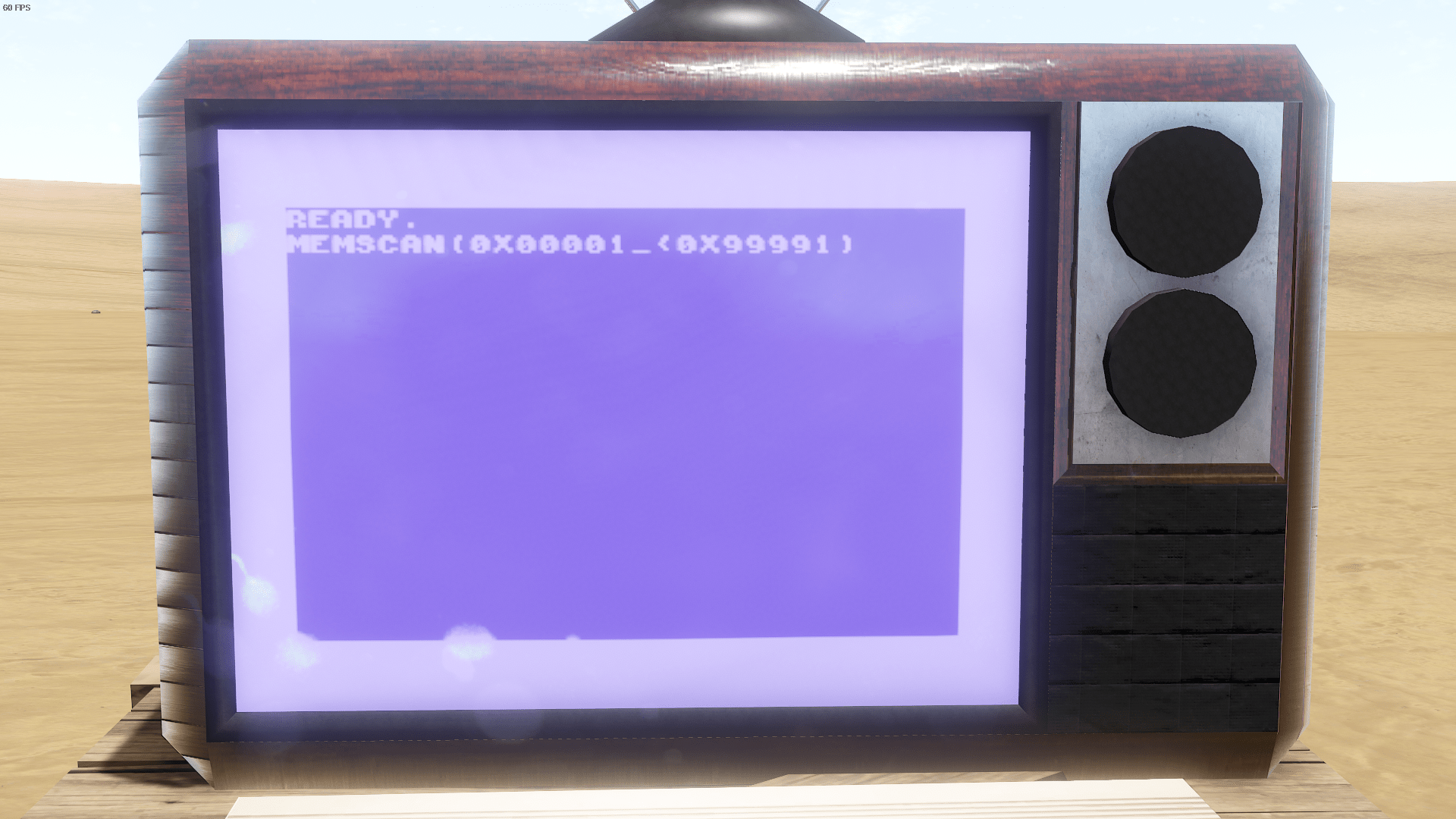 .
This will take a bit so sit back and grab something to eat.
.
This will take a bit so sit back and grab something to eat.
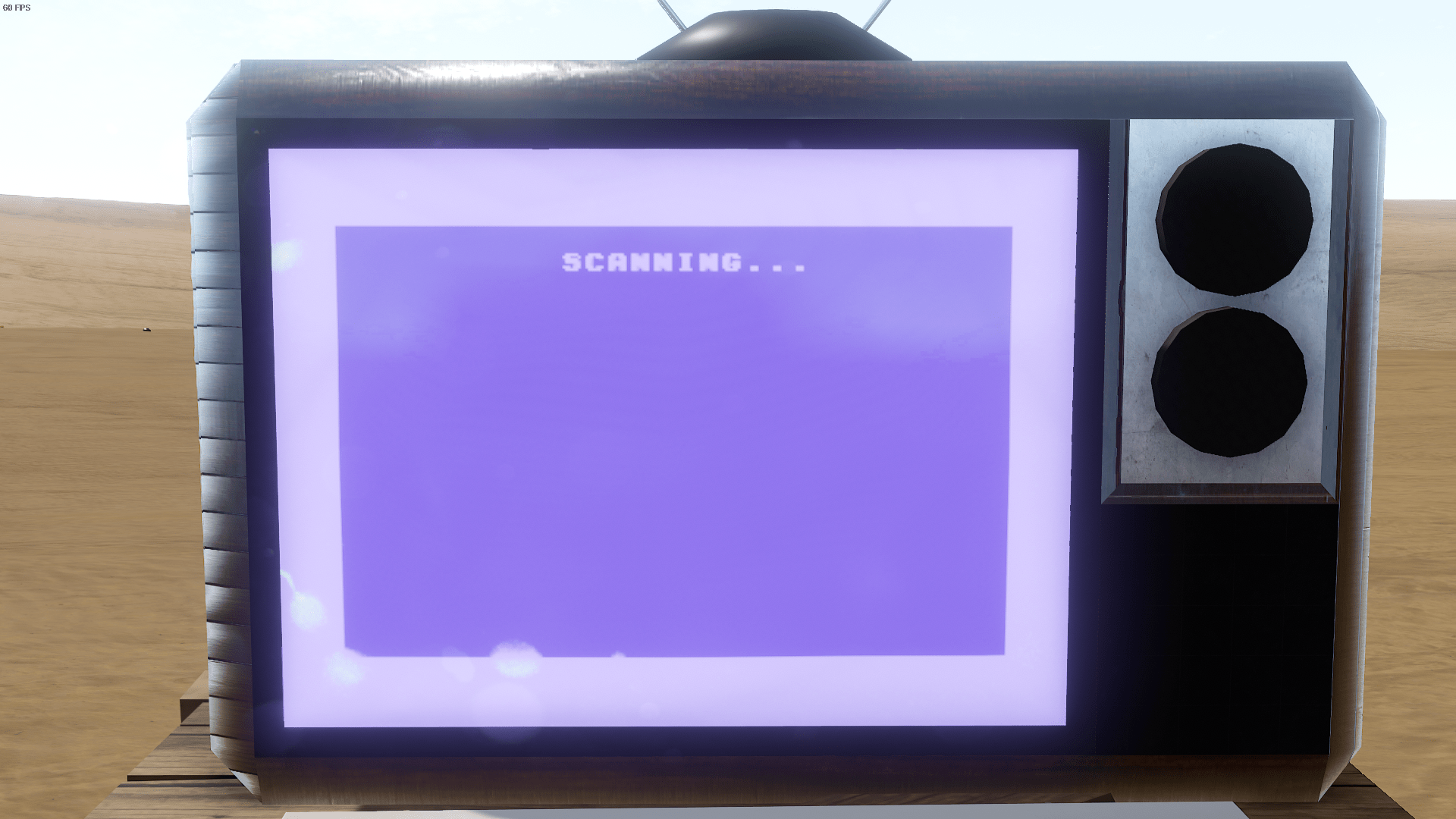 .
You'll be told when it's done scanning. Memory addresses found will vary and shouldn't affect the next steps. You can either re-scan by pressing "Y" on your keyboard and the new scan will overwrite the .TXT document the game created with the newly found addresses. Otherwise, just press "N".
.
You'll be told when it's done scanning. Memory addresses found will vary and shouldn't affect the next steps. You can either re-scan by pressing "Y" on your keyboard and the new scan will overwrite the .TXT document the game created with the newly found addresses. Otherwise, just press "N".
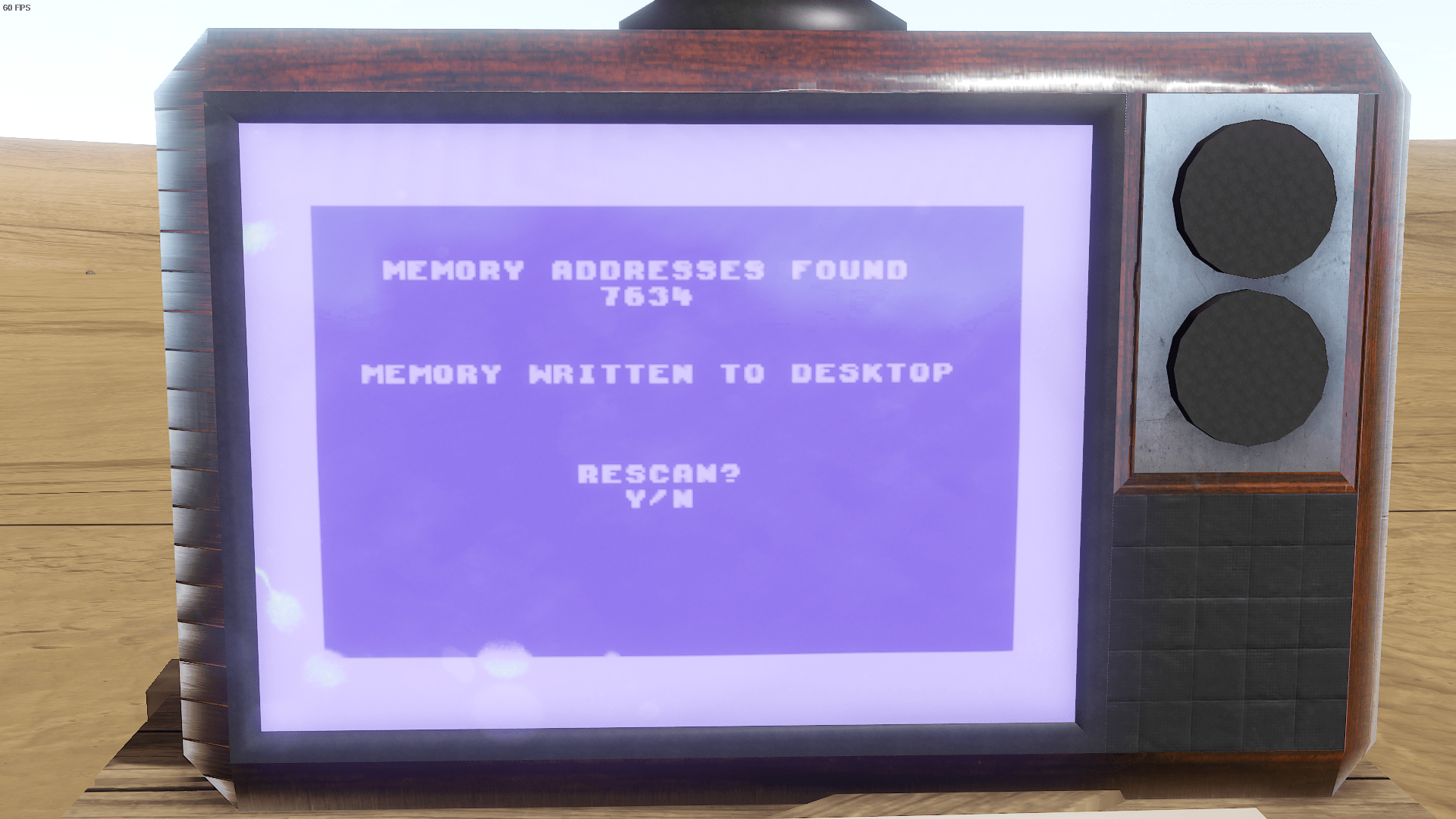 .
Now. This step is pretty important. Open the text document the game wrote and look for anything labeled as "cache". Write out this script on the TV but replace any memory addresses found that were labeled as "cache". You may have one, you may have five. write them all out. In this example I only had two.
.
Now. This step is pretty important. Open the text document the game wrote and look for anything labeled as "cache". Write out this script on the TV but replace any memory addresses found that were labeled as "cache". You may have one, you may have five. write them all out. In this example I only had two.
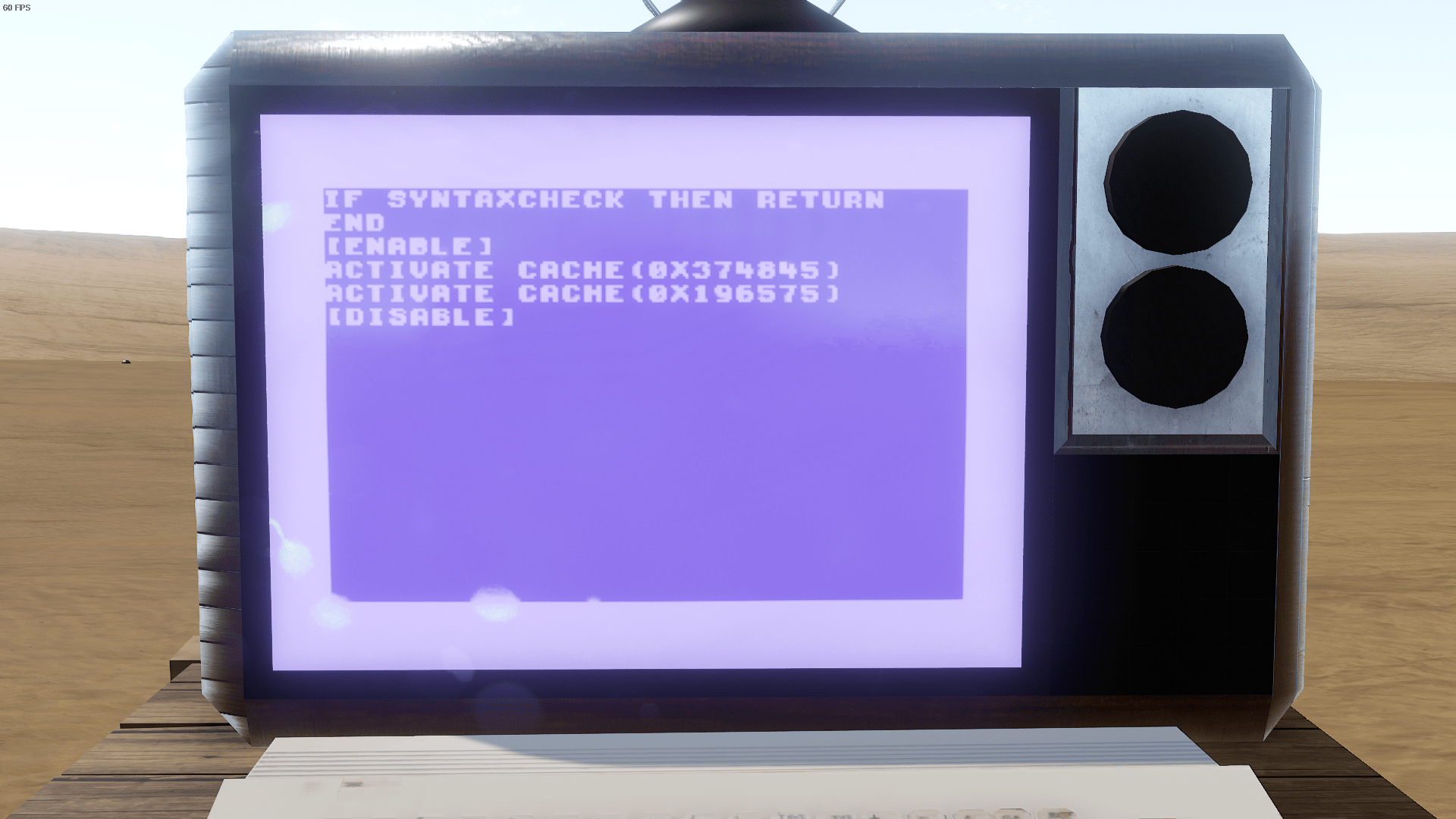 .
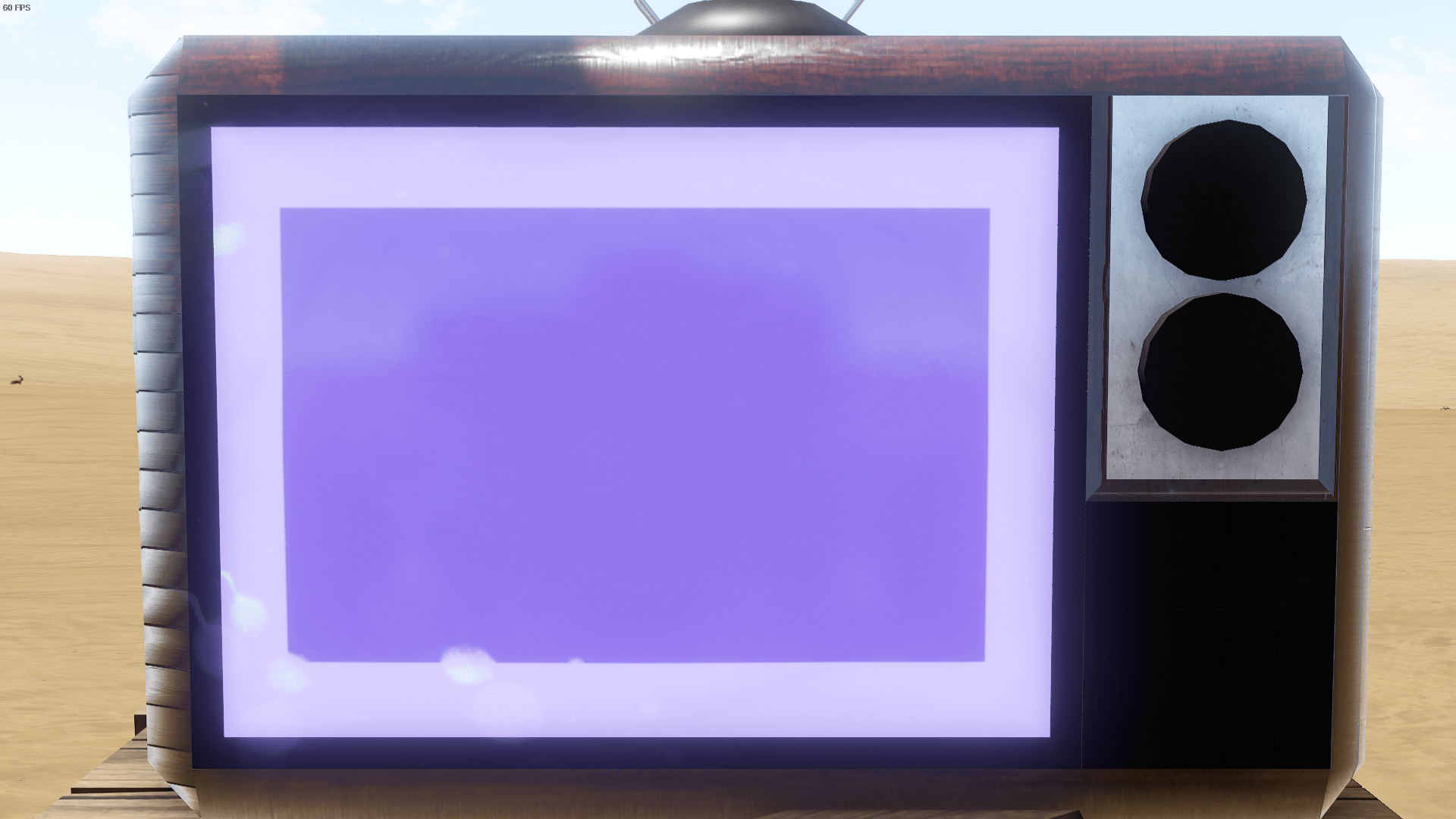
The TV will become blank once done successfully. Congrats, you found the hidden developer menu.
.
The TV will become blank once done successfully. Congrats, you found the hidden developer menu.
̅.
Next, Type out the following:.
This will take a bit so sit back and grab something to eat..
You'll be told when it's done scanning. Memory addresses found will vary and shouldn't affect the next steps. You can either re-scan by pressing "Y" on your keyboard and the new scan will overwrite the .TXT document the game created with the newly found addresses. Otherwise, just press "N"..
Now. This step is pretty important. Open the text document the game wrote and look for anything labeled as "cache". Write out this script on the TV but replace any memory addresses found that were labeled as "cache". You may have one, you may have five. write them all out. In this example I only had two..
The TV will become blank once done successfully. Congrats, you found the hidden developer menu.Spawning Items Using Menu
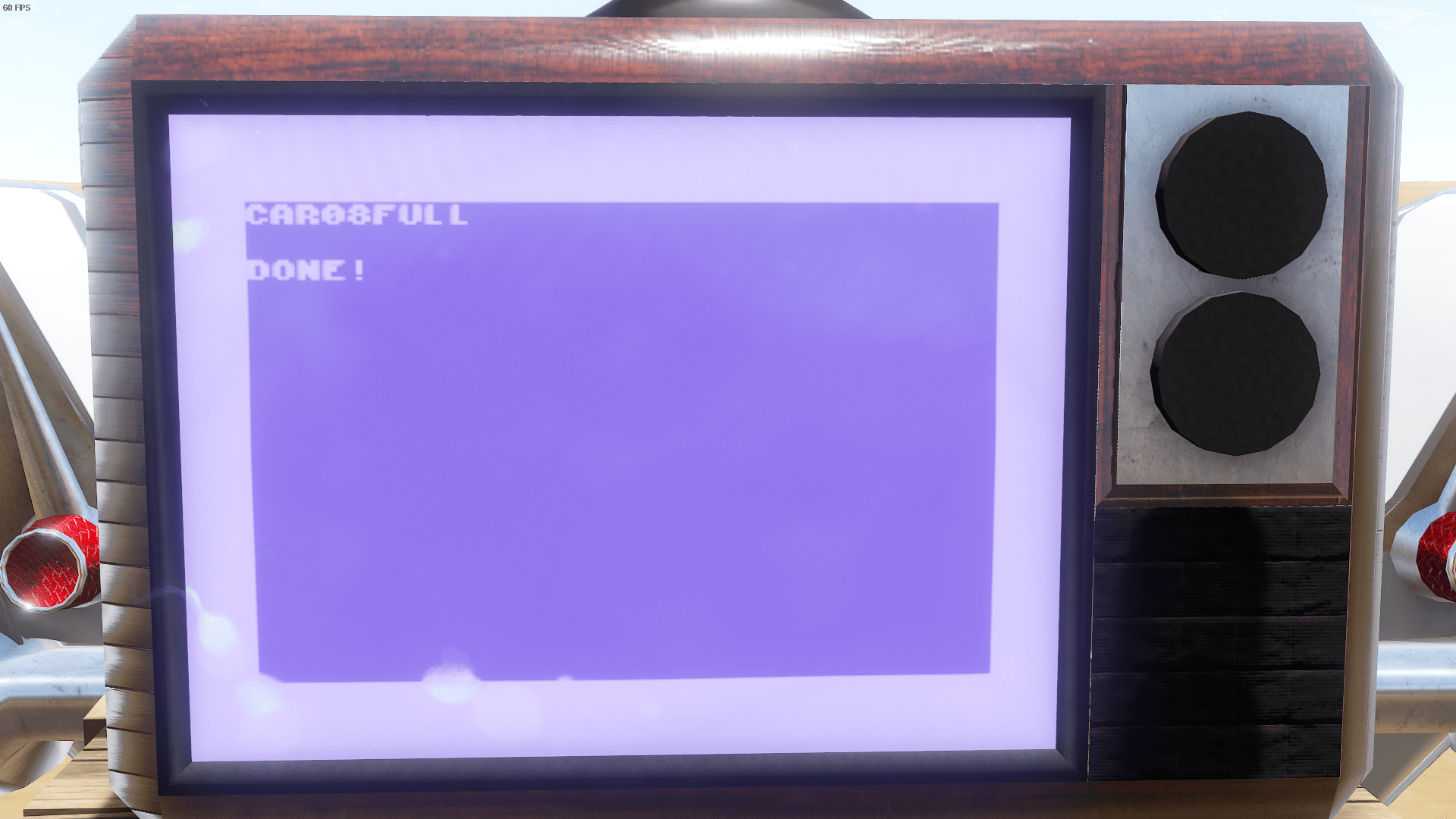
When spawning Items, just type the item ID you want to spawn and nothing else. The game will place it behind the TV so make sure you have adequate spacing for the item/vehicle you are spawning in.
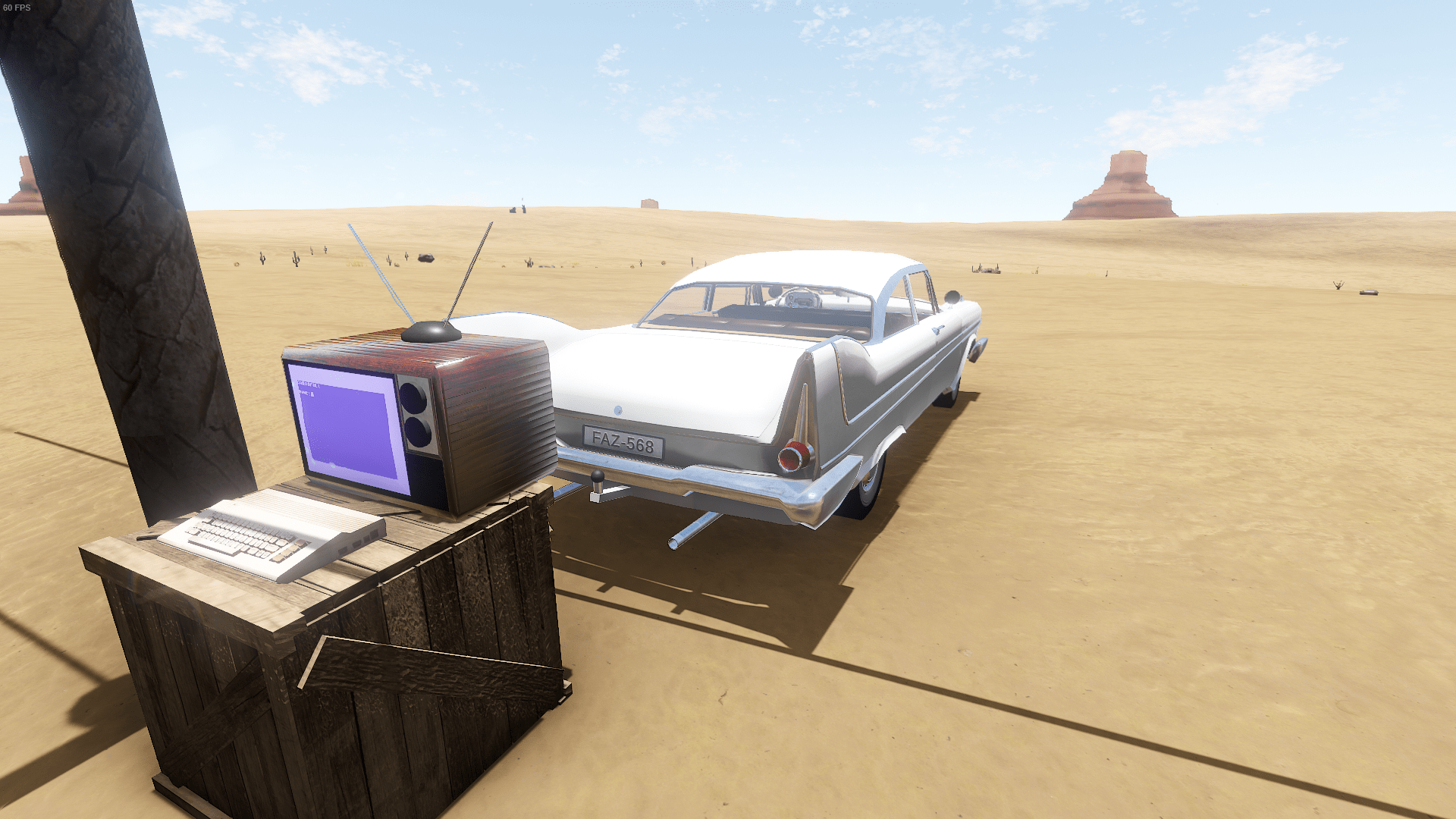 .
First off; If we type the item ID then a number between 1 and 4, we can modify the amount of rust is on the item before it spawns.
.
First off; If we type the item ID then a number between 1 and 4, we can modify the amount of rust is on the item before it spawns.
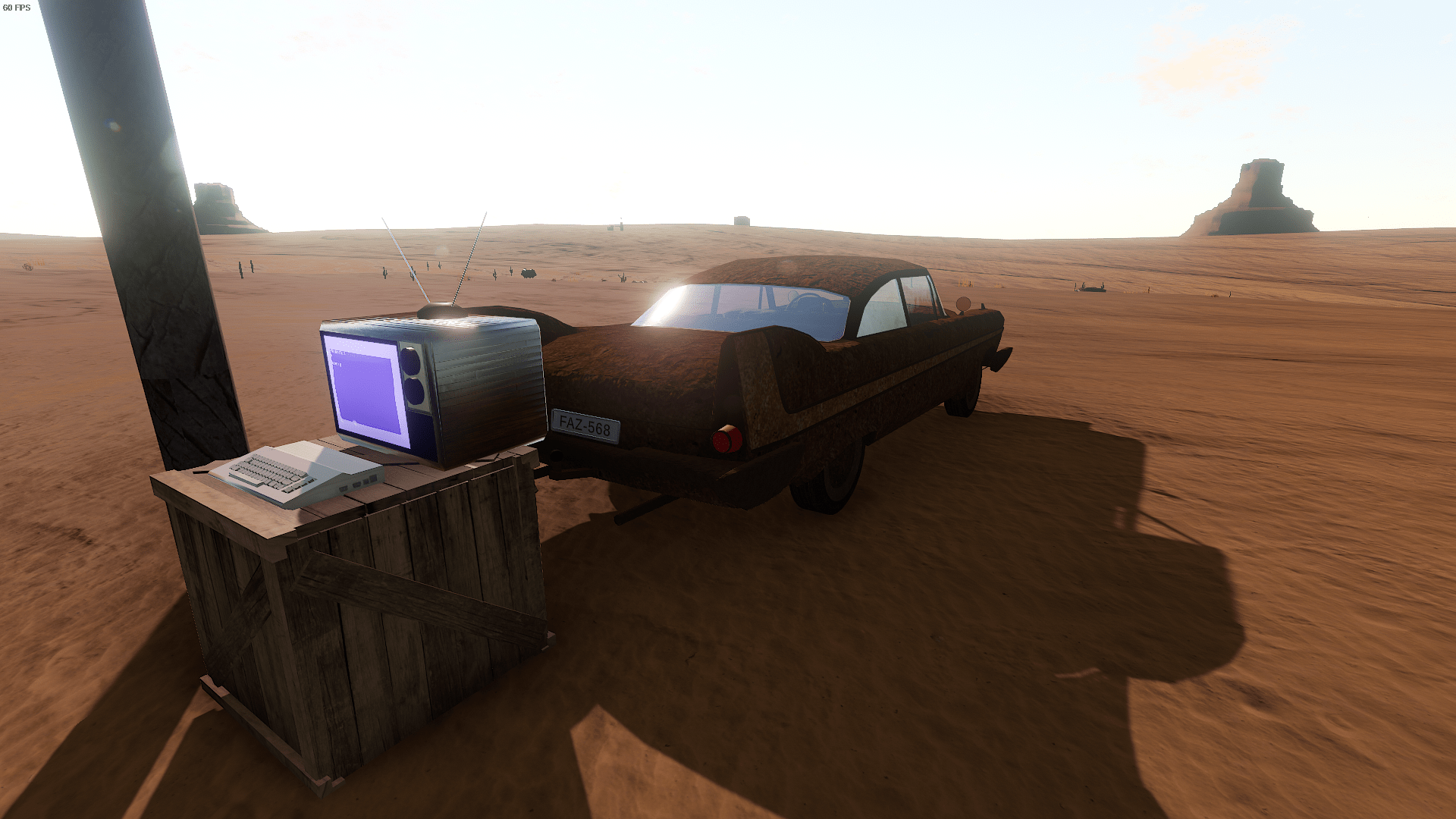 .
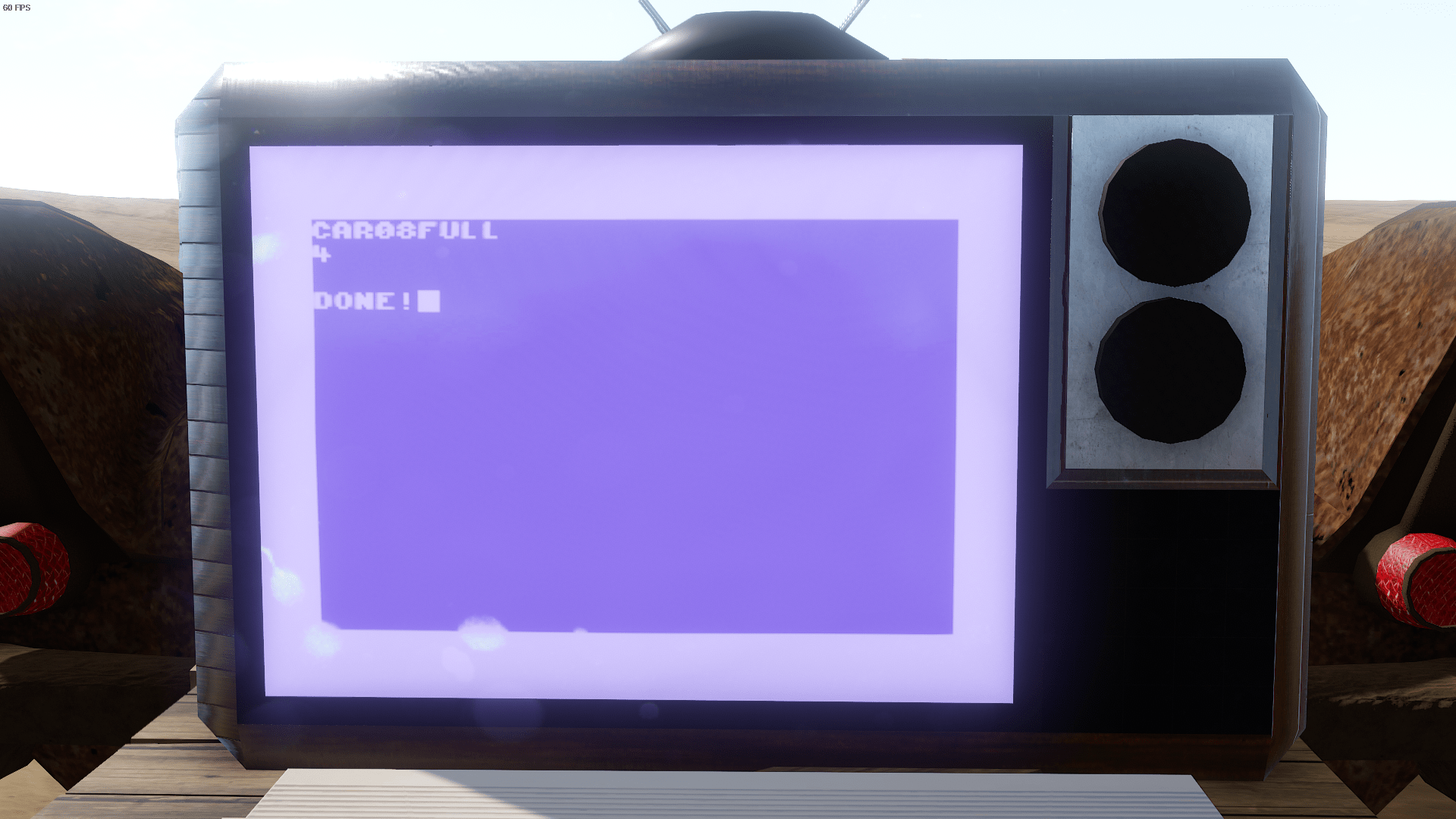
You can also change the color by setting the rust level to 0 and using a basic RGB grid to pick out the colors you want.
.
You can also change the color by setting the rust level to 0 and using a basic RGB grid to pick out the colors you want.
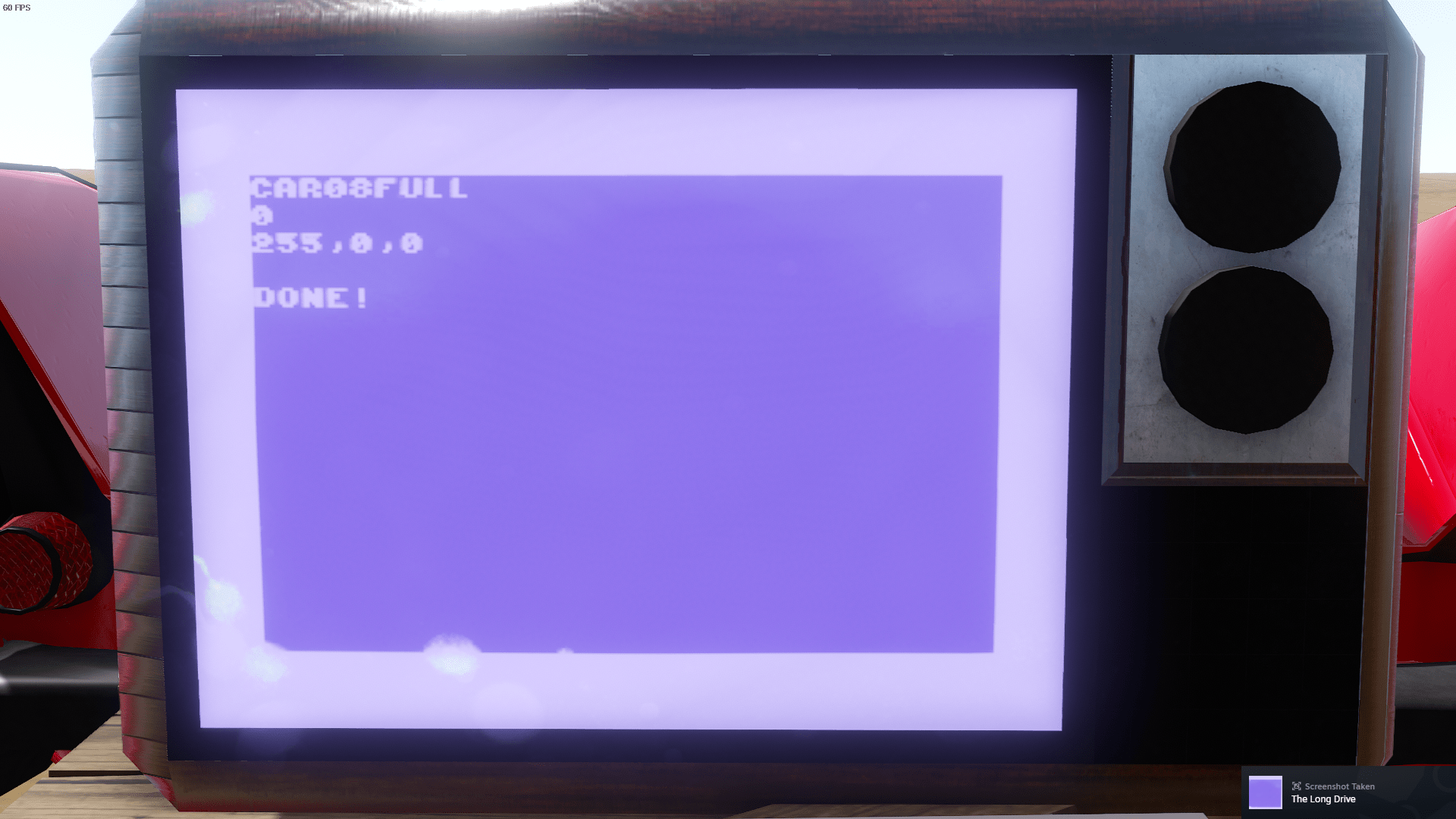
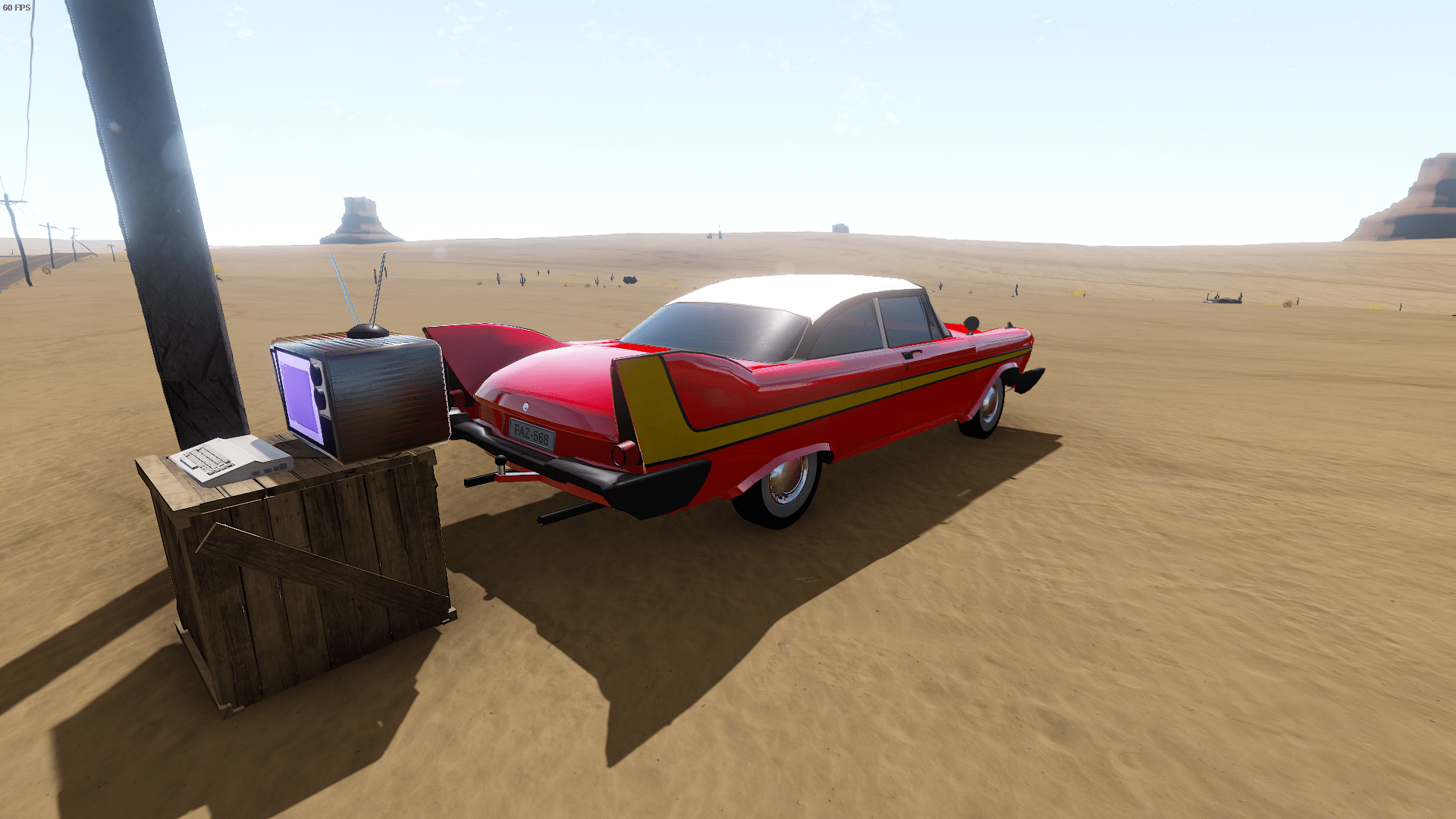
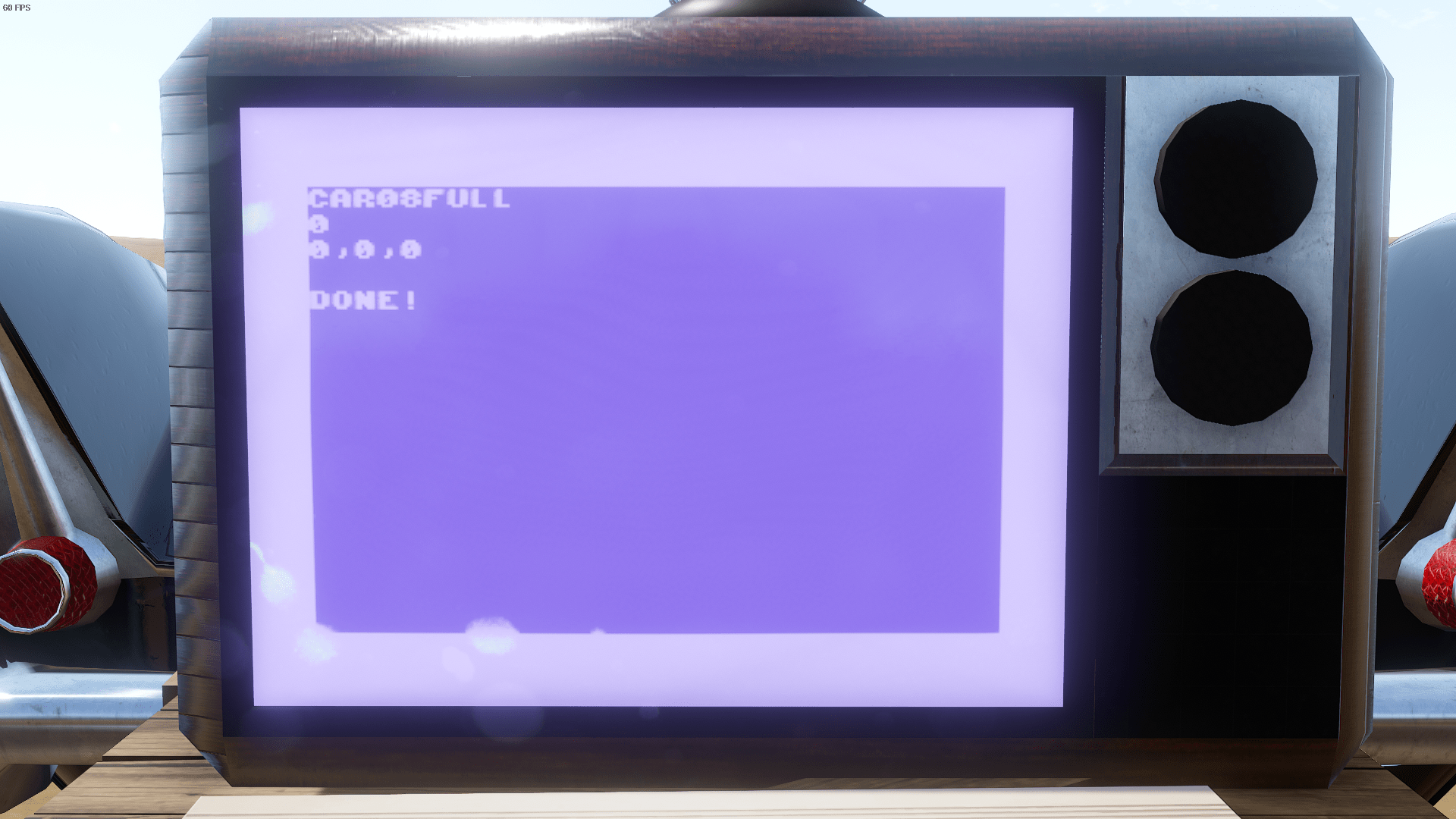
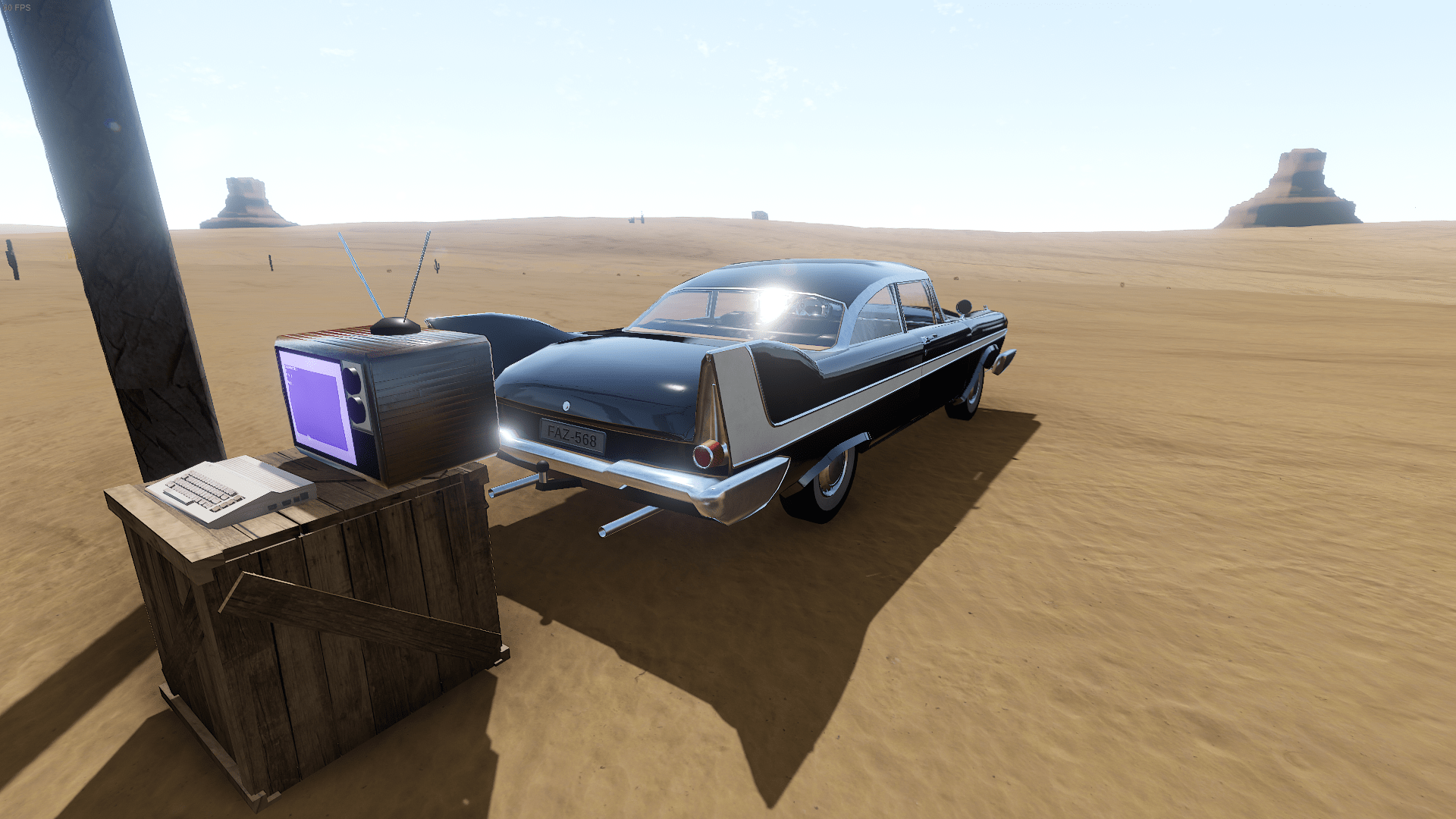
.
First off; If we type the item ID then a number between 1 and 4, we can modify the amount of rust is on the item before it spawns..
You can also change the color by setting the rust level to 0 and using a basic RGB grid to pick out the colors you want.Credits
Wet Water
- Wrote Guide
- Checksums
- Backend Mapping
- Data Extraction
- Programmer
- Data Analysis
- Proof Reader
- Memory Analysis
- Encryption / Decryption
- Backend Mapping
- Backend Mapping
- Checksums
- Tester
- Tester
- Tester
- Tester
- Said some words of encouragement to encourage us to update this guide.
- The words of encouragement[ibb.co]
More The Long Drive guides
- Beginner's guide★ 5 (346)42k views580 ♥14 minUpdated Aug 29, 2020
- Using Modifications★ 5 (254)39k views595 ♥4 minUpdated Oct 15, 2024
- [?] КАК ИГРАТЬ в The Long Drive MULTIPLAYER ✅★ 4 (104)33k views158 ♥1 minRussianUpdated Dec 21, 2024
- Интересные сиды/семя★ 4 (97)25k views219 ♥2 minRussianUpdated Sep 3, 2023
- Мир The Long Drive★ 5 (259)25k views437 ♥61 minRussianUpdated Apr 22
- TLD Engine Recognition Guide★ 5 (260)22k views664 ♥1 minUpdated Jun 22, 2023


🔥 Popular guides
- Upgrading to PremiumTeam Fortress 2★ 5 (20k)1441k views11k ♥6 minUpdated May 11, 2022
- No More Room in Hell Official ManualNo More Room in Hell★ 5 (2.8k)569k views2.1k ♥29 minUpdated Apr 22, 2019
- NMRiH Community Hosting GuidesNo More Room in Hell★ 5 (526)351k views653 ♥1 minUpdated Aug 10, 2022
- ULTIMATE GUIDE FOR GAME DEV TYCOONGame Dev Tycoon★ 5 (5.8k)326k views10k ♥4 minUpdated 23 Jan, 2014
- How to 'Git Gud' Soon™MORDHAU★ 5 (2k)318k views3k ♥68 minUpdated Nov 16, 2024
- Лучшие кооперативные игры SteamPAYDAY 2★ 5 (1.5k)315k views2.1k ♥56 minRussianUpdated Apr 27, 2025






This guide was created by its original author on the Steam Community. Are you the author and want it removed? Request removal.