Crysis Console Commands
Getting Started
You will need Devmode enabled. Here's how to turn it on:
- Right click Crysis in your Steam Library
- Click "Properties"
- Click "Set Launch Options"
- Enter the following -devmode
- Click "Ok"
Devmode is now on, but some console commands are still restricted. Do the following:- Start up Crysis
- Once at the main menu, press the tide "~" key to open up the console
- Type in the following con_restricted 0
- Hit enter and press the tide key again
Now you have the power of the console in your hands!
(If you see your system information in the top right corner after doing this, type in "r_displayinfo 0")
- Start up Crysis
How to Change Levels
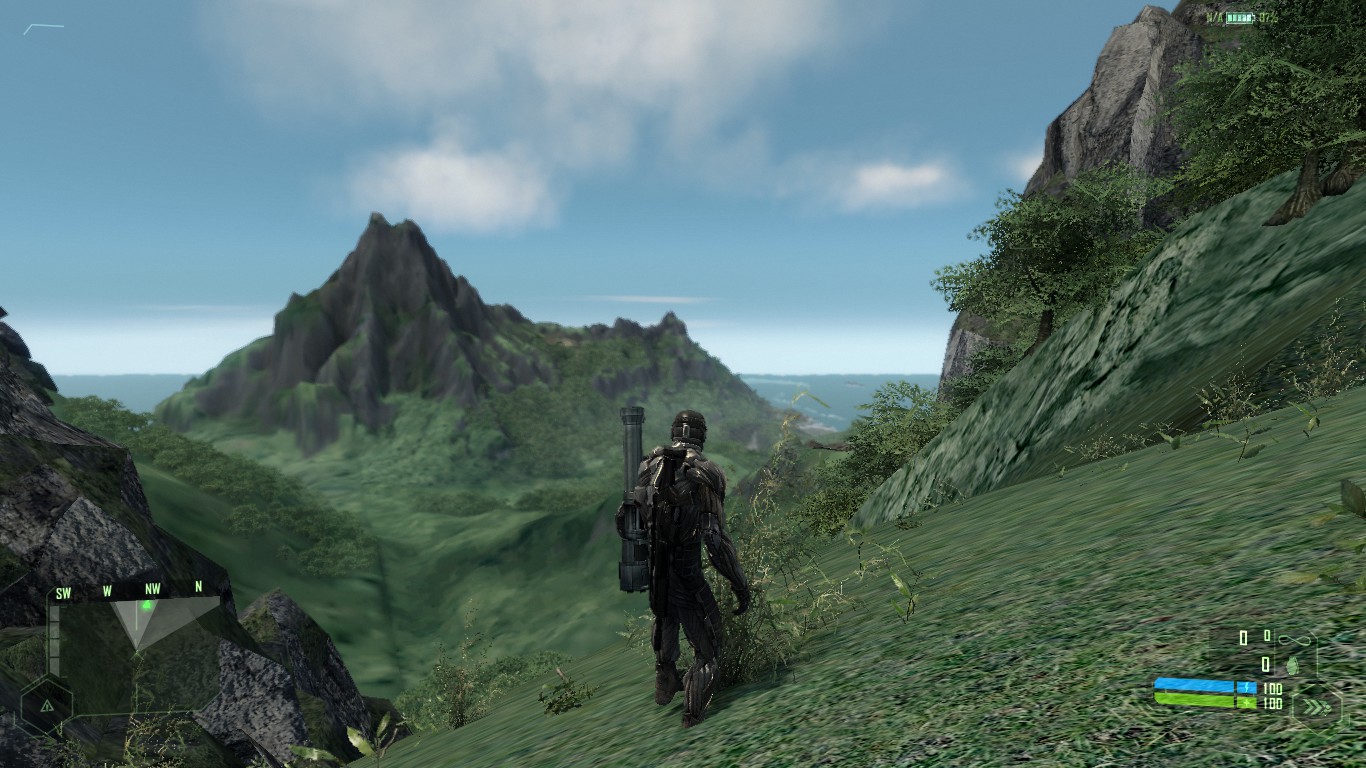
- Open up the console
- Type in the map you want, For Example: map islandand hit enter
The game should load you into the first mission, which is Contact. Here is the complete list of maps:Map Name: Warps you to this level: island Contact village Recovery rescue Relic harbor Assault tank Onslaught mine Awakening core Core ice Paradise Lost sphere Exodus ascension Ascension fleet Reckoning
Remember: Type in the Map Name, not the Mission Name
Player Commands
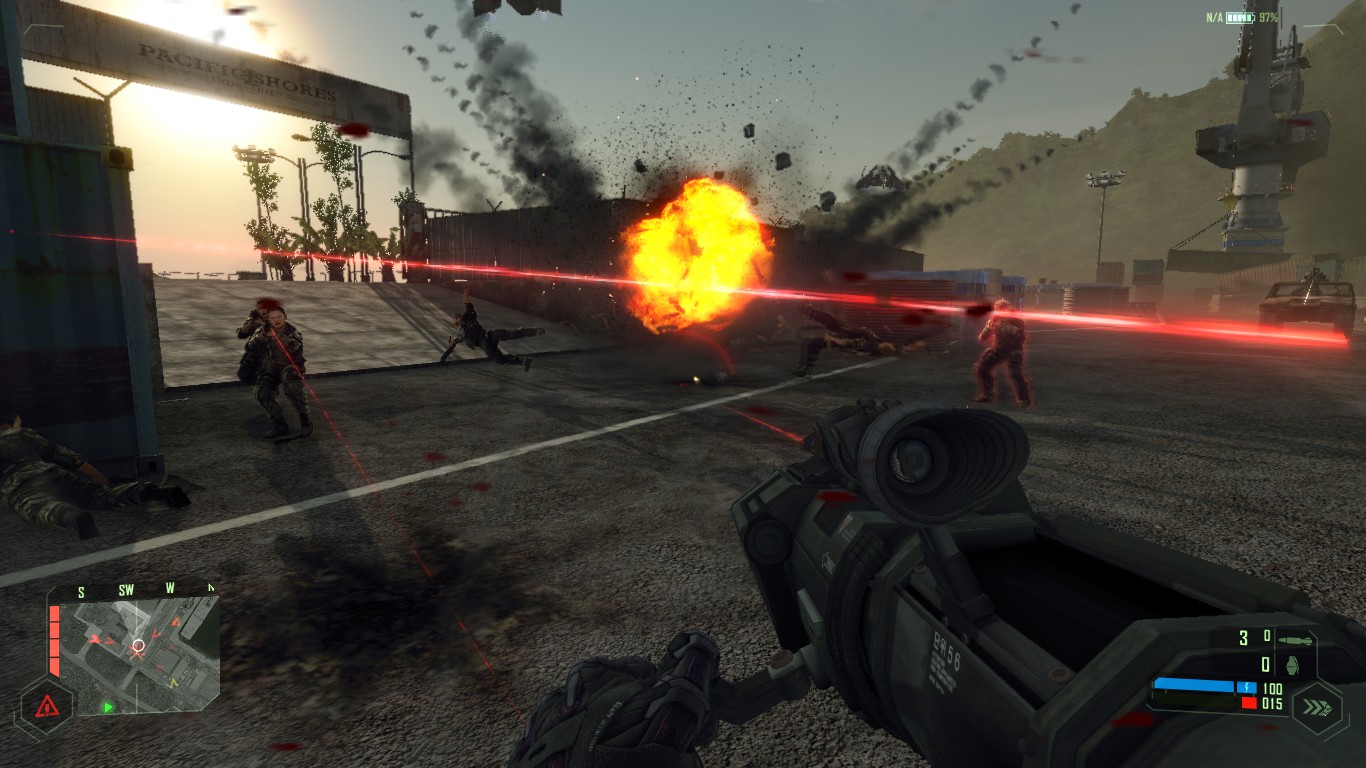 Once you are in a level, enter any of the following:
God Mode
g_godMode 1
Third person
Press F1 while in-gameInfinite Ammo
i_unlimitedammo 1
Instant suit energy recharge
g_playerSuitEnergyRechargeTime 0
No suit energy loss after firing weapon
g_suitRecoilEnergyCost 0
No suit energy loss from using Cloak mode
g_suitCloakEnergyDrainAdjuster 0
No suit energy loss from using Speed mode
g_suitSpeedEnergyConsumption 0
All weapons
First put in i_noweaponlimit 1
then i_giveallitems
Faster walk/sprint speed
The higher the number the fasterg_walkmultiplier 10
Faster swim
The higher the number the fasterpl_swimbasespeed 10
Stronger punch
The higher the number the strongercl_strengthscale 200
Indestructible vehicles
v_goliathmode 1
Low gravity
The default is -9.8p_gravity_z -4
Have enemies ignore you
ai_ignoreplayer 1
Infinite night vision
hud_nightvisionconsumption 0
Weapon Commands
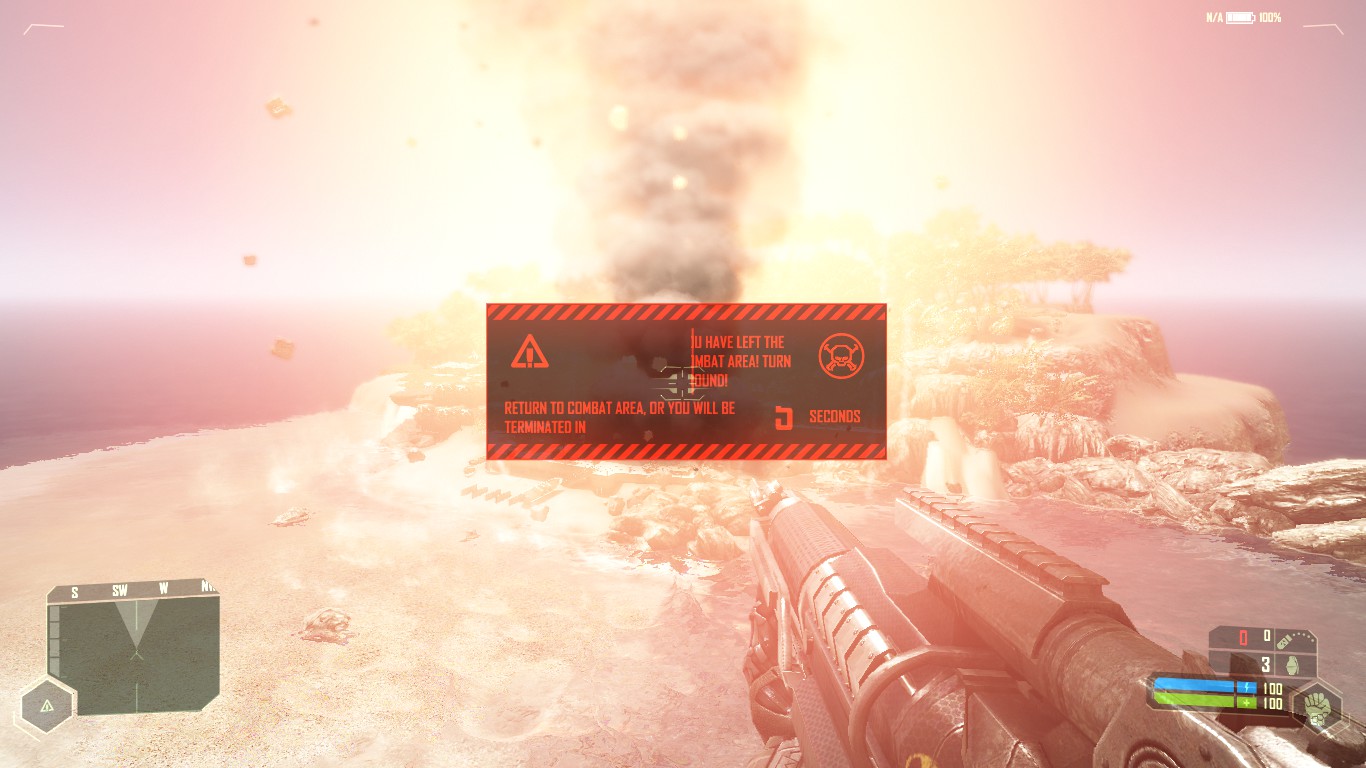 To spawn a weapon, type in
 i_giveitem weaponname
. Under weaponname, you can put in one of the following:Weapon name: What it gives:
SOCOM Pistol
SCAR Standard US Assault Rifle
FY71 Standard Korean Assault Rifle
SMG Submachine Gun
Shotgun Shotgun
LAW Missile Launcher
GaussRifle Gauss Rifle
DSG1 Precision Sniper Rifle
TACGun Tac Gun
Hurricane Minigun
GrenadeLauncher Grenade launcher
AssaultScope Assault scope
SniperScope Sniper scope
LAMRifle Laser Pointer Module
FragGrenade Grenade
SmokeGrenade Smoke grenade
FlashbangGrenade Flashbang
C4 Explosive Charge
Claymore Claymore
AVMine Anti-vehicle mine
Remember: Type in the Weapon name, not What it gives
More Crysis guides
- Fix for launching Crysis on Windows 7/8/10 (64-bit) [English guide/Русское руководство]★ 5 (756)35k views692 ♥5 minUpdated Feb 12, 2023
- Не запускается Crysis, небольшой фикс и запуск на 64-битной системах...★ 5 (517)22k views476 ♥2 minRussianUpdated Dec 4, 2023
- Windows 10 64Bit - How to make this game work★ 5 (313)20k views424 ♥3 minUpdated Feb 12, 2023
- Crysis HUD off | Free Camera | HD Textures | Tiledshot★ 5 (523)13k views336 ♥3 minBulgarianUpdated Apr 29, 2016
- Чит консольные команды Crysis на Русском★ 5 (203)12k views267 ♥1 minUpdated Mar 3, 2013
- Crysis CD Key Registration Verification Fix★ 5 (313)11k views257 ♥3 minUpdated Oct 22, 2022




This guide was created by its original author on the Steam Community. Are you the author and want it removed? Request removal.