Enabling Console Commands
Introduction
Dishonored's console commands are disabled by default, in this step-by-step guide I'm going to show you how to enable them.
Using console commands does not disable achievements.
Keep in mind that since console commands are disabled by default they are somewhat broken, so your mileage may vary.
For a comprehensive list of console commands:
https://steamcommunity.com/sharedfiles/filedetails/?id=3403413866
Using console commands does not disable achievements.
Keep in mind that since console commands are disabled by default they are somewhat broken, so your mileage may vary.
For a comprehensive list of console commands:
https://steamcommunity.com/sharedfiles/filedetails/?id=3403413866
Unlocking the Console
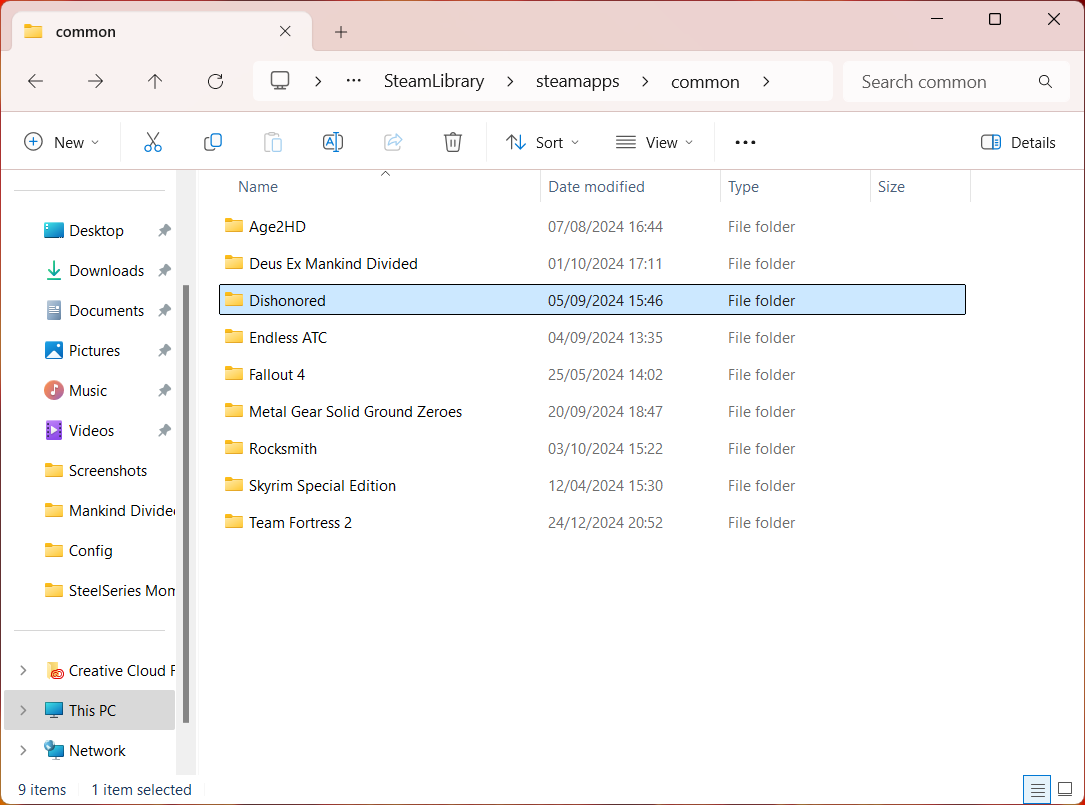
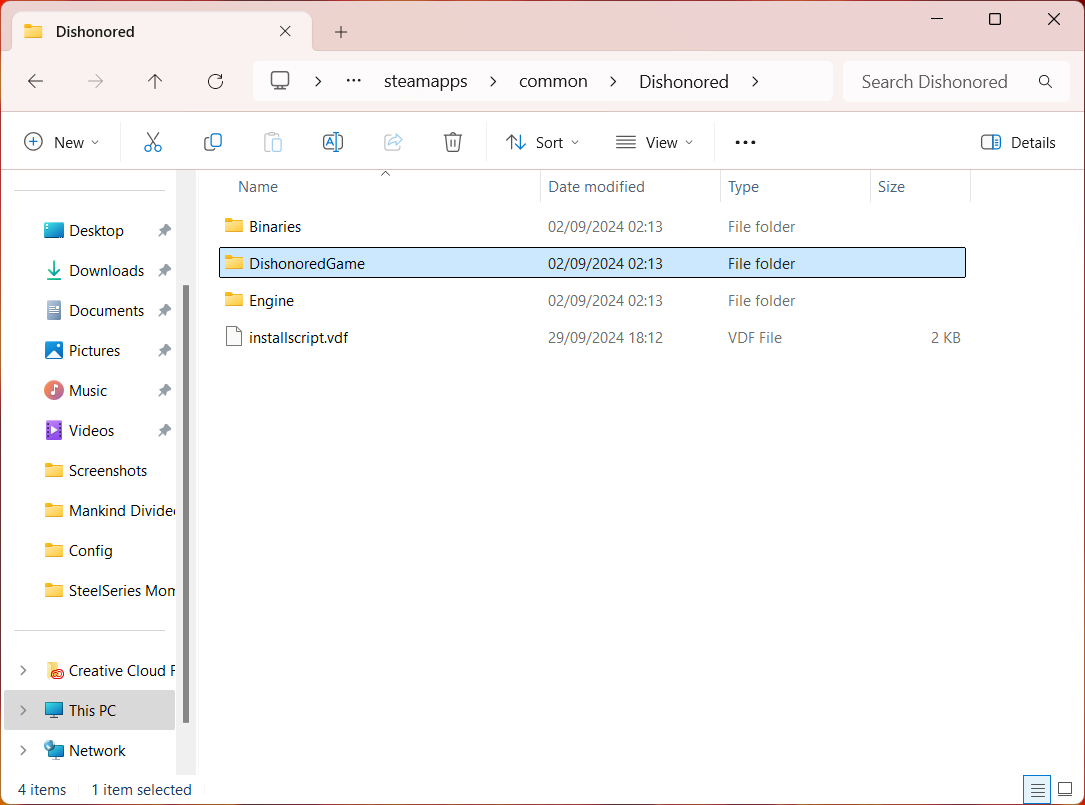
First you need to locate your game files by default this should be either one of these:
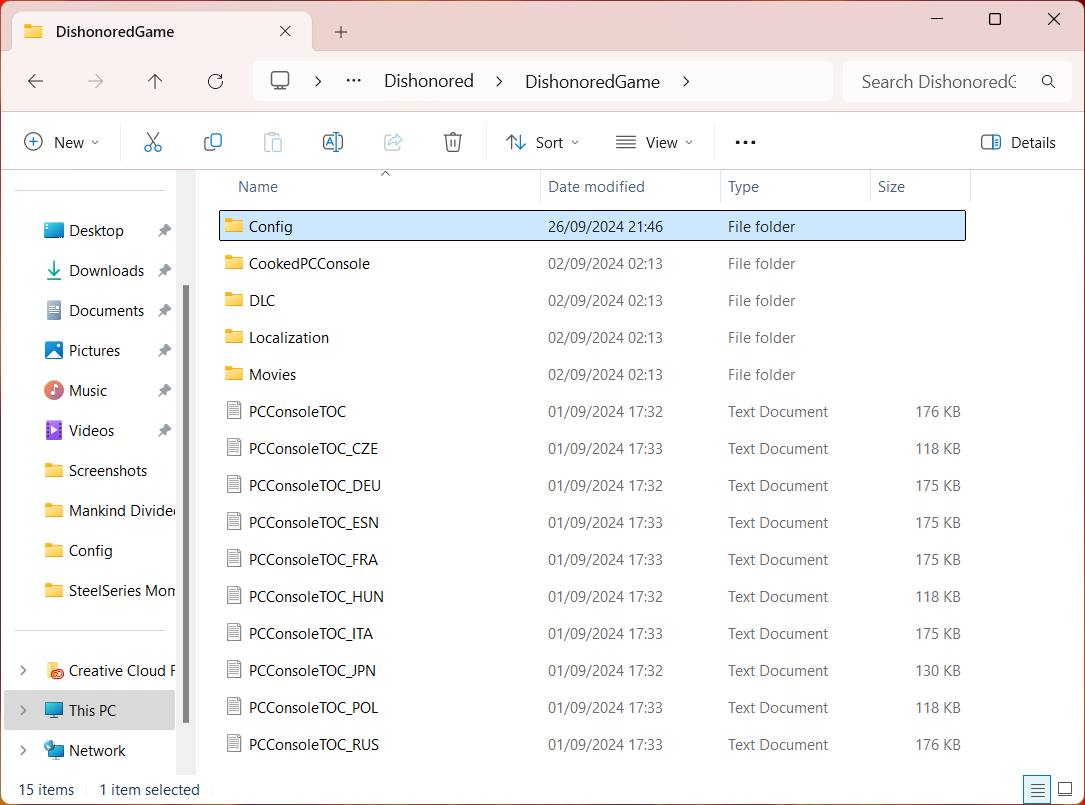
Then you need to navigate to config.
Alternatively paste either of these in your file explorer to instantly take you to config:
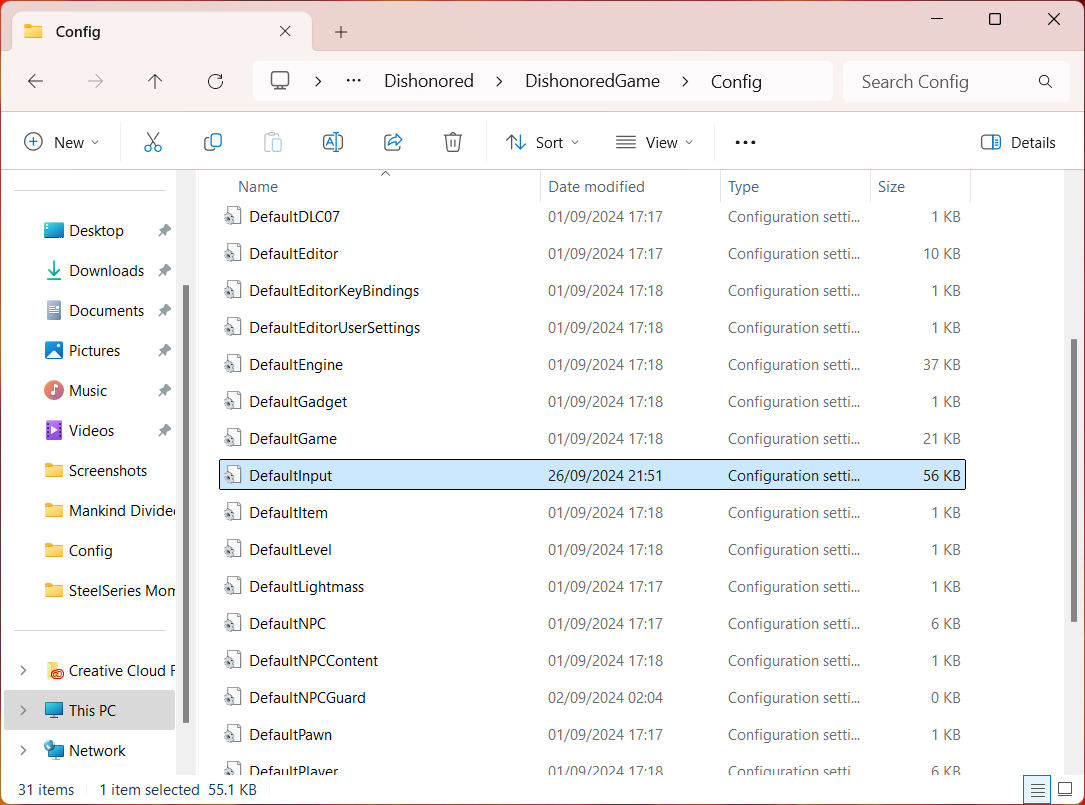
Now open DefaultInput or DishonoredInput in notepad.
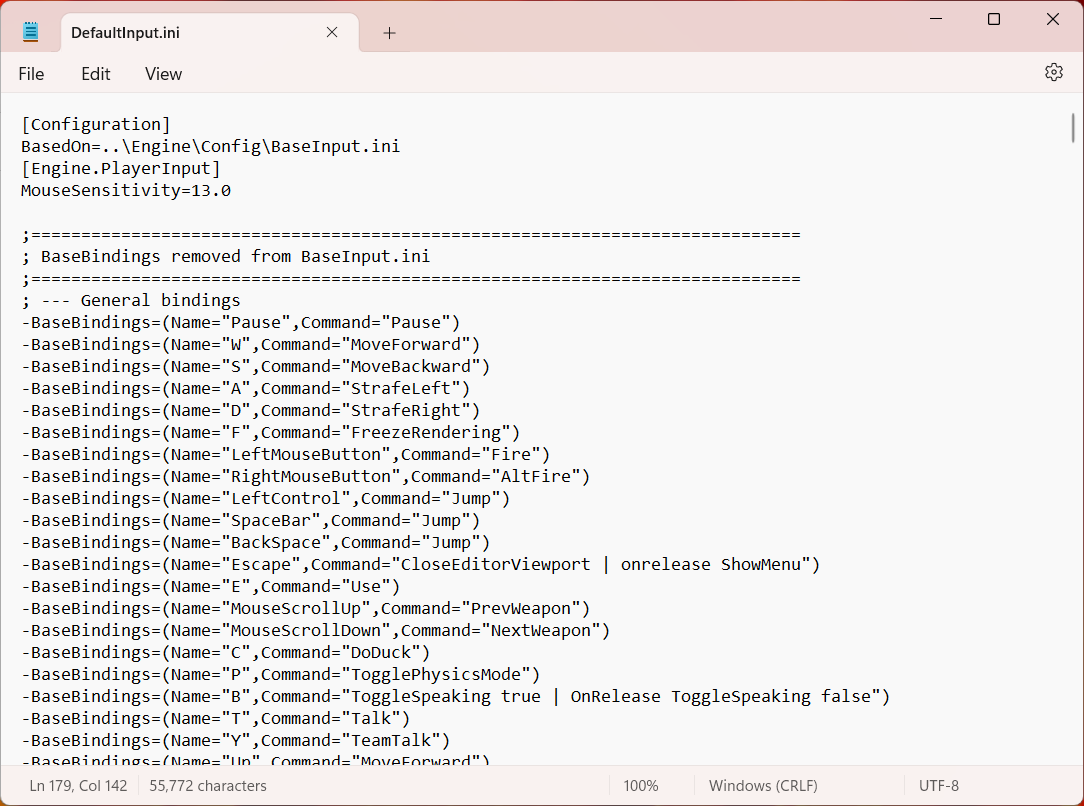
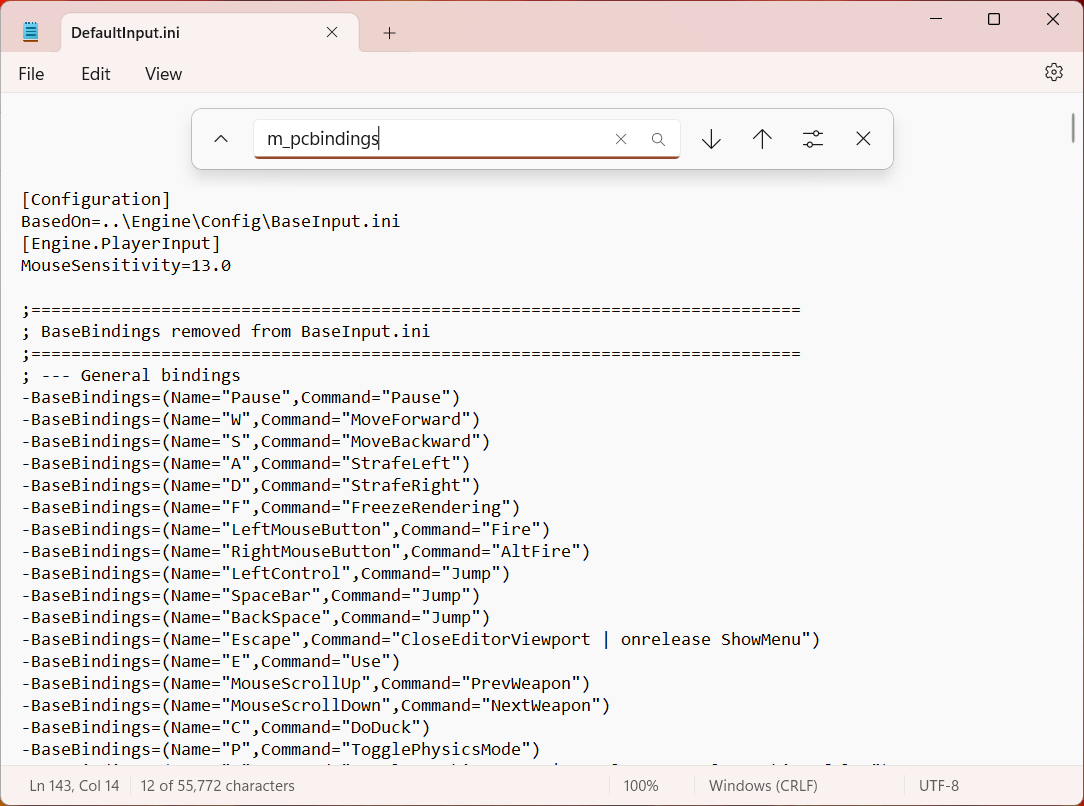
Ctrl+F m_pcbindings
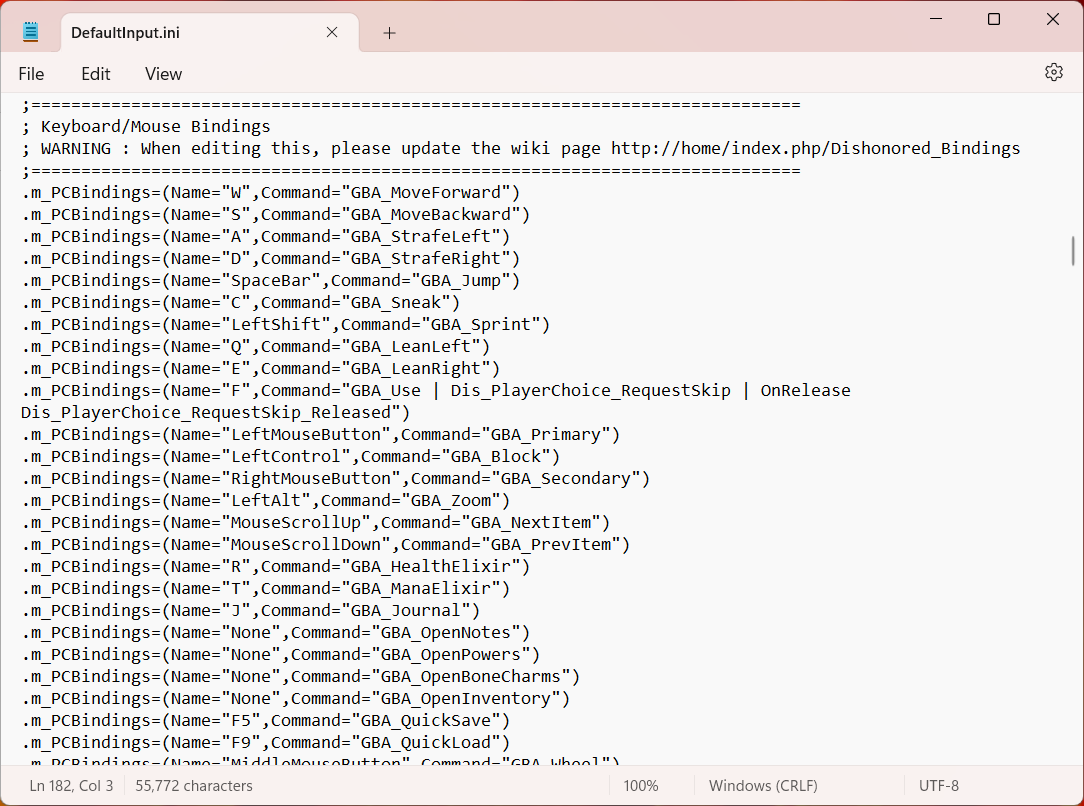
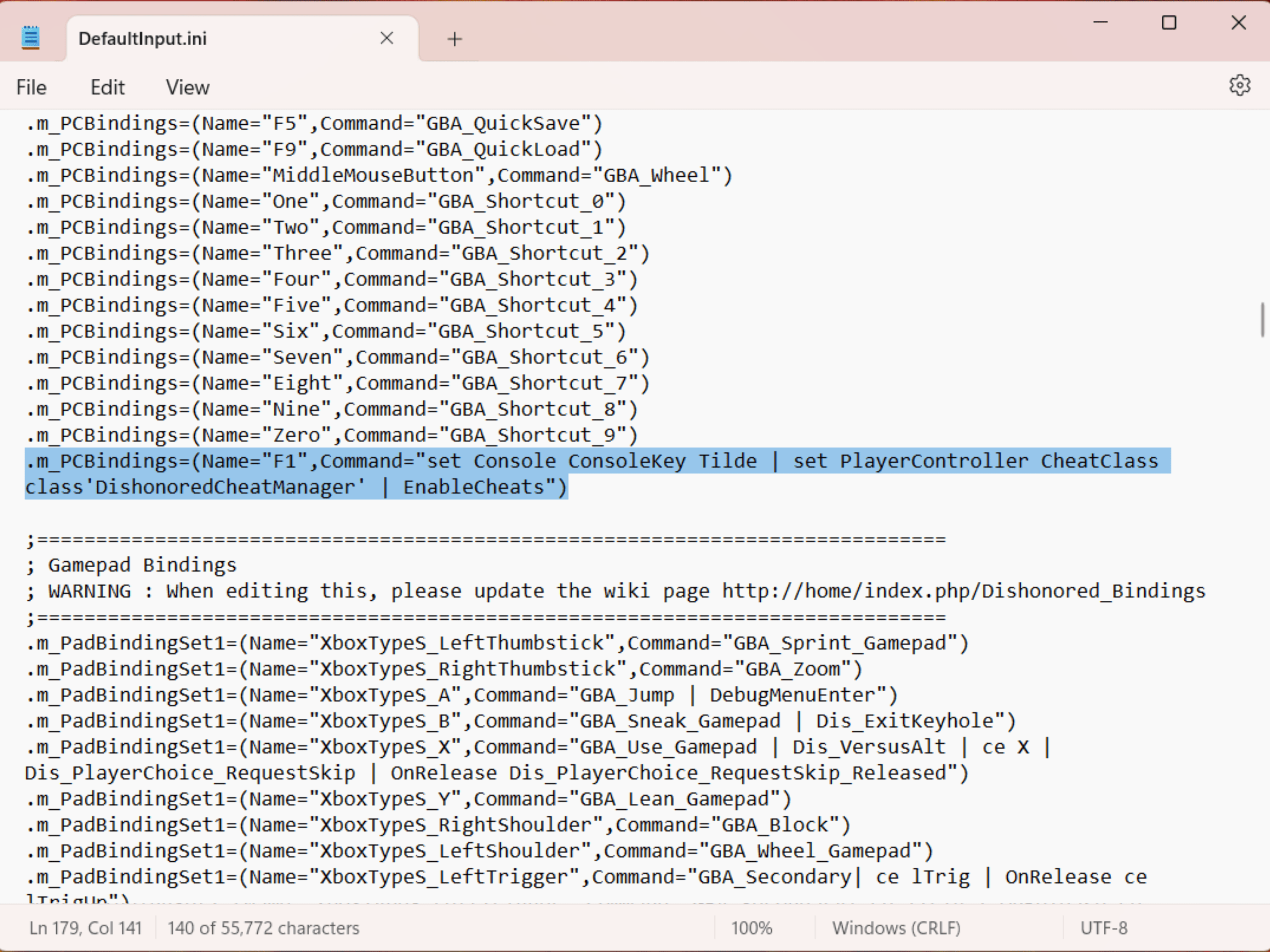
Now add to following at the end: .m_PCBindings=(Name="F1",Command="set Console ConsoleKey Tilde | set PlayerController CheatClass class'DishonoredCheatManager' | EnableCheats")
In this case ~ is the key to open the console and F1 is the key to enable cheats. You can change these to any key you want.
Ctrl + S to save the file.
Close notepad and right-click DefaultInput or DishonoredInput select properties and mark read-only.
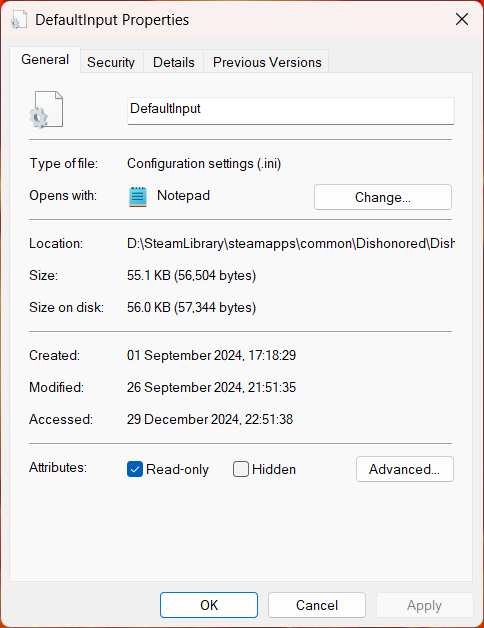
- C:\Program Files (x86)\Steam\steamapps\common\Dishonored
- D:\SteamLibrary\steamapps\common\Dishonored
Then you need to navigate to config.
Alternatively paste either of these in your file explorer to instantly take you to config:
- C:\Program Files (x86)\Steam\steamapps\common\Dishonored\DishonoredGame\Config
- D:\SteamLibrary\steamapps\common\Dishonored\DishonoredGame\Config
Now open DefaultInput or DishonoredInput in notepad.
Ctrl+F m_pcbindings
Now add to following at the end: .m_PCBindings=(Name="F1",Command="set Console ConsoleKey Tilde | set PlayerController CheatClass class'DishonoredCheatManager' | EnableCheats")
In this case ~ is the key to open the console and F1 is the key to enable cheats. You can change these to any key you want.
Ctrl + S to save the file.
Close notepad and right-click DefaultInput or DishonoredInput select properties and mark read-only.
Have Fun!
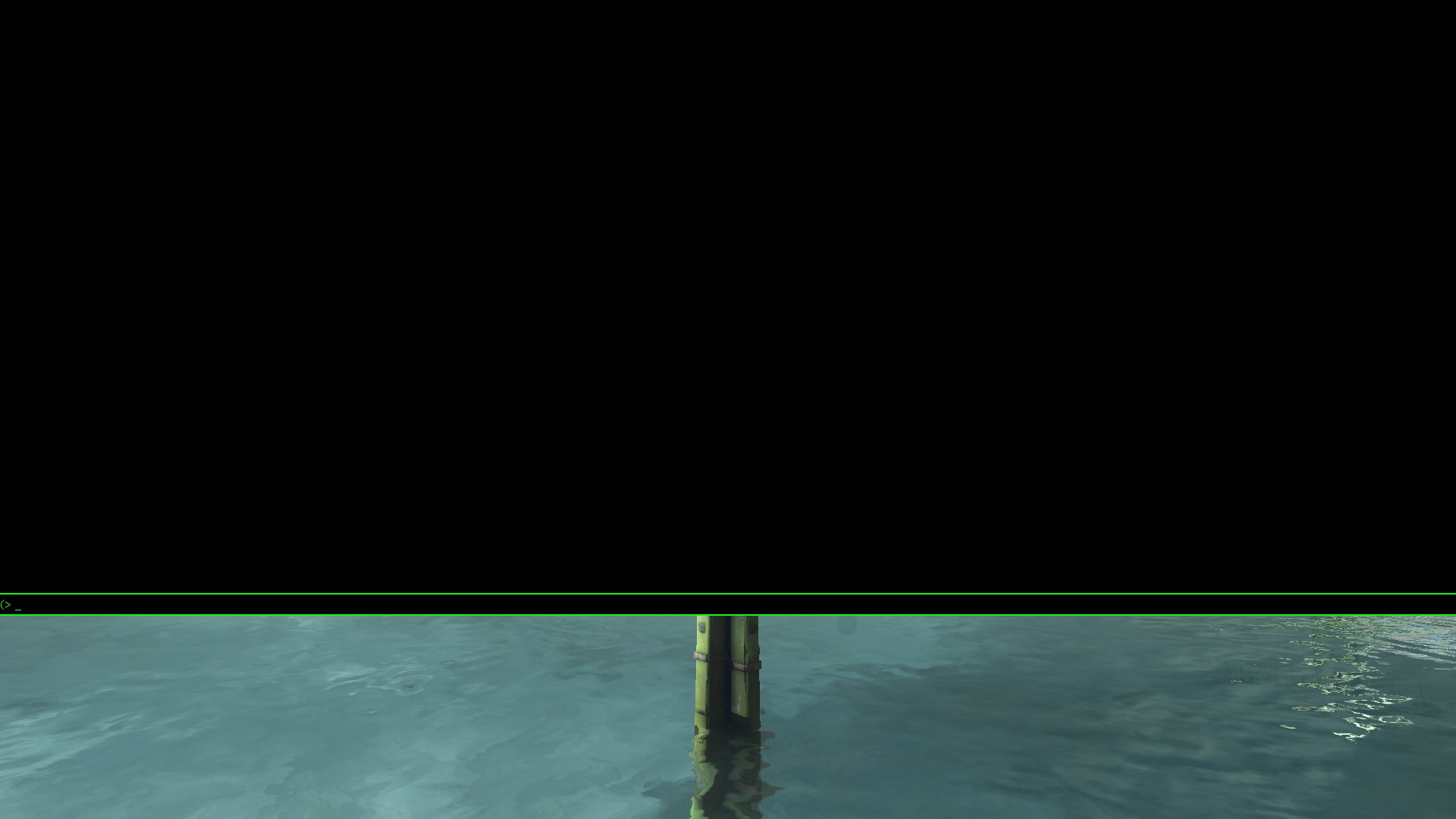
Now you're all set open the console by pressing ~ and enable cheats by pressing F1 next time you launch the game!
More Dishonored guides
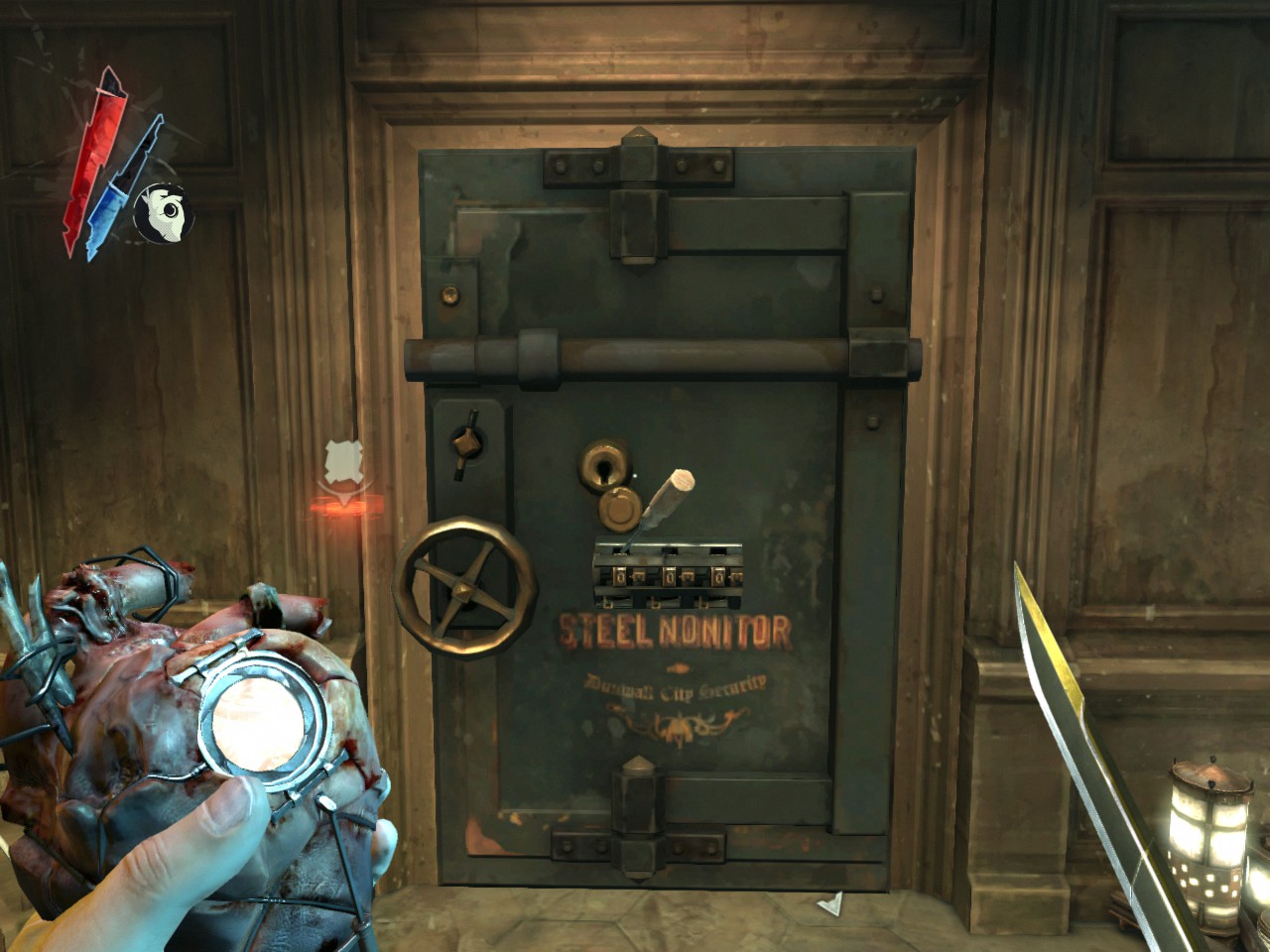
- Safe codes★ 5 (1.7k)54k views3.5k ♥1 minUpdated Feb 15, 2017
- Dishonored: All Canonical Choices! - What did Corvo do?★ 5 (951)50k views1.6k ♥11 minUpdated Apr 29
- Dishonored - Complete Achievement guide (all 50 base game achieves)★ 5 (1.5k)44k views3.3k ♥20 minUpdated Nov 29, 2024
- Русификатор Dishonored +DLC | Текст от 1С [Google Диск]★ 5 (540)37k views1.2k ♥1 minRussianUpdated Dec 6, 2025
- Safe Combinations for Dishonored + DLCs★ 5 (1.2k)35k views2.7k ♥2 min
- Mission by Mission Achievement Guide + DLC★ 5 (1.2k)34k views2.6k ♥12 minUpdated Mar 26, 2016



This guide was created by its original author on the Steam Community. Are you the author and want it removed? Request removal.