Essential Fixes for GTA Vice City
Introduction

Grand Theft Auto: Vice City is a game that is 20 years old, being published in 2002. Because of this, the game has many problems running on modern software.
This guide aims to provide essential mods that will allow you to enjoy the experience of Grand Theft Auto: Vice City, hopefully without being frustrated at the hardships the ancient game presents you when you try running it on Windows 10/11.
The game is still mostly playable without any modifications (although personally I have trouble getting the mouse to work whatsoever without modification), but the mods I'm going to list are vital to the enjoyability of the game on modern systems.
"Downgrading" the executable
 Many of these mods were made for the original 1.0 exe that the disc version of the game runs on. The Steam version of Grand Theft Auto: Vice City, however, uses the 1.1 exe, which will break compatibility for many mods in general.
In order to run mods not built for the 1.1 version (which is most of them), downgrading will be essential (1.0 also has less bugs than 1.1)
Here are the steps to install this mod:
1. Rename your current Vice City executable ("gta-vc.exe") - found within "Steam\steamapps\common\Grand Theft Auto Vice City" - to something like "gta-vc 1.1.exe."
2. Download the file from the following link: https://www.moddb.com/games/grand-theft-auto-vice-city/downloads/grand-theft-auto-vice-city-original-10-exe.
3. Extract the "gta-vc.exe" within the zip file to your game directory, making sure this new .exe is called "gta-vc.exe."
You're good to go, and you're now running the 1.0 version of Vice City.
Widescreen Fix
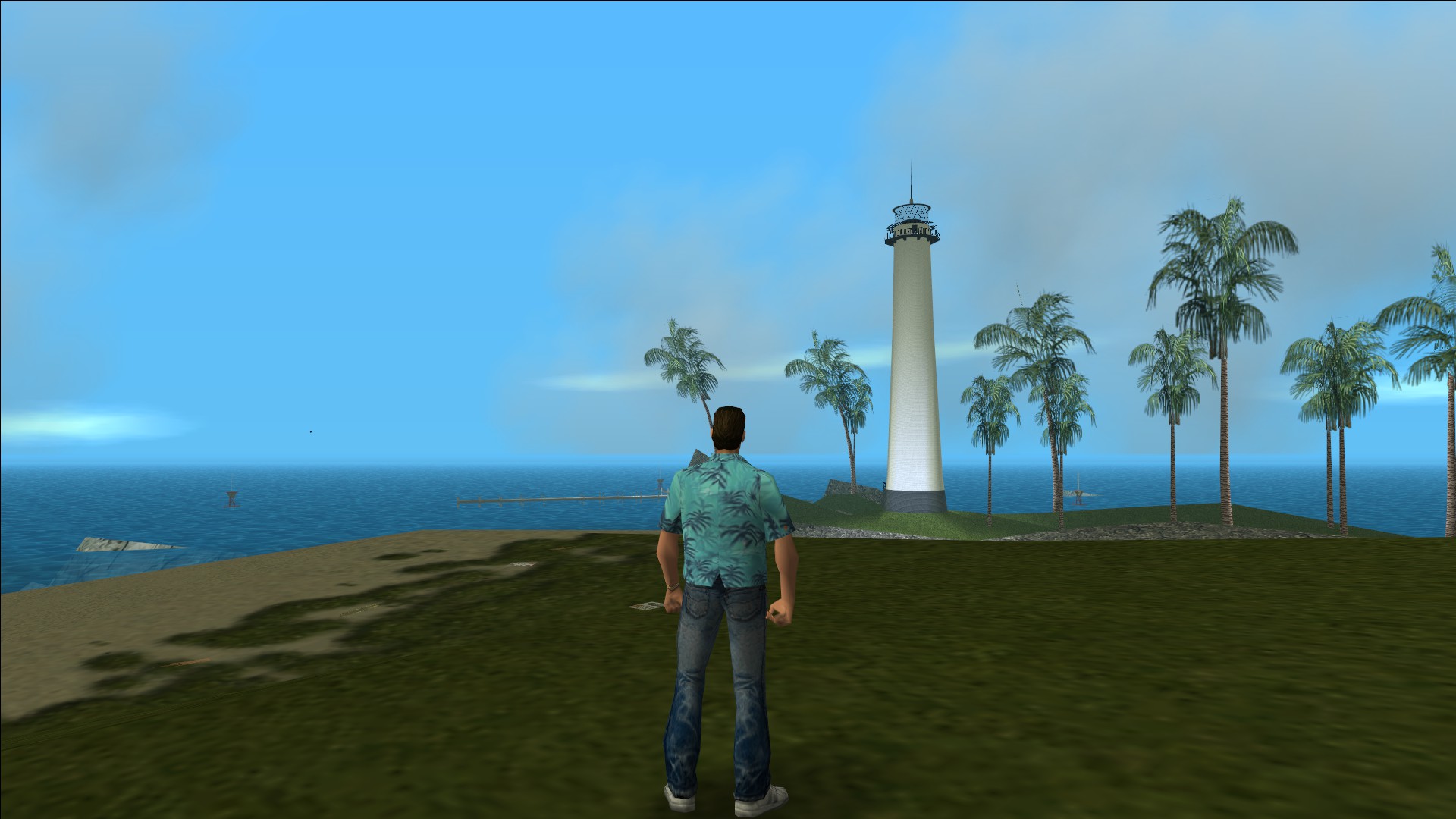
 When you run the game, you will no doubt notice that the built-in widescreen option looks pretty much horrible. This mod fixes that, making your eyes not bleed when loading into the game.
Here are the steps to install this mod:
1. Download the file "GTAVC.WidescreenFix.zip" from the following link: https://thirteenag.github.io/wfp#gtavc
2. Extract the contents of the .zip archive into your Grand Theft Auto: Vice City Steam directory. (Steam\steamapps\common\Grand Theft Auto Vice City).
[The files you have extracted from the .zip should include d3d8.dll, and a folder called scripts, containing GTAVC.WidescreenFix.asi, GTAVC.WidescreenFix.ini, and global.ini.]
Your game should now run in beautiful widescreen!
Framerate Problems/Limit Adjusters
 Grand Theft Auto: Vice City has a framerate problem - in the Display options, by default, 'Frame Limiter' will be turned on. This caps the framerate to 30FPS. However, if you turn the Limiter off, the game has graphical issues, and will run at hundreds of frames per second, possibly causing damage to your CPU/computer in general.
The following mod allows for the adjustment of limits hardcoded into the game. (This includes framerate limits).
Here are the steps to install this mod:
1. Download the mod from https://github.com/ThirteenAG/III.VC.SA.LimitAdjuster/releases
2. Drag the contents of the .zip file into the main GTA Vice City directory.
3. Open the file "III.VC.SA.LimitAdjuster.ini" in notepad or another text editor (such as Notepad ++).
4. Scroll until you find "FrameLimit = 30" (MAKE SURE THIS IS UNDER [VCLIMITS]).
5. Change this value to "FrameLimit = 60," (or whatever your monitor runs at) and then when you have the frame limiter turned on, the game will run at your desired rate, not just 30FPS.
Modloader/CLEO
 If you are planning to install non-vanilla mods to your game, you will most certainly need both a modloader and a CLEO script loader. (These will also be needed for the optional mods in the next section.)
These can be found at the following links:
Modloader- https://www.gtagarage.com/mods/show.php?id=25377
Installation: See requirements in read me
CLEO - https://cleo.li/ (Download for GTA VC)
Installation: Drag the contents of the .zip archive into your main game directory.
Additional Mods
 There are some additional modifications to Vice City that I would recommend just to bump up the experience a notch, especially if you have been playing the game for a while.
2DFX: https://github.com/ThirteenAG/III.VC.SA.IV.Project2DFX/releases/tag/gtavc
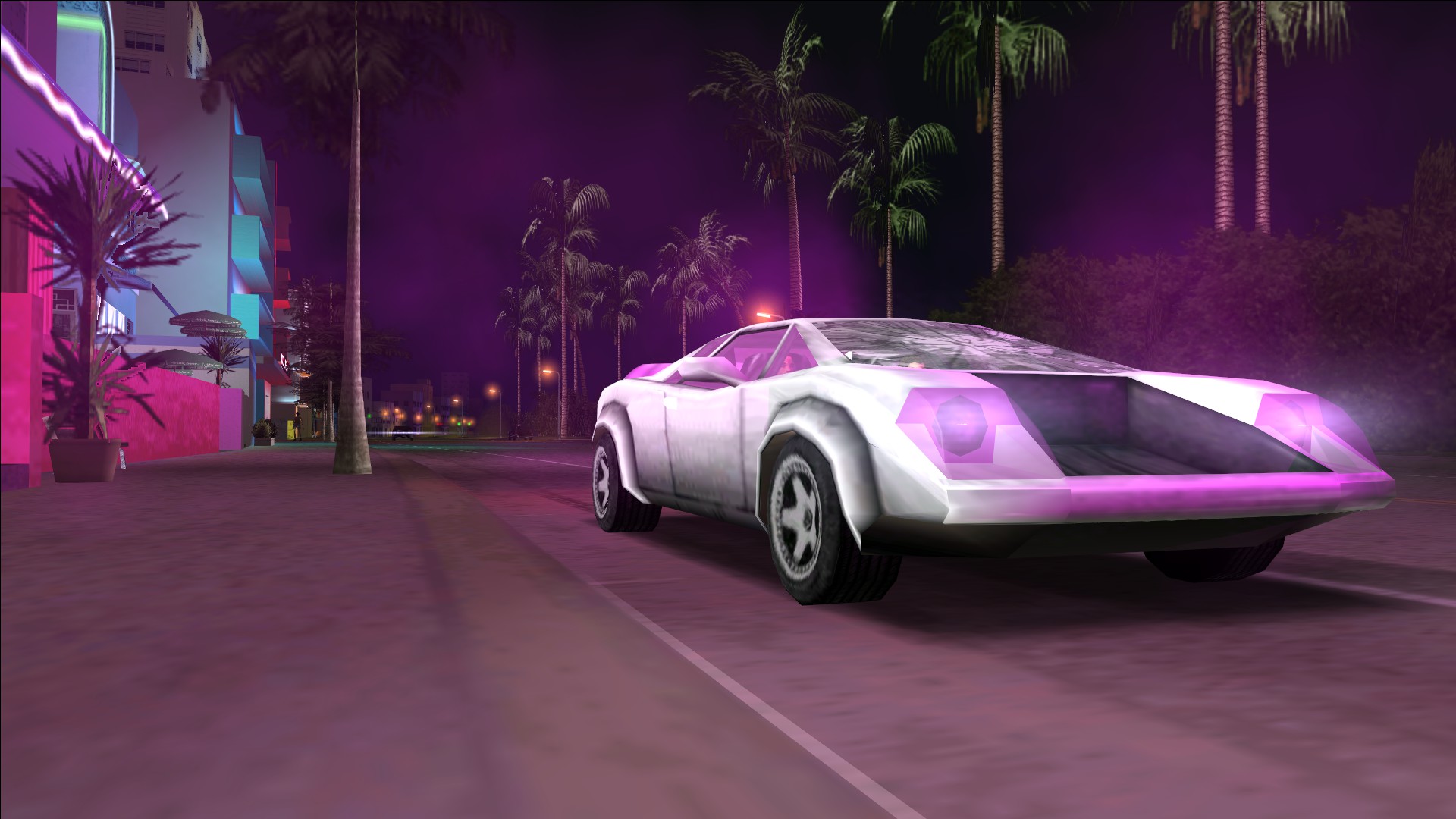
This mod makes more lights visible, and will make the lighting especially more beautiful during the night. It may not seem like much, but the atmosphere it creates makes the base game feel empty when you're not using it.
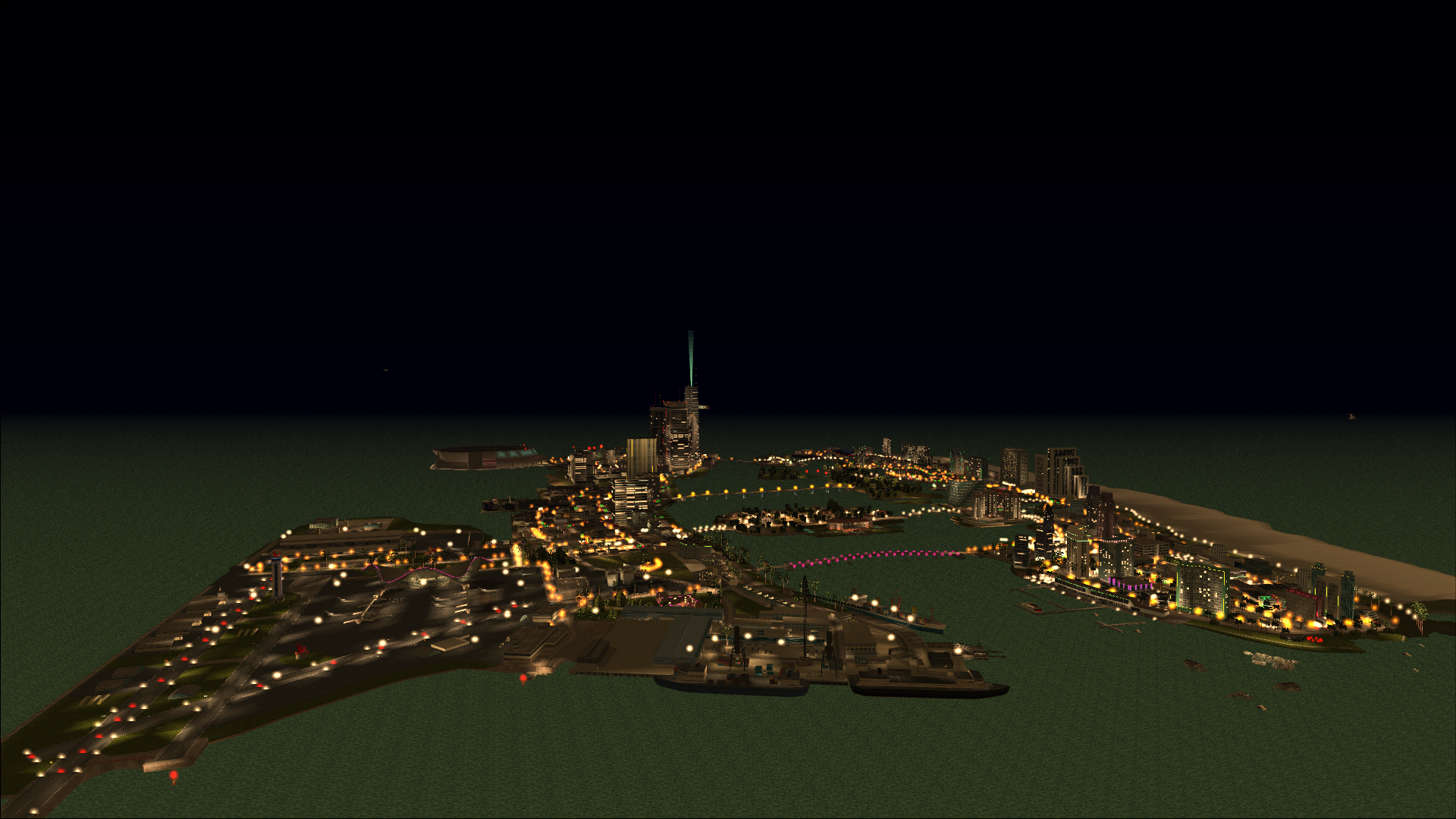
Installation: copy the contents of the .zip file into your main Vice City game directory. You may notice that the LimitAdjuster is contained in the mod as well. Replace the LimitAdjuster with the one from this mod, but be sure to edit the FrameLimit back to 60.
Neons: https://github.com/ThirteenAG/ViceCityNeons
This mod is made by the same people as 2DFX, and adds Neons from Grand Theft Auto: Vice City Stories, which make the city more lively, colourful, and brilliant at night.
(Installation instructions on linked site)
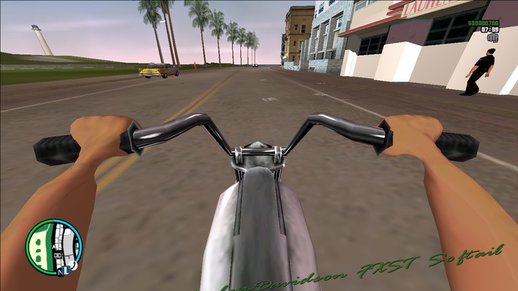
First Person Mod: https://www.gtainside.com/en/vicecity/mods/110284-first-person-view-mod/
This mod adds a first person camera mode for both vehicles and pedestrian.
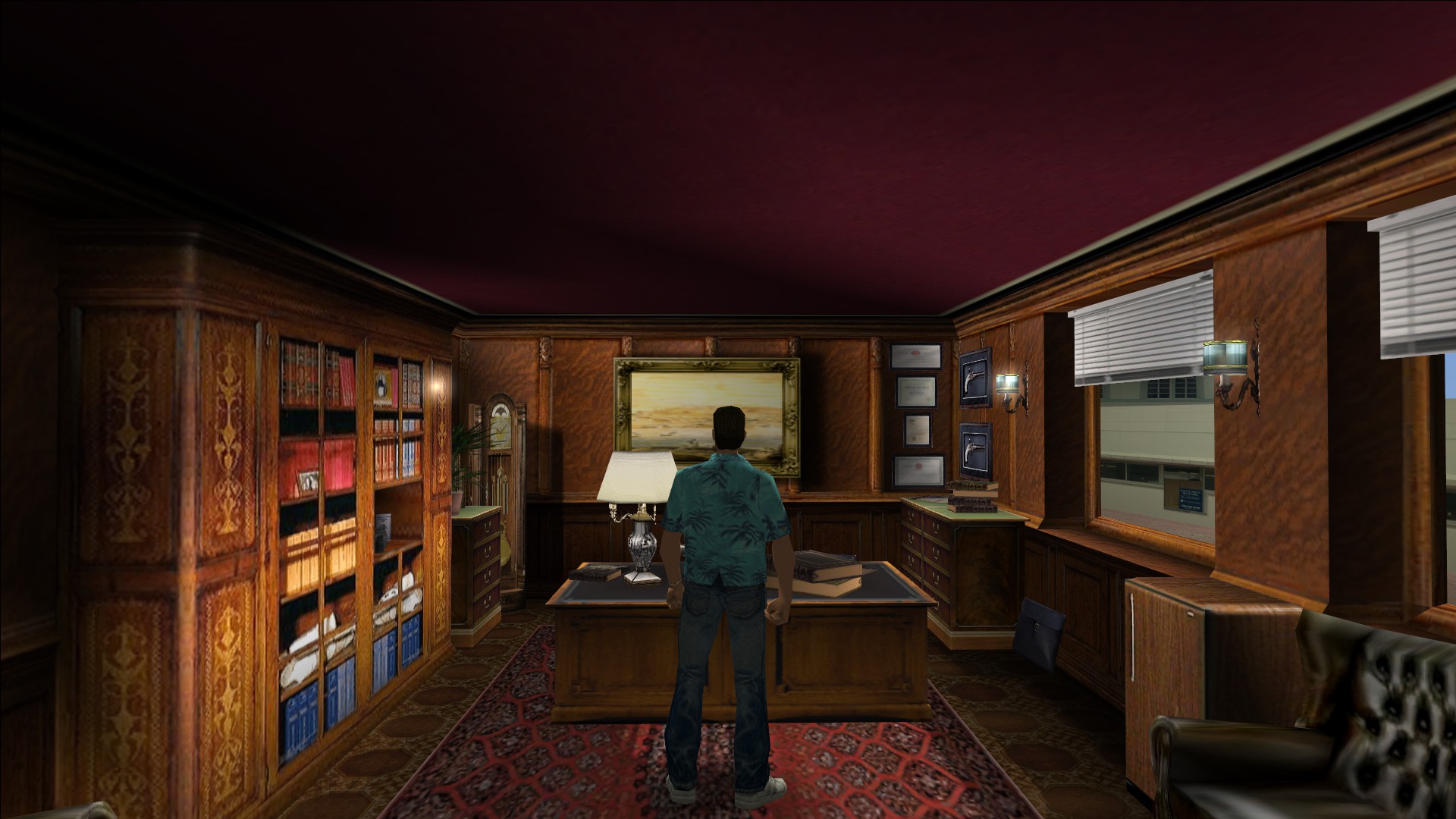
Interiors: https://www.gtagarage.com/mods/show.php?id=11418
This mod adds the interiors of several locations and makes them enterable.
It is suggested that you also install the collision fix along with this mod, which adds collision for places that didn't already have it.
Collision Fix: https://gtaforums.com/topic/883252-reliiivc-collision-fix/
This mod fixes collision issues present in the game.
(Don't install bar_barrier16.col or your game will crash.)
Conclusion
 So there you go, there are some general improvements that help ease the experience of Grand Theft Auto: Vice City for the modern day, as well as some cool additional mods that improve the atmosphere and content of the game in some generally minor, but great ways.
I hope this guide was helpful to enhancing your Grand Theft Auto: Vice City experience! :))
More Grand Theft Auto: Vice City guides
- Grand Theft Auto: Vice City - The Improved Classic★ 5 (1.1k)40k views2.4k ♥5 minUpdated Oct 30, 2025
- Улучшаем GTA:Vice City [Remastered]★ 5 (1.2k)36k views1.6k ♥3 minUpdated Jan 7
- Silent Patch, Original Soundtrack, Widescreen Fix and Controller Support (VC)★ 5 (585)31k views987 ♥6 minUpdated Jan 3, 2020
- Grand Theft Auto Vice City: Classic Edition★ 5 (959)25k views1.8k ♥9 minRussianUpdated Jul 17
- GTA Vice City - Classic Enhanced★ 5 (387)22k views757 ♥1 minUpdated May 23, 2021
- Cheat Codes - Vice City★ 5 (737)20k views1.2k ♥2 minUpdated Jun 28, 2020





This guide was created by its original author on the Steam Community. Are you the author and want it removed? Request removal.