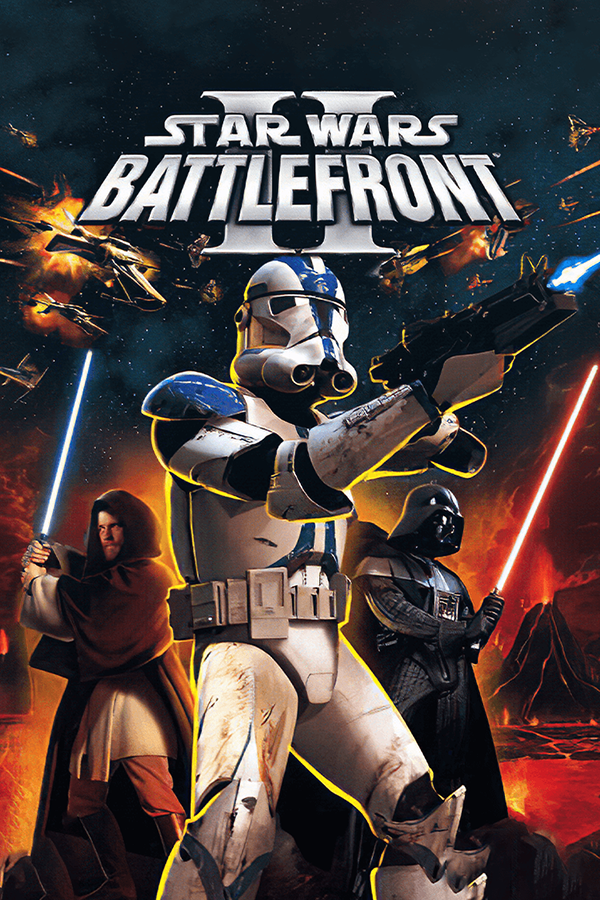
How to convert Battlefront II into the best existing Star Wars videogame
First. What you have to download
1.- Star Wars Battlefront 2 Conversion Pack v2.2: http://www.fileplanet.com/109501/0/0/0/1/section/Mod_Files_&_Patches
a) The pack itself: http://www.fileplanet.com/191993/190000/fileinfo/Star-Wars:-Battlefront-2---GT-conversion-Pack-v2.0
b) The update of the pack: http://www.fileplanet.com/197904/190000/fileinfo/Star-Wars:-Battlefront-2---Conversion-Patch-v2.2
2.- Unofficial Star Wars Battlefront II v1.3 Patch:
http://www.mediafire.com/?4m8x7730e5th0dd
or
http://torrent.cd/fe1bdb74357d735643910eb77f2d0d94dc2760a9/Star+Wars+Battlefront+II+Patch+1.3+r117+Unofficial.torrent
or
http://www.gamearena.com.au/downloads/download.php/star-wars-battlefront-2-unofficial-patch-v13
3.- Battlefront Extreme v 2.2:
bfx_2.2_setup.exe ----> http://www.mediafire.com/?ql88y9q33gq4zrn
a) The pack itself: http://www.fileplanet.com/191993/190000/fileinfo/Star-Wars:-Battlefront-2---GT-conversion-Pack-v2.0
b) The update of the pack: http://www.fileplanet.com/197904/190000/fileinfo/Star-Wars:-Battlefront-2---Conversion-Patch-v2.2
2.- Unofficial Star Wars Battlefront II v1.3 Patch:
http://www.mediafire.com/?4m8x7730e5th0dd
or
http://torrent.cd/fe1bdb74357d735643910eb77f2d0d94dc2760a9/Star+Wars+Battlefront+II+Patch+1.3+r117+Unofficial.torrent
or
http://www.gamearena.com.au/downloads/download.php/star-wars-battlefront-2-unofficial-patch-v13
3.- Battlefront Extreme v 2.2:
bfx_2.2_setup.exe ----> http://www.mediafire.com/?ql88y9q33gq4zrn
Second. The installation process
The installation process is pretty simple, just pay attention to select the folder where you have installed your game in C: or D: (inside the SteamApps folder, common - Star Wars Battlefront 2) and the rest goes automatic.
The best and recommended order of installation is: 1a>2>1b>3
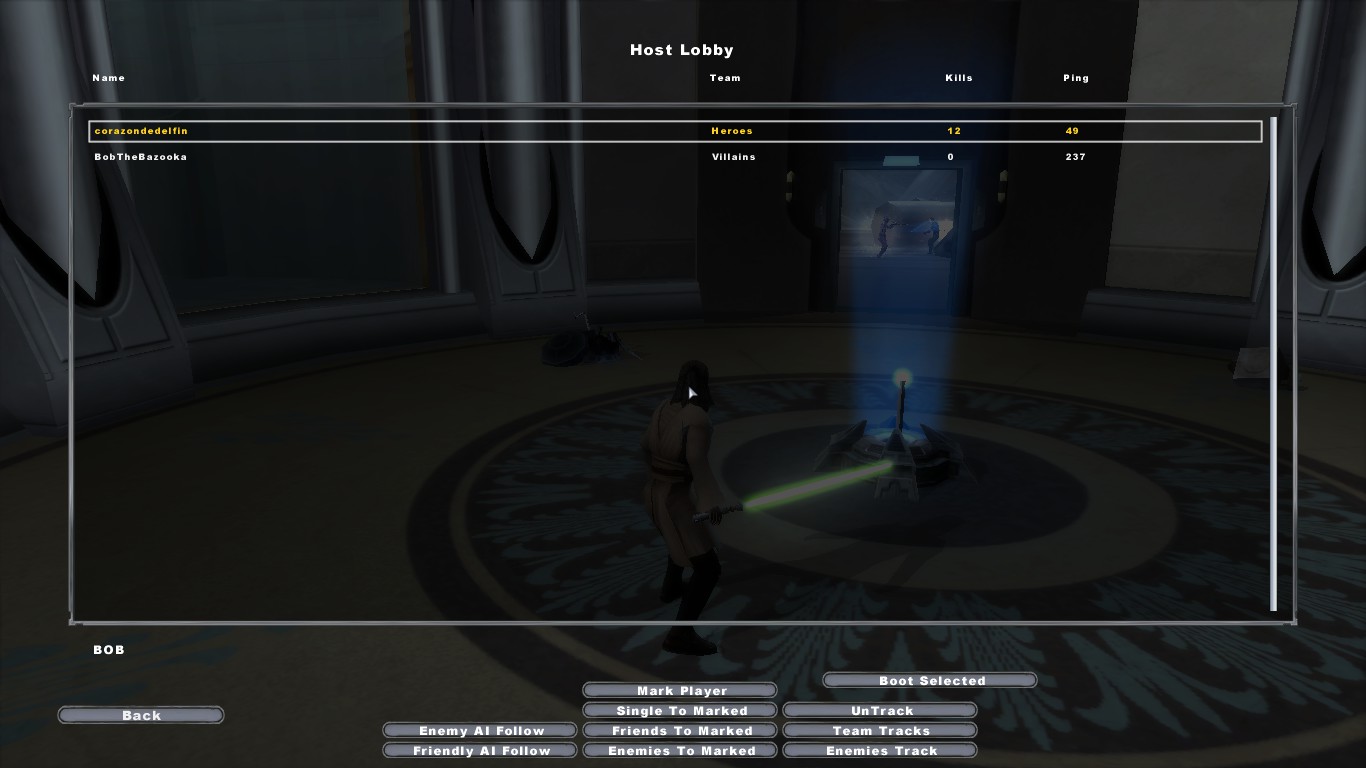
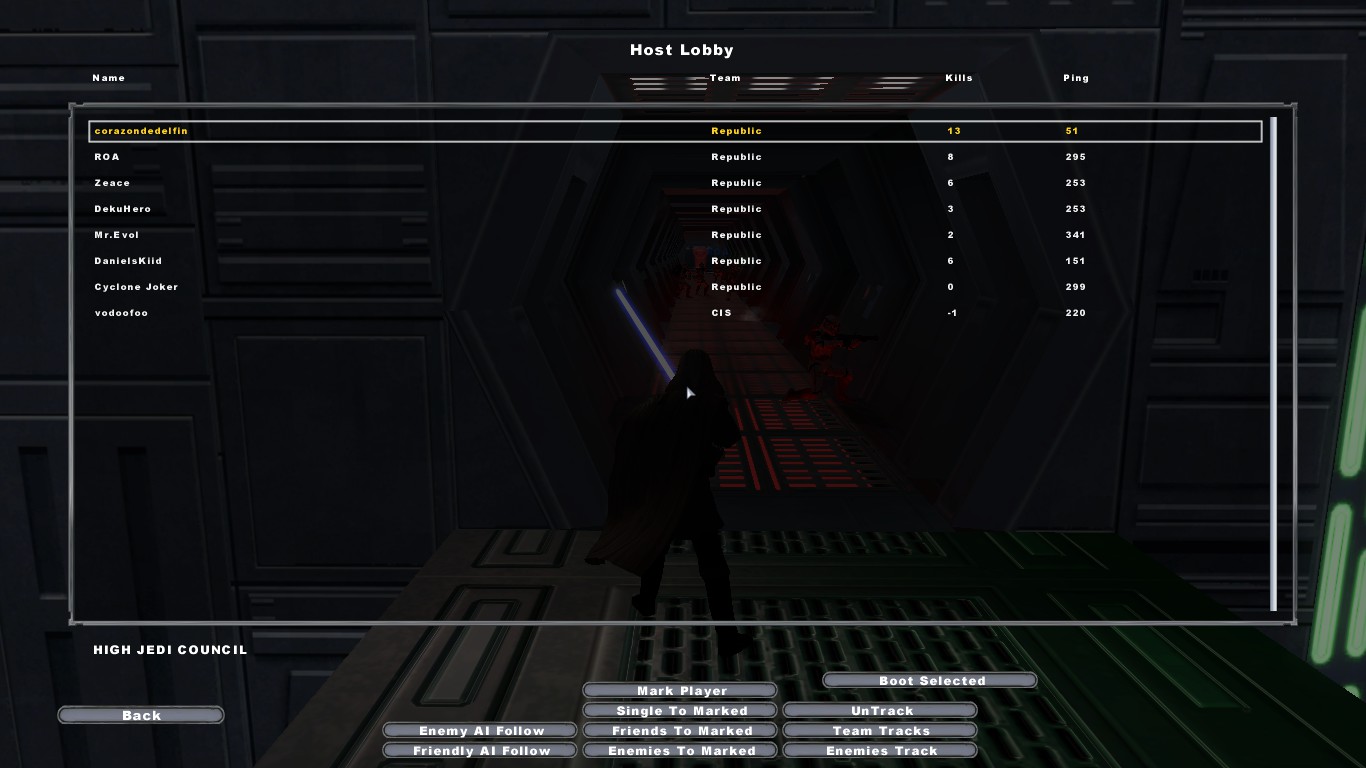
* Proofs that this compilation actually works 100%, INCLUDING MULTIPLAYER:
Third. The Playability and new addons
This compilation of patches and mods adds a lot of the maps most loved from the Saga, as well as very important missing characters like Qui-Gon Jinn, Asajj Ventress, Revan, Darth Nihilus, Darth Sion... and a lot more, literally, even soldiers and troops. You will be able to play in a starcraft while your friends fight in the ground!
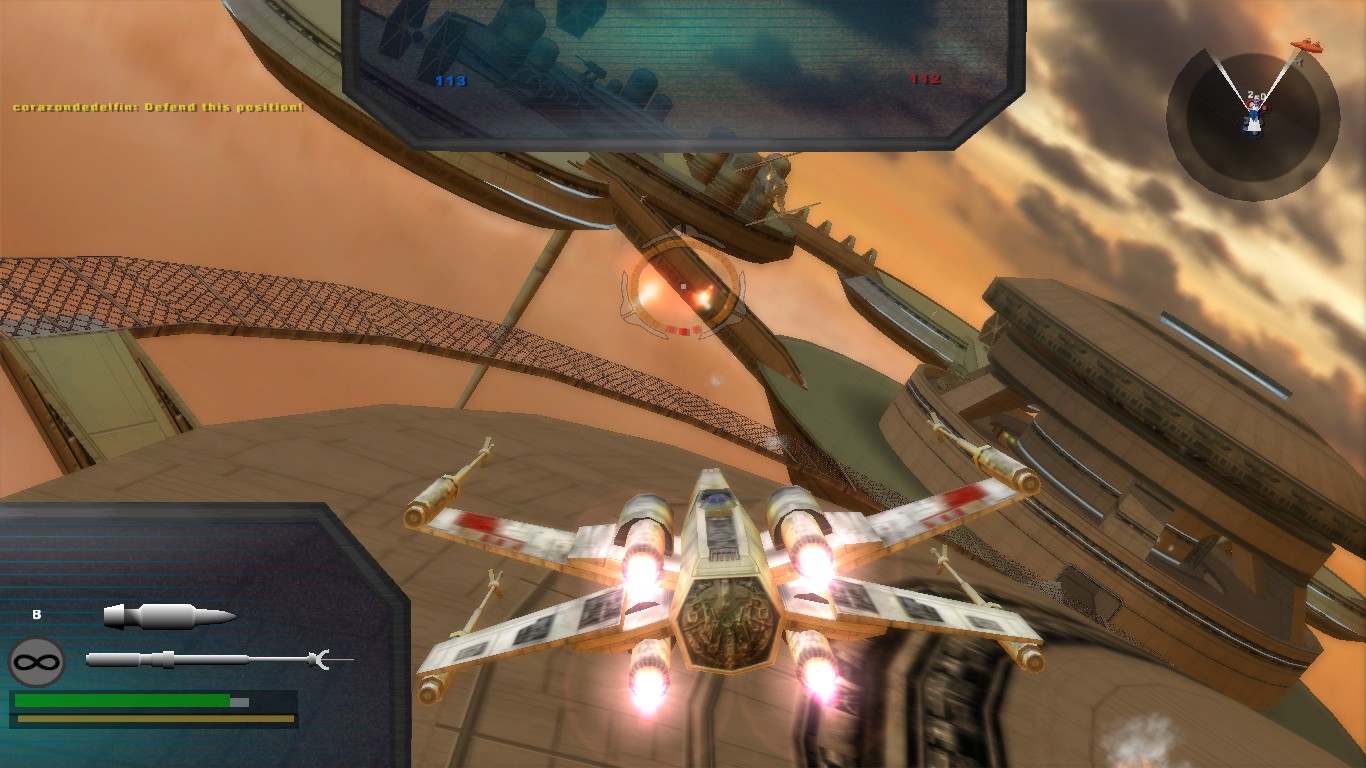
The textures are much better in this compilation, as well as the infinite possibilities given.
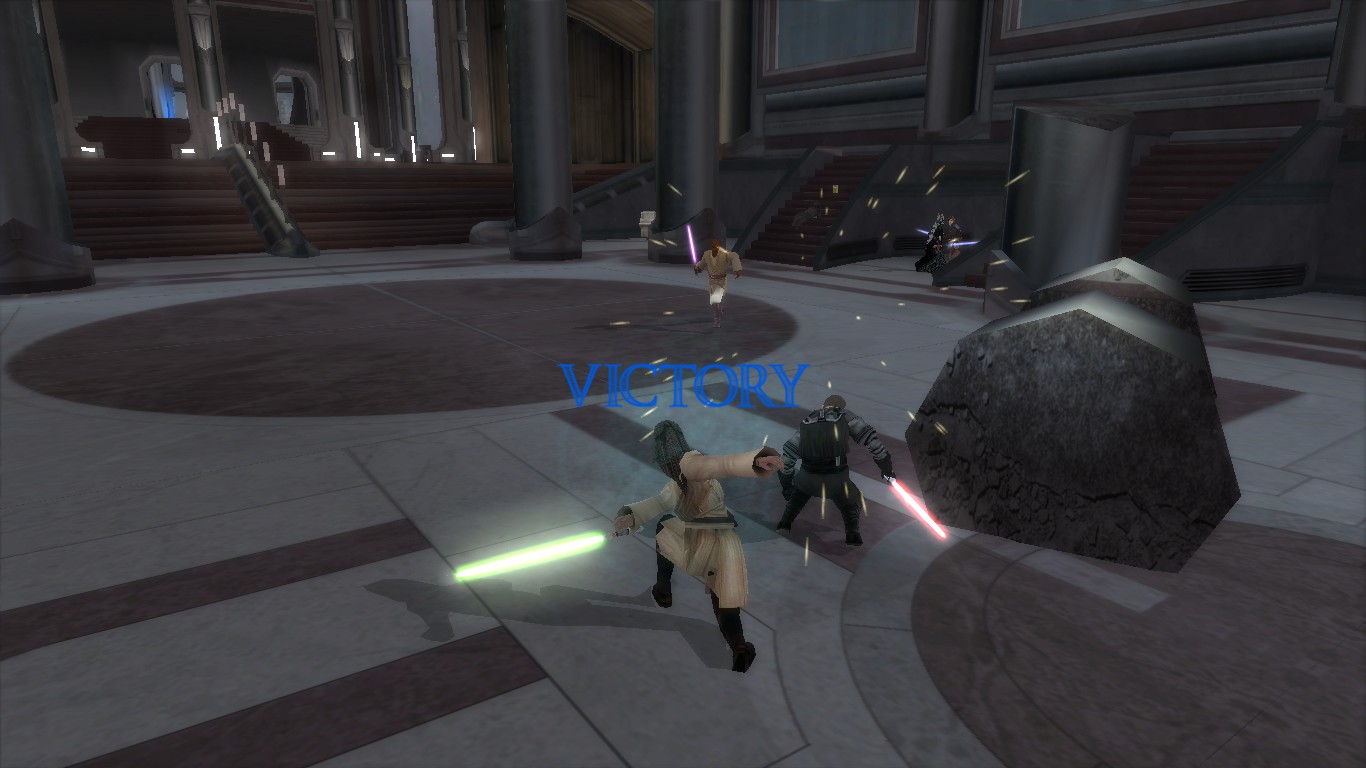
I hope you enjoy this guide. It took me some days to gather all this info together and work it out to improve Star Wars Battlefront 2 to the max :)
Also join my Steam Group if you want to play with me or ask me any questions guys: http://steamcommunity.com/groups/Jedi_Council
* If you like the guide and you want to help me, rate the guide and share it! :)
Thanks for reading me and...
May the Force be with you
The textures are much better in this compilation, as well as the infinite possibilities given.
I hope you enjoy this guide. It took me some days to gather all this info together and work it out to improve Star Wars Battlefront 2 to the max :)
Also join my Steam Group if you want to play with me or ask me any questions guys: http://steamcommunity.com/groups/Jedi_Council
* If you like the guide and you want to help me, rate the guide and share it! :)
Thanks for reading me and...
May the Force be with you
More Star Wars: Battlefront 2 (Classic, 2005) guides
- Star Wars Battlefront 2 Remaster (2024)★ 5 (2k)117k views4.7k ♥3 minUpdated Jan 24, 2025
- Star Wars: Battlefront II — The Complete Mod Compendium★ 5 (1.8k)102k views4.9k ♥51 minUpdated Mar 24
- Battlefront 2 Mod Guide: Bug Fixes, Remaster, DLC, Original Maps★ 5 (1.3k)67k views3.3k ♥26 minUpdated Oct 5, 2025
- FREE OFFICIAL DLC★ 5 (726)64k views1.3k ♥1 minUpdated Jul 26, 2022
- Top Mods for SWBF2★ 5 (400)54k views976 ♥3 minUpdated Dec 15, 2018
- Best Vanilla Experience★ 5 (740)46k views1.8k ♥4 minUpdated Jan 11, 2022




This guide was created by its original author on the Steam Community. Are you the author and want it removed? Request removal.