Best Vanilla Experience
Introduction

Do you want a clean and streamlined install of Battlefront 2?
After so many mods and maps installed, my game got filled with content I didn't want or need in the game. If you can relate to this, then follow this guide on adding great features/fixes to your game, without bloating it whatsoever!
1.3 Patch

Everyone familiar with mods in this game will be familiar with the 1.3 patch.
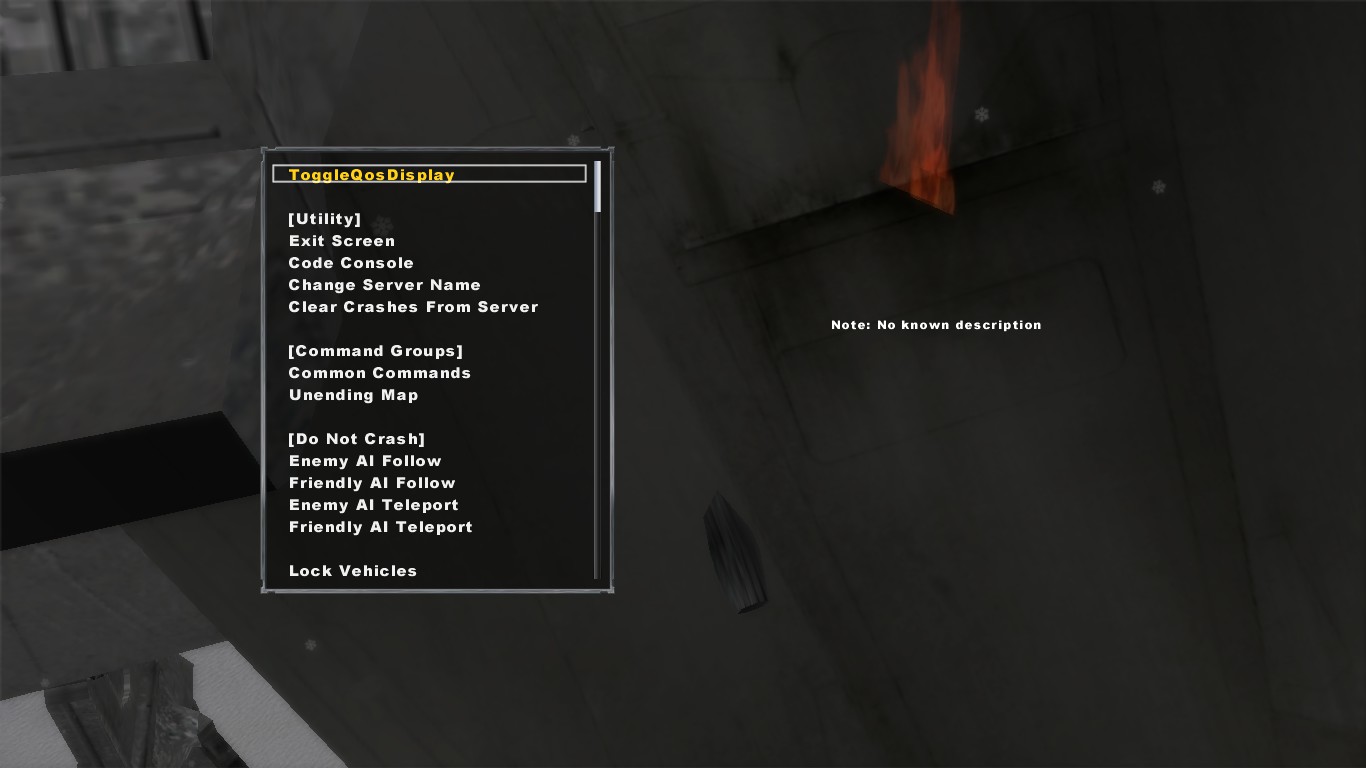
Most mods require the 1.3 patch, so it really is essential. The patch adds the fake console, which contains a long list of commands which you can use and even mess around with to keep yourself entertained. The fake console also allows you to disable the HUD (by selecting free camera and then chase camera).
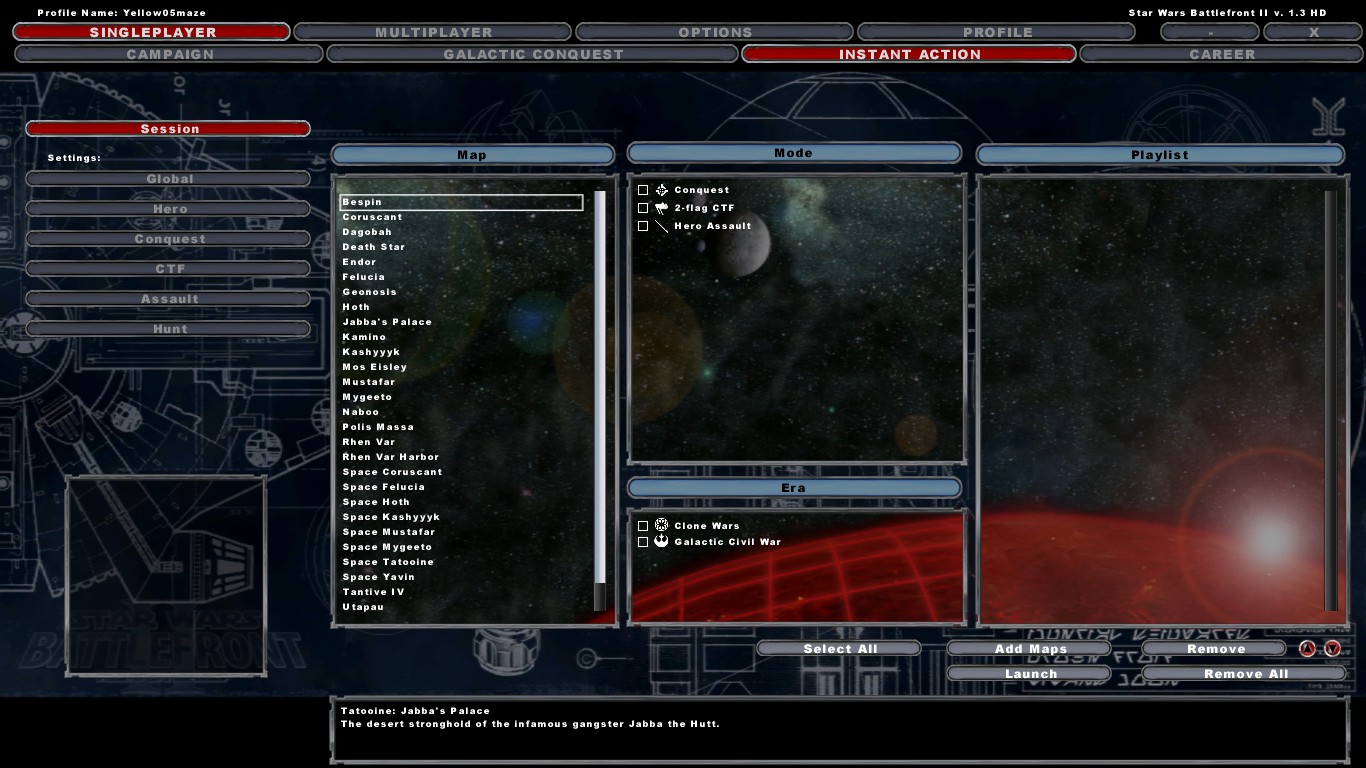
The patch also contains some UI improvements, such as when you go into Instant Action, everything will be deselected by default, as opposed to everything being selected, like it is in the base game, which was always annoying.
Here is the 1.3 patch for Steam if you didn't already have it, or are doing a clean install.
https://www.moddb.com/games/star-wars-battlefront-ii/downloads/unofficial-v13-patch-r130
Installation: Once downloaded, run the installer.
I believe that this version of the 1.3 patch doesn't add the large blue boxes to the HUD, but check the options when installing and deselect the option if there is.
Menu Scaling Fix

This mod will fix issues with scaling when in the menu. Battlefront 2 is 16 years old, and it wasn't built for modern monitors and screen resolutions/scales, so this mod can help remedy that fact.
Personally, I've encountered game breaking issues, such as the UI being scaled so high that I couldn't access Instant Action, so this can be a very important mod to consider.
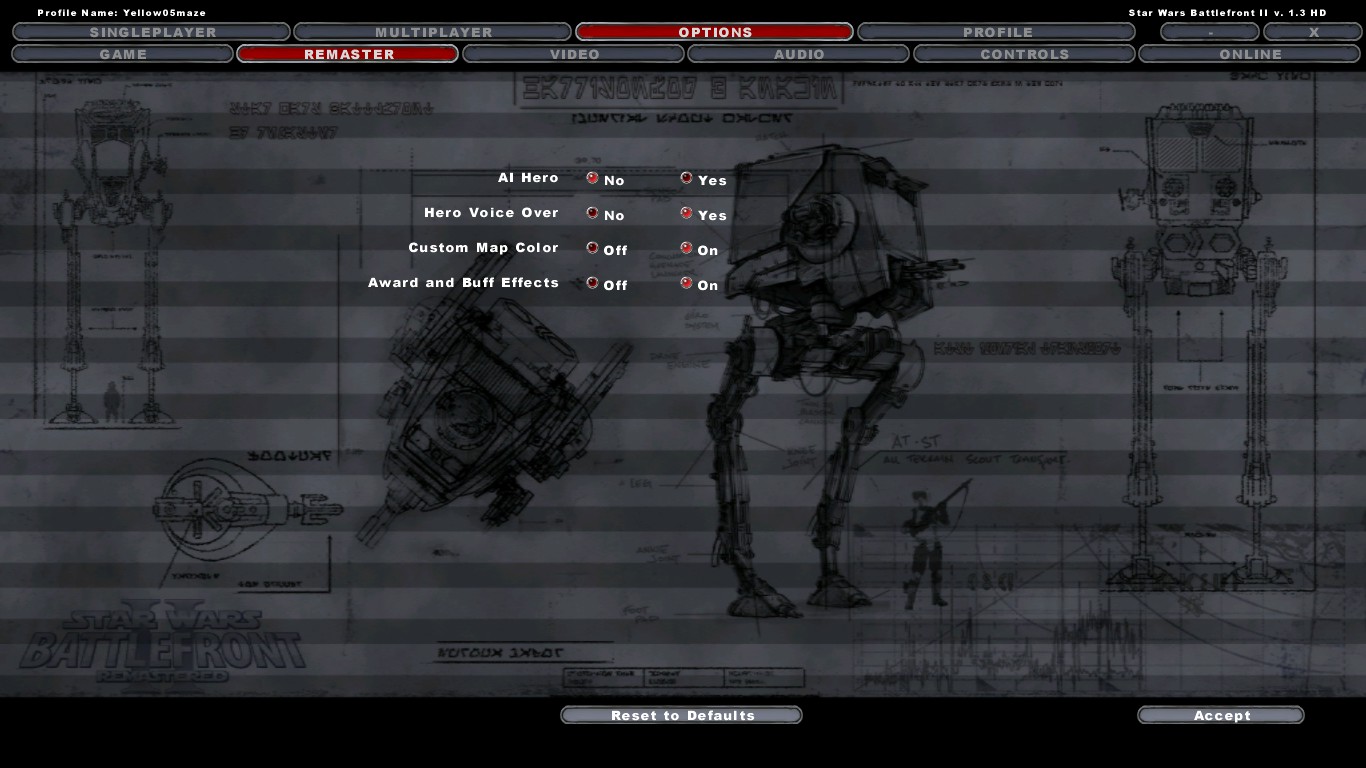
It also adds the ability to enable/disable awards and buffs, and adds AI heroes (with ability to turn them off as well).
Here is the Battlefront 2 Remaster V1.2 (Menu Scaling Fix) Mod: https://www.moddb.com/mods/star-wars-battlefront-ii-full-hd-interface/downloads/swbf2-remaster-v12
[This is the 1.2 version of the mod, which is an older version. I linked this specific version of the mod because newer releases alter the HUD a bit, which I personally don't like, as I'm trying to stay as true to the game as possible. If you don't mind, then go ahead and download a newer version of the mod.]
Installation: Once downloaded, run the installer. You may have to check "expert mode" in the setup wizard if the setup is having trouble detecting the 1.3 patch.
DLC

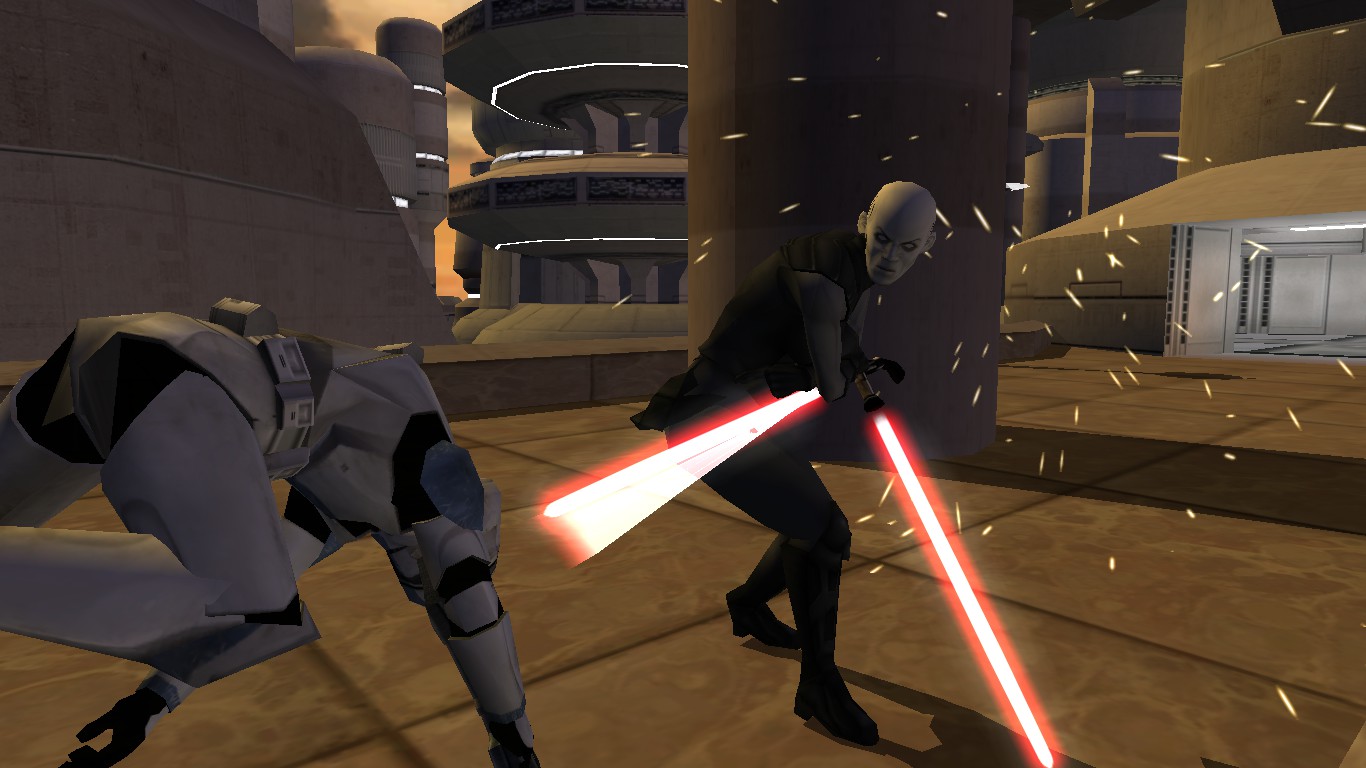
The DLC released for Xbox never made it to any other platforms. With this mod, you can play the DLC on PC! It adds several maps from the original 2004 Battlefront game: Bespin, Rhen Var, Rhen Var Harbor, and Yavin 4: Arena.
It also adds the Assault (Heroes vs Villains) game mode to Kashyyyk, Coruscant, Naboo, and Mygeeto (in the base game you could only play this mode on the Mos Eisley map).
https://www.moddb.com/mods/xbox-dlc-content-for-pc/downloads/xbox-dlc-and-title-update-content-for-pc
I recommend including the "optional files" when extracting this mod to your addon folder, as these files include custom loading screens for the new maps, which makes it look more professional, as well as other improvements to the mod.
Installation: Once downloaded, use a software like 7zip or WinRar to extract the files to your addon folder. (If addon folder does not exist, create one under the GameData folder).
Minor Fixes
 Ki-Adi Mundi Voice Lines:
In the PC version, for some reason, Ki-Adi Mundi does not speak. This mod fixes that:
https://www.moddb.com/games/star-wars-battlefront-ii/downloads/ki-adi-mundi-sound-fix
Black Screen Glitch
If your screen goes black for a few seconds in game constantly for seemingly no reason, then all you have to do is disable your discord overlay for Battlefront 2.
Non-Vanilla Suggestions

Here are some suggestions for non-vanilla maps/mods that you could add to your game that don't make it feel bloated, and totally could have been in the actual game.

Cockpit View
This mod adds first person view to all space vehicles and some ground vehicles.
https://www.moddb.com/mods/cockpit-view
 Zombie Infection Mode
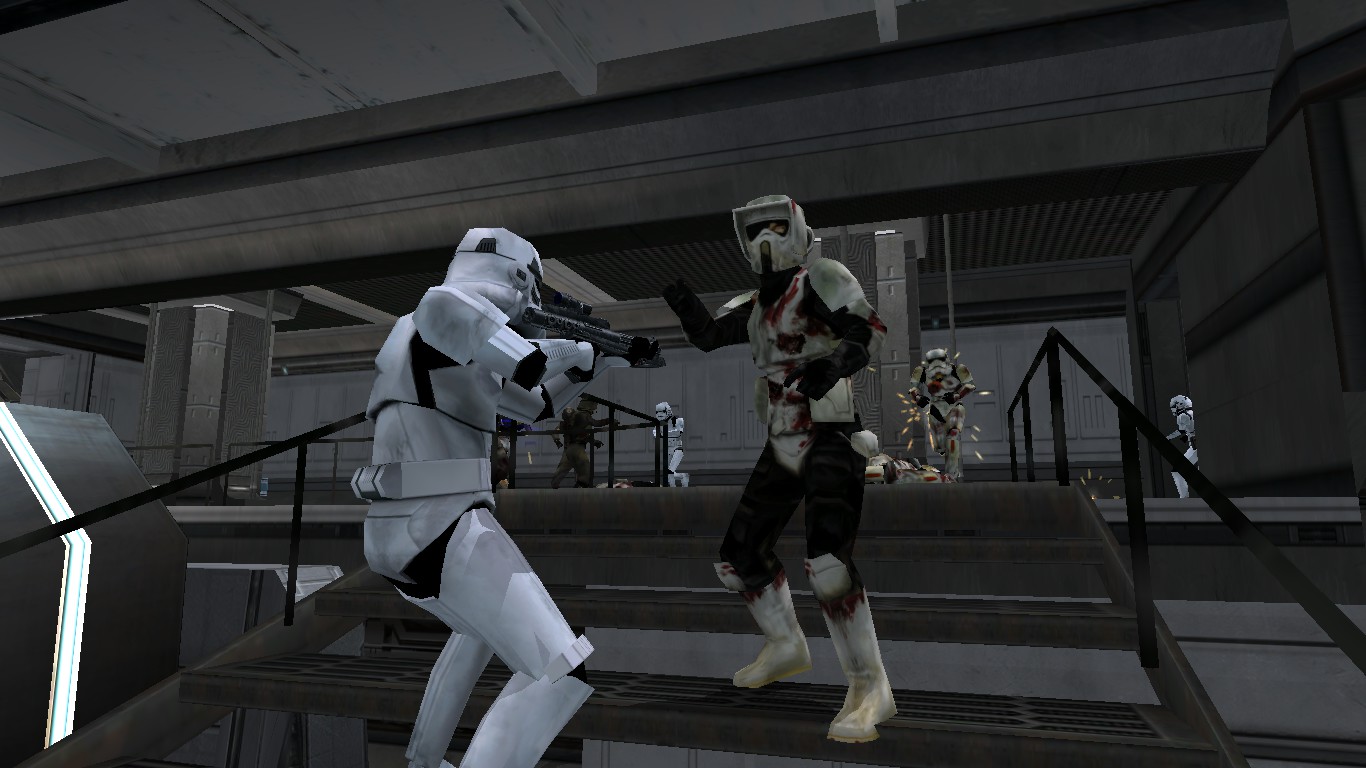
This mod adds a Zombie Infection Mode to the vanilla map Tantive IV, which is an absolute blast to play.
https://www.moddb.com/games/star-wars-battlefront-ii/addons/zombie-infection-mode-v09
Geonosis: Freight Dock
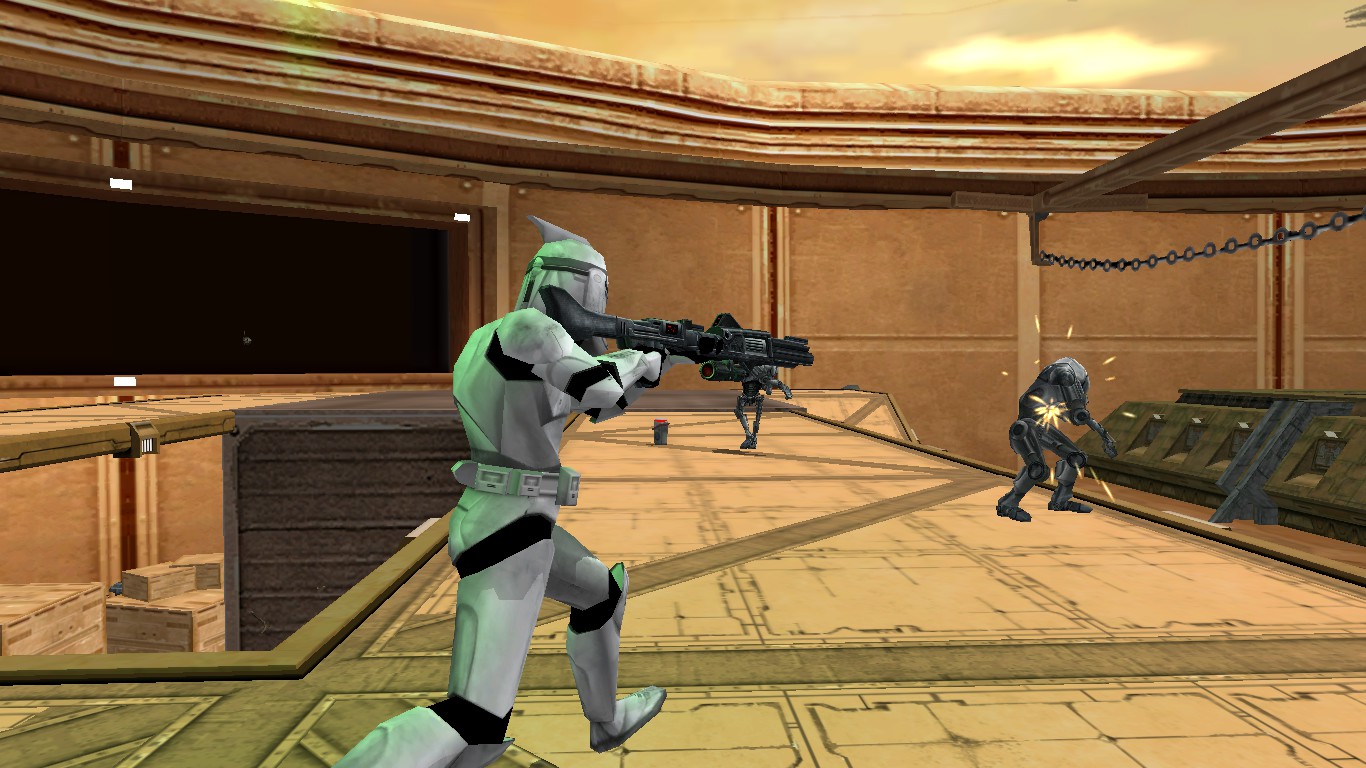
This is a custom map that I feel fits so well with the game. It feels natural, and could have been a vanilla map.
https://www.moddb.com/games/star-wars-battlefront-ii/addons/geonosis-freight-dock
Multiplayer Compatibility
 All of these mods are compatible with multiplayer.
However, custom maps must be installed by every user if you wish to play multiplayer on custom maps (including the XBOX DLC).
Game altering fake console commands in multiplayer will not work.
Conclusion
There you go, there is my ideal game setup when I want the game to feel as vanilla as possible - a slightly improved version of the already amazing base game! The aim of this guide was to give you a fresh look at the game, and possibly give you a hit of nostalgia for the vanilla feel of the game - the original feel. You can go anywhere from here with what you wish to add - more custom maps, anything! Even if you don't want it to feel vanilla at all, the mods I listed here (although you likely already have them), can still be helpful!Thank you for reading, and especially thanks to the makers of this game and the makers of the incredible mods for providing a great experience for all who play this game!
Sincerely,
Yellow.


More Star Wars: Battlefront 2 (Classic, 2005) guides
- Star Wars Battlefront 2 Remaster (2024)★ 5 (2k)117k views4.7k ♥3 minUpdated Jan 24, 2025
- Star Wars: Battlefront II — The Complete Mod Compendium★ 5 (1.8k)102k views4.9k ♥51 minUpdated Mar 24
- How to convert Battlefront II into the best existing Star Wars videogame★ 5 (1.4k)90k views2.7k ♥1 minUpdated Jun 4, 2013
- Battlefront 2 Mod Guide: Bug Fixes, Remaster, DLC, Original Maps★ 5 (1.3k)67k views3.3k ♥26 minUpdated Oct 5, 2025
- FREE OFFICIAL DLC★ 5 (726)64k views1.3k ♥1 minUpdated Jul 26, 2022
- Top Mods for SWBF2★ 5 (400)54k views976 ♥3 minUpdated Dec 15, 2018




This guide was created by its original author on the Steam Community. Are you the author and want it removed? Request removal.