How to export models from Gmod into SFM (2026)
Title
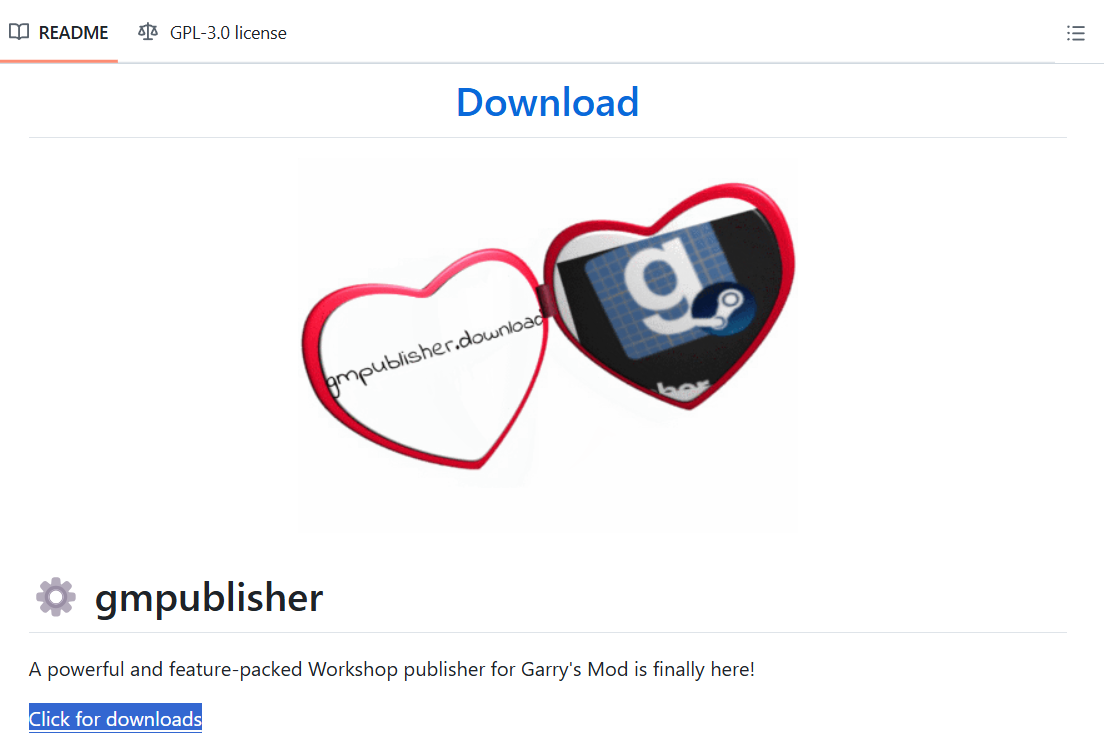
- First, you will need to download Gmpublisher.[github.com] Simply scroll down the page and find this download button.
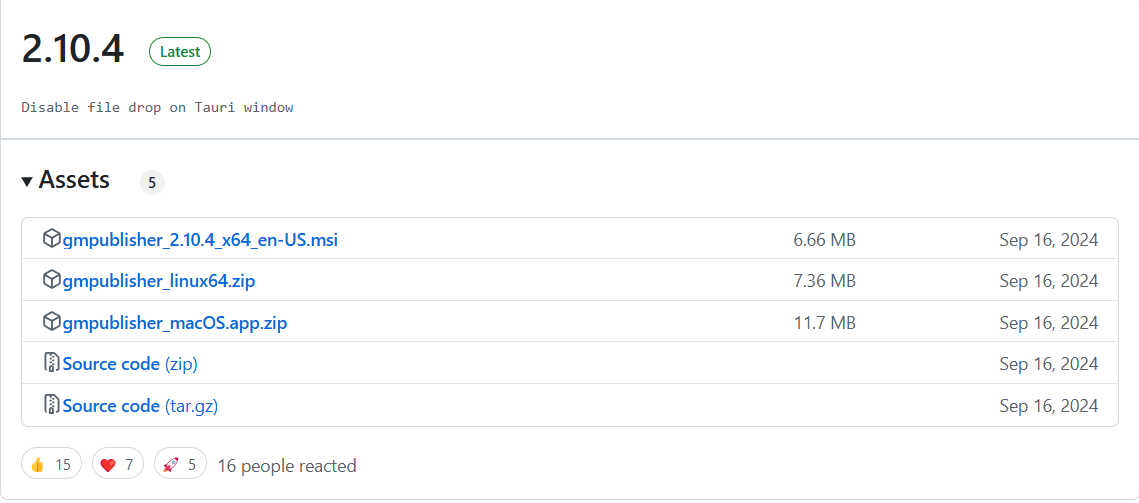
- There, select the version that matches your pc type. I have a Windows computer so I will choose the first option, but if you have a Mac you'd choose that and so on.
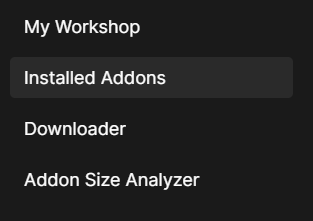
- Once you've opened the app and got logged in, find "installed addons".
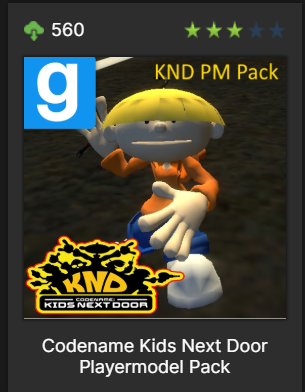
- Now click the addon that contains the model(s) you want. I'll be using this Codename: Kids Next Door playermodel pack I found because I like that show.
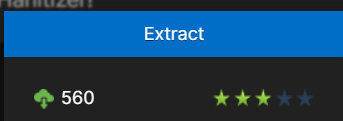
- This will open up a lot of stuff, simply click the big blue "extract" button at the top.
- When this pops up, click browse.
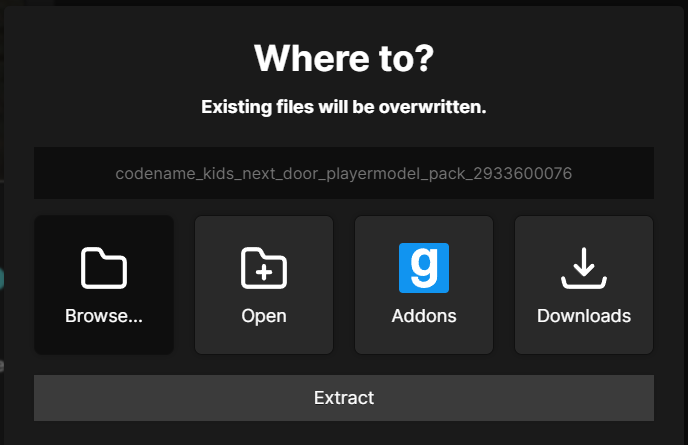
- Then choose where you want your files to go. I usually just throw everything in SFM's usermod folder, but you can make your own folder if you want. You can learn more about that on other guides and forums though.

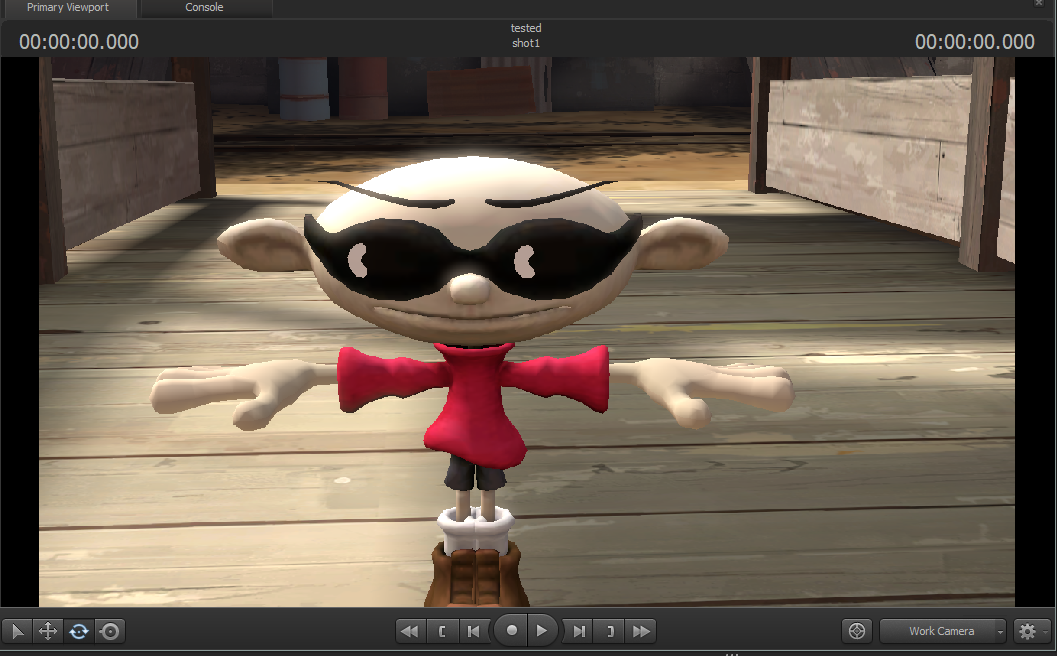
- And now you have it! Look at him in all his glory, what a guy.
More Source Filmmaker guides
- Changing Textures Using Material Overrides★ 5 (1.4k)41k views2.7k ♥5 minUpdated Jul 26, 2014
- Manually Updating TF2 Content★ 5 (1.3k)35k views1.9k ♥2 minUpdated Nov 26, 2025
- The Fundamentals of SFM: For Beginners★ 5 (1.3k)25k views3.3k ♥55 minUpdated Apr 29
- Ваш первый постер★ 5 (1.1k)22k views2k ♥5 minRussianUpdated Oct 22, 2024
- Getting Gmod Workshop stuff too SFM★ 5 (510)15k views1.3k ♥1 minBulgarianUpdated Aug 4, 2015
- Animation Guide★ 5 (704)14k views1.9k ♥6 minUpdated Apr 9, 2023





🔥 Popular guides
- Upgrading to PremiumTeam Fortress 2★ 5 (20k)1441k views11k ♥6 minUpdated May 11, 2022
- No More Room in Hell Official ManualNo More Room in Hell★ 5 (2.8k)569k views2.1k ♥29 minUpdated Apr 22, 2019
- NMRiH Community Hosting GuidesNo More Room in Hell★ 5 (526)351k views653 ♥1 minUpdated Aug 10, 2022
- How to 'Git Gud' Soon™MORDHAU★ 5 (2k)318k views3k ♥68 minUpdated Nov 16, 2024
- Лучшие кооперативные игры SteamPAYDAY 2★ 5 (1.5k)315k views2.1k ♥56 minRussianUpdated Apr 27, 2025
- Desert Eagle Heat Treated | Blue GemCounter-Strike 2★ 5 (1.6k)292k views1.5k ♥2 minUpdated Jan 16





This guide was created by its original author on the Steam Community. Are you the author and want it removed? Request removal.