How to get preorder DLC - Fubar pack
Unlocking the DLC
![.jpg]](https://images.steamusercontent.com/ugc/598162105698054871/F975C880D36CF7553362E1B294A9E2B7F2A73FF4/)
According to Wiki[specops.wikia.com], The Fubar pack contains the following (MP only):
- Double XP for a week
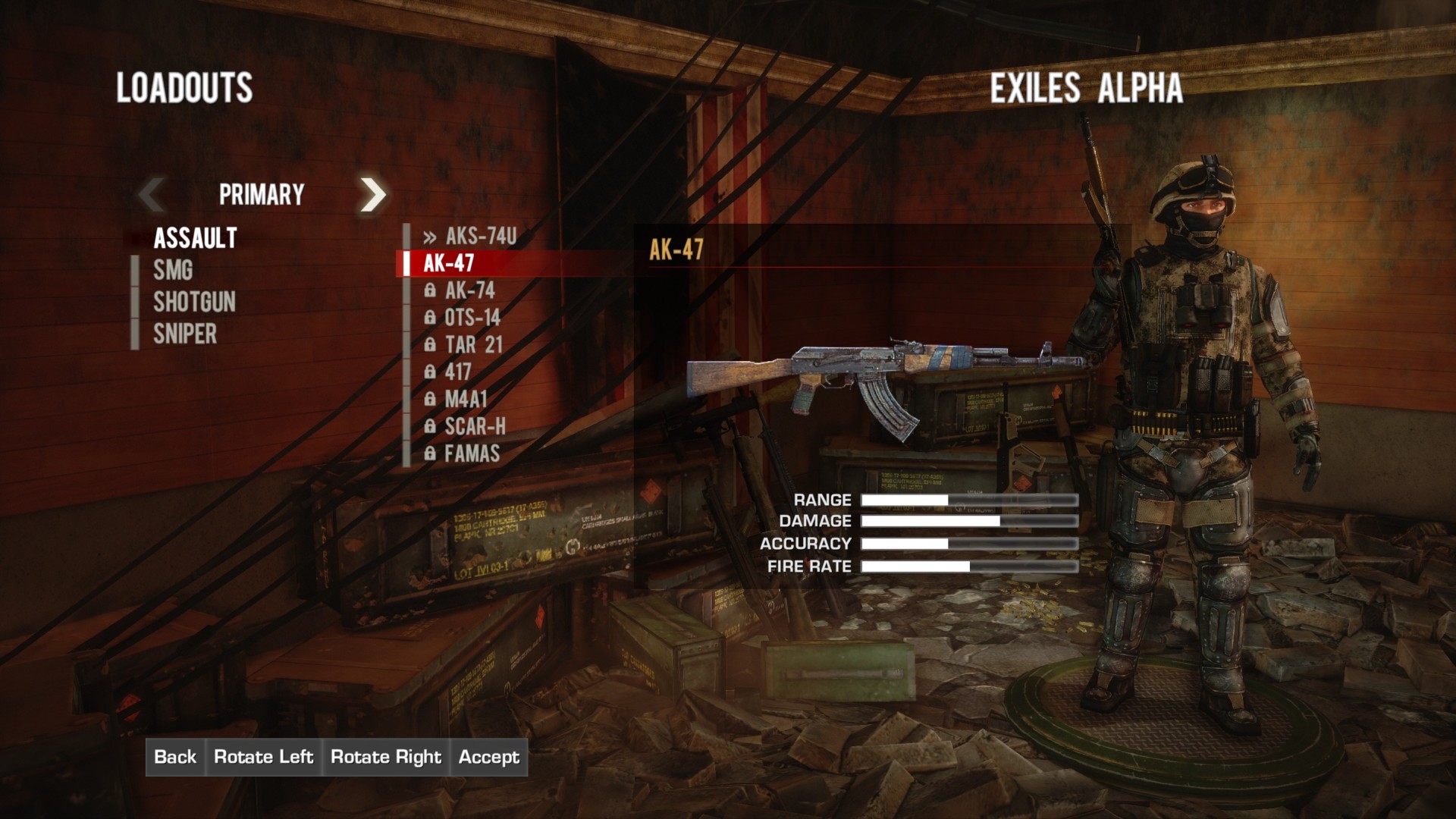
- AK-47 at Rank 1
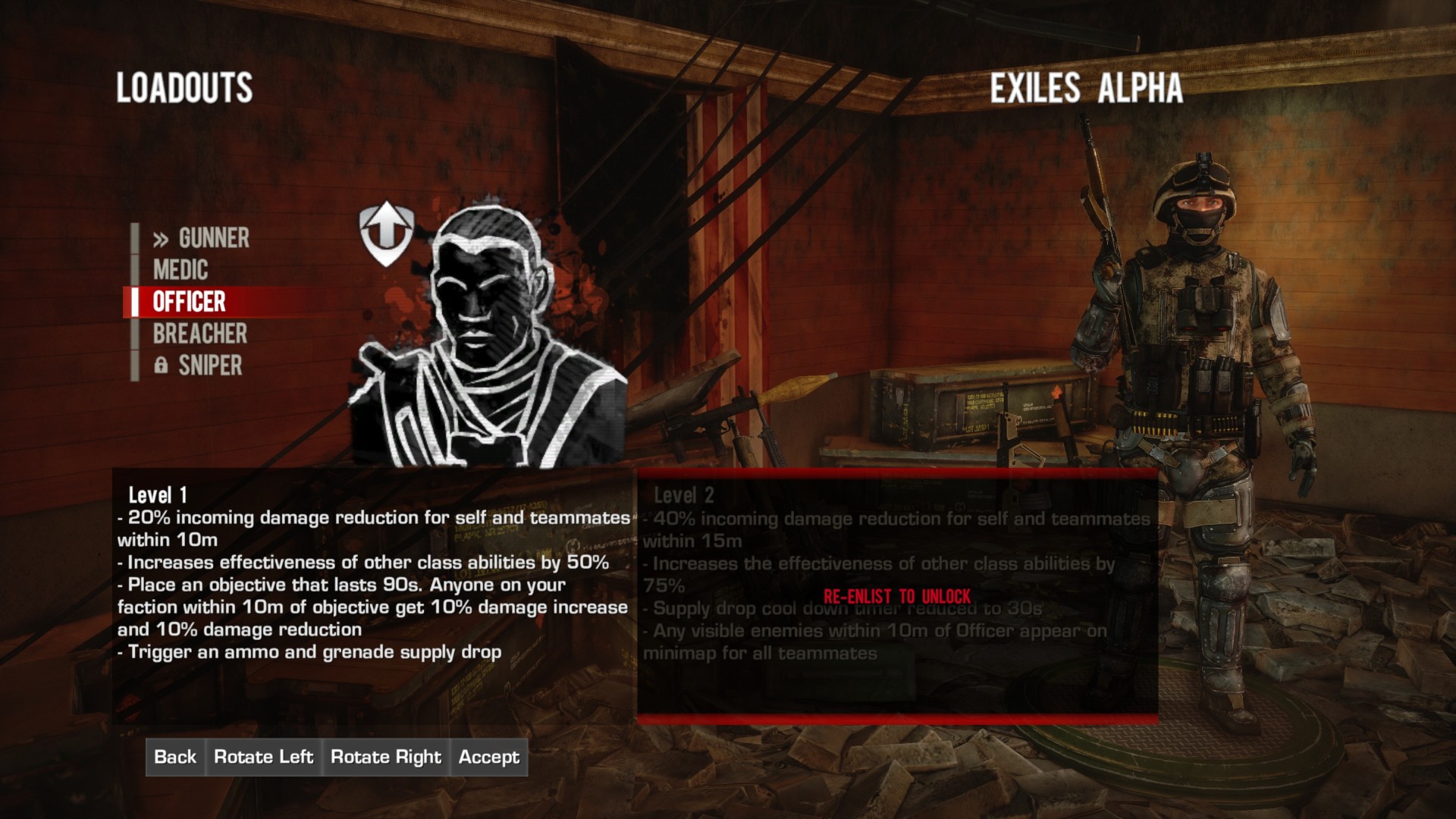
- Officer Class at Rank 1
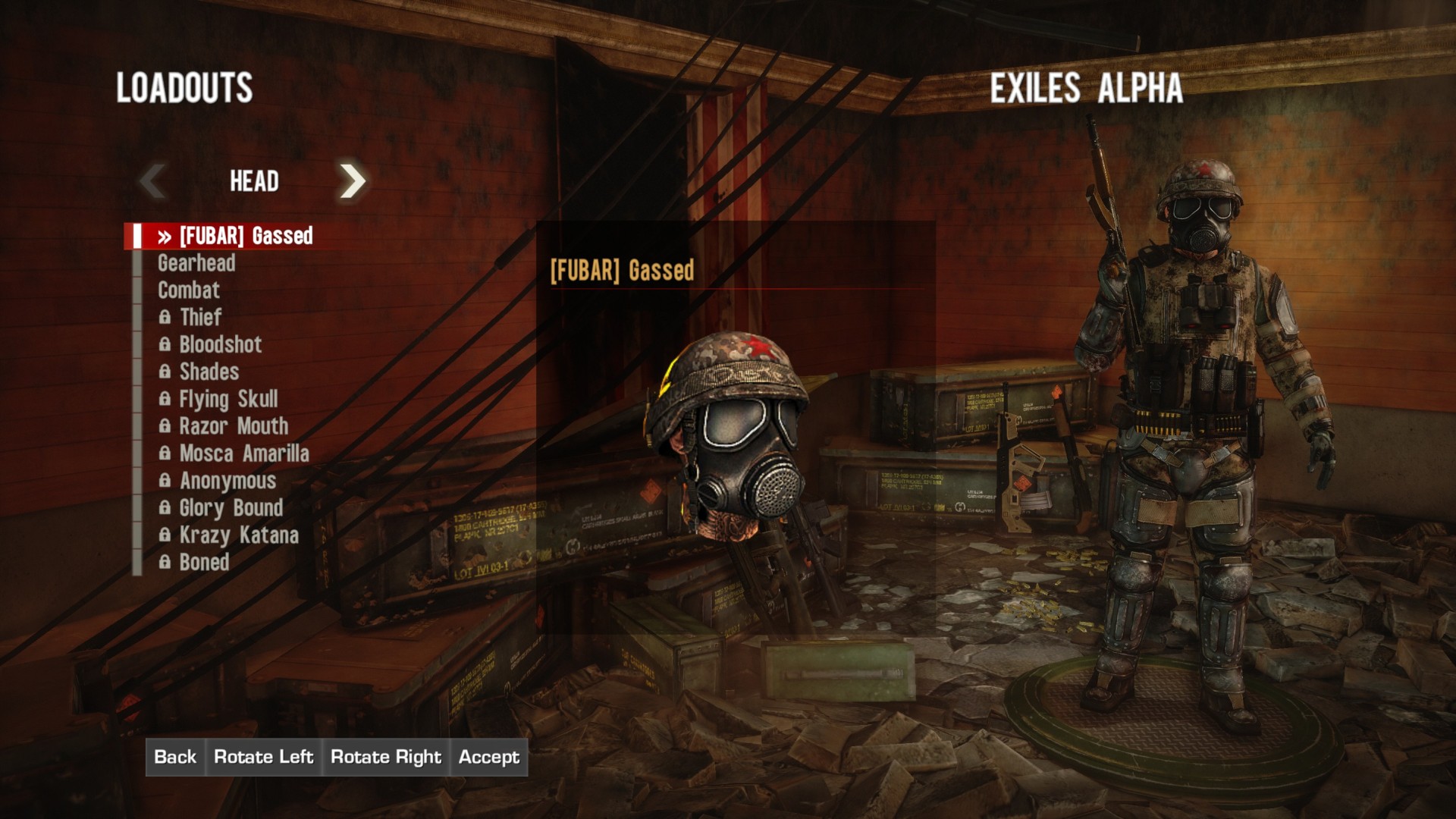
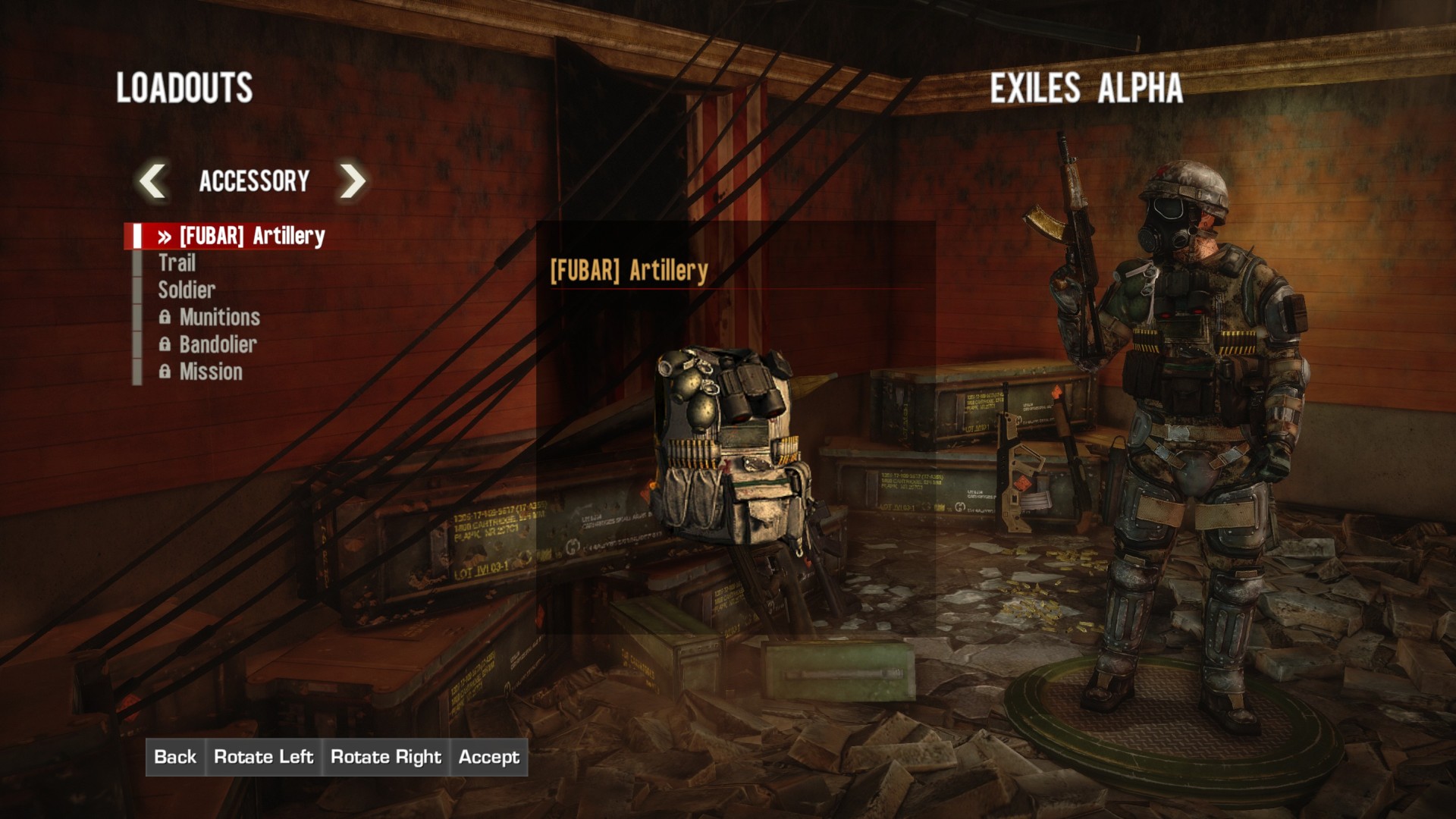
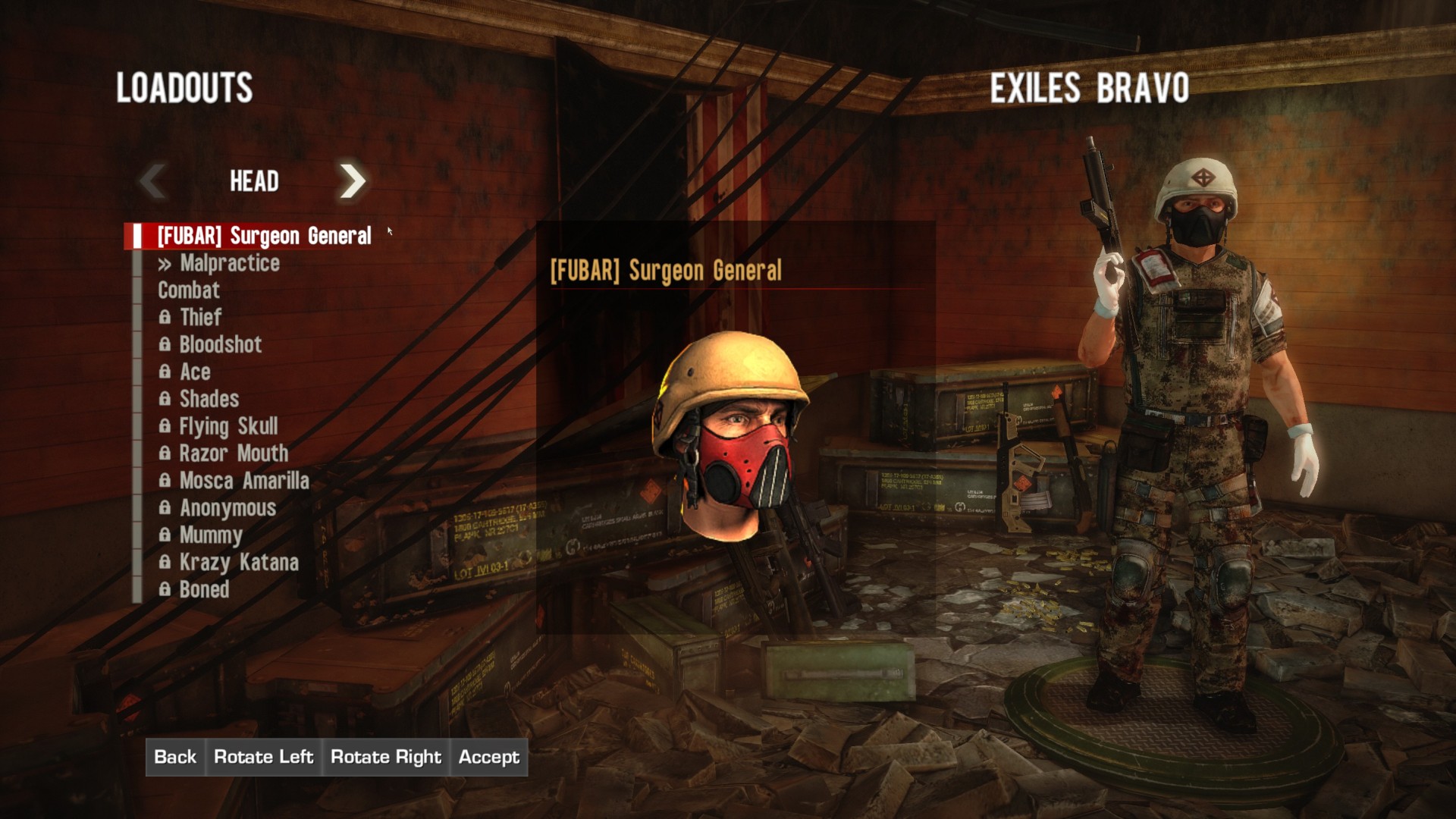
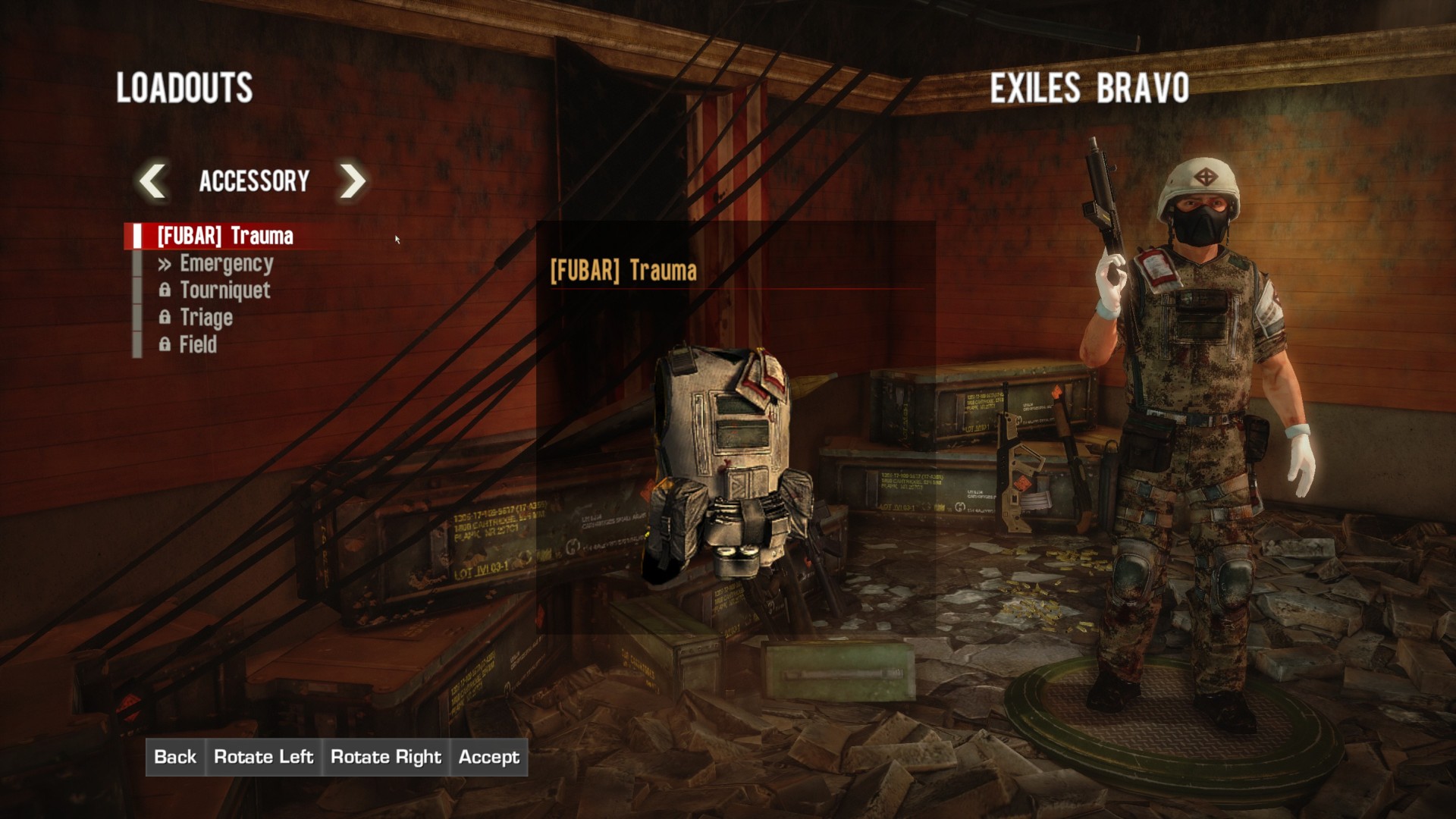
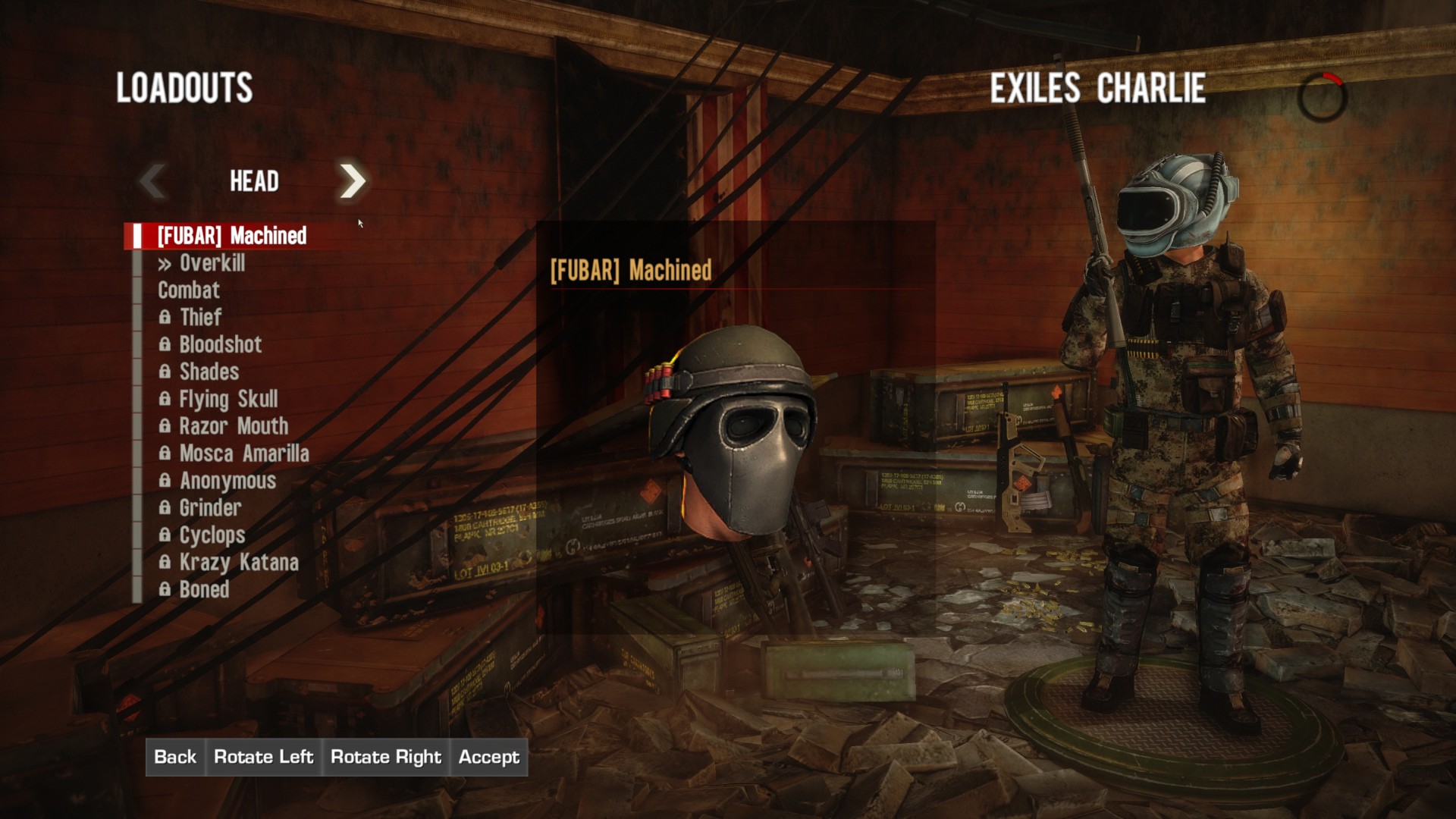
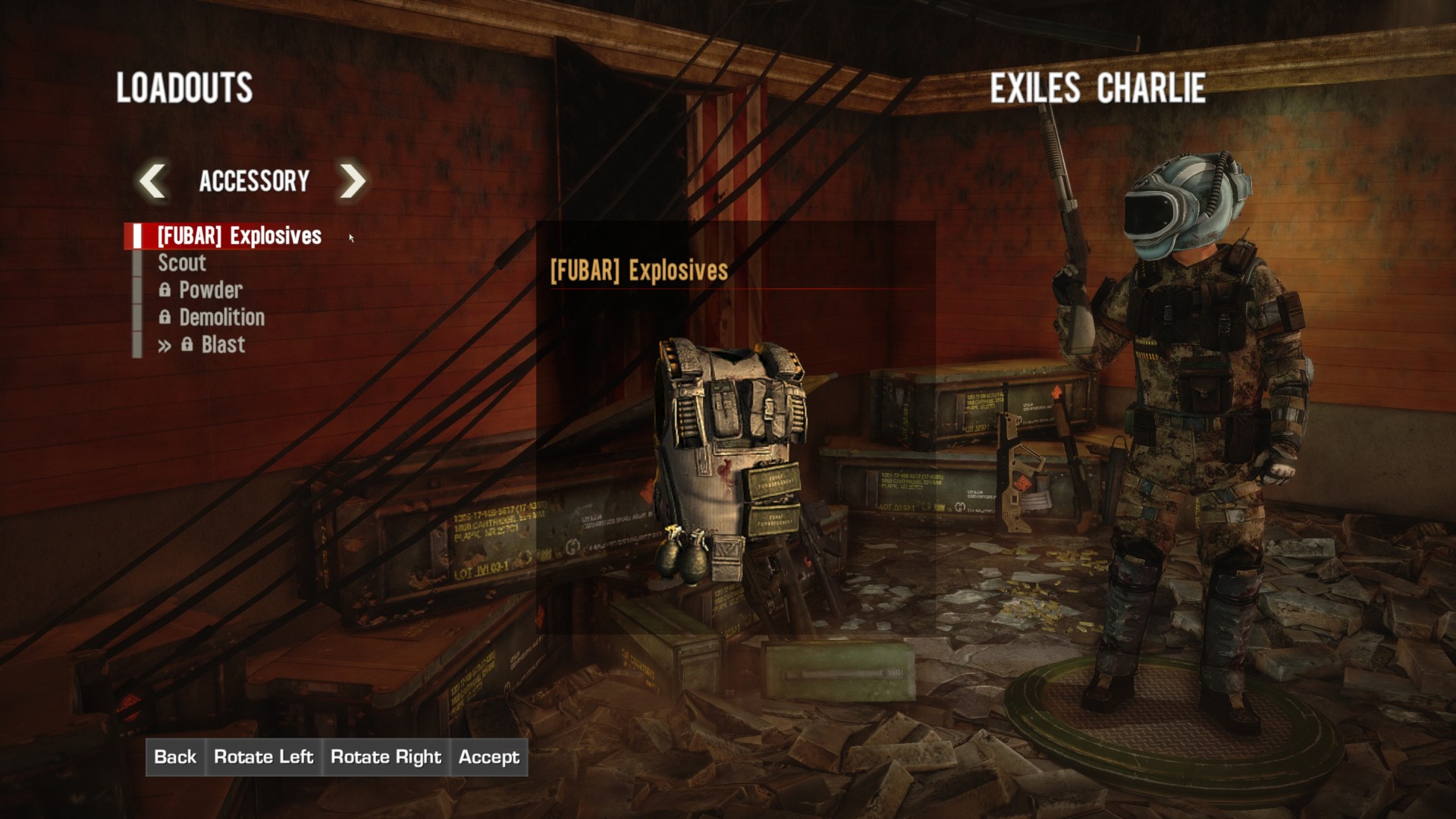
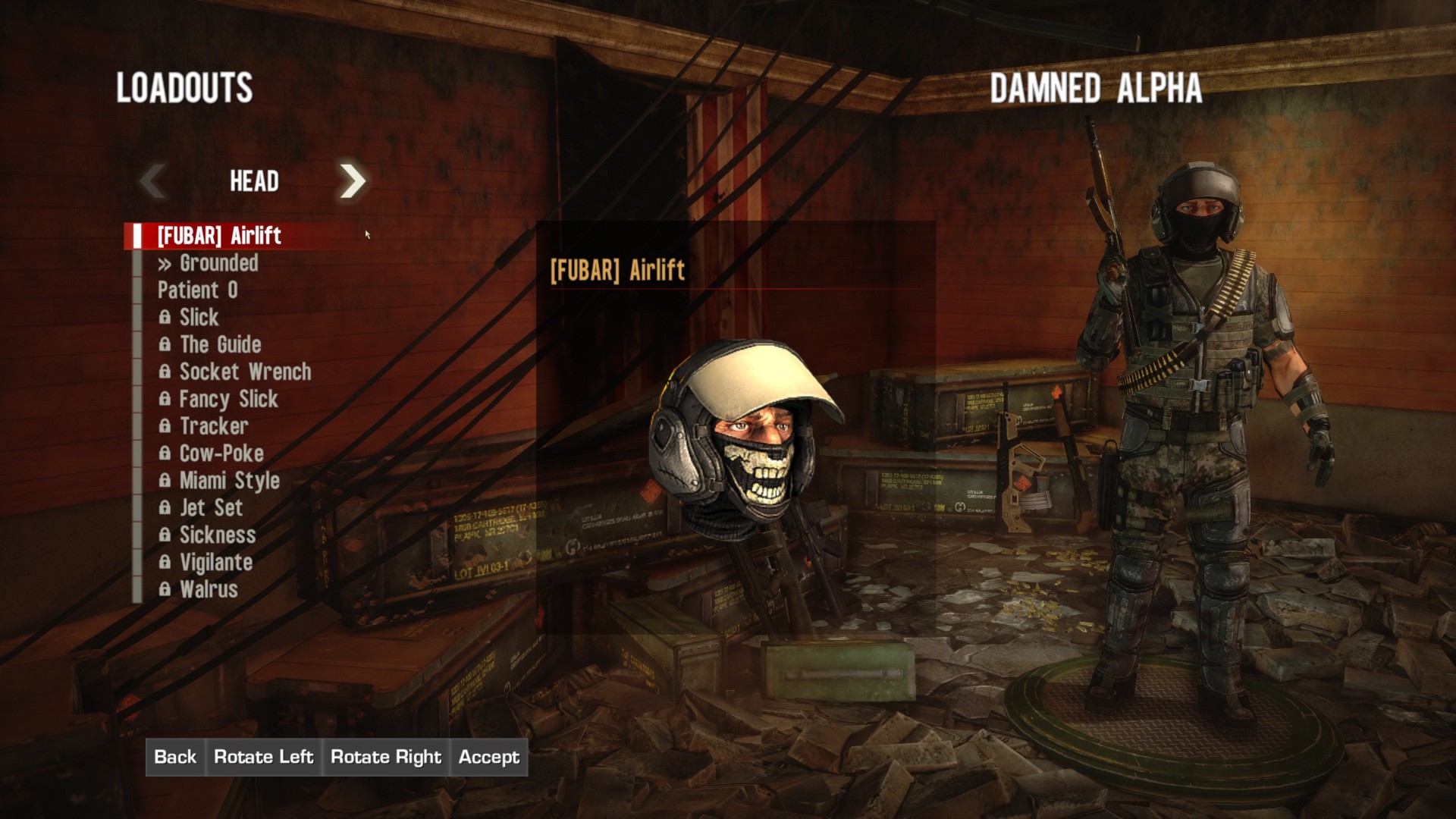
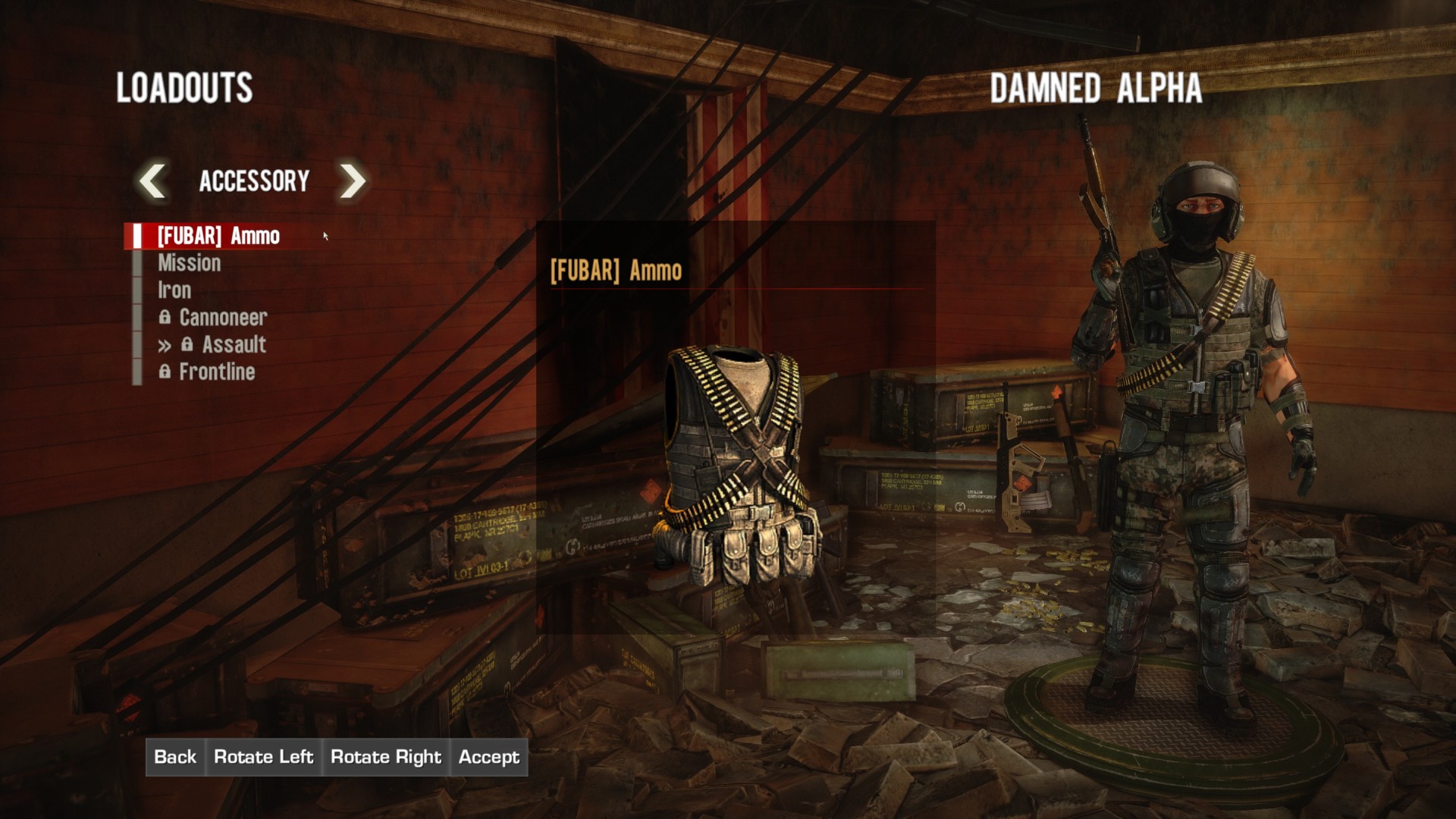
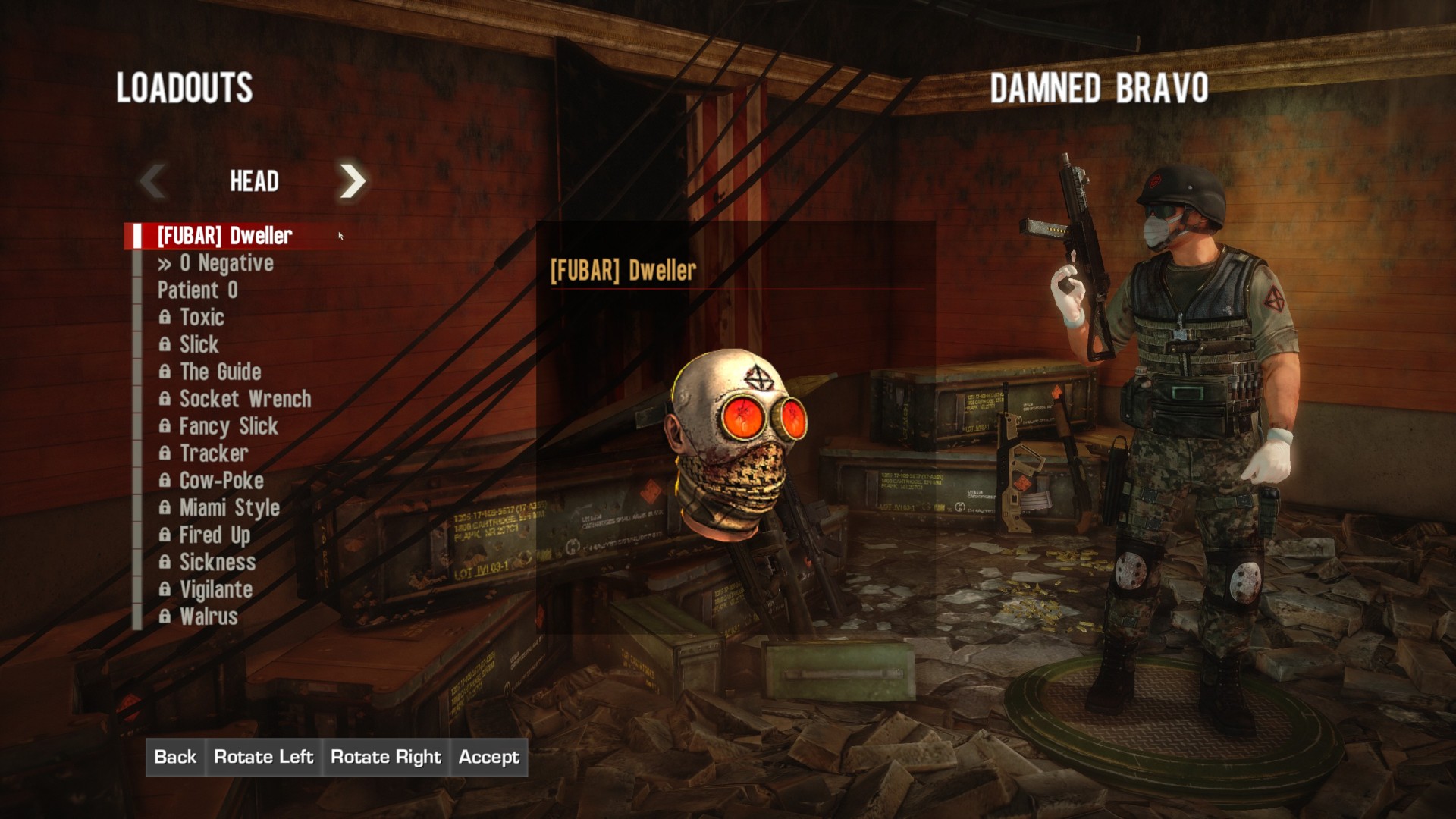
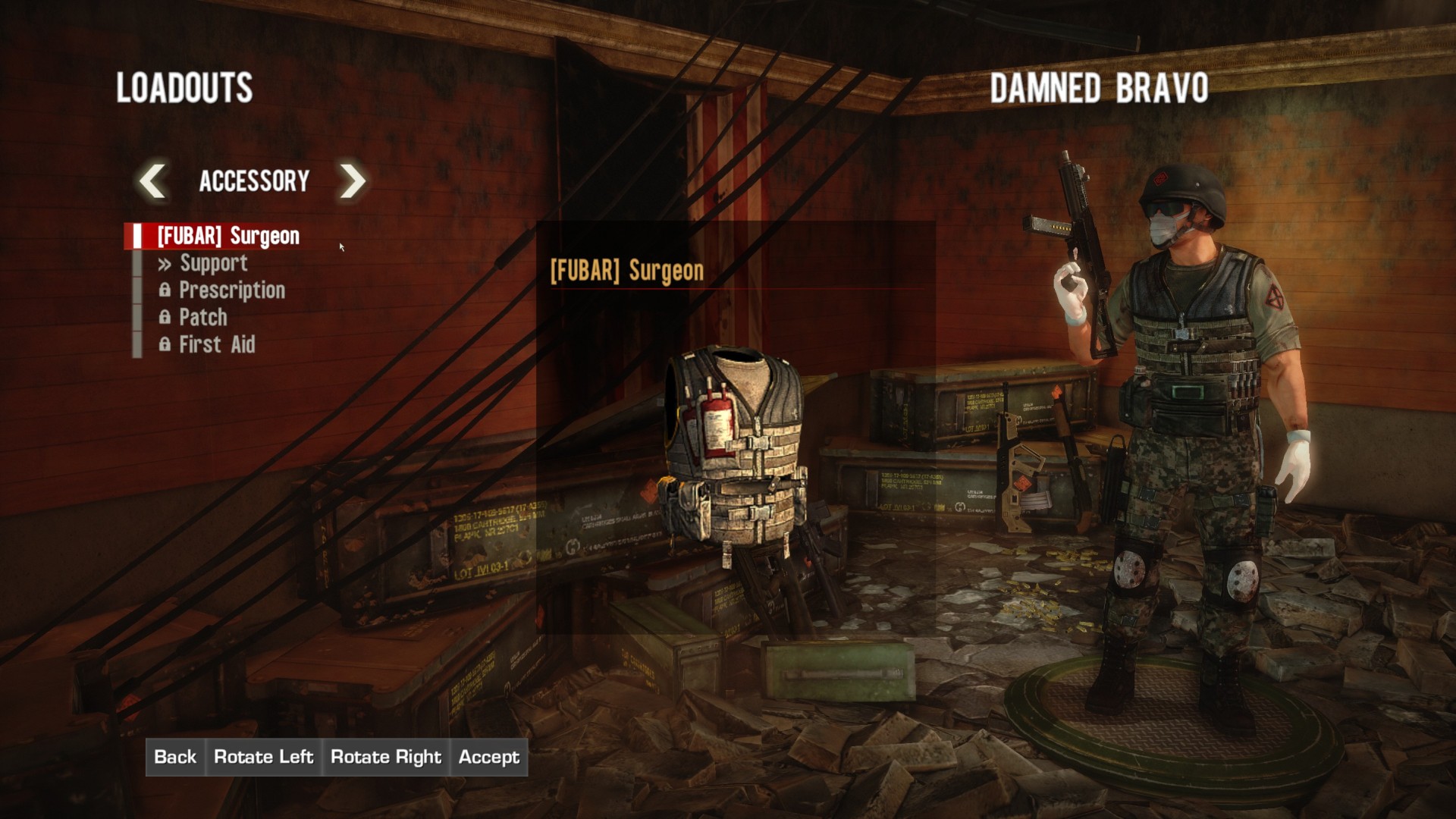
- Clan Accesories: Exclusive Skins/Accessories for all classes and Unique and Visually Distinct items.
You could get it by buying boxed Special Edition of the game which is probably not available anymore, but you can still unlock it for free if you follow these steps:
- Play the game at least once so it will create configuration files (edit some class in MP)
- Since the game .ini files are encrypted you will need to download this Decrypter/Encrypter made by Rick: http://mod.gib.me/specopstheline/inicrypt.zip, unpack the tool to some folder
- Go to Documents\My Games\SpecOps-TheLine\SRGame\Config and drag SRGame.ini over Gibbed.SpecOpsTheLine.IniDecrypt.exe - this will decrypt the .ini
- Open the SRGame.ini in any editor, scroll at the bottom and paste this after the last line:
[PREORDER]
m_fXPModifierFromPreorder=2.0
AK47Unlock=true
AK74Unlock=true
OfficerClassUnlock=true
FUBARUnlock=true
- Save the file and drag it onto Gibbed.SpecOpsTheLine.IniEncrypt.exe to encrypt it back
- Now if you run the game and go to multiplayer, you should have AK-47 unlocked!
- Have fun.
Video and Images
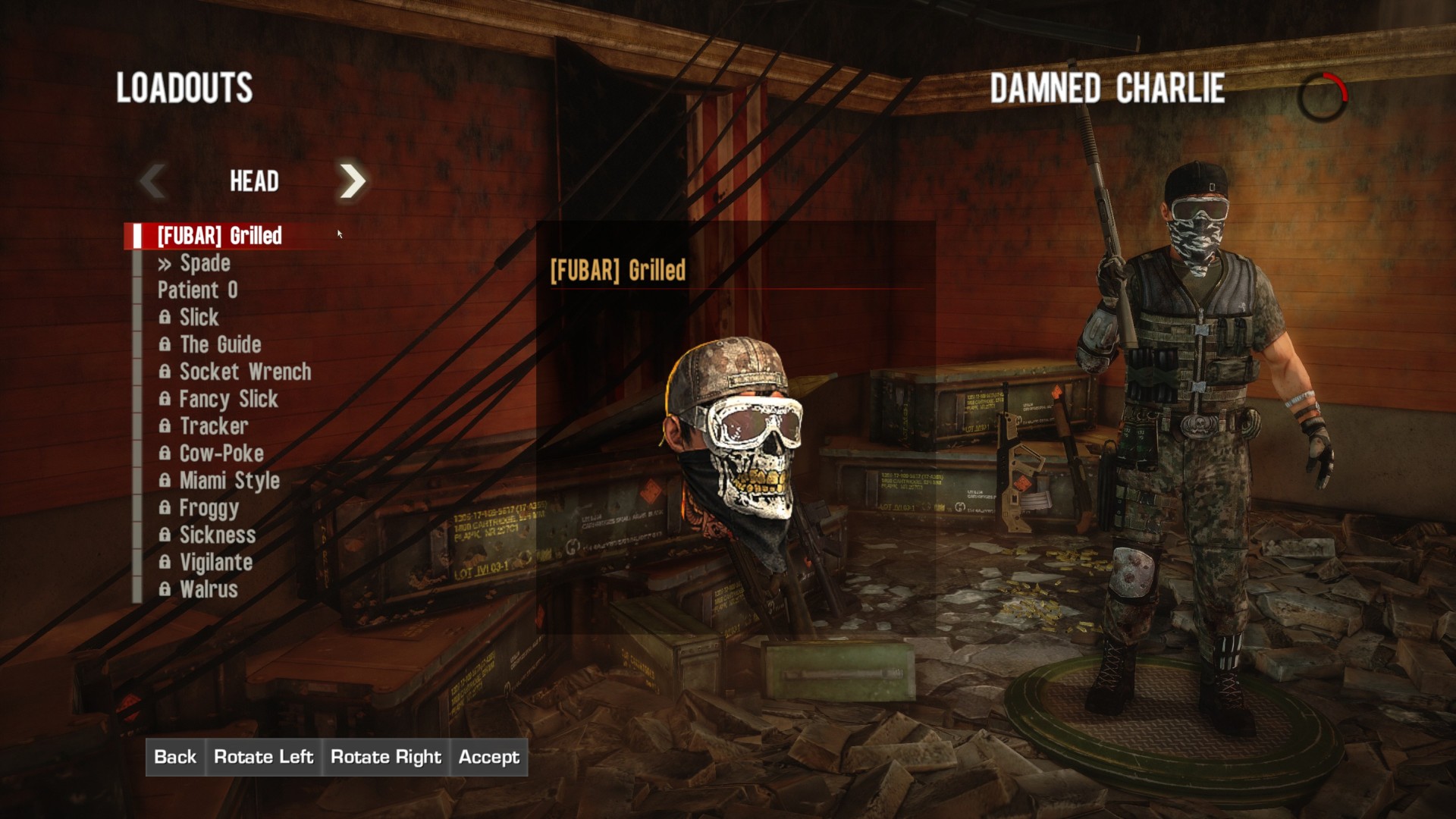
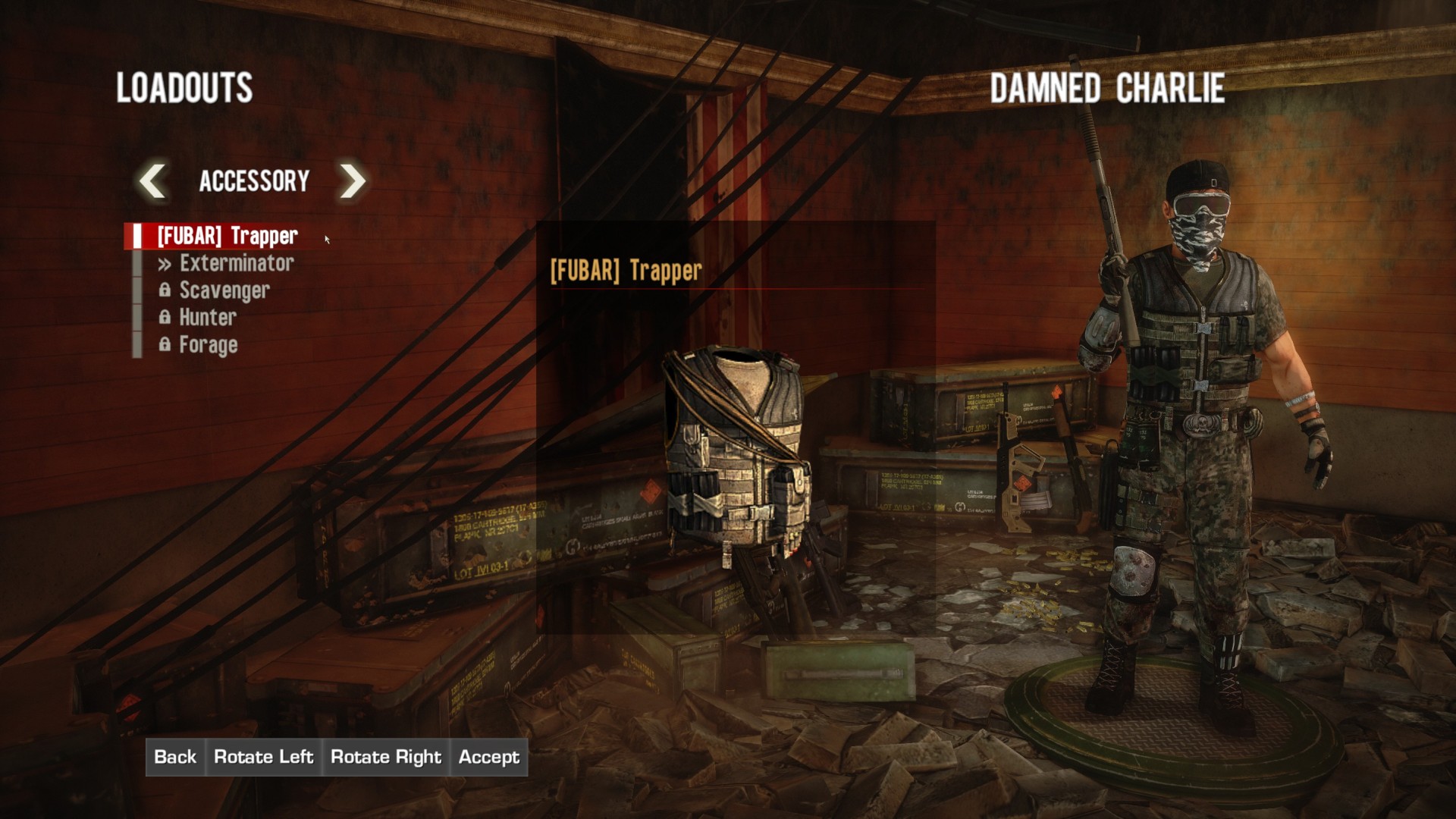
More Spec Ops: The Line guides
- Spec Ops: The Line Achievement Guide★ 5 (1.6k)31k views1.4k ♥20 minUpdated Jan 23, 2013
- Tweaks For A Better PC Experience★ 5 (403)28k views543 ♥2 min
- Spec Ops : The Line. Гайд по достижениям (RU)★ 5 (2.5k)27k views2k ♥11 minRussianUpdated Mar 7, 2016
- How to get the good ending★ 5 (820)26k views174 ♥1 minUpdated Dec 25, 2015
- Intel Locations★ 5 (1.7k)25k views1.7k ♥6 minUpdated Dec 24, 2012
- How to get the TAR-21 in Campaign★ 5 (197)16k views131 ♥1 minUpdated Mar 18, 2023



This guide was created by its original author on the Steam Community. Are you the author and want it removed? Request removal.