How to install Mods in BeamNG.drive [Latest v0.38]
Method 1 (Repository)
-------------------------------------------------------------------------------------------------------
Step 1: You need to Open first BeamNG.drive.
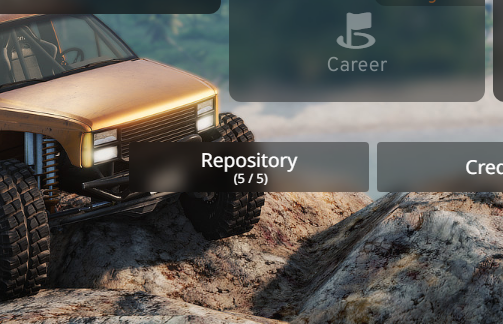
Step 2: Press on the Button that says "Repository".
*Note: If you open that option and its telling you to login do it then. But if you dont want to no worries then you need to read "Method 3"*
-------------------------------------------------------------------------------------------------------
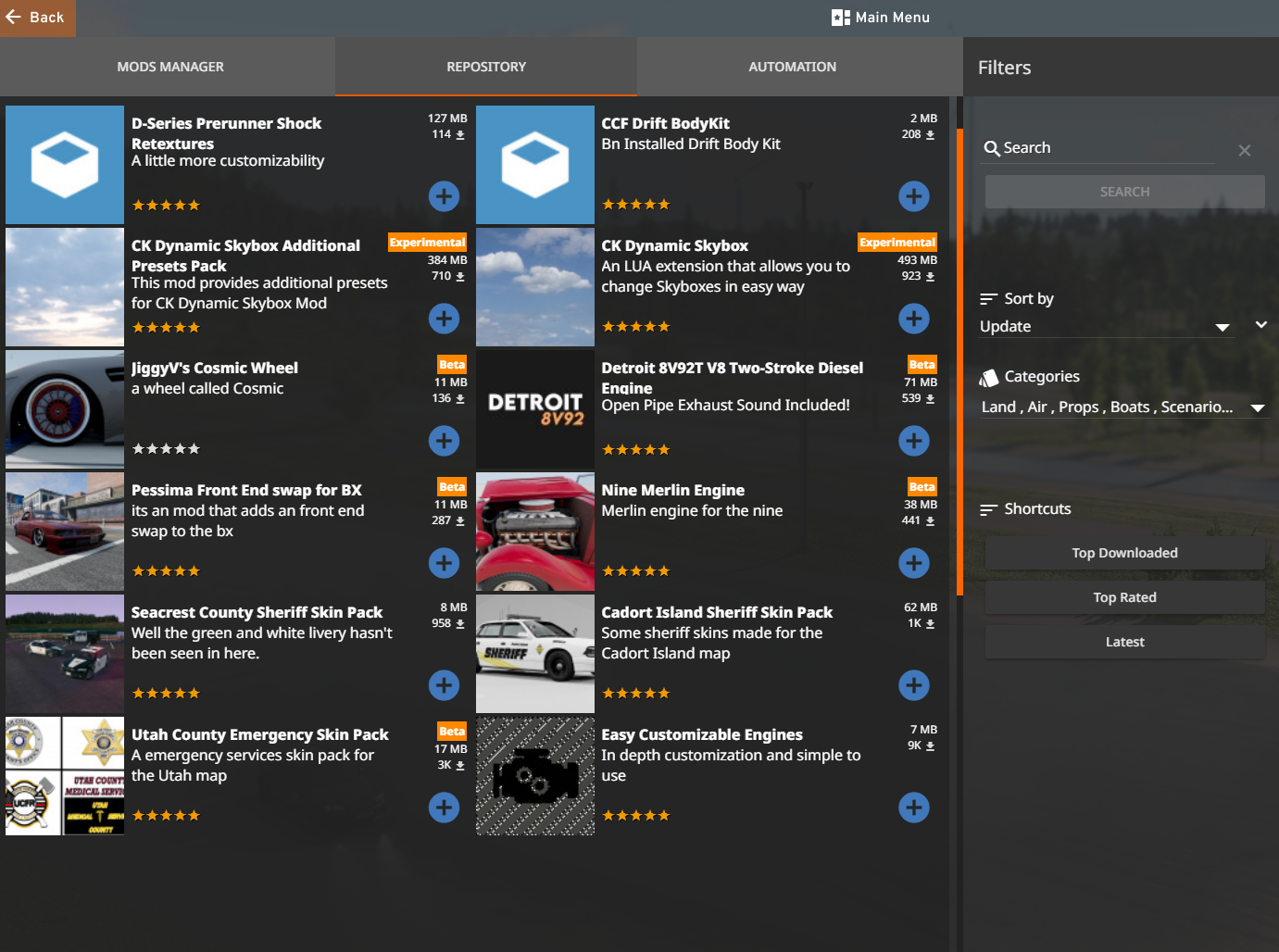
After opening that Option its gonna show you many Mods from the Community you can select the "Sort by" Button and set it up for you. You can basicly search whatever you want.
*Note: You cant Download Mods like Real Branded Cars. If you want to do that go read "Method 3"*
-------------------------------------------------------------------------------------------------------
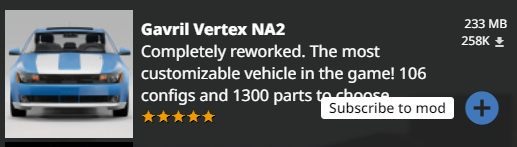
After you selected a Mod that you like just basically press on that blue Plus to subscribe to that mod.
-------------------------------------------------------------------------------------------------------
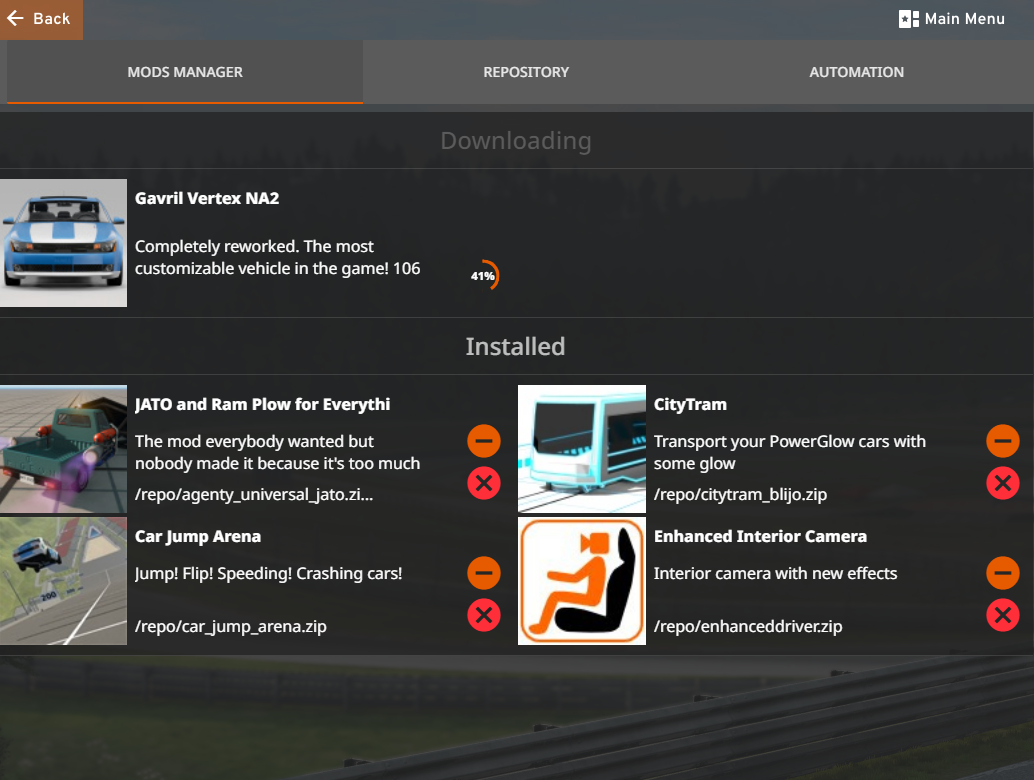
If you want to see the Download Process Click on the Uper left Corner on "Mods Manager"
In Mods Manager you can see what mods you have Installed and you can directly uninstall mods in there.
-------------------------------------------------------------------------------------------------------
If the Car is showing in the Car selector you did all right.
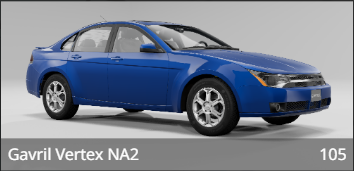
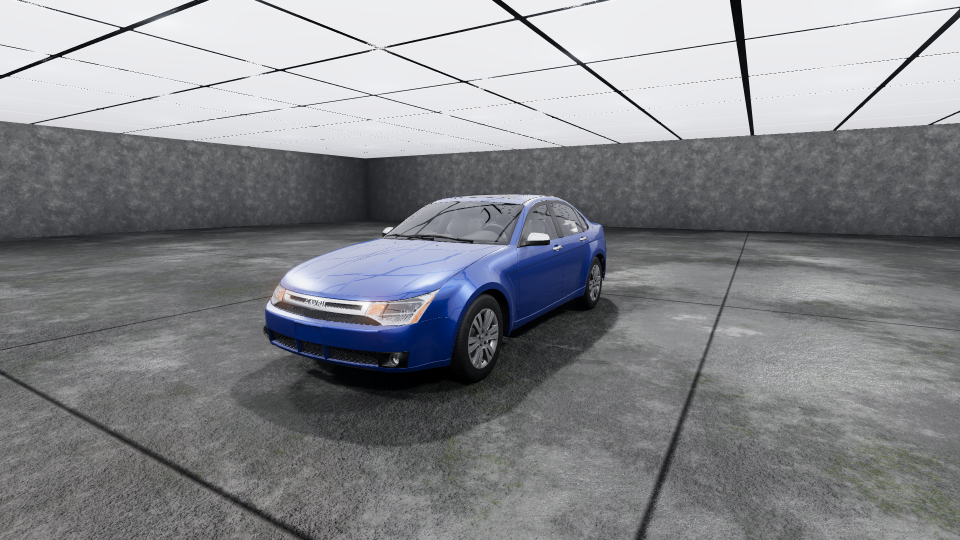
Congratulations you have successfully installed mods in beamng drive with the first Method.
-------------------------------------------------------------------------------------------------------
Method 2 (BeamNG.drive Site)
-------------------------------------------------------------------------------------------------------
Step 1: Open any browser of your choice for me it is Google
Step 2: Search for https://www.beamng.com/resources/
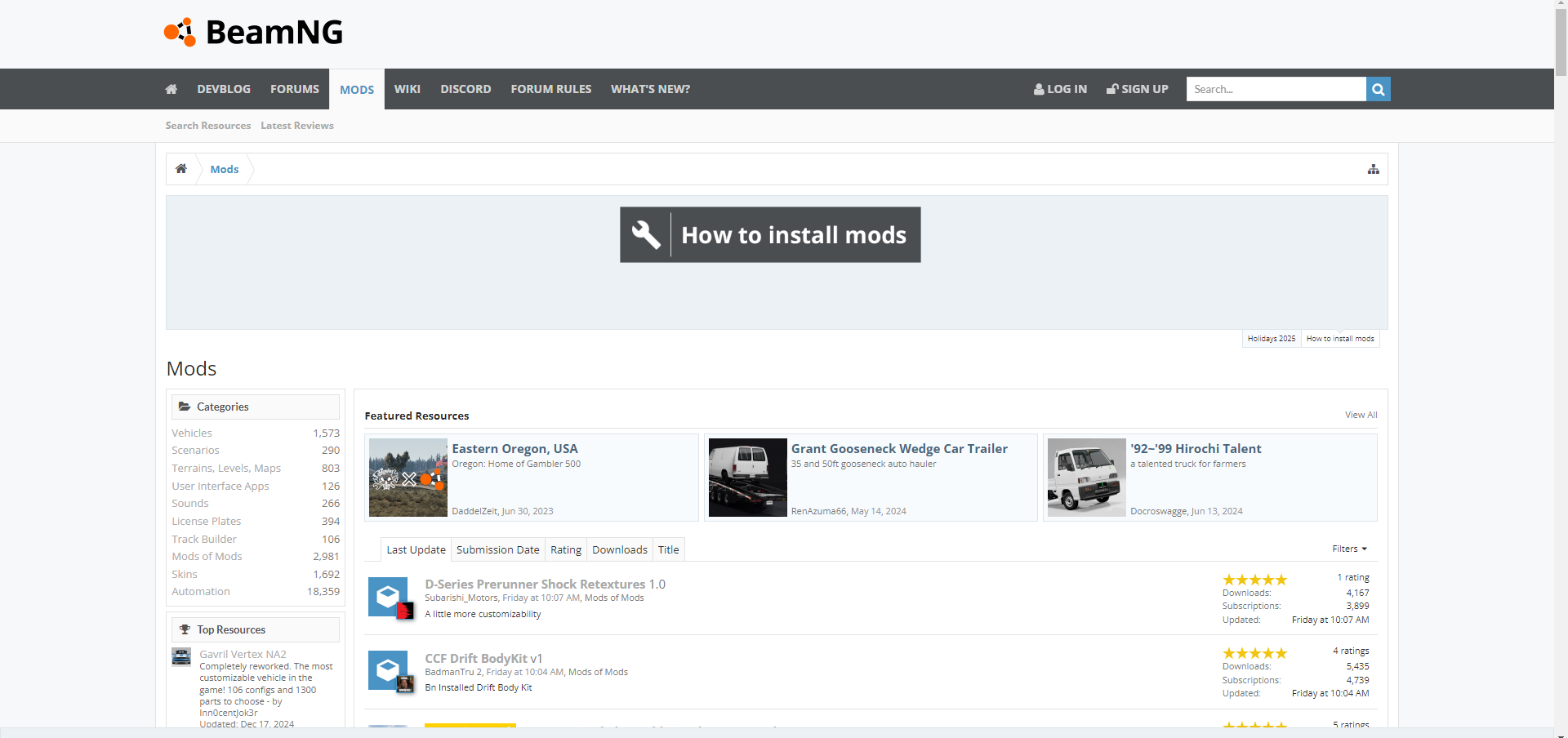
You will land on that page:
*Note: You cant Download Mods like Real Branded Cars. If you want to do that go read "Method 3"*
-------------------------------------------------------------------------------------------------------
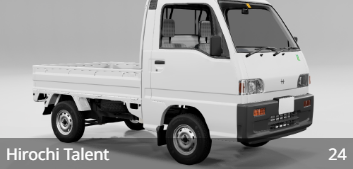
Select any Mod you want to Install for me it is for Example the '92~'99 Hirochi Talent
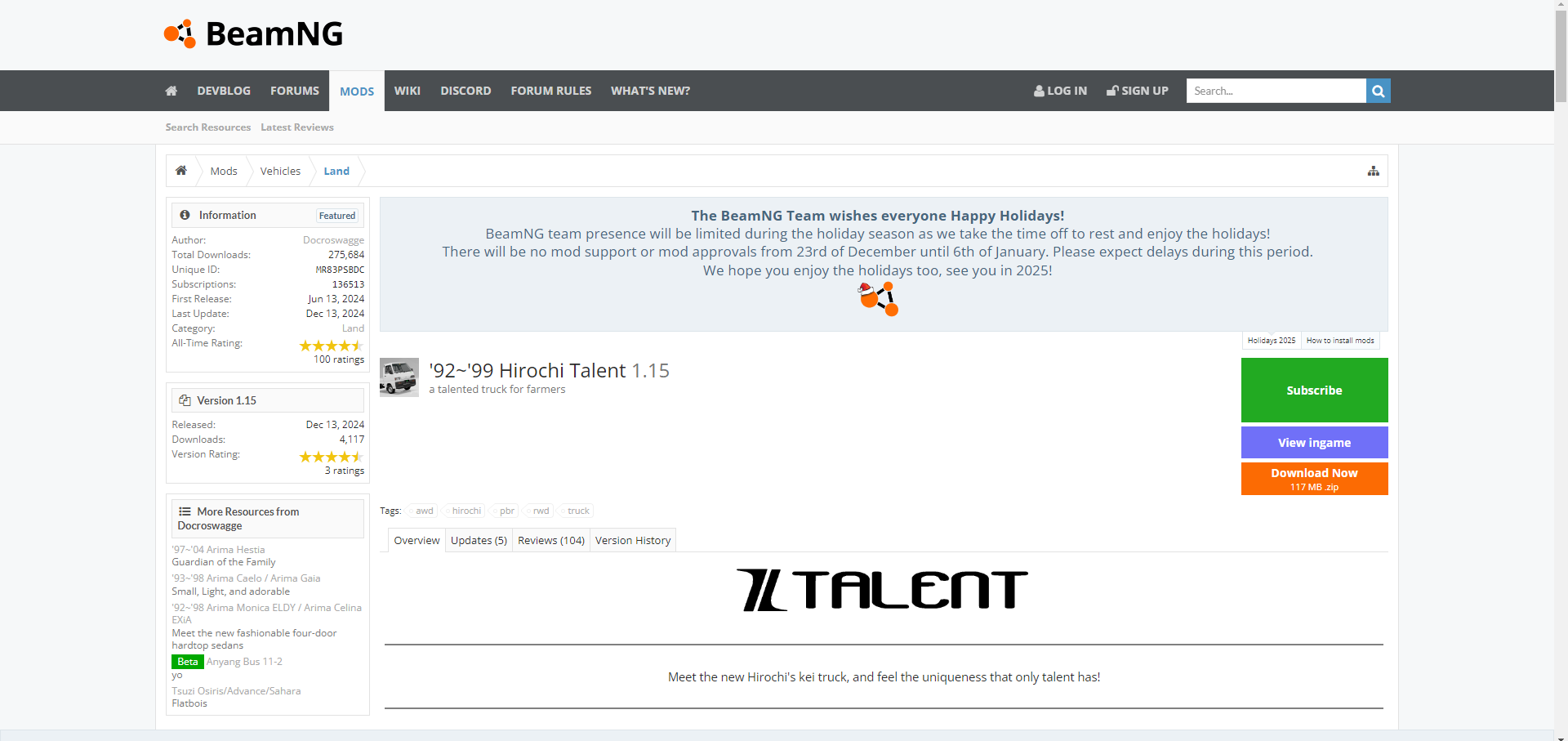
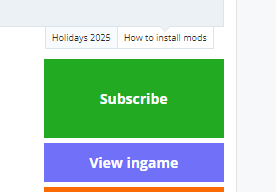
If you are sure you want that specific mod then just Press on the green Button that says "Subscribe"
-------------------------------------------------------------------------------------------------------
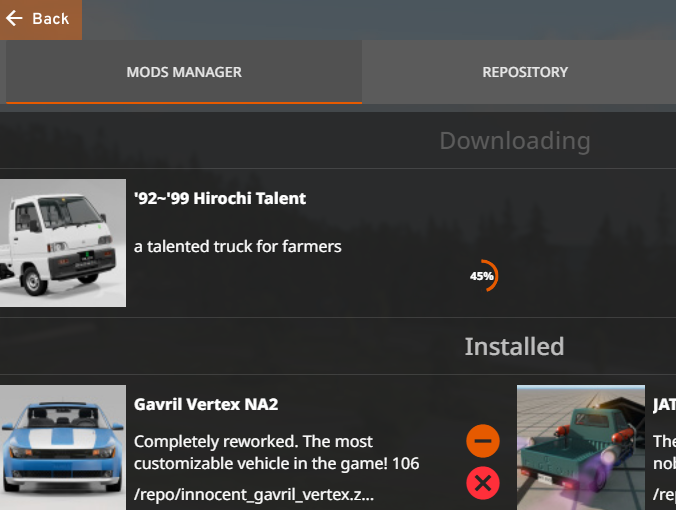
If you are done just basically open BeamNG.drive and Go to "Repository" and select "Mods Manager" and take a look if the mod poops up and Downloads when it does you did all right
-------------------------------------------------------------------------------------------------------
If that Car is showing in the Car selector then you did all right.
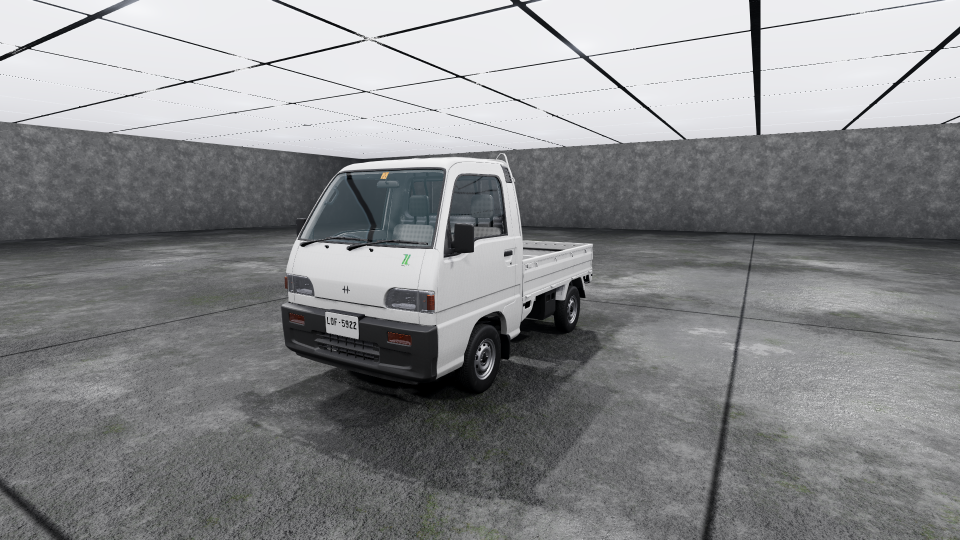
Congratulations you have successfully installed mods in beamng drive with the second Method.
-------------------------------------------------------------------------------------------------------
Method 3 (Manual)
-------------------------------------------------------------------------------------------------------
Step 1: Open any browser of your choice for me it is Google
Step 2: Search for https://www.modland.net/beamng.drive-mods
*Note: Beware of any Mod sites like Modland or WorldOfMods there are some Malicious Pop
Ups. Mods can be uploaded there and they can contain Malicious files so beware to scan those mods. Go to https://www.virustotal.com to prevent viruses. You need to filter on Sites like Modland for Most downloaded or Most Liked to prevent any damage.*
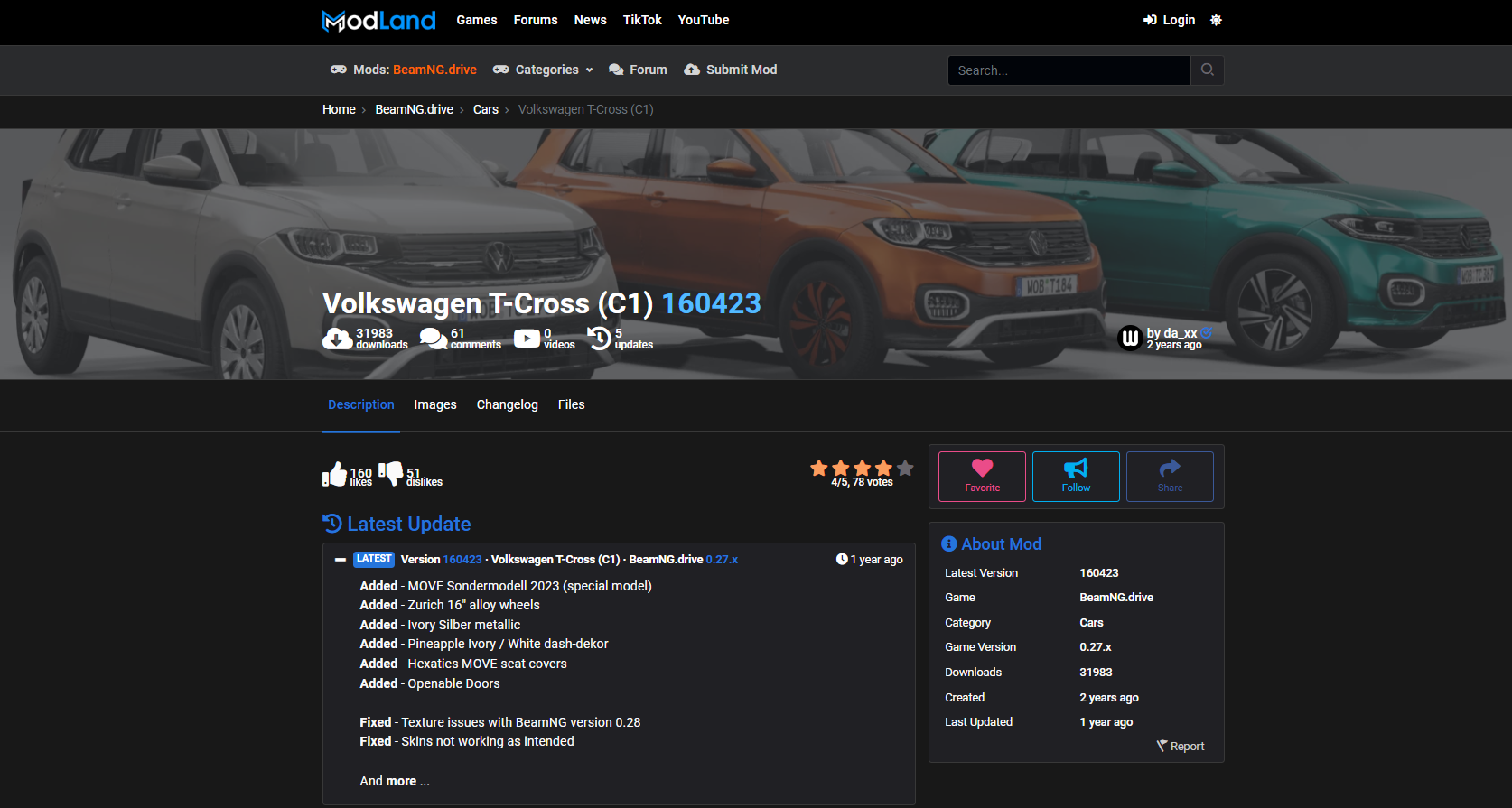
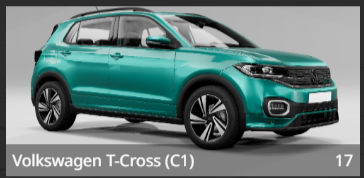
Step 3: Select any Mod you want to download for my Example I choosed the mod from Daniel @da_xx
a Volkswagen T-Cross (C1) https://www.modland.net/beamng.drive-mods/cars/volkswagen-t-cross-c1.html
-------------------------------------------------------------------------------------------------------
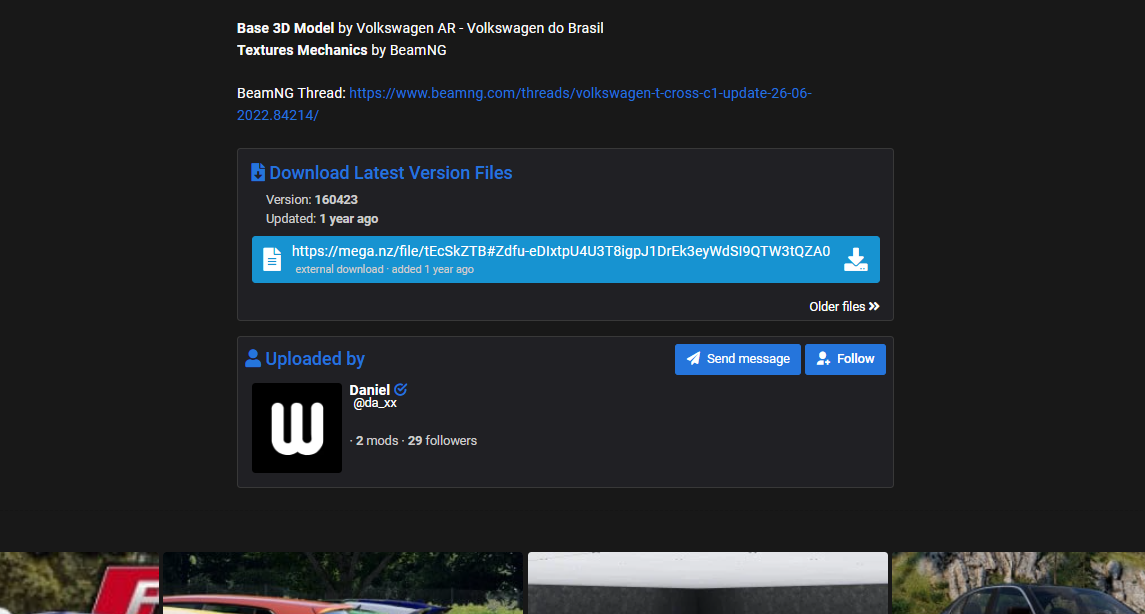
To Download the Mod Scroll down until you find a Download Link
-------------------------------------------------------------------------------------------------------
After Downloading the file Open the direction you want to put it in C:\Users\Test\AppData\Local\BeamNG.drive\0.34\mods
*Note: Do not Extract that folder*
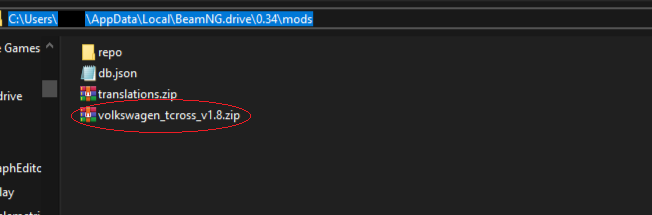
If AppData is not showing up press on View and check Show hidden Elements

-------------------------------------------------------------------------------------------------------
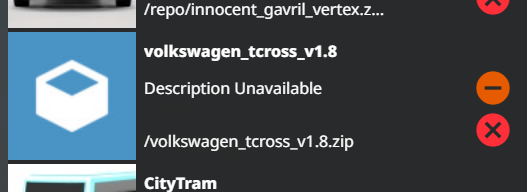
If that is done Re-Open BeamNG.drive to reload those mods to make them appear and go to "Repository" and Select on the Top Left Corner "Mods Manager" and check if the mod is showing up if yes you did all right.
*Note: If the Image of that Mod is not Showing up you did nothing wrong its Normal that doesnt mean that the Mod is Broken.*
-------------------------------------------------------------------------------------------------------
If the Car is showing up in the Car selector that is a good sign.
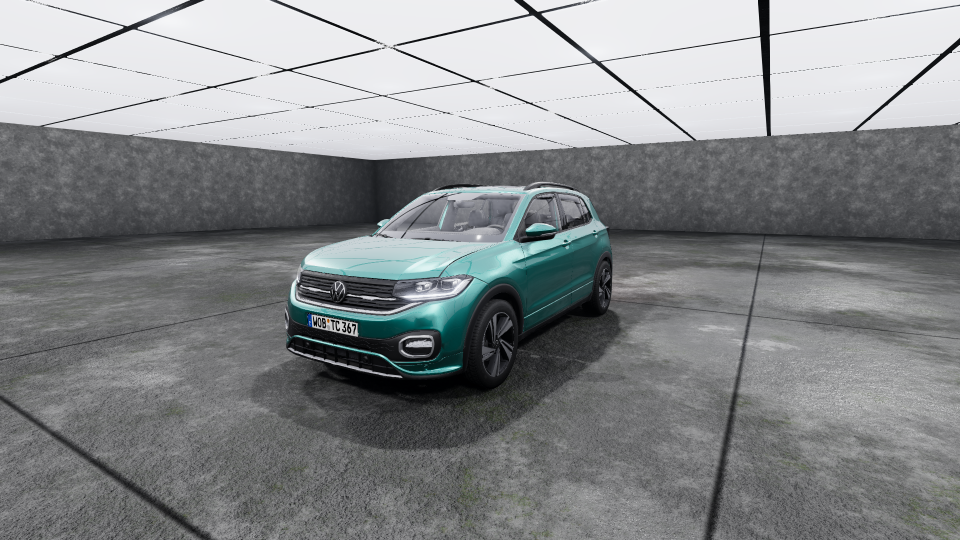
Congratulations you have successfully installed mods in beamng drive with the third Method.
And thank you for reading the guide completely.
-------------------------------------------------------------------------------------------------------
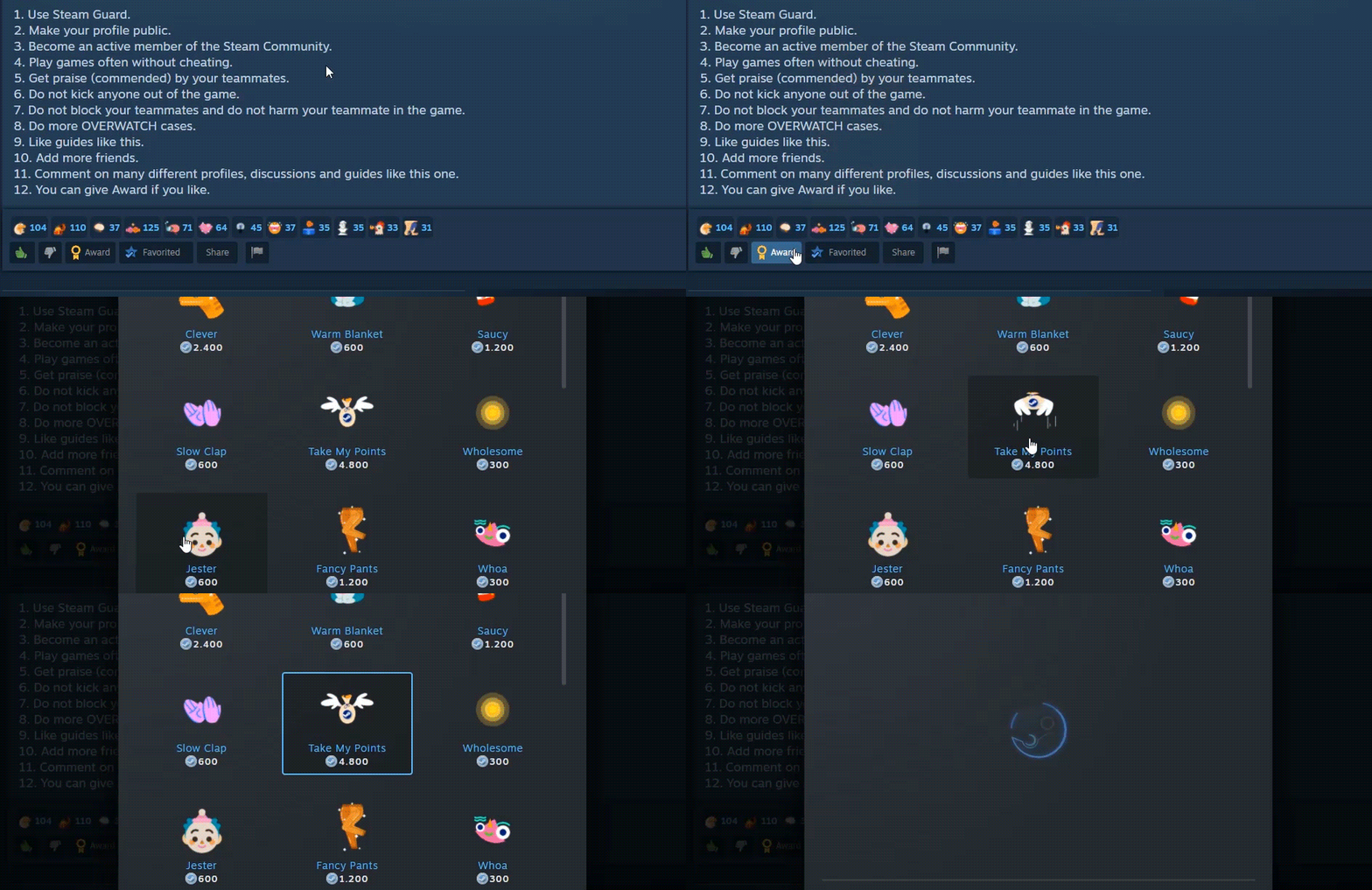
Rate, Reward & Add To Favorite!
![.gif]](https://images.steamusercontent.com/ugc/55831053799973374/601A3958A585AE109D4A65AEFAC031244720FD37/)
- Мультиплеер BeamNG.drive: настройка BeamMP★ 5 (700)83k views1.3k ♥3 minRussianUpdated Dec 2, 2025
- BeamNG.Drive Vehicle Mods Part 2 (21 Mods!)★ 5 (476)43k views915 ♥4 minUpdated Jun 11
- BeamNG.Drive Vehicle Mods (15 Cars!)★ 5 (417)34k views836 ♥2 minUpdated Mar 27, 2024
- БОЛЬШАЯ сборка лор-модов для BeamNG.Drive★ 5 (371)27k views796 ♥12 minRussianUpdated Jun 28, 2024
- Formula 1 Tracks (F1 Map Mods) | BeamNG★ 5 (409)20k views720 ♥5 minUpdated Dec 12, 2024
- Lego Cars in BeamNG (Mod)★ 5 (330)17k views350 ♥1 min




- Upgrading to PremiumTeam Fortress 2★ 5 (20k)1441k views11k ♥6 minUpdated May 11, 2022
- No More Room in Hell Official ManualNo More Room in Hell★ 5 (2.8k)569k views2.1k ♥29 minUpdated Apr 22, 2019
- NMRiH Community Hosting GuidesNo More Room in Hell★ 5 (526)351k views653 ♥1 minUpdated Aug 10, 2022
- ULTIMATE GUIDE FOR GAME DEV TYCOONGame Dev Tycoon★ 5 (5.8k)326k views10k ♥4 minUpdated 23 Jan, 2014
- How to 'Git Gud' Soon™MORDHAU★ 5 (2k)318k views3k ♥68 minUpdated Nov 16, 2024
- Лучшие кооперативные игры SteamPAYDAY 2★ 5 (1.5k)315k views2.1k ♥56 minRussianUpdated Apr 27, 2025






This guide was created by its original author on the Steam Community. Are you the author and want it removed? Request removal.