How to run Batman: Arkham Asylum on your Steam Deck
Desktop Mode
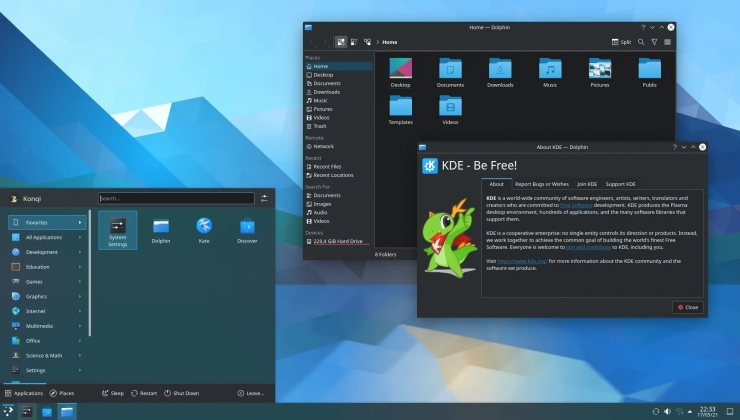 First, you will want to go out to desktop mode.
KDE Discover
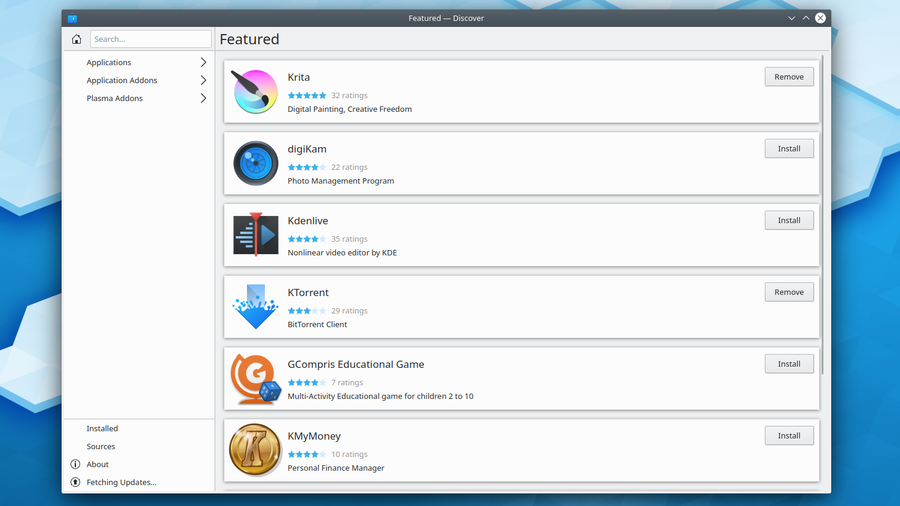 Open the Discover app, and install ProtonUp-QT. Open it.
Add Proton GE
 Select "Add Version" and download the latest version of Proton-GE.
Finishing up
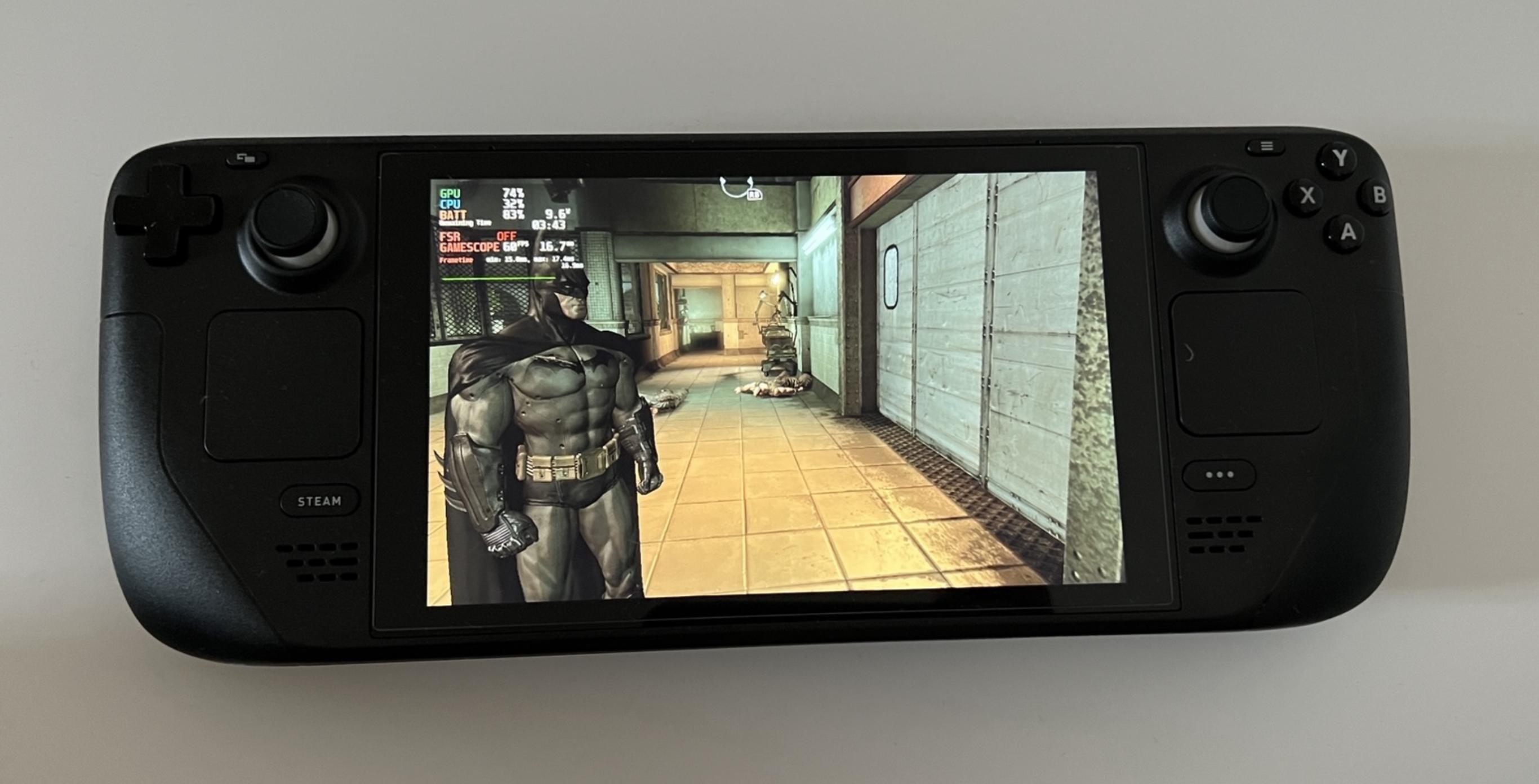 Go back to the Deck UI, aka "Gaming Mode". Open the properties for Arkham Asylum, then go to the "Compatibility" tab, and select the Proton-GE version you downloaded. Enjoy the game!
More Batman: Arkham Asylum GOTY Edition guides
- Asylum Reborn - HD Texture Pack★ 5 (1.8k)88k views3.1k ♥14 minUpdated Sep 20, 2025
- Русификация Batman: Arkham Asylum [ссылка пофиксена]★ 5 (990)74k views977 ♥1 minRussianUpdated Sep 20, 2015
- Русификатор «Batman Arkham Asylum GOTY Edition»★ 5 (728)50k views1.2k ♥1 minRussianUpdated Apr 13, 2025
- 100% Achievement Guide: Batman - Arkham Asylum★ 5 (1.8k)48k views4.2k ♥117 minUpdated May 8
- 100% Achievement Guide (by THN)★ 5 (1.4k)41k views2.1k ♥11 minUpdated Jan 7, 2021
- Исправленная русификация для Batman: Arkham Asylum GOTY★ 5 (610)34k views611 ♥1 minRussianUpdated Jul 17, 2025




This guide was created by its original author on the Steam Community. Are you the author and want it removed? Request removal.