Learning to get better at Bayonetta [INCOMPLETE]
Introduction
 Having a tough time dealing with tough enemies in the game? Want to try and net a Pure Platinum with relative ease? Want to learn how to do those sick air combos you see in those combo MADs on Youtube? Good news! I'm doing my best to make a simple beginner's guide for new Bayonetta players out there to help get you started.
I will do my best to keep things simple and understanding. As such, this guide will assume you're using the default settings for Bayonetta along with her default weapon of choice, the Scarborough Fair. I will be covering most of the other weapons as well, but there will be some things I will omit purely because if you can understand how Scarborough Fair works, you'll easily be able to segue into all the other weapons the game offers. This guide will also assume you're playing the game on Normal difficulty, although the same strategy will apply to Hard and NSIC as well. And also, I will assume you are using a controller but I will try my best and cover the button commands on KB+M controls as well. So with that said, LET'S DANCE BOYS!
What to expect from this guide
The Early Phases of Bayonetta
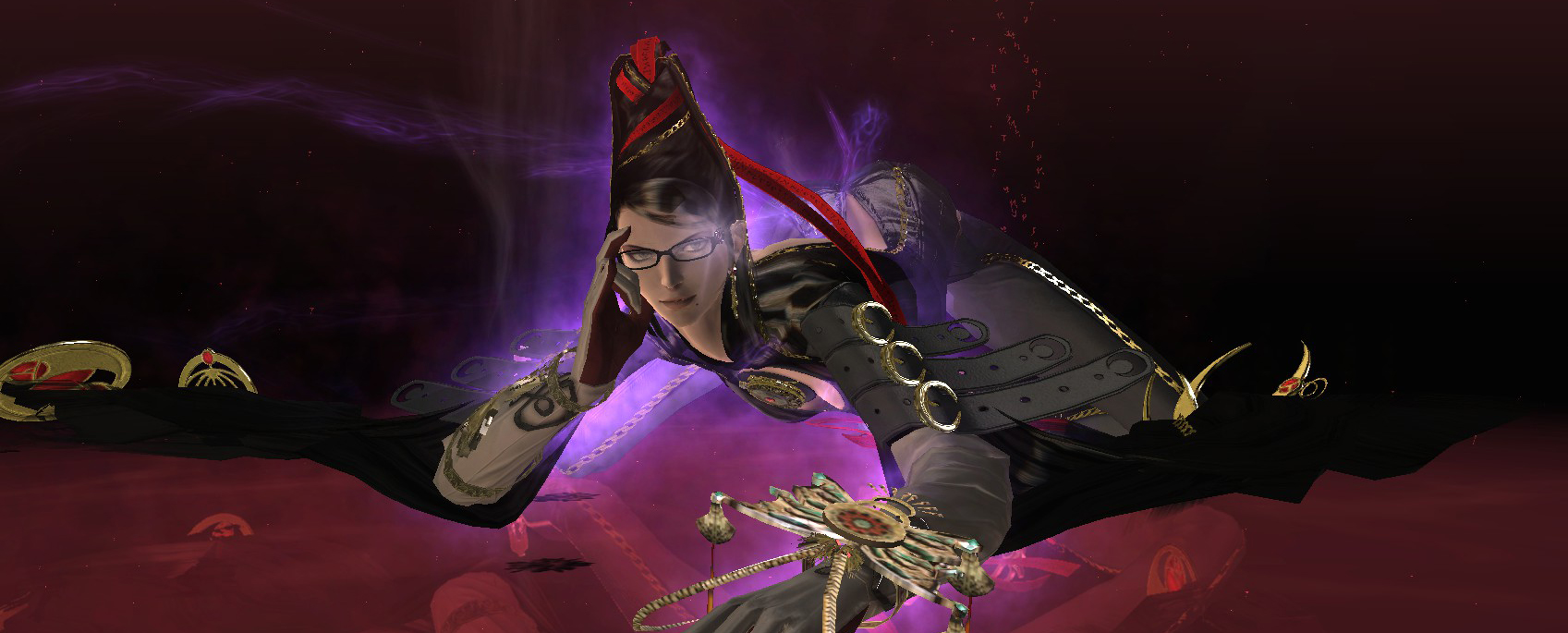 When it comes to combat, the simple breakdown is that Bayonetta is all about the Punch and Kicks, which I will refer to as "P" and "K" from here on out respectively. First time players new to this game will no doubt start button mashing like mad and start executing crazy attacks, most likely not knowing what triggers what, and that is perfectly fine. You're welcome to button mash at your own pleasure, but as you may have guessed (or not), that isn't going to get you very far with this game. While many basic angels can easily get stuck in hitstuns right from the first punch, enemies like Grace and Glory will either block, counter or just straight up ignore your attacks altogether, which will no doubt leave players frustrated and confused when up to this point it felt pretty darn easy just to beat up every enemy along the way without having to think much at all.
It is very important that players break out of the button mashing phase early on, so what I'll be covering in the first few sections are general offense strategies that will ensure that players get the most out of Bayonetta''s combat. I'll also be touching up on some advanced tricks and why it's useful to master. You can learn all of this at your own pace in practice mode, so let's go over quickly how to access that.
Practice Mode
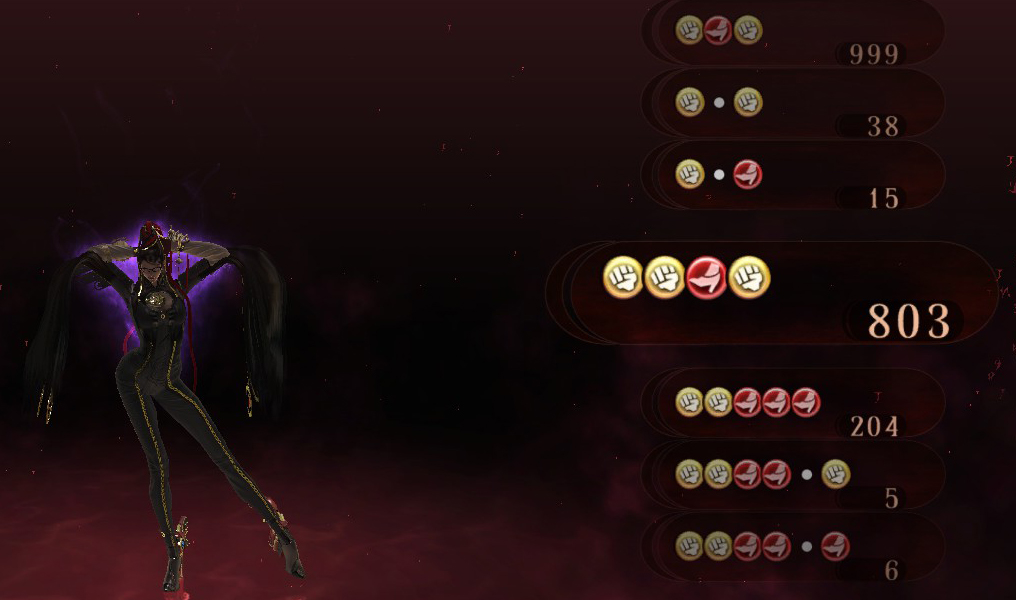
Unless you're using an SSD drive, you might have noticed the loading screen where you are able to control Bayonetta for a little while. Press the back button on the 360 controller (or Tab if you're using a keyboard) in order to pause the loading screen so that you can practice Bayonetta's movesets for as long as you want.
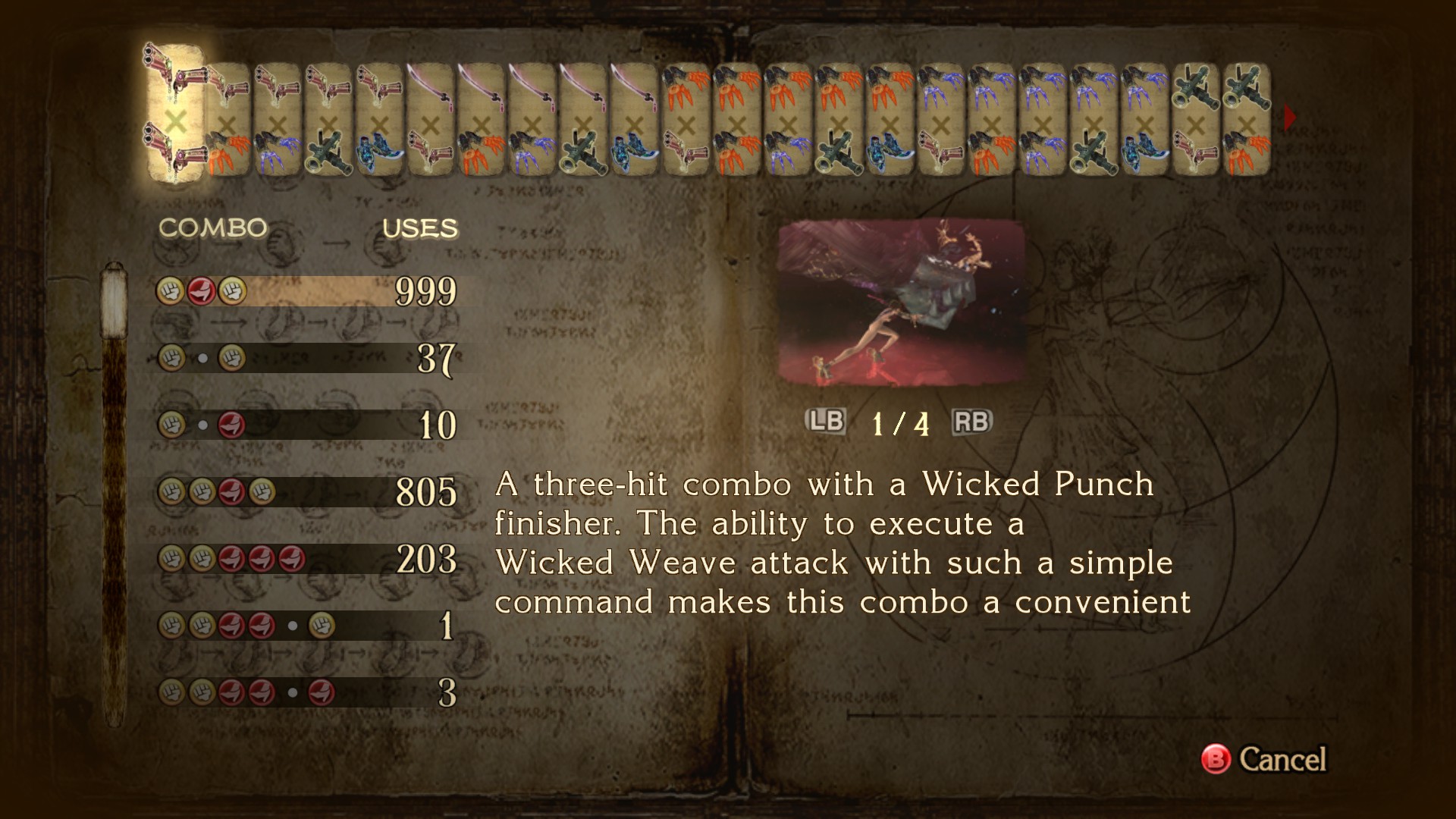
Aside from Bayonetta's good looks, you might have also noticed a fairly long list of combos you're able to do. It's indeed a pretty long list, and may feel a little daunting at first, but it's actually not as overwhelming as you may think. Players have made the mistake of believing you have to memorize every move individually in this game in order to get good (I'm looking at you, Previously Recorded). I can safely say that's not the case, although a proper explanation is in order.
The Combo Structure
The best way to view how the combat works in this game is to view the combo structure as a branching movelist. Plenty of basic hack n' slash games follow this formula, and Bayonetta is no exception.
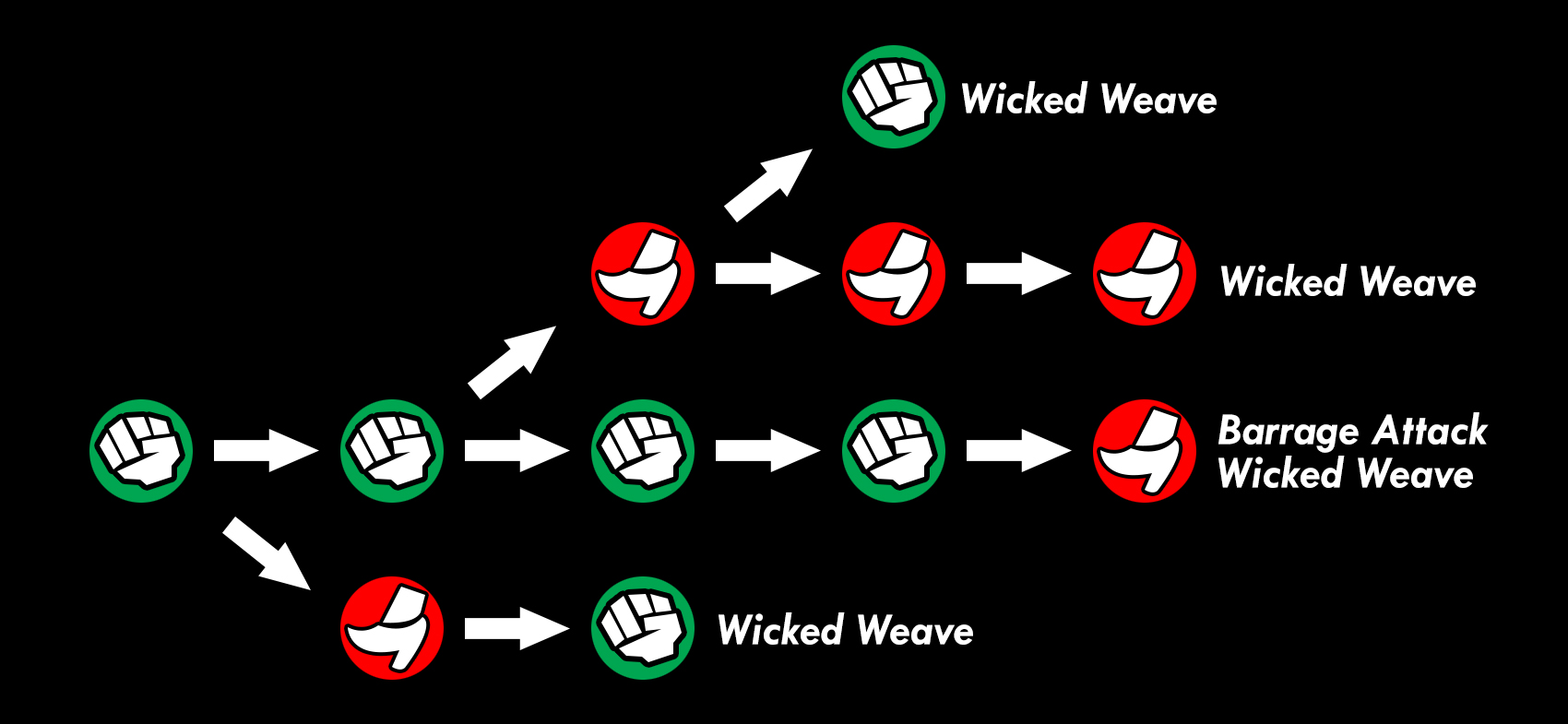
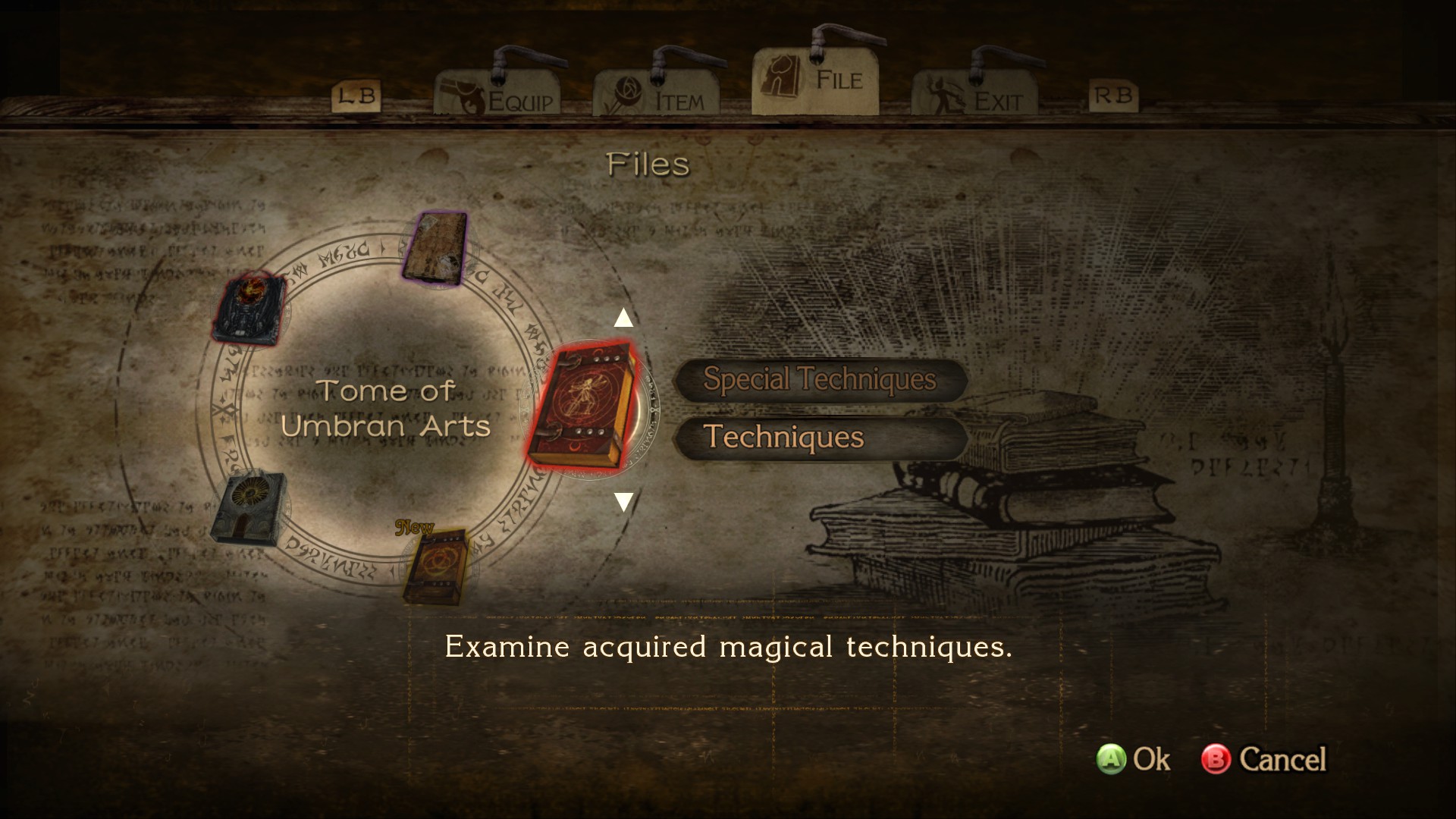
This is just a small sample of Bayonetta's moveset. A large majority of Bayonetta's combos all begin with the first punch*, and from there, you are free to start mixing it up with additional P's and K's. Rather than trying to remember all of the combos Bayonetta is able to perform, focus more on trying to get a feel of the flow when performing each sequential attack. Short combos, like PKP, allow Bayonetta to dish out a fast yet somewhat weak combo, while the longer ones, like PPKKK will not only allow her to damage foes with stronger, fancier hits, but also dish out 2 wicked weaves in the last 2 kicks.
I'm not going to cover every move that Bayonetta is able to do, otherwise this guide would get extremely bloated with too much information. Instead, I'll focus more on whats more important to do when you're busy performing one combo. I will say, however, that the example flowchart above is my go-to bread n' butter, so if you're still feeling overwhelmed, feel free to practice this flowchart until you start to feel more comfortable with branching out. I'll be pointing out a few additional combos that are worthy of performing against Grace and Glory.
*Note: It's advisable that you start all your combos with P, as there are only 3 combos that are branched out from the first K.
Extending the Damage Output
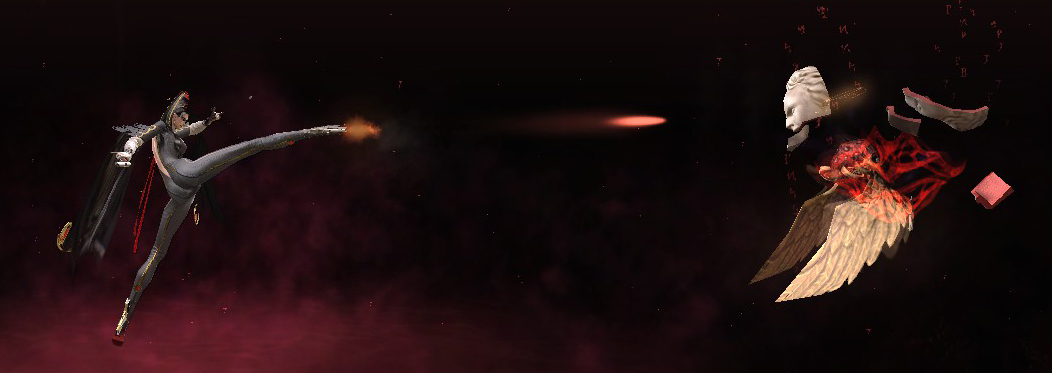
The first real step towards learning not to button mash is to learn how to extend your damage output. To do that, simply hold down your P and K when attacking. Bayonetta will not only execute her respective punches and kicks, but will also remain in place and shoot off the bullets from her guns for a short while. This sounds extremely simple to do (and it is), but after watching countless let's plays from many new players, especially now that the Steam version is available, I realize that many players tend to forget you are able to do this because it's so easy to just go back to button mashing. It's gotten so bad, in fact, that some players end up thinking the only way to shoot projectiles is with the X button, which has Bayonetta shoot off fairly weak bullets from her pistol regardless of what weapons you have equipped.
There are MANY advantages to extending your damage output from the bullets you shoot off. For one, you can attack every enemy in the game from a safe distance. The bullets will also keep all small and a few mid-sized enemies held in place for as long as you keep shooting, even in mid-air. Flaming enemies will also not be able to easily rush you down, and you'll even put their flames out so you can be able to physically attack back without worry. You'll also be able to properly finish your combos with a wicked weave. More on this later.
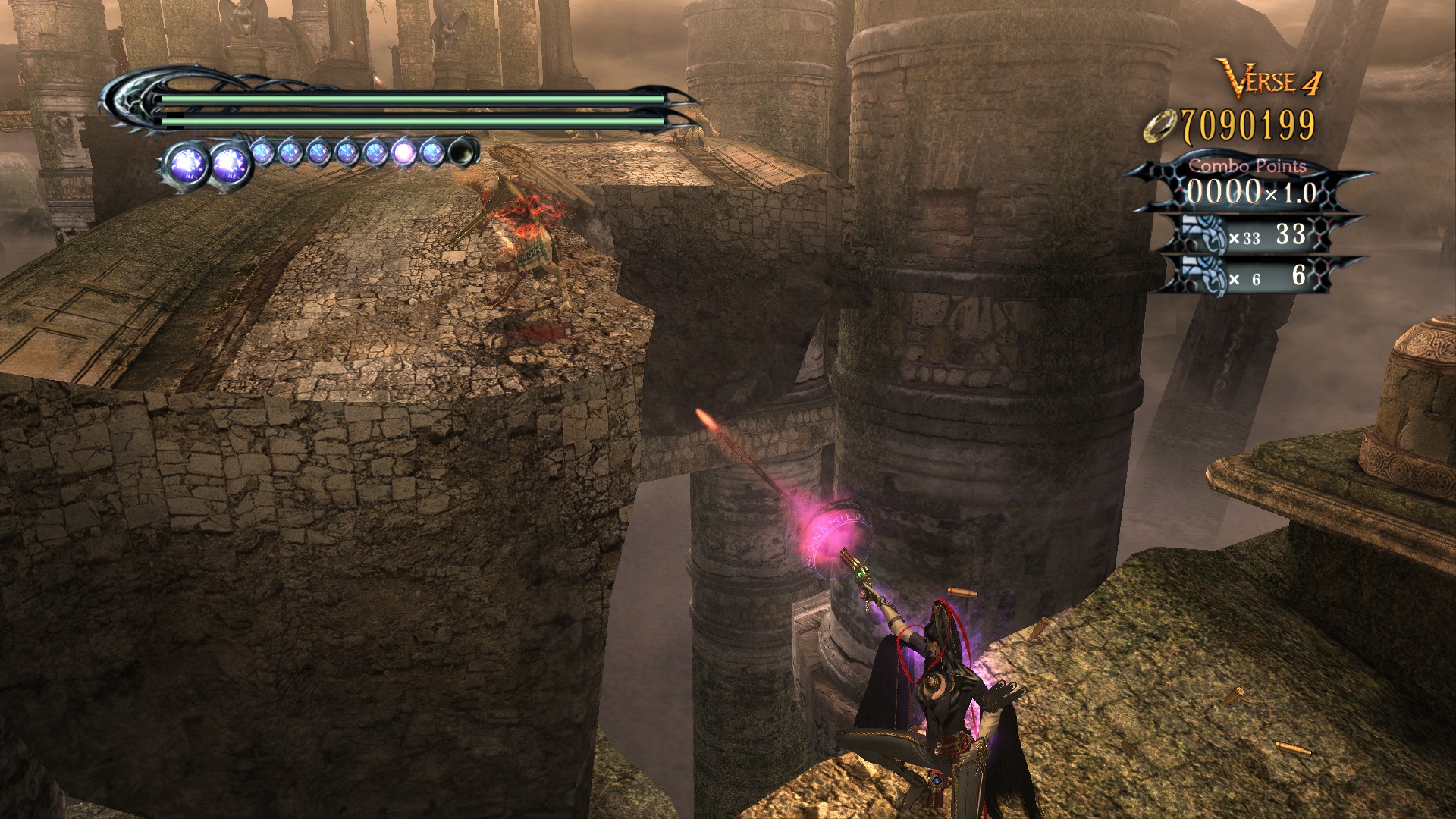
But the best thing about extending your combos is that it does an insanely high amount of damage. Don't believe me? Check this out. Let's examine Bayonetta's shortest and easiest combo to perform in this game, her PKP.
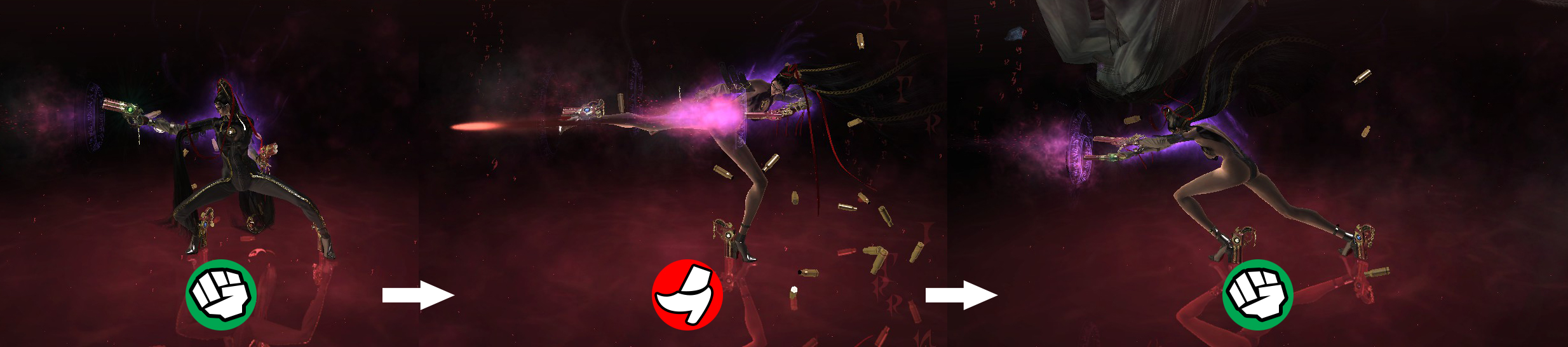
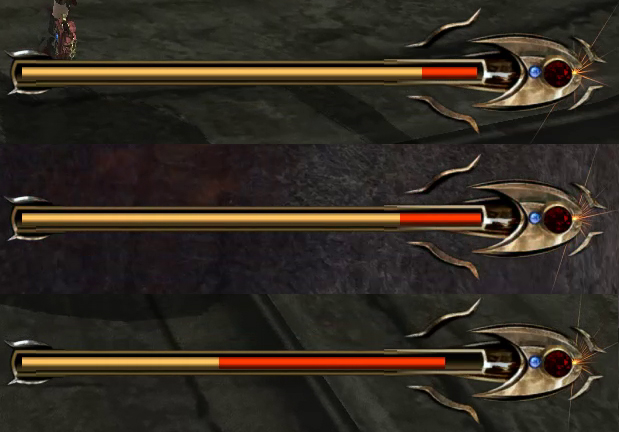
Let's view this combo in 3 different scenarios. The first scenario is Bayonetta doing a regular PKP combo from a distance, without any damage extension. The first 2 hits miss, but the wicked weave in the last attack connects against the enemy.
The second scenario has Bayonetta performing her PKP right up close to the enemy. Again, no damage extension, but this time all 3 attacks plus the wicked weave connects.
For the last scenario, we have Bayonetta extending her damage output by holding down the button for all 3 attack commands. All 3 attacks plus her wicked weave plus the bullets land a direct hit. Pay close attenton to the enemy health bar now.
A quick look at the comparison between all 3 scenarios showcases just why it's extremely important to extend your damage output.
Every single one of Bayonetta's attacks can be extended, not just her PKP. Take the time to learn Bayonetta's branching combo moveset, and apply the extension to each and every single one of them. You don't have to extend every attack all the time, as there will be situations where you have to be constantly moving about or may need to finish your combo quickly, but if you spot an opening for gunfire, take the shot, and you'll be one step closer to getting the upperhand on even the toughest villans out there, including Grace and Glory of course.
Wicked Weaves
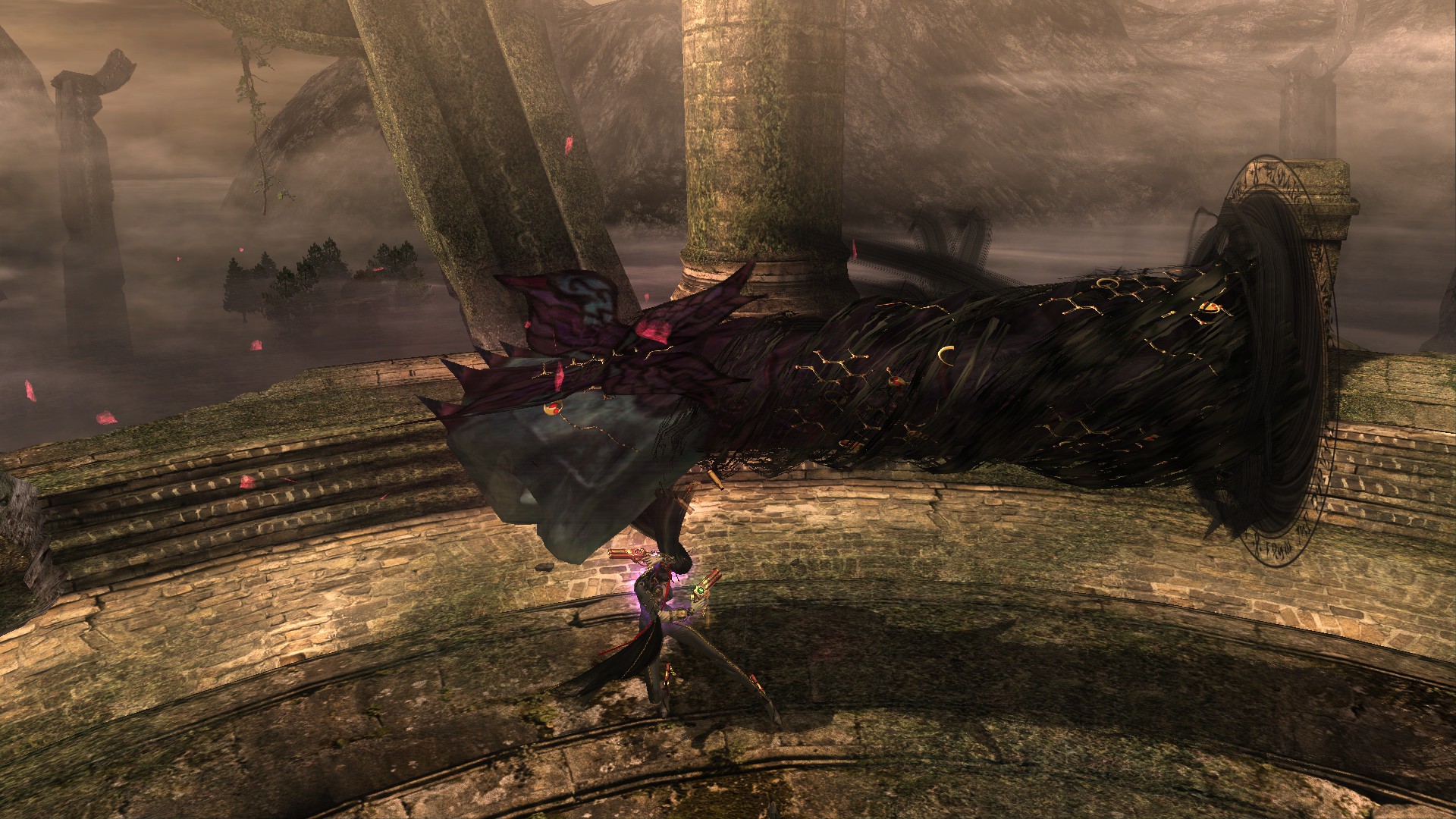
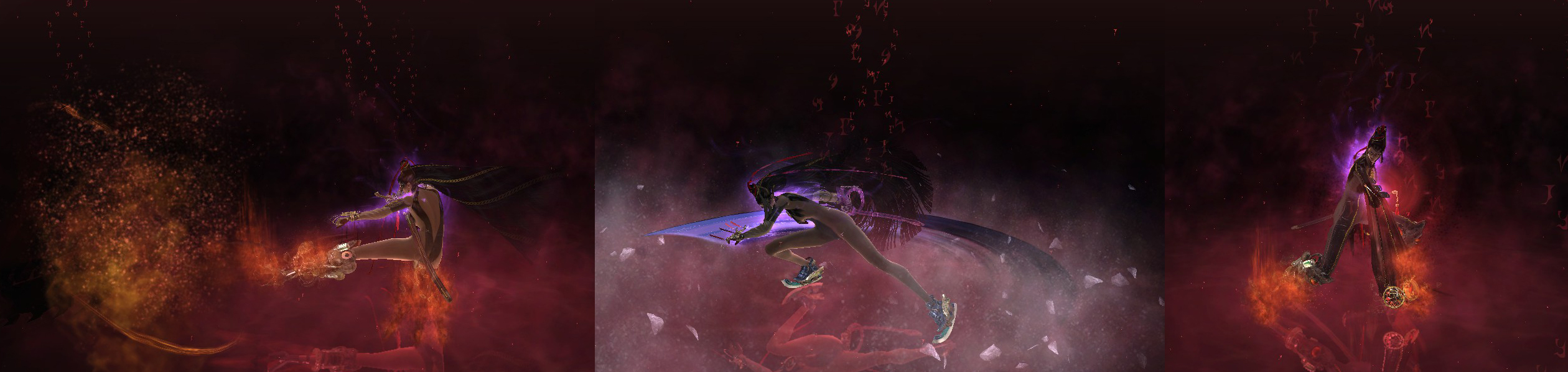
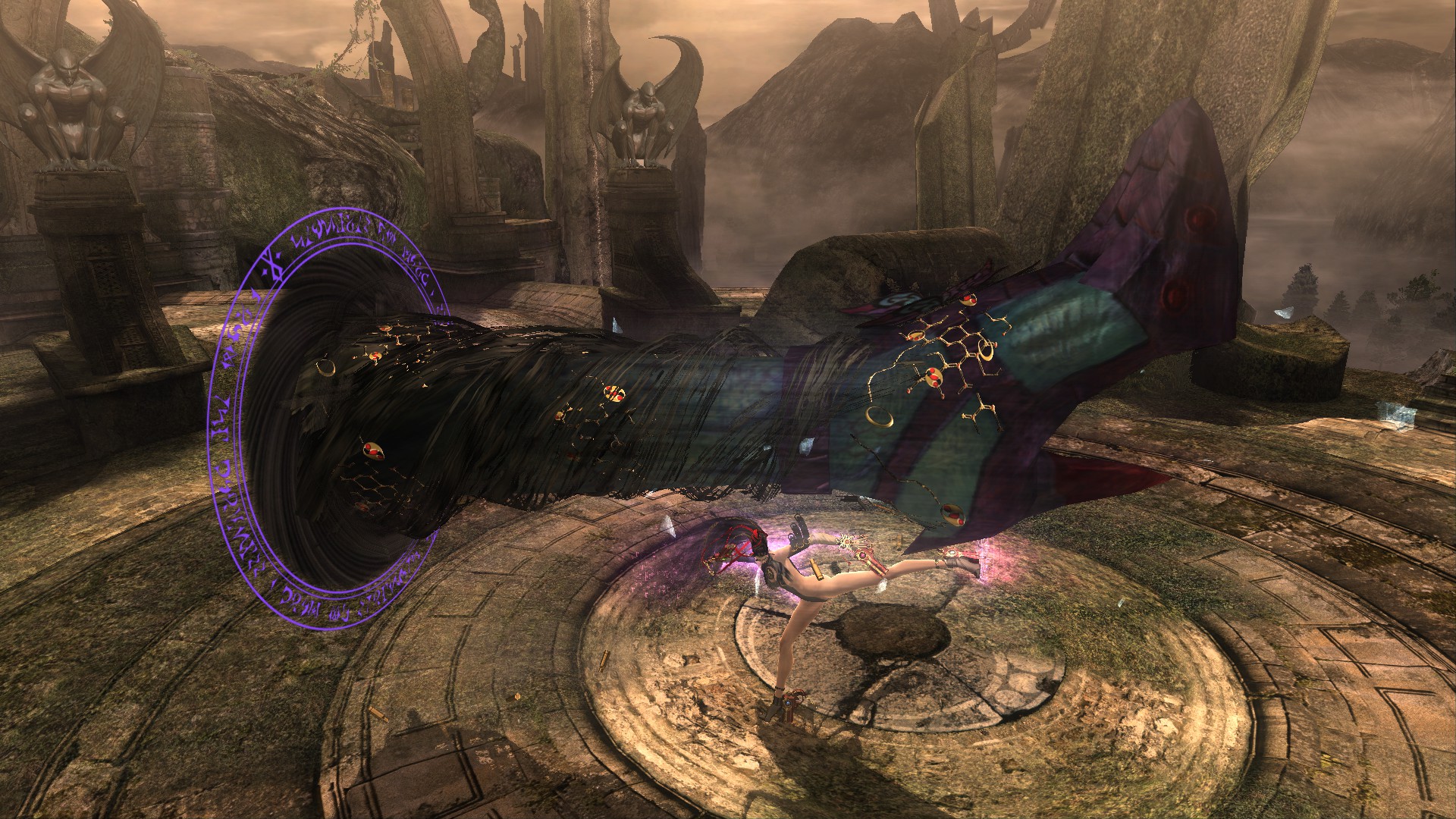 You might have noticed me mentioning wicked weaves but not actually going into details about it, and that's because it deserves its own section. So what exactly is a wicked weave? A wicked weave is an attack where Bayonetta summons Madama Butterfly to come and help her perform punch and kicks, but to put it more simply it's whenever you see those giant fists and kicks appear out of nowhere as Bayonetta goes about attacking. They are powerful attacks that do a great amount of damage and in many cases, can actually push enemies around based on how the wicked weaves are summoned.
There are several ways one can summon wicked weaves. The most basic yet important way to summon one is to complete a combo. Almost every combo in this game will always end with a wicked weave. So the idea is to make sure you not only just attack enemies, you also need to make sure complete a combo sequence in order to summon a wicked weave. A completed combo with wicked weaves do a ton of damage on enemies, making it a much more beneficial strategy compared to simply attacking enemies with the same weak hits over and over. That's why it's important to avoid button mashing mindlessly, because you run the risk of restarting a combo sequence due to pressing an attack that doesn't follow along with the branching combo path, thus rarely ever dishing out wicked weaves. Look to my flowchart for a little practice guidance.
Aside from finishing combos, there's also a handful of other ways to force a wicked weave out, but these involve spending magic orbs to perform.
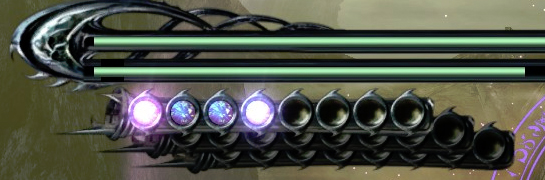
There are 2 particularly worthy techniques worthy purchasing over at the Gates of Hell: Tetsuzanko and Heel Stomp. Both attacks require the same stick input to perform. It only varies when you press either P or K.
[Insert Gates of Hell shop pic here]
Dodge Offset
- Русификатор для Bayonetta (v1.00)★ 5 (719)40k views968 ♥3 minRussianUpdated Aug 22, 2017
- Русификатор для нашей любимой ведьмочки Bayonetta★ 5 (441)25k views933 ♥1 minRussianUpdated Jun 8, 2020
- Upgrades and Secrets★ 5 (626)17k views1.4k ♥22 minUpdated Jul 24, 2018
- Bayonetta - Telephone cheats and Secrets★ 5 (276)17k views588 ♥3 min
- Bayonetta Hidden Verse List★ 5 (504)15k views1.2k ♥3 minUpdated Jul 21, 2020
- Alfheim Portals and the Lost Chapter★ 5 (345)9.7k views643 ♥7 minUpdated Apr 18, 2017




- Upgrading to PremiumTeam Fortress 2★ 5 (20k)1441k views11k ♥6 minUpdated May 11, 2022
- No More Room in Hell Official ManualNo More Room in Hell★ 5 (2.8k)569k views2.1k ♥29 minUpdated Apr 22, 2019
- NMRiH Community Hosting GuidesNo More Room in Hell★ 5 (526)351k views653 ♥1 minUpdated Aug 10, 2022
- Лучшие кооперативные игры SteamPAYDAY 2★ 5 (1.5k)315k views2.1k ♥56 minRussianUpdated Apr 27, 2025
- Desert Eagle Heat Treated | Blue GemCounter-Strike 2★ 5 (1.6k)292k views1.5k ♥2 minUpdated Jan 16
- Treasure Hunt Puzzle SolutionsTotal War: WARHAMMER II★ 5 (6.9k)281k views15k ♥3 minUpdated Aug 19, 2021






This guide was created by its original author on the Steam Community. Are you the author and want it removed? Request removal.