Programmable Villagers and more from the Build-a-Buddy 2.73 Update
Introduction
https://steamcommunity.com/games/280790/announcements/detail/2914348127396141620
In this guide I'll provide more info about how to obtain and use the Programmable Villagers with plenty of screenshots and simple instructions, if you need more detailed and complete info please head over to the amazing wiki:
https://creativerse.fandom.com/wiki/Programmable_Villager
Programmable Villagers and Archetype Unlocks
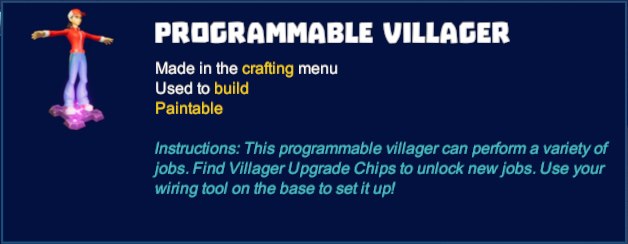 The Archetype Unlocks are used to "learn" specific jobs to be assigned to the single Villagers - once you have unlocked an archetype you can use it for any and all of your Villagers:
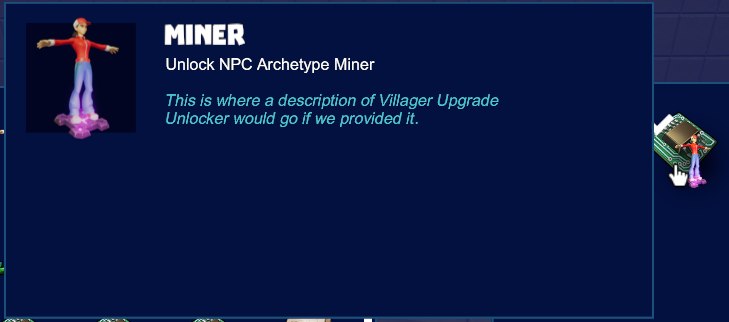 You can buy the Programmable Villagers in the shop: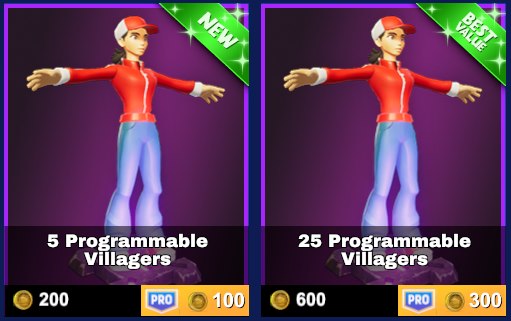
You can also get Programmable Villagers by completing the quests assigned by the "wild" Villagers that spawn around the map (more about this further down in this guide).
As can as you can see here this quest completion gave me 2 Programmable Villagers and one Logger unlock: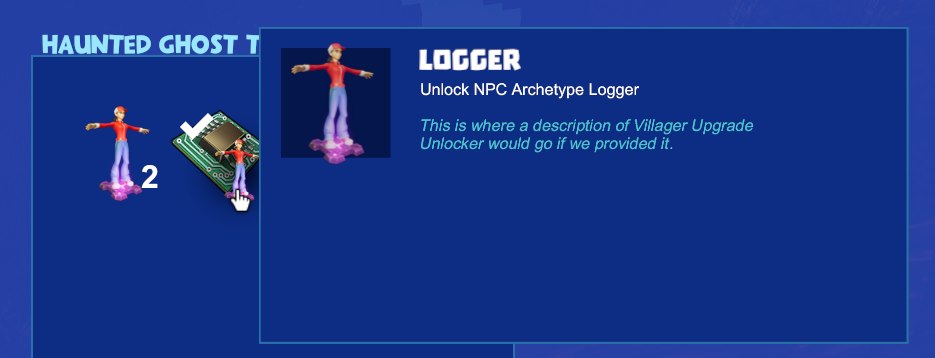
Different "Wild" Villagers and ways to get the Archetype Unlocks
- None (unlocked by default, to be used just for interaction / dialogue / decoration)
- Logger, spawns in the wild, gives you the unlock, gets you wood-related items when programmed
- Miner, spawns in the wild, gives you the unlock, gets you ores when programmed
- Chef, spawns in the wild, gives you the unlock, prepares you food when programmed
- Researcher, doesn't spawn in the wild (find the unlock in Treasure Chests), gets you Notes and Data Chips when programmed
These spawns are different from normal mob spawns - normal mob spawns only check a single chunk whereas the wild villagers seem to be checking a 3x3x3 chunks cube, which is a 48x48x48 blocks area, so the required blocks for the spawn could be up to 31 blocks underground or something. Example of a "wild" Logger:
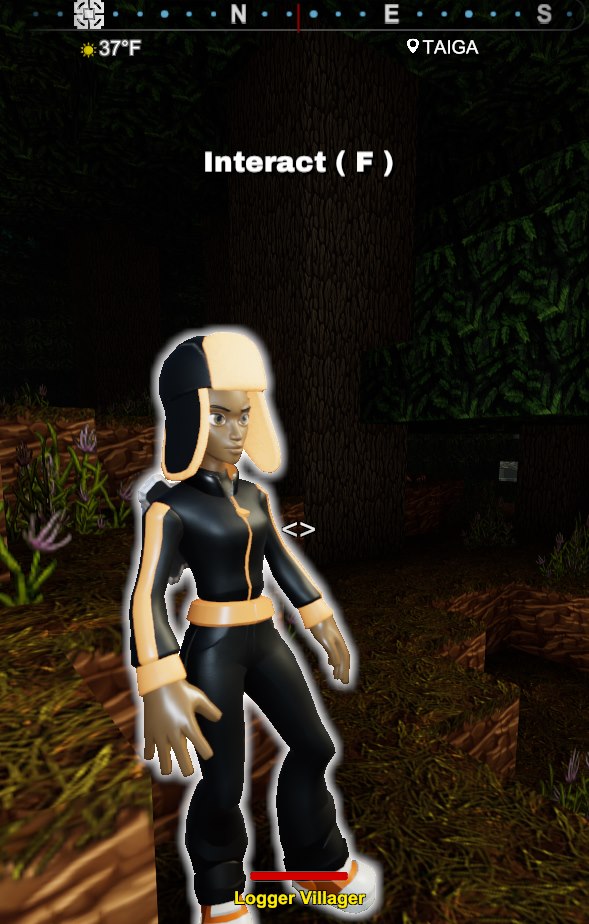 A Researcher Archetype Unlock found in a Iron Treasure Chest: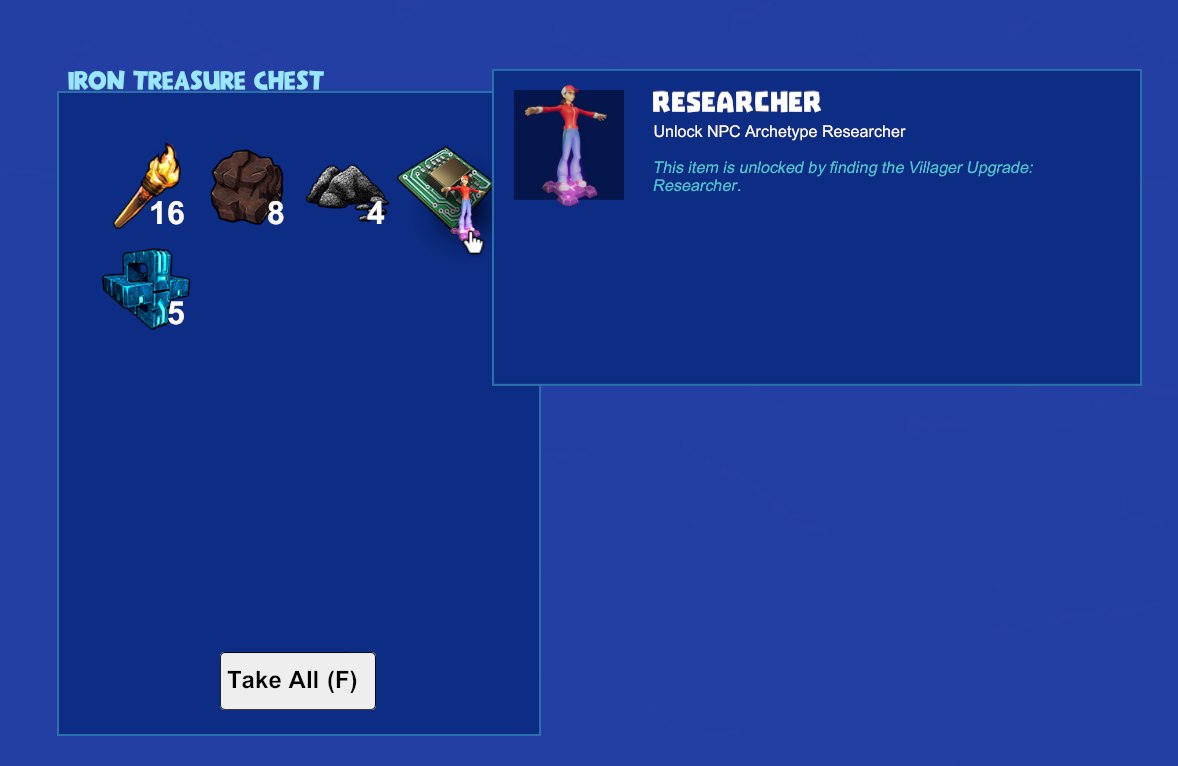
Unlocking the Logger
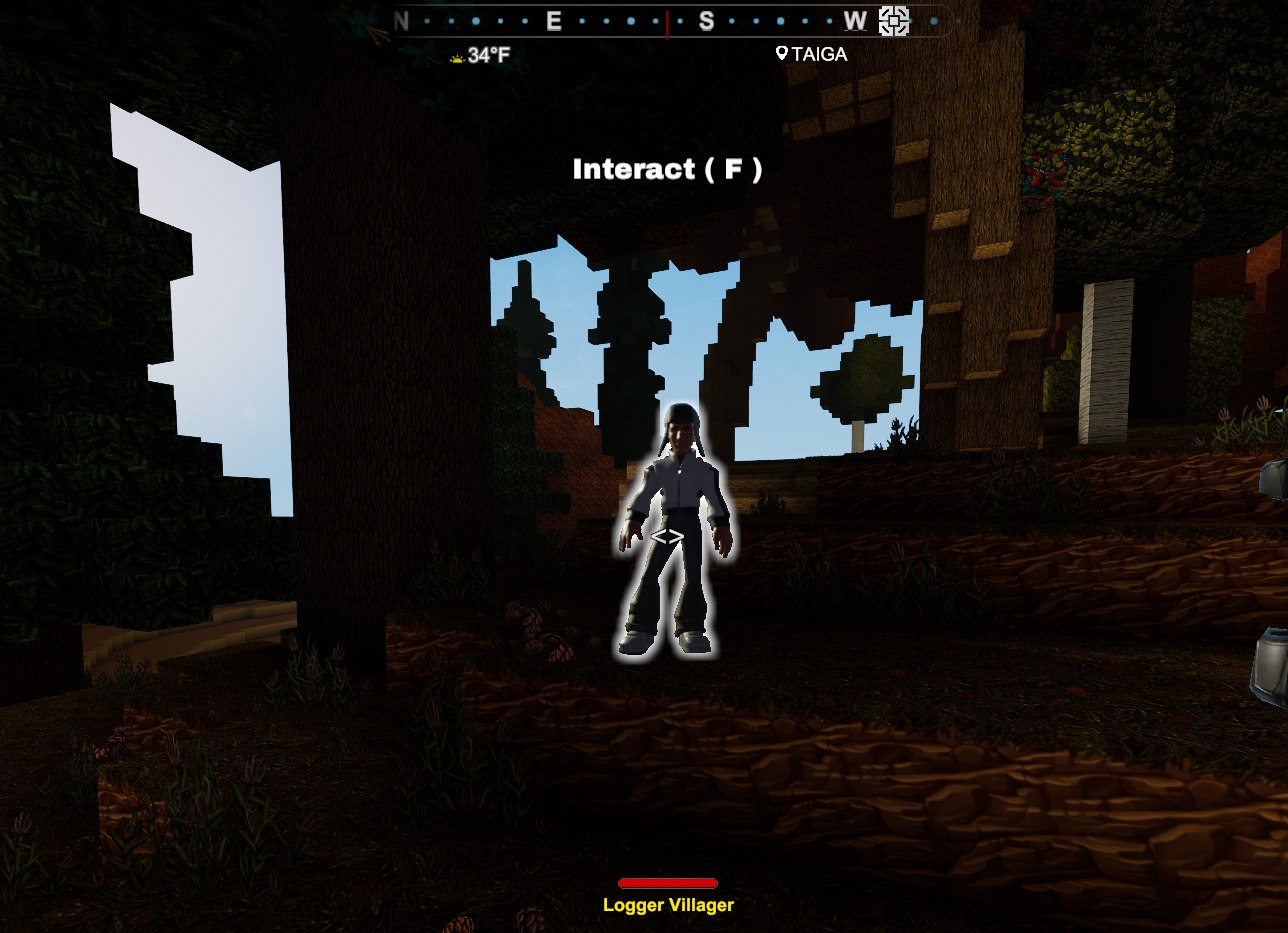
The fact of being in Taigas is just an indication - if you have enough Elderwood (64) and Rimecones (4), and at least one Matted Needles block with the top surface free available to spawn the Logger, then the Logger will be able to spawn there, even if you created the spawner yourself and you're nowhere near the Taiga biome. No lights nearby.
When you interact with it you get to see this dialogue: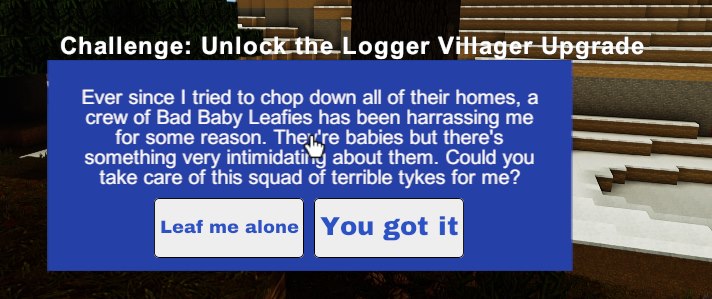 Accepting the quest you get to kill a bunch of mobs with their boss: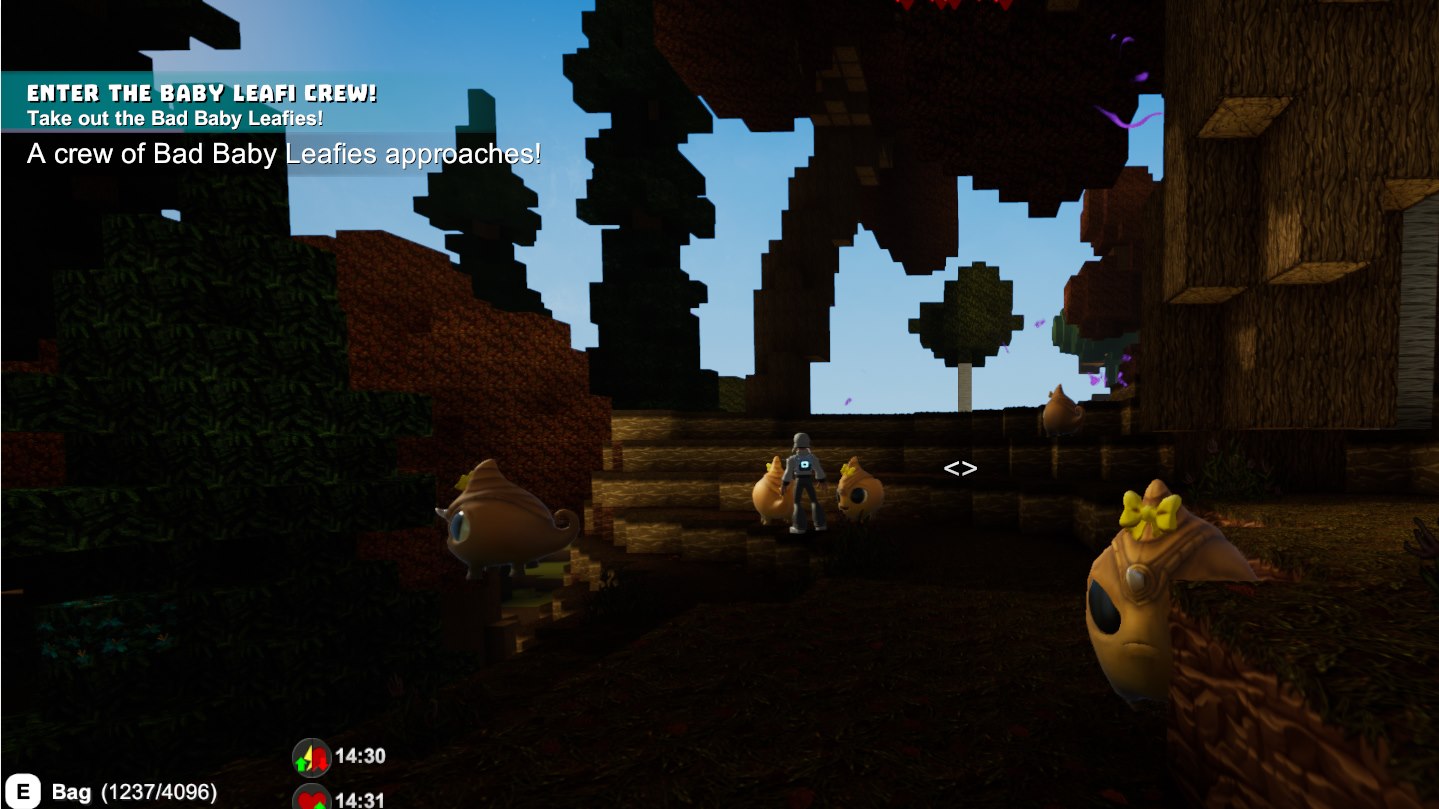
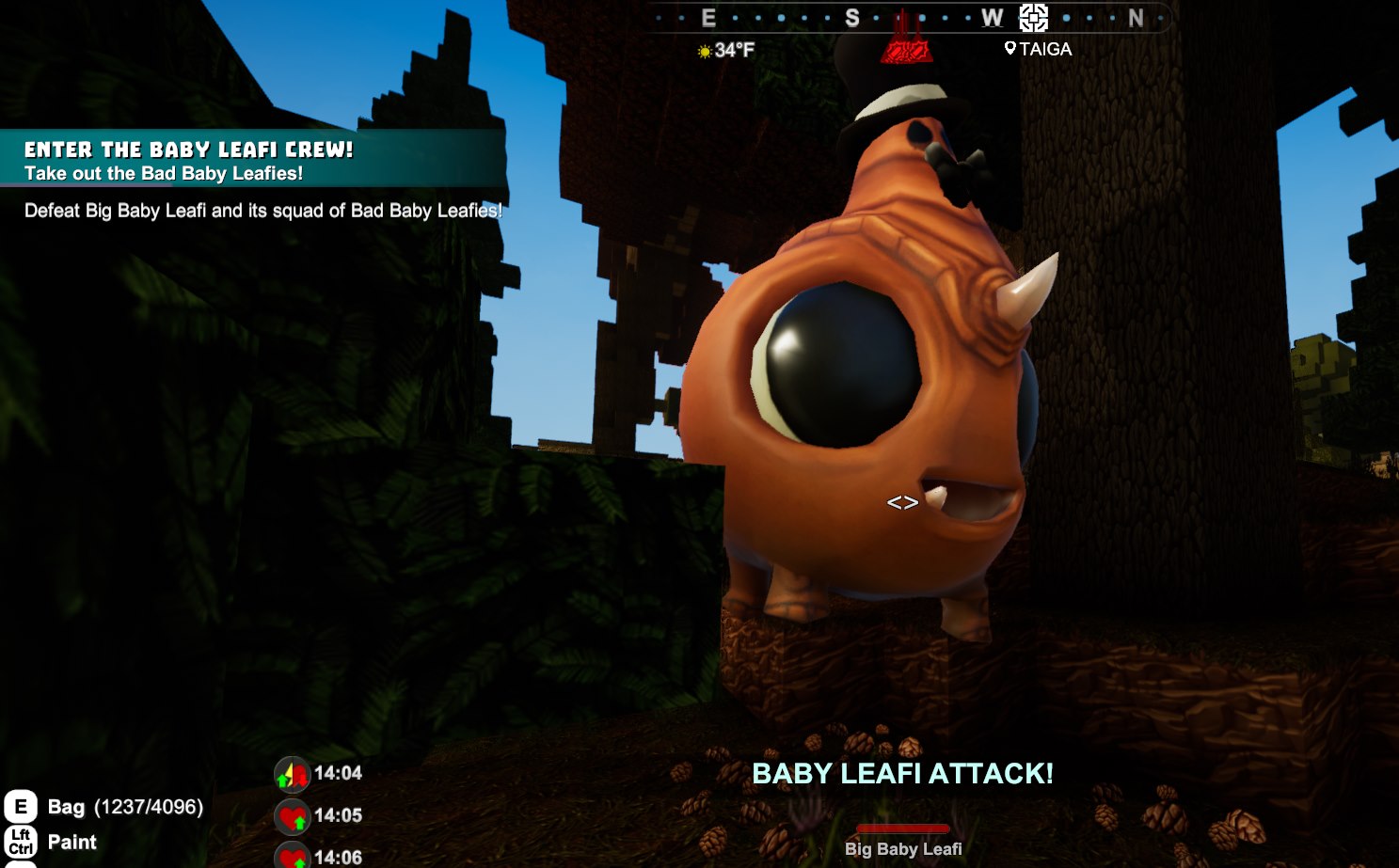 If you succeed, the Wild Logger will disappear and you'll find a Ghost Treasure Chest with one or more Programmable Villagers along with one Logger Archetype Unlock:
You can find the Logger Archetype Unlock in Stone and Obsidian Treasure chests as well.
Unlocking the Miner
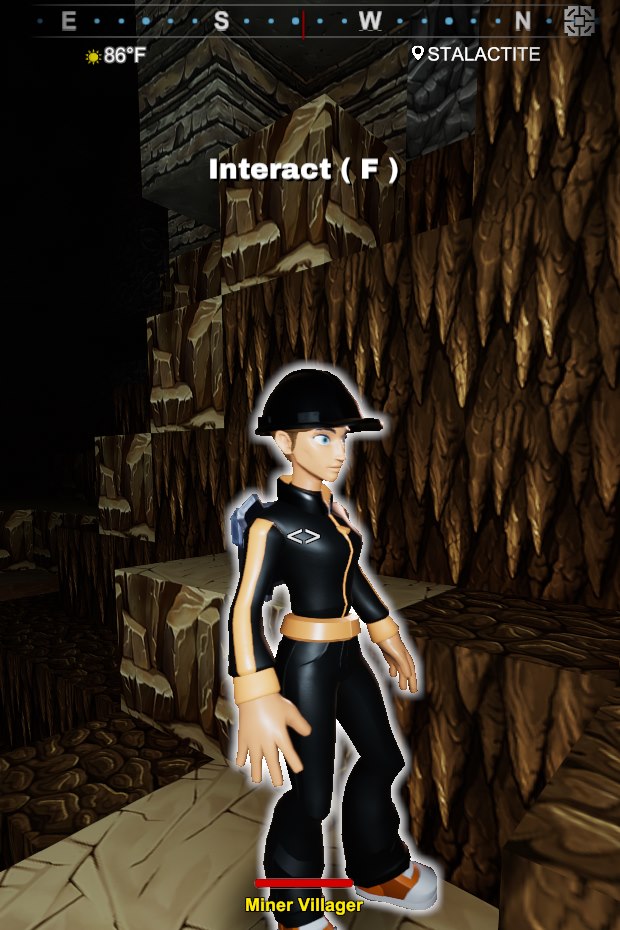
The actual conditions are 128 Stalactite-Layer-related blocks, 16 Mineral Water and zero lights, so you can make spawners for the Miner and be far away from the Stalactite Layer.
Interacting with it you get to see this dialogue: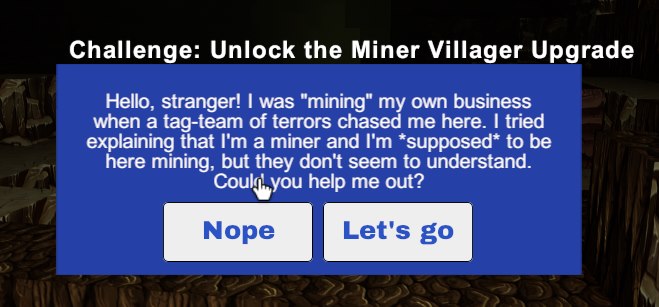 Accepting the quest you get to fight a bunch of mobs along with their boss: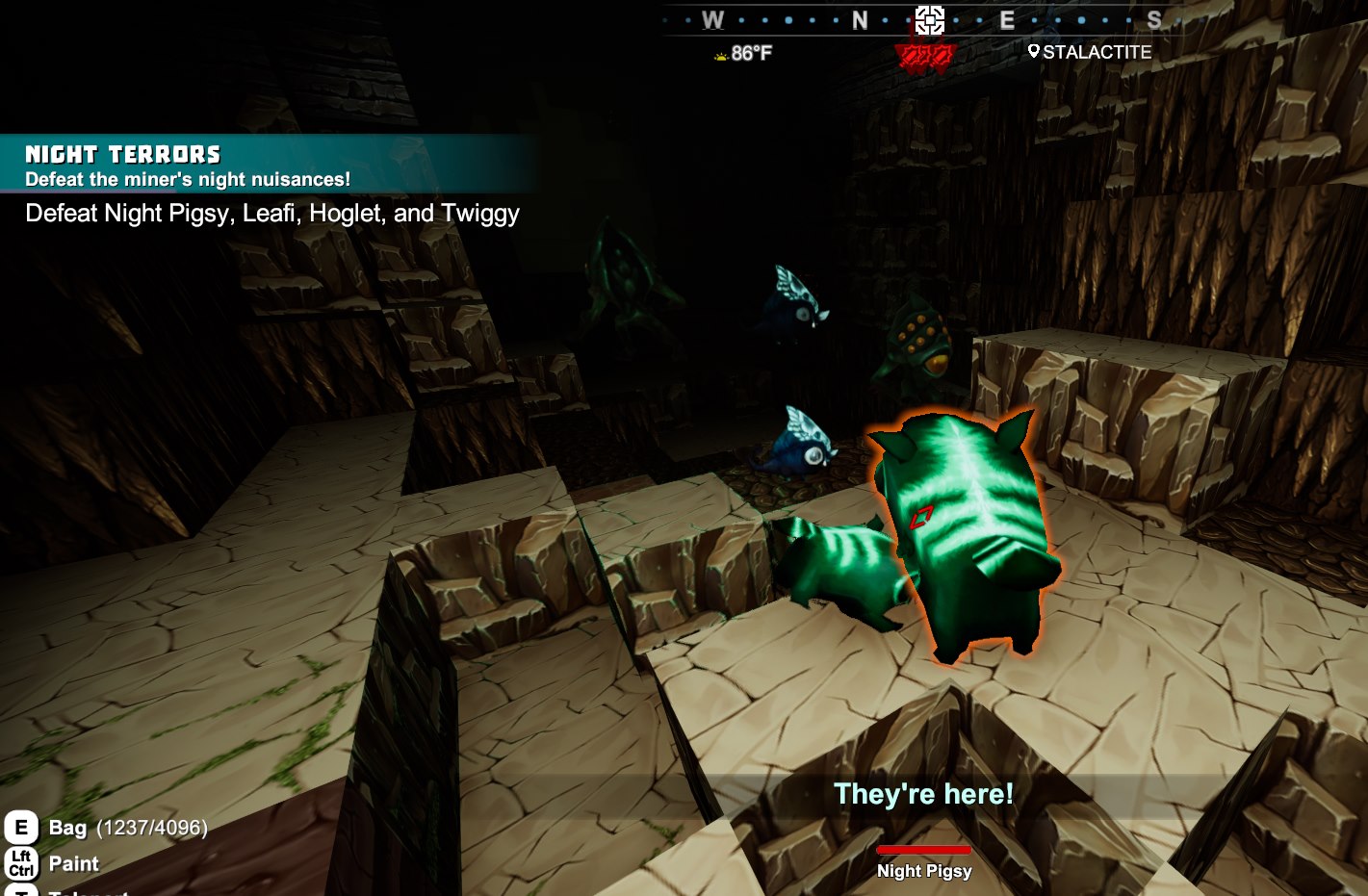
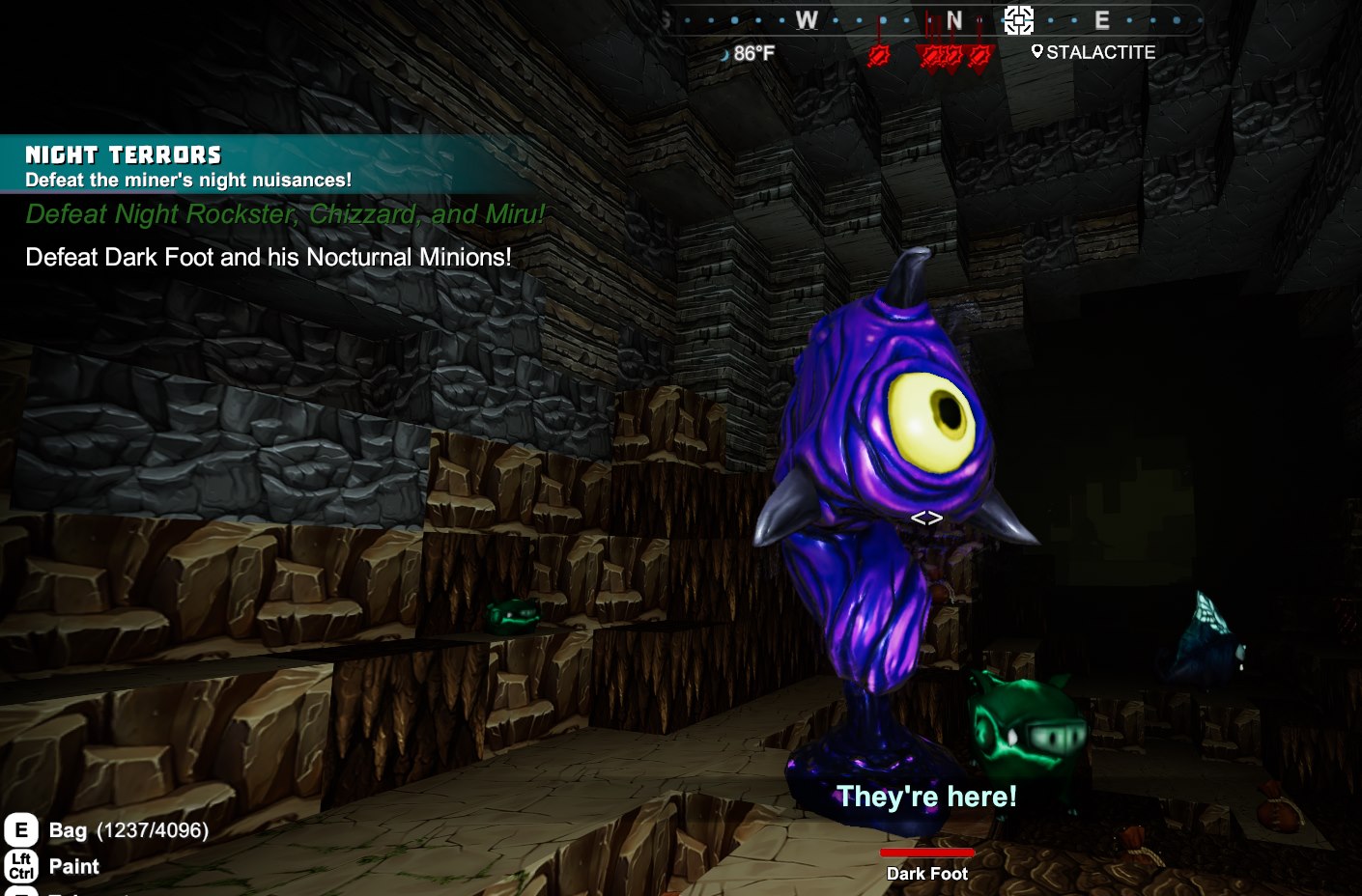 Then you get the treasure with the Programmable Villager(s) and the Miner Unlock: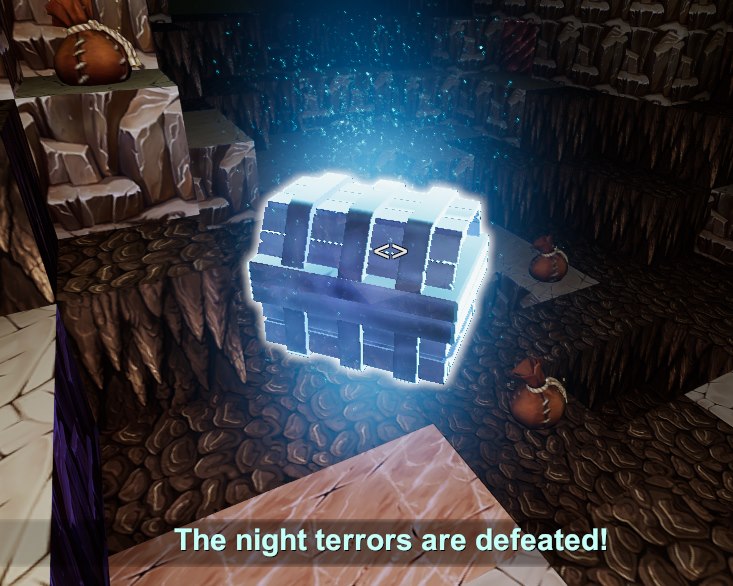
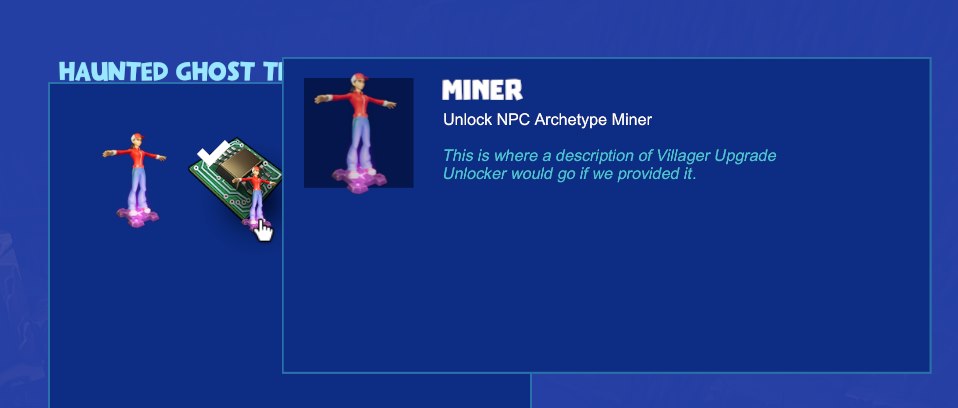
You can find the Miner Archetype Unlock in Stone and Obsidian Treasure chests as well.
Unlocking the Chef
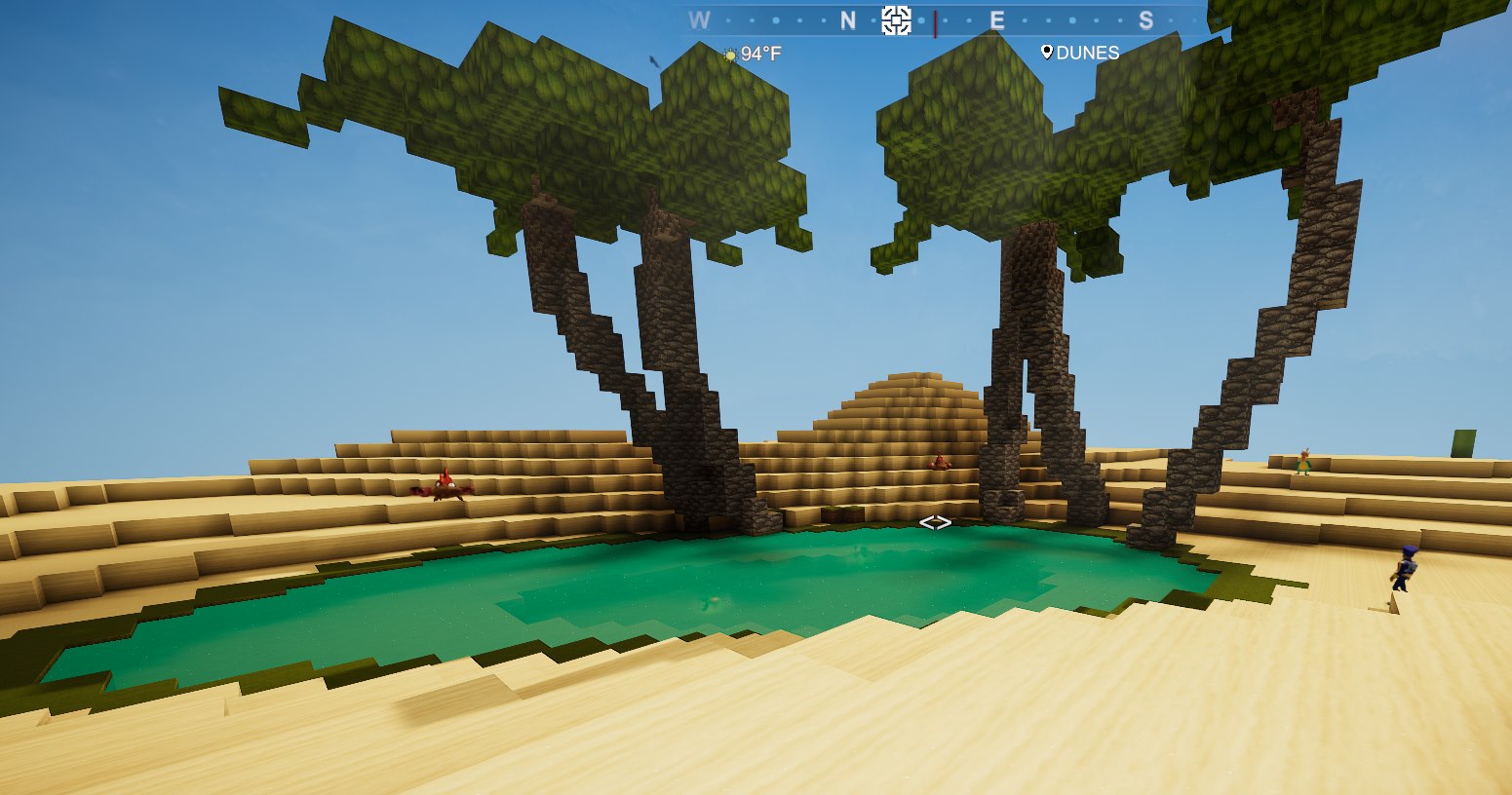
The actual conditions are 32 Mineral Water, 8 Shorewood, 8 Sand and zero lighting, so you can make spawners for this and be far away from any natural Oasis.
The guy on the right in the above screenshot is a Wild Chef: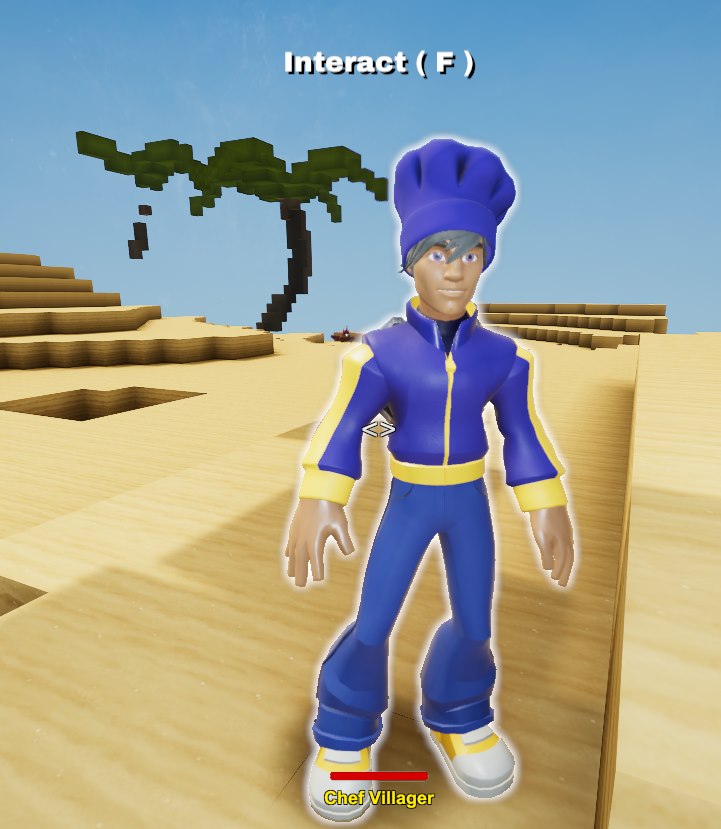 You can take advantage of the Creativerse Map Viewer to find these spots in your world, for instance, these are three Oases in template RW8: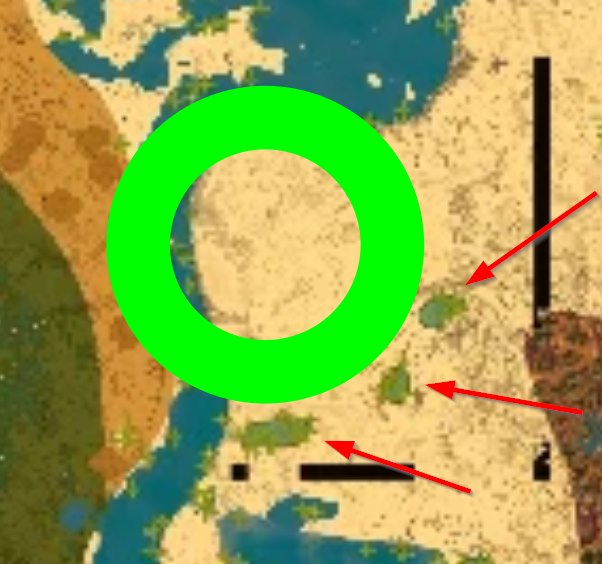
The big fat green circle above is the marker of the map viewer, and this is the link to that specific spot:
http://entuland.com/creatimap/?rw=8&x=-4237&z=-3249
You may find Chefs near Shorewoods and Sand away from oases if the Mineral Water happens to be underground in some cave very close to the surface.
Once you've found one such Wild Chef, interacting with it you'll see this dialogue: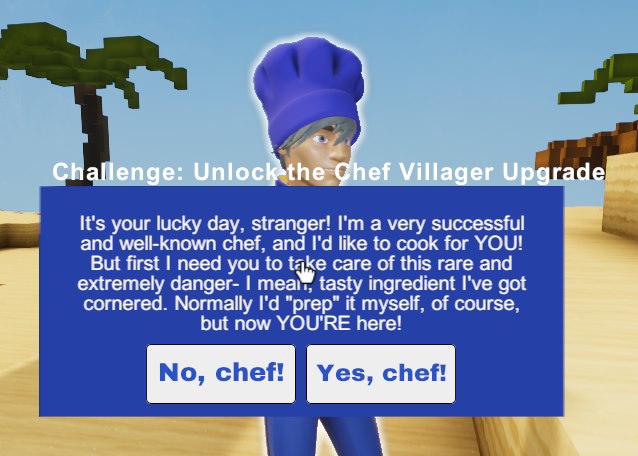 Then you fight the mobs and the boss: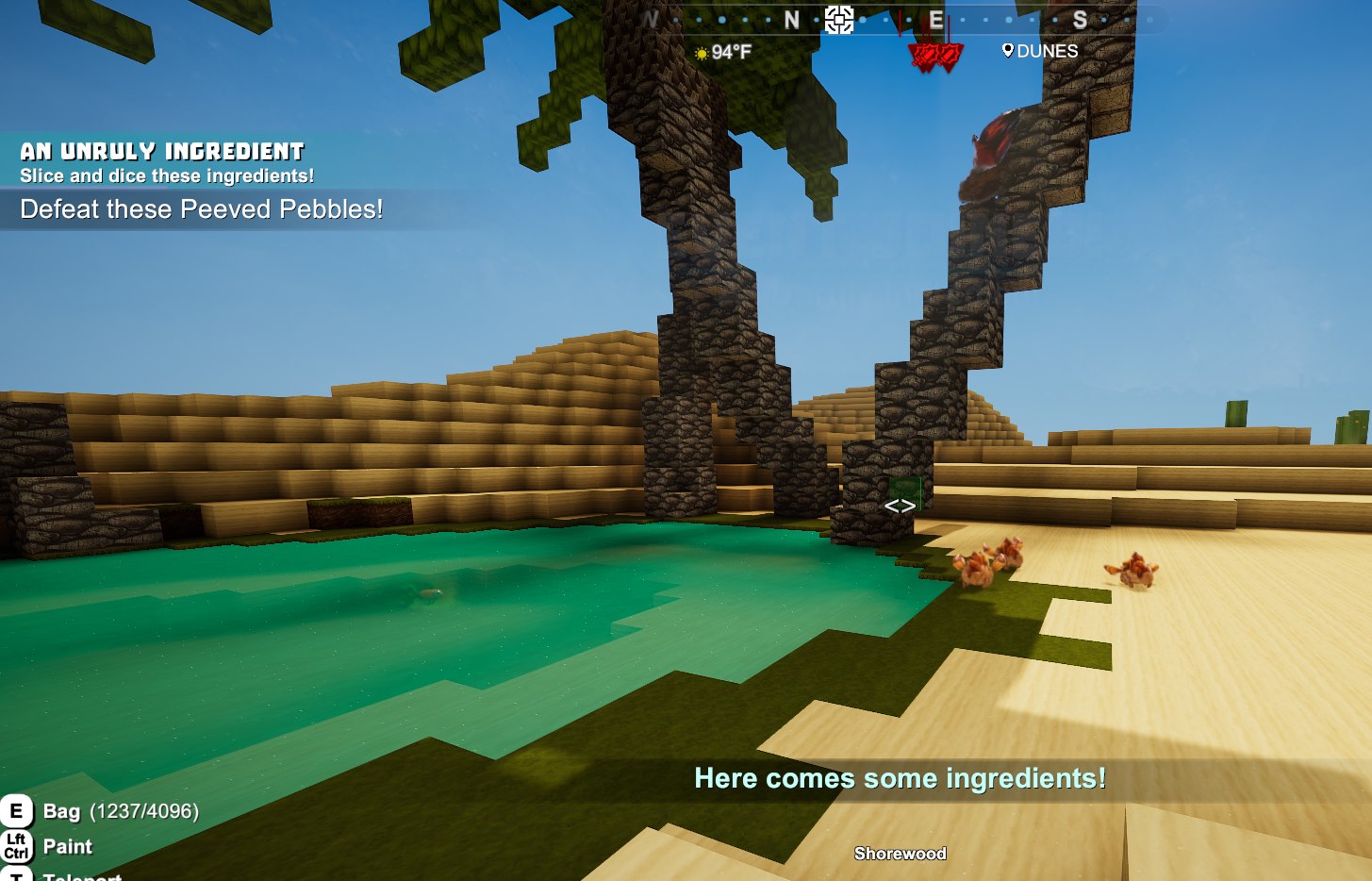
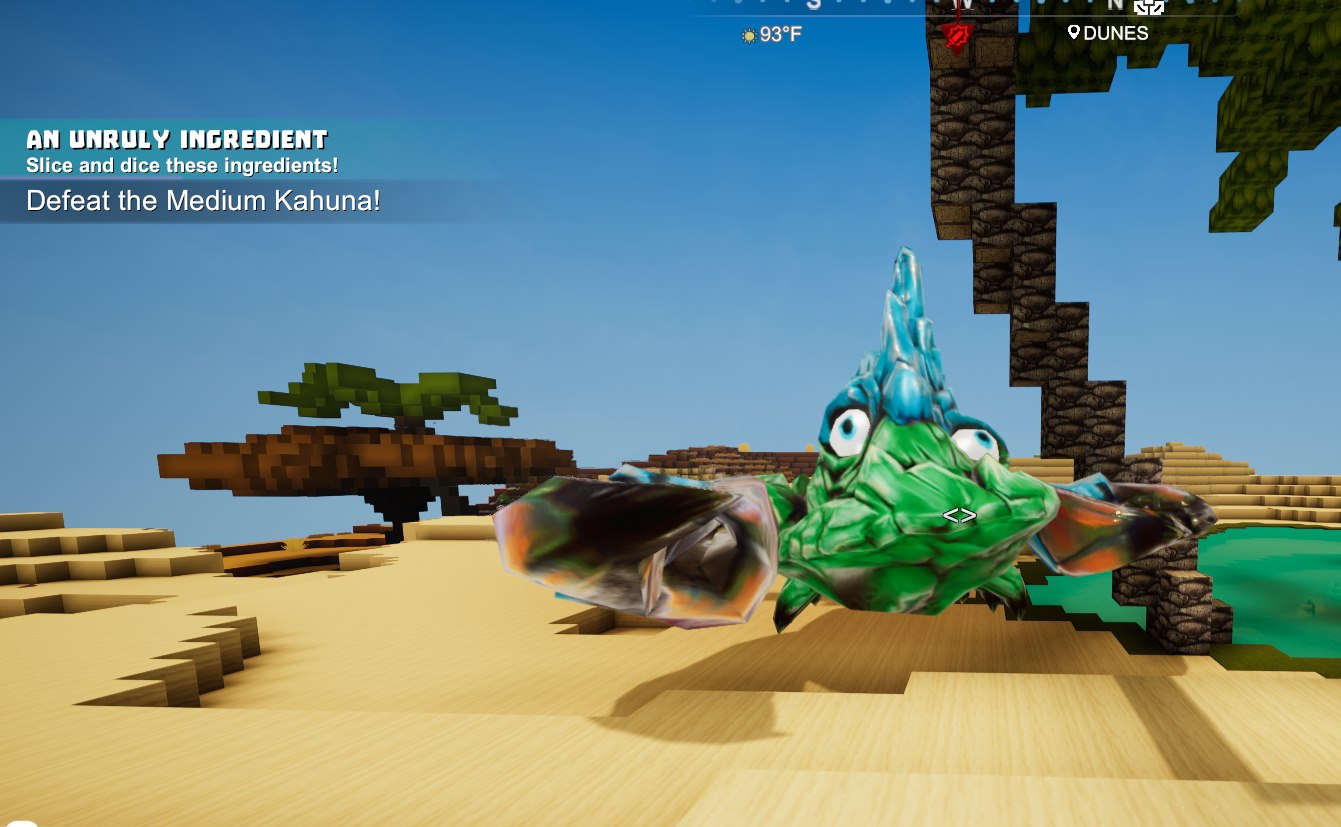 And you finally get the Programmable Villager(s) along with the Chef Archetype Unlock: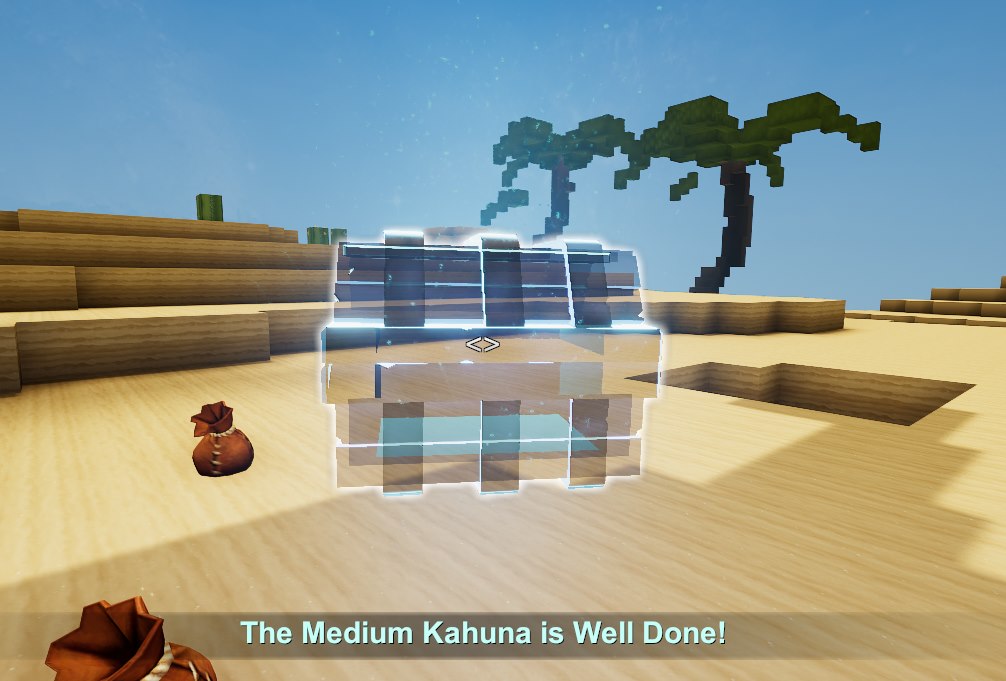
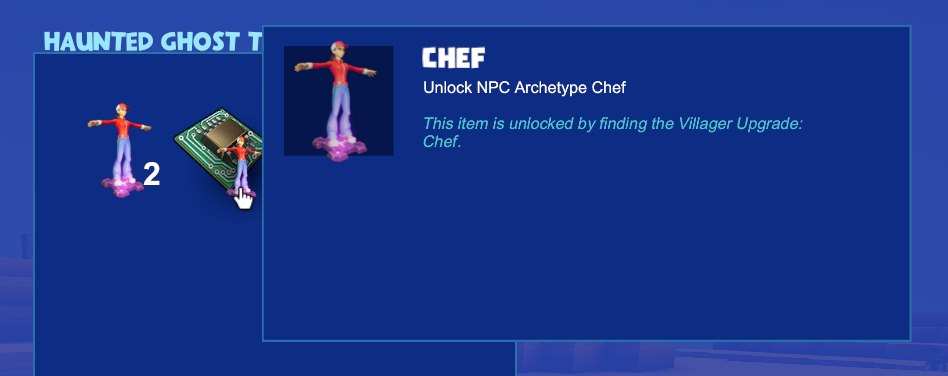
You can find the Chef Archetype Unlock in Iron and Diamond Treasure chests as well.
Unlocking the Researcher
The drop rate is quite low, I found one after opening probably more than 50 of the Iron / Diamond chests, you may find it earlier or later depending on the random draws of the game.
Main Villager interface
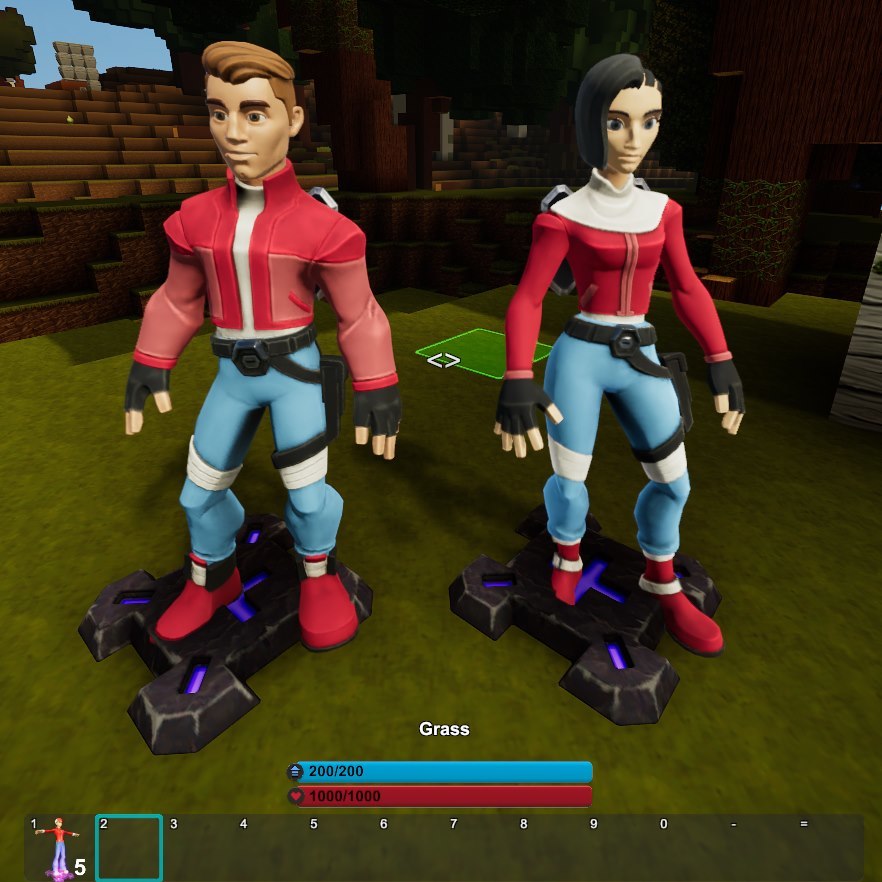
At the feet of the NPC you'll see the actual programmable machine, called also NPC Anchor (we called them so during all the development and testing phase, many will likely use those terms, so mentioning that just in case).
By the way, you can hide the anchors under the floor: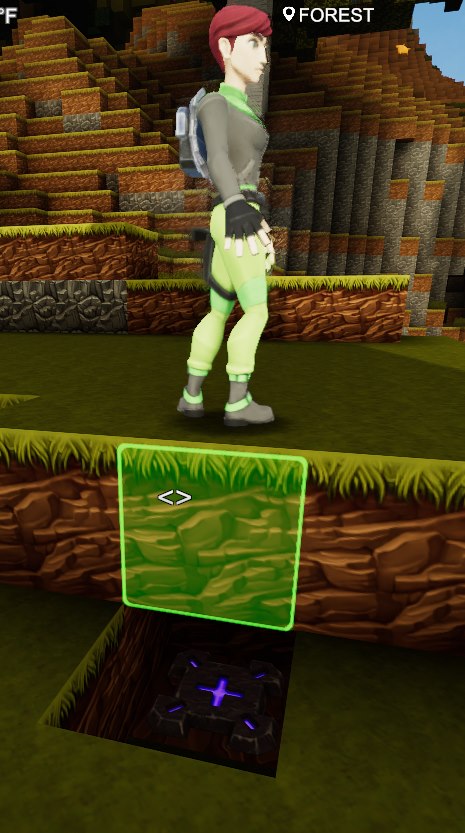 In order to access the interface you need to have the Wiring Tool equipped (not necessarily selected), then you have to aim at the machine on the ground and hit N, you'll get to see this screen:
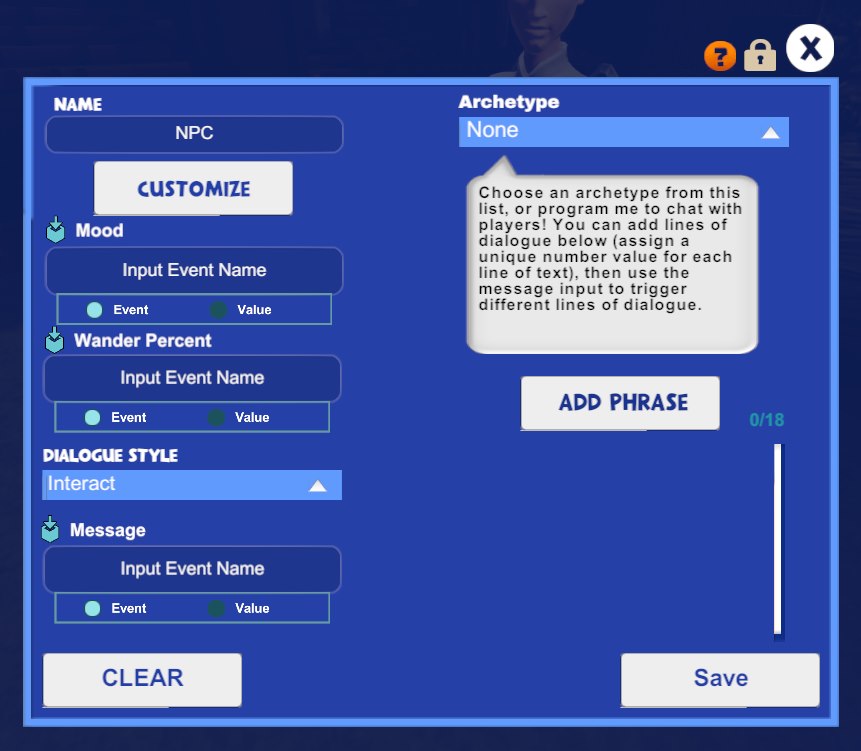 Depending on the Archetypes you've unlocked, you'll see one or more options in the corresponding dropdown: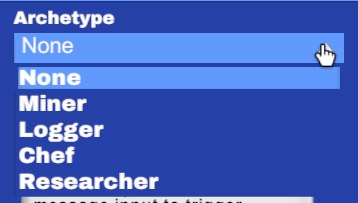
For now, we'll stick to "None" and see the main settings of the "Talker", so to speak.
Appearance and name
Quite straightforward, you can give your NPC a name and change how it looks (colors, outfits).
In this case, I simply added the Straw Hat and named it "My Villager":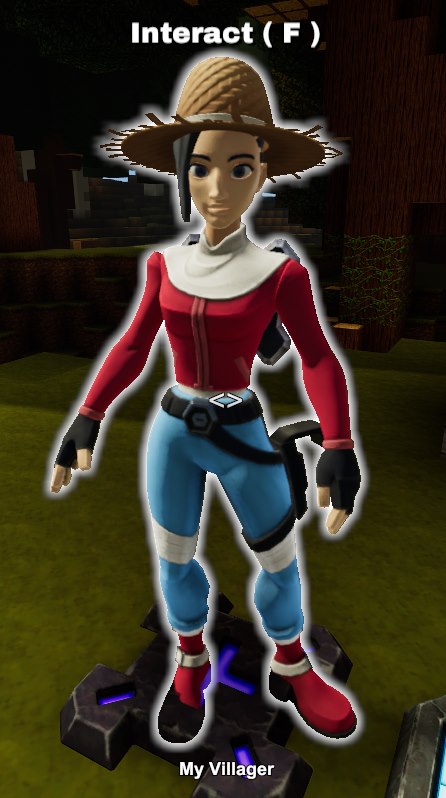
Pay attention that when customizing you have to save both from the customization interface _and_ from the Programmable Villager interface - or your changes will not be stored.
Mood
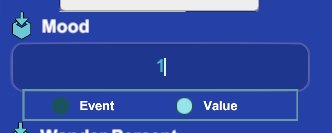 There are only three accepted values for the Mood:
- 0 - Neutral
- 1 - Happy
- 2 - Angry
Resulting in these three facial expressions:
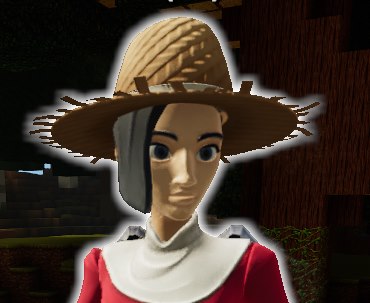
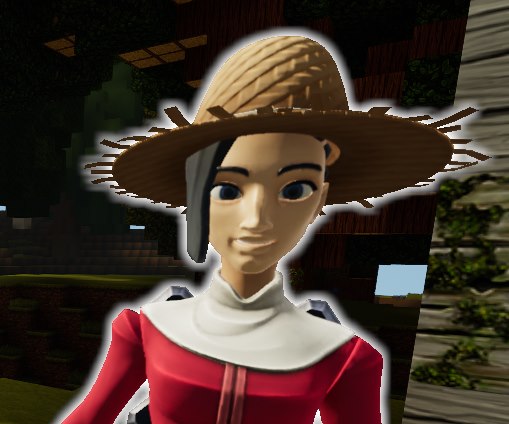

You can hook another machine to the appropriate signal slot and change it on the fly depending on... whatever you like better.
You can totally hook it up to a sensor and make the NPC look happy from a distance and get a angry face as you invade its personal space.
Wander Percent
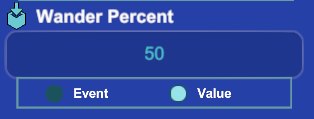
The wandering distance reaches about 10 blocks and physical obstacles will limit that distance - the NPC may walk around obstacles and jump on blocks, haven't fully tested the height but they can totally jump over 1-block-tall obstacles.
Here are a few shots of the NPC and the anchor - you may as well get them to look "floating" depending on how soon they stop after jumping over a block.
Standing away from the anchor: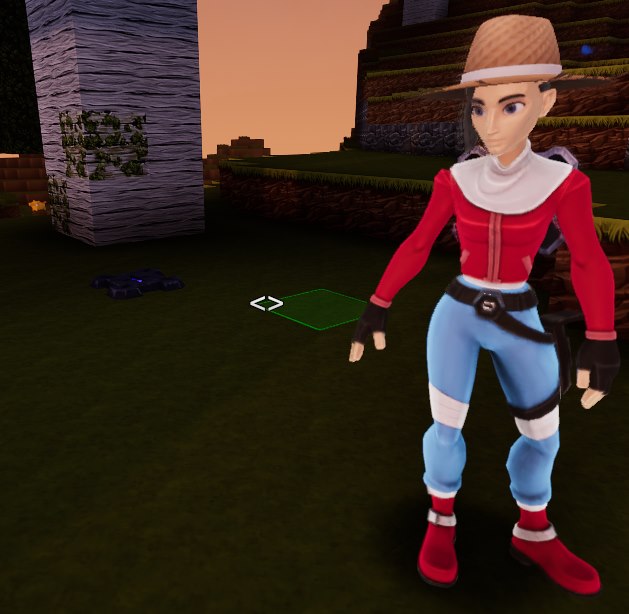 Walking around:
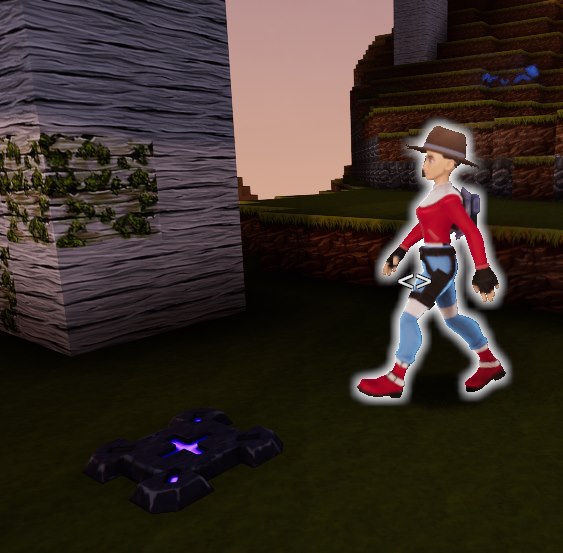 Floating after a jump: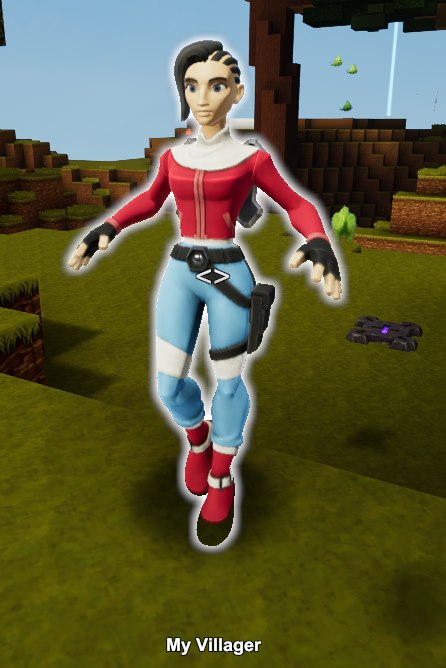
In case the NPC disappears for any reason after you set it to wander (happened to me) just set the wander percent to zero and reload the area, it should come back.
Dialogues
You can control the messages of the NPCs by adding up to 18 different phrases.
Each phrase needs to be paired with a value - but you can have multiple phrases for the same value.
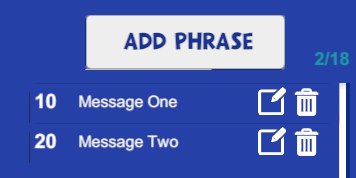
In this case I clicked on Add Phrase and created two separate messages associated to two different values: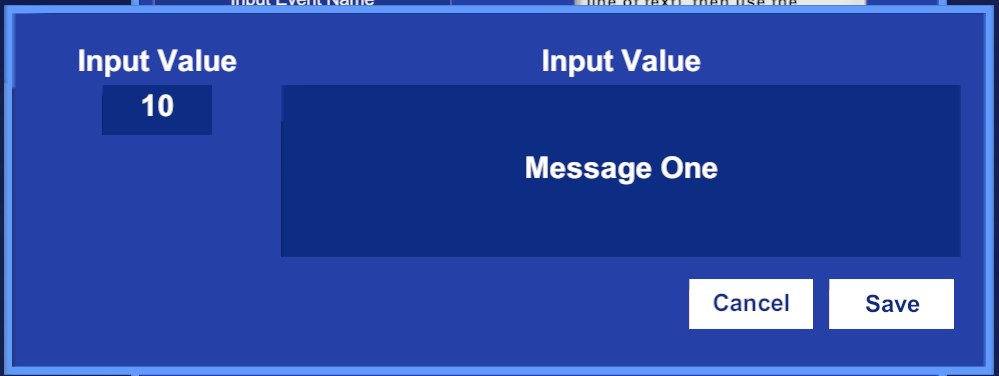
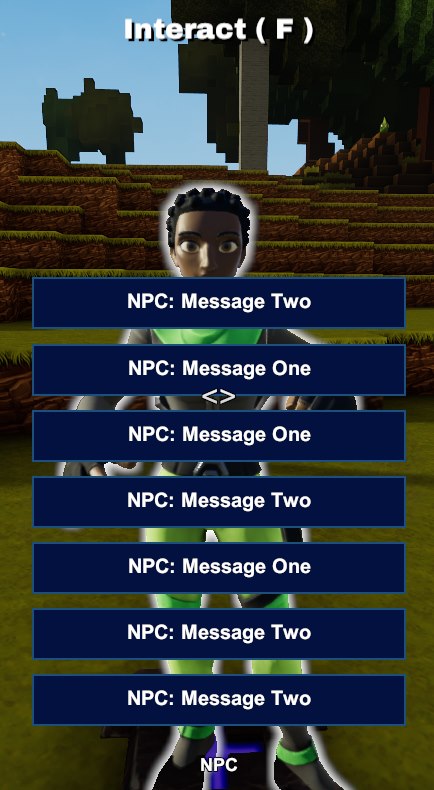
 Since I have left the "Message" field empty, the NPC will pick any sentence at random regardless of the paired value, here I have spammed the "F" key and got both messages in a random sequence:
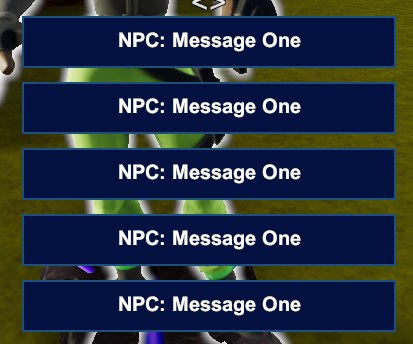
 If you set the Message field to the value 10, you'll only get "Message One":
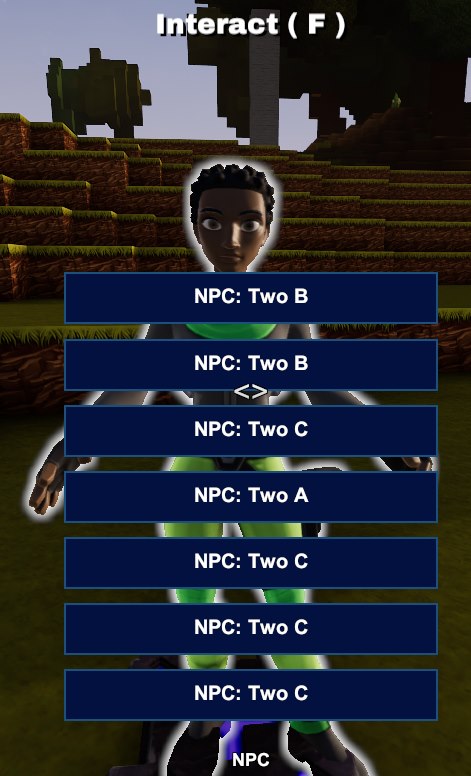
 By giving the same value to different messages you can create different "pools" of messages:
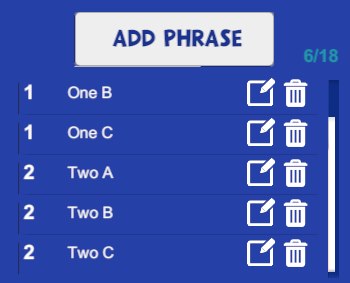 By setting the "Message" value to 1 or to 2, you get only phrases from each specific pool: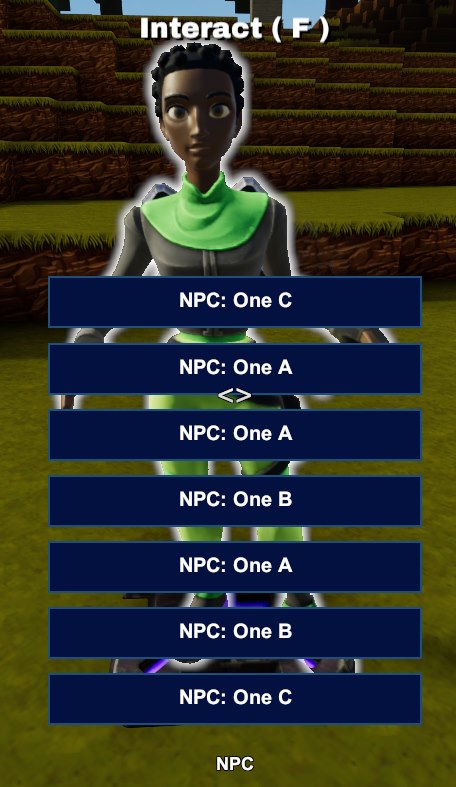
The "Dialogue style" field will decide _when_ the NPC will actually send those messages over.
If you pick "Interact" you'll have to aim at the NPC and hit F to have it pick a message and read it out, if instead you pick "Broadcast" it will be enough to get in range of the NPC to have it read it out.
That range is about 5 blocks away from the NPC.
Setting up a Logger
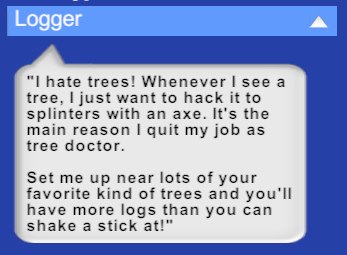
Setting up a Logger Villager is pretty much just matter of placing down a Programmable Villager near any decent amount of wood, selecting "Logger" from the Archetype dropdown and saving.
After a bit of time you'll see the Logger waving at you, meaning it has loot for you to pick up: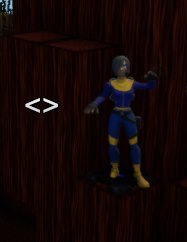
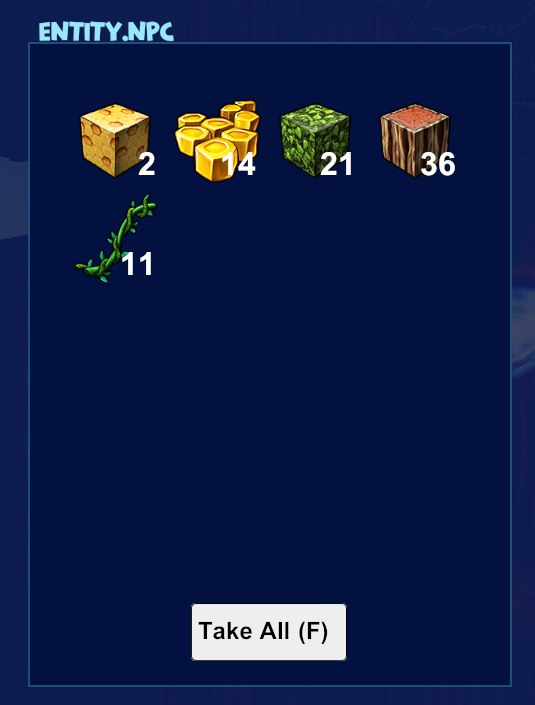
In the case above the logger was close to a big Wildwood and the contents of the loot I got interacting with the NPC was in fact Wildwood blocks and leaves, along with Wax, Vines and Queen Bees.
Make sure there is no other Programmable Villager assigned to the Logger Archetype nearby, or you won't get any loot from either NPC.
Setting up a Miner
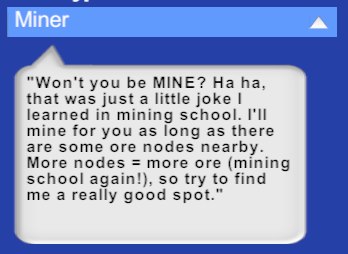 Just like the message reads, and quite simply just like with the Logger, all you have to do is to place down a Programmable Villager near some Ore Nodes, setting up the Villager as Miner Archetype:
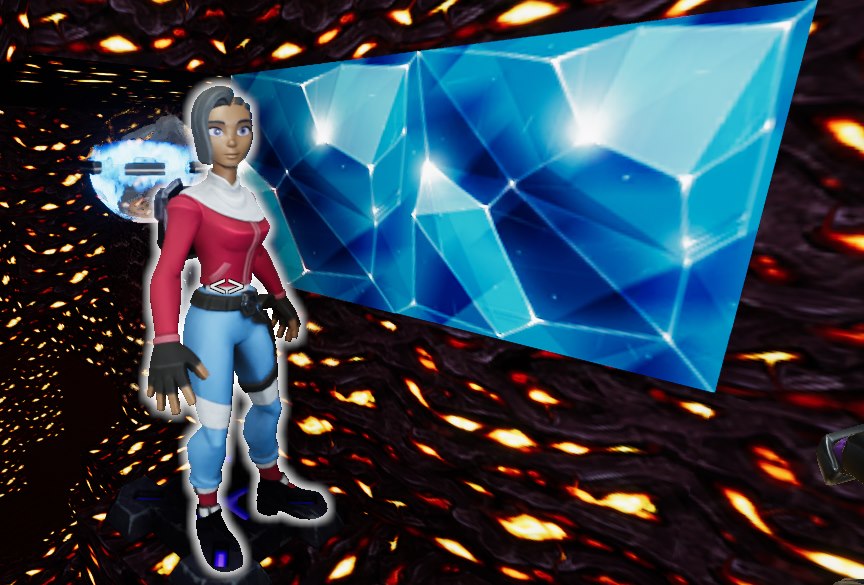 After some time you'll see the Miner waving at you and give you some loot when you interact:
You may have notice that the Miner is near some Diamond Nodes and I got Lumite in the loot - seems like the range they check is decently large, so it may have "sensed" Lumite Nodes from the Corrupted Layer beneath and decided to give me the Lumite instead of the Diamonds.
As with the Logger, make sure there is no other NPC set to work as Miner nearby.
Setting up a Chef
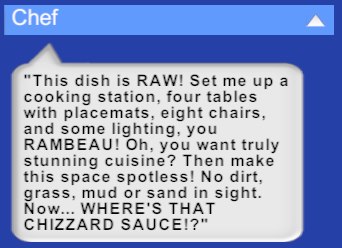 The requirements to make the Chef happy are a bit more detailed from the Logger and the Miner - this time you'll need some light (any torch will do), something to cook with (Cooking Station or Better Home Range), chairs (8 at least), tables (4 at least) and placemats (4 at least).
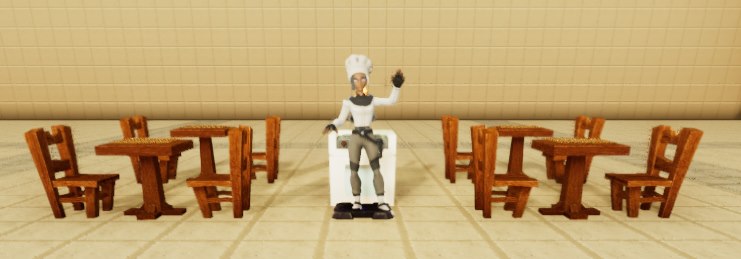
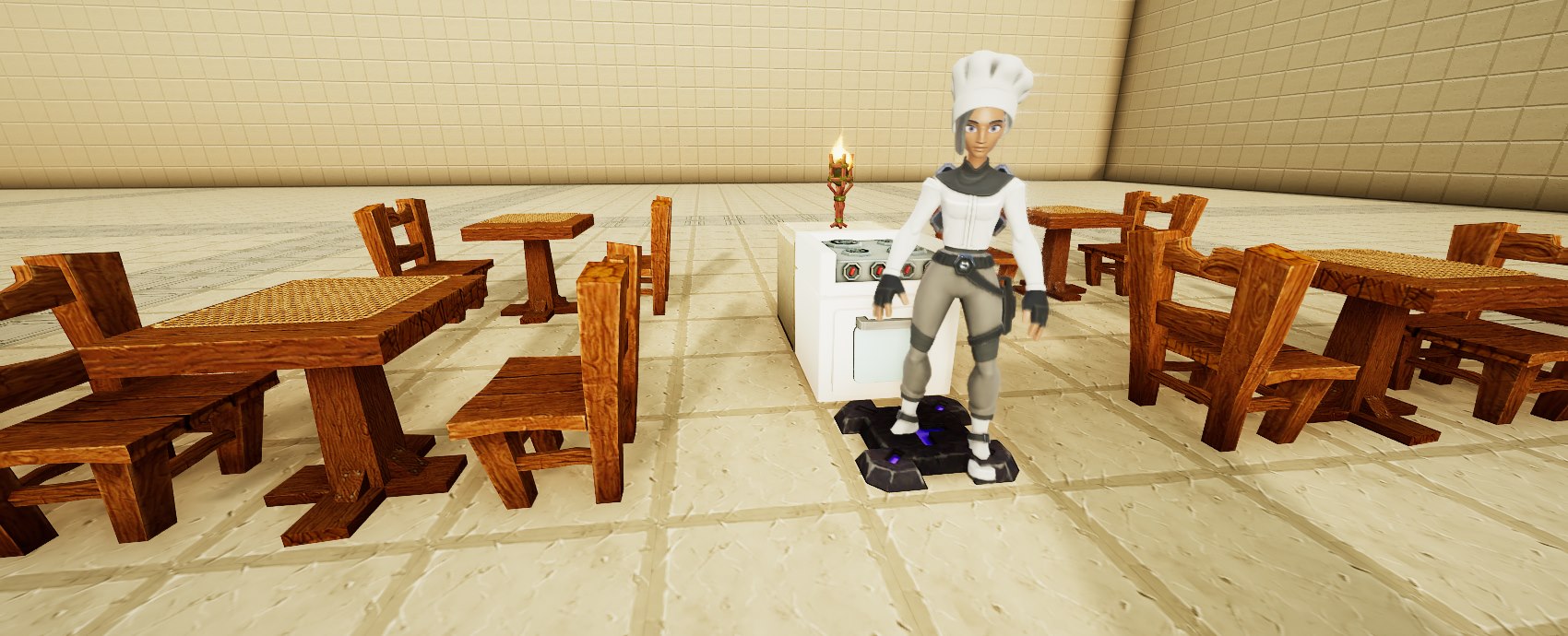 This is the Chef waving at me:
 And it got me some some tasty soup on the fly: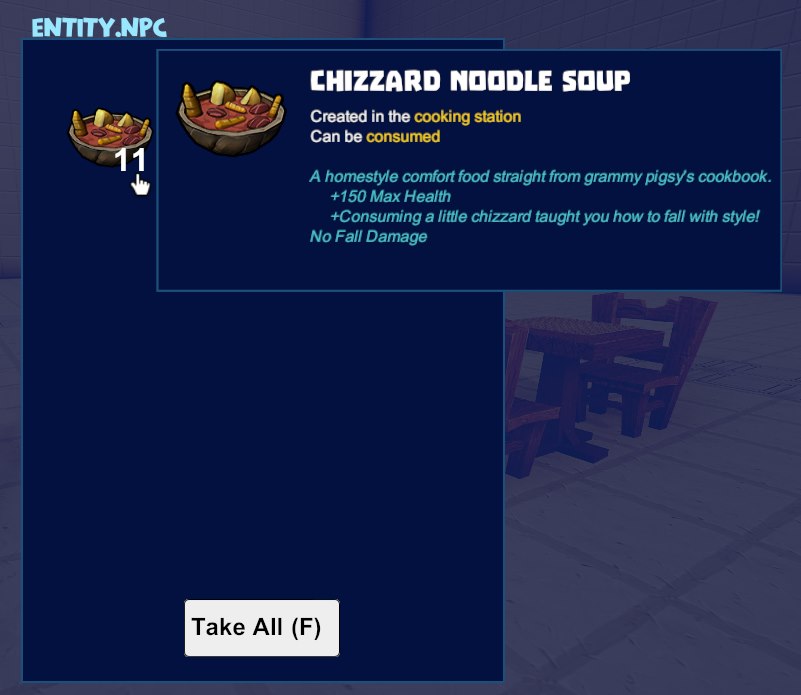
As with the previous NPCs, make sure there is no other Chef nearby or they'll spend their time bickering and won't get any meal done at all.
Setting up a Researcher
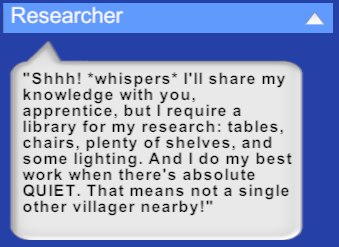
The message above is somewhat more vague and more precise than the previous ones.
For the Researcher you need at least 1 light (any kind will do), at least 8 chairs and 8 tables (any type will do), at least 16 units picked among Wood Book Shelves, Stone Wall Shelves and Holiday Mantles.
In this case I used only Wood Book Shelves and added a few more lights: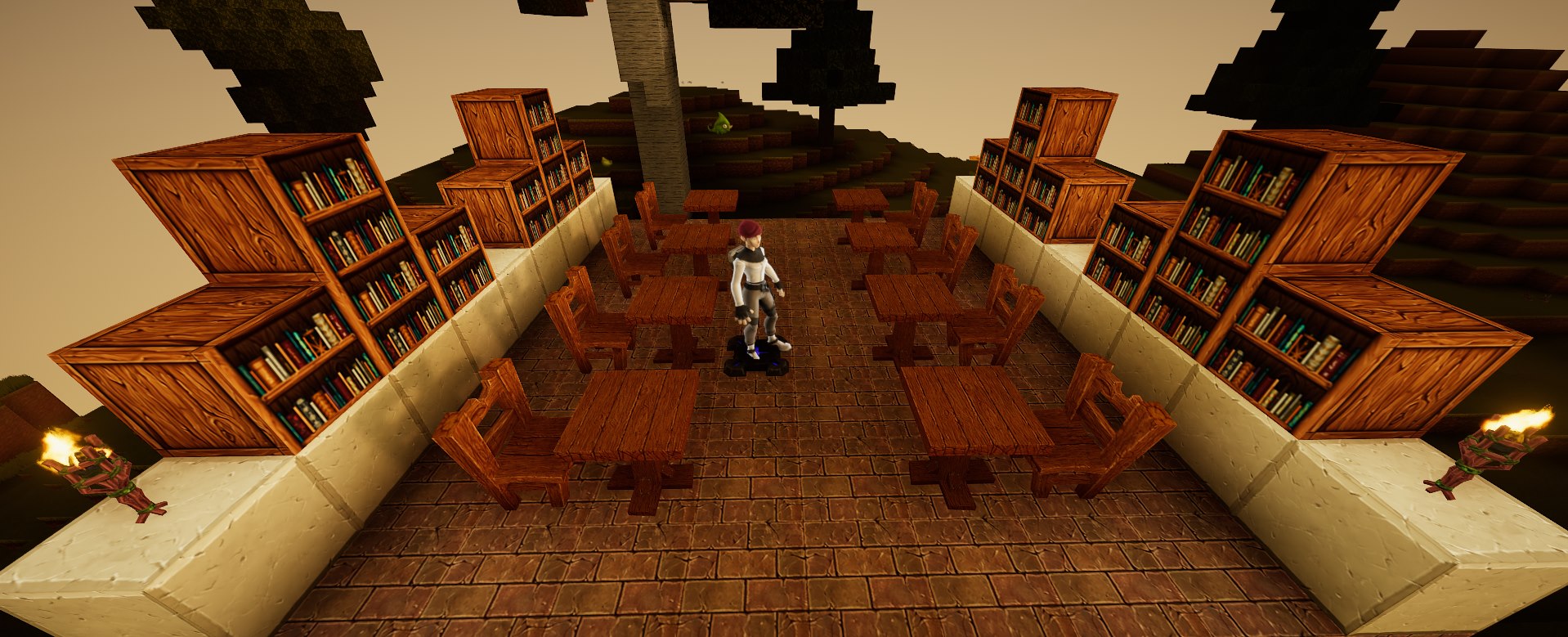 And here is my hard earned loot, Notes and Data Chips: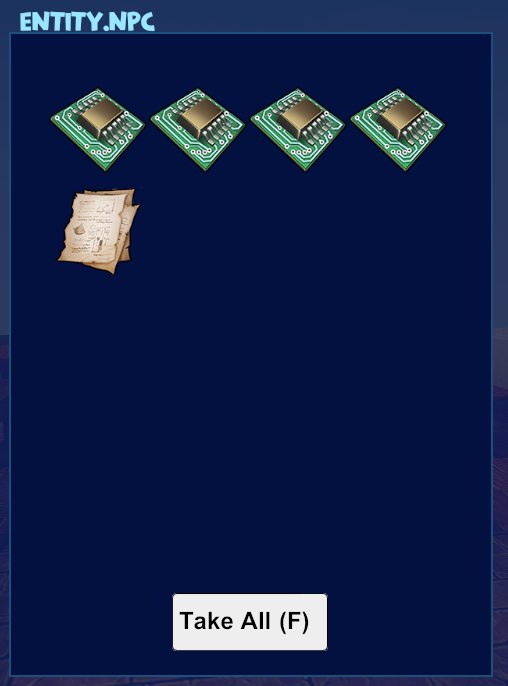
As with the other Archetypes, make sure there is no other Researcher around if you want any job done at all - and if you want to get more loot from the Researcher, make sure there no other NPC at all nearby (as the message above reads).
Other additions and fixes that made it into the 2.73 Update
My favorite improvement: the search feature in the normal crafting list has been improved quite a bit.
Searching is faster than before and the filter will now persist not only after switching over the various tabs, it will also persist after you close and reopen the crafting list.
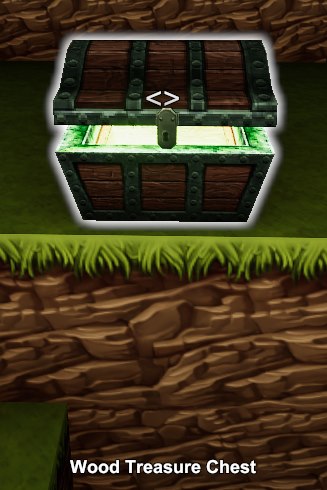
Another improvement: the Treasure Chests have been extended to match the layers and you can now find Lumite Ore in chests as well:- Wood Treasure Chest - Surface
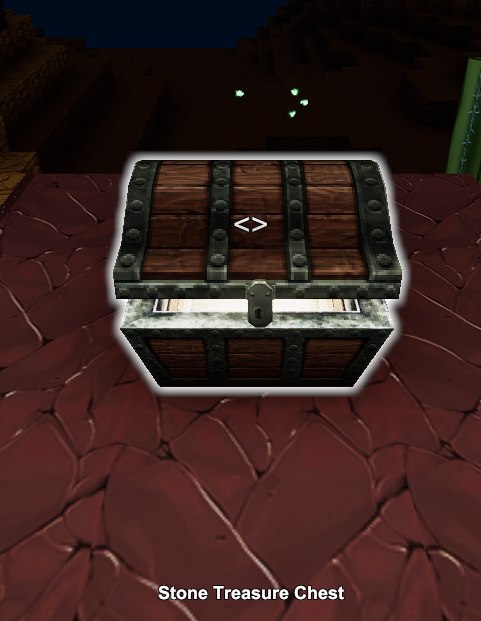
- Stone Treasure Chest - Surface near mountains and canyons
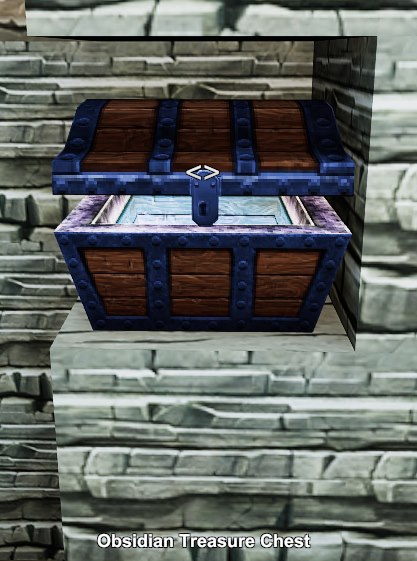
- Obsidian Treasure Chest - Fossil Layer
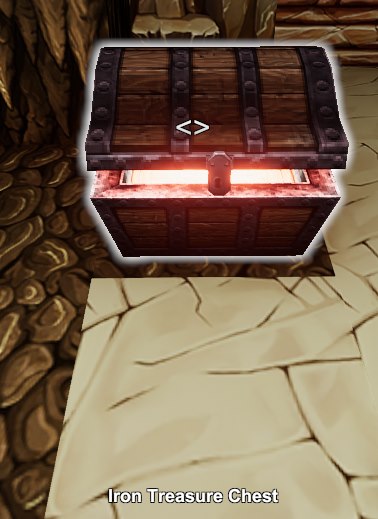
- Iron Treasure Chest - Stalactite Layer
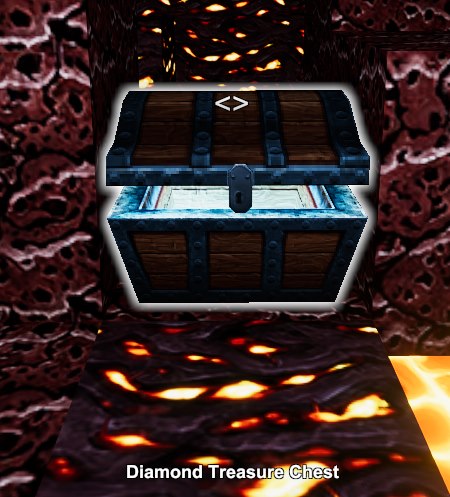
- Diamond Treasure Chest - Lava Layer
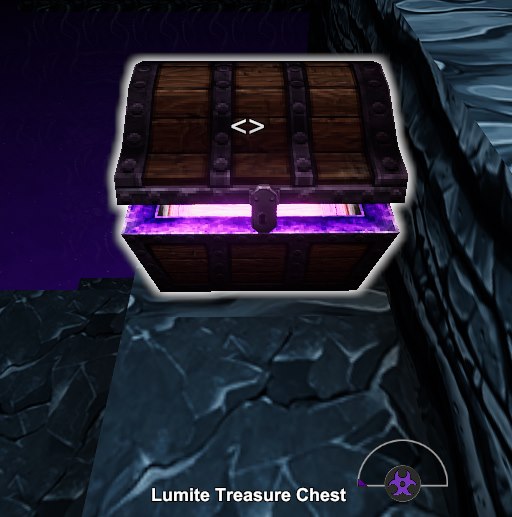
- Lumite Treasure Chest - Corrupted Layer
Improvement: Hay Stacks and Hay Bales protect from fall damage - they don't make you bounce but they sound like bouncing on goo - yes, that's part of the improvement!
Improvement: searching in the Creative list gets applied as you type - no need to hit Enter to perform the filtering
Improvement: added an option to swap the apply and remove paint mouse buttons
Improvement: Math Gates now allow values in addition to signals, for both slots
Fix: picking up Crates in Creative Mode doesn't destroy them anymore - they go to the normal inventory instead.
Fix: Fireworks should now produce the explosion sounds correctly (they used to only work fine if you were almost exactly at the center of the entire map)
Fix: Red Brick Wall now correctly occludes artificial light
Fix: Sensor wasn't counting loot bags / drop bags / players / mobs properly, now it does
Fix: some slots in some machines kept showing wires even if they were set to "value" if such value happened to be a nearby signal name - they don't anymore
Fix: Dry Dirt can now be put on displays
Fix: Dirt Slope Outer Corner can't be used as super fuel anymore
Fix: Elongracing Luxurousity Lamp was missing the wiring hotspot
- Useful Tips & Tricks★ 5 (306)18k views373 ♥3 minUpdated 10 Jan, 2017
- Getting Started in Creativerse★ 5 (252)17k views248 ♥5 minUpdated 10 Jul, 2017
- Все о Ресурсах★ 5 (208)8k views248 ♥3 minRussianUpdated 14 Nov, 2015
- Русификатор игры7.5k views55 ♥1 minRussianUpdated 27 Dec, 2022
- Секреты, хитрости и тонкости...★ 5 (166)6.7k views233 ♥8 minRussianUpdated 26 Feb, 2016
- How To Setup Machines★ 4 (111)3.2k views144 ♥16 minUpdated 15 Mar, 2017


- Upgrading to PremiumTeam Fortress 2★ 5 (20k)1441k views11k ♥6 minUpdated May 11, 2022
- No More Room in Hell Official ManualNo More Room in Hell★ 5 (2.8k)569k views2.1k ♥29 minUpdated Apr 22, 2019
- NMRiH Community Hosting GuidesNo More Room in Hell★ 5 (526)351k views653 ♥1 minUpdated Aug 10, 2022
- ULTIMATE GUIDE FOR GAME DEV TYCOONGame Dev Tycoon★ 5 (5.8k)326k views10k ♥4 minUpdated 23 Jan, 2014
- How to 'Git Gud' Soon™MORDHAU★ 5 (2k)318k views3k ♥68 minUpdated Nov 16, 2024
- Лучшие кооперативные игры SteamPAYDAY 2★ 5 (1.5k)315k views2.1k ♥56 minRussianUpdated Apr 27, 2025






This guide was created by its original author on the Steam Community. Are you the author and want it removed? Request removal.