Skip the intro screens
Option 1 - Use the command line
- Right click the game in your library and select Properties
- In General at the bottom is the launch options box, copy and paste the following:+com_showLoadingScreen 0
- Close the window and you're done
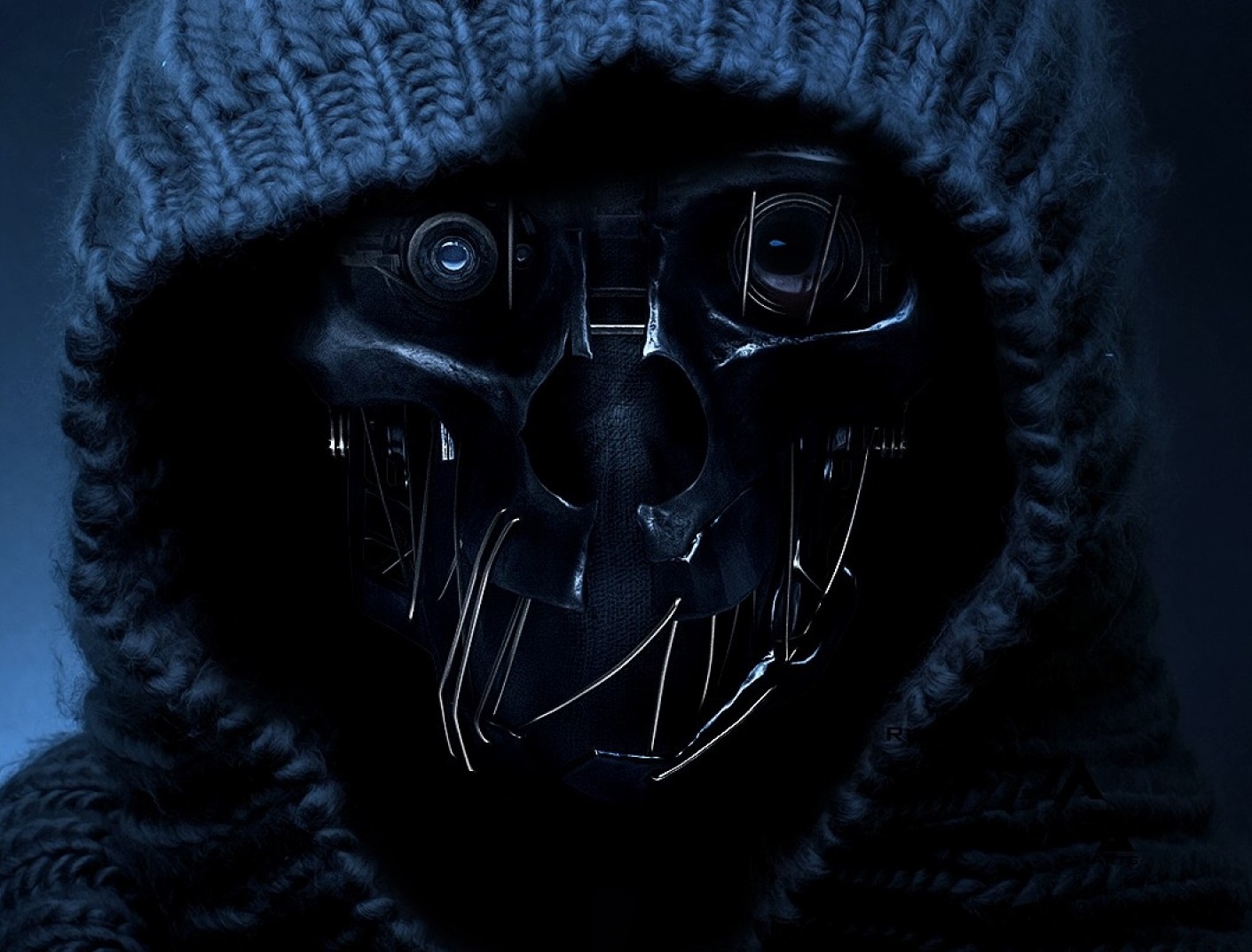
Option 2: Replace the .bk2 video files
- Download the .rar file from OneDrive[1drv.ms]
- Go to your game installation folder ..\steamapps\common\Dishonored2\base\video
- Place the 4 .bk2 files from the archive into here, overwriting the originals when asked (backup originals first, you can simply add .bak at the end of the filename changing the extension).
As noted, these files can be used in other games also by renaming the files as needed.
More Dishonored 2 guides
- Why You Have a Kill or Detection Listed in Your Dishonored 2 Stats Even Though You Didn’t Kill or be Detected by Anybody★ 5 (536)51k views516 ♥8 minUpdated Aug 10, 2020
- How to Rob Black Markets In Dishonored 2★ 5 (625)44k views1.4k ♥11 minSimplified ChineseUpdated Nov 21, 2016
- Dishonored 2 - Complete Achievement Guide★ 5 (1.3k)39k views2.8k ♥22 minUpdated 19 May
- Solving the Jindosh Riddle★ 5 (441)38k views483 ♥1 minUpdated Dec 29, 2016
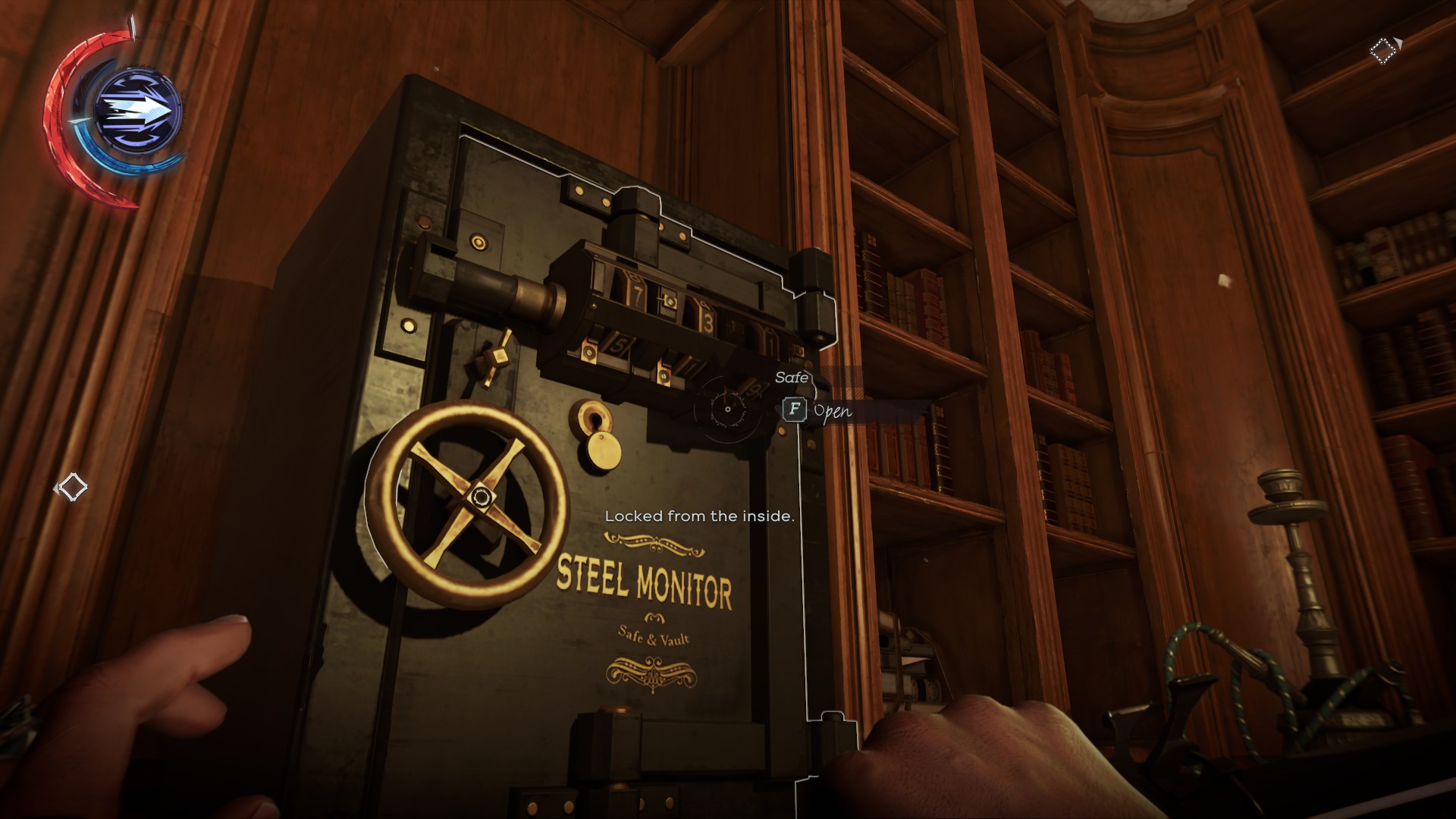
- Safe Locations / Codes★ 5 (677)38k views1.9k ♥1 minUpdated Mar 21, 2017
- Dishonored 2: All Canonical Choices! - What did Emily do?★ 5 (523)36k views839 ♥8 minUpdated 25 Apr, 2023


🔥 Popular guides
- Upgrading to PremiumTeam Fortress 2★ 5 (20k)1441k views11k ♥6 minUpdated May 11, 2022
- No More Room in Hell Official ManualNo More Room in Hell★ 5 (2.8k)569k views2.1k ♥29 minUpdated Apr 22, 2019
- NMRiH Community Hosting GuidesNo More Room in Hell★ 5 (526)351k views653 ♥1 minUpdated Aug 10, 2022
- ULTIMATE GUIDE FOR GAME DEV TYCOONGame Dev Tycoon★ 5 (5.8k)326k views10k ♥4 minUpdated 23 Jan, 2014
- How to 'Git Gud' Soon™MORDHAU★ 5 (2k)318k views3k ♥68 minUpdated Nov 16, 2024
- Лучшие кооперативные игры SteamPAYDAY 2★ 5 (1.5k)315k views2.1k ♥56 minRussianUpdated Apr 27, 2025






This guide was created by its original author on the Steam Community. Are you the author and want it removed? Request removal.